
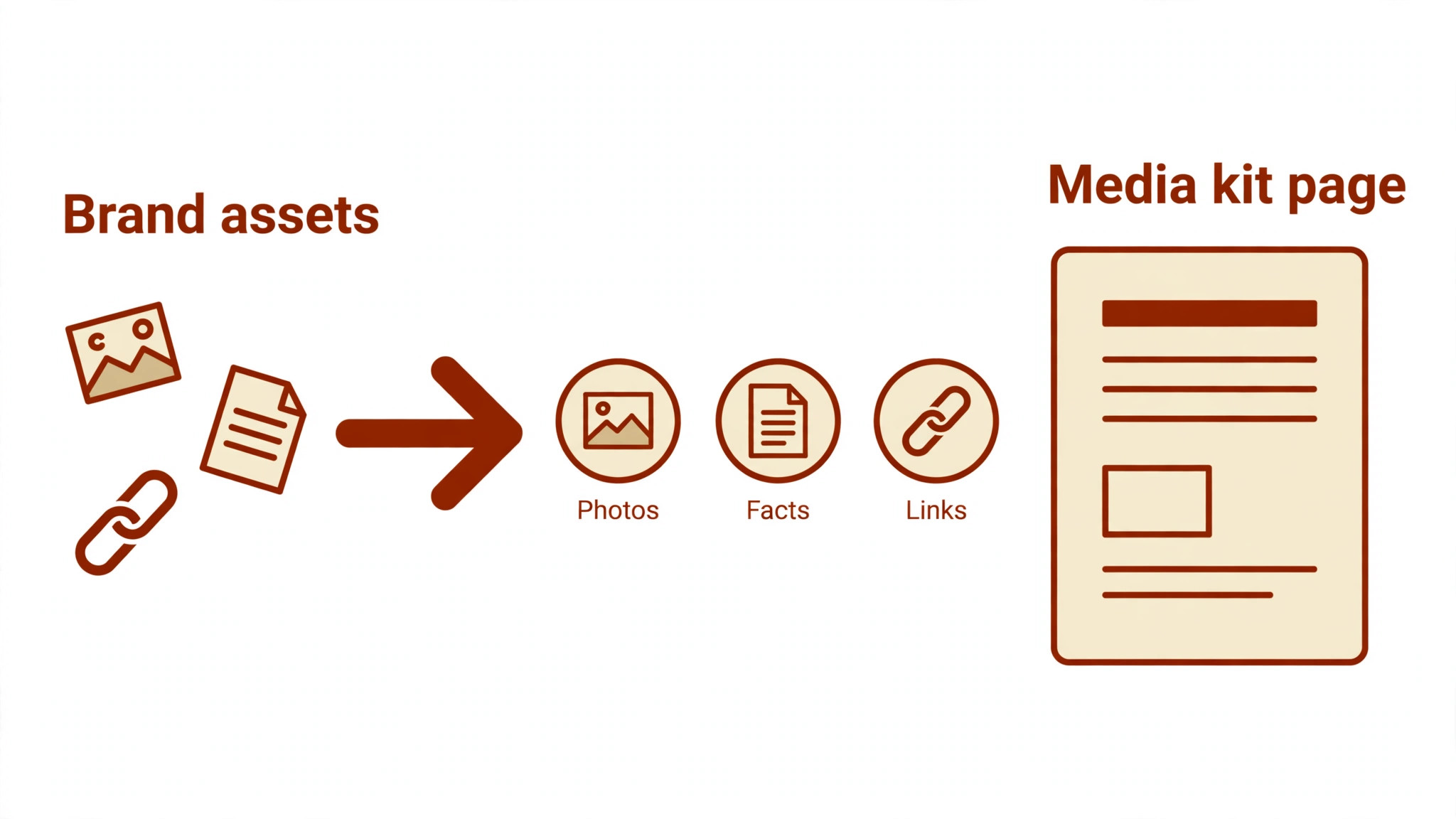
A journalist opens your media kit for six seconds before deciding whether to write about you. The top 10 ai tools for media kits make those six seconds count by turning scattered logos, photos and facts into one polished page that answers every question a reporter asks, so the story gets written instead of the email getting ignored.
A media kit is three jobs in one. Design makes it look credible, the content makes it useful, and distribution gets it in front of the right journalists. This guide compares ten tools on published prices, the job each one does best and the limit that only shows up after the kit is shared with a real newsroom.
The Full Shortlist in One Place
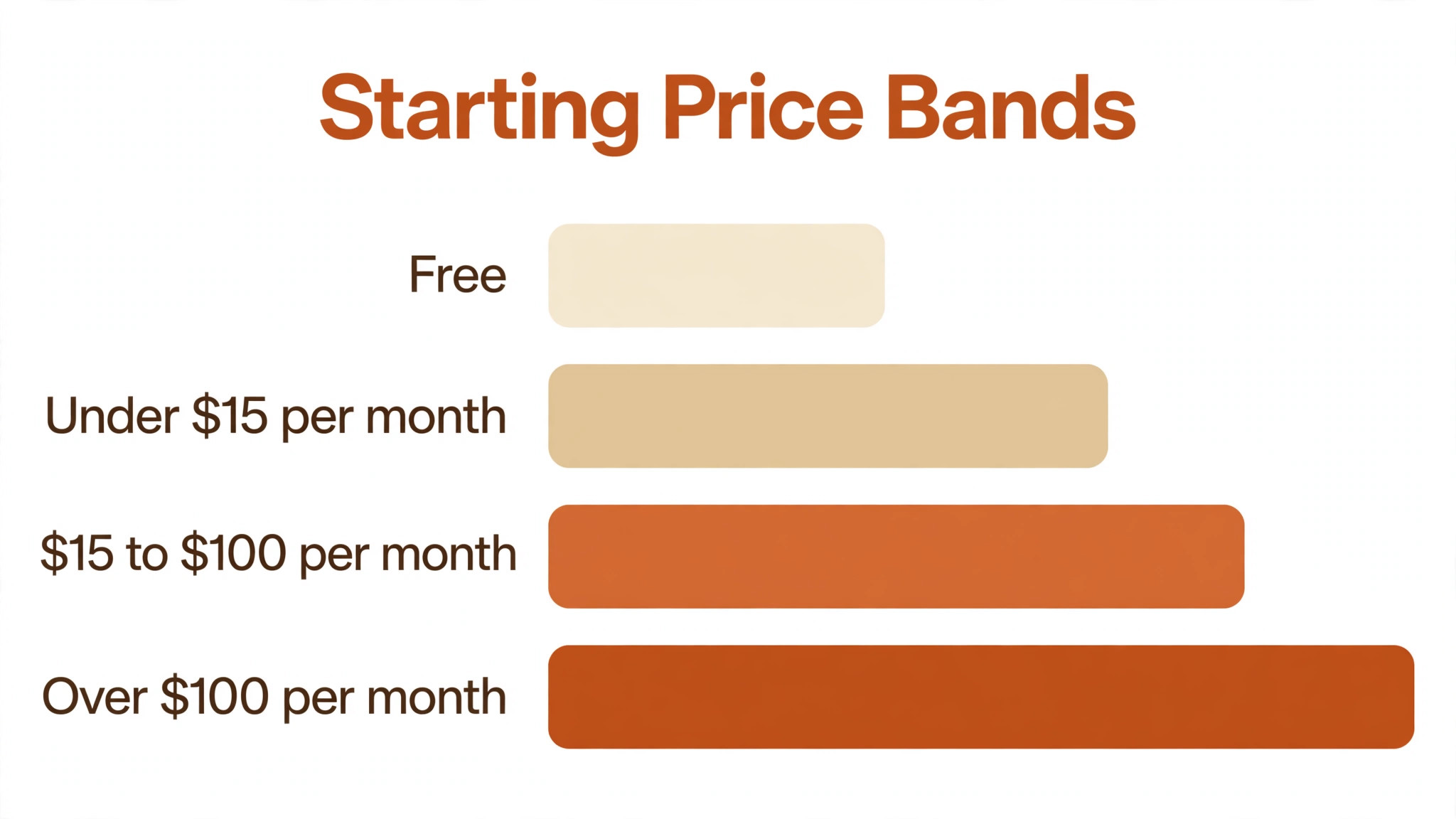
Use this table to narrow the top 10 ai tools for media kits to two or three candidates before you read the full reviews. Monthly list prices apply unless noted, and several tools on this list have free tiers that cover a basic kit.
| Job | Best tool | Why it wins |
|---|---|---|
| Designing a kit fast | Canva | Templates plus AI design in minutes |
| Brand-matched kit pages | Adobe Express | Adobe fonts and assets in one place |
| Interactive kit pages | Visme | Charts, maps and embeds in the kit |
| Press kits with a newsroom | Prezly | Kit, contacts and outreach in one login |
| PR outreach plus kit hosting | Prowly | A media database behind the kit |
| Finding journalists to send it to | Muck Rack | The journalist database behind the kit |
| A portfolio-style press page | Journo Portfolio | A simple page that shows your work |
| A simple kit page in a wiki | Notion | The fastest kit page a small team will ship |
| Mood boards for a brand kit | Milanote | Visual boards that show the brand story |
| A kit built from slides | Beautiful.ai | AI-designed pages from a short brief |
How We Judged the top 10 ai tools for media kits
A tool earned a place here only when it does a real PR job well in 2026, not when it added an AI label to a template gallery. The top 10 ai tools for media kits were judged on five things that decide whether a kit gets used after the first send: design quality, how fast a kit can be built, whether journalists can find what they need, distribution and the true cost once seats and exports are counted.
Design quality came first, because a kit that looks amateur undermines the story it carries. Build speed came second, since a kit that takes a week to make is a kit that never ships. Findability came third, because a journalist who cannot find the logo or the founder bio in ten seconds moves on. Fourth was distribution to the right contacts, and fifth was the catch, from watermarks on free plans to export limits that only appear at download time.
| Check before you buy | What to ask | Why it matters |
|---|---|---|
| Published price | Is the rate on the pricing page | A hidden price is a hidden bill |
| Free plan limits | Watermarks, exports or page caps | A capped free plan cannot ship a real kit |
| Templates | Does it have press kit layouts | A blank page costs a day of design |
| Sharing | Link, PDF or hosted page | A kit nobody can open is not a kit |
| Trial access | Can you test it on your real brand | A demo is not a trial |
| Contract terms | Monthly or annual, and what year two costs | Annual billing locks the price but not the need |
Tool by Tool
1. Canva
Starting price A free tier is available, and Pro starts at 15 dollars a month. Best for Designing a kit fast. Watch out AI features need the Pro plan for media kit work.
Canva is the fastest way to a good-looking media kit. Its template library covers press kits, one-pagers and brand sheets, and its AI tools write the copy, remove backgrounds and resize the kit for every format. A founder can go from a blank page to a shareable kit in an afternoon, with no design skill needed.
In media kit work, the free tier covers basic templates, while Pro starts at 15 dollars a month and unlocks the brand kit, the AI features and the full template library. For a small business or a creator, it is the cheapest credible start here, and the kit exports as a PDF or a shareable link.
The first week with Canva is the real test. Ask the vendor three things for media kit work: how long setup takes, who helps when the first output needs fixing, and what the team does while the tool is still learning. For media kit work, slow setup is dearer than the subscription in lost hours, so get the first-week plan in writing before you pay.
2. Adobe Express
Starting price Free tier available, then Premium from 9.99 dollars a month. Best for Brand-matched kit pages. Watch out Best for teams already using Adobe fonts.
Adobe Express builds media kits from Adobe fonts, stock photos and templates, with AI that generates text, images and layout suggestions from a short brief. A team that already uses Adobe products gets its brand assets in one place, and the kit stays on-brand without a designer checking every page.
The free tier covers the basics, and Premium starts at 9.99 dollars a month. It is cheaper than Canva Pro, and the Adobe font library is the edge for a brand with a specific typeface. For a team with no Adobe history, Canva’s template range is the stronger reason to pick it instead.
Buyers in media kit work often underrate support, yet the first problem usually arrives in the first week. Check whether Adobe Express offers live help, how fast it answers, and whether the help covers your actual workflow. A tool in media kit work lives or dies on support: good help gets it adopted, slow help gets it abandoned while the billing continues.
3. Visme
Starting price Free tier available, then Starter from 12.25 dollars a month. Best for Interactive kit pages. Watch out Free tier caps projects and adds branding.
Visme turns a media kit into an interactive page with charts, maps, videos and embedded content. Its AI designer builds a first version from a prompt, and the analytics show which journalist opened the kit and which page they read. For a data-heavy brand, the charts alone justify it.
The free tier covers a few projects with Visme branding, while Starter starts at 12.25 dollars a month. The interactive features and analytics sit on the higher tiers, so a team buying mainly for tracking should price the Pro plan. It is the best pick here for a kit that must show numbers, not just photos.
Before you commit to Visme, check the export and the exit. In media kit work, check whether you can take your work, data and templates with you on leaving, and in which format they export. A system that holds your media kit work work hostage costs far more on the way out than on the way in, and that price deserves attention.
4. Prezly
Starting price From 80 dollars a month. Best for Press kits with a newsroom. Watch out Priced per newsroom, costs rise with contacts.
Prezly is a full PR platform built around the media kit: it hosts the kit, manages the journalist contacts, sends the pitches and tracks who opened what. Its AI helps draft press releases and suggests the best contacts for a story, so the kit and the outreach live in one system.
Pricing starts at 80 dollars a month for a single newsroom. That is more than a design tool, but it replaces a separate media database and outreach tool. For a startup or agency doing regular PR, it is the most complete buy on this list.
For a team weighing Prezly against the next tool on this list, the test is a real week of work. In media kit work, the test is simple: run it on the jobs you do most, count time saved and edits needed, and compare the result with the price. One hour saved each week in media kit work covers a tool at almost any price, while constant corrections mean it never pays.
5. Prowly
Starting price From 258 dollars a month. Best for PR outreach plus kit hosting. Watch out The highest starting price on this list.
Prowly pairs a hosted media kit with a database of over a million journalists, so a PR team can build the kit, find the right reporters and send the pitch without leaving the platform. Its AI suggests journalists by beat and topic, and it tracks opens, clicks and replies for every send.
Pricing starts at 258 dollars a month, which makes it the most expensive tool here. It earns that price only for teams doing outreach every week; a team that sends one kit a quarter should buy Canva and a smaller database instead. For an agency, the database is the value.
The fit with the systems you already run decides whether Prowly earns its place. Before trialling for media kit work, check the integration list, then test the single connection you actually need on day one. For media kit work, a tool with no link to your core system means double entry on every job, and that double entry eats the time it was meant to save.
6. Muck Rack
Starting price Muck Rack is priced on request. Best for Finding journalists to send it to. Watch out Enterprise pricing, no self-serve trial.
Muck Rack is the journalist database PR teams use to find the right reporter for a story, and it hosts media kits alongside the outreach. Its AI surfaces journalists by beat, recent articles and social activity, so a pitch goes to the person who actually covers the topic.
Pricing is quoted per team, with no published rate and no self-serve trial. It is built for PR teams and agencies that do outreach daily. A small brand that only needs a kit should not buy Muck Rack for the database alone; the kit is the bonus, not the reason.
Read every tier on the pricing page before you pick Muck Rack, because the feature you need often sits one tier above the cheapest plan. In media kit work, choose the tier that covers the daily job rather than the tier that looks cheap. For media kit work, a plan missing a single core feature costs more in workarounds than the upgrade would have.
7. Journo Portfolio
Starting price 12 dollars a month is the lowest paid rate. Best for A portfolio-style press page. Watch out Built for journalists, not for brand kits.
Journo Portfolio builds a clean press page that shows a journalist’s or a creator’s published work, bio and contact details. Its templates are simple and fast, and the AI import pulls in articles from a URL so the page fills itself. It suits an individual whose kit is really a portfolio.
Pricing starts at 12 dollars a month, with a free tier for a basic page. It is not built for a company brand kit with logos and fact sheets, so a brand should pick Canva or Prezly instead. For a freelance journalist or a creator, it is the simplest page on this list.
The first week with Journo Portfolio is the real test. For media kit work, ask how long setup takes, who helps when the first output needs fixing, and what the team does while the tool is still learning its settings. In media kit work, a tool that takes weeks to set up costs more in lost time than the subscription, so get the week-one plan in writing before you pay.
8. Notion
Starting price Plans start from 10 dollars for each user, per month. Best for A simple kit page in a wiki. Watch out Design is plain compared with Canva.
Notion builds a media kit page in minutes: a logo, a founder bio, key facts, press photos and links, all on one shareable page. Its AI writes the bio and the fact sheet from a few notes, and the page updates the moment the facts change, so journalists always see the current numbers.
Plus starts at 10 dollars per user a month, with Notion AI extra on that tier and included on Business at 20 dollars per user a month. The design is plain next to Canva, but for a team that needs a kit today and already uses Notion, it is the fastest ship on this list.
In media kit work, support matters more than most buyers expect, because the first problem usually arrives in the first week. Check whether Notion offers live help, how fast it answers, and whether the help covers your actual workflow. In media kit work, good support gets a tool adopted, while slow support gets it dropped and the subscription keeps billing either way.
9. Milanote
Starting price Free tier available, then from 9.99 dollars a month. Best for Mood boards for a brand kit. Watch out A board, not a polished press page.
Milanote is a visual board for collecting the pieces of a brand story: images, colours, fonts, links and notes arranged on an infinite canvas. Its AI helps organise the board and suggest layouts, and the board can be shared with a journalist as a visual brief before the formal kit is ready.
The free tier covers a few boards, and the paid plan starts at 9.99 dollars a month. It is a planning tool, not a finished press page, so most teams pair it with Canva for the final kit. For a brand whose story is visual, the board is where the kit starts.
Before you commit to Milanote, check the export and the exit. For media kit work, ask whether your work, data and templates can leave with you, and in what format they come out. In media kit work, a tool that locks your work inside its own system costs far more to leave than to join, and that is a price worth noting.
10. Beautiful.ai
Starting price Expect to pay from 12 dollars a month. Best for A kit built from slides. Watch out Slide-first, not a hosted press page.
Beautiful.ai designs presentation-style media kits from a short brief: you write the facts, and its AI picks the layout, the colours and the charts. The result is a slide deck that works as a kit in a meeting or as a PDF attachment to a pitch, with every slide staying on-brand automatically.
Pricing starts at 12 dollars a month for the Pro plan. It is slide-first, so a team that needs a hosted web page should look at Prezly or Canva instead. For a founder who presents the kit in investor or press meetings, the slide format is the right one.
For a team weighing Beautiful.ai against the next tool on this list, the test is a real week of work. For media kit work, run it on the jobs you do most, count the time saved and the edits each output needs, then compare that with the price. In media kit work, an hour saved a week pays for a tool at almost any price, while one needing constant correction never pays.
The Comparison Table, Explained
The table below puts the top 10 ai tools for media kits side by side on price, best job and free plan, so you can compare the design tools against the PR platforms at a glance. Read it by job first, because a cheap design tool that cannot reach journalists costs more in missed coverage than a pricier PR platform.
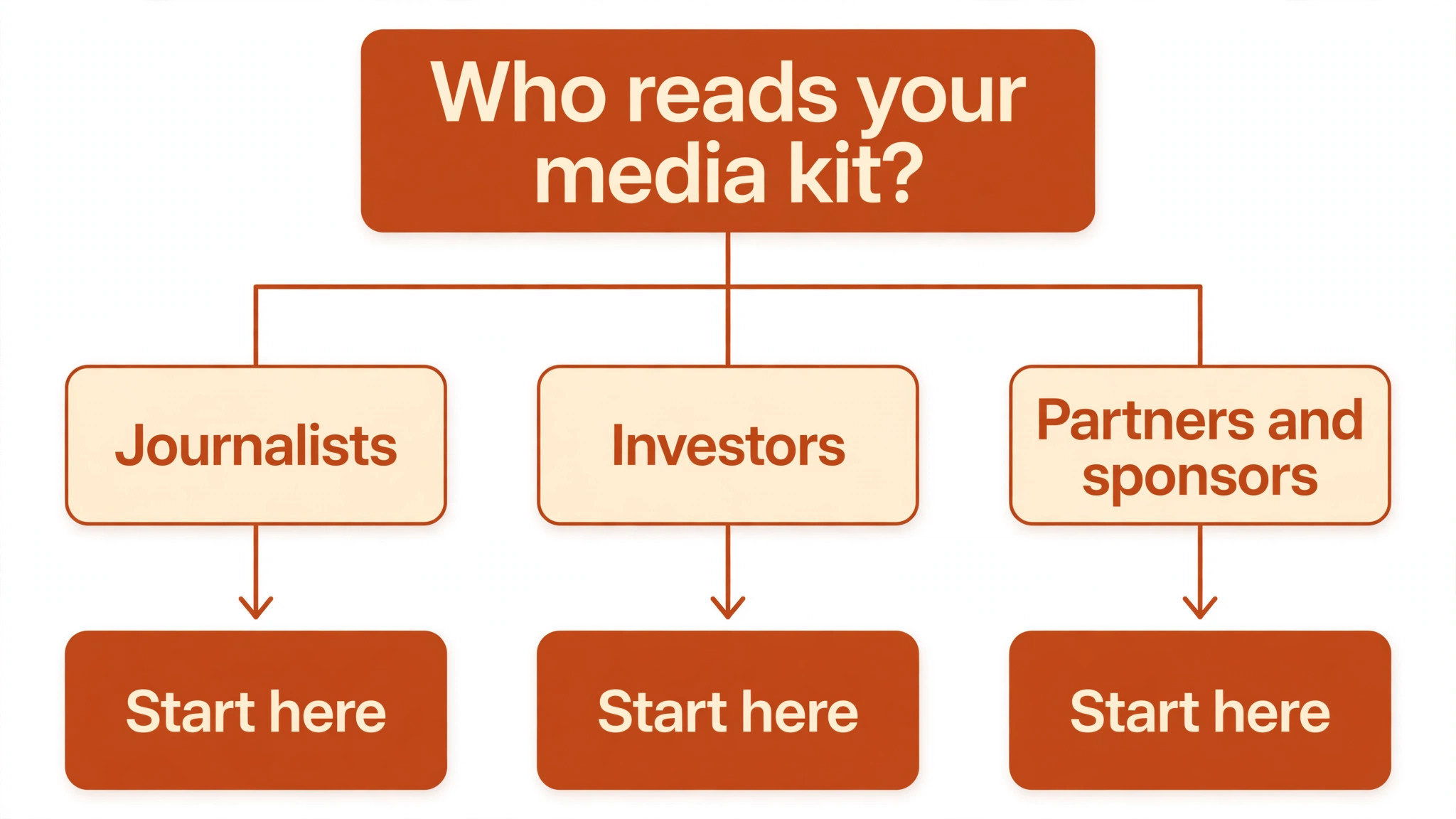
The fastest way through the table is by who reads the kit. If the reader is a journalist, distribution matters most. If the reader is an investor, design matters most. For media kit work, start with what each tool does best, then weigh the price, and the pick normally becomes clear in under a minute.
| Tool | Starting price | Best for | Free plan |
|---|---|---|---|
| Canva | Free tier, then Pro from 15 dollars a month | Designing a kit fast | Yes |
| Adobe Express | Free tier, then Premium from 9.99 dollars a month | Brand-matched kit pages | Yes |
| Visme | Free tier, then Starter from 12.25 dollars a month | Interactive kit pages | Yes |
| Prezly | From 80 dollars a month | Press kits with a newsroom | Trial |
| Prowly | From 258 dollars a month | PR outreach plus kit hosting | Trial |
| Muck Rack | Pricing on request | Finding journalists to send it to | No |
| Journo Portfolio | From 12 dollars a month | A portfolio-style press page | Yes |
| Notion | From 10 dollars per user a month | A simple kit page in a wiki | Yes |
| Milanote | Free tier, then from 9.99 dollars a month | Mood boards for a brand kit | Yes |
| Beautiful.ai | From 12 dollars a month | A kit built from slides | Trial |
How to Choose Without Overbuying
In media kit work, start from the reader, not from the vendor homepage. Teams pitching journalists should buy the tool that reaches reporters first. Teams pitching investors should buy design first. The tool that gets the kit read pays for itself first, and the rest can wait until the next round of coverage.
In media kit work, the real cost is the whole stack, so do not stop at the headline number. For media kit work, the table below prices year one for a solo buyer and for a small team on the common combinations, at published starting prices. Before signing for media kit work, ask for the per-seat charges in writing, since teams get caught out by them, and annual billing usually cuts about twenty percent off the monthly rate.
| Stack | Monthly cost | What it covers |
|---|---|---|
| Canva alone | Lowest starting price | One tool for the whole kit |
| Canva plus Notion | Mid-range | Designed kit plus a living fact page |
| Prezly plus Canva | Mid-range | Newsroom plus designed kit pages |
| Prowly plus Visme | Check the pricing page | Outreach database plus interactive kit |
Best Pick by Job
Pick from the table below by the PR job you do most each week. The top 10 ai tools for media kits are not ranked by features alone; they are ranked by which job each one actually finishes, so the pick that matches your week is the pick that will still be in your stack a year from now.
| Your job | Best pick | Why it wins |
|---|---|---|
| Designing a kit fast | Canva | Templates plus AI design in minutes |
| Brand-matched kit pages | Adobe Express | Adobe fonts and assets in one place |
| Interactive kit pages | Visme | Charts, maps and embeds in the kit |
| Press kits with a newsroom | Prezly | Kit, contacts and outreach in one login |
| PR outreach plus kit hosting | Prowly | A media database behind the kit |
| Finding journalists to send it to | Muck Rack | The journalist database behind the kit |
| A portfolio-style press page | Journo Portfolio | A simple page that shows your work |
| A simple kit page in a wiki | Notion | The fastest kit page a small team will ship |
| Mood boards for a brand kit | Milanote | Visual boards that show the brand story |
| A kit built from slides | Beautiful.ai | AI-designed pages from a short brief |
Testing Before You Pay
A trial tells a PR team more in five working days than a month of reading reviews, but only when the trial runs on a real brand. Pick the two tools that look closest after the shortlist, build the same kit in both, and score them on build time, how the kit reads to a colleague and whether a journalist can find the logo in ten seconds. Never trial on a demo brand, because a demo hides the rough edges real assets expose. The top 10 ai tools for media kits are best judged on a real brand, not on a demo template.
| Day | What to test | What good looks like |
|---|---|---|
| Day 1 | Setup and first real kit | Working in under an hour, no IT ticket |
| Day 2 | The hardest page in the kit | Output needs light edits, not a rebuild |
| Day 3 | Share it with a colleague | They find the logo and bio in seconds |
| Day 4 | A journalist tries it cold | They finish reading without asking for help |
| Day 5 | Count the time and the cost | Hours saved beat the monthly price |
Keep a simple log through the trial week, noting the daily task, the minutes it took, the edits made and whether the kit could go out unchecked. For media kit work, the log at the end of the week is the decision itself. The best log decides for media kit work, even when the winner surprises you, since the log measures your own week instead of the vendor demo.
Buying Mistakes to Skip
Mistake one is a kit with old numbers. A journalist who quotes a stale funding figure or an old headcount will print it, and the correction costs more than the kit did. Keep the facts in one place and update them the day they change. Mistake two is rolling out to the whole team before one person has built the kit for a week, since a favourite of one and a burden to five is a cost, not a system.
In media kit work, the third mistake is skipping the share test. Ask whether the kit opens cleanly on a phone and in an email before the first real send, because a kit that needs a download to read gets skipped. In media kit work, the fourth mistake is judging the tool on its best day, so trial it on the hardest page itself and let the hard page decide.
Your Questions, Answered
Which tool gives a small brand the cheapest good start
Canva is the cheapest credible start on this list, with a free tier and Pro from 15 dollars a month, while Adobe Express is close behind at 9.99 dollars a month. Start with the job you do most each week, trial the free tier on your real brand, and add a PR platform only when the design tool cannot reach the journalists you need. That is the cheapest route to a kit that gets read.
What should every media kit include
A one-page fact sheet, a founder bio, high-resolution logos, three to five press photos, key numbers and a contact name. A journalist needs all of it in ten seconds, so put the facts first and the story second. Use the AI to draft the bio and the fact sheet, then check every number yourself, because a wrong number in a kit gets printed.
For a startup, which media kit tool wins
Canva is the pick for a startup, starting with a free tier and Pro at 15 dollars a month, while Prezly at 80 dollars a month is the strongest option once the startup does outreach every week. The top 10 ai tools for media kits were ranked by the job each one finishes, not by the size of the feature list, so buy the tool that fixes your slowest weekly job first.
How much will a small team spend on kit tools in year one
Plan on 10 to 25 dollars a month in year one for a design tool such as Canva, rising to 80 to 150 dollars a month with a PR platform such as Prezly added. Per-seat charges add up fast in media kit work, so multiply the headline price by headcount before you commit. For media kit work, price the whole stack and trial each tool on your real brand before signing an annual contract.
Do these tools offer a trial before payment
Most tools on this list offer a free plan or a free trial, and Canva, Adobe Express and Visme all let teams test on real brand assets before paying. Use the trial on your own kit, not on a demo, and count the build time and the edits each page needs. A trial that covers a real week tells a PR team more than a sales call, and a tool that will not trial is one to be careful about.
The Verdict, in Brief
If you buy one tool this quarter, pick Canva for the kit itself or Prezly when you also need the newsroom and the outreach. Canva is the easiest place to start with a free tier and Pro at 15 dollars a month, and Prezly is the most complete PR buy at 80 dollars a month. The top 10 ai tools for media kits earn their keep by turning six seconds of a journalist’s attention into a story.
Whatever you pick, trial it on your real brand, count the hours the kit takes and the edits each page needs, and keep a human eye on every number before it goes out. The tools here all work for media kit work; what differs is the fit. The difference is whether the tool matches the reader you actually pitch, and whether you measure the return in stories placed rather than in features used.