
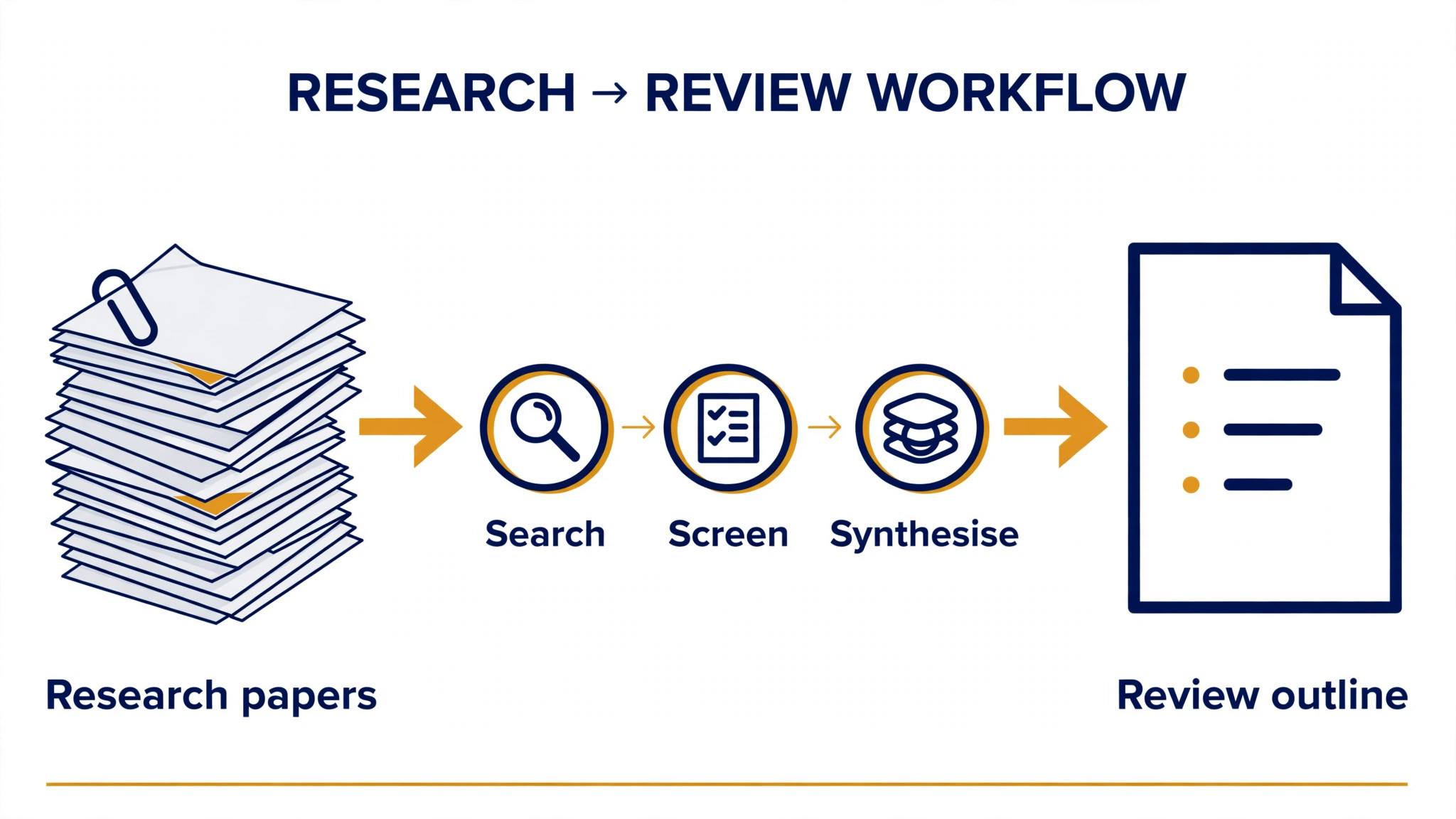
A literature review starts with three thousand papers and ends with a deadline. The top 10 ai tools for literature reviews cut the middle of that job down by finding the relevant papers, screening them against your criteria and drafting the synthesis, so the researcher spends the hours on judgement instead of on sorting.
The work splits into four jobs, and each one needs a different tool. Search finds the papers, screening narrows them, synthesis finds the patterns, and citation management keeps the references clean. No single tool does all four well, so this guide compares ten tools on published prices, the job each one does best and the limit that only shows up after the trial ends.
All Ten Tools at a Glance
Use this table to narrow the top 10 ai tools for literature reviews to two or three candidates before you read the full reviews. Monthly list prices apply unless noted, and several tools on this list are free for researchers.
| Job | Best tool | Why it wins |
|---|---|---|
| Finding papers with AI search | Elicit | Answers research questions from real papers |
| Evidence summaries with citations | Consensus | Every claim links to the paper behind it |
| Searching a free paper index | Semantic Scholar | Two hundred million papers, free to search |
| Checking how a paper was cited | Scite.ai | Shows whether citations support or dispute |
| Tracking new papers over time | Litmaps | Alerts when new work cites your set |
| Mapping a field visually | Connected Papers | A graph of the papers around one seed |
| Discovering papers by interest | Research Rabbit | Free discovery that learns your taste |
| Reading and summarising PDFs | SciSpace | Plain-language summaries of dense papers |
| Managing references | Zotero | Free reference manager that just works |
| Organising a shared library | Mendeley | References plus annotation in one place |
How We Chose These Tools
A tool earned a place here only when it does a real research job well in 2026, not when it added an AI label to a search box. The top 10 ai tools for literature reviews were judged on five things that decide whether a researcher keeps using a tool after the first paper: the size and quality of the paper index, the accuracy of the summaries, citation handling, export and the true cost once the free tier runs out.
The paper index came first, because a search tool that misses half the literature is a risk to the review itself. Summary accuracy came second, since a hallucinated finding in a review is worse than no summary at all. Citation handling came third, because every claim in a review must trace back to its source. Fourth was export to the reference manager, and fifth was the catch, from free plans that cap monthly searches to paid tiers that charge per paper.
| Check before you buy | What to ask | Why it matters |
|---|---|---|
| Paper index | How many papers it searches | A small index misses key work |
| Summary accuracy | Are claims linked to sources | An unlinked claim cannot be checked |
| Free plan limits | Searches, papers or exports per month | A capped free plan stalls a real review |
| Export | Does it send to your reference manager | Double entry wastes the time it saves |
| Trial access | Can you test it on your own topic | A demo is not a trial |
| Contract terms | Monthly or annual, and what year two costs | Annual billing locks the price but not the need |
Tool by Tool
1. Elicit
Starting price A free tier is available, then Plus from 10 dollars a month. Best for Finding papers with AI search. Watch out Plus credits limit the number of deep analyses.
Elicit answers a research question by searching over 200 million papers, then returns a table of the most relevant ones with one-sentence summaries and the figures each paper reports. A researcher can ask for the effect size, the sample size or the method, and Elicit extracts it into columns that export to a spreadsheet.
The free tier covers a set number of searches a month, which is enough to judge the quality on a real topic. Plus starts at 10 dollars a month and adds more credits, larger exports and systematic-review features. It is the best first tool for a researcher starting a review from a question rather than a keyword.
The first week with Elicit is where the real test happens. Ask how long setup takes, who helps when the first result needs fixing, and what the team does while the tool is still learning its settings. A tool that takes weeks to set up costs more in lost research time than the subscription, so get the week-one plan in writing before you pay.
2. Consensus
Starting price A free tier is available, then Premium from 8.99 dollars a month. Best for Evidence summaries with citations. Watch out Strongest on scientific and medical questions.
Consensus searches peer-reviewed papers and answers in plain language, with every claim linked to its source paper. Its Consensus Meter shows how the evidence leans on a yes-or-no question, and the Copilot feature drafts a summary a researcher can check against the sources line by line.
The free tier allows a limited number of Copilot summaries a month, while Premium starts at 8.99 dollars a month and lifts most caps. It is strongest for scientific, medical and social science questions, and weaker for humanities topics where the paper base is thinner.
Support matters more than most buyers realise, because the first problem usually arrives in the first week. Check whether Consensus offers live help, how quickly it answers, and whether the help covers your actual workflow. Good support gets a tool adopted, while slow support gets it dropped and the subscription keeps billing either way.
3. Semantic Scholar
Starting price Free. Best for Searching a free paper index. Watch out No AI drafting, search only.
Semantic Scholar is a free search engine over more than 200 million papers, built by the Allen Institute for AI. It ranks results by relevance, shows one-line TLDR summaries generated by AI, and lets a researcher follow citations forward and backward from any paper. There is no paywall anywhere in the product.
Because it is free, there is no pricing decision to make, which makes it the baseline every other tool on this list must beat. It does not draft reviews or extract data into tables, so most researchers pair it with Elicit or SciSpace for the synthesis stage and keep Semantic Scholar for search.
Before you commit to Semantic Scholar, check the export and the exit. Ask whether your work, data and templates can leave with you, and in what format they come out. A tool that locks your work inside its own system costs far more to leave than to join, and that exit cost is worth noting.
4. Scite.ai
Starting price From 20 dollars a month. Best for Checking how a paper was cited. Watch out Monthly price is high for a single-purpose tool.
Scite.ai reads the context of every citation and labels it supporting, mentioning or contrasting, so a researcher can see whether a finding has held up or been challenged. Its assistant answers questions using only the citation statements, which keeps the answers grounded in what papers actually say.
Pricing starts at 20 dollars a month for an individual, with team plans higher. That is a lot for a single-purpose tool, but for a review where the strength of the evidence matters, the supporting-versus-contrasting labels save hours of manual checking and catch weak claims before submission.
For a team weighing Scite.ai against the next tool on this list, the test is a real week of work. Run it on the research jobs you do most, count the time saved and the edits each summary needs, and compare that against the price. An hour saved a week pays for a research tool at almost any price, while one needing constant correction never pays.
5. Litmaps
Starting price From 10 dollars a month. Best for Tracking new papers over time. Watch out Free tier caps the number of maps.
Litmaps turns a set of seed papers into a citation map, then watches for new papers that cite or are cited by that set and sends an alert when one appears. A researcher running a review over several months can see the field move without repeating the same searches every week.
The free tier covers a small number of maps, and the paid plan starts at 10 dollars a month. It is the best tool here for a long review where new papers keep arriving, and it pairs well with a search tool like Elicit for the first sweep.
The fit with the systems you already run decides whether Litmaps earns its place. Check the integration list before the trial, and test the one connection your review actually needs on day one. A tool that cannot reach your reference manager forces double entry on every job, and double entry eats the time it was meant to save.
6. Connected Papers
Starting price Free tier available, then paid plans from 6 dollars a month. Best for Mapping a field visually. Watch out Graphs get noisy with very broad seed papers.
Connected Papers takes one seed paper and draws a graph of the most similar papers, positioned by how closely they relate. A researcher new to a field can see the landmark papers, the clusters and the gaps in one picture, then read outward from the papers that sit at the centre of the graph.
The free tier allows a few graphs a month, with paid plans starting at 6 dollars a month. Broad seed papers produce noisy graphs, so the tool works best with a specific, well-chosen starting paper. It is a discovery tool first and a review tool second.
Read every tier on the pricing page before you pick Connected Papers, because the feature you need often sits one tier above the cheapest plan. Pay for the tier that does the daily research job, not the tier that looks cheap. A plan missing one core feature costs more in workarounds than the upgrade would have.
7. Research Rabbit
Starting price Free. Best for Discovering papers by interest. Watch out No AI summaries, discovery only.
Research Rabbit learns from the papers a researcher collects and suggests similar work, building collections that grow as the review grows. It visualises authors and papers as networks, so a researcher can spot the research groups working on a topic and the papers that connect them.
It is free, with no paid tier at all, which makes it the easiest recommendation on this list. It does not summarise papers or draft text, so it belongs in the discovery stage alongside a summariser like SciSpace, not as a replacement for one.
The first week with Research Rabbit is the real test. Ask how long the setup takes, who helps when the first output needs a fix, and what the team does while the tool is still learning its settings. A tool that takes weeks to set up costs more in lost time than the subscription, so ask for the week-one plan in writing before you pay.
8. SciSpace
Starting price A free tier is available, then Premium from 12 dollars a month. Best for Reading and summarising PDFs. Watch out Check summaries against the paper.
SciSpace takes a PDF and explains it in plain language, answering questions on the methods, the results and the limitations. Its Copilot picks out the key passages, and its literature review feature sets several papers side by side in a table of methods, findings and gaps.
The free tier covers a limited number of papers, with Premium starting at 12 dollars a month. The summaries are good, but they still need checking against the paper itself, above all for numbers. For a researcher facing a stack of dense PDFs, it is the fastest way through the reading.
Support matters more than most researchers expect, because the first problem usually arrives in the first week. Check whether SciSpace offers live help, how fast it answers, and whether the help covers your actual workflow. Good support gets a tool adopted, while slow support gets it abandoned, and the subscription keeps billing either way.
9. Zotero
Starting price Free, with paid storage from 20 dollars a year. Best for Managing references. Watch out No AI search, reference management only.
Zotero is the free, open-source reference manager most researchers already use. It saves papers from the browser in one click, stores the PDFs, generates citations in thousands of styles, and syncs a library across devices. Its plugins connect it to Word and Google Docs for in-text citations.
The software is free, with paid storage starting at 20 dollars a year for larger libraries. It does not search with AI or draft reviews, but every tool on this list exports to it, so it is the backbone of the stack rather than a competitor to the AI tools.
Before you commit to Zotero, check the export and the exit. Check whether you can take your work, data and templates with you if you leave, and in what format they come out. A tool that traps your work inside its own system costs far more to leave than to join, and that is a price worth noting.
10. Mendeley
Starting price Free. Best for Organising a shared library. Watch out Owned by Elsevier, with a thinner free tier than before.
Mendeley combines a reference manager with a PDF reader and annotation tools, and it lets a research group share a library and notes. A team writing a review together can see who read which paper, what they highlighted and which papers still need screening.
The basic product is free, with paid storage for larger libraries. Its free tier has thinned over the years, and many teams have moved to Zotero, but for a group that already works in Mendeley, the shared library and annotations still make it a practical pick.
For a team weighing Mendeley against the next tool on this list, the test is a real week of work. Test it on the jobs you do most, count the time saved and the edits each output needs, and compare that against the price. One hour saved a week pays for a tool at almost any price, while one needing constant correction never pays for itself.
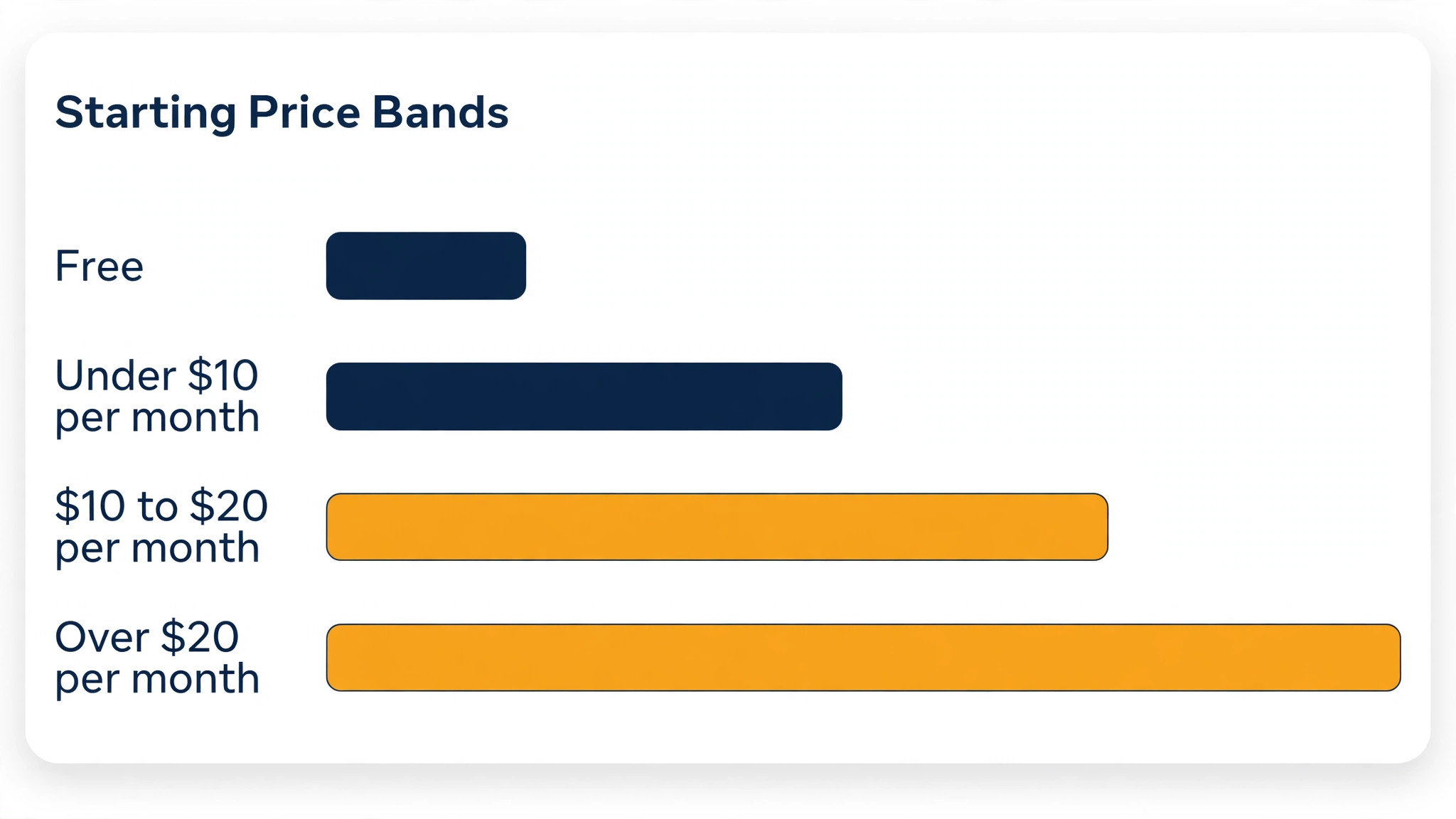
How the top 10 ai tools for literature reviews Compare on Price
The table below puts the tools side by side on price, best job and free plan, so you can compare the free tools against the paid ones at a glance. Read it by job first, because a free tool that cannot screen well costs more in missed papers than a paid one that screens cleanly.
The fastest way through the table is by stage of the review. Search tools sit at the top, synthesis tools in the middle and reference managers at the bottom, and most researchers need one from each row. Check what each tool is best for, then look at the price, and the stack normally settles in under a minute. The top 10 ai tools for literature reviews split cleanly by review stage, so start from the stage that eats your time.
| Tool | Starting price | Best for | Free plan |
|---|---|---|---|
| Elicit | Free tier, then Plus from 10 dollars a month | Finding papers with AI search | Yes |
| Consensus | Free tier, then Premium from 8.99 dollars a month | Evidence summaries with citations | Yes |
| Semantic Scholar | Free | Searching a free paper index | Yes |
| Scite.ai | From 20 dollars a month | Checking how a paper was cited | Trial |
| Litmaps | From 10 dollars a month | Tracking new papers over time | Yes |
| Connected Papers | Free tier, then paid plans from 6 dollars a month | Mapping a field visually | Yes |
| Research Rabbit | Free | Discovering papers by interest | Yes |
| SciSpace | Free tier, then Premium from 12 dollars a month | Reading and summarising PDFs | Yes |
| Zotero | Free, with paid storage from 20 dollars a year | Managing references | Yes |
| Mendeley | Free | Organising a shared library | Yes |
How to Choose Without Overbuying
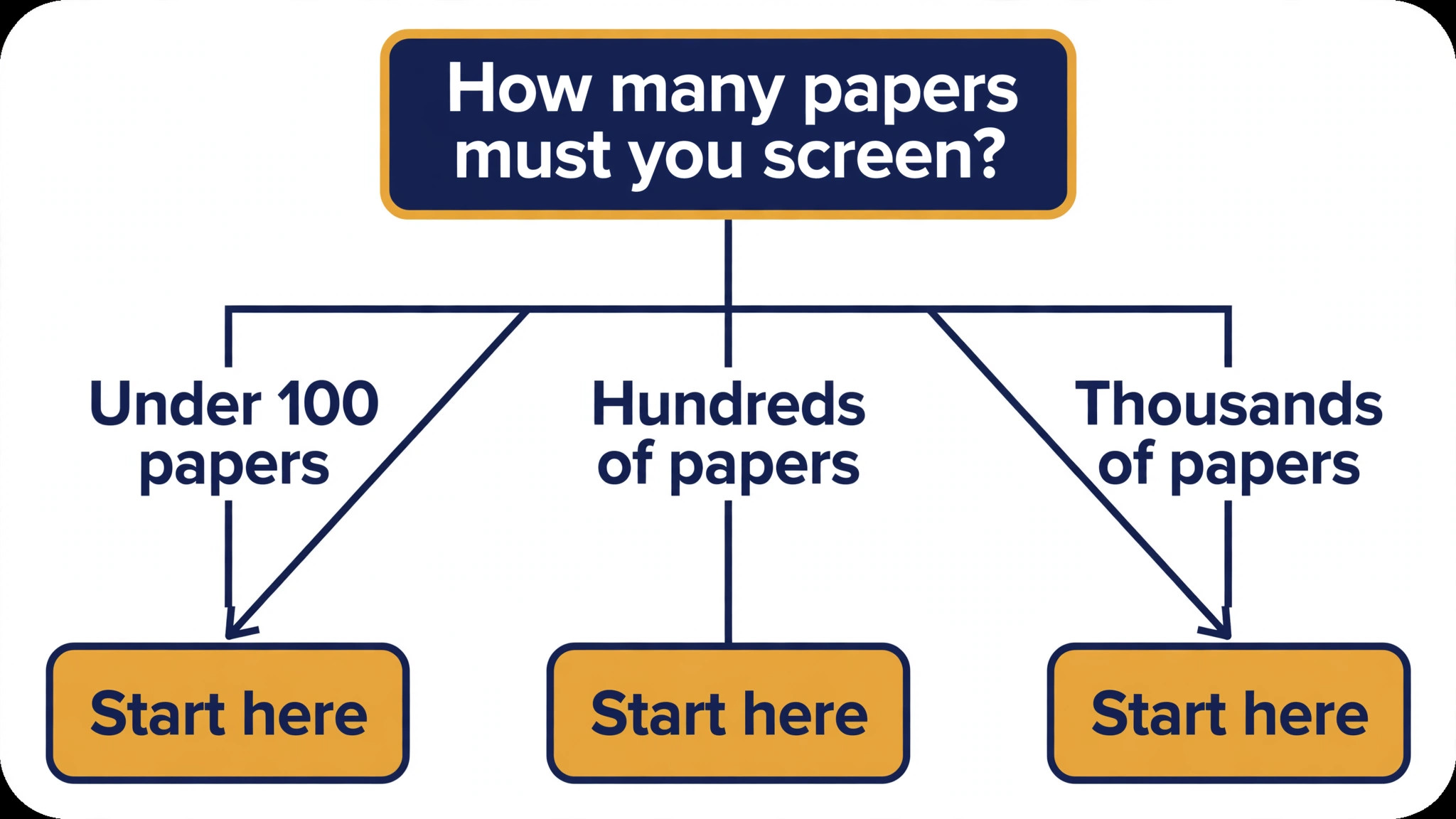
Start from the stage that eats your time, not from the vendor homepage. Researchers buried in search should buy the search tool first. Researchers buried in reading should buy the summariser first. The tool that clears the slowest stage pays for itself first, and the rest can wait until the review is further along.
Budget for the full stack, not the headline number by itself. The table below prices year one for a solo researcher and for a small team on the common combinations, at published starting prices. Ask whether the free tier caps searches or exports before signing, since those caps surprise researchers, and annual billing usually cuts about twenty percent off the monthly rate.
| Stack | Monthly cost | What it covers |
|---|---|---|
| Semantic Scholar plus Zotero | Lowest starting price | Free search plus free reference management |
| Elicit plus SciSpace | Mid-range | AI search plus PDF summaries |
| Consensus plus Scite.ai | Mid-range | Evidence answers plus citation checks |
| Elicit plus SciSpace plus Zotero | Check the pricing page | Search, summaries and references together |
Best Pick by Job
Pick from the table below by the review job you do most each week. The top 10 ai tools for literature reviews are not ranked by features alone; they are ranked by which job each one actually finishes, so the pick that matches your week is the pick that will still be in your stack a year from now.
| Your job | Best pick | Why it wins |
|---|---|---|
| Finding papers with AI search | Elicit | Answers research questions from real papers |
| Evidence summaries with citations | Consensus | Every claim links to the paper behind it |
| Searching a free paper index | Semantic Scholar | Two hundred million papers, free to search |
| Checking how a paper was cited | Scite.ai | Shows whether citations support or dispute |
| Tracking new papers over time | Litmaps | Alerts when new work cites your set |
| Mapping a field visually | Connected Papers | A graph of the papers around one seed |
| Discovering papers by interest | Research Rabbit | Free discovery that learns your taste |
| Reading and summarising PDFs | SciSpace | Plain-language summaries of dense papers |
| Managing references | Zotero | Free reference manager that just works |
| Organising a shared library | Mendeley | References plus annotation in one place |
Testing Before You Pay
A trial tells a researcher more in five working days than a month of reading reviews, but only when the trial runs on a real topic. Pick the two tools that look closest after the shortlist, run them side by side on the same set of papers, and score them on papers found, summary accuracy and how the output reads to a supervisor. Never trial on a demo topic, because a demo hides the rough edges real papers expose. The top 10 ai tools for literature reviews are best judged on a real topic, not on a demo search.
| Day | What to test | What good looks like |
|---|---|---|
| Day 1 | Setup and first real search | Working in under an hour, no IT ticket |
| Day 2 | The hardest papers you must read | Summaries need light checks, not a rewrite |
| Day 3 | Export to your reference manager | Papers flow without double entry |
| Day 4 | A colleague tries it cold | They finish a job without asking for help |
| Day 5 | Count the time and the cost | Hours saved beat the monthly price |
Keep a simple log through the trial week, noting the daily task, the minutes it took, the edits made and whether the summary could go into the review unchecked. Once the week is over, the log settles the choice. The tool with the strongest log wins, even when it was not the expected favourite, because the log records your own research work, not the vendor demo.
Buying Mistakes to Skip
Mistake one is trusting an AI summary without checking the paper. A summary that misstates a result can end up in a submitted review, and the cost of that error is far higher than the subscription. Read the source behind every claim that matters. Mistake two is paying for a search tool with a small paper index, since a review built on a partial search is a review with a hole in it.
The third mistake is skipping the export check before you commit. Ask whether the tool sends papers and citations to your reference manager before the first real search, because retyping references costs far more than checking first. The fourth mistake is judging the tool on its best day, so trial it on the hardest papers themselves and let the hard papers decide.
Your Questions, Answered
Which tool gives a researcher the cheapest good start
Semantic Scholar and Research Rabbit are free, and Elicit has a free tier, so a researcher can start a review without paying anything. Start with the stage you do most, trial the free tier on your own topic, and add a paid tool only when the free one cannot do a job you need. That is the cheapest route to a review stack, with no payment for features never used.
Can researchers trust AI summaries in a review
Only after checking them against the paper. AI tools draft a usable first version, but the facts, the numbers and the judgement still come from the researcher doing the review. A summary that goes in unchecked reads like the tool, and examiners notice that fast. Use the AI to beat the blank page, then verify every claim, so the result sounds like you rather than the tool.
For a solo researcher, which literature review tool wins
Elicit is the pick for a solo researcher, with a free tier and Plus from 10 dollars a month, while SciSpace at 12 dollars a month is the strongest option for getting through a stack of PDFs. The top 10 ai tools for literature reviews were ranked by the job each one finishes, not by the size of the feature list, so buy the tool that fixes your slowest stage first.
How much will a small team spend on review tools in year one
Plan on zero to 25 dollars a month in year one for a general tool such as Elicit, rising to 30 to 60 dollars a month with a specialist such as Scite.ai added. Multiply the headline price by headcount when you pay per seat, since those charges catch buyers out. Price the whole stack and trial each tool on real papers before signing an annual contract.
Do these tools offer a trial before payment
Most tools on this list offer a free plan or a free trial, and Elicit, Consensus and SciSpace all let researchers test on real papers before paying. Use the trial on your own topic, not on a demo, and count the papers found and the edits each summary needs. A trial that covers a real week tells a researcher more than a sales call, and a tool that will not trial is one to be careful about.
The Verdict, in Brief
If you buy one tool this quarter, pick Elicit for search and SciSpace for reading, and keep Semantic Scholar and Zotero free alongside them. Elicit is the easiest place to start with a free tier and Plus at 10 dollars a month, and SciSpace is the fastest way through dense PDFs at 12 dollars a month. The top 10 ai tools for literature reviews earn their keep by giving you back the hours lost to sorting and skimming.
Whatever you pick, trial it on your own topic, count the papers it finds and the summaries you have to correct, and keep a human eye on every AI summary before it enters the review. Every review tool here can organise a real body of research. The difference is whether the tool matches the stage you actually struggle with, and whether you measure the return in hours saved and papers screened rather than in features used.