
A jewelry designer can spend a whole afternoon on one sketch, then lose the evening to the renders, the listing photos and the client revisions that follow it. The stone, the setting and the story all have to land before a piece sells, and the admin around the craft is what steals the bench time. The best ai tools for jewelry designers take over the repetitive parts of that cycle, so the designer keeps the creative calls and hands the drafting, the mockups and the first renders to software.
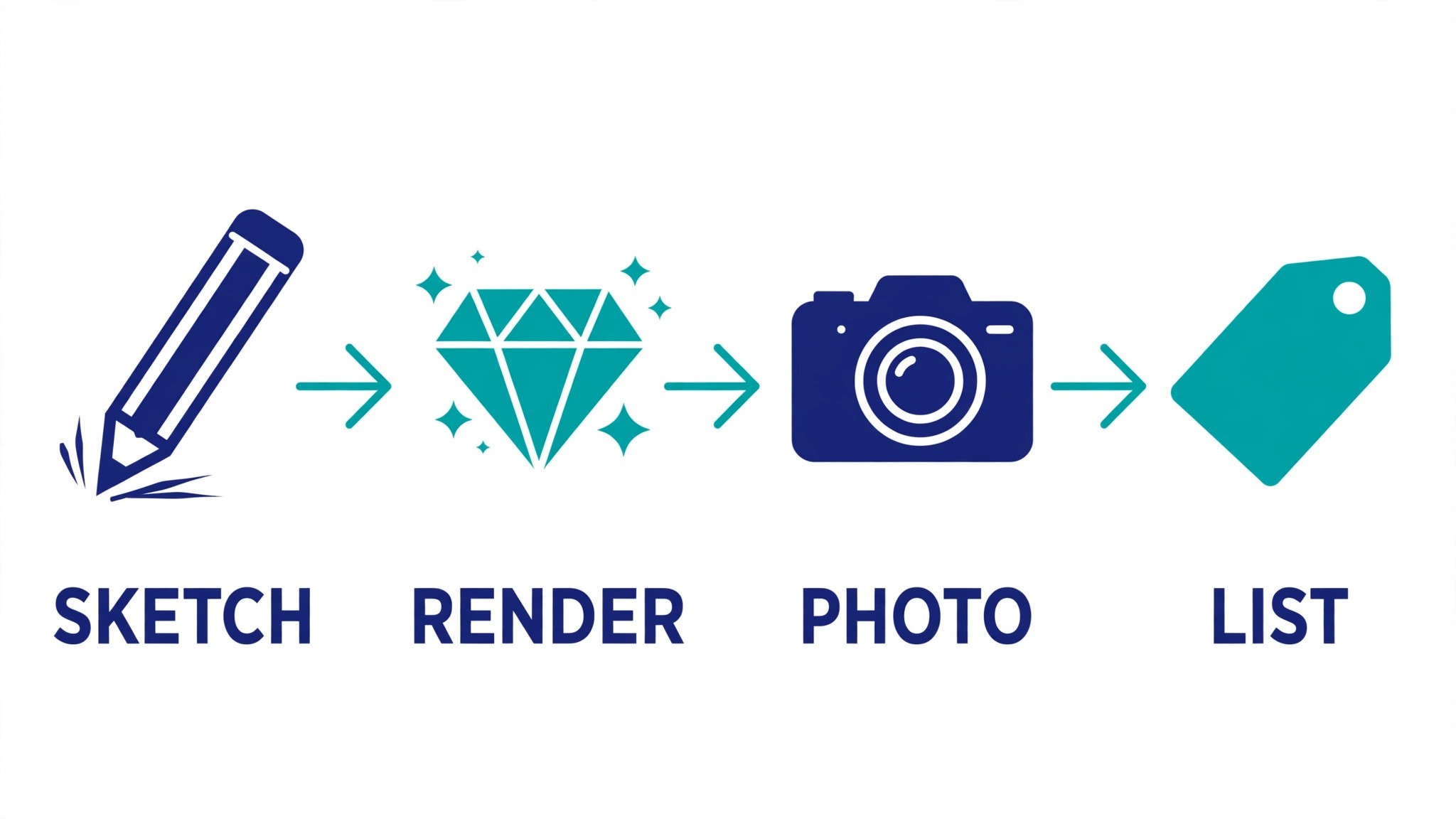
Most studios work in the same loop: sketch, model, render, photograph, list, revise. Each step used to need a different specialist or a different evening. The tools below compress that loop by turning a rough idea into a presentable render in minutes, then turning the render into listing copy, social posts and client-ready variations without another round at the bench.
This guide compares eight tools on published prices, the jewelry job each one does best and the catch that only shows up after the trial ends. All prices in this jewelry design guide are the published starting prices as of late 2026, with pricing on request noted wherever the vendor publishes no rate. Start with the shortlist, then read the reviews that match the jewelry work you do most.
The Full Shortlist in One Place
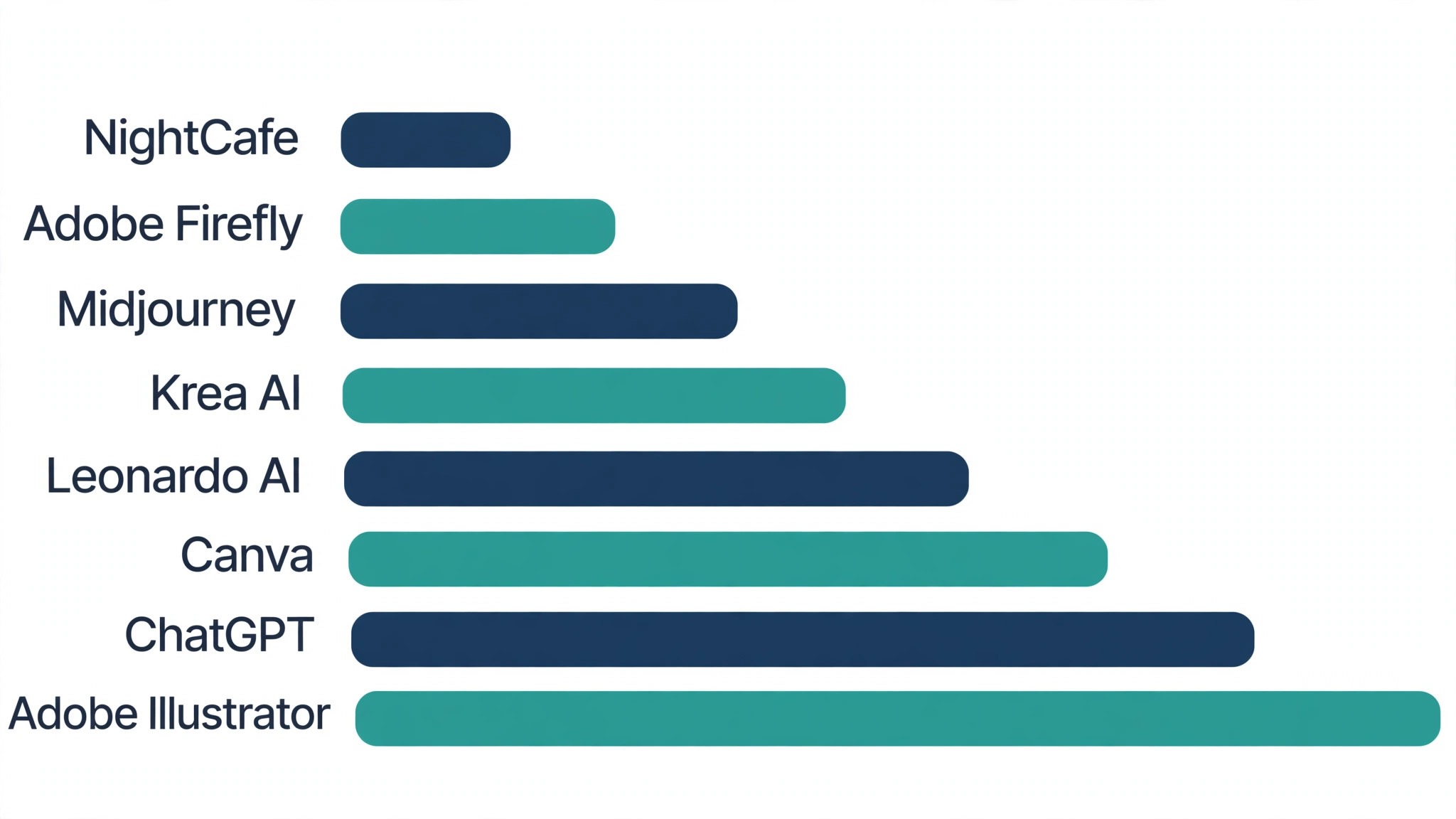
Use it to narrow the best ai tools for jewelry designers to two or three candidates before you read the full reviews. Monthly list prices apply unless noted, and annual billing usually beats monthly billing for jewelry studios.
| Job | Best tool | Why it wins |
|---|---|---|
| Concept sketches into renders | Midjourney | The fastest way from an idea to a look clients can react to |
| Photorealistic product renders | Adobe Firefly | Clean studio renders with commercial-safe training data |
| Fast variations of one design | Leonardo AI | Dozens of variations from a single reference image |
| Design ideas plus listing copy | ChatGPT | One login for concepts, copy and client replies |
| Vector work and recoloring | Adobe Illustrator | Precise line work with AI recolor built in |
| Listings and social posts | Canva | Finished marketing from a render in minutes |
| Budget-friendly concept art | NightCafe | Cheap daily credits for early-stage ideas |
| Real-time design iteration | Krea AI | Live canvas that updates as you sketch |
How We Chose the Best AI Tools for Jewelry Designers
A tool earned a place here only when it does a real jewelry job well in 2026, not when it added an AI label to an old product. The best ai tools for jewelry designers were judged on five things that decide whether a studio keeps paying after the first year.
We ranked the tools first on the job each one does, because a single-purpose tool usually beats a platform that spreads across five jobs for jewelry studios. Next came published pricing and how it scales, since per-seat charges decide the real bill for designers as they grow. Output quality came third, because a render with a warped stone or a melted prong costs more to fix than a month of subscription. Fourth, fit with the systems jewelry teams already run, because a tool that cannot reach the core workflow forces double entry on every job today. Fifth is the catch: free plans that cap usage, and enterprise tools that need a sales call before any trial.
| Check before you buy | What to ask | Why it matters |
|---|---|---|
| Published price | Is the rate on the pricing page | A hidden price is a hidden bill |
| Free plan limits | Usage caps, watermarks or seats | A capped free plan cannot run the real job |
| Commercial rights | Can you sell what it makes | A render you cannot sell is a cost, not an asset |
| Style control | Can you lock a house style | Clients buy consistency, not one lucky image |
| Trial access | Can you test it on real work | A demo is not a trial |
| Export quality | Print and web resolution | A low-resolution render cannot become a listing |
Tool by Tool
1. Midjourney
Starting price Paid plans begin at 10 dollars a month. Best for Concept sketches into renders. Watch out No free tier, and the learning curve is real
Midjourney turns a short text prompt into a polished jewelry render in under a minute, and it is still the strongest tool on this list for the first look at a new collection. A designer can describe a stone, a setting and a mood, then get four directions to show a client before committing to a single CAD hour. The quality of metal, light and gemstone sparkle is what sets it apart from cheaper generators, and the newest version handles fine detail like pavé and milgrain far better than the tools that came before it.
The trade-off is control. Midjourney works through a prompt and a chat interface, so exact measurements and repeatable settings take practice, and there is no free tier to learn on. The ten-dollar Basic plan covers a modest number of renders a month, which suits a studio testing concepts, while a busy designer will need a higher tier. Start with reference images of your own past pieces to keep the output close to your house style.
2. Adobe Firefly
Starting price Paid plans begin at 9.99 dollars a month. Best for Photorealistic product renders. Watch out Generative credits run out fast on heavy months
Firefly is built for designers who need renders they can actually sell. It is trained on licensed stock and Adobe content, so the commercial rights are clearer than most generators, and it lives inside Photoshop, Illustrator and the web app where jewelry work already happens. A designer can extend a background, remove a flaw from a product shot or generate a lifestyle scene around a ring without leaving the Adobe workflow.
The credit system is the thing to watch. The Firefly Standard plan includes a monthly pool of generative credits, and heavy months with many variations can burn through it before the month ends. For a studio that already pays for Creative Cloud, the value is strong, since the tools sit inside software the team already knows. For a designer with no Adobe habit, the standalone plan is still worth a trial on real product shots.
3. Leonardo AI
Starting price The entry paid tier costs 12 dollars a month. Best for Fast variations of one design. Watch out The free tier is generous but the best models sit on paid plans
Leonardo AI is the variation machine on this list. Upload a photo of a finished piece, or a sketch, and it returns a shelf of variations with different stones, metals and settings, each one close enough to the original to stay on brand. For a designer building a collection around one hero piece, that speed is hard to beat, and the image-guidance controls give more say over the result than a plain text prompt does.
The free tier gives a daily credit allowance that is enough to test the workflow on a real collection, and the twelve-dollar Apprentice plan lifts the cap for working designers. The catch is that the newest models and the highest resolutions sit on the higher tiers, so a studio that sells from the renders should budget for at least the mid plan. Check the output at full size before listing, since small stones can still blur at the edges.
4. ChatGPT
Starting price The entry paid tier costs 20 dollars a month. Best for Design ideas plus listing copy. Watch out Image output is good for concepts, weak for exact detail
ChatGPT is the all-rounder here, and its value for a jewelry designer is the range of jobs it covers in one login. It can brainstorm collection themes, draft listing titles and descriptions, write client replies, and generate concept images for mood boards. The image generation is strong on mood and composition, which makes it ideal for the early stage, when the designer needs ten directions before lunch and does not yet need a manufacturing-ready render.
The limit is precision. Fine jewelry detail, exact stone counts and consistent settings across a series are still beyond what its image tool does well, so treat it as a concept and copy assistant rather than a render engine. The twenty-dollar Plus plan is the sensible starting point, and the free tier is enough to test the copywriting. Pair it with a dedicated render tool and the combination covers the whole pre-bench workflow.
5. Adobe Illustrator
Starting price From 22.99 dollars a month. Best for Vector work and recoloring. Watch out The AI features need a Creative Cloud subscription
Illustrator is where a jewelry design becomes a file a manufacturer can actually use, and its AI additions make that step faster than it used to be. Generative Recolor can restyle a whole collection in new metal and stone palettes in seconds, Text to Vector Graphic turns a prompt into editable shapes, and the mockup tool drops a flat design onto a realistic form. For a designer who sells technical drawings alongside renders, that precision is the point.
The price is the highest single-tool cost on this list, and the AI features only come with the subscription, so a designer who only needs occasional vector work should weigh it against a cheaper standalone tool. For a working studio, though, Illustrator is already the standard for line work, and the AI features remove the dullest part of the job. Trial it on a real collection recolor and count the hours it returns.
6. Canva
Starting price The entry paid tier costs 15 dollars a month. Best for Listings and social posts. Watch out Design templates can make every listing look alike
Canva is the marketing desk for a jewelry studio. Its Magic Studio tools can remove a background from a product photo, extend a scene, write listing copy and resize one design into every social format a shop needs. A designer who photographs pieces at the bench can turn a phone photo into a finished listing image, a story post and a banner without opening heavier software, and the brand kit keeps colors and fonts consistent across the shop.
The risk is sameness. Canva templates are used by millions of sellers, so a shop built entirely from defaults can look like every other shop on the platform. The fix is to build two or three custom templates from your own renders and reuse them, so the output stays yours. The fifteen-dollar Pro plan is the one to buy, since the free tier locks the background remover and the brand kit behind the paywall.
7. NightCafe
Starting price From 5.99 dollars a month. Best for Budget-friendly concept art. Watch out Output quality varies more than the pricier tools
NightCafe is the cheapest way into AI concept art for a jewelry designer, and its daily free credits make it a low-risk place to experiment. It runs several different models in one place, so a designer can compare how the same prompt renders across styles, and the community gallery is a useful source of prompts for metal and gemstone work. For early-stage ideas, when the goal is direction rather than a finished render, it does the job at a fraction of the cost of the bigger tools.
Quality is less consistent than Midjourney or Firefly, and fine detail can drift, so NightCafe belongs at the front of the process, not at the listing stage. The five-dollar-ninety-nine plan is cheap enough to keep alongside a main render tool, and the credit system rewards daily use. Use it to explore ten directions fast, then take the winner into a stronger tool for the final render.
8. Krea AI
Starting price The entry paid tier costs 10 dollars a month. Best for Real-time design iteration. Watch out A newer tool, so the community and tutorials are thinner
Krea AI is the most hands-on tool on this list. Its live canvas updates the image as you draw, so a designer can sketch a band shape and watch the render change in real time, adjusting the stone and the metal as the drawing develops. That feedback loop feels closer to working at the bench than typing prompts into a chat box, and it makes client sessions faster, since a change the client asks for appears on screen while they are still talking.
Krea is newer than the rest of this list, so the tutorial library and the community are smaller, and some features are still being refined. The ten-dollar Basic plan is a fair price for the live canvas alone, and the free tier is enough to learn whether the workflow suits your hand. For a designer who thinks in sketches rather than sentences, Krea is the tool most likely to stay open all day.
The Comparison Table, Explained
The table below puts the best ai tools for jewelry designers side by side on price, best job and free plan, so you can compare the published prices against the quote-only tools at a glance.
| Tool | Starting price | Best for | Free plan |
|---|---|---|---|
| Midjourney | From 10 dollars a month | Concept sketches into renders | No |
| Adobe Firefly | From 9.99 dollars a month | Photorealistic product renders | No |
| Leonardo AI | From 12 dollars a month | Fast variations of one design | No |
| ChatGPT | From 20 dollars a month | Design ideas plus listing copy | No |
| Adobe Illustrator | From 22.99 dollars a month | Vector work and recoloring | No |
| Canva | From 15 dollars a month | Listings and social posts | No |
| NightCafe | From 5.99 dollars a month | Budget-friendly concept art | No |
| Krea AI | From 10 dollars a month | Real-time design iteration | No |
How to Choose Without Overbuying
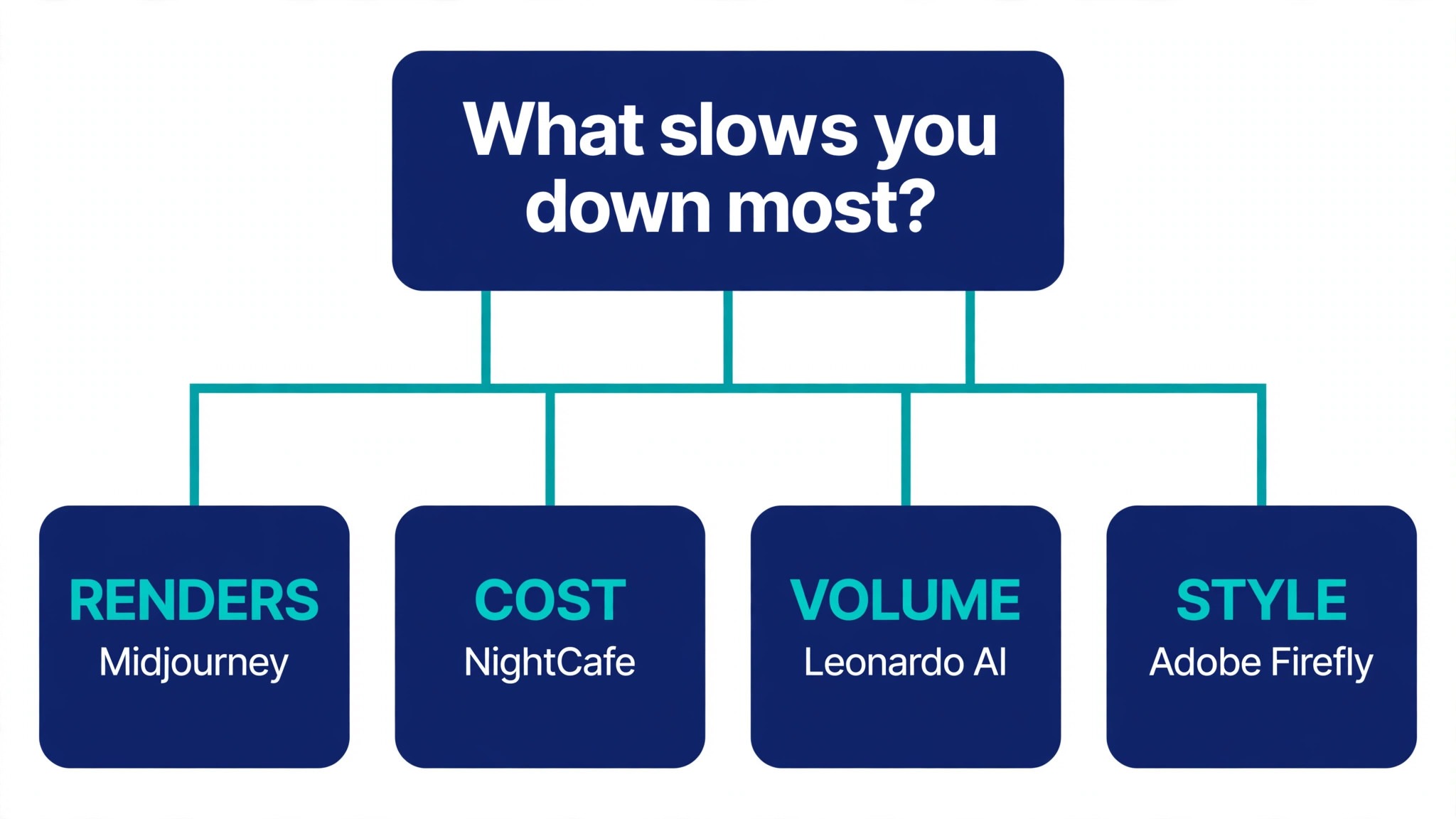
Start from the slowest part of the jewelry working week, not from the vendor homepage. Designers buried in renders should buy the tool that clears that pile first. Designers losing hours to rework should buy accuracy before features. In jewelry design, the tool that clears the slowest bottleneck task pays for itself first, and the rest can wait.
Price the whole jewelry work stack, not the headline number. The table below prices year one for a solo buyer and for a small team on the common jewelry work combinations, at published starting prices. Ask for per-seat charges in writing before signing, since those lines surprise jewelry teams, and annual billing usually cuts about twenty percent off the monthly rate.
| Stack | Monthly cost | What it covers |
|---|---|---|
| Midjourney plus Canva | Check the pricing page | Core tool plus a second specialist |
| NightCafe alone | Lowest starting price | One tool for the main job |
| Firefly plus ChatGPT | Mid-range | Core tool plus a workflow specialist |
| Leonardo AI plus Canva | Mid-range | Specialist pair for a busy week |
A studio that sells from renders should start with Midjourney and Canva, then add Firefly once the listing volume grows. The best ai tools for jewelry designers are the ones that stay open every day, not the ones with the longest feature list, so buy the pair you will actually use and add a third tool only when a specific job starts costing hours.
Best Pick by Job
Pick from the table below by the jewelry work job you do most each week. The best ai tools for jewelry designers are not ranked by features alone; they are ranked by which job each one actually finishes, so the pick that matches your week is the pick that will still be in your stack a year from now.
| Your job | Best pick | Why it wins |
|---|---|---|
| Concept sketches into renders | Midjourney | The fastest way from an idea to a look clients can react to |
| Photorealistic product renders | Adobe Firefly | Clean studio renders with commercial-safe training data |
| Fast variations of one design | Leonardo AI | Dozens of variations from a single reference image |
| Design ideas plus listing copy | ChatGPT | One login for concepts, copy and client replies |
| Vector work and recoloring | Adobe Illustrator | Precise line work with AI recolor built in |
| Listings and social posts | Canva | Finished marketing from a render in minutes |
| Budget-friendly concept art | NightCafe | Cheap daily credits for early-stage ideas |
| Real-time design iteration | Krea AI | Live canvas that updates as you sketch |
Your First Month With the New Tool
Week one is about one collection, not the whole catalog. Pick five pieces you already sell, run them through the new tool, and compare the renders with the photos you already have. If the renders look close enough to list, the tool is working. If they look off, change the prompts and the reference images before you judge the tool itself, since most early failures are prompt failures.
Week two is about the client conversation. Show a client two renders of the same piece in different stones and watch which one they react to. That reaction is worth more than any feature list, because it tells you whether the tool helps you sell. Keep the renders that got a reaction and delete the rest, so the library stays small and useful.
Week three is about the listing pipeline. Take one finished render all the way through to a live listing, including the copy, the photos and the social post, and time every step. The tool that shortens that pipeline is the one to keep. If the listing still takes an evening, the bottleneck is somewhere else, and a second tool will not fix it.
| Step | What to do | Done when |
|---|---|---|
| Day 1 | Render five existing pieces | Renders match your photos |
| Day 3 | Show two renders to a client | One gets a clear reaction |
| Day 7 | List one piece end to end | Listing live in under an hour |
| Day 14 | Build your prompt library | Ten prompts that work every time |
| Day 30 | Count hours saved | Savings beat the monthly price |
Testing Before You Pay
A trial tells jewelry teams more in five working days than a month of reading reviews, but only when the trial runs on real jewelry work. Pick the two tools that look closest after the shortlist, run them side by side on the same core jewelry jobs, and score them on time saved, edits needed and how the output reads to a client. Never trial on a demo file, because a demo hides the rough edges real jewelry work exposes. The best ai tools for jewelry designers prove themselves on a real collection, not on a demo render, so run the trial on the pieces you are actually selling this month.
| Day | What to test | What good looks like |
|---|---|---|
| Day 1 | Setup and first real job | Working in under an hour, no IT ticket |
| Day 2 | The hardest job you do | Output needs light edits, not a rewrite |
| Day 3 | A client revision round | The revision lands without a full redo |
| Day 4 | A colleague tries it cold | They finish a job without asking for help |
| Day 5 | Count the time and the cost | Hours saved beat the monthly price |
Keep a simple log through the trial week, noting the daily jewelry task, the minutes it took, the edits made and whether the render could go to a client unchecked. At the end of the week the log is the decision for jewelry teams. The tool with the best log wins, even when it was not the expected favourite, because the log measures the team’s own jewelry work, not the vendor demo.
Buying Mistakes to Skip
Mistake one is the cheapest plan, when the feature jewelry teams need sits two tiers up. Read every tier on the pricing page and pay for the tier that does the daily jewelry job, not the tier that looks cheap. Mistake two is rolling out to the whole team before one person has tried the tool for a week, since a favourite of one and a burden to five is a cost for jewelry teams, not a system.
The third mistake is skipping the commercial rights check for jewelry teams. Ask who owns the output, whether it can be sold, and what the license covers before the first render goes into a listing, because fixing rights after the fact costs far more than checking it first. The fourth mistake is judging the tool on its best day, so trial it on the hardest jewelry job itself and let the hard job decide.
Your Questions, Answered
Which tool gives jewelry teams the cheapest good start
NightCafe is the cheapest credible start on this list at from 5.99 dollars a month, with Midjourney at from 10 dollars a month close behind. The best ai tools for jewelry designers include free tiers and free plans, so start with the job you do most each week, trial the free tier on real work, and add a specialist only when the general tool cannot do a job you are paid to do. That is the cheapest route to a jewelry work stack, with no payment for features never used.
Can jewelry teams keep AI output from looking generic
It will when jewelry teams publish the template unchanged. AI tools draft a usable first version, but the facts, the wording and the judgement still come from the professional doing the jewelry work. An output that goes out unedited reads generic, and clients notice generic jewelry work fast. Use the AI to beat the blank page, then change the details, the wording and the checks, so the result sounds like jewelry teams and not the tool.
For a small team, which jewelry tool option wins
Midjourney is the pick for a small team, starting at from 10 dollars a month with the strongest renders, while Adobe Firefly at from 9.99 dollars a month is the strongest all-round option as the team grows. These tools were ranked for jewelry design by the job each one finishes, not by the size of the feature list, so a small team should buy the tool that fixes its slowest weekly job first and add a second only when a specific limit starts costing time.
How much will a small team spend on jewelry work tools in year one
Plan on 20 to 50 dollars a month in year one for a general jewelry tool option such as Midjourney, rising to 100 to 200 dollars a month with a specialist such as Adobe Illustrator added. Multiply the headline price by headcount when jewelry teams pay per seat, since those charges surprise buyers. Price the whole stack and trial each tool on real jewelry work before signing an annual contract.
Do jewelry teams need a specialist tool as well as a general one
Not always. Most jewelry teams get by with one general tool for months, and a separate specialist only earns its place when a specific jewelry daily task runs every week and the general tool cannot do it well. For jewelry design, time the last week before spending. When the job takes hours and the specialist cuts it to minutes for jewelry teams, buy it, and when the job already takes minutes, the specialist is a cost.
Do these jewelry work tools offer a trial before payment
Most tools on this list offer a free plan or a free trial, and NightCafe and Leonardo AI both let jewelry teams test on real jewelry work before paying. Use the trial on the jewelry job itself the team does most, not on a demo, and count the time saved and the edits each output needs. A trial that covers a real week tells jewelry designers more than a sales call, and a tool that will not trial is one to be careful about.
The Verdict, in Brief
If you buy one tool this quarter, pick Midjourney for renders or a small studio, and Adobe Firefly when you need commercial-safe output and Adobe workflow links. Midjourney is the easiest place to start at 10 dollars a month, and Firefly is the strongest all-round render tool at 9.99 dollars a month. The best ai tools for jewelry designers earn their keep by giving you back the evening after the bench, and both of these do that from the first week.
Whatever you pick, trial it on a real week of studio days, count the renders it produces and the edits each one needs, and keep a human eye on every AI render before it goes to a client. For jewelry design, every tool on this list does the job. The difference is whether the render matches the pieces you actually make, and whether you measure the return in hours saved and pieces sold rather than in features used.