
A household or a small business loses money in the gap between the plan and the spending, not in the income itself. The right software closes that gap, and the top 10 ai tools for budget tracking do it by showing where every dollar goes before the month runs out. This guide compares ten tools on published prices, the budgeting job each one does best and the catch that only shows up after the trial ends.
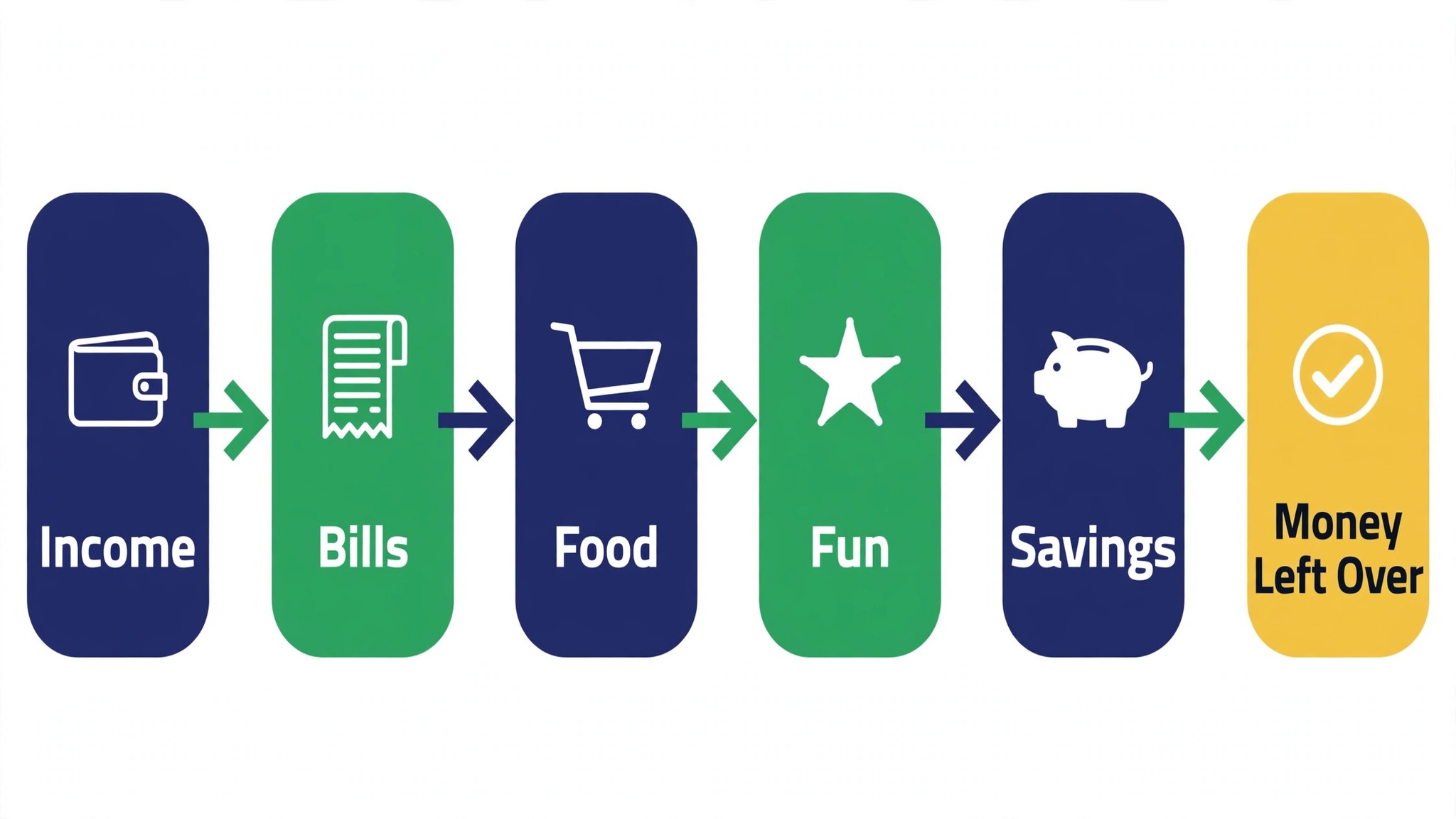
Budget work runs across income, bills, spending, savings and review, and no single product covers all five well. An accounting tool holds the business books, a budgeting app tracks the household, a net-worth tool shows the big picture, and a free tool covers the basics. Buy first the tool that clears the slowest part of a household budget routine, and add a second only when a real limit appears.
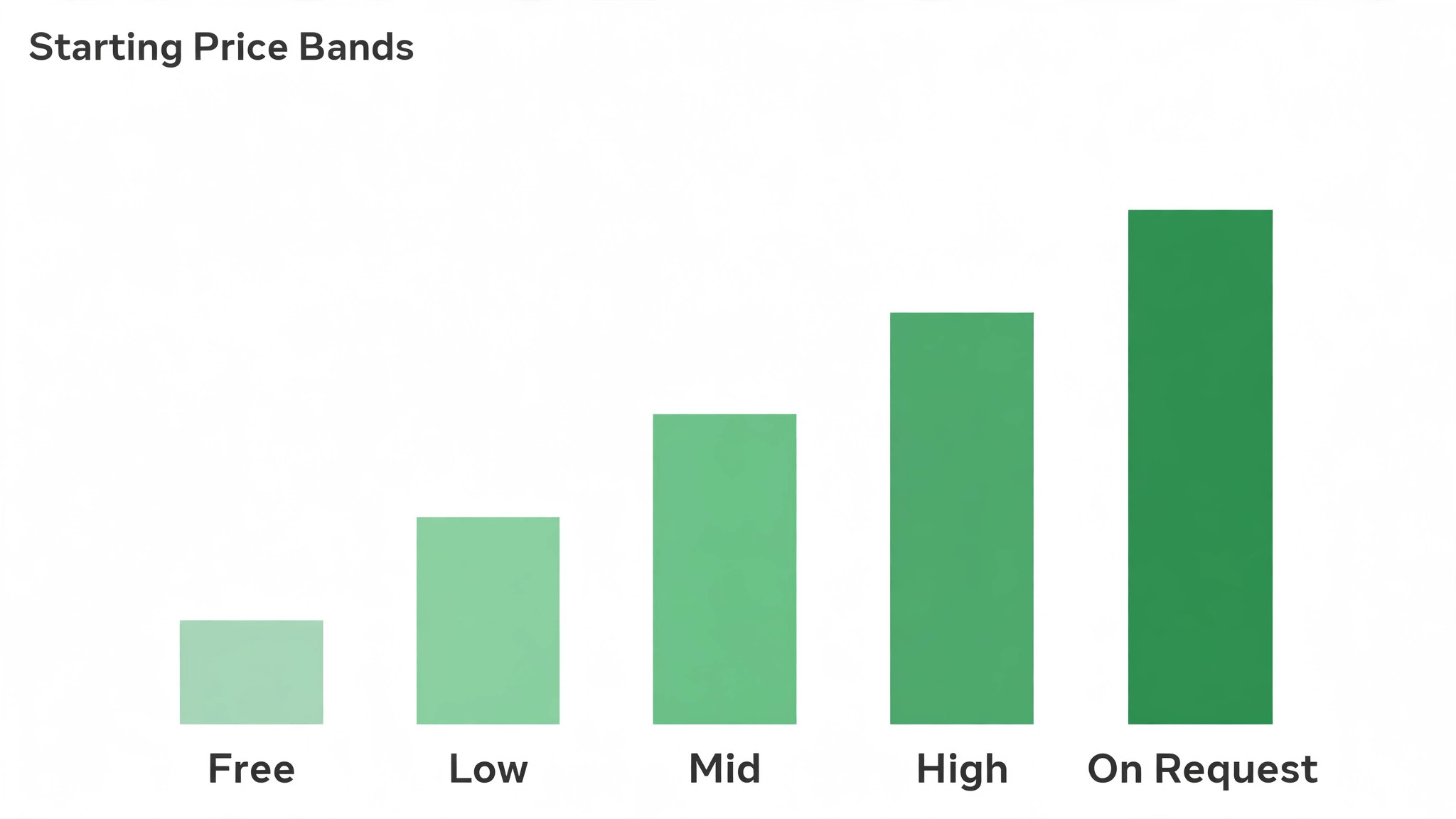
All prices below are the published starting rates as of late 2026, with pricing on request noted wherever a vendor keeps its rate behind a sales call. Start with the shortlist, then read the reviews that match the budgeting work you do most, and trial two tools side by side before you pay for either.
The Shortlist at a Glance
Use this table to narrow the top 10 ai tools for budget tracking to two or three candidates before you read the full reviews. Monthly list prices apply unless noted, and annual billing usually beats monthly billing for a household or a small business.
| Job | Best tool | Why it wins |
|---|---|---|
| Business budgets with invoicing built in | QuickBooks Online | Business budgets with invoices built in |
| Clean books for small businesses | Xero | Clean books for a small business |
| Budgets for freelancers and services | FreshBooks | Budgets built for freelancers |
| Free accounting for very small businesses | Wave | Free books for a very small business |
| Giving every dollar a job | YNAB | Every dollar gets a job |
| Household budgets with shared access | Monarch | Household budgets shared by two |
| Simple zero-based budgets on the go | EveryDollar | Simple zero-based budgets on the go |
| Free net-worth and spending tracking | Empower | Free net worth and spending in one view |
| Smart categorisation for Apple users | Copilot | Smart categories for Apple households |
| Cheap watchlists and spending alerts | Simplifi by Quicken | Cheap alerts that catch overspending |
How We Chose the Top 10 AI Tools For Budget Tracking
The top 10 ai tools for budget tracking were judged on five things that decide whether a household or a business keeps paying after the first year. The job each tool does came first, because a tool built for one money task usually beats a platform spread across five of them. Next came published pricing and how it scales, since per-user charges decide the real bill as a team grows.
Accuracy came third, because a miscategorised transaction costs more to fix than a month of subscription. Fourth, fit with the systems a household or a business already runs, because a tool that cannot reach the bank or the card forces double entry on every purchase. Fifth, the catch, from free plans that cap accounts to tools that charge extra for payroll or tax.
| Check before you buy | What to ask | Why it matters |
|---|---|---|
| Published price | Is the rate on the pricing page | A hidden price is a hidden bill |
| Free plan limits | Usage caps, accounts or seats | A capped free plan cannot run the real job |
| Integration | Does it connect to your bank | Double entry eats the time it saves |
| Categorisation | Does it sort spending correctly | Bad categories waste the whole budget |
| Trial access | Can you test it on real spending | A demo is not a trial |
| Contract terms | Monthly or annual, and what year two costs | Annual billing locks the price but not the need |
The Tools, One by One
1. QuickBooks Online
Starting price From $30 a month. Best for Business budgets with invoicing built in. Watch out The price rises with each tier.
QuickBooks Online holds the business budget, the invoices, the expenses and the reports in one login, with bank feeds that categorise transactions and a dashboard that shows cash flow at a glance. A small business can send an invoice, track the payment and see the budget in the same place.
The Simple Start plan starts at $30 a month for one user, while higher tiers add more users, inventory and project tracking. The price rises with each tier, so a growing business should price the tier it will need in a year. QuickBooks earns its place as the business hub in the top 10 ai tools for budget tracking when invoicing is part of the job.
2. Xero
Starting price From $15 a month. Best for Clean books for small businesses. Watch out Payroll costs extra.
Xero keeps the books clean with bank feeds, invoicing, expense claims and reporting in a simple interface a non-accountant can use. A small business can reconcile the bank in minutes, send an invoice from the phone and share the books with an accountant without exporting files.
The Early plan starts at $15 a month for a small number of invoices and bills, while higher tiers add more volume and multi-currency support. Payroll costs extra, so a business with staff should price that add-on first. Xero is the pick when clean books matter more than deep features.
3. FreshBooks
Starting price From $19 a month. Best for Budgets for freelancers and services. Watch out The client limit bites early.
FreshBooks is built for freelancers and service businesses, with invoicing, time tracking, expenses and client portals in one login. A freelancer can track a project budget, bill the hours and see which clients pay late, without an accountant in the middle.
The Lite plan starts at $19 a month for a small client count, while higher tiers add more clients and features. The client limit bites early, so a growing freelancer should price the next tier before signing. FreshBooks is the pick when the work is billed by the hour.
4. Wave
Starting price Free. Best for Free accounting for very small businesses. Watch out Payroll is a paid add-on.
Wave offers free accounting, invoicing and receipt scanning for very small businesses, with bank connections that keep the books current. A new business can send invoices, track expenses and run a profit report without paying for software at all.
The core tools are free, so the cost is the time to keep them current. Payroll is a paid add-on, and the support is lighter than the paid tools. Wave is the pick when the accounting budget is zero and the business is small.
5. YNAB
Starting price From $14 a month. Best for Giving every dollar a job. Watch out The method takes a month to learn.
YNAB, short for You Need A Budget, gives every dollar a job before the month starts, with a method that ages money, funds true expenses and breaks the paycheque cycle. A household can see the plan, the spending and the savings in one view, and the app nudges the budget when life changes.
The plan starts at $14 a month or $109 a year, with a 34-day free trial. The method takes a month to learn, so a new user should follow the workshops before judging it. YNAB is the pick when the household wants a method, not just an app.
6. Monarch
Starting price From $14.99 a month. Best for Household budgets with shared access. Watch out No free tier at all.
Monarch tracks household budgets, accounts, investments and goals in one dashboard, with shared access for a partner and custom categories that fit a real family. A couple can see the same numbers, plan the month together and watch the net worth grow over time.
The plan starts at $14.99 a month or $99.99 a year, with a seven-day trial and no free tier at all. The shared access is the value, so a single user gets less for the money. Monarch is the pick when two people run the household budget together.
7. EveryDollar
Starting price Free tier, then Premium from $17.99 a month. Best for Simple zero-based budgets on the go. Watch out Bank sync needs Premium.
EveryDollar runs a simple zero-based budget where income minus planned spending equals zero, with a clean mobile app that takes minutes a day. A household can plan the month, enter spending as it happens and see what is left in each category at a glance.
The free tier covers manual entry, while the Premium plan at $17.99 a month adds bank sync and faster entry. Bank sync is the feature most users want, so the free tier feels limited after a week. EveryDollar is the pick when the budget must stay simple.
8. Empower
Starting price Free. Best for Free net-worth and spending tracking. Watch out It pitches its own advisory service.
Empower, formerly Personal Capital, tracks spending, accounts, investments and net worth for free, with a dashboard that shows the whole financial picture in one place. A household can see the budget beside the retirement plan and watch the net worth move month by month.
The dashboard is free, so the cost is the time to link the accounts and the occasional pitch for the advisory service. The budgeting tools are lighter than a dedicated app, so a household that wants deep budgeting should pair it with one. Empower is the pick when net worth is the number that matters.
9. Copilot
Starting price From $13 a month. Best for Smart categorisation for Apple users. Watch out iOS and Mac only.
Copilot categorises spending with machine learning that learns how a household actually spends, with a clean iOS and Mac app, budgets, goals and a net-worth view. An Apple household can see the month, the categories and the subscriptions in a design that feels native to the platform.
The plan starts at $13 a month, with a two-month free trial. The app runs on iOS and Mac only, so an Android household cannot use it at all. Copilot is the pick when the household runs on Apple and wants smart categories.
10. Simplifi by Quicken
Starting price From $5.99 a month. Best for Cheap watchlists and spending alerts. Watch out Reports are basic.
Simplifi by Quicken tracks spending, bills, subscriptions and savings goals with watchlists and alerts that flag overspending before the month ends. A household can see the planned spending, the actual spending and the refund tracker in one simple dashboard.
The plan starts at $5.99 a month, which is the cheapest paid option on this list, with a 30-day trial. The reports are basic next to the pricier tools, so a household that wants deep analysis should look elsewhere. Simplifi is the pick when the price must stay low and alerts do the work.
Side by Side on Price and Fit
The table below puts the top 10 ai tools for budget tracking side by side on price, best job and free plan, so you can compare the free tools against the paid apps at a glance. Read it by job first, since a household pays more for a bargain tool that fails than for a pricier one that does the work first time.
The fastest route through the table is to match the part of a budget routine that eats the most time to a row, then check the price column. A tool that fails on the first month of tracking costs another hour of rework, and one that needs constant correction never pays, however cheap the headline looks.
| Tool | Starting price | Best for | Free plan |
|---|---|---|---|
| QuickBooks Online | From $30 a month | Business budgets with invoicing built in | Trial |
| Xero | From $15 a month | Clean books for small businesses | Trial |
| FreshBooks | From $19 a month | Budgets for freelancers and services | Trial |
| Wave | Free | Free accounting for very small businesses | Yes |
| YNAB | From $14 a month | Giving every dollar a job | Trial |
| Monarch | From $14.99 a month | Household budgets with shared access | Trial |
| EveryDollar | Free tier, then Premium from $17.99 a month | Simple zero-based budgets on the go | Yes |
| Empower | Free | Free net-worth and spending tracking | Yes |
| Copilot | From $13 a month | Smart categorisation for Apple users | Trial |
| Simplifi by Quicken | From $5.99 a month | Cheap watchlists and spending alerts | Trial |
Picking Without Overbuying
Start from the slowest part of the budget week, not from the vendor homepage. The top 10 ai tools for budget tracking are the ones that clear the pile that actually slows you down, whether that pile is categorising, invoicing or reviewing. The tool that clears the slowest part of a budget routine pays for itself first, and the rest can wait.
Count every subscription in the stack, not just the headline price. The table below prices year one for a solo user and for a small business on the common combinations, at published starting prices. Ask for per-user charges in writing before signing, since those lines surprise small businesses, and annual billing usually cuts about twenty percent off the monthly rate.
| Stack | Monthly cost | What it covers |
|---|---|---|
| QuickBooks Online plus YNAB | Mid-range | Business books plus household method |
| Xero plus Monarch | Mid-range | Clean books plus shared household |
| Wave plus Empower | Lowest starting price | Free books plus free net worth |
| FreshBooks plus Simplifi | Lowest starting price | Freelance billing plus cheap alerts |
Reading the Pricing Page Like a Buyer
Per-user pricing is where a budget quietly doubles, so read the pricing page for the user count before you read anything else. A tool that lists $15 a month for one user costs far more for a household of two or a business of five, and the add-ons for payroll, inventory or extra accounts sit on top of that. Ask for the full quote in writing, including the price of the second year, since the first-year discount hides the real rate you will actually pay.
A free tier is a real test only when it covers the money job you do most. A free plan that caps invoices at a handful cannot run a real business, and a free budget that skips bank sync cannot keep up with daily spending. Trial the free tier on a live month and count what it actually lets you track, then compare that count with the paid tier that removes the limit.
Annual billing usually cuts about twenty percent off the monthly rate, but it also locks the household or the business into a tool it may outgrow. Pay monthly for the first quarter, even at the higher rate, and switch to annual only when the tool has survived a real month of spending. The saving is real, but only when the tool is still in the budget stack a year later.
Best Pick by Job
Pick from the table below by the budgeting job you do most each week. The top 10 ai tools for budget tracking are not ranked by features alone; they are ranked by which job each one actually finishes, so the pick that matches your week is the pick that will still be in your stack a year from now.
| Your job | Best pick | Why it wins |
|---|---|---|
| Business budgets with invoicing built in | QuickBooks Online | Business budgets with invoices built in |
| Clean books for small businesses | Xero | Clean books for a small business |
| Budgets for freelancers and services | FreshBooks | Budgets built for freelancers |
| Free accounting for very small businesses | Wave | Free books for a very small business |
| Giving every dollar a job | YNAB | Every dollar gets a job |
| Household budgets with shared access | Monarch | Household budgets shared by two |
| Simple zero-based budgets on the go | EveryDollar | Simple zero-based budgets on the go |
| Free net-worth and spending tracking | Empower | Free net worth and spending in one view |
| Smart categorisation for Apple users | Copilot | Smart categories for Apple households |
| Cheap watchlists and spending alerts | Simplifi by Quicken | Cheap alerts that catch overspending |
A Five-Day Trial That Tells the Truth
A trial tells a household or a business more in five working days than a month of reading reviews, but only when the trial runs on real spending. Pick the two tools that look closest after the shortlist, run them side by side on the same core jobs, and score them on time saved, edits needed and how the budget reads to a partner.
Never trial on a demo account, because a demo hides the rough edges real spending exposes. Run the trial on live accounts, live bills and live categories, and keep a simple log of minutes saved and errors found. At the end of the week the log of real spending is the decision, not the sales call.
| Day | What to test | What good looks like |
|---|---|---|
| Day 1 | Setup and first real budget | Working in under an hour, no IT ticket |
| Day 2 | The hardest category you track | Output needs light edits, not a rewrite |
| Day 3 | Integration with your bank | Data flows without double entry |
| Day 4 | A partner tries it cold | They finish a budget without asking for help |
| Day 5 | Count the time and the cost | Hours saved beat the monthly price |
Setting Up in Week One
Week one should start with the real accounts, not with the settings page. Connect the bank, the cards and the main bills first, then sort one week of spending so the tool proves itself on money that matters. Software that starts empty stays empty, because nobody opens a tool that holds nothing that a household needs.
Pick one person to own the setup and one real month to run through it end to end. That person links the accounts, sets the categories, reviews the spending and checks the totals, then writes down every step that felt slow. The list of slow steps is the setup checklist for the rest of the household or team.
By the end of the week the whole household or business should be tracking from the same tool, with the old spreadsheet retired rather than kept alongside. Running the spreadsheet alongside the new tool means entering everything twice, and the new tool takes the blame for the old habit. Retire the spreadsheet on Friday, and the household will use the tool on Monday.
Mistakes Budgeters Keep Making
Mistake one is the cheapest plan, when the feature the household or business needs sits two tiers up. Check every tier on the pricing page, and pay for the tier that does the daily money job, not the tier that looks cheapest. Mistake two is rolling out to the whole household before one person has tried the tool for a week, since a favourite of one and a burden to two is a cost, not a system.
The third mistake is skipping the bank and category check. Ask for the sync list, read the categorisation rules and check the totals before the first real month goes through the tool, because fixing categories after the fact costs far more than checking them first. The fourth mistake is judging the tool on its best day, so trial it on the busiest spending week itself and let the hard job decide.
Before You Hand Over Card Details
Ask the vendor how many accounts the entry plan actually covers, because an account cap is the limit a household or a business hits first. A tool that looks cheap at fifteen dollars a month turns expensive when the accounts grow past the cap and the next tier doubles the bill. Ask for the cap in writing, along with the price of the tier above it, before the trial starts.
Ask who answers support and how fast, since the first problem usually arrives in the first week of use. A tool with live chat and a same-day answer gets adopted, while one with email-only support and a two-day wait gets abandoned by the household, and the subscription keeps billing either way. Get support hours in your own time zone, not the hours kept by the vendor home office.
Ask how the financial data leaves the tool, because transactions that cannot be exported are history held hostage. Check the export format, the categories included and whether the full history comes out with the data. A clean export is what separates a tool you can leave freely from a tool that traps your data.
Questions Budgeters Ask First
Which tool gives a household the cheapest good start
Wave is the cheapest credible start on this list at free for small business books, with Empower close behind at free for household tracking. Start with the job you do most each week, trial the free tier on real spending, and add a specialist only when the general tool cannot do a job you are paid to do. That is the cheapest route to a working budget stack, and nothing is paid for features never used.
Can a household keep AI categories from misreading spending
It will misread when a household accepts the categories unchanged. These tools draft a usable first sort, but the rules, the splits and the judgement still come from the person doing the work. A budget that runs on wrong categories reads like a plan and costs like a surprise, and a partner notices the gap fast. Use the tool to sort the spending, then fix the rules, the splits and the totals, so the result sounds like you and not the software.
For a small business, which option wins
QuickBooks Online is the pick for a small business, starting at from $30 a month with invoicing and reporting in one login, while Xero at from $15 a month is the strongest budget option. The top 10 ai tools for budget tracking were ranked by the job each one finishes, not by the size of the feature list, so a small business should buy the tool that fixes its slowest weekly job first and add a second tool only when a specific limit starts costing time.
How much will a small business spend in year one
Plan on 15 to 30 dollars a month in year one for a bookkeeping tool such as Xero or QuickBooks Online, rising to 50 to 100 dollars a month with a specialist such as YNAB added for the household. Multiply the headline price by headcount when the business pays per user, since those charges surprise buyers. Price the whole stack and trial each tool on real spending before signing an annual contract.
Does a household need a specialist tool as well as a general one
Not always. Most households get by with one general tool for months, and a separate specialist only earns its place when a specific daily task runs every week and the general tool cannot do it well. Add up a week of budget admin before you buy anything. When a money task takes hours and a specialist cuts it to minutes, buy it, but when the task already takes minutes, the specialist is a cost.
Do these tools offer a trial before payment
Most tools on this list offer a free plan or a free trial, and QuickBooks Online, Xero, FreshBooks, YNAB, Monarch, EveryDollar, Copilot and Simplifi all let a household or a business test on real work before paying. Use the trial on the job itself the household does most, not on a demo, and count the time saved and the edits each output needs. A trial that covers a real week tells a household more than a sales call, and a tool that will not trial is one to be careful about.
The Short Answer
If you buy one tool this quarter, pick QuickBooks Online for the business and YNAB when the household budget is the job. QuickBooks is the strongest business hub at $30 a month, and YNAB is the best budgeting method at $14 a month. The top 10 ai tools for budget tracking earn their keep by giving you back the money lost between plan and spending, and both of these do that from the first month.
Whatever you pick, trial it on a real week of spending, count the categories it sorts and the errors each one needs fixed, and keep a human eye on every total before it shapes a decision. Every tracker here can keep a budget honest. The difference is whether the tool matches the money you actually track, and whether you measure the return in dollars saved and months planned rather than in features used.