

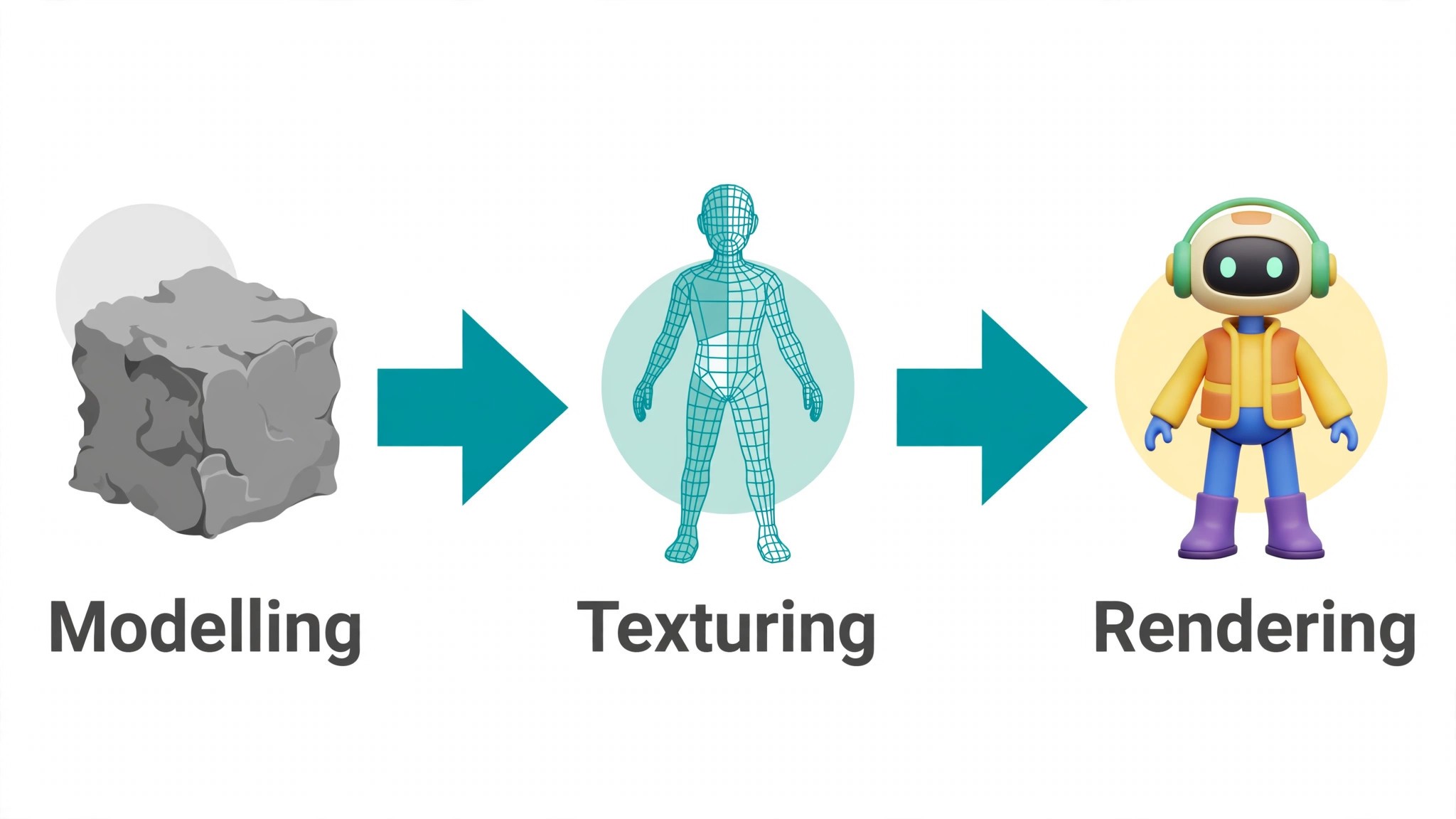
A 3D artist can spend a whole afternoon on a single asset, and the client still asks for three more versions before the end of the day. Modelling, texturing, retopology and rendering each take their turn, and the hours stack up long before the scene looks finished. The best ai tools for 3d artists take the slowest of those steps and shorten them, turning a blank viewport into a usable base mesh in minutes so the artist spends the saved time on the details that actually show.
The catch is that no single tool covers the whole pipeline well. A generator makes a rough model fast, a texturing tool makes it look real, and a web tool makes it viewable in a browser, and each one is built for a different part of the job. Buying the wrong one first means paying for a generator when the real bottleneck was textures, or the other way round.
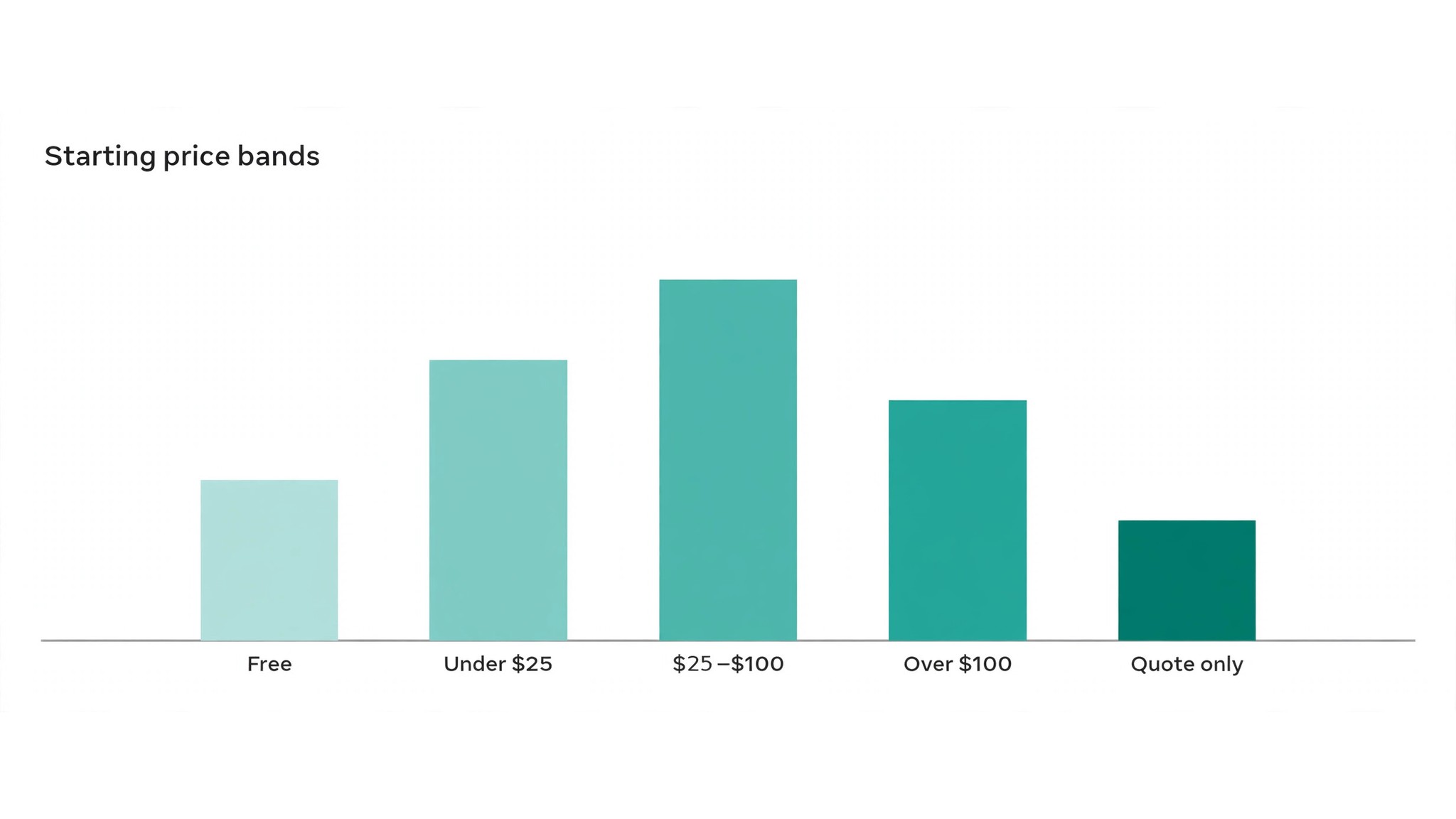
This guide compares eight tools on published starting prices, the 3D job each one does best and the limit that only shows up after the trial ends. Each price below is the published starting price as of late 2026 for 3D work, or marked pricing on request where the vendor publishes no rate. Skim the shortlist first, then read the reviews that match the 3D scene work you do most.
The Shortlist at a Glance
Use it to narrow the best ai tools for 3d artists to two or three candidates before you read the full reviews. Monthly list prices apply unless noted, and annual billing usually beats monthly billing for a solo artist or a small studio.
| Job | Best tool | Why it wins |
|---|---|---|
| Fast text-to-3D and image-to-3D generation | Meshy | Meshy turns a text prompt or a single image into a textured 3D model in under a minute, with |
| Quick image-to-3D conversion | Tripo | Tripo takes one image and returns a clean, textured 3D model with usable topology, and it does |
| Playful 3D generation and video | Luma AI Genie | Luma AI Genie generates 3D models from text and images inside a friendly interface, and it |
| Interactive 3D for the web | Spline | Spline is a browser-based 3D design tool that lets an artist build interactive scenes, product |
| Turning 2D art into game-ready 3D | Kaedim | Kaedim converts 2D concept art into production-ready 3D models with clean topology, aimed |
| High-detail 3D generation from images | Rodin | Rodin, from Hyper3D, generates detailed 3D models from images and text, with a focus on |
| Texturing and materials | Adobe Substance 3D | Adobe Substance 3D is the industry standard for texturing, with AI-assisted material |
| AI textures and game art | Scenario | Scenario lets a studio train its own AI models on its own art style, then generate textures, |
How We Chose the Best AI Tools for 3D Artists
A tool earned a place here only when it does a real 3D job well in 2026, not when it added an AI label to an old product. The best ai tools for 3d artists were judged on five things that decide whether an artist keeps paying after the first year.
Output quality came first, because a model that needs an hour of cleanup after generation has not saved anything. Next came the starting price and how it scales with generations or seats, then the export formats, since a tool that cannot hand a clean mesh to Blender or Maya forces rework on every asset. Fit with the existing pipeline came fourth, and the catch, from capped free tiers to quote-only enterprise pricing, came fifth.
| Check before you buy | What to ask | Why it matters |
|---|---|---|
| Published price | Is the rate on the pricing page | A hidden price is a hidden bill |
| Export formats | Does it hand a clean mesh to Blender or Maya | A bad export means rework on every asset |
| Free plan limits | Generation caps or watermarks on the free tier | A capped free plan cannot run a real brief |
| Licence terms | Who owns the generated model | A unclear licence blocks client work |
| Trial access | Can you test it on your own brief | A demo is not a trial |
| Contract terms | Monthly or annual, and what year two costs | Annual billing locks the price but not the need |
Tool by Tool
Materials are where a generated model usually fails the eye test. A shape can be perfect and still look wrong when the surface is flat, the roughness is even and the light has nothing to catch on. The texturing tool that adds wear, variation and imperfection is doing the work that makes a render believable, so judge it on a close-up, not on a thumbnail.
1. Meshy
Starting price A free tier is included, and paid plans begin at 20 dollars a month. Best for Fast text-to-3D and image-to-3D generation. Watch out The free tier caps generations, and complex models still need cleanup.
Meshy turns a text prompt or a single image into a textured 3D model in under a minute, with four styles that cover characters, props and environments. An artist can generate ten variations of a chair before lunch, pick the one with the right silhouette, and take it into Blender for the final pass, instead of modelling each version from a blank viewport.
At 20 dollars a month, Meshy is priced for fast text-to-3D and image-to-3D generation. The catch is the free tier caps generations, and complex models still need cleanup, so read the plan limits before you pay for a year. A trial on one real 3D scene tells you more than the pricing page, because output quality on your own material decides whether the subscription survives month two.
Support counts for more than the feature list, because the first problem usually lands in week one and slow help stalls your 3D scene work.
Judge the best ai tools for 3d artists on that same week of real work: the one that saves an hour a week earns its keep, and the one that needs constant correction never pays, whatever the price on the page.
2. Tripo
Starting price Free tier available, then Pro from 19.90 dollars a month. Best for Quick image-to-3D conversion. Watch out The topology needs retopology before the model is game-ready.
Tripo takes one image and returns a clean, textured 3D model with usable topology, and it does it fast enough to run through a whole mood board in an afternoon. The rigging and animation tools let an artist pose a character without leaving the platform, and the export covers the formats a game pipeline expects.
The starting price of 19.90 dollars a month puts Tripo in reach for quick image-to-3D conversion, and the paid tiers mostly add volume, seats or deeper integrations. Keep an eye on the topology needs retopology before the model is game-ready, since that is the limit buyers hit first. Test it on the hardest 3D scene you handle, not the easiest, and count the edits each output needs.
Cost the whole 3D work stack, not the headline number, and get every per-seat charge in writing before you sign.
3. Luma AI Genie
Starting price Free tier available, then paid plans from 9.99 dollars a month. Best for Playful 3D generation and video. Watch out The free tier is generous but the output can be rough on hard-surface objects.
Luma AI Genie generates 3D models from text and images inside a friendly interface, and it sits next to Luma Dream Machine, which turns the same prompts into short video clips. An artist can prototype a creature, spin it around in the viewer, and hand the client a moving preview the same day, which sells a concept faster than a still render.
Luma AI Genie starts at 9.99 dollars a month, which suits playful 3D generation and video. The thing to check first is the free tier is generous but the output can be rough on hard-surface objects, because that shapes the real cost once the team grows. Run a five-day trial on live 3D work, record the minutes saved and the fixes needed, and let that record decide whether the tool stays.
Compare it with the next tool on this list over one real week of 3D work, not against the polished demo the vendor shows.
4. Spline
Starting price Free tier available, then Pro from 12 dollars a month. Best for Interactive 3D for the web. Watch out Advanced export and team features need the higher Super plan.
Spline is a browser-based 3D design tool that lets an artist build interactive scenes, product viewers and animated web experiences without writing code. The AI features generate textures and materials from a prompt, and the result publishes straight to a website, so a client can spin the product around in their own browser.
For interactive 3D for the web, Spline at 12 dollars a month is a fair entry point, and the higher tiers add the controls a bigger team needs. The weak spot is advanced export and team features need the higher Super plan, so confirm it on a trial before signing anything annual. The real question is not whether the tool works, but whether it works on your 3D scene material, at your volume, without a rewrite.
An hour saved each week on real 3D work pays for the tool; constant correction never does, whatever the headline price.
5. Kaedim
Starting price Pricing on request. Best for Turning 2D art into game-ready 3D. Watch out The quote-only pricing and the learning curve on custom pipelines.
Kaedim converts 2D concept art into production-ready 3D models with clean topology, aimed squarely at game studios that need assets at scale. The on-device plugin keeps the work inside the artist’s own pipeline, and the team plan adds the review tools a lead artist needs to approve a batch before it ships.
Starting with a quote rather than a list price, Kaedim fits turning 2D art into game-ready 3D without a self-serve checkout. Watch for the quote-only pricing and the learning curve on custom pipelines, which is where the bill or the workflow usually surprises buyers. Give it one real week on 3D work, score it on time saved and edits needed, then compare that score with the next tool here before committing.
Before paying, run it on one real 3D scene from your own week and score the output against the time that same job took by hand.
6. Rodin
Starting price A free tier is included, and paid plans begin at 20 dollars a month. Best for High-detail 3D generation from images. Watch out The best results need several input images, not one.
Rodin, from Hyper3D, generates detailed 3D models from images and text, with a focus on characters and objects that hold up at close range. The multi-view generation keeps the back of the model consistent with the front, which is where single-image tools usually fall apart, and the textures arrive ready for a render.
Rodin opens at 20 dollars a month and is aimed squarely at high-detail 3D generation from images. The trade-off is the best results need several input images, not one, so check the tier that removes it and price that tier, not the headline. A tool that looks cheap on paper but runs slowly on a real 3D scene costs more than a pricier one that finishes the job first time.
The trial is the test that counts: one real 3D scene, timed, with the edits tallied before you decide anything.
7. Adobe Substance 3D
Starting price From 19.99 dollars a month. Best for Texturing and materials. Watch out The subscription only model, with the full collection costing more.
Adobe Substance 3D is the industry standard for texturing, with AI-assisted material generation that turns a photo or a prompt into a tileable PBR material. An artist can paint wear, dirt and damage onto a model with smart materials that react to the geometry, and the result drops straight into any renderer a studio already uses.
At 19.99 dollars a month, Adobe Substance 3D is priced for texturing and materials. The catch is the subscription only model, with the full collection costing more, so read the plan limits before you pay for a year. A trial on one real 3D scene tells you more than the pricing page, because output quality on your own material decides whether the subscription survives month two.
Ask the vendor what week one looks like for 3D work, who helps with setup, and what happens when the first output needs a fix.
8. Scenario
Starting price From 29 dollars a month. Best for AI textures and game art. Watch out Training a custom model takes time and a good dataset.
Scenario lets a studio train its own AI models on its own art style, then generate textures, props and characters that match the game instead of a generic look. The generation engine runs in the browser, the outputs are production-ready, and the style consistency is the reason art directors pick it over a general generator.
The starting price of 29 dollars a month puts Scenario in reach for AI textures and game art, and the paid tiers mostly add volume, seats or deeper integrations. Keep an eye on training a custom model takes time and a good dataset, since that is the limit buyers hit first. Test it on the hardest 3D scene you handle, not the easiest, and count the edits each output needs.
Check the export before committing, so your 3D scene work is never locked inside a system you later want to leave.
Reading the Comparison Table
The table below puts the best ai tools for 3d artists side by side on price, best job and free plan, so you can compare the published prices against the quote-only tools at a glance.
The quickest route through the table is by 3D scene. An artist who needs fast concept models should look at the generators first, while an artist whose renders look flat should look at the texturing tools, because the cheapest tool that fails on the first try costs more than a pricier one that delivers a usable asset.
| Tool | Starting price | Best for | Free plan |
|---|---|---|---|
| Meshy | Free tier available, then paid plans from 20 dollars a month | Fast text-to-3D and image-to-3D generation | Yes |
| Tripo | Free tier available, then Pro from 19.90 dollars a month | Quick image-to-3D conversion | Yes |
| Luma AI Genie | Free tier available, then paid plans from 9.99 dollars a month | Playful 3D generation and video | Yes |
| Spline | Free tier available, then Pro from 12 dollars a month | Interactive 3D for the web | Yes |
| Kaedim | Pricing on request | Turning 2D art into game-ready 3D | Trial |
| Rodin | Free tier available, then paid plans from 20 dollars a month | High-detail 3D generation from images | Yes |
| Adobe Substance 3D | From 19.99 dollars a month | Texturing and materials | Trial |
| Scenario | From 29 dollars a month | AI textures and game art | Trial |
Choosing Without Overspending
Start from the slowest part of your working week, not from the vendor homepage. Artists buried in modelling should buy the generator that clears that pile first, and artists losing hours to texture rework should buy the texturing tool before anything else. The tool that clears your slowest 3D scene bottleneck pays for itself first, and the rest can wait.
Cost the whole 3D work stack, not the headline number. A generator plus a texturing tool plus a web viewer can cost three subscriptions, so check whether one tool already covers two of your jobs. Ask for per-seat and per-generation charges in writing before signing, since those lines surprise small studios, and annual billing usually cuts about twenty percent off the monthly rate. The best ai tools for 3d artists on this list were priced at published starting rates, so the stack maths in the table below uses real numbers.
| Stack | Monthly cost | What it covers |
|---|---|---|
| Meshy alone | Lowest starting price | One tool for the main job |
| Meshy plus Tripo | Mid-range | Core tool plus a second specialist |
| Tripo plus Luma AI Genie | Mid-range | Specialist pair for a busy week |
| Meshy plus Luma AI Genie | Check the pricing page | Core tool plus a workflow specialist |
Best Pick by Job
Pick from the table below by the 3D job you do most each week. The best ai tools for 3d artists are not ranked by features alone; they are ranked by which job each one actually finishes, so the pick that matches your week is the pick that will still be in your stack a year from now.
| Your job | Best pick | Why it wins |
|---|---|---|
| Fast text-to-3D and image-to-3D generation | Meshy | Meshy turns a text prompt or a single image into a textured 3D model in under a minute, with |
| Quick image-to-3D conversion | Tripo | Tripo takes one image and returns a clean, textured 3D model with usable topology, and it does |
| Playful 3D generation and video | Luma AI Genie | Luma AI Genie generates 3D models from text and images inside a friendly interface, and it |
| Interactive 3D for the web | Spline | Spline is a browser-based 3D design tool that lets an artist build interactive scenes, product |
| Turning 2D art into game-ready 3D | Kaedim | Kaedim converts 2D concept art into production-ready 3D models with clean topology, aimed |
| High-detail 3D generation from images | Rodin | Rodin, from Hyper3D, generates detailed 3D models from images and text, with a focus on |
| Texturing and materials | Adobe Substance 3D | Adobe Substance 3D is the industry standard for texturing, with AI-assisted material |
| AI textures and game art | Scenario | Scenario lets a studio train its own AI models on its own art style, then generate textures, |
A Five-Day Trial That Tells the Truth
A trial tells an artist more in five working days than a month of reading reviews, but only when the trial runs on real work. Pick the two tools that look closest after the shortlist, run them side by side on the same brief, and score them on time saved, edits needed and how the output looks to a client. Never trial on a demo file, because a demo hides the rough edges real work exposes. The best ai tools for 3d artists are judged on the same five days, so the comparison stays fair.
| Day | What to test | What good looks like |
|---|---|---|
| Day 1 | Setup and first real 3D model | Working in under an hour, no IT ticket |
| Day 2 | The hardest 3D model you do | Output needs light edits, not a rewrite |
| Day 3 | Integration with your core system | Data flows without double entry |
| Day 4 | A colleague tries it cold | They finish a job without asking for help |
| Day 5 | Count the time and the cost | Hours saved beat the monthly price |
Keep a simple log through the trial week, noting the daily 3D scene, the minutes it took, the edits made and whether the output could go out unchecked. When the week ends, the 3D work log is the decision. The tool with the best 3D work log wins, even when it was not the expected favourite, because the log measures your own work, not the vendor demo.
Mistakes That Waste the Budget
Mistake one is picking the cheapest plan when the feature your 3D work needs sits two tiers up. Read every tier on the pricing page and pay for the one that handles the daily 3D scene, not the one that looks cheap. Mistake two is rolling out to the whole studio before one artist has tried the tool for a week, since a favourite of one and a burden to five is a cost, not a system.
The third mistake is skipping the export test. Ask for the export formats, read the licence terms and check who owns the generated model before the first real asset goes through the tool, because fixing ownership after the fact costs far more than checking it first. The fourth mistake is judging the tool on its best day, so trial it on the hardest brief and let the hard brief decide.
Timing matters more than most buyers expect. A tool bought in the middle of a deadline week never gets a fair trial, because nobody has an hour to learn it, so the subscription renews before anyone has judged it. Buy at the start of a quiet week, give one artist the trial, and set a date to decide, or the tool becomes a line on the card statement that nobody owns.
Rollout is where studios waste the most money. One artist adopts a tool, three others keep the old workflow, and the studio pays for both. Pick one owner for the new tool, let that person write down the workflow in a single page, and only then roll it out to the rest of the team, with the old workflow retired on the same day.
File formats decide more than features do. A generator that exports clean FBX or glTF slots straight into your pipeline, while one that exports only its own format adds a conversion step to every asset. Check the export list on the pricing page before you pay, and test one export end to end on the trial, from generation to render, so there are no surprises in week two.
Questions 3D Artists Ask First
Which tool gives a 3D artist the cheapest good start?
Meshy is the cheapest credible start on this list at 20 dollars a month, with Tripo close behind at 19.90 dollars a month. Start with the job you do most each week, trial the free tier on a real brief, and add a specialist only when the general tool cannot do a job you are paid to do. That is the cheapest route to a 3D stack, with no payment for features never used.
Can a studio keep AI output from looking generic?
It will look generic when an artist publishes the generated model unchanged. AI tools draft a usable base, but the proportions, the materials and the judgement still come from the artist doing the work. Use the AI to beat the blank viewport, then change the silhouette, the texture and the lighting, so the result sounds like your studio and not the tool.
For a solo artist, which 3D tool wins?
Spline is the pick for a solo artist who works for the web, starting at 12 dollars a month with almost no setup, while Meshy at 20 dollars a month is the strongest all-round generator as the work grows. Buy the tool that fixes your slowest weekly 3D scene job first, and add a second only when a specific limit starts costing time.
How much will a small studio spend on 3D AI tools in year one?
Plan on 20 to 50 dollars a month in year one for a general tool such as Meshy, rising to 100 to 200 dollars a month with a specialist such as Adobe Substance 3D added. Multiply the headline price by headcount when you pay per seat on a 3D scene tool, since those charges surprise buyers. Price the whole stack and trial each tool on real work before signing an annual contract.
Do these 3D tools offer a trial before payment?
Most tools on this list offer a free plan or a free trial, and Meshy, Tripo and Luma AI Genie all let artists test on real work before paying. Use the trial on the job you do most, not on a demo, and count the time saved and the edits each output needs. A trial across a real week of 3D work tells you more than a sales call.
The Bottom Line
If you buy one tool this quarter, pick Meshy for fast generation or Spline when your work lives on the web. Meshy is the easiest place to start at 20 dollars a month, and Spline is the cheapest way to ship interactive 3D at 12 dollars a month. The best ai tools for 3d artists earn their keep by giving you back the afternoon between briefs, and both of these do that from the first week.
Whatever you pick, trial it on a real brief, count the models it produces and the cleanup each one needs, and keep a human eye on every generated asset before it reaches a client. Every generator here can produce client-ready 3D work. The difference is whether the generator matches the models you actually make, and whether you measure the return in hours saved and assets shipped rather than in features used.