
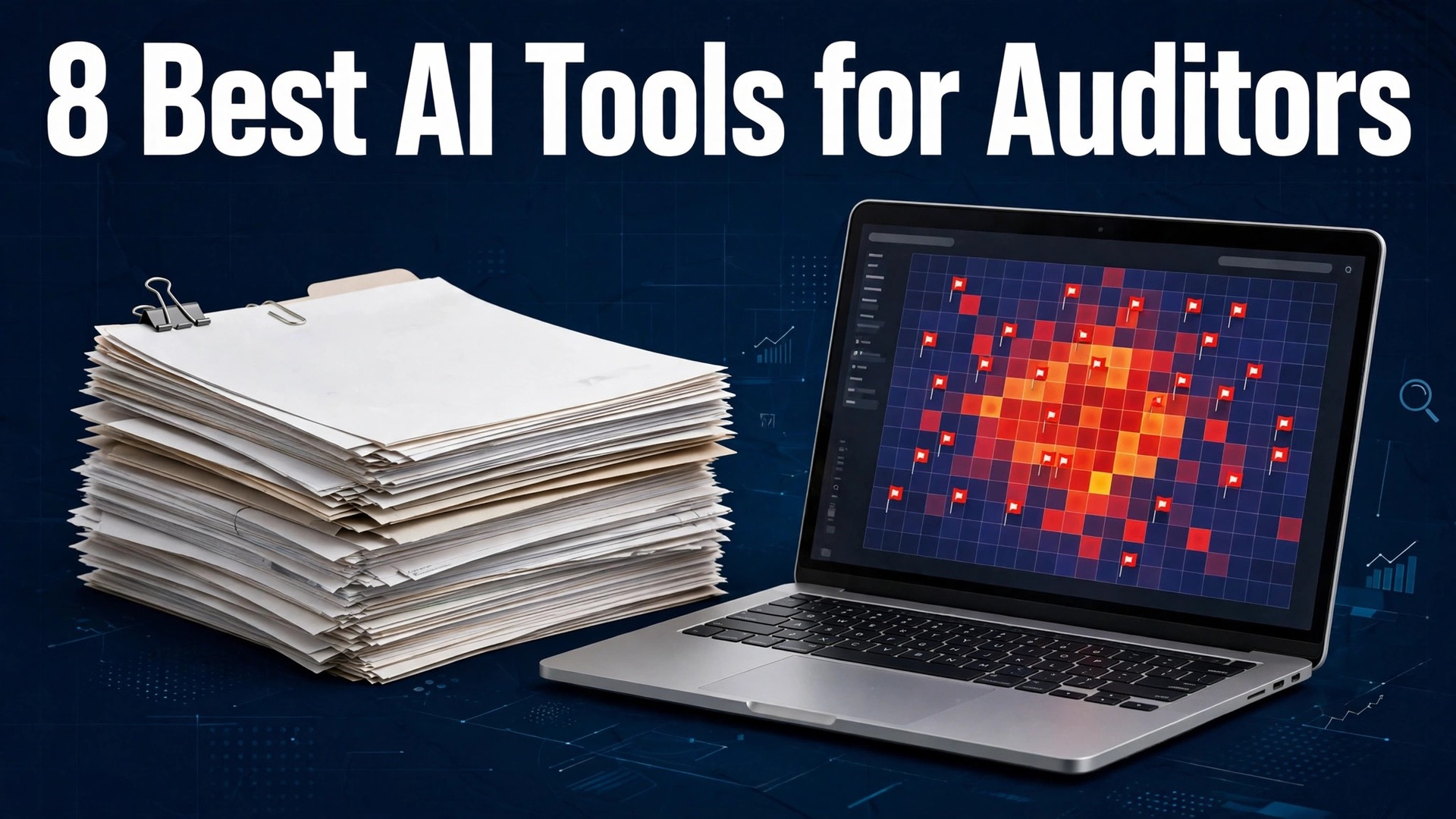
Sampling is the oldest compromise in auditing. A team tests a fraction of the transactions, finds nothing wrong in the sample, and signs off hoping the fraud was not in the part nobody looked at. The best ai tools for auditors change that bargain, because machine learning can now score every transaction in a ledger, flag the unusual ones, and leave a trail a reviewer can follow. The sample is no longer the limit.
This guide compares eight tools on published prices, the audit job each one does best and the catch that only shows up after the trial ends. Most audit vendors quote custom prices, so where a vendor does not publish a number we say so plainly, and where third-party reports put a figure on it we label it as reported rather than published. Start with the shortlist, then read the reviews that match the audit work you do most.
A firm does not need eight audit tools. One document extraction tool plus one analytics platform covers most engagements, and a third tool only earns its place when it fixes a specific weekly pain, such as scoring a whole ledger or running the full engagement in one system. Each review below names the daily audit job its tool does best, so pick two and stop shopping. The best ai tools for auditors reward firms that match the tool to the engagement, not firms that buy the biggest platform.
The Shortlist, Summed Up
The table below matches each common audit job to the single tool that handles it best. Use it to narrow the best ai tools for auditors to two or three candidates before you read the full reviews.
| Job | Best tool | Why it wins |
|---|---|---|
| Full-population anomaly detection | MindBridge | Machine learning scores every transaction |
| Deep data analytics | Caseware IDEA | The veteran analytics tool for audit testing |
| Evidence work inside Excel | DataSnipper | Document extraction and cross-referencing |
| Full engagement platform | CaseWare | Planning, fieldwork and statements in one cloud |
| Document extraction on a budget | Lido | Reads any audit evidence from 29 dollars a month |
| Risk and controls platform | AuditBoard | Workflow automation with risk assessment |
| Modern engagement management | Fieldguide | Cloud advisory and audit workflow |
| AI-native audit platform | Inflo | Automated testing and risk assessment |
How We Chose the Best AI Tools for Auditors
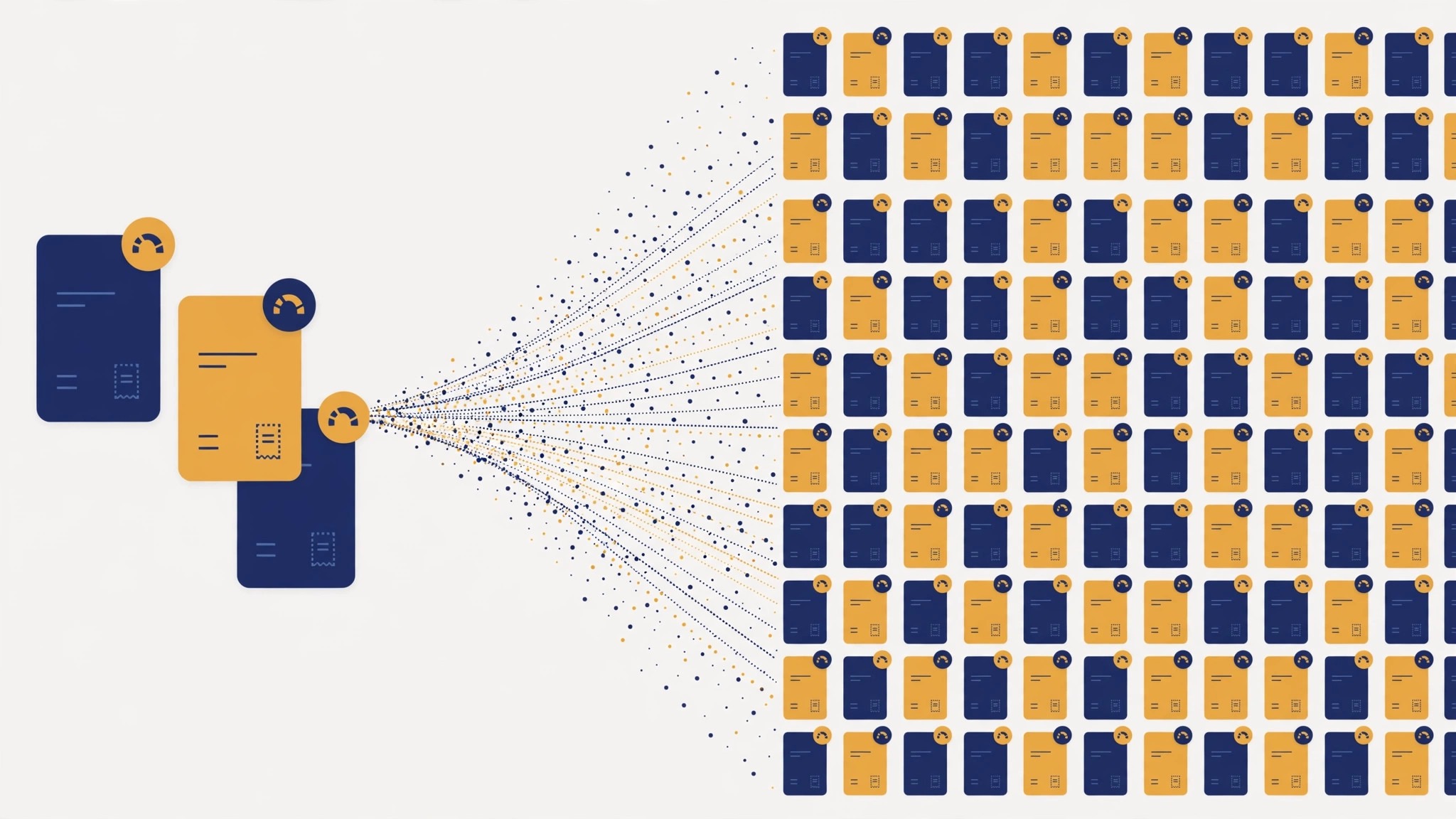
A tool earned a place here only if it does a real audit job in 2026, not if it added an AI label to a filing cabinet. The tools were judged on five things that decide whether a firm keeps paying after the first year. First, the audit job it does, from scoring a ledger to running the whole engagement, because a tool that does one job well beats a platform that does five jobs poorly.
Second, the audit trail, because an AI result that cannot be explained to a reviewer or a regulator is worse than no result at all. Third, accuracy on real documents, because a tool that misreads a financial statement creates work instead of saving it. Fourth, how it fits the firm’s existing workflow, from Excel to the engagement platform. Fifth, the catch, from per user prices that climb with every hire to enterprise contracts that need a sales cycle.
The best ai tools for auditors were also checked for what they cannot do. No tool on this list exercises professional judgement on materiality, evaluates a novel transaction such as a merger, or interprets a regulation for an ambiguous situation. The AI finds the unusual items and does the heavy reading. The auditor still decides what they mean, and any vendor that suggests otherwise is selling a promise the profession does not allow.
| Check before you buy | What to ask | Why it matters |
|---|---|---|
| Audit trail | Every AI result explainable and logged | A reviewer must be able to re-perform the test |
| Full population | Scores 100 percent of transactions | Sampling misses what the full population catches |
| Document accuracy | Reads statements, invoices and contracts | Misread evidence creates rework |
| Workflow fit | Works inside Excel or your platform | A tool outside the workflow gets ignored |
| Pricing model | Per user, per engagement or flat | Per user pricing climbs with every hire |
| Security | SOC 2 and data handling terms | Client data needs a signed agreement |
Tool by Tool

1. MindBridge
Starting price Pricing on request. Best for Full-population anomaly detection. Watch out Enterprise pricing, and the value only shows at scale.
MindBridge is the anomaly detection specialist, and it does one thing no sampling plan can do: it scores every journal entry and transaction in a ledger by risk, using unsupervised machine learning that learns what normal looks like for that client. The unusual entries rise to the top with an explanation attached, so an auditor starts fieldwork with a ranked list of risks instead of a random sample. For a firm running twenty or more engagements a year, that ranking is the whole value.
What stands out is how deep the analysis goes. Full-population testing finds the risks that sampling misses, and the risk scores give a reviewer a clear trail from flag to evidence. The catch is the price, which is quoted per engagement and sits in enterprise territory, with third-party reports putting entry near 500 dollars a month. Small one-off audits will not justify it. A mid-sized firm or internal audit team with recurring engagements will.
2. Caseware IDEA
Starting price Pricing on request. Best for Deep data analytics. Watch out A steep learning curve, and the price needs a quote.
Caseware IDEA has been in audit analytics longer than any rival on this list, and it remains the workhorse for full-population testing. It imports data from almost any source, runs the classic audit tests, joins, duplicates, gaps, Benford analysis, and lets an analyst script the tests that repeat every year. For a firm that needs deep data analytics it can defend to a reviewer, that history is the whole value.
The strength is the function library and the audit trail. Every test is documented, repeatable and explainable, which is exactly what a reviewer wants to see. The catch is the learning curve: IDEAScript and the built-in functions take real training, and pricing is quoted per firm, with public contract records putting a single licence near 5,000 pounds a year. It is a specialist tool, and it pays to treat it as one.
3. DataSnipper
Starting price Pricing on request. Best for Evidence work inside Excel. Watch out Quoted per auditor, so the bill grows with the team.
DataSnipper works inside Excel, which is where most auditors already live, and it automates the document work that eats fieldwork hours. It extracts data from invoices, contracts and statements, cross-references the figures against the ledger, and ties each number back to its source document with a click. For an auditor drowning in evidence, that cross-referencing is the whole value, because the tie-out that took an afternoon now takes minutes.
The strength is the low barrier to entry. There is no new platform to learn, the tool sits in the spreadsheet the team already uses, and a new auditor is productive in a day. The catch is the pricing, quoted per auditor, with third-party reports putting it near 200 dollars a month per user. It is the most accessible entry point into AI audit automation, and for a small firm it is often the only tool needed.
4. CaseWare
Starting price Pricing on request. Best for Full engagement platform. Watch out Enterprise pricing, and a platform-sized implementation.
CaseWare is the full engagement platform, covering risk-based planning, fieldwork, journal entry testing and financial statement preparation in one cloud environment. Its AI layer, Caseware Verity, embeds engagement-aware intelligence that automates disclosure checklists and drafts sections of the file. For a firm that wants one methodology across offices and engagements, that consistency is the whole value.
The strength is coverage. One system carries the engagement from planning to sign-off, so nothing is lost between tools and every office works the same way. The catch is the enterprise pricing and the implementation effort: this is a platform decision, not a tool purchase, and per user costs typically run into thousands a year. A multi-office firm will earn it back in consistency. A solo practitioner will not.
5. Lido
Starting price From 29 dollars a month. Best for Document extraction on a budget. Watch out Extraction only, with no built-in audit decisioning.
Lido is the budget pick for document extraction, and it earns that place by reading audit evidence with unusual accuracy. It extracts data from financial statements, contracts, confirmations and invoices in any format, and outputs structured data to spreadsheets, with no templates to build first. For a firm that needs evidence into a workable format fast, that accuracy is the whole value, and the price starts at 29 dollars a month.
The draw here is the price, helped by a free tier. A small firm can start extracting the same week it signs up, and the accuracy on varied document formats beats tools that cost ten times more. The catch is scope: Lido extracts documents, it does not run audit tests or score risk, so it pairs with an analytics tool rather than replacing one. For evidence gathering on a tight budget, it is the clearest value on this list.
6. AuditBoard
Starting price Pricing on request. Best for Risk and controls platform. Watch out Enterprise pricing, and the AI features sit on higher tiers.
AuditBoard is the platform for audit, risk and controls work at scale, with workflow automation that carries an engagement from risk assessment through testing to reporting. Its AI features draft test procedures, summarise evidence and flag control gaps, which cuts the administrative load that slows large teams. For an internal audit department running a full risk program, that workflow is the whole value.
The strength is the breadth of the platform. Risk registers, control testing, issue tracking and reporting share one system, so a finding in fieldwork flows into the report without retyping. The catch is the enterprise pricing, with third-party reports putting entry near 1,000 dollars a month, and the fact that the deepest AI features sit on higher tiers. A large team will use the breadth daily. A small firm will pay for rooms it never enters.
7. Fieldguide
Starting price Pricing on request. Best for Modern engagement management. Watch out Newer platform, so the ecosystem is smaller than CaseWare.
Fieldguide is the modern cloud platform for advisory and audit engagements, built around AI-assisted workflows rather than adapted to them. It drafts engagement plans, automates request lists, tracks evidence collection and uses AI to summarise what came back, so a team spends fieldwork on judgement instead of chasing documents. For a firm modernising its engagement workflow, that design is the whole value.
The strength is the experience. The interface is built for the way engagements actually run, and the AI drafting cuts the setup time for each new client. The catch is maturity: Fieldguide is newer than CaseWare, so the template library and the third-party ecosystem are smaller, and pricing is quoted per firm. A firm starting fresh will find it easier to adopt than a legacy platform. A firm with twenty years of CaseWare templates will count the migration cost.
8. Inflo
Starting price Pricing on request. Best for AI-native audit platform. Watch out Quote-based pricing, and the firm must be ready to change its methodology.
Inflo is an AI-native audit platform that automates the testing itself, ingesting client data, running risk assessment and substantive tests, and drafting the working papers that follow. Its approach suits firms that want the audit to start from the data rather than from last year’s file, because the tests are driven by what the ledger actually contains. For a firm ready to rethink its methodology, that automation is the whole value.
The strength is the depth of automation. Inflo covers more of the engagement than a point tool, from data ingestion to draft papers, which is why firms that adopt it report the largest time savings. The catch is the commitment: the pricing is quoted, and the platform asks the firm to change how it works, not just which tool it opens. A firm that wants a quick win should start with DataSnipper or Lido. A firm that wants a new methodology should trial Inflo.
The Tools, Head to Head
The table below puts the best ai tools for auditors side by side on price, best job and free plan. Custom quotes are the norm, so judge the core audit task first and budget for a sales conversation before committing.
| Tool | Starting price | Best for | Free plan |
|---|---|---|---|
| MindBridge | Pricing on request | Full-population anomaly detection. | No |
| Caseware IDEA | Pricing on request | Deep data analytics. | No |
| DataSnipper | Pricing on request | Evidence work inside Excel. | No |
| CaseWare | Pricing on request | Full engagement platform. | No |
| Lido | 29 dollars a month | Document extraction on a budget. | Yes |
| AuditBoard | Pricing on request | Risk and controls platform. | No |
| Fieldguide | Pricing on request | Modern engagement management. | No |
| Inflo | Pricing on request | AI-native audit platform. | No |
Read the table by audit use case, not by price, and the cheapest fit shows first. A 29 dollar extraction tool that saves an afternoon of evidence work is worth more than an enterprise platform the team never opens, because the saving is measured in hours, not in features. A firm that runs twenty engagements a year saves twenty afternoons with the right extraction tool, which is worth far more than the gap between the cheapest and the dearest plan. Read the best-for column first, then check the price, and the right audit tool itself is usually obvious in under a minute.
Best Pick by Job
The best ai tools for auditors split cleanly by the size of the firm and the shape of the engagement. Match your situation to the row below and the choice makes itself.
| Job | Pick | Why |
|---|---|---|
| Solo auditor, tight budget | Lido | Extraction from 29 dollars a month, with a free tier |
| Small firm, Excel workflow | DataSnipper | Evidence work inside the spreadsheet the team already uses |
| Mid-sized firm, many engagements | MindBridge | Full-population scoring that sampling cannot match |
| Deep analytics specialist | Caseware IDEA | The veteran tool for defensible full-population tests |
| Multi-office firm | CaseWare | One methodology across every office and engagement |
| Internal audit department | AuditBoard | Risk, controls and workflow in one platform |
If you buy one tool this quarter, buy the one that matches the engagement you run most often, not the one with the longest feature list. An extraction tool plus an analytics platform covers nearly every firm, and the third tool only earns its place when it fixes a pain the first two cannot touch.
A 30-Day Rollout Plan for Your First AI Audit Tool
Rolling out an audit tool in the middle of busy season is how good software gets blamed for bad timing. A thirty-day pilot on one live engagement, run alongside the old method, gives the team evidence instead of opinions. Week one is setup: pick one engagement, one tool, and one auditor to own the pilot, and agree in advance what success looks like, such as hours saved per engagement or anomalies found that sampling missed.
Week two is the parallel run. The auditor completes the engagement the usual way and runs the AI tool alongside it, comparing the results line by line. This is where the team learns whether the tool reads their documents accurately, whether its flags are useful, and whether the audit trail would satisfy a reviewer. Write down every audit work mismatch, because the pilot report is built from them.
Week three is the review. The engagement partner reads the pilot file as if it were a real review, checking whether each AI result is explainable and documented well enough to stand up. If the trail is thin, that is a finding about the tool, not about the auditor. Week four is the decision: roll the tool out to the next three engagements, keep it on one, or drop it and trial the next candidate. A firm that follows this plan never has to argue about whether the tool works, because the file answers the question.
What to Pilot First, and How to Prove It
The first AI tool a firm buys should be the one whose saving is easiest to measure, and that is usually document extraction. Pick one live engagement, one auditor to own the pilot, and agree in advance what success looks like: hours saved per engagement, or anomalies found that sampling missed. A pilot with a number attached is a decision. A pilot without one is an opinion, and opinions do not survive a partners meeting.
Run the pilot alongside the old method, not instead of it. The auditor completes the engagement the usual way and runs the AI tool in parallel, comparing the results line by line. This is where the firm learns whether the tool reads its documents accurately, whether its flags are useful, and whether the audit trail would satisfy a reviewer. Write down every mismatch, because the pilot report is built from the mismatches, not from the successes.
The review is the partner’s job, not the vendor’s. The engagement partner reads the pilot file as if it were a real review, checking whether each AI result is explainable and documented well enough to stand up. If the trail is thin, that is a finding about the tool, not about the auditor, and it should be recorded as such. A tool that cannot show its working will not survive a regulatory inspection, however impressive its demo was.
Budget the pilot honestly. A thirty-day pilot costs the auditor’s time plus the trial subscription, and the firm should count both. Compare that cost against the hours the tool saved on the pilot engagement, multiplied by the engagements the firm runs in a year. If the maths works on one engagement, it works at scale. If it does not, the firm has spent a month learning, which is cheaper than spending a year paying for a tool nobody uses.
Document the AI the way you document a test. Every working paper that relies on an AI result should record which tool ran, what data it read, what it produced, and what the auditor did with the result. That record is what a reviewer re-performs, and it is what separates a defensible file from a file that depends on a black box. A firm that documents the AI use as carefully as it documents a sample selection will never have to defend the tool in the abstract, because the file shows exactly what happened on that engagement.
Train the team on the tool before the pilot, not during it. A half-day session where the auditor runs the tool on a past engagement, with the answers already known, teaches the interface without the pressure of a live deadline. The auditor learns where the tool is strong, where it needs checking, and how long the review really takes. A team that trains first pilots well, and a team that pilots without training blames the tool for what was really a learning curve.
| Pilot step | What to do | Who owns it |
|---|---|---|
| Pick one engagement | Choose a typical client and a typical scope | Engagement partner |
| Agree the success number | Hours saved or anomalies found | Engagement partner |
| Run in parallel | Complete the engagement both ways | Pilot auditor |
| Partner review | Read the file as a real review | Engagement partner |
| Decide | Roll out, keep on one, or drop it | Partners meeting |
Your Questions, Answered
What is the best AI tool for auditors
There is no single best tool, because the right answer depends on the job. MindBridge is the strongest pick for full-population anomaly detection, DataSnipper is the best fit for evidence work inside Excel, and Lido is the best value for document extraction at 29 dollars a month. A firm that runs the full engagement in one system should look at CaseWare, while a firm that wants deep analytics should look at Caseware IDEA. Start from the engagement you run most often, then match the tool to it.
How much do AI audit tools cost
Most audit vendors quote custom prices, so budget for a sales conversation. The published exceptions are Lido, from 29 dollars a month, and the reported figures for the rest: MindBridge near 500 dollars a month, DataSnipper near 200 dollars a month per user, and AuditBoard near 1,000 dollars a month. Per user and per engagement pricing climbs with the team, so ask for the annual total in writing, including every seat, before you compare two vendors.
Can AI replace an auditor
No vendor on this full audit list claims it can. AI scores transactions, reads documents and drafts working papers, but it cannot exercise professional judgement on materiality, evaluate a novel transaction, or interpret a regulation for an ambiguous situation. The best ai tools for auditors make the auditor faster and more thorough, and the auditor still decides what the findings mean. Any tool that suggests otherwise is selling a promise the profession does not allow.
Is client data safe with AI audit tools
It depends on the vendor’s terms, so check before you upload a ledger. Look for SOC 2 certification, a signed business associate or data processing agreement, and a clear statement that client data is not used to train models. The tools on this list that serve regulated firms publish these terms, and a firm should never upload client data to a consumer AI product that does not sign an agreement.
Which tool works inside Excel
DataSnipper is built for Excel, running its extraction and cross-referencing inside the spreadsheet auditors already use. Caseware IDEA also exports its results to Excel, and Lido outputs structured data to spreadsheets. If your team lives in Excel and will not move, DataSnipper is the natural first purchase, because there is no new platform to learn and no workflow to change.
How do I prove AI results to a reviewer
Keep the trail: the raw data, the test the AI ran, the result it produced, and the auditor’s review of that result. A reviewer must be able to re-perform the test, so a tool that cannot show its working is a liability. MindBridge attaches explanations to its risk scores, Caseware IDEA documents every test, and DataSnipper ties each figure back to its source document. Whatever tool you choose, pilot it on one engagement and have the partner review the file before you roll it out.
How long does it take to roll out an AI audit tool
A pilot takes thirty days on one live engagement, and a firm-wide rollout takes a quarter after that. The best ai tools for auditors are adopted fastest when the pilot is run alongside the old method, because the team can compare the results line by line and the partner can review the file before committing. Rushing the rollout in busy season is how good software gets blamed for bad timing, so schedule the pilot for a quiet month and the rollout for the quarter after.
The Short Answer
If you buy one tool this quarter, buy Lido if your bottleneck is evidence, and DataSnipper if your bottleneck is the tie-out inside Excel. Lido costs 29 dollars a month and reads documents with accuracy that embarrasses tools ten times its price, while DataSnipper is the most accessible way into AI audit work for a firm that lives in spreadsheets. The best ai tools for auditors earn their keep by giving you back the fieldwork hours that evidence used to eat, and both of these do that from the first engagement.
Whatever you pick, pilot it on one live engagement, run it alongside the old method, and let the partner review the file before you commit. The tools on this list all work. The difference is whether the tool matches the engagements you actually run, and whether you measure the return in hours saved and risks found rather than in features used. The tools still in the audit work stack a year from now are the ones that passed that test.