
What actually separates a 10 dollar image tool from a 60 dollar one? The answer is not the number of images you get, because most plans give you more than you will use. The difference is what happens when the prompt gets hard, when the image needs readable text, a consistent face, a transparent background or a print-ready file. We ran the best ai image generators through the same prompt, a market stall at golden hour with a readable sign, and compared the results on quality, text, editing, price and commercial terms.
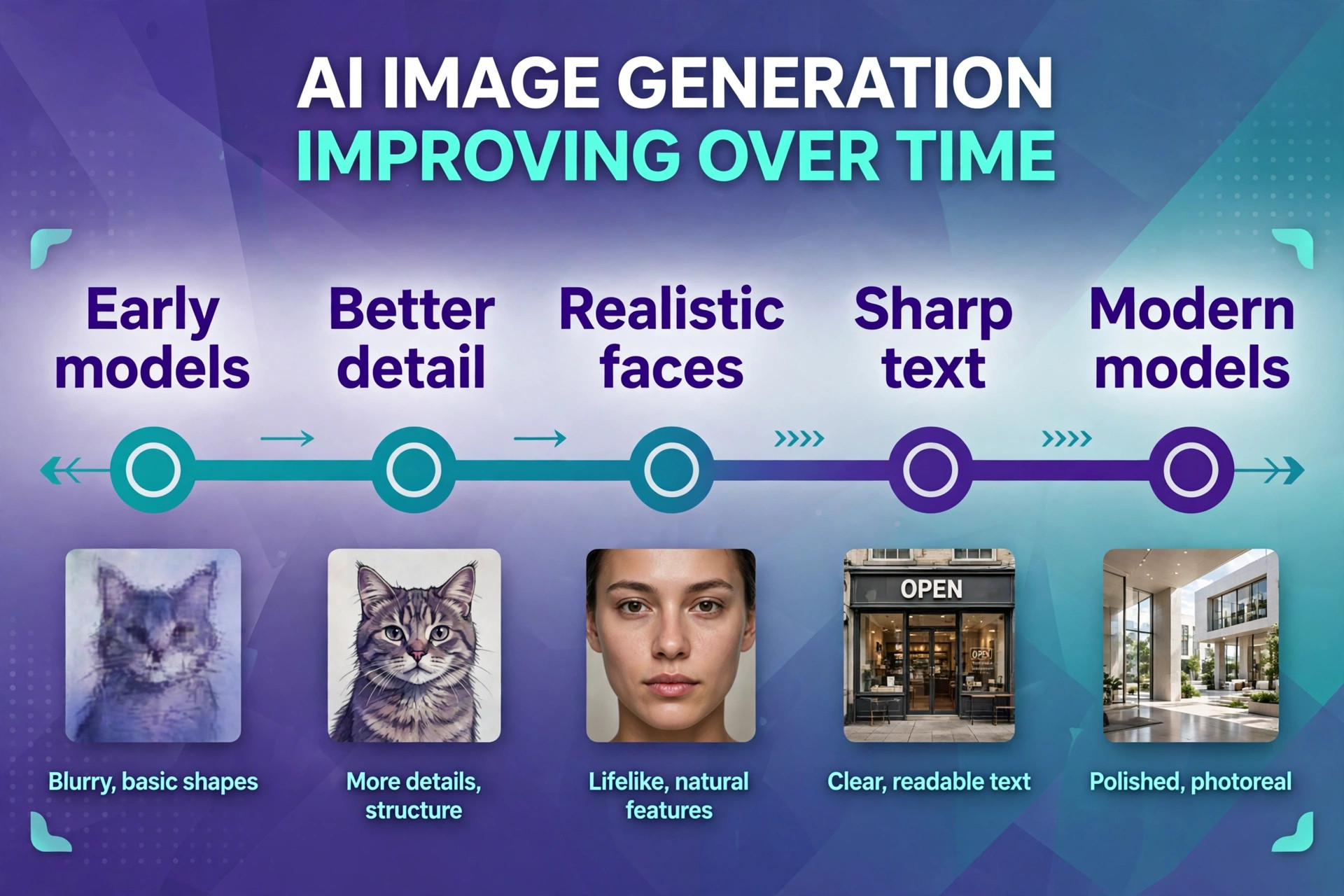
The field changed fast in 2026. OpenAI GPT Image 2 holds the lead on the Artificial Analysis image arena, Google Nano Banana models passed 50 billion generated images, and Black Forest Labs shipped FLUX.2 with open weights you can run locally. The practical result is that the gap between free and paid tools shrank, while the gap between general tools and specialists grew. This guide shows where each tool wins, what it costs, and which one fits the job you actually have.
How We Compared 13 Generators
We used one prompt for every tool so the results could be compared fairly. The prompt described a market stall at golden hour, with wooden crates of oranges, a striped awning and a hand painted sign reading Fresh Oranges, plus a request for warm light and a photorealistic style. Each tool received the same words, and we judged the first image it produced before any editing, because the first image is what you actually pay for when you choose a generator.
We scored each tool on five points, and the best ai image generators win on text and editing. Image quality covered detail, light and realism at full size. Text rendering covered whether the sign read Fresh Oranges or a jumble of invented letters. Editing covered whether we could change part of the image without regenerating the whole thing.
Price covered the true monthly cost of a usable plan, not the free preview. Commercial terms covered the license, the free plan limits and any revenue rule that changes the price for a business. Prices were checked against vendor pricing pages and current 2026 roundups in November 2026, and you should confirm the price on the checkout page before you pay, because plans change often.
The Best Pick for Each Job
| Job | Pick | Why it wins |
|---|---|---|
| The best looking images | Midjourney | The strongest default style |
| Images with readable text | Ideogram | Text that actually spells right |
| Free image generation | Google Gemini | Free with generous limits |
| Brand safe commercial work | Adobe Firefly | Licensed training data |
| Vector and brand styles | Recraft | True SVG output |
Use this table as a shortcut, then read the full section for the generator you are leaning toward. The best looking tool is not the best choice when the image needs text, and the cheapest tool is not the best value when its free images cannot be used commercially. The right pick depends on the image you need and the license you need with it.
The Best AI Image Generators in 2026, Same Prompt Compared
The 13 tools below fall into three groups. The first group is the paid specialists, which produce the best images and charge a monthly fee. The second group is the free and freemium tools, which cover most everyday jobs at no cost. The third group is the open and API tools, which suit developers and anyone who wants to run a model locally. We ordered the guide by how many readers each tool will serve well, starting with the tools most people should try first.
1. Midjourney
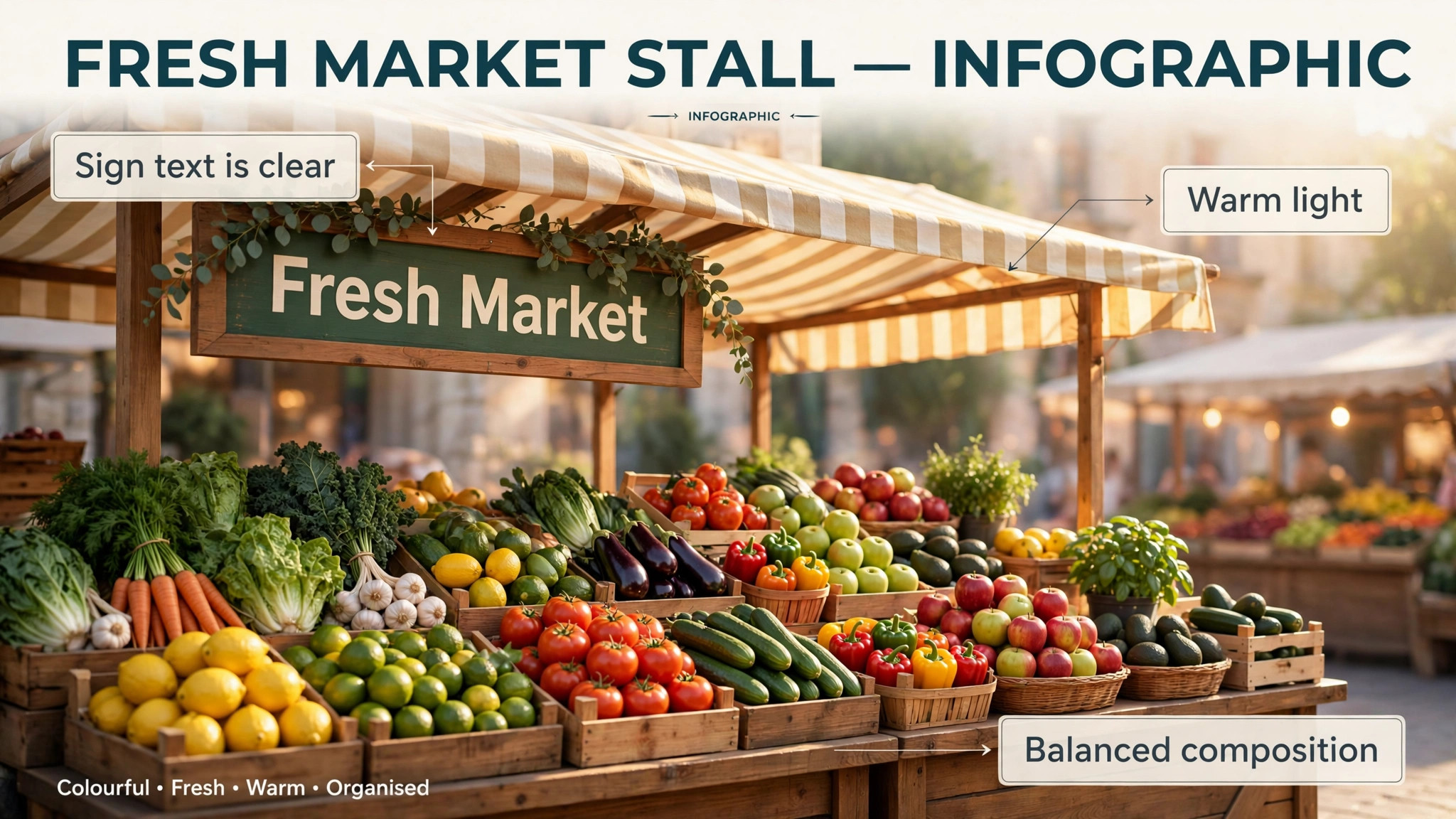
Midjourney still makes the best looking images of any tool on this list, with a default style that turns a short prompt into a polished, atmospheric picture. Our market stall test produced warm light, believable crates and a composition that needed no editing, though the sign text came out garbled, which is the known weakness. The tool runs on the web and in Discord, and version 8.2 became the default model in July 2026. The community gallery is a real advantage, because you can learn from public prompts and see what the model does well before you spend credits.
Pricing starts at 10 dollars a month for the Basic plan with about 3.3 hours of fast GPU time, and Standard costs 30 dollars a month with 15 hours. Pro costs 60 dollars a month with 30 hours and private mode, and Mega costs 120 dollars a month with 60 hours. Yearly billing saves 20 percent on every plan, and extra fast GPU time costs 4 dollars an hour. There is no free plan, and a company earning more than 1 million dollars a year must buy Pro or Mega for commercial use. Midjourney fits concept art, book covers, mood boards and any image where the look matters more than the text.
2. ChatGPT with GPT Image
ChatGPT with GPT Image is the easiest generator on this list to use, because you describe the picture in plain chat and edit it by talking back. Our market stall test produced a clean, well composed image with the sign spelled correctly, which is a real strength, and asking for a warmer sky repainted the image without losing the crates. GPT Image 2 holds the lead on the Artificial Analysis image arena, which matches what we saw in the test, because the model follows detailed instructions better than its rivals.
Pricing is tied to the ChatGPT plan. The free tier generates images with limits, Plus costs 20 dollars a month with higher limits, and higher plans exist for teams and heavy users. The image tool is not sold separately, so the 20 dollar price buys chat, image generation and the other Plus features together. That makes it the best value when you already pay for ChatGPT, and a harder sell when you only need images. ChatGPT fits everyday images, social posts, edits and anyone who prefers a conversation to a settings panel.
3. Google Gemini with Nano Banana
Google Gemini with Nano Banana is the strongest free option on this list, and the best tool for editing a photo while keeping faces consistent. Our market stall test produced a bright, clean image with the sign spelled correctly, and editing the photo by chat, such as changing the awning colour, worked without disturbing the rest of the scene. Google reported that Nano Banana models had generated more than 50 billion images by its 2026 developer conference, which explains why the model feels so practiced at everyday scenes.
Image generation and editing are available on the free plan with rate limits, and the paid Google AI Plus plan costs 4.99 dollars a month with higher limits. That is the cheapest paid tier on this list by a wide margin, and it makes Gemini the best starting point for anyone who wants to test AI images without paying. The trade off is less stylistic range than Midjourney and fewer professional controls than Leonardo, but for most everyday images the free plan is enough. Gemini fits casual use, photo edits and anyone who already lives in Google apps.
4. Adobe Firefly
Adobe Firefly is the safest choice for brand teams, because Adobe positions its own model output as safe for commercial use, and the tool sits inside Photoshop, Illustrator and Express. Our market stall test produced a clean, professional image with good light, though less atmosphere than Midjourney, and the sign text was readable. The real advantage is the workflow, because you can generate an image, open it in Photoshop, use Generative Fill to change part of it, and export for print without leaving the Adobe apps.
Pricing starts with free daily generations and no plan needed, though the daily allowance is not published. The Standard plan costs 9.99 dollars a month for 2,000 generative credits, Pro costs 19.99 dollars for 4,000 credits, Pro Plus costs 49.99 dollars for 10,000 credits, and Premium costs 199.99 dollars for 50,000 credits. Firefly also gives you access to partner models inside one app, which is useful when the Adobe model is not the right fit. Firefly fits designers, brand teams and anyone who needs output their legal team will accept.
5. Ideogram
Ideogram is the best tool on this list when the image contains words, because it renders readable text more reliably than any rival. Our market stall test produced the only sign that read Fresh Oranges perfectly on the first try, with clean lettering and a natural painted look. The tool also handles posters, logos, memes and any image where typography is the point, and the interface is simple enough for a first time user to get a good result in minutes.
The free plan gives you 30 credits a week, and the Plus plan costs 20 dollars a month, or 15 dollars a month billed annually, with 1,000 priority credits and private generation. Pro costs 60 dollars a month, or 42 dollars billed annually, with 3,500 priority credits. The trade off is fewer pipeline controls than Leonardo or Recraft, so Ideogram is a specialist rather than an all rounder. Use it when the image needs text, and pair it with another tool when you need deep editing or custom models.
6. Leonardo AI
Leonardo AI is the deepest tool on this list for creators who want control, with presets, custom models, image and video tools and a token meter that covers everything. Our market stall test produced a detailed, game art style image with strong light, and the model training feature lets you teach Leonardo your own style or character for consistent results. The free plan is generous enough to learn the tool properly before you pay, which is rare in this category.
The free plan gives you 150 tokens a day, and the Essential plan costs 12 dollars a month, or 10 dollars billed annually, for 8,500 fast tokens a month. Premium costs 30 dollars a month for 25,000 tokens, and Ultimate costs 60 dollars a month for 60,000 tokens. Team plans start at 24 dollars per seat. The token system takes a little learning, and the free plan rights need reading before commercial use, but for game assets, concept art and high volume creation, Leonardo is the most capable tool at this price.
7. Recraft
Recraft is the best pick on this list when your image needs to be a vector, because it generates true SVG output that stays editable and scalable, rather than a flat raster image. Our market stall test produced a clean vector style illustration with a readable sign, and the brand style controls let you keep a consistent look across a set of images. The interface is built for designers, with style settings, colour controls and a canvas that handles multiple variations at once.
The free plan gives you limited credits for personal use, and the Basic plan costs 12 dollars a month, or 10 dollars a month billed annually, for 1,000 credits. Pro starts at 20 dollars a month for 2,000 credits, and Teams starts at 22 dollars a month. Read the free plan terms before you use the output commercially, because Recraft states that free plan images are public and not licensed for commercial use. Recraft fits brand work, icons, illustrations and any image that must scale from a favicon to a poster.
8. FLUX from Black Forest Labs
FLUX is the photorealism pick for many teams, and the model behind a large share of the best looking AI images in 2026. Our market stall test produced the most photographic result on this list, with believable light on the oranges and a natural depth of field, though the sign text needed a second try. FLUX.2 shipped in late 2025 with open weights you can run locally for free, which makes it the most flexible model here for developers and for anyone who wants full control.
Pricing is usage based rather than a subscription. API costs start at around 0.025 dollars per image for the FLUX.2 Dev tier, and the higher Max tier runs about 0.07 dollars per image. Several apps also offer FLUX through a subscription, and the price varies by the app, so check the tool you actually use. FLUX fits developers, photorealistic work and teams that want to build image generation into their own product rather than paying for another subscription.
9. Playground
Playground is the friendliest free tier on this list for casual creators, with a clean canvas, easy prompt controls and a design focused interface. Our market stall test produced a bright, appealing image with a readable sign, and the built in templates make it easy to turn an image into a poster, a social post or a flyer without leaving the app. The tool suits beginners who want to experiment, because the free tier lets you generate without a card and the interface explains itself.
The free plan gives you a limited number of images per day, with slower generation at peak hours and a waiting period after the limit is reached. Paid plans start at around 15 dollars a month and add faster generation, more images and commercial use, though the exact price varies by region, so check the current pricing page. Playground fits hobbyists, social posts and anyone who wants a simple free tool with a design canvas attached.
10. Microsoft Bing Image Creator
Bing Image Creator is the easiest free tool on this list to start with, because it needs only a Microsoft account and runs in the browser with no install. Our market stall test produced a cheerful, usable image with the sign mostly correct, and the tool is fast enough for a quick social post or a blog illustration. The results are less detailed than Midjourney and less controlled than Leonardo, but the price is zero and the learning curve is flat.
The tool is free with a Microsoft account, and it uses a credit system that refills over time, with slower generation when the credits run out. There is no paid tier to unlock, so the ceiling is the credit limit rather than a subscription. Bing Image Creator fits casual users, students and anyone who needs an image in two minutes without signing up for another paid service. It is not the tool for client work or print, but it is the fastest free answer to a simple brief.
11. Canva Magic Media
Canva Magic Media puts image generation inside the design tool you already use, and that convenience is the whole point. Our market stall test produced a usable image with a readable sign, and the result dropped straight into a poster layout without downloading and re-uploading a file. The free plan includes a limited number of AI uses, and Pro adds a much larger allowance plus the background remover, the Brand Kit and Magic Resize, which turn a generated image into a finished design in the same session.
Canva Pro costs 144 dollars a year, or 18 dollars a month paid monthly, and the AI allowance is part of that price rather than a separate bill. The image quality is good rather than outstanding, and the controls are simpler than Leonardo or Midjourney, so Canva will not win a head to head test on quality alone. It wins on workflow, because the image, the text, the layout and the export live in one place. Canva Magic Media fits marketers, teachers and small businesses that need a finished design rather than a raw image.
12. Freepik AI, now Magnific
Freepik AI, now called Magnific, is the best value when you want many models in one account, because it puts more than 30 AI image, video and audio models behind one credit system, including Nano Banana, Seedream, FLUX, GPT Image, Ideogram and Recraft, plus its own Mystic model. Our market stall test used the Mystic model and produced a polished image with a readable sign, and switching models for the second try took one click. The stock library of more than 200 million assets sits beside the generator, so you can mix stock and AI in one design.
The free plan gives you 20 AI images a day for personal use, with attribution required and no commercial license. The Essential plan costs 7.50 dollars a month billed annually, and Premium costs 14.50 dollars a month billed annually with a higher credit allocation. Credit costs vary by model, with a Nano Banana Pro image costing 75 credits and a FLUX.2 Pro image costing 50 credits, so the monthly image count depends on the models you choose. Magnific fits marketers and designers who want to compare models without paying for five subscriptions.
13. Stable Diffusion
Stable Diffusion is the free open source option, and the only tool here you can run entirely on your own computer. Our market stall test used the 3.5 model and produced a detailed image with good light, though the sign text needed several tries and the setup took far longer than any other tool. The strength is control, because you can install community models, fine tune on your own images, and generate without a subscription, a credit meter or a content filter set by a vendor.
The software is free for anyone earning under 1 million dollars a year, and the cost is the hardware, because a good graphics card makes generation fast and a weak one makes it slow. Cloud services also offer Stable Diffusion with a subscription when you do not want to run it locally. Stable Diffusion fits technical users, developers and anyone who wants full control over the model and the data, and it is the wrong choice when you want to generate an image in two minutes without setup.
Free vs Paid
Free plans cover most everyday jobs, and the honest question is whether the free images can be used commercially. Google Gemini is free with generous limits, Bing Image Creator is free with a Microsoft account, and Firefly, Ideogram, Leonardo, Recraft, Playground and Canva all offer free tiers. The catch is usually the license, because Recraft free images are not licensed for commercial use, Magnific free images are personal use only with attribution, and Midjourney has no free plan at all. Read the license before the image appears on a product, a book cover or a client project.
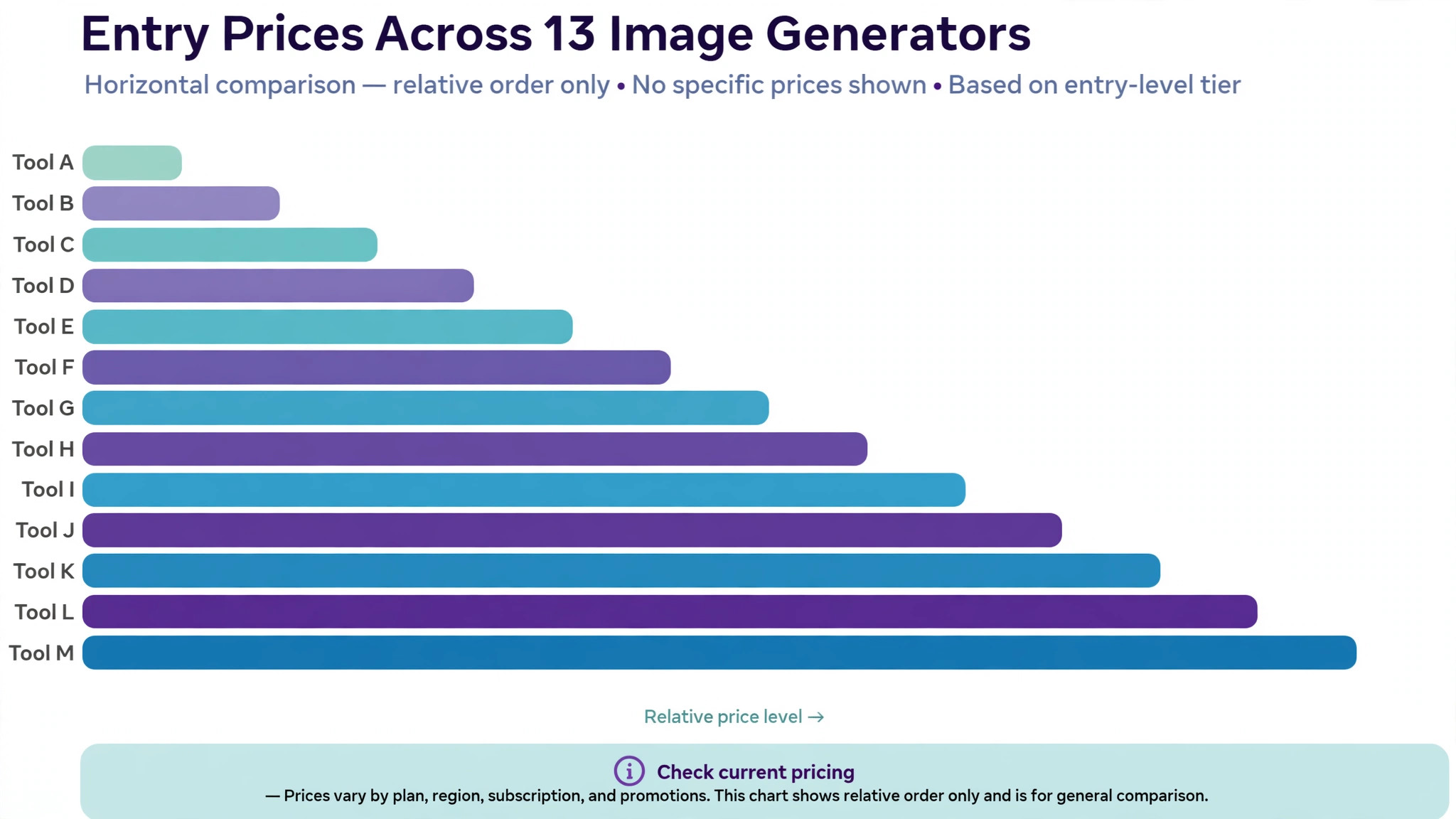
Paid plans buy three things, higher limits, private generation and a commercial license. Midjourney at 10 dollars a month is the cheapest paid specialist, Firefly at 9.99 dollars is the cheapest brand safe option, and Gemini AI Plus at 4.99 dollars is the cheapest paid tier overall. The best ai image generators for a business are the paid ones, because the license is the product as much as the image. When the image is for a personal project, start free, and upgrade only when the free limits or the license slow you down.
How to Choose the Right Generator
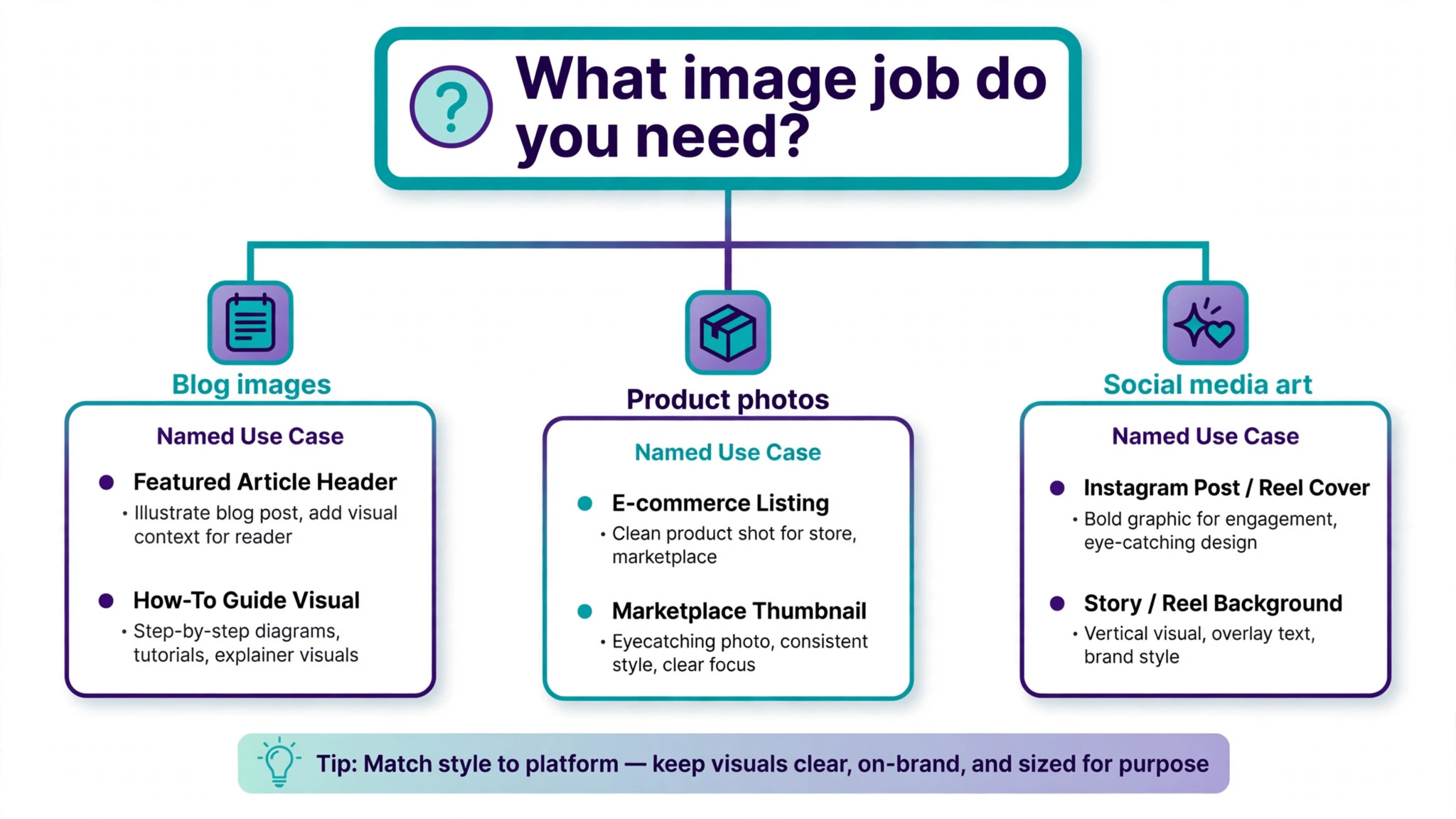
Start with the image, not the tool. When the image needs readable text, choose Ideogram, ChatGPT or Gemini, because those three spelled our test sign correctly on the first try. When the image needs a distinctive look, choose Midjourney or FLUX, because those two produce the most atmospheric results. When the image needs to be a vector, choose Recraft, because no other tool on this list generates true SVG output. When the image needs to be safe for a client, choose Firefly, because the licensed training data is the strongest story in the category.
Next, match the price to how often you will generate. A casual user who makes ten images a month should use a free plan, because Gemini and Bing cover that volume at no cost. A weekly user who makes 50 images a month should pay 10 to 12 dollars for Midjourney, Firefly or Leonardo. A daily user who makes hundreds of images should compare the credit systems, because a 75 credit image on Magnific and a token meter on Leonardo produce very different monthly costs. Add up a month of real use before you compare prices, because the headline monthly fee is not the real cost.
Then test the editor with your real brief before you pay. Generate the same image in two tools, compare the results at the size you will use, and check the license for the plan you will buy. The generator that feels easy on day one is usually the right one, because you will live in it for months. The best ai image generators earn their price in that test, not on the homepage, and the test costs nothing on a free tier.
Mistakes That Waste Money
The most common mistake is paying for a subscription before testing the free tier. A buyer pays 20 dollars a month for a tool, generates ten images, and then finds that Gemini free would have covered the same job. Test the free plans first, and pay only when the free limits or the license block real work. The second mistake is choosing on image quality alone, because a beautiful image with a misspelled sign is useless for a poster, and a beautiful image with no commercial license is useless for a product.
The third mistake is ignoring the credit meter. A plan that looks cheap at 12 dollars a month can cost more than a 20 dollar plan when each image burns 75 credits, and a token meter can empty in one afternoon of experiments. Check how many images the plan actually buys, and generate in batches rather than one at a time. The fourth mistake is using a free plan image commercially, because a license problem discovered after launch costs far more than a paid plan ever would. Check the terms before the image earns money, not after.
Our Verdict
Midjourney is the pick among the best ai image generators for the best looking images, because the default style is the strongest on this list and the 10 dollar Basic plan is the cheapest paid specialist. Ideogram is the pick when the image contains words, because readable text is the feature that decides whether a poster, a logo or a label works. Google Gemini is the pick for free use, because the free plan is generous and the 4.99 dollar AI Plus plan is the cheapest paid tier anywhere.
Adobe Firefly is the pick for brand work, because the licensed training data is the story a legal team wants to hear. Recraft is the pick for vector work, because true SVG output is a feature no other tool here matches. Start with Gemini free, test Midjourney for a month when the look matters, and add Ideogram when the text must be right. That combination covers nearly every image job for less than the cost of one stock photo subscription.
Frequently Asked Questions
Which AI image generator is the best in 2026?
There is no single best generator, because the answer depends on the job. Midjourney makes the best looking images, Ideogram renders text most reliably, Firefly is the safest for commercial brand work, and Gemini is the best free option. GPT Image 2 holds the lead on the Artificial Analysis image arena, which matches our test, because it follows detailed instructions well. Test two tools with the same prompt and compare the results at the size you will use, because the best tool for your brief is the one that passes your test.
Can I use AI generated images commercially?
It depends on the tool and the plan, and you must check the terms for the one you use. Midjourney allows commercial use on paid plans, with Pro or Mega required for companies earning over 1 million dollars a year. Firefly is positioned as safe for commercial use, while Recraft free images are not licensed for commercial use and Magnific free images are personal use only. Keep a record of the tool and the plan for any image that earns money, and check the terms again before a high value use such as a book cover or a product.
What is the best free AI image generator?
Google Gemini is the best free option, because image generation and editing are available on the free plan with generous limits, and the paid AI Plus plan costs only 4.99 dollars a month. Bing Image Creator is also free with a Microsoft account, and Firefly, Ideogram, Leonardo and Recraft all offer free tiers with daily or weekly limits. The best ai image generators with free plans still limit commercial use, so check the license before a free image appears on anything you sell.
Why does AI get text wrong in images?
Text is hard for image models because they build pictures from patterns rather than from letters, so a sign can look like writing without being writing. Ideogram, ChatGPT and Gemini handle text better than most, because their models were trained with stronger text rendering, while Midjourney and FLUX still garble longer words. The fix is to keep the text short, use a tool that renders text well, and check the spelling at full size before you use the image. When the text must be perfect, add it later in Canva or Photoshop rather than trusting the generator.
How much does an AI image generator cost?
The range is wide, from free on Gemini and Bing to 10 dollars a month for Midjourney Basic, 9.99 dollars for Firefly Standard, 12 dollars for Leonardo Essential and Recraft Basic, and 20 dollars for ChatGPT Plus and Ideogram Plus. FLUX charges by the image from around 0.025 dollars, and Magnific charges by credits from 7.50 dollars a month. The real cost is the monthly total for your actual volume, because a cheap plan with an expensive credit meter can cost more than a dearer flat plan.
Can AI image generators replace stock photos?
AI generation can replace stock photos for illustrations, concept images and custom scenes that stock libraries do not cover, and the best tools produce results that look professional at normal sizes. Stock photos still win for real people, real places and real products, because a generated face or a generated product can look slightly wrong on close inspection. Many teams use both, stock for photography and AI for illustration, and that combination covers more jobs than either one alone.
A good image generator is a price you can afford every month, a license you can rely on, and a result that survives a close look at full size. Test two generators with the same prompt, compare the text, the light and the license, and pay only when the free tier blocks real work. The best ai image generators make that test cheap, and the best choice is the one whose images, price and terms fit the job you actually have.