
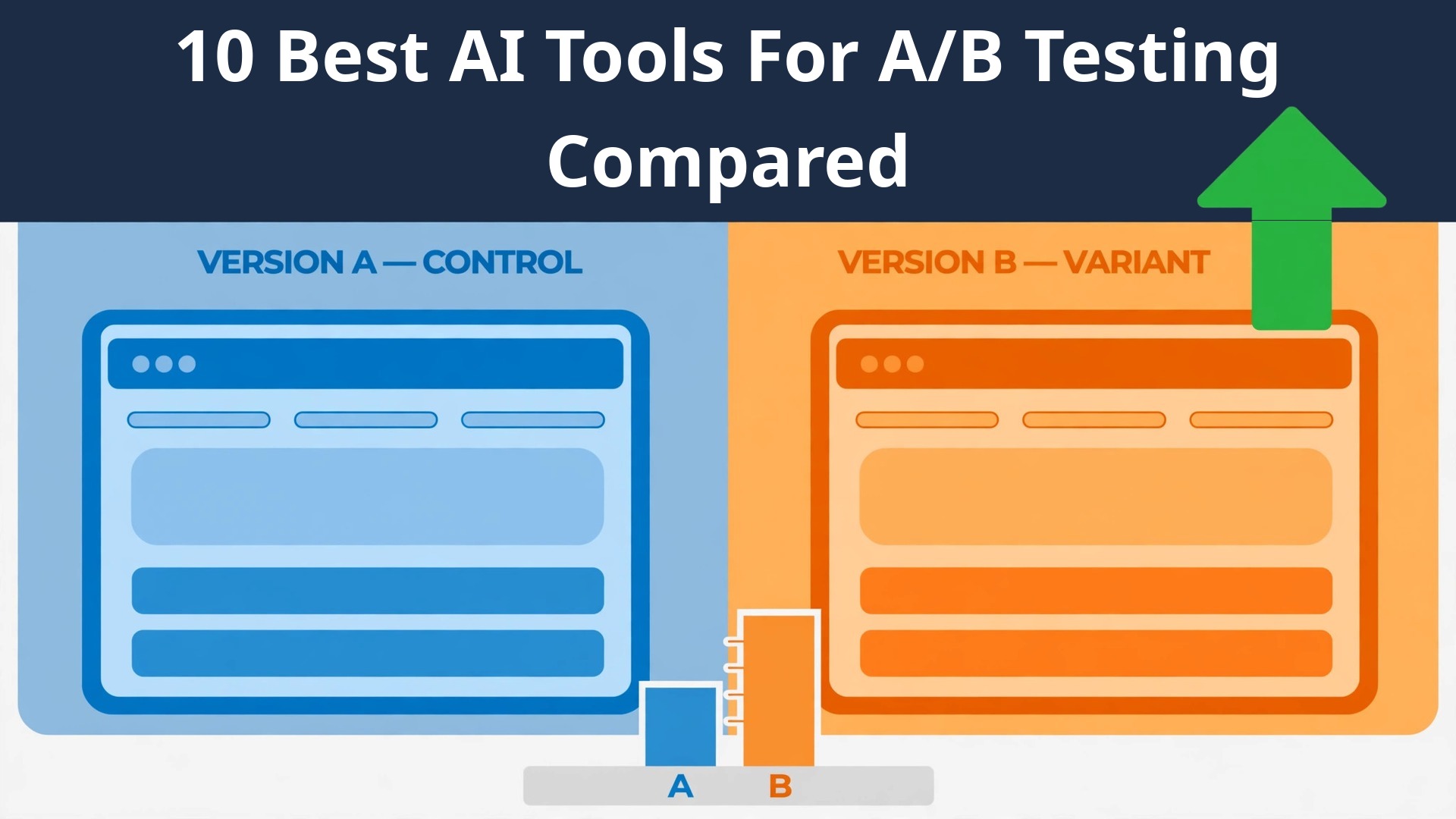
A marketing team loses revenue in the gap between a guess and a tested answer, not in the traffic itself. The right software closes that gap, and the top 10 ai tools for a/b testing do it by showing which version of a page actually converts before the budget moves. This guide compares ten tools on published prices, the testing job each one does best and the catch that only shows up after the trial ends.
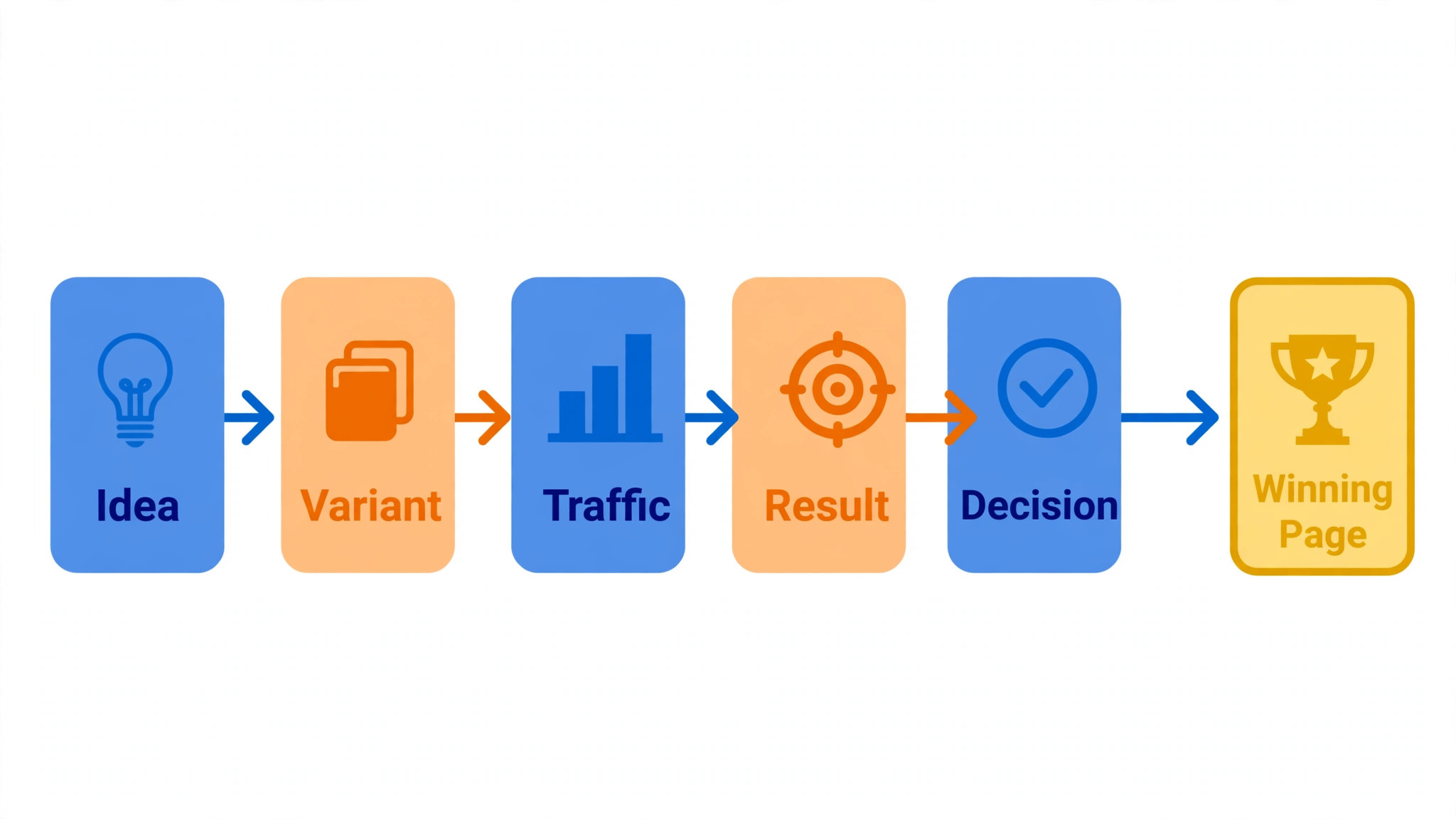
Testing work runs across ideas, variants, traffic splits, results and decisions, and no single product covers all five well. A testing suite runs the experiment, a landing tool tests the page, a feature tool tests the product, and an analytics tool reads the result. Start with the tool that removes the slowest step in a testing week, and buy a second only when a real limit appears in the results.
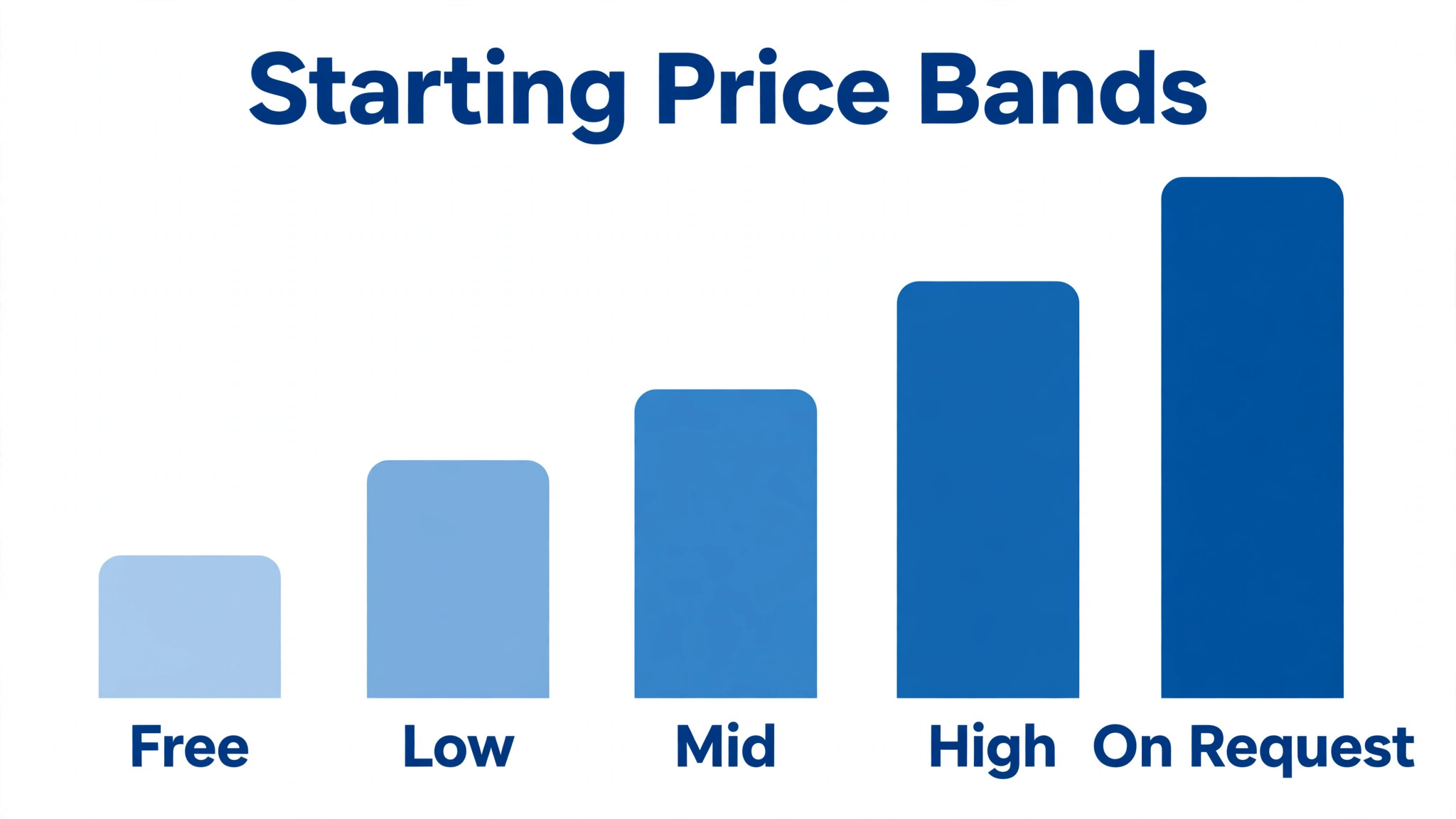
Every price below is the published starting rate as of late 2026, with pricing on request noted wherever the vendor keeps its pricing behind a sales call. Start with the shortlist, then read the reviews that match the testing work you do most, and trial two tools side by side before you pay for either.
The Shortlist at a Glance
Use this table to narrow the top 10 ai tools for a/b testing to two or three candidates before you read the full reviews. Monthly list prices apply unless noted, and annual billing usually beats monthly billing for a marketing team.
| Job | Best tool | Why it wins |
|---|---|---|
| Full testing suite for marketing teams | VWO | The full suite for a testing team |
| Enterprise experimentation at scale | Optimizely | Enterprise testing at real scale |
| Testing plus personalisation in one login | AB Tasty | Tests and personalisation together |
| Testing inside the Adobe stack | Adobe Target | Testing for Adobe teams |
| AI-led testing with deep segmentation | Kameleoon | AI testing with deep segments |
| Privacy-first testing for mid-size teams | Convert | Privacy-first testing without the bloat |
| Landing-page tests with Smart Traffic | Unbounce | Landing pages that test themselves |
| Post-click tests tied to ads | Instapage | Post-click pages matched to ads |
| Open-source feature flags plus experiments | GrowthBook | Open-source tests for product teams |
| Product experiments with warehouse data | Statsig | Product experiments on warehouse data |
How We Chose the Top 10 AI Tools For A/B Testing
The top 10 ai tools for a/b testing were judged on five things that decide whether a team keeps paying after the first year. The job each tool does came first, because a tool built for one testing job usually beats a platform spread across five of them. Next came published pricing and how it scales, since traffic-based charges decide the real bill as a site grows.
Result quality came third, because a wrong winner costs more to fix than a month of subscription. Fourth, fit with the systems a team already runs, because a tool that cannot reach the analytics or the site forces double entry on every test. Fifth, the catch, from free plans that cap visitors to enterprise tools that need a sales call before the first trial.
| Check before you buy | What to ask | Why it matters |
|---|---|---|
| Published price | Is the rate on the pricing page | A hidden price is a hidden bill |
| Free plan limits | Usage caps, visitors or tests | A capped free plan cannot run the real job |
| Integration | Does it connect to your analytics | Double entry eats the time it saves |
| Stats quality | Does it show real significance | A false winner wastes the whole test |
| Trial access | Can you test it on real traffic | A demo is not a trial |
| Contract terms | Monthly or annual, and what year two costs | Annual billing locks the price but not the need |
The Tools, One by One
1. VWO
Starting price VWO is priced on request. Best for Full testing suite for marketing teams. Watch out Quotes vary widely by traffic.
VWO runs A/B, multivariate and split URL tests with a visual editor, heatmaps, session recordings and personalisation in one login. A marketer can change a headline without code, split the traffic and watch the result in the same dashboard, then roll the winner out to everyone.
The price is quoted by monthly tested visitors, so a small site pays far less than a large one, and the quote needs a sales conversation. The free trial covers a limited visitor count, which is enough to run one real test. VWO earns its place as the main suite in the top 10 ai tools for a/b testing when the team tests every week.
2. Optimizely
Starting price Optimizely quotes its price on request. Best for Enterprise experimentation at scale. Watch out Needs a team and a budget to match.
Optimizely runs web and product experiments for large teams, with feature flags, personalisation and stats that hold up under heavy traffic. A company can test a checkout change on a fraction of visitors, read the result with confidence and ship it without a deploy.
The price comes from a contract based on traffic and seats, and there is no self-serve trial, so a buyer needs a sales process and an implementation plan. For a large team that experiments daily, that depth is the value. For a small site, a cheaper suite does the same job.
3. AB Tasty
Starting price No published price for AB Tasty; quotes on request. Best for Testing plus personalisation in one login. Watch out The sales cycle is slow.
AB Tasty combines A/B testing with personalisation, so a team can test a variant and then show the winner to the segment it suits best. The visual editor covers most changes without code, and the AI features suggest segments and predict which visitors will convert.
The price is quoted by traffic and the modules chosen, and the sales cycle runs for weeks rather than days. The trial covers a limited test, which is enough to judge the editor on a real page. AB Tasty is the pick when personalisation follows the test.
4. Adobe Target
Starting price Adobe Target does not publish a price. Best for Testing inside the Adobe stack. Watch out Only makes sense with Adobe already in place.
Adobe Target runs tests and personalisation inside the Adobe Experience Cloud, with AI-led targeting that picks the best experience per visitor. A team already on Adobe Analytics and Experience Manager can test a page without adding another vendor or another data flow.
The price comes from an Adobe contract, and there is no standalone trial, so a buyer needs the full Adobe stack to justify it. For a team outside Adobe, the cost and the lock-in make no sense. For a team inside it, Target is the natural testing layer.
5. Kameleoon
Starting price Kameleoon is priced on request. Best for AI-led testing with deep segmentation. Watch out Setup takes weeks, not days.
Kameleoon runs A/B tests with AI that predicts which variant each visitor will respond to, and segments by behaviour, weather and dozens of other signals. A team can test a page and personalise it in the same flow, with results that explain themselves in plain language.
The price is quoted by traffic, and the setup takes weeks of tagging and segment work before the first test runs. The trial covers a small test, which is enough to judge the editor. Kameleoon is the pick when segmentation is the strategy, not an afterthought.
6. Convert
Starting price From $399 a month. Best for Privacy-first testing for mid-size teams. Watch out The entry price is high for small sites.
Convert runs A/B, multivariate and split tests with a visual editor and strong privacy controls, including cookieless tracking options that suit regulated markets. A mid-size team can test without sending visitor data to a long list of third parties, and the stats engine handles the maths.
The entry plan starts at $399 a month for a set visitor count, which is high for a small site but fair for a mid-size store. The trial covers a real test on live traffic. Convert is the pick when privacy rules shape the testing stack.
7. Unbounce
Starting price Paid plans begin at $99 a month. Best for Landing-page tests with Smart Traffic. Watch out Page limits bite as campaigns grow.
Unbounce builds landing pages and tests them with Smart Traffic, an AI that sends each visitor to the variant they are most likely to convert on. A marketer can launch a page, test three headlines and let the tool shift the traffic as the data arrives.
The Launch plan covers a set number of page views and one domain, while higher tiers add more traffic, domains and the full AI features. Page limits bite as campaigns grow, so count the live pages before choosing a tier. Unbounce is the pick when landing pages are the test.
8. Instapage
Starting price Paid plans begin at $199 a month. Best for Post-click tests tied to ads. Watch out The price suits paid-media teams only.
Instapage builds post-click landing pages that match the ad a visitor just clicked, with AI content, heatmaps and experiments in one login. A paid-media team can test a page per ad group and see which combination actually converts, instead of guessing from the ad data alone.
The Build plan starts at $199 a month for a set visitor count, which suits a team spending real money on ads and nobody else. The trial covers a small test on live traffic. Instapage is the pick when the ad and the page must be tested together.
9. GrowthBook
Starting price Free tier, then from $20 a user a month. Best for Open-source feature flags plus experiments. Watch out Self-hosting needs an engineer.
GrowthBook is an open-source platform for feature flags and experiments, with a visual editor, Bayesian stats and warehouse integrations that keep the data in the team’s hands. A product team can roll a feature to ten percent of users, measure the result and roll it back in one click.
The free cloud tier covers small teams, while the Pro plan adds more seats and features at $20 a user a month. Self-hosting needs an engineer to run it, so a team without one should use the cloud plan. GrowthBook is the pick when the product, not the page, is what gets tested.
10. Statsig
Starting price Free tier, then pricing on request. Best for Product experiments with warehouse data. Watch out Paid tiers need a sales call.
Statsig runs product experiments, feature flags and session replay with data that lives in the team’s own warehouse. A product team can test a feature, read the result against real usage data and ship with confidence, without moving the data to another vendor.
The free tier covers a set number of events and seats, while the paid tiers need a sales call and a quote. The setup takes some engineering time, so a marketing-only team should look elsewhere. Statsig is the pick when the warehouse is the source of truth.
Side by Side on Price and Fit
The table below puts the top 10 ai tools for a/b testing side by side on price, best job and free plan, so you can compare the published prices against the quote-only tools at a glance. Read it by job first, since a team pays more for a bargain tool that fails than for a pricier one that does the job properly first time.
The fastest way through the table is to find the slowest step in a testing week, match it to a row, then check the price column. A tool that fails on the first test costs another hour of rework, and one that needs constant correction never pays for itself, however cheap the headline looks.
| Tool | Starting price | Best for | Free plan |
|---|---|---|---|
| VWO | Pricing on request | Full testing suite for marketing teams | Trial |
| Optimizely | Pricing on request | Enterprise experimentation at scale | No |
| AB Tasty | Pricing on request | Testing plus personalisation in one login | Trial |
| Adobe Target | Pricing on request | Testing inside the Adobe stack | No |
| Kameleoon | Pricing on request | AI-led testing with deep segmentation | Trial |
| Convert | From $399 a month | Privacy-first testing for mid-size teams | Trial |
| Unbounce | From $99 a month | Landing-page tests with Smart Traffic | Trial |
| Instapage | From $199 a month | Post-click tests tied to ads | Trial |
| GrowthBook | Free tier, then from $20 a user a month | Open-source feature flags plus experiments | Yes |
| Statsig | Free tier, then pricing on request | Product experiments with warehouse data | Yes |
Picking Without Overbuying
Start from the slowest part of the testing week, not from the vendor homepage. The top 10 ai tools for a/b testing are the ones that clear the pile that actually slows you down, whether that pile is variants, traffic or results. The tool that clears the slowest step in a testing week pays for itself first, and the rest can wait.
In A/B testing, the real cost is the whole stack, so do not stop at the headline number. The table below prices year one for a solo marketer and for a small team on the common combinations, at published starting prices. Ask for traffic-based charges in writing before signing, since those lines surprise small teams, and annual billing usually cuts about twenty percent off the monthly rate.
| Stack | Monthly cost | What it covers |
|---|---|---|
| VWO plus Unbounce | Mid-range | Suite plus landing-page tests |
| Convert plus GrowthBook | Mid-range | Privacy tests plus product flags |
| AB Tasty plus Instapage | Higher range | Personalisation plus post-click tests |
| GrowthBook plus Statsig | Lowest starting price | Open-source flags plus warehouse tests |
Reading the Pricing Page Like a Buyer
Traffic-based pricing is where a testing budget quietly doubles, so read the pricing page for the visitor count before you read anything else. A suite that quotes a low monthly rate may cap tested visitors at a few thousand, and the add-ons for extra tests, segments or users sit on top of that. Ask for the full quote in writing, including the price when traffic doubles, because the first-year discount hides the real rate.
A free tier is a real test only when it covers the testing job you do most. A free plan that caps visitors at a few hundred cannot run a test with a readable result, and a free tier that caps tests at one cannot compare two ideas. Trial the free tier on a live page and count what it actually lets you test, then compare that count with the paid tier that removes the limit.
Annual billing usually cuts about twenty percent off the monthly rate, but it also locks the team into a tool the testers may outgrow. Pay monthly for the first quarter, even at the higher rate, and switch to annual only when the tool has survived a real month of traffic. The saving is real, but only when the tool is still in the testing stack a year later.
Best Pick by Job
Pick from the table below by the testing job you do most each week. The top 10 ai tools for a/b testing are not ranked by features alone; they are ranked by which job each one actually finishes, so the pick that matches your week is the pick that will still be in your stack a year from now.
| Your job | Best pick | Why it wins |
|---|---|---|
| Full testing suite for marketing teams | VWO | The full suite for a testing team |
| Enterprise experimentation at scale | Optimizely | Enterprise testing at real scale |
| Testing plus personalisation in one login | AB Tasty | Tests and personalisation together |
| Testing inside the Adobe stack | Adobe Target | Testing for Adobe teams |
| AI-led testing with deep segmentation | Kameleoon | AI testing with deep segments |
| Privacy-first testing for mid-size teams | Convert | Privacy-first testing without the bloat |
| Landing-page tests with Smart Traffic | Unbounce | Landing pages that test themselves |
| Post-click tests tied to ads | Instapage | Post-click pages matched to ads |
| Open-source feature flags plus experiments | GrowthBook | Open-source tests for product teams |
| Product experiments with warehouse data | Statsig | Product experiments on warehouse data |
A Five-Day Trial That Tells the Truth
A trial tells a team more in five working days than a month of reading reviews, but only when the trial runs on real traffic. Pick the two tools that look closest after the shortlist, run them side by side on the same core jobs, and score them on time saved, edits needed and how the result reads to a colleague.
Never trial on a demo file, because a demo hides the rough edges that real traffic exposes. Run the trial on live pages, live variants and live results, and keep a simple log of minutes saved and errors found. At the end of the week the test log is the decision, not the sales call.
| Day | What to test | What good looks like |
|---|---|---|
| Day 1 | Setup and first real test | Working in under an hour, no IT ticket |
| Day 2 | The hardest page you test | Output needs light edits, not a rewrite |
| Day 3 | Integration with your analytics | Data flows without double entry |
| Day 4 | A colleague tries it cold | They finish a test without asking for help |
| Day 5 | Count the time and the cost | Hours saved beat the monthly price |
Setting Up in Week One
Week one should start with one real page, not with the settings page. Install the snippet, define the goal and launch a single test on the page that matters most, so the tool proves itself on work that counts. Software that starts empty stays empty, because nobody opens a tool that holds nothing that a tester needs.
Pick one person to own the setup and one real test to run through it end to end. That person builds the variant, splits the traffic, reads the result and ships the winner, then writes down every step that felt slow. The list of slow steps becomes the setup checklist for the rest of the testing team.
By the end of the week the whole team should be testing from the same suite, with the old guesswork retired rather than kept alongside. Running the old and the new side by side means entering everything twice, and the new suite takes the blame for the old habit. Retire the guessing on Friday, and the team will test on Monday.
Mistakes Testers Keep Making
Mistake one is the cheapest plan, when the feature the testing team needs sits two tiers up. Check every tier on the pricing page and pay for the tier that covers the daily testing job, not the tier that looks cheap. Mistake two is rolling the tool out to the whole team before one tester has tried it for a week, since a favourite of one and a burden to five is a cost, not a system.
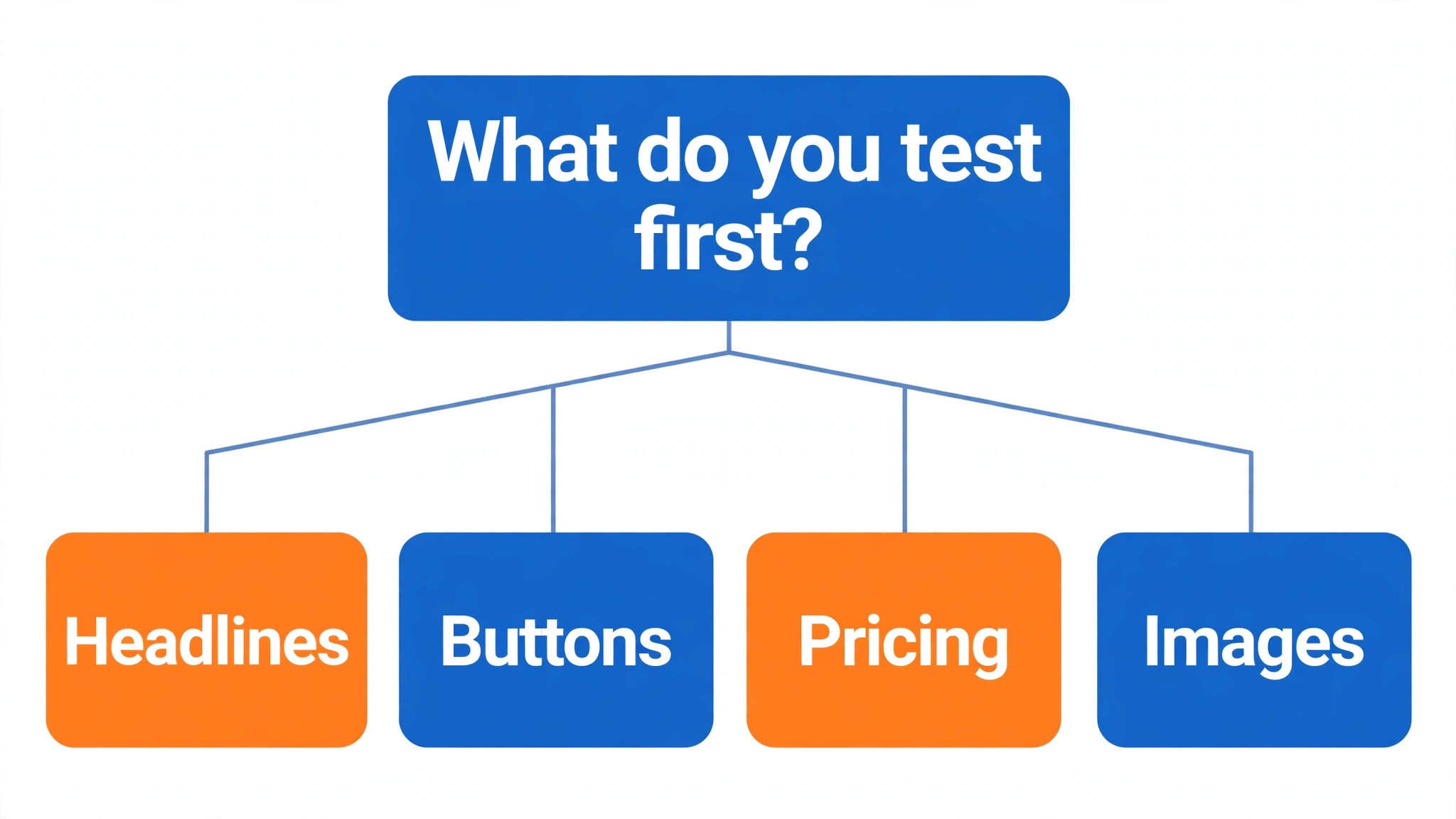
The third mistake is calling a winner too early. Ask for the significance level, read the sample size and check the result holds across segments before the change ships, because a false winner costs far more than a slow test. The fourth mistake is judging the tool on its best day, so trial it on the hardest page itself and let the hard job decide.
What to Ask Before the Contract
Ask the vendor how many visitors the entry plan actually covers, because a traffic cap is the limit a testing team hits first. A suite that looks cheap at a low monthly rate turns expensive when traffic grows past the cap and the next tier doubles the bill. Get the cap in writing, along with the price of the tier above it, before the trial starts.
Ask who answers support and how fast, since the first problem usually arrives in the first week of testing. A tool with live chat and a same-day answer gets adopted by the team, while one with email-only support and a two-day wait gets parked, and the subscription keeps billing either way. Get support hours stated in your own time zone, not in the hours of the vendor home office.
Ask how the test data leaves the tool, because results that cannot be exported are results held hostage. Check the export format, the raw data included and whether the segments come out with the results. A clean export is the difference between a tool you can leave freely and a tool that traps you.
Questions Testers Ask First
Which tool gives a small team the cheapest good start
GrowthBook is the cheapest credible start on this list at free tier, then from $20 a user a month, with Unbounce close behind at from $99 a month for landing pages. Start with the job you do most each week, trial the free tier on real traffic, and add a specialist only when the general tool cannot do a job you are paid to do. That is the cheapest route to a working testing stack, and nothing is paid for features never used.
Can a team keep AI testing from picking false winners
It will pick false winners when a team ships the first green result unchanged. These tools report a usable first read, but the sample size, the segments and the judgement still come from the person doing the work. A result that ships without a check reads like a win and costs like a loss, and stakeholders notice the difference fast. Use the tool to run the test, then check the segments, the sample and the holdout, so the decision sounds like you and not the software.
For a small team, which option wins
VWO is the pick for a small team, with a trial and a full suite that covers most testing jobs, while Convert at from $399 a month is the strongest privacy-first option. The top 10 ai tools for a/b testing were ranked by the job each one finishes, not by the size of the feature list, so a small team should buy the tool that fixes its slowest weekly job first and add a second tool only when a specific limit starts costing time.
How much will a small team spend in year one
Plan on 100 to 400 dollars a month in year one for a testing suite such as Convert, rising to 400 to 800 dollars a month with a specialist such as Instapage added. Multiply the headline price by traffic when the team pays per visitor, since those charges surprise buyers. Price the whole stack and trial each tool on real traffic before signing an annual contract.
Does a team need a specialist tool as well as a general one
Not always. Most teams get by with one general tool for months, and a separate specialist only earns its place when a specific daily testing task runs every week and the general tool cannot do it well. In A/B testing, run the clock over the last week before you spend. A specialist is worth buying when it cuts an hours-long testing job to minutes, and it is a cost when the job already takes only minutes.
Do these tools offer a trial before payment
Most tools on this list offer a free plan or a free trial, and VWO, AB Tasty, Kameleoon, Convert, Unbounce, Instapage, GrowthBook and Statsig all let a team test on real work before paying. Use the trial on the testing job itself the team does most, not on a demo, and count the time saved and the edits each output needs. A trial that covers a real week tells a team more than a sales call, and a tool that refuses a trial is one to be careful about.
The Short Answer
If you buy one tool this quarter, pick VWO for marketing tests and GrowthBook when the product is what gets tested. VWO is the strongest all-round suite for a testing team, and GrowthBook is the best open-source option at $20 a user a month. The top 10 ai tools for a/b testing earn their keep by giving you back the week between guess and answer, and both of these do that from the first test.
Whatever you pick, trial it on a real week of traffic, count the tests it runs and the winners it finds, and keep a human eye on every result before it ships. Every tool on this list works for A/B testing. The difference is whether the suite matches the tests you actually run, and whether you measure the return in conversions won and revenue saved rather than in features used.