
A videographer loses the week in the gap between the shoot and the export, not behind the camera. The right software closes that gap, and the best ai tools for videographers do it by cutting the edit, the captions and the colour pass down to hours instead of days. This guide compares twelve tools on published prices, the video job each one does best and the catch that only shows up after the trial ends.
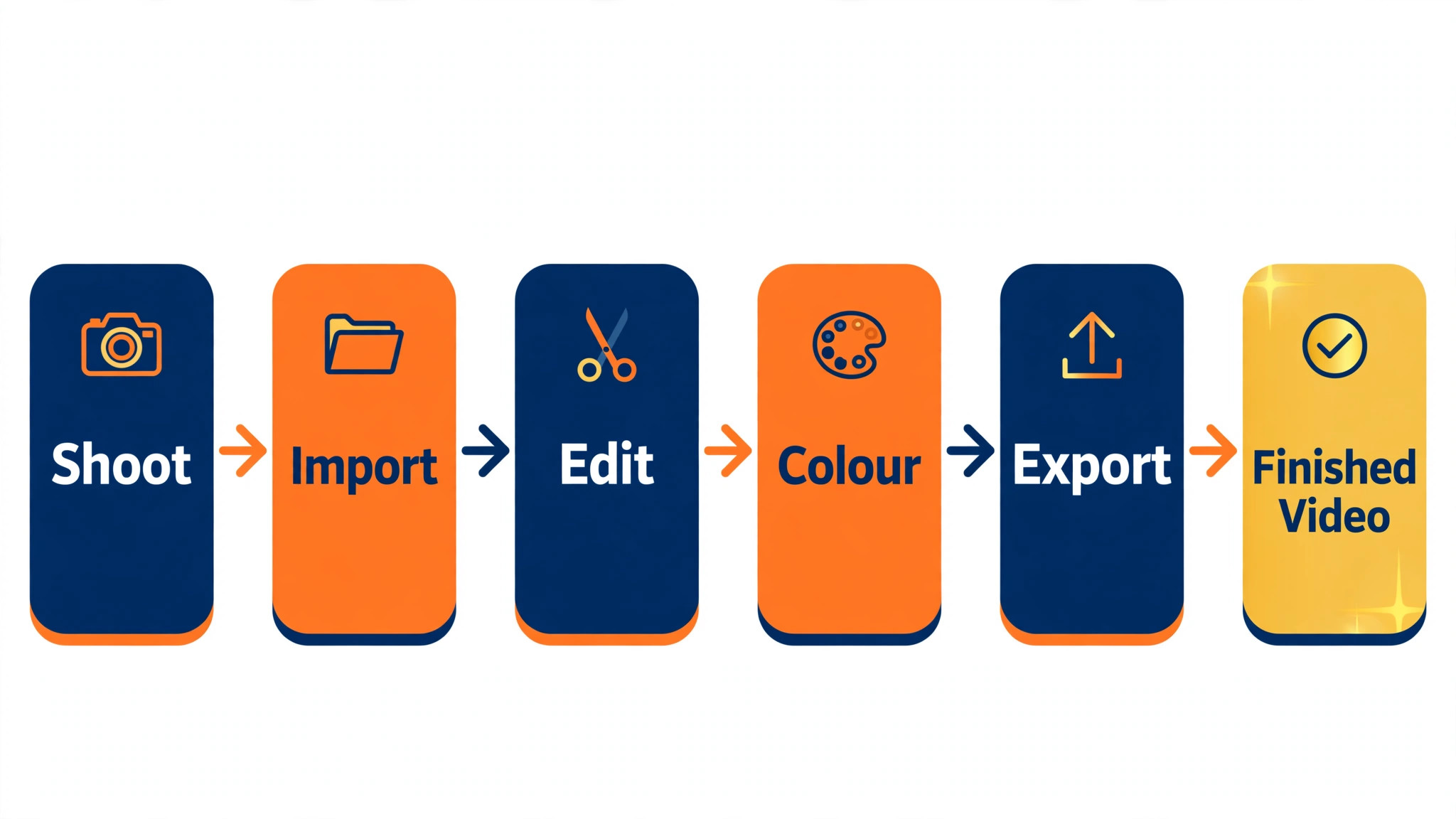
Shoot days work across capture, import, rough cut, fine cut, colour, sound and export, and no single product covers all seven well. An editor holds the timeline, a transcription tool cuts by words, a clip tool finds the shorts, and a grading tool finishes the look. Spend first on the tool that shortens the slowest stretch of an edit week, and add the next one only when a real limit forces your hand.
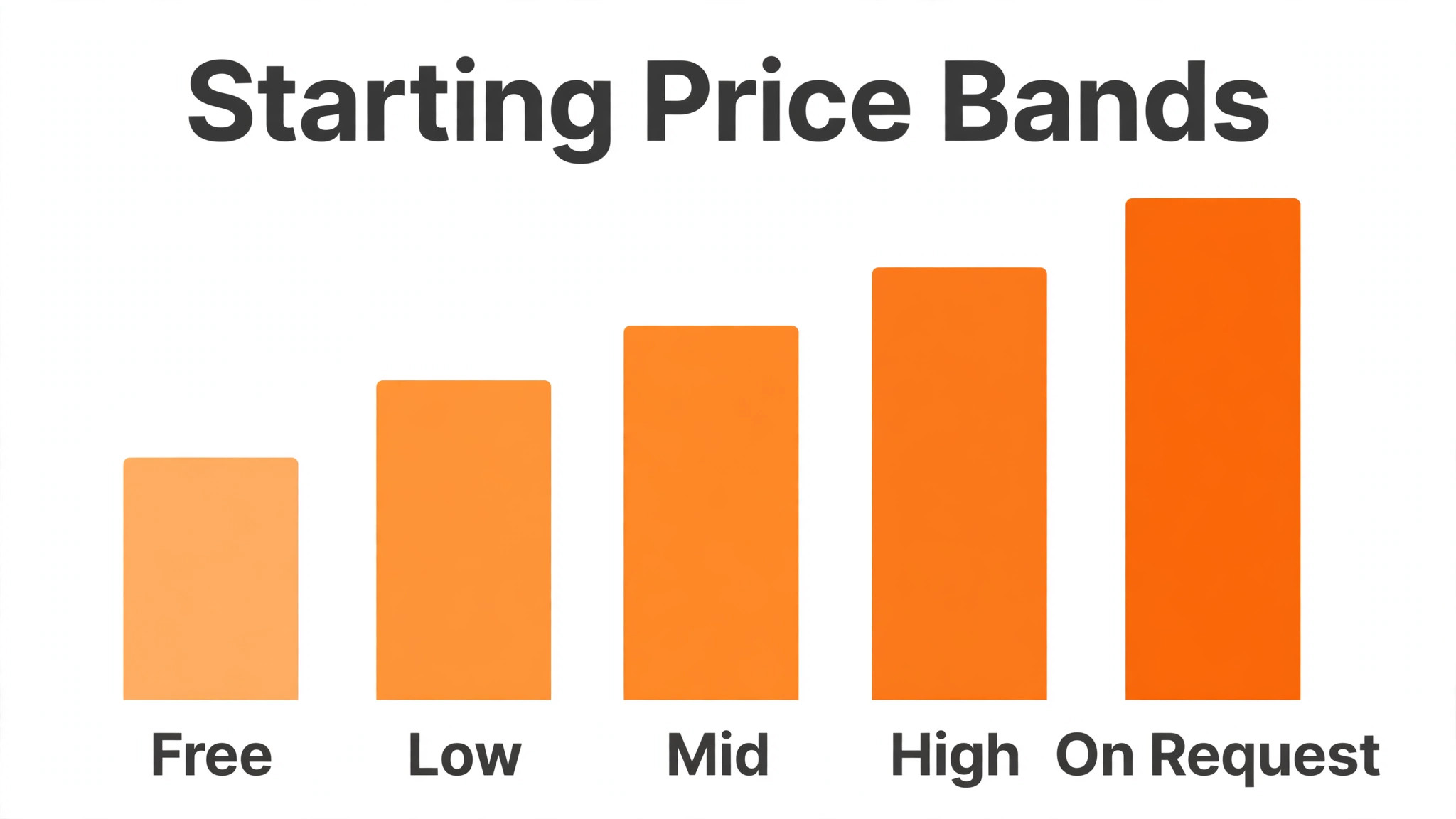
Each price below is the published starting rate as of late 2026, with pricing on request noted wherever a vendor keeps its rate behind a sales call. Start with the shortlist, then read the reviews that match the video work you do most, and trial two tools side by side before you pay for either.
The Shortlist at a Glance
Use this table to narrow the best ai tools for videographers to two or three candidates before you read the full reviews. Monthly list prices apply unless noted, and annual billing usually beats monthly billing for a small editing studio.
| Job | Best tool | Why it wins |
|---|---|---|
| Professional edits with the full Adobe stack | Adobe Premiere Pro | The professional timeline everyone knows |
| Colour grading that nothing else touches | DaVinci Resolve | The best colour tools, free to start |
| Fast Mac editing with magnetic timelines | Final Cut Pro | The fastest Mac timeline there is |
| Quick social edits with captions built in | CapCut | Social edits finished in minutes |
| Editing video by editing the transcript | Descript | Cut the words, cut the video |
| Generative video and background removal | Runway | Generative shots without a reshoot |
| Cutting long footage into short clips | OpusClip | Long videos become shorts in one pass |
| Remote interviews in studio quality | Riverside | Remote interviews that sound recorded, not called |
| Friendly editing with AI effects included | Filmora | Friendly editing with AI effects built in |
| Serious editing on iPad and iPhone | LumaFusion | A real editor that fits in a bag |
| Browser editing with subtitles and stock | VEED | Edit in the browser, no install |
| Turning scripts into faceless videos | Pictory | Scripts become videos without a camera |
How We Chose the Best AI Tools For Videographers
The best ai tools for videographers were judged on five things that decide whether a studio keeps paying after the first year. First came the job each tool does, because a tool built for one editing task usually beats a platform spread thin across five. Next came published pricing and how it scales, since per-seat charges decide the real bill as a studio grows.
Output quality came third, because a bad export or a wrong caption costs more to fix than a month of subscription. Fourth, fit with the systems a studio already runs, because a tool that cannot reach the camera files or the delivery platform forces double entry on every job. Fifth, the catch, from free plans that cap exports to tools that charge per minute of footage.
| Check before you buy | What to ask | Why it matters |
|---|---|---|
| Published price | Is the rate on the pricing page | A hidden price is a hidden bill |
| Free plan limits | Usage caps, exports or watermarks | A capped free plan cannot run the real job |
| Integration | Does it read your camera files | Double entry eats the time it saves |
| Export quality | Can you export in the format clients need | A weak export wastes the whole edit |
| Trial access | Can you test it on real footage | A demo is not a trial |
| Contract terms | Monthly or annual, and what year two costs | Annual billing locks the price but not the need |
The Tools, One by One
1. Adobe Premiere Pro
Starting price From $22.99 a month. Best for Professional edits with the full Adobe stack. Watch out The subscription never stops.
Premiere Pro holds the full edit in one timeline, with multi-camera support, Lumetri colour, Essential Sound and text-based editing that cuts by transcript. A videographer can move from a rough cut to a graded, mixed export without leaving the app, and the Adobe stack covers graphics, audio and stock in the same login.
The monthly plan covers the editor and the cloud libraries, while the full Creative Cloud bundle adds After Effects, Audition and Photoshop. The subscription never ends, so a studio should price a full year before signing. Premiere earns its place as the main editor in the best ai tools for videographers when the work is client-facing every week.
2. DaVinci Resolve
Starting price Free, then Studio for $295 one time. Best for Colour grading that nothing else touches. Watch out The free version hides some AI tools.
DaVinci Resolve combines editing, colour, effects and audio on one page set, and its colour tools are the standard other editors measure against. A videographer can grade a whole shoot with nodes, track a face through a moving shot and finish with a cinema look, all in the free version.
The free version covers the editor, the colour page and most effects, while the Studio licence adds the AI tools, noise reduction and stereoscopic support for a one-time payment. There is no monthly bill at all, which makes Resolve the cheapest serious editor on this list. It is the pick when colour is the job.
3. Final Cut Pro
Starting price $299 one time. Best for Fast Mac editing with magnetic timelines. Watch out Mac only, and no subscription option.
Final Cut Pro runs a magnetic timeline that keeps clips connected as an edit moves, so a rough cut comes together faster than on a track-based editor. The Mac hardware does the rendering, the proxy workflow handles heavy footage, and the AI tools cover object tracking, voice isolation and smart conform.
The one-time price covers the full editor with no monthly bill, and the trial runs for ninety days. Final Cut only runs on a Mac, so a mixed studio cannot standardise on it. For a Mac-only videographer, it is the fastest way from footage to finished video.
4. CapCut
Starting price Free, then Pro from $9.99 a month. Best for Quick social edits with captions built in. Watch out Templates can make edits look alike.
CapCut turns a phone clip into a captioned social video in minutes, with auto captions, background removal, trending effects and one-tap exports for every platform. A videographer can cut a vertical version of a client video on the shoot day and publish it before the full edit is done.
The free plan covers the core editor and captions, while the Pro plan adds premium effects, cloud storage and the full template shelf. The templates are popular, so heavy use can make edits look alike. CapCut is the pick when social versions are a daily job.
5. Descript
Starting price From $12 a month. Best for Cutting video by editing the transcript. Watch out Heavy effects work belongs elsewhere.
Descript transcribes the footage and lets a videographer edit the video by deleting words from the text, with filler words removed in one click. A talking-head edit that used to take an afternoon takes an hour, and the overdub voice can fix a flubbed line without a reshoot.
The free plan covers a small number of transcription hours, while the Creator plan adds more hours, Studio Sound and the full publishing set. Descript is not a colour or effects tool, so pair it with a real editor for the finish. It is the pick when the talking drives the edit.
6. Runway
Starting price From $12 a month. Best for Generative video and background removal. Watch out Credits run out fast on long renders.
Runway generates video from text and images, removes backgrounds, tracks objects and extends shots that ended too soon. A videographer can create a b-roll shot that was never filmed, clean up a messy background or turn a still into motion for a client who needs something new.
The free plan covers a small credit allowance, while the Standard plan adds more credits and higher resolution. Credits run out fast on long renders, so price the month by the minutes you actually generate. Runway is the pick when a shot needs inventing, not just cutting.
7. OpusClip
Starting price From $9 a month. Best for Cutting long footage into short clips. Watch out Auto picks still need a human pass.
OpusClip watches a long video, finds the moments worth clipping, and cuts them into vertical shorts with captions and a virality score for each one. A videographer can turn a one-hour interview into ten publishable clips in an afternoon instead of a week of manual cutting.
The free plan covers a small number of processing hours, while the Pro plan adds more hours, higher quality and the full caption styles. The auto picks still need a human pass, because the tool cannot tell a strong moment from a loud one. It is the pick when shorts are a weekly deliverable.
8. Riverside
Starting price From $15 a month. Best for Remote interviews in studio quality. Watch out Guests need a decent connection.
Riverside records each guest locally in high quality, so a remote interview sounds like a studio session even when the internet stutters. The built-in editor cuts by transcript, the AI tools remove filler and generate clips, and the separate audio tracks make the mix simple.
The free plan covers a limited number of recording hours, while the Standard plan adds more hours, the full editor and live streaming. Guests need a decent connection and a quiet room, which the tool cannot fix. Riverside is the pick when remote interviews are the core product.
9. Filmora
Starting price From $49.99 a year. Best for Friendly editing with AI effects included. Watch out The yearly plan renews at a higher rate.
Filmora gives a videographer a friendly timeline with AI copy, smart cutout, silence detection and a large effects shelf, without the learning curve of a professional editor. A wedding or event video can go from footage to a finished export in a day, and the templates cover the common looks.
The annual plan covers the full editor and the AI features, while the perpetual licence costs more up front. The renewal rate is higher than the first year, so check the renewal price before paying. Filmora is the pick when the editor must be learned in an afternoon.
10. LumaFusion
Starting price $29.99 one time. Best for Serious editing on iPad and iPhone. Watch out Small screen, small timeline.
LumaFusion is a multi-track editor for iPad and iPhone with colour, titles, keyframing and audio mixing, and it reads the files a phone or a camera produces without conversion. A videographer can cut a client video on the train and export it before the meeting starts.
The one-time price covers the full editor, with extra effect packs sold separately. The small screen limits a complex timeline, so long projects still belong on a desktop. LumaFusion is the pick when the edit has to happen away from the desk.
11. VEED
Starting price From $12 a month. Best for Browser editing with subtitles and stock. Watch out Long exports need a stable connection.
VEED edits video in the browser, with auto subtitles, background removal, stock footage and one-click resizing for every platform. A videographer can open a link, cut a client video and share the result without installing anything or moving large files around.
The free plan covers short exports with a watermark, while the Basic plan removes the watermark and adds more minutes. Long exports need a stable connection, so a studio with slow internet should test it first. VEED is the pick when the team works across many machines.
12. Pictory
Starting price From $19 a month. Best for Turning scripts into faceless videos. Watch out Stock-heavy output can feel generic.
Pictory turns a script or a blog post into a video with stock footage, voiceover and captions, and it can also summarise a long video into a highlight reel. A videographer can deliver a faceless explainer or a social cutdown for a client who has no footage at all.
The Starter plan covers a set number of video minutes a month, while higher tiers add more minutes, voices and brand kits. Stock-heavy output can feel generic, so a human pass on the shots matters. Pictory is the pick when the script is the starting point.
Side by Side on Price and Fit
The table below puts the best ai tools for videographers side by side on price, best job and free plan, so you can compare the published prices against the one-time purchases at a glance. Read it by job first, since a videographer pays more for a bargain tool that fails than for a pricier one that does the work first time.
The fastest route through the table is to match the slowest stretch of an edit week to a row, then check the price column. A tool that fails on the first export costs another hour of rework, and one that needs constant correction never pays for itself, however cheap the headline looks.
| Tool | Starting price | Best for | Free plan |
|---|---|---|---|
| Adobe Premiere Pro | From $22.99 a month | Professional edits with the full Adobe stack | Trial |
| DaVinci Resolve | Free, then Studio for $295 one time | Colour grading that nothing else touches | Yes |
| Final Cut Pro | $299 one time | Fast Mac editing with magnetic timelines | Trial |
| CapCut | Free, then Pro from $9.99 a month | Quick social edits with captions built in | Yes |
| Descript | From $12 a month | Editing video by editing the transcript | Yes |
| Runway | From $12 a month | Generative video and background removal | Yes |
| OpusClip | From $9 a month | Cutting long footage into short clips | Yes |
| Riverside | From $15 a month | Remote interviews in studio quality | Yes |
| Filmora | From $49.99 a year | Friendly editing with AI effects included | Trial |
| LumaFusion | $29.99 one time | Serious editing on iPad and iPhone | No |
| VEED | From $12 a month | Browser editing with subtitles and stock | Yes |
| Pictory | From $19 a month | Turning scripts into faceless videos | Trial |
Picking Without Overbuying
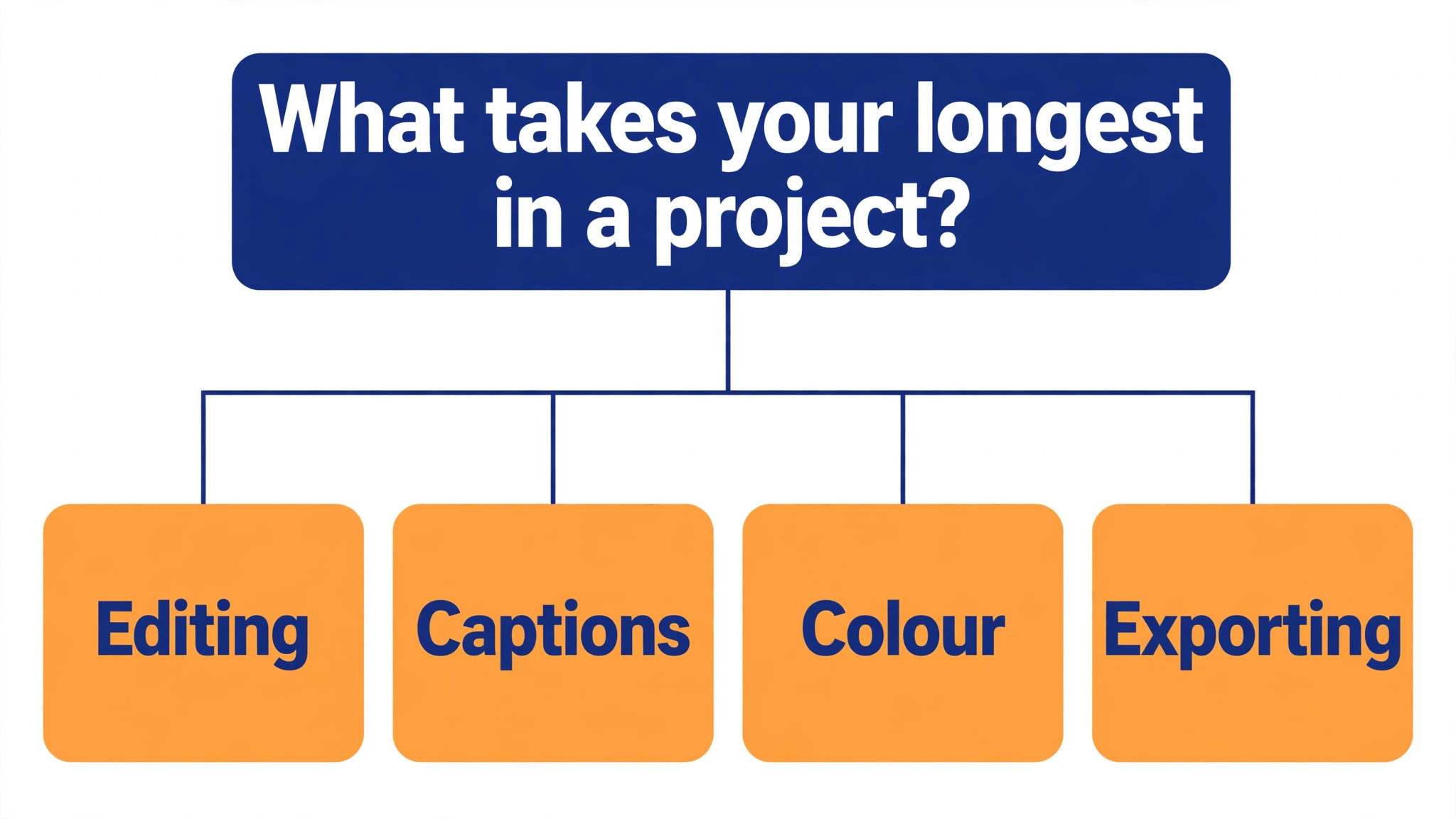
Start from the slowest part of the edit week, not from the vendor homepage. The best ai tools for videographers are the ones that clear the pile that actually slows you down, whether that pile is cutting, captions or colour. The tool that clears the slowest bottleneck in an edit week pays for itself first, and the rest can wait.
Price the complete stack, not the headline number alone. The table below prices year one for a solo videographer and for a small team on the common combinations, at published starting prices. Ask for per-seat charges in writing before signing, since those lines surprise small studios, and annual billing usually cuts about twenty percent off the monthly rate.
| Stack | Monthly cost | What it covers |
|---|---|---|
| Premiere Pro plus Descript | Higher range | Main editor plus transcript cutting |
| DaVinci Resolve plus OpusClip | Lowest starting price | Free grading plus shorts |
| Final Cut Pro plus Riverside | Mid-range | Mac editing plus remote interviews |
| CapCut plus Runway | Lowest starting price | Social edits plus generated shots |
Reading the Pricing Page Like a Buyer
Per-seat and per-minute pricing is where a studio budget quietly doubles, so read the pricing page for the seat count and the usage cap before you read anything else. A tool that lists $12 a month may cap exports or charge per minute of footage, and the add-ons for extra storage or higher resolution sit on top of that. Ask for the full quote in writing, including the renewal rate, because the first-year discount hides the real price.
A free tier is a real test only when it covers the editing job you do most. A free editor that caps exports at a few minutes cannot cut a client video, and a free clip tool that caps processing hours cannot handle a week of footage. Trial the free tier on a live shoot and count what it actually lets you do, then compare that count with the paid tier that removes the limit.
Annual billing usually cuts about twenty percent off the monthly rate, but it also locks the studio into a tool the editors may outgrow. Pay monthly for the first quarter, even at the higher rate, and switch to annual only when the tool has survived a real month of shoots. The saving is real, but only when the tool is still in the editing stack a year later.
Best Pick by Job
Pick from the table below by the video job that fills most of your week. The best ai tools for videographers are not ranked by features alone; they are ranked by which job each one actually finishes, so the pick that matches your week is the pick that will still be in your stack a year from now.
| Your job | Best pick | Why it wins |
|---|---|---|
| Professional edits with the full Adobe stack | Adobe Premiere Pro | The professional timeline everyone knows |
| Colour grading that nothing else touches | DaVinci Resolve | The best colour tools, free to start |
| Fast Mac editing with magnetic timelines | Final Cut Pro | The fastest Mac timeline there is |
| Quick social edits with captions built in | CapCut | Social edits finished in minutes |
| Editing video by editing the transcript | Descript | Cut the words, cut the video |
| Generative video and background removal | Runway | Generative shots without a reshoot |
| Cutting long footage into short clips | OpusClip | Long videos become shorts in one pass |
| Remote interviews in studio quality | Riverside | Remote interviews that sound recorded, not called |
| Friendly editing with AI effects included | Filmora | Friendly editing with AI effects built in |
| Serious editing on iPad and iPhone | LumaFusion | A real editor that fits in a bag |
| Browser editing with subtitles and stock | VEED | Edit in the browser, no install |
| Turning scripts into faceless videos | Pictory | Scripts become videos without a camera |
A Five-Day Trial That Tells the Truth
A trial tells a studio more in five working days than a month of reading reviews, but only when the trial runs on real footage. Pick the two tools that look closest after the shortlist, run them side by side on the same core jobs, and score them on time saved, edits needed and how the output reads to a viewer.
Never trial on a demo file, because a demo hides the rough edges that real editing work exposes. Run the trial on live shoots, live edits and live exports, and keep a simple log of minutes saved and errors found. At the end of the week the log of real edits is the decision, not the sales call.
| Day | What to test | What good looks like |
|---|---|---|
| Day 1 | Setup and first real edit | Working in under an hour, no IT ticket |
| Day 2 | The hardest footage you cut | Output needs light edits, not a rewrite |
| Day 3 | Export to the client format | Files flow without double entry |
| Day 4 | A colleague tries it cold | They finish a job without asking for help |
| Day 5 | Count the time and the cost | Hours saved beat the monthly price |
Mistakes Videographers Keep Making
Mistake one is the cheapest plan, when the feature the editing studio needs sits two tiers up. Check every tier on the pricing page, and pay for the tier that does the daily editing job, not the tier that looks cheapest. Mistake two is rolling the tool out to the whole studio before one editor has tried it for a week, since a favourite of one and a burden to five is a cost, not a system.
The third mistake is skipping the check on exports and ownership. Ask for the export formats, read the retention policy and check who owns the project files before the first real shoot goes through the tool, because fixing ownership after the fact costs far more than checking it first. The fourth mistake is judging the tool on its best day, so trial it on the hardest footage itself and let the hard job decide.
Questions Videographers Ask First
Which tool gives a solo videographer the cheapest good start
DaVinci Resolve is the cheapest credible start on this list at free, with Studio at $295 one time, and CapCut close behind at free, then from $9.99 a month. Start with the job you do most each week, trial the free tier on real footage, and add a specialist only when the general tool cannot do a job you are paid to do. That is the cheapest route to a working editing stack, and no money goes to features never used.
Can a videographer keep AI output from looking generic
It will look generic when a videographer ships the template unchanged. These tools draft a usable first version, but the shots, the pacing and the judgement still come from the person doing the work. An output that goes out unedited reads generic, and clients notice generic video fast. Use the tool to beat the blank page, then change the shots, the pacing and the details, so the result sounds like you and not the software.
For a small studio, which option wins
Premiere Pro is the pick for a small studio, starting at from $22.99 a month with the full Adobe stack behind it, while DaVinci Resolve at free is the strongest budget option. The best ai tools for videographers were ranked by the job each one finishes, not by the size of the feature list, so a small studio should buy the tool that fixes its slowest weekly job first and add a second tool only when a specific limit starts costing time.
How much will a small studio spend in year one
Plan on 25 to 50 dollars a month in year one for a general tool such as Premiere Pro, rising to 60 to 150 dollars a month with a specialist such as Descript or OpusClip added. Multiply the headline price by headcount when the studio pays per seat, since those charges surprise buyers. Price the whole stack and trial each tool on real footage before signing an annual contract.
Does a videographer need a specialist tool as well as a general one
Not always. Most videographers get by with one general tool for months, and a separate specialist only earns its place when a specific daily task runs every week and the general tool cannot do it well. Count the hours your last week of edits actually took first. Buy the specialist when it turns an hours-long editing job into minutes, and skip it when that same job already takes only a few minutes on its own.
Do these tools offer a trial before payment
Most tools on this list offer a free plan or a free trial, and DaVinci Resolve, CapCut, Descript, Runway, OpusClip and Riverside all let a videographer test on real work before paying. Use the trial on the editing job itself the studio does most, not on a demo, and count the time saved and the edits each output needs. A trial that covers a real week tells a videographer more than a sales call, and a tool that will not trial is one to be careful about.
The Short Answer
If you buy one tool this quarter, pick Premiere Pro for client work and DaVinci Resolve when the budget is zero. Premiere is the strongest all-round editor at $22.99 a month, and Resolve is the best free editor there is. The best ai tools for videographers earn their keep by giving you back the day between shoot and delivery, and both of these do that from the first week.
Whatever you pick, trial it on a real week of shoots, count the edits it finishes and the fixes each one needs, and keep a human eye on every AI cut before it reaches a client. Every tool here can cut a client-ready video. The difference is whether the editor matches the footage you actually shoot, and whether you measure the return in hours saved and videos delivered rather than in features used.