

The problem with best software for marketing agencies shows up on an ordinary working day. A customer asks for the right file, a teammate uses last years version, and nobody can say which one is current. The work itself is fine. The system around it is not. That gap is where the right tool earns its keep, and it is also where the wrong tool wastes money for a year.
Most teams do not set out to buy a bad tool. They buy the one with the loudest demo, the longest feature list, or the lowest first month price. Then the daily work starts, and the gaps appear. The export is wrong, the sharing link confuses a client, or the plan that looked cheap turns out to cap the one feature the team uses most.
This guide fixes that by starting with the work, not the marketing. Every tool below was judged on what it does on a normal day, how it charges, who it fits, and where it falls short. The goal is a short list you can act on, with the trade offs stated plainly so the choice survives contact with real work.
The best pick by job
Start here if you are short on time. The table below matches the most common jobs to the tool that handles each one best, so you can find your fit without reading every entry. The best software for marketing agencies in this table were ranked on the core job first, then on price and ease of use.
| Job | Best tool |
|---|---|
| Agencies that want one operating system for every client | GoHighLevel |
| Agencies selling to local businesses through a reseller marketplace | Vendasta |
| Agencies that need automated client reporting | AgencyAnalytics |
| Inbound agencies with enterprise clients | HubSpot |
| Agencies that need SEO research depth | Semrush |
| Mid market agencies that want white label SEO at a fair price | SE Ranking |
| Agencies that need local SEO reporting and citations | BrightLocal |
| Agencies that need project management across many clients | ClickUp |
If your job is not in the table, read the full entries for the two tools closest to your situation. The comparison table later in this guide covers price and best fit for every tool, so a quick scan there will narrow the list to two or three names.
What the best software for marketing agencies do differently
Agency software fails when it is built for one business and forced onto twenty clients. A tool that works beautifully for a single team can turn into a mess of shared logins, mixed data and confused clients. The first question is always how the tool separates clients, which means sub accounts, workspaces or portals, and who can see what.
Start with the work that eats the most hours. For most agencies that is reporting, followed by client communication and then billing. A tool that automates reporting will save more hours than a tool with a prettier task list. Count the hours spent on reports last month, then price the tool against those hours.
Check the white label cost, not just the entry price. Several tools in this list charge extra for white labeling, and the gap can be 69 dollars a month or a jump to a higher tier. Price the tier that actually carries your brand, since that is the tier you will buy.
Test the client view before you pay. Log in as a client, open a report, and see whether the experience feels like your agency or like a vendor demo. If the client sees another brand anywhere, the white label is not doing its job.
The best software for marketing agencies in this guide were judged on real daily work, not on a demo. Price, fit, and the quality of the core job mattered more than the length of the feature list.
Side by side comparison
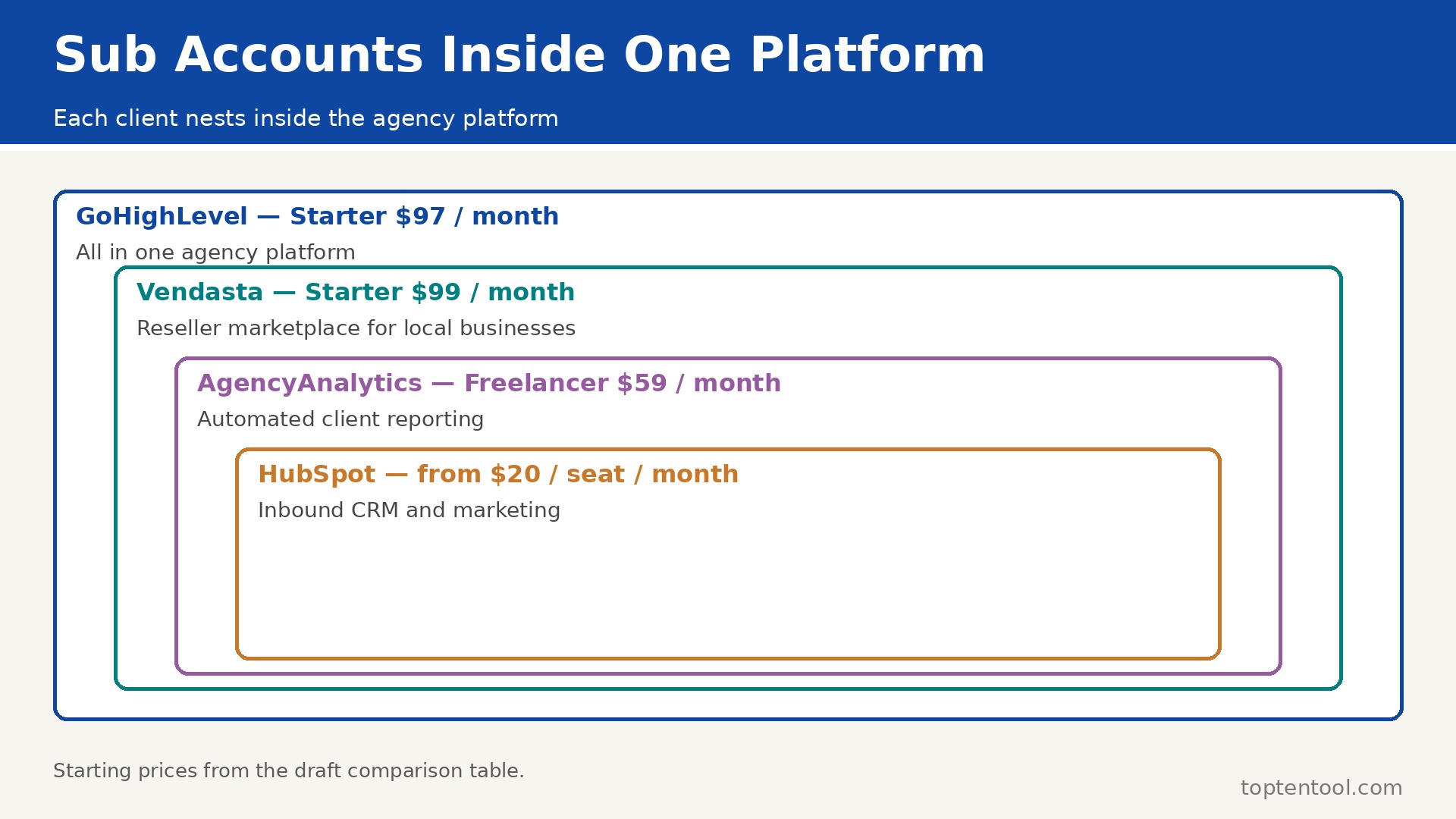
The table below puts price and best fit side by side, so the trade offs are easy to see. The best software for marketing agencies that look cheapest on the first line are not always cheapest in real use, since shipment caps, per user fees and add ons change the total. Read the price column together with the best fit column before you rank the tools.
| Tool | Starting price | Best for |
|---|---|---|
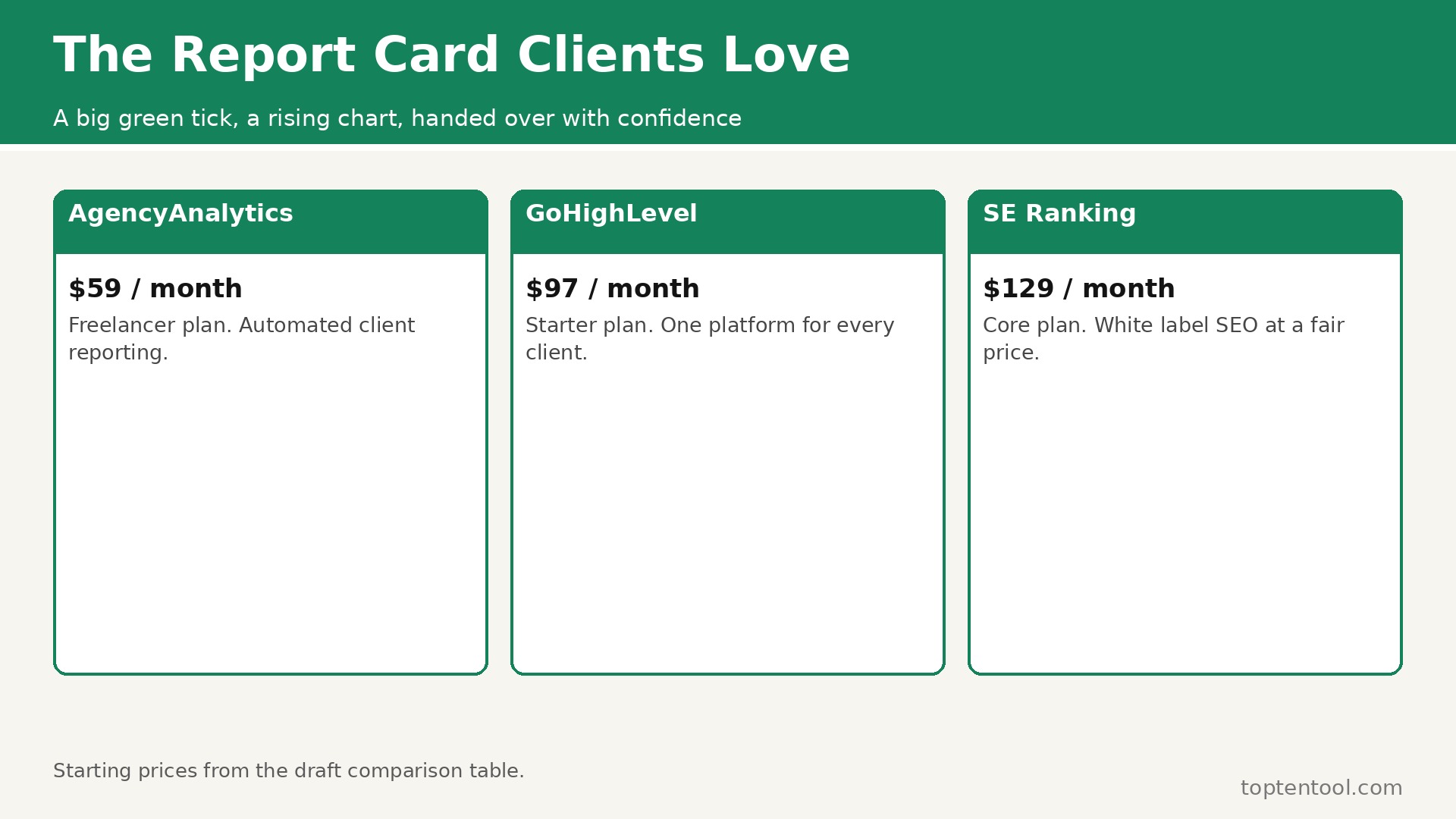
| GoHighLevel | Starter 97 dollars per month | All in one agency platform |
| Vendasta | Starter 99 dollars per month minimum | Reseller marketplace |
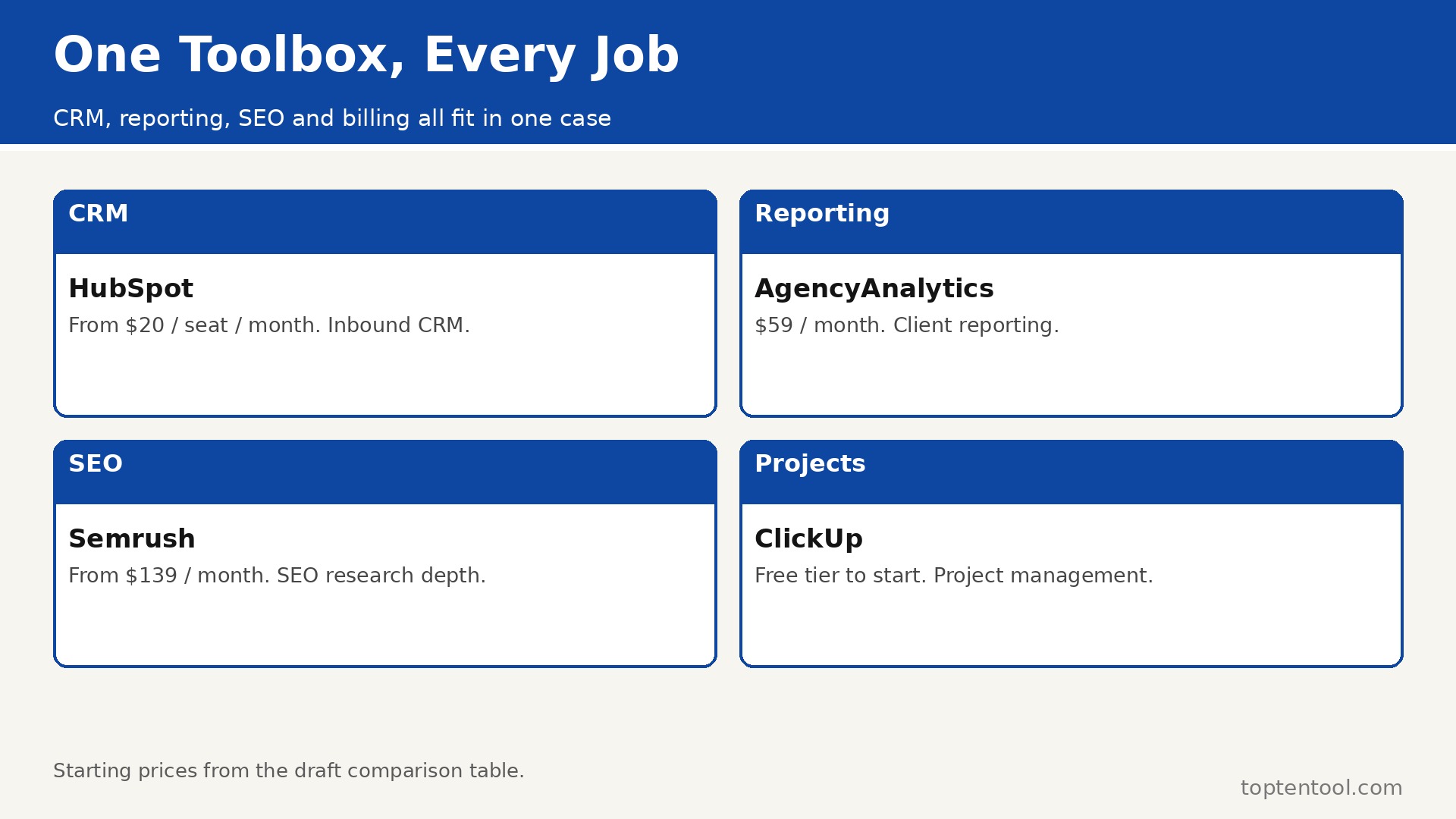
| AgencyAnalytics | Freelancer 59 dollars per month | Client reporting |
| HubSpot | From 20 dollars per seat per month | Inbound CRM and marketing |
| Semrush | From 139 dollars per month | SEO research depth |
| SE Ranking | Core 129 dollars per month | White label SEO |
| BrightLocal | From 39 dollars per month | Local SEO reporting |
| ClickUp | Free tier to start | Project management |
The tools in detail
1. GoHighLevel
GoHighLevel is built for agencies that want one operating system for every client. CRM, pipelines, funnels, websites, email, SMS, calendars, reputation and courses share one account. Unlimited sub accounts on the Unlimited plan let every client live in its own space under one login. White label and SaaS Mode let an agency resell the platform under its own brand.
Pricing is Starter from 97 dollars per month, Unlimited from 297 dollars per month. GoHighLevel fits agencies that want one operating system for every client best. The platform is large, so new users need time to learn it, and the entry plan allows only three sub accounts.
2. Vendasta
Vendasta is built for agencies selling to local businesses through a reseller marketplace. A marketplace of more than 250 products lets an agency resell services under its own brand. The client facing Business App carries the agency brand, not the vendor brand. Wholesale discounts of up to 80 percent off retail leave room for agency margin.
Pricing is Starter from 99 dollars per month minimum spend, with higher tiers by spend. Vendasta fits agencies selling to local businesses through a reseller marketplace best. Costs are tied to wholesale spend rather than a flat number, so margins need careful modeling.
3. AgencyAnalytics
AgencyAnalytics is built for agencies that need automated client reporting. Connect every data source and turn it into branded dashboards and scheduled reports. White label reports carry the agency logo and domain, so clients see the agency work. AI powered analysis highlights what matters instead of dumping raw numbers.
Pricing is Freelancer from 59 dollars per month. AgencyAnalytics fits agencies that need automated client reporting best. Reporting is the focus, so fulfillment, SEO and CRM tools need to come from elsewhere.
4. HubSpot
HubSpot is built for inbound agencies with enterprise clients. CRM, marketing, sales and service share one record for every contact. Automation, email and reporting scale from a small team to a large one. The ecosystem is deep, with thousands of integrations and a large community.
Pricing is From 20 dollars per seat per month on entry plans, with higher tiers for marketing and sales hubs. HubSpot fits inbound agencies with enterprise clients best. Costs rise fast as contacts and seats grow, and the agency needs separate accounts per client.
5. Semrush
Semrush is built for agencies that need SEO research depth. Keyword research, site audits, rank tracking and competitor analysis cover the full SEO job. My Reports lets an agency build branded client reports. The database is one of the largest in SEO, which suits research heavy work.
Pricing is From 139 dollars per month. Semrush fits agencies that need SEO research depth best. There is no client portal, and the price is high for a small agency that only needs reporting.
6. SE Ranking
SE Ranking is built for mid market agencies that want white label SEO at a fair price. Rank tracking, audits and competitor research cover the core SEO workflow. The Agency Pack adds white labeling for client facing reports and tools. Pricing is lower than Semrush for a similar core feature set.
Pricing is Core from 129 dollars per month, with white labeling as a 69 dollar per month add on. SE Ranking fits mid market agencies that want white label SEO at a fair price best. White labeling costs extra on Core and Growth plans, so price the add on before comparing.
7. BrightLocal
BrightLocal is built for agencies that need local SEO reporting and citations. Rankings, listings, reviews and citations cover the local SEO job. White label reports and dashboards suit an agency with many local clients. The price is low for the depth of local data provided.
Pricing is From 39 dollars per month, with agency plans from 31 dollars per month in some comparisons. BrightLocal fits agencies that need local SEO reporting and citations best. It is a local SEO tool, so national SEO and paid media need another platform.
8. ClickUp
ClickUp is built for agencies that need project management across many clients. Tasks, docs, goals and time tracking share one workspace per client. Custom views let each client see only what matters to them. Automations move routine work forward without manual chasing.
Pricing is Pricing varies by plan, with a free tier to start. ClickUp fits agencies that need project management across many clients best. The flexibility can overwhelm a small team, and setup takes time to get right.
9. Asana
Asana is built for agencies that need clear project timelines and ownership. Projects, timelines and portfolios show who owns what and when it is due. Templates speed up repeatable client work like onboarding and reporting. The interface is clean and easy for clients to follow.
Pricing is Pricing varies by plan, with paid plans in the low teens per user per month in published comparisons. Asana fits agencies that need clear project timelines and ownership best. Advanced reporting and portfolios need higher tiers, and the per user price adds up across a team.
10. Teamwork
Teamwork is built for agencies that need client work, time tracking and billing together. Projects, time tracking and invoicing share one system, so billable work is easy to track. Client users can see progress without seeing internal work. Templates and workflows suit repeatable agency services.
Pricing is Pricing varies by plan, with a free trial to start. Teamwork fits agencies that need client work, time tracking and billing together best. The feature set is narrower than ClickUp for teams that need deep customization.
11. Scoro
Scoro is built for agencies that need quotes, projects and finances in one place. Quotes, projects, time, billing and reporting share one platform. Real time profitability shows which clients and projects actually make money. The workflow is built for professional services, not just task lists.
Pricing is Pricing varies by plan, with a quote for an exact number. Scoro fits agencies that need quotes, projects and finances in one place best. Pricing is quote based, so a small agency needs a sales conversation to get a number.
12. Productive
Productive is built for agencies that need budgeting, resourcing and profitability. Budgets, resourcing and time tracking show whether a project will make money before it starts. Sales pipelines and project finances share one view. The tool suits agencies that sell projects on a fixed fee and need to protect margin.
Pricing is Pricing varies by plan, with a free trial to start. Productive fits agencies that need budgeting, resourcing and profitability best. It is less known than the bigger names, so integrations and community support are thinner.
Mistakes to avoid
Most buyers in this category make the same few mistakes, and the tools that look best on paper are often the ones that punish those mistakes most. A short list of the common errors will save more money than a long feature comparison.
The most common mistake is buying a tool for one client and forcing every other client into it. Different clients need different views, and a platform without proper sub accounts will mix their data. Choose the client separation model first, then the features.
Another mistake is underestimating the white label cost. The entry price on the pricing page often excludes branding, and the real monthly cost can be far higher. Always price the branded tier before you compare tools.
The third mistake is letting reporting stay manual. An agency that builds each client report by hand will run out of hours as it grows. Automate the report once, schedule it, and spend the saved hours on the work that actually grows the client account.
A simple decision checklist
Use this checklist before you pay for any of the best software for marketing agencies above. It takes ten minutes and it catches the errors that turn a good tool into a bad purchase.
- Write down the one job the tool must do well every day, and test that job first.
- Count the real users, locations or volume the plan must cover, including the busy season.
- Check the price of the tier that includes the features you need, not the cheapest tier on the page.
- Test the tool with a real task from your own work, not the sample data in the demo.
- Read the contract terms, the renewal rules and the cancellation process before you sign.
Frequently asked questions
These are the questions buyers ask most often about best software for marketing agencies. The answers are short, and each one points back to the comparison above so you can check the detail for yourself.
What is the best software for a marketing agency?
GoHighLevel is the best all in one pick for agencies managing many clients, AgencyAnalytics is the best for client reporting, and Vendasta is the best for reselling services to local businesses. The right pick depends on whether the agency needs fulfillment, reporting or resale most.
How much does agency software cost?
Entry points range from about 36 to 97 dollars a month for small plans, while platform level white labeling with client sub accounts typically runs 150 to 500 dollars a month. GoHighLevel starts at 97 dollars, Vendasta at 99 dollars minimum, and AgencyAnalytics at 59 dollars.
Do I need white label software for my agency?
Yes, if clients will log in or receive reports. White labeling puts your brand on the dashboards, reports and portals, which builds trust and keeps the client relationship with you rather than with the vendor. If only your team uses the tool, white labeling matters less.
Can one tool run a whole marketing agency?
GoHighLevel comes closest, with CRM, funnels, email, SMS, websites, booking and reputation in one account. Most agencies still pair it with a reporting tool like AgencyAnalytics and an SEO tool like Semrush for depth in those areas.
How do agencies manage many clients in one tool?
Through sub accounts, workspaces or client portals that keep each client data separate while the agency manages them all from one login. GoHighLevel uses sub accounts, ClickUp uses workspaces, and Vendasta uses a branded client portal. Check that model before you buy.
One more point deserves attention before you choose. GoHighLevel leads this list for a reason, but the lead is narrow, and the second and third tools each win on a specific job. A buyer who reads only the ranking will miss those wins. Read the best fit column again with your own job in mind, and let that decide the shortlist rather than the order of the entries.
Support quality is easy to overlook until something breaks. Vendasta and GoHighLevel both have a reputation for answering quickly, while some of the cheaper tools in this list rely on email support with slower replies. If your team depends on the tool every day, the speed of support is worth real money, and it should count in the decision alongside price.
Training time is a real cost too. A tool that takes a week to learn will cost more than a tool with a slightly higher monthly price that the team learns in a day. Ask each vendor for a short trial with your own data, and watch how long it takes a new user to finish a routine task without help. That test tells you more than any feature list.
Integration with the tools you already use matters more as the stack grows. A platform that connects cleanly to your current system will save hours of manual copying, while a tool that needs workarounds will add a weekly chore. Check the integration list for the two or three apps your team opens every day, and confirm the connection works on the plan you would actually buy.
Finally, remember that the best tool is the one the team will keep using. A powerful platform that sits unused is worse than a simple tool that everyone opens daily. Involve the people who will use it in the trial, listen to what frustrates them, and choose the tool they reach for without being told. That habit is what turns a purchase into a result.
Think about the second year, not just the first month. A tool with a low entry price and a steep renewal can cost more over two years than a pricier tool with stable pricing. Ask about renewal rates, price changes on higher tiers, and what happens when the team grows past the current plan. A vendor that answers those questions plainly is easier to trust with a long term commitment.
Data export is a quiet test of a good vendor. Before you commit, check how your work leaves the platform if you ever decide to move. A tool that exports cleanly to standard formats respects your business, while a tool that locks data inside is betting that you will never leave. The export test takes five minutes and it is worth doing on every shortlisted tool.
Seasonal peaks deserve a specific check. A tool that handles a normal week well can still struggle in the busiest month of the year, when volume doubles and the team is under pressure. Ask the vendor how the plan behaves at peak volume, whether limits can be raised temporarily, and what the cost of that extra capacity looks like. The answer will tell you whether the tool is built for real business cycles.
Security and privacy checks belong on the shortlist too. Ask where data is stored, who can access it, and how the vendor handles a request to delete it. A tool that handles customer or employee data should answer those questions without hesitation. If the answers are vague, treat that as a warning sign rather than a detail to check later.
Start small even when the plan allows a big rollout. Pick one team, one project or one location, run the tool there for a month, and measure the result before you roll it out everywhere. A pilot catches the problems that a demo hides, and it gives the team a success story to share when the wider rollout begins. That careful start is how a good tool becomes part of the daily routine instead of another unused subscription.
Measure the result after the first month with numbers you already track. Time saved per order, per call or per project is the clearest test, followed by the cost per order and the number of errors or rework. If the tool has not moved at least one of those numbers in thirty days, the problem is either the tool or the way the team uses it, and both are worth a frank review before the next payment.
Keep the decision record simple. Write down why you chose the tool, what it must do in the first ninety days, and what would make you switch. That short note stops the team from drifting into a tool that no longer fits, and it makes the next review a fact based conversation instead of a debate about feelings. A good purchase is one you can explain a year later.
Talk to a current user before you buy, not just to the sales team. A short call with a business of a similar size will reveal the daily friction that a demo never shows, like a slow mobile app, a confusing setting, or a support queue that only answers quickly before the sale. Most vendors will arrange a reference call if you ask, and the ones that refuse are telling you something.
Check what happens when the team changes. A tool that is easy to join should also be easy to leave, with clear steps for removing a user, moving their work, and keeping the history. Staff turnover is normal, and a platform that makes offboarding painful will cost time on every departure. Ask about that process during the trial, while you still have a choice.
Look at the roadmap with a skeptical eye. A vendor that promises every feature on your wish list is selling a future, not a product. Buy the tool for what it does today, and treat the roadmap as a bonus. If the core job is not covered now, no promised update should change the decision.
Finally, set a review date in the calendar the day you buy. Ninety days is enough to know whether the tool is working, and a fixed review stops a mediocre tool from becoming a permanent cost through habit. At the review, check the numbers you recorded at the start, ask the team what they would change, and be willing to switch if the answer is clear. A tool should earn its renewal.
Compare the trial experience across your shortlist on the same task. Give each tool the same real job, time how long it takes, and note where you got stuck. A side by side trial on identical work is far more honest than a week with one tool followed by a week with another, since memory fades and the second tool always feels easier. Keep a simple score sheet and let the numbers decide.
Ask about limits that only appear at scale. A plan that allows ten users today may charge sharply for the eleventh, and a plan that covers a hundred orders a month may slow down at a thousand. Vendors rarely highlight those cliffs on the pricing page, so ask directly what changes at the next tier and what the migration looks like. A smooth upgrade path is a sign of a mature product.
Do not ignore the mobile experience. Much of the daily work in this category happens away from a desk, on a phone between jobs or in a meeting with a client. Open the mobile app during the trial, complete a routine task on it, and check whether the result matches the desktop version. A weak mobile app will quietly push work back to the office, where it piles up.
The verdict
For most marketing agencies, GoHighLevel is the strongest single platform, since it was built for multi client work from the start. Pair it with AgencyAnalytics for reporting that clients actually read, and add Semrush or SE Ranking when SEO depth matters. Vendasta is the pick for agencies that resell services to local businesses, and BrightLocal is the pick for local SEO specialists. The right stack is the one that keeps every client separate, reports itself, and leaves the team free to do the work that grows accounts.
Keep client data separate from the first day, even when the agency is small. A tool that mixes two clients into one workspace will eventually send the wrong report to the wrong client, and that mistake costs trust that took years to build. Check that each client has its own login, its own reports, and its own billing record before you sign. Separation is not a feature to add later, because rebuilding it after a leak is far harder than setting it up at the start.
Agree the reporting rhythm with each client before the first report goes out. Some clients want a short weekly update, others want a deep monthly review, and sending the wrong one wastes everyone’s time. Write the rhythm into the client record, name the person who receives it, and stick to it for three months before changing it. A steady report the client actually reads is worth more than a dashboard nobody opens.
That is the honest summary for best software for marketing agencies in 2026. Start with the tool that matches your situation, use the free trial or free plan to test it on real work, and only then commit to a paid plan. A tool that fits the job will feel obvious within a week, and a tool that does not will show its gaps just as fast.