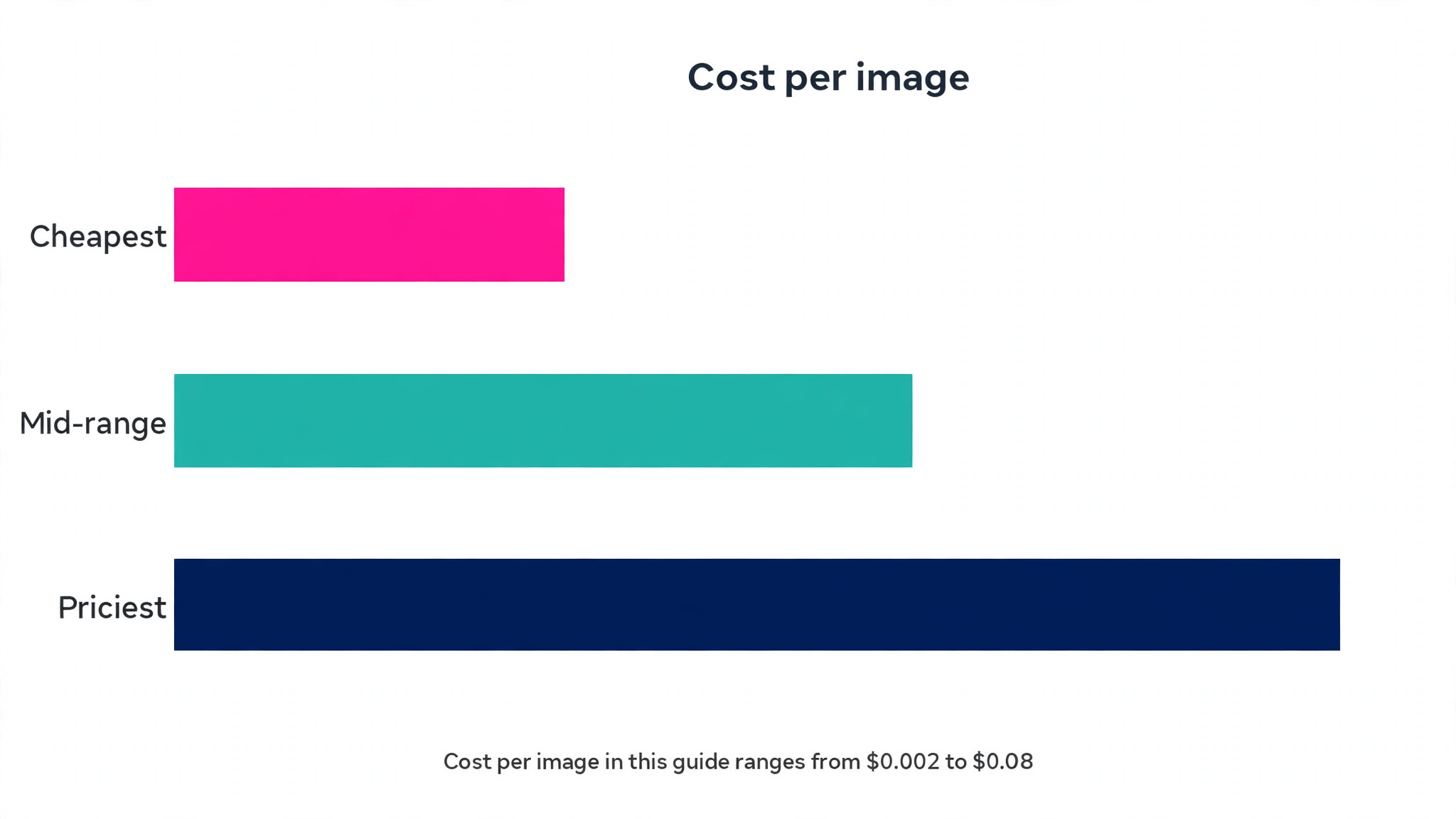
Image generation now costs as little as two tenths of a cent per picture. API pricing for older Stable Diffusion models runs from about 0.002 dollars per image, while flagship models charge up to 0.08 dollars, and that forty fold gap is the first thing to understand about this market. The cheapest image is not the best image, and the most expensive subscription is not the best subscription either. The best ai image generators earn their place by matching the price to the job, whether that job is a product photo, a poster with words on it, a game asset or a brand illustration.
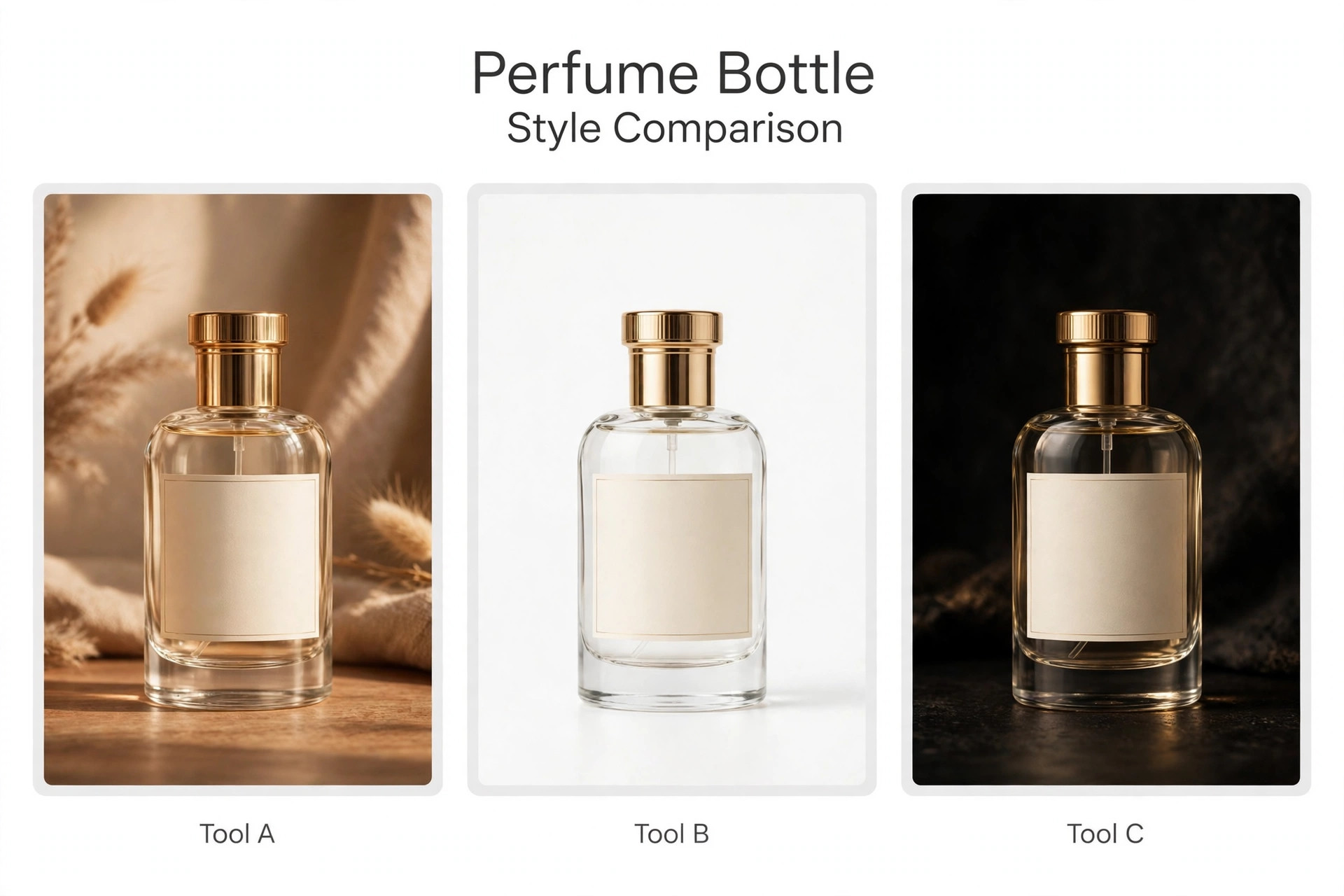
We ran the same three prompts through every tool below. A perfume product shot with a readable label, a jazz festival poster with a headline and a date, and a bold graphic illustration with a limited palette. The prompts stayed identical, the settings stayed at their defaults, and the results were judged on image quality, text accuracy, editing control, licensing and price. Prices come from vendor pricing pages and pricing roundups checked in October and November 2026, and where sources disagreed we say so rather than picking the friendlier number.
No single tool wins all three prompts, and that is the honest headline of this guide. Midjourney wins on pure visual quality, Ideogram wins when words must read correctly, Adobe Firefly wins when a client asks about licensing, and Design.com wins when the image must become a finished branded asset in the same account. The rest of this guide shows which tool wins your prompt, not someone else’s.
Why the Best AI Image Generators Matter in 2026
Images decide whether a visitor stays or leaves, and in 2026 most of those images are generated rather than photographed. A product page, a blog header, a social ad and a presentation all need visuals, and a business that waits for a photoshoot for each one will publish less often than a competitor that generates them in minutes. The best ai image generators matter because they remove the bottleneck between having an idea and having a picture of it, at a cost that a small business can absorb without thinking twice.
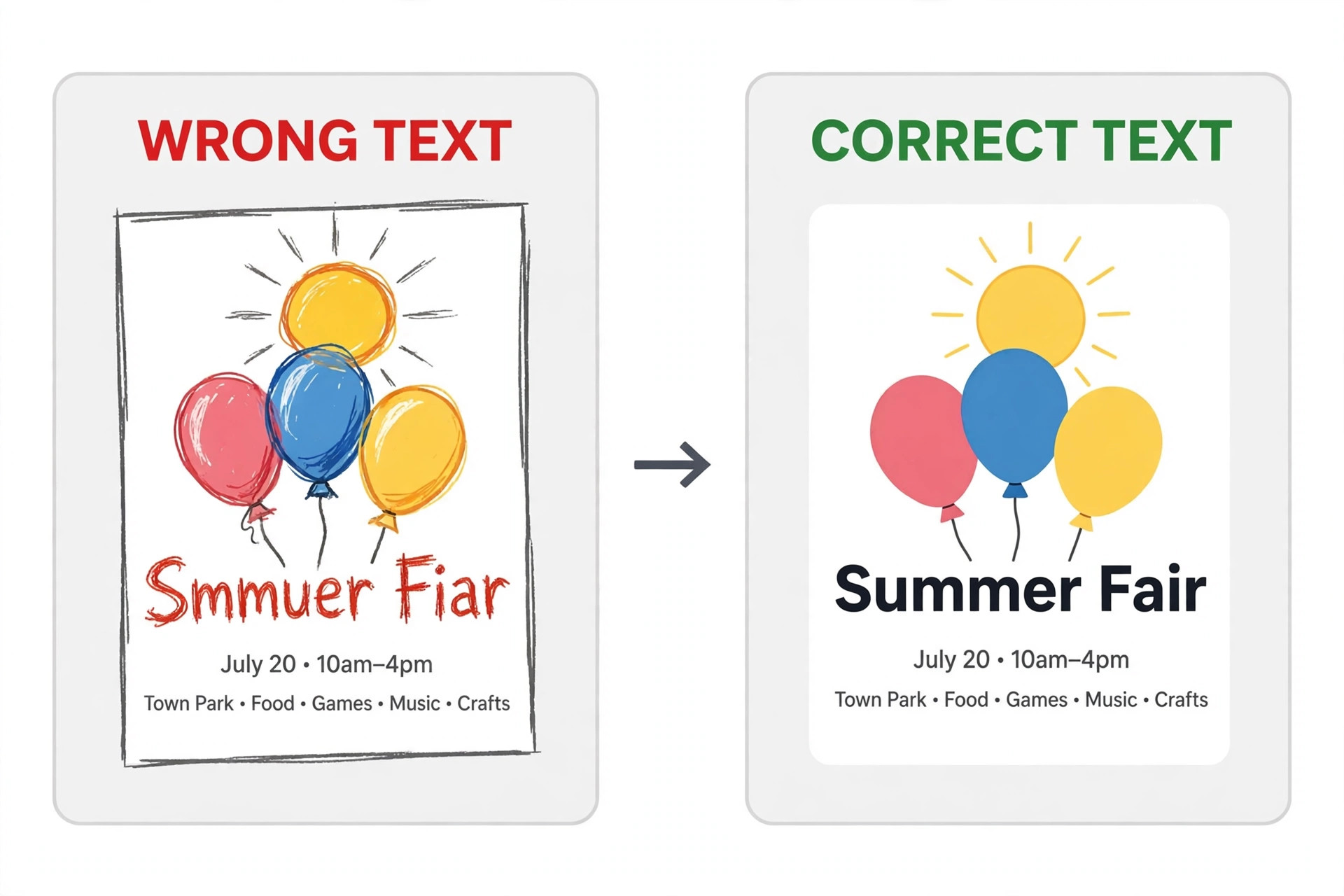
The second reason is text. For years, image generators could paint a beautiful scene and then ruin it with a misspelled headline, which made them useless for posters, ads and product labels. That gap has closed unevenly. Ideogram now renders roughly 90 percent of short slogans correctly on the first pass in independent print on demand testing, while older models still stumble on the same words. The tools below are ranked partly on that skill, because a generator that cannot spell is a generator that cannot do half the jobs a business actually has.
The third reason is licensing. An image used in paid advertising, on packaging or in client work carries legal weight, and the training data behind the model decides how safe that use is.
The 14 Tools at a Glance
| Tool | Best for | Free option | Starting price | Text in images |
|---|---|---|---|---|
| Design.com | Branded images in one account | Yes | 3 dollars a month annual | Good |
| Midjourney | Artistic and editorial quality | No | 10 dollars a month | Weak |
| DALL-E 3 | Conversational edits in ChatGPT | Limited | 20 dollars a month | Good |
| Adobe Firefly | Commercially safe client work | Yes | 9.99 dollars a month | Fair |
| Ideogram | Posters and labels with words | Yes | 8 dollars a month | Best |
| Leonardo.ai | Game and concept art | Yes | 12 dollars a month | Fair |
| Recraft | Vector output and brand styles | Yes | 10 dollars a month annual | Good |
| Stable Diffusion | Full control and self hosting | Yes | Pay per use | Fair |
| Canva Magic Media | Non designers and brand teams | Yes | 15 dollars a month | Good |
| Google Gemini | Everyday images in Google apps | Yes | Check vendor page | Good |
| FLUX | Open weights and API use | Yes | 0.014 dollars per image | Good |
| Qwen Image | High volume low cost generation | Yes | 0.034 dollars per image | Good |
| Seedream | Fast edits and product shots | Yes | 0.02 dollars per image | Good |
| Bing Image Creator | Free quick drafts | Yes | Free | Fair |
The table above is a starting point, and the best ai image generators for a poster look very different from the best for a game asset. Read the price column together with the text column, because a tool that cannot spell is the wrong tool for any image that carries words, no matter how beautiful its pictures are.
Best Pick by Job
| Job | Pick | Why it fits |
|---|---|---|
| Branded images plus templates | Design.com | Image connects to logo, brand kit and 50 plus tools |
| Artistic and editorial imagery | Midjourney | Highest visual quality in the group |
| Conversational edits and drafts | DALL-E 3 | Edit by chatting inside ChatGPT |
| Commercially safe client work | Adobe Firefly | Licensed training data and indemnification |
| Posters, labels and slogans | Ideogram | Best text rendering, about 90 percent first pass |
| Game art and consistent characters | Leonardo.ai | Fine tuned models and character control |
| Vector output for print | Recraft | True SVG export and saved styles |
| Full control and self hosting | Stable Diffusion | Open weights and no per image fee |
| Team designs without training | Canva Magic Media | Easiest for non designers |
| Cheapest high volume generation | Qwen Image | About 0.034 dollars per image by API |
The 14 Image Tools, One by One
1. Design.com
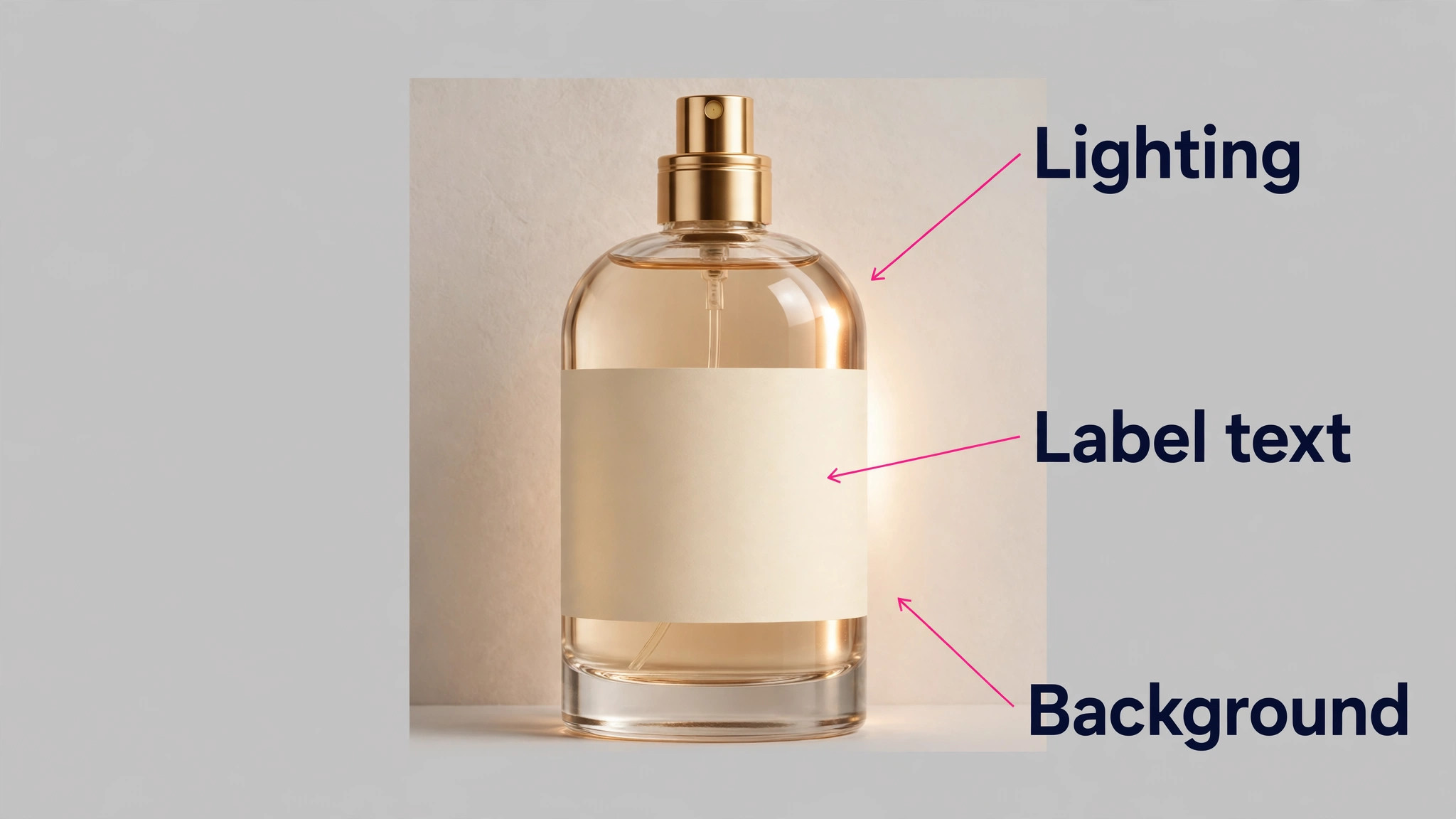
Design.com enters this list from the branding side, and that position shapes what it is good at. Its AI image generator turns a text description into a custom visual in seconds, covering realistic scenes, product concepts, illustrations, backgrounds and abstract imagery, with prompts that can specify subject, setting, style, mood, lighting, colours and composition. The image then connects with the wider platform, so it can be combined with a logo, brand colours and fonts, then turned into a social post, a flyer, a poster or a website visual without switching tools. That connection is the feature the standalone generators cannot copy.
Pricing is simple. Generation is free to try, and the AI Design Plan costs 3 dollars a month on annual billing, including 50 AI generated images a month, AI image editing and the full suite of more than 50 design tools. The AI Design Plan plus Website starts at 5 dollars a month.
2. Midjourney
Midjourney remains the benchmark for visual quality, and the gap is visible on the first generation. Lighting, composition and detail all sit a level above the general purpose tools, which is why editorial art, thumbnails and concept work still start here. The tool runs through Discord or its own web app, and it offers a Style Reference feature that sets the look from an uploaded image, plus Stylize controls that tune how strongly the model follows its own taste. On our illustration prompt it produced the most striking image in the group, with a depth and a finish the others did not match.
Pricing runs from Basic at 10 dollars a month, or 8 dollars on annual billing, to Standard at 30, Pro at 60 and Mega at 120 dollars a month. The tiers buy Fast GPU hours rather than a fixed image count, with Basic covering roughly 200 images a month, and unlimited slower Relax generation from the Standard tier up. Private generations need the Pro plan at 60 dollars a month.
3. DALL-E 3
DALL-E 3 lives inside ChatGPT, and that placement is its greatest strength. Describe an image in conversation, ask for a change in plain words, and iterate without learning a new interface or a new set of sliders. That conversational loop makes it the fastest tool for drafts, because the tenth version is only a sentence away from the ninth.
The model follows prompts closely and renders text better than most general purpose generators, which showed on our poster prompt, where the headline and the date came out correct on the second attempt. Access runs through ChatGPT Plus at 20 dollars a month, which also buys the wider ChatGPT toolset, or through the OpenAI API at around 0.04 dollars for a standard image.
The limits are real. DALL-E 3 will not out art Midjourney on a painterly brief, and it offers no vector output, so print work needs another tool. The free tier is limited, and heavy use pushes you toward Plus.
4. Adobe Firefly
Adobe Firefly is the safest choice for commercial work, and that safety is the product. The model trains on licensed and public domain material, which matters when a client asks about the source of an image or when a legal team reviews a campaign. It lives inside Photoshop, Illustrator and Express, so a generated image can be extended, filled and restyled without leaving the Adobe workflow. Generative Fill is the standout feature, letting you add or remove objects from a real photo with a text prompt, which is a different job from generating an image from scratch and one that Firefly handles better than anyone.
Pricing starts with a free tier of limited daily generations, then Standard at 9.99 dollars a month, with Pro tiers above. The free tier is enough to test the tool properly before paying.
5. Ideogram
Ideogram is the specialist for images that contain words, and it solves the problem that frustrates every poster maker. It renders legible, correctly spelled text inside images far better than general purpose generators, with roughly 90 percent of short slogans correct on the first pass in independent testing. That makes it the default for posters, social ads, book covers, product labels and simple logos, where the words matter as much as the picture. It also offers a transparent background setting and style reference from up to ten images, both useful for brand work. On our poster prompt it was the only tool that spelled the headline, the date and the venue correctly on the first generation.
Pricing runs from a free plan with limited weekly credits to Basic at 8 dollars a month and Plus at 20 dollars a month, or 15 dollars on annual billing, with Pro at 60 dollars for higher volumes and private outputs. The free tier is generous enough to test a real brief before paying.
6. Leonardo.ai
Leonardo.ai is the pick for game art, concept art and product assets, where consistency across many images matters more than a single beautiful result. Fine tuned models cover specific art styles, character consistency tools keep the same face across a series, and the platform handles the full asset pipeline from generation to upscaling. That control made it the strongest tool on our illustration prompt for a character led scene, where the same character needed to appear twice with the same look. The free tier offers 150 tokens a day, which is enough to test properly, and paid plans start at 12 dollars a month for Apprentice.
The trade off is complexity. Leonardo.ai has more settings, more models and more options than the simple generators, and a beginner can spend an hour learning the interface before generating anything useful. Text rendering is fair rather than excellent, so posters should go to Ideogram.
7. Recraft
Recraft earns its place through vectors and brand consistency. Its current vector generator creates editable SVG paths, strokes and fills from a prompt, which means an illustration or a logo made here is a real vector you can open, reshape and recolour. Custom styles built from reference images keep later generations consistent, which is exactly what a brand needs across many assets, and the tool also handles raster images, mockups and background removal. On our illustration prompt it produced a bold graphic image with strong shapes and readable text, and the SVG export made it the only result that could go straight to a print shop.
Pricing starts with a free plan, then Basic at 10 dollars a month on annual billing or 12 dollars monthly, with Pro and Teams above. The free plan carries a warning worth reading. Free plan images are owned by Recraft, are public, and are not licensed for commercial use, so business work must come from a paid plan.
8. Stable Diffusion
Stable Diffusion is the pick for anyone who wants full control, and it is the only tool here with open weights. Run it on your own hardware and there is no per image cost, no queue and no content filter beyond the one you choose. Fine tune it on your own style, build it into an API pipeline, or run it through a hosted service when you need scale. The Stability API charges a few cents per generation, with older models from about 0.002 dollars per image, which makes it the cheapest route at high volume. That openness is also the reason it appears in so many other products, because developers build on it rather than around it.
The cost is effort. Self hosting needs a capable graphics card or a pay as you go cloud GPU, and the interface is technical compared with the one box prompt tools. Text rendering is fair rather than excellent, and the quality of the output depends heavily on the model and the settings you choose.
9. Canva Magic Media
Canva Magic Media is the easiest tool in this guide for a non designer, and that ease is the whole pitch. The image generator lives inside Canva, so a generated picture drops straight into a social post, a presentation, a flyer or a video without exporting and reimporting. Brand controls keep the output consistent with the team’s colours and fonts, and the template library means the image is rarely the finished product, because the design around it is already half built. On our prompts the results were clean and social ready, though rarely as striking as Midjourney, because the tool optimises for usable rather than remarkable.
Pricing starts with a free tier offering 50 credits, then Pro from around 15 dollars a month, with the exact figure varying by region and promotion. The credit allowance is shared across the AI tools, so heavy use runs out faster than the headline suggests.
10. Google Gemini
Google Gemini generates images inside the Google apps many businesses already use, and that placement is the reason to try it. A picture made in Gemini can move into a document, a slide deck or a Gmail draft without leaving the Google account, which removes the friction of downloading, uploading and reformatting. The model handles everyday images well, from product scenes to illustrations, and its text rendering is good enough for simple posters and social graphics. On our product prompt it produced a clean, bright shot that needed only a small crop to use.
Pricing is the part to verify on the vendor page, because Google changes its AI plan names and limits regularly. A free tier exists with limited generations, and paid access runs through the Google AI subscription plans.
11. FLUX
FLUX comes from Black Forest Labs and is the open weight alternative to Stable Diffusion for users who want modern quality without a subscription. The Klein model is open source and free to run, while the API charges pay as you go from about 0.014 dollars per image, with the flagship Pro model higher. That pricing makes it attractive for developers and for businesses that generate in bursts rather than steadily, because there is no monthly fee to pay in a quiet month. Image quality is strong, with good prompt following and good text rendering for an open model.
The trade off is the same as any open tool. Running it yourself needs hardware or a hosted service, and the interface is a developer tool rather than a consumer product. There is no brand kit, no template library and no chat editor, so the workflow is generation plus your own editing software.
12. Qwen Image
Qwen Image is the economics story of this list. Released by Alibaba with open weights under the Apache 2.0 licence, it generates images through an API at about 0.034 dollars per image, which makes it the cheapest volume engine for a business that needs hundreds of images a month. Quality is strong for the price, with good text rendering and solid prompt following, and it scored well in independent print on demand testing, where volume and cost decide the winner. A single sold product can repay a whole day of generation at that price.
The trade off is ecosystem. Qwen Image has no consumer app to match Midjourney or Canva, no brand kit and no template library, so it suits a developer, a print on demand seller or a technical team that already has a pipeline.
13. Seedream
Seedream is the fast editor of this group, built for quick iterations and product shots rather than slow, careful masterpieces. It generates and edits images quickly, with strong results on product concepts and clean studio style shots, and its API pricing runs from about 0.02 to 0.04 dollars per image. That speed matters when a seller needs twenty variations of a product image in an afternoon, because the tool that iterates fastest wins the day. On our perfume prompt it produced a convincing glass and brass product shot with correct label lines, which is a harder test than it looks.
The trade off is maturity. Seedream is newer and less known than the tools above it, so the template range, the community and the third party integrations are thinner. It has no free tier comparable to Ideogram or Canva, and the consumer facing app is simpler than the specialist tools.
14. Bing Image Creator
Bing Image Creator is the best free starting point in this guide, because it costs nothing and needs no subscription. Powered by DALL-E technology, it turns a text prompt into a set of images in seconds, with a simple interface and no learning curve. Boosts from the Microsoft Rewards programme speed up generation, and the free tier is generous enough for drafts, social posts and testing ideas before paying for a premium tool. On our illustration prompt it produced a pleasant, usable image, though less polished than Midjourney and less accurate on text than Ideogram.
The limits are firm. There is no commercial licence clarity comparable to Adobe Firefly, no vector output, no brand kit and no advanced editing, so a business should treat it as a drafting tool rather than a production tool.
How to Judge Any Image Tool Before You Pay
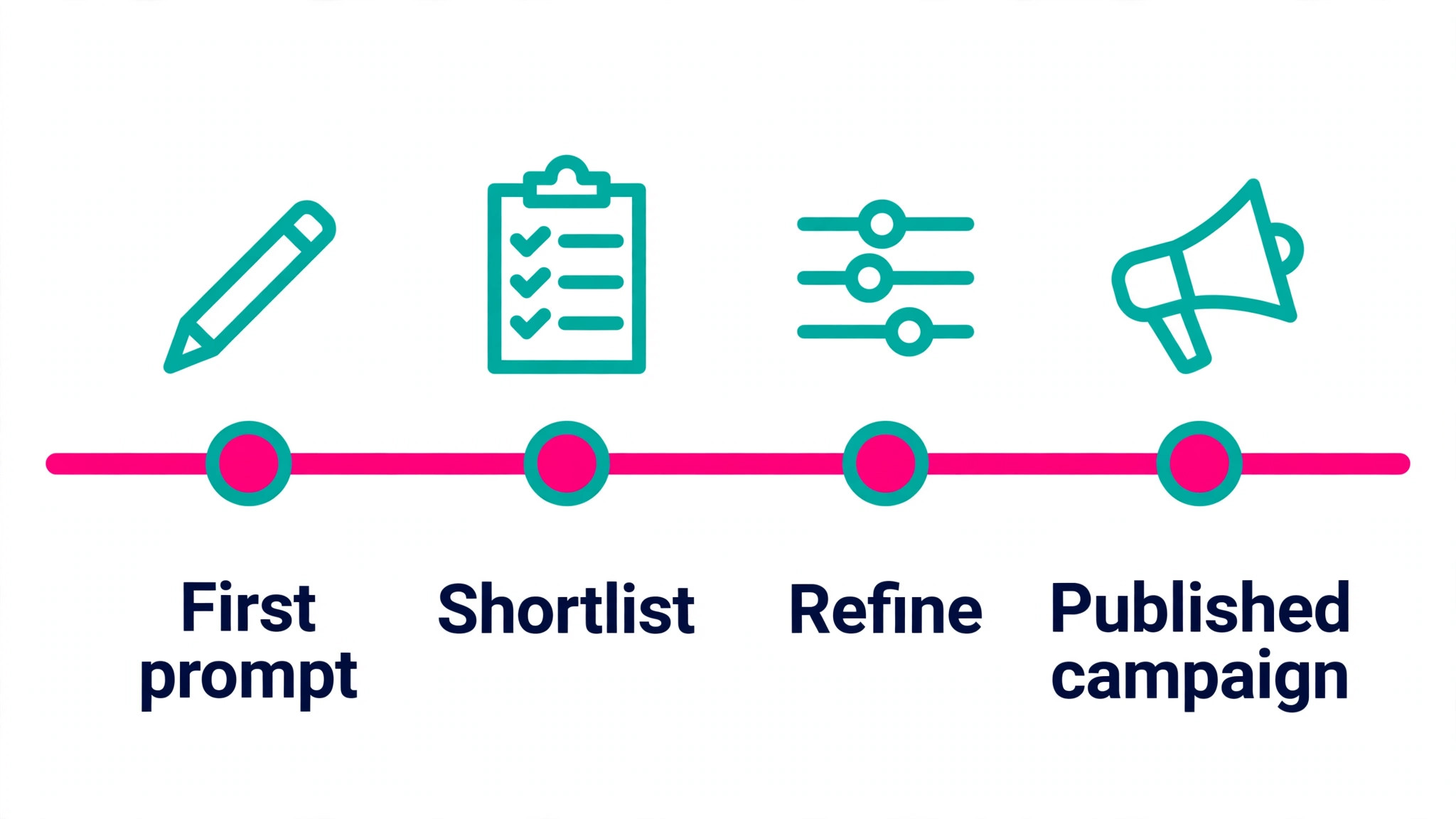
Judge an image tool on your prompt, not on its gallery, because the gallery shows the best results from the best users. Run the same three prompts through every tool you are considering, which takes an afternoon and tells you more than a week of reading reviews. Check the text first, because a misspelled headline is the fastest way to spot a weak model. Then check the hands, the edges and the small details at full size, because those are the places models still fail. Then check the edit loop, because the tool that fixes a mistake in one click beats the tool that forces a fresh generation.
Check the licence before you check the price. A free tier that keeps ownership with the vendor is only safe for drafts, while a paid plan with a commercial licence is safe for a real business. Adobe Firefly leads here, and Recraft states its free plan limits plainly, which is more honest than tools that hide them. Then check the cost at your volume, because a subscription that looks cheap at ten images a month can look expensive at a thousand, and an API that looks cheap per image can surprise you at scale. The best ai image generators are honest about all three numbers before you pay.
Launch Checklist
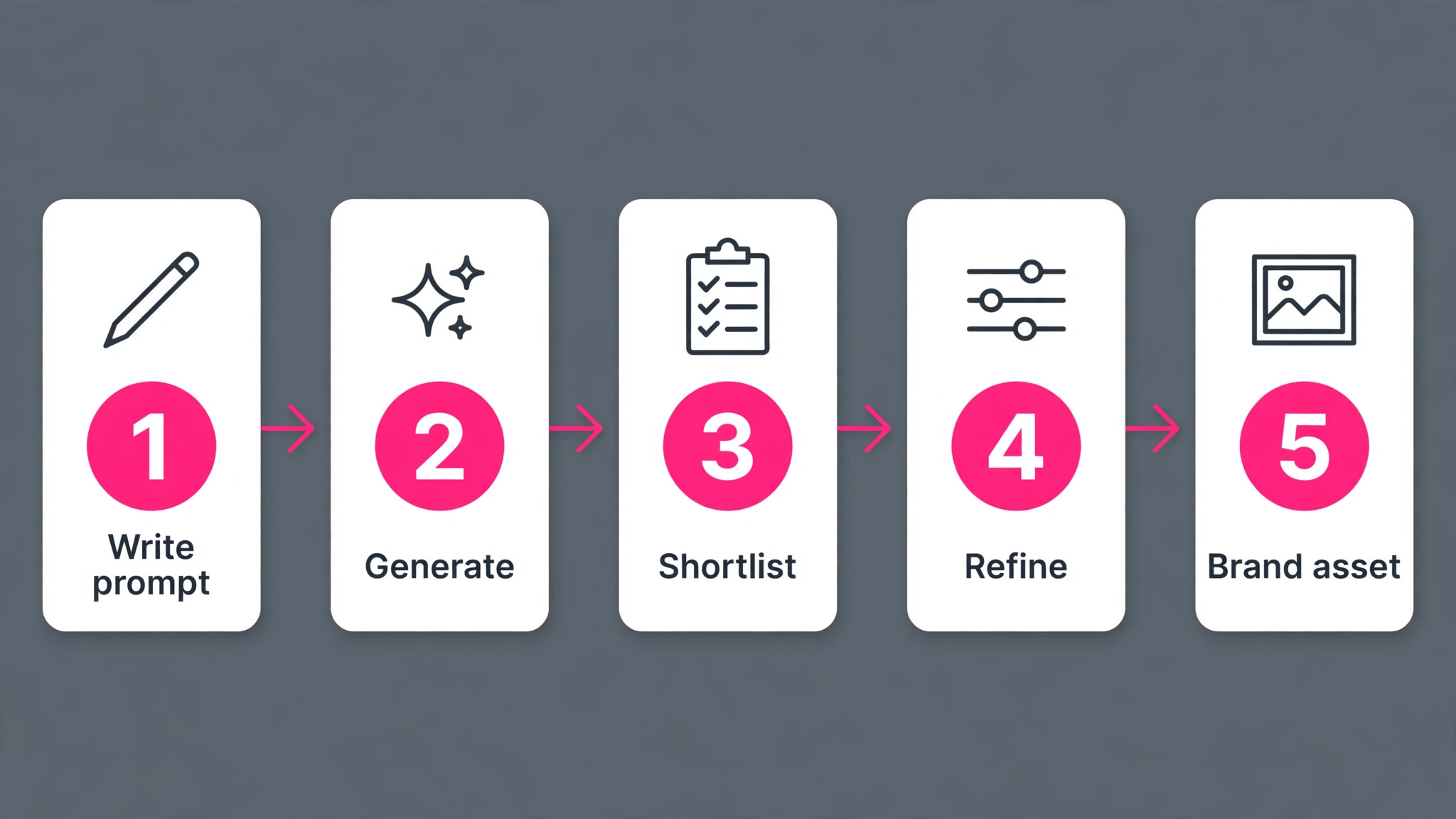
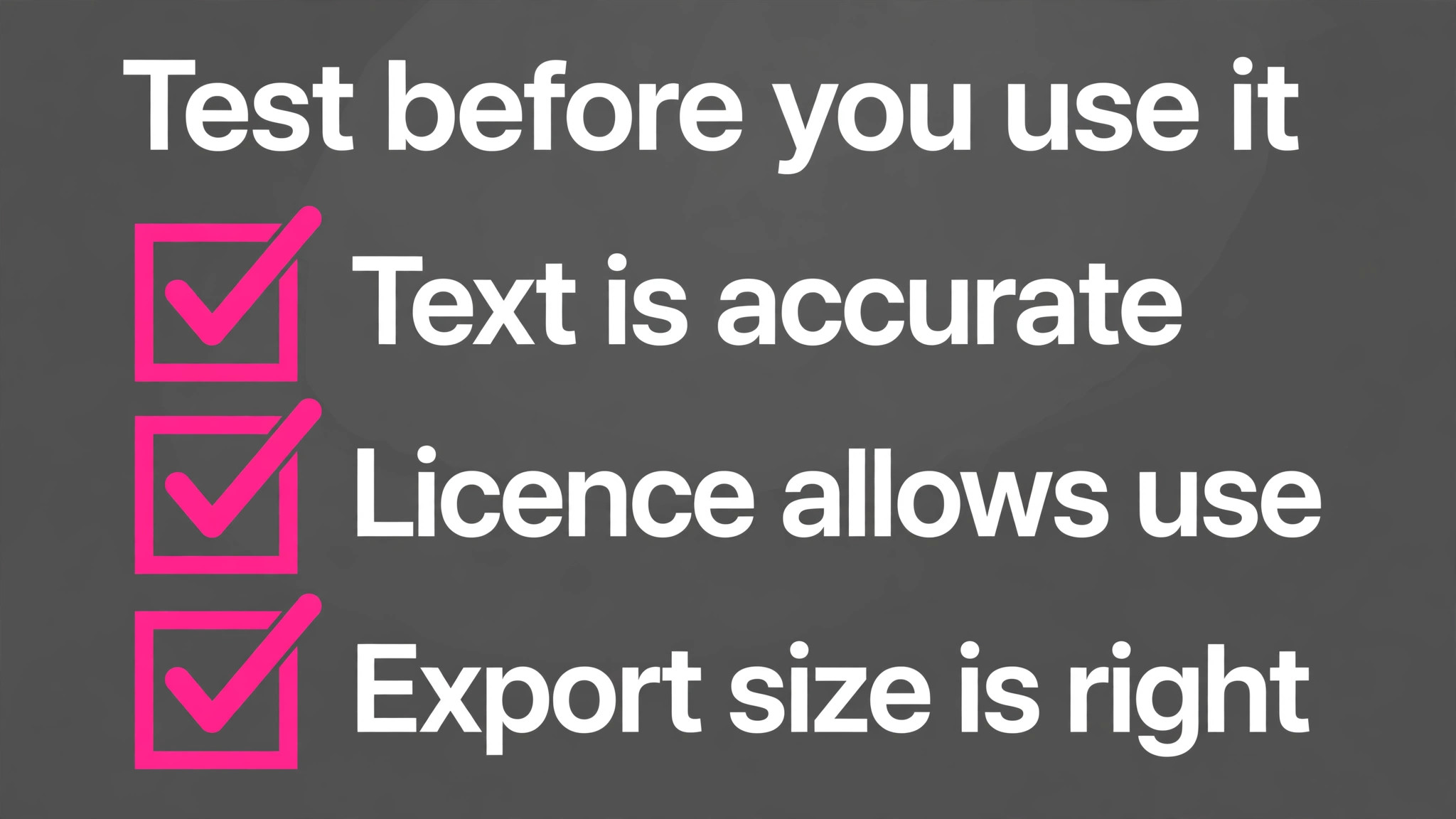
- Write the same three test prompts and run them through every tool you shortlist.
- Check text, hands and edges at full size on every result.
- Confirm the licence covers your use, especially for paid ads and packaging.
- Pick the tool that wins your prompt, not the one with the best gallery.
- Save the prompt that worked, with the tool name and the settings.
- Export in the right format, PNG for web and SVG or PDF for print.
- Test the image at the size it will actually appear.
- Keep the original file and the prompt together for future edits.
Mistakes That Waste Money on Image Tools
The most expensive mistake is paying for a subscription that does not fit your volume. A monthly plan makes sense when you generate images every week, but a business that needs ten images a month will pay less through an API at a few cents per image than through a subscription at 20 dollars a month. Work out your monthly volume first, then compare the subscription cost against the API cost at that volume. The second mistake is trusting the gallery instead of testing your own prompt, because a tool that paints beautiful landscapes can still fail on a product label.
The third mistake is using a free tier image for commercial work without reading the licence, which can mean the business does not own the image on its own packaging. The fourth mistake is exporting too small and discovering the problem at print time, which is avoidable by checking the pixel dimensions before export. The fifth mistake is generating twenty versions and picking the least bad one, when one good generation plus three rounds of edits would have produced a better result in less time. Edit, do not re-roll.
What Images Really Cost in 2026
An AI image in 2026 costs between zero and about 20 dollars a month on a subscription, or between 0.002 and 0.08 dollars per image through an API, depending on the model. The cheapest honest path is a free tier such as Bing Image Creator for drafts, followed by Ideogram at 8 dollars a month for posters and labels, or Midjourney at 10 dollars a month for artistic work. A business generating images every day should compare the subscription against the API cost at its real volume, because the crossover point arrives sooner than most buyers expect.
Add the hidden costs before you budget. A subscription that includes 50 images a month will charge extra beyond that limit, a credit based tool can burn through a month of credits in a single heavy afternoon, and a vector conversion or a print ready export may need a paid tier. For most small businesses, a total of 10 to 20 dollars a month covers a strong image workflow with the right licence and enough volume for a weekly publishing rhythm. A high volume seller should budget on API pricing instead, where a thousand images can cost less than a single subscription month.
Frequently Asked Questions
Which AI image generator is best in 2026
There is no single best, because the answer depends on the job. Midjourney leads on artistic quality, Ideogram leads on text inside images, Adobe Firefly leads on commercial licensing safety, and Canva leads on ease for non designers. The best ai image generators for a poster are different from the best for a game asset, so run your own prompt through two or three tools and pick the one that wins it. That test takes an afternoon and answers the question better than any ranking.
Can I use AI generated images commercially
Yes, in most cases, provided the plan you used grants a commercial licence. Paid plans on Adobe Firefly, Midjourney, Ideogram, Recraft and Design.com generally allow commercial use, while free tiers vary, and Recraft states plainly that free plan images are not licensed for commercial use. Read the licence for the exact plan you bought, and check the terms again if the work is for a client or for packaging, because those uses carry the most risk.
Which AI image generator is best for text in images
Ideogram is the best in this group, with roughly 90 percent of short slogans correct on the first pass in independent testing. DALL-E 3 and Design.com handle short text well, while Midjourney and Stable Diffusion are weaker on words. If the image must carry a headline, a label or a slogan, generate it in Ideogram first, and proofread every word at full size before use, because even the best model still makes mistakes.
Is Midjourney worth 10 dollars a month
Yes, if image quality is the job. Midjourney produces the most striking images in this guide, with lighting and composition that suit editorial art, thumbnails and concept work. The Basic plan at 10 dollars a month covers roughly 200 images, which is plenty for a creator or a small blog. It is not worth the money if the job is posters with text, because Ideogram does that better for less, or if you need a free tier, because Midjourney has none.
Can I generate images for free
Yes. Bing Image Creator is free, Canva and Ideogram offer free tiers with credits, Design.com offers free generation, and Stable Diffusion, FLUX and Qwen Image offer open weights you can run yourself. Free tiers are best for drafts, tests and social posts, while commercial work deserves a paid plan with a clear licence. Check the free tier limits before you rely on one, because credit allowances and ownership terms vary widely.
Do AI image generators replace stock photos
For many jobs, yes, and for some jobs, no. A generated image can show a product, a scene or a style that no stock library holds, and it can match a brand palette exactly. A real photograph still wins when authenticity matters, such as a photo of your actual shop, your actual team or your actual product. The smartest workflow uses both, with generated images for illustration and concept work, and real photos where the customer needs to see the truth.
The Verdict
The best ai image generators in 2026 are not the ones with the biggest galleries. They are the ones that win your prompt at a price you can justify, with a licence you can defend. Midjourney takes the overall win for visual quality, Ideogram takes the win for any image that carries words, Adobe Firefly takes the win for client work that must survive legal review, and Design.com takes the win when the image must become a finished branded asset in the same account.
Start with the free tiers, run the same three prompts through every tool you shortlist, and judge the results at full size before you pay. The tool that survives that test at a price you can justify is the right one, and the images it produces will still look sharp when the project grows from one poster to a full campaign.