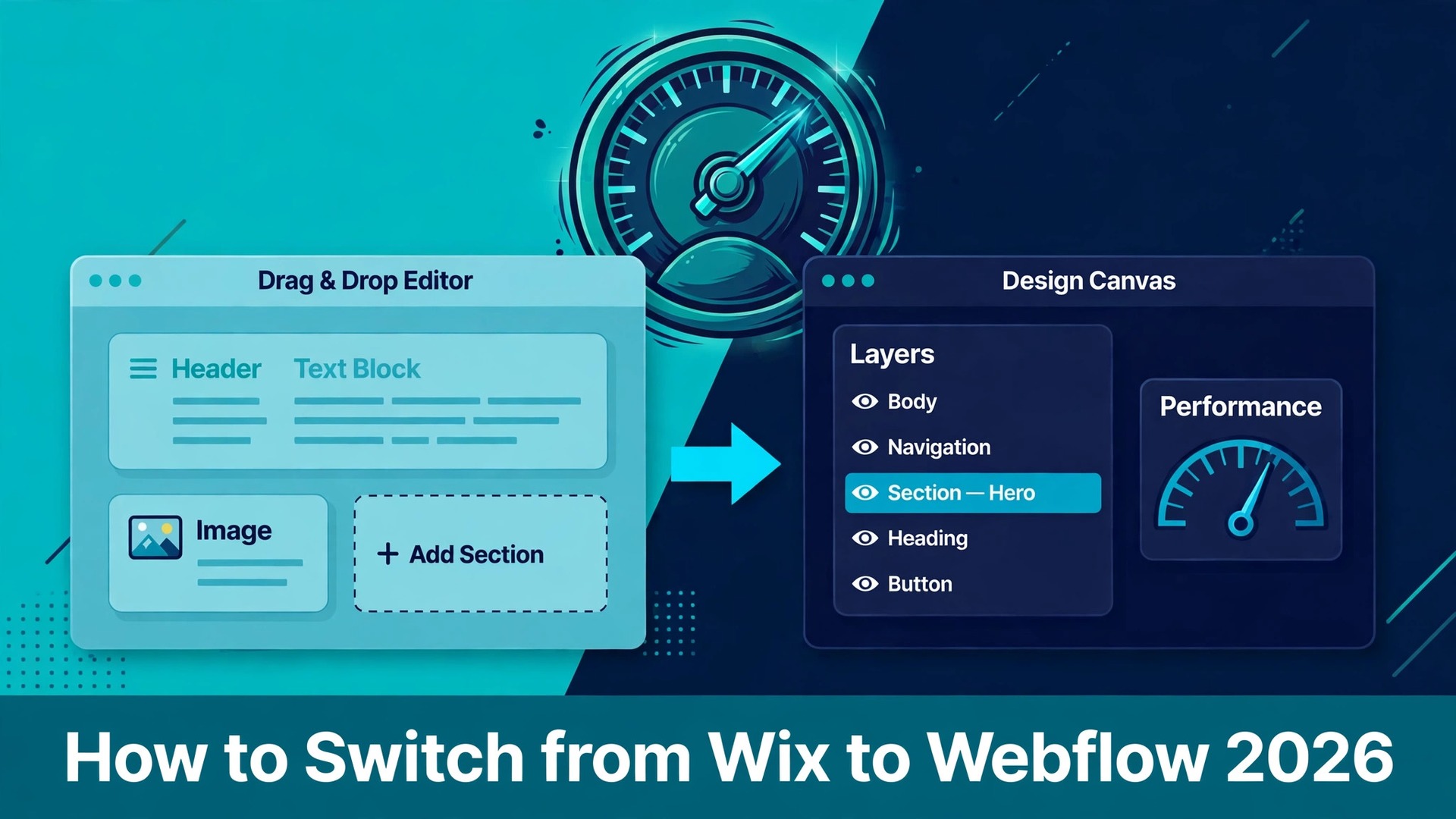
The quote from the agency lands in the inbox, the site feels slower every month, and the owner starts searching for how to switch from Wix to Webflow before the next renewal date. That search usually starts with design. Wix is easy to start with, and its drag and drop editor gets a first site live in a weekend. Webflow is harder to learn, and it gives a business far more control over layout, speed, and search performance once the site is built. The question is whether the business has outgrown the tool it started with.
A small business site with five pages and a blog that updates twice a month can live happily on Wix for years. A business that wants custom layouts, faster pages, and a content system that scales past a hundred pages will keep hitting the edges of Wix. The move costs time and money up front, and it pays back only when the business uses the control it buys.
This guide covers how to switch from Wix to Webflow in seven steps, with the real prices on both sides, a clear list of what moves and what does not, and a pre-launch checklist that protects search rankings. Follow the steps in order, run both sites side by side before the domain moves, and the switch stays calm. Skip the planning, cancel Wix early, and pages, rankings, and form leads can vanish in a single afternoon.
Why Small Businesses Switch from Wix to Webflow
Control over design is the first reason owners switch. Wix gives a business a set of blocks to arrange on a page. Webflow gives a business a canvas where every element can be placed, sized, and animated with precision. A designer can build a layout in Webflow that Wix simply cannot copy, with custom interactions and responsive behavior tuned for each screen size. For a business whose website is its shop window, that freedom is worth learning for.
Speed is the second reason, and it shows up in the numbers visitors feel. Wix sites carry the weight of the editor and its app layer, and pages often load slower than a hand-built equivalent. Webflow publishes clean code with hosting on a global content network, and its pages tend to load faster out of the box. Faster pages keep visitors on the site longer, and page speed feeds into rankings. A business that depends on search traffic notices the difference within weeks.
The third reason is the content system. Wix has a content manager that works well for small collections, and it starts to feel cramped as the catalog grows. Webflow Collections let a business define its own fields, link collections together, and build templates that render hundreds of pages from one design. A blog with two hundred posts is far easier to run in Webflow.
Search control is the fourth reason. Webflow lets an owner set meta titles and descriptions per page and per collection item, control the sitemap, add structured data, and manage 301 redirects in bulk. Wix has improved its search tools over the years, and it still hides some of that control behind its own automation. A business that treats search as its main channel wants the manual controls.
Cost is the reason some owners hesitate, and it deserves an honest look before the switch starts. Wix Light costs 17 dollars a month on annual billing, Core costs 29 dollars, Business costs 39 dollars, and Business Elite costs 159 dollars. Webflow Basic costs 15 dollars a month on annual billing, and the new Premium plan costs 25 dollars a month.
The monthly prices tell the same story. Wix Light is 24 dollars a month on monthly billing, and Webflow Basic is 25 dollars a month on monthly billing. The hosting bill barely changes, which is why so many owners research how to switch from Wix to Webflow expecting a saving and find it somewhere else entirely. The real cost of the move is the rebuild, not the subscription.
Wix vs Webflow Side by Side
| Feature | Wix | Webflow |
|---|---|---|
| Editor style | Drag and drop blocks | Visual canvas with precise control |
| Free plan | Yes, with Wix ads and subdomain | Starter plan for staging only |
| Entry paid plan | Light 17 dollars a month annual | Basic 15 dollars a month annual |
| CMS plan | Core 29 dollars a month annual | Premium 25 dollars a month annual |
| Blog and collections | Content manager, basic | Collections with custom fields and references |
| Ecommerce | Built in from Core at 29 dollars | Separate ecommerce plans, from 29 dollars a month |
| Page speed | Often slower, heavier code | Cleaner code, fast global hosting |
| SEO controls | Guided, partly automated | Manual per page, bulk redirects, structured data |
| Custom code | Velo, Wix only | Custom code embeds, no vendor lock on logic |
| Learning curve | Low, weekend to launch | Steep, weeks to build well |
Webflow replaced its old CMS and Business site plans with a single Premium plan in May 2026, at 25 dollars a month on annual billing or 39 dollars on monthly billing. Premium includes 20,000 CMS items and 40 collections, far more than the old CMS plan offered at 23 dollars a month. Owners who still pay the old CMS price keep it until their first renewal on or after 16 November 2026. Check the live pricing page before budgeting.
Wix prices are per site, and Webflow site plans are per site as well. The extra cost on the Webflow side is the workspace. A freelancer who builds sites for clients pays 24 dollars a month for a Freelancer workspace, separate from the site plan. A business that hires an agency never sees that bill directly, and it shows up in the agency quote instead.
Before You Switch. The Honest Comparison
A switch guide that only lists the savings is not honest, so this section states the trade plainly. Webflow is a professional tool, and it expects the person building the site to understand layout, spacing, and responsive design. Wix forgives a beginner. Webflow does not. A business owner who builds the site alone, without design experience, will spend weeks learning Webflow and may still produce a site that looks worse than the one it replaced. That owner should hire a designer or stay on Wix.
The second trade is the app ecosystem. Wix has hundreds of apps for bookings, events, memberships, restaurants, and stores, and most of them install in a click. Webflow has far fewer native apps, and many jobs need a third party tool connected by hand. A restaurant that takes bookings through a Wix app or a shop that runs on Wix Stores will need to rebuild those features with other tools. List every Wix app the business uses and find its replacement before the build starts.
The third trade is time. A Wix site can be rebuilt in Webflow in two to four weeks for a small business, and a site with a large blog or a store takes six to eight weeks. During that time the business pays for both platforms, and someone has to keep the Wix site updated while the new one is built. A business in the middle of a product launch or a busy season should not start the move.
The fourth trade is ecommerce. Wix Stores is built into the Core plan at 29 dollars a month, with payments, coupons, and shipping in one place. Webflow Ecommerce starts at 29 dollars a month on annual billing for the Standard plan, and it is a separate plan on top of the site plan for larger stores. A shop with a hundred products should price the Webflow store carefully, because the total can pass the Wix bill. A content site with no store feels no such pinch, and that is the business the switch suits best.
The 7 steps for how to switch from Wix to Webflow
Step 1. Audit the Wix site before touching anything
Open the Wix site and list every page, every blog post, every product, every form, and every app the business uses. Export the sitemap from the live domain and save every URL it lists. Run a crawl with a tool such as Screaming Frog to catch pages the sitemap misses, and record the title, meta description, and H1 of each page in a spreadsheet. Note the domain renewal date and the Wix plan renewal date, because cancelling mid term can carry a fee.
This audit takes a day for a small site and prevents the most common switch failure, which is discovering a ranking page only after it returns a 404. Check Google Search Console for the top twenty pages by clicks and by backlinks, and mark those as pages that must survive the move unchanged.
Step 2. Map the content to Webflow Collections
Decide which Wix content becomes a Webflow Collection and which stays as static pages. Blog posts become a Blog Posts collection, with fields for title, slug, publish date, author, category, featured image, and body. Listings such as locations, team members, or case studies each get their own collection. Static pages such as About, Contact, and Services stay as static pages, because they change rarely and need a custom layout each.
Plan the fields before building anything. A collection with the wrong fields forces a rebuild later. Export the Wix CMS collections to CSV where the export exists, and check the blog RSS feed, because the feed carries post titles, dates, and content that can be turned into a CSV for import. Static page copy has no export, so it moves by hand.
Step 3. Rebuild the design in Webflow
Build the new site on a Webflow staging domain before the real domain moves. Start with the homepage and one collection template, and get those two right before building the rest. Set the global styles first, with the fonts, colors, button styles, and heading sizes defined once, so every page inherits them. Build the navigation, the footer, and the collection templates next.
Use the rebuild to fix the layout problems the old site carried, such as crowded sections and weak mobile layouts. Compress every image before uploading. Test the design on a phone and a tablet after every major section, because a desktop layout that looks perfect can break badly on a small screen.
Step 4. Move the content and rebuild the SEO settings
Import the CSV files into the Webflow Collections, and check every item after import. Dates often arrive in the wrong format, images may need reattaching, and slugs may carry characters Webflow rejects. Fix those rows by hand rather than reimporting the whole file, because a second import can duplicate items that already loaded. Copy the static page text into the new pages, and reapply the images at the right sizes.
Rebuild the search settings deliberately, because none of the Wix SEO configuration transfers. Enter the meta title and description for every page from the audit spreadsheet, set the open graph image, and add structured data with JSON-LD in the custom code area where the old site used it. A page that launches with a blank meta description loses the snippet the old page earned, and that loss shows up in clicks within days.
Step 5. Build the redirect map and test it
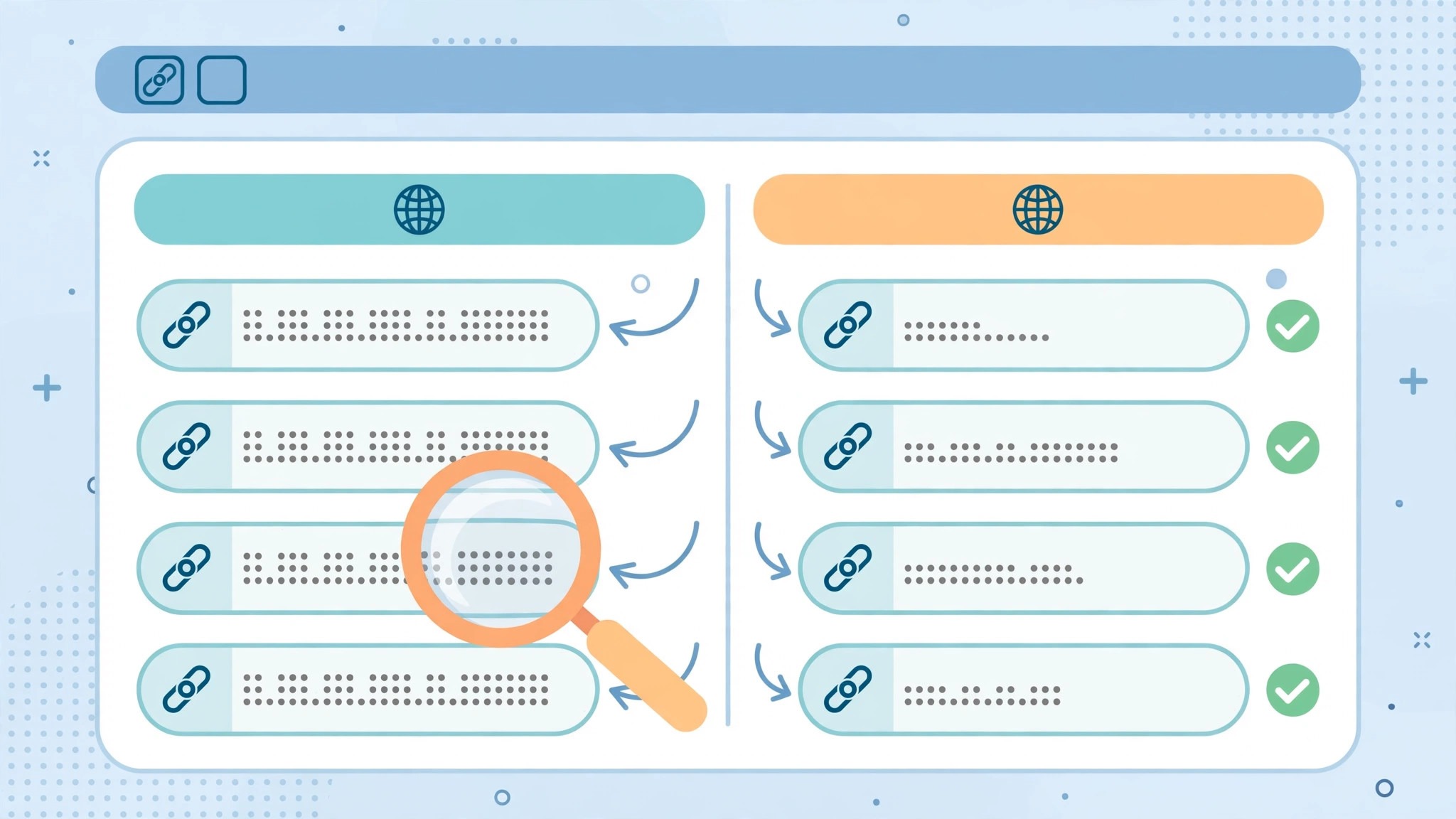
List every old Wix URL beside its new Webflow URL in the redirect spreadsheet. Blog posts usually move from the Wix pattern with post in the path to the Webflow pattern with blog in the path, so almost every post needs a redirect. Product pages, category pages, and any page whose slug changed need one too. Pages that keep the exact same slug need no redirect.
Enter the redirects in Webflow before the domain moves, using the bulk redirect import where the list is long. Test each redirect on the staging domain, and confirm that every old URL lands on its closest match in one hop, never through a chain of two or three redirects. Keep the redirects live for at least a year after launch. A blanket redirect to the homepage loses the ranking signal each old page carried, so map page to page, never page to home.
Step 6. Reconnect forms, tracking, and apps
Rebuild every form in Webflow, and test each one with a real submission before launch. Contact forms, quote forms, and newsletter signups all need a destination, whether that is an email inbox, a customer tool, or a spreadsheet. Connect the analytics and tracking next, including Google Analytics, Google Search Console, and any advertising pixels, and confirm each one fires on the staging site. A form that looks right and sends nothing is the most expensive bug a launch can carry.
Replace every Wix app with its new home. Bookings move to a booking platform, email lists move to the email tool the business already uses, and live chat moves to its own service. Connect each replacement and test it with a real booking or a real message. Do not assume a tool works because its dashboard looks connected. Send a test through every path a customer can take, and fix what fails while the Wix site still serves visitors.
Step 7. Move the domain and watch the first month
Point the domain to Webflow only when the staging site passes the pre-launch checklist and the redirects are tested. Change the DNS records, wait for the change to spread, and then load the live site on a phone and a desktop to confirm the pages, images, and forms all work. Submit the new sitemap in Google Search Console, and request indexing for the homepage and the top ten pages. Keep the Wix site active for at least a month after the move, so the old site stays available as a reference and a fallback.
Watch Search Console daily for the first two weeks, and weekly for the next month. Look for 404 errors, pages that lost their ranking, and redirect chains. Fix every 404 with a redirect to its closest live page. Hold any redesign or content rewrite until the thirty to ninety day window closes, because changing content at the same time as the platform hides which change caused a ranking move. The switch is done when traffic is steady for a month.
Pre Switch Checklist
Use this checklist before starting step 1, and do not skip a line.
- List every Wix page, blog post, product, form, and app.
- Export the sitemap and crawl the live site for hidden pages.
- Record the title, meta description, and H1 of every page.
- Note the Wix plan renewal date and the domain renewal date.
- Mark the top twenty pages by clicks and by backlinks as must keep pages.
- Choose the Webflow plan by CMS need, not by headline price.
- List every Wix app and name its replacement before building.
- Plan the Collections and their fields before importing anything.
- Set a switch date in a quiet month, not during a launch.
- Tell the team the switch date and the new editing workflow before step 1.
Data Migration. What Transfers and What Does Not
Text and images transfer, because they can be copied from the live site and rebuilt in Webflow. Blog posts move as content, either through the RSS feed or by hand, and they become collection items with the same titles, dates, and body text. CMS collection items export to CSV, so a directory or a catalog moves as data. Product data exports to CSV as well, with a limit of 5,000 rows per file.
Page designs do not transfer. Wix layouts stay inside the Wix editor, and no export carries them to Webflow, so every page is rebuilt from scratch. That is a cost, and it is also the reason the new site can look better than the old one. Form submissions, customer lists, and analytics history do not transfer either. Export the form entries and the customer list to CSV before cancelling, and keep the analytics export as the record of past performance.
Wix SEO settings do not transfer. The automatic settings from the SEO Wiz, the meta titles, the descriptions, and the structured data all need rebuilding by hand in Webflow. Existing redirects from the Wix URL Redirect Manager export as a list, and they must be rebuilt as direct 301 redirects in Webflow. Velo code does not transfer at all, and any custom logic it provided needs rebuilding with another tool. Member accounts, bookings history, and app data stay in Wix unless the replacement tool offers its own import.
What does transfer is the audience itself, because the domain, the social accounts, and the email list belong to the business, not to Wix. The business also keeps its content, its images, and its brand, because those files can be downloaded and reused. The only things lost are the Wix specific records, which are the page designs, the app data, the automations, and the analytics history. Export them all before cancelling, and the switch loses nothing that matters.
Cost Comparison. What the Switch Actually Costs
The subscription bill barely changes. A small business on Wix Core pays 29 dollars a month on annual billing, or 348 dollars a year. The same business on Webflow Premium pays 25 dollars a month on annual billing, or 300 dollars a year. That is a saving of 48 dollars a year on hosting alone. A brochure site on Wix Light pays 17 dollars a month, or 204 dollars a year, against Webflow Basic at 15 dollars a month, or 180 dollars a year. The monthly billing picture is closer still, with Wix Light at 24 dollars a month and Webflow Basic at 25 dollars a month.
The rebuild is where the money goes. A freelancer typically charges 1,500 to 4,000 dollars to rebuild a small business site in Webflow, depending on the page count and the blog size. An agency charges 5,000 to 15,000 dollars for the same job, with more design work and more testing included. An owner who builds the site alone pays nothing in cash and pays in weeks of evenings instead, which is a real cost even when no invoice arrives.
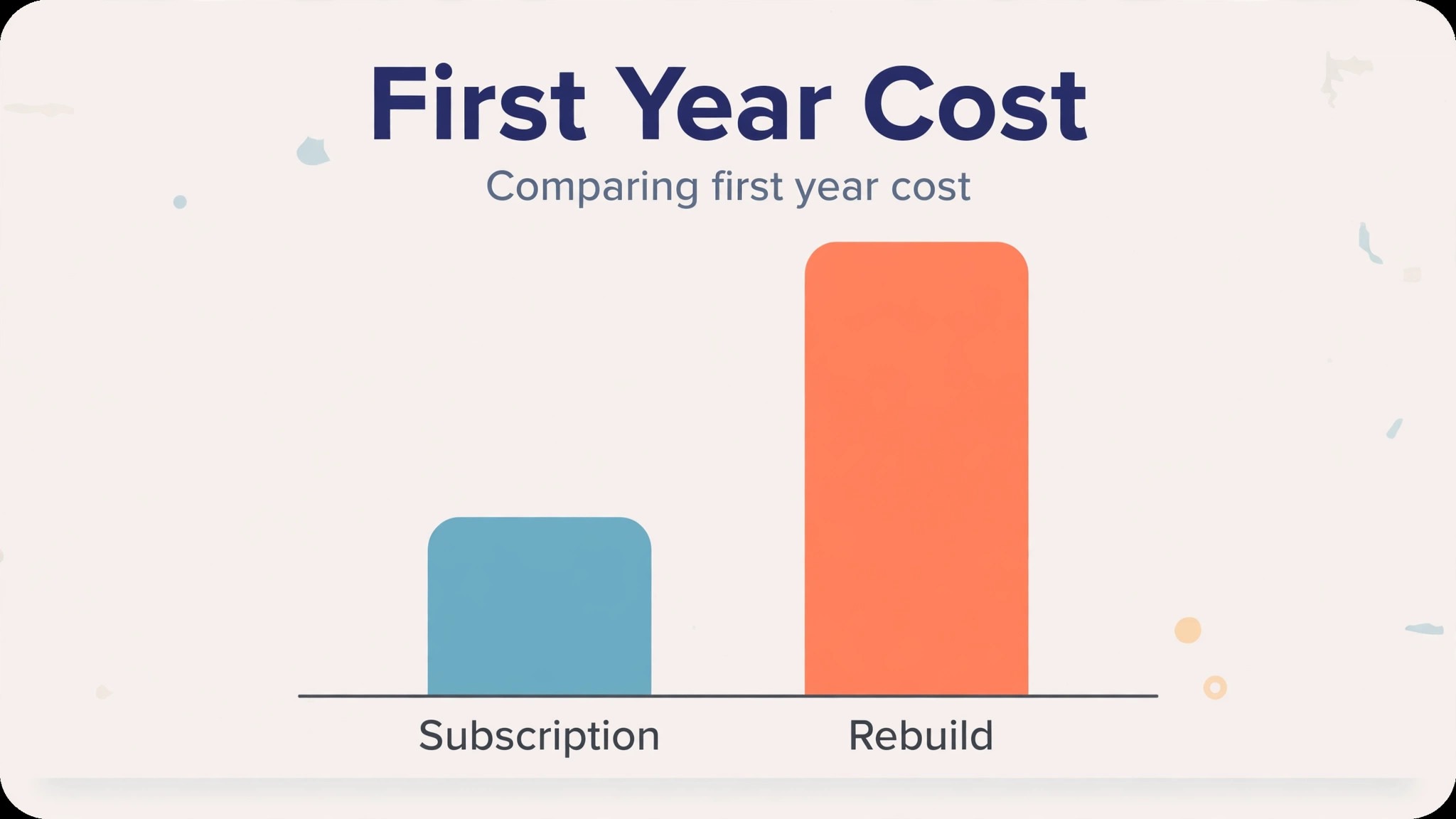
The first year total tells the honest story. A small business that hires a freelancer at 2,500 dollars and pays 300 dollars a year for Webflow Premium spends 2,800 dollars in year one, against 348 dollars to stay on Wix Core. The switch costs about 2,450 dollars extra in year one, and the subscription saving of 48 dollars a year never repays it. The payback comes from the site itself, in faster pages, better rankings, and a design that converts more visitors. A business that cannot point to a return from those gains should not switch on price alone.
What to Test in the First Two Weeks on Webflow
The parallel run only helps if the business tests the right things, so set the tests before the domain moves. Load every page on a phone and a desktop, click every link in the navigation, and submit every form with a real entry. Check that the blog listing shows the right posts in the right order and that the category pages work. That test plan is the part of how to switch from Wix to Webflow that most owners skip, and it is the part that catches the problems while the Wix site still serves visitors.
Then compare the new site against the old one page by page, checking the titles, the meta descriptions, and the images. Open Google Search Console and confirm the sitemap loads without errors. Test the checkout or the booking flow end to end with a real transaction or a real booking, and confirm the confirmation email arrives and the data lands in the right place. A test that covers pages, forms, search, and transactions in the first week leaves the second week for fixing what failed.
Test the editing workflow next, because that is the daily reality after launch. Ask the person who updates the site to add a blog post, change a price, and swap a photo through the Webflow Editor, and watch where they get stuck. If they cannot finish those three tasks without help, the training is not done, and the launch should wait. A site the team cannot update becomes a site that never changes, and a site that never changes loses rankings and visitors within months.
Common Switch Mistakes and How to Avoid Them
The first mistake is cancelling Wix before the new site is ready. A business that cancels on day one loses the live site, the content reference, and the fallback in one move. Keep Wix active until the Webflow site has run cleanly for a month, and the switch stays calm. That patience is the first lesson in how to switch from Wix to Webflow without a crisis. The second mistake is skipping the redirect map. A business that moves the domain without redirects watches its ranking pages return 404 errors, and recovering those rankings takes months. Map every URL before the domain moves.
The third mistake is changing the content during the migration. A business that rewrites its pages, restructures its navigation, and changes its slugs in the same week as the platform move cannot tell which change hurt a ranking. Keep the content identical at launch, and hold the rewrites for the thirty to ninety day window after the move. The fourth mistake is forgetting the forms and the tracking. A site that launches without a working contact form loses leads silently. Test both before the domain moves.
The fifth mistake is underestimating the manual work. Page designs, blog posts, and app data do not transfer, and a business that budgets a weekend for the migration will run out of time. Budget a month for a small site and two months for a large one, and move the top twenty pages first.
The sixth mistake is ignoring mobile. A design that looks perfect on a desktop can break on a phone, and most visitors arrive on a phone. Check every page on a real phone before launch, not in a desktop preview.
The seventh mistake is treating the switch as a one person job. A designer, a content editor, and the business owner all have a part to play, and a switch run by one tired person misses the checks that catch the expensive errors.
Frequently Asked Questions
How long does it take to switch from Wix to Webflow?
Most small business sites finish the switch in four to six weeks. The audit takes a day, the design rebuild takes two to three weeks, the content migration takes a week, and the testing and domain move take another week. A site with a large blog or a store should budget six to eight weeks. Do not promise a one week switch, because the manual rebuild and the redirect testing are what make the move safe. That timeline is the realistic answer to how to switch from Wix to Webflow without losing a launch week.
Will I lose my search rankings when I switch from Wix to Webflow?
Rankings usually dip for a few weeks and then recover, if the redirects are right and the content stays the same. Pages that keep their slugs, titles, and meta descriptions recover fastest. Pages that change their URL without a redirect lose their ranking and may never recover it. Keep the redirects live for at least a year.
Does my blog transfer from Wix to Webflow?
Blog posts move as content, not as a one click export. The RSS feed often carries the titles, dates, and body text, and that feed can be turned into a CSV for import into a Webflow Blog Posts collection. Static pages have no export and move by hand. Check the dates and the images after import, because both commonly arrive wrong.
Is Webflow cheaper than Wix?
The hosting bill is nearly the same, and often slightly cheaper on Webflow. Wix Core costs 29 dollars a month on annual billing, and Webflow Premium costs 25 dollars a month. The rebuild is the real cost, at 1,500 to 4,000 dollars from a freelancer or 5,000 to 15,000 dollars from an agency. The switch pays back through speed, design, and search performance, not the subscription bill.
Can I keep my domain name when I switch from Wix to Webflow?
Yes. The domain belongs to the business, not to Wix. Point the DNS records to Webflow when the new site is ready, and the domain serves the Webflow site. Confirm the renewal date so the domain never lapses during the move.
Do I need a developer to run a Webflow site?
No, not for daily updates. Editors can change text, images, and collection items through the Webflow Editor without touching the design. A developer is useful for the initial build, for custom code, and for integrations. After launch, a trained team member can run the site alone.
Verdict. Who Should Switch and Who Should Stay
Switch to Webflow if the business needs precise design control, faster pages, a content system that scales, and manual search controls, and if it can pay for a proper rebuild in a quiet month. A business with a growing blog, a portfolio, or a marketing site that lives on search will feel the gain within months. The move suits a business that hires a designer or has one in house, and it suits a business whose Wix apps are few and easy to replace. For those teams, learning how to switch from Wix to Webflow is worth the month the move takes.
Stay on Wix if the business runs on Wix apps that have no easy replacement, if the owner builds the site alone without design experience, or if the site is a simple brochure that already ranks well. A restaurant that takes bookings through a Wix app or a shop that runs on Wix Stores should price the replacements before deciding. Stay also if the business is mid launch or mid season.
The decision rule is simple. List the pages, list the apps, list the features the team actually opens every week, and price the rebuild honestly. If Webflow covers the weekly work and the business can afford the rebuild, switch in a quiet month and follow the seven steps. If Wix covers a weekly workflow that Webflow cannot replace without new tools and new costs, stay and improve the Wix site instead.