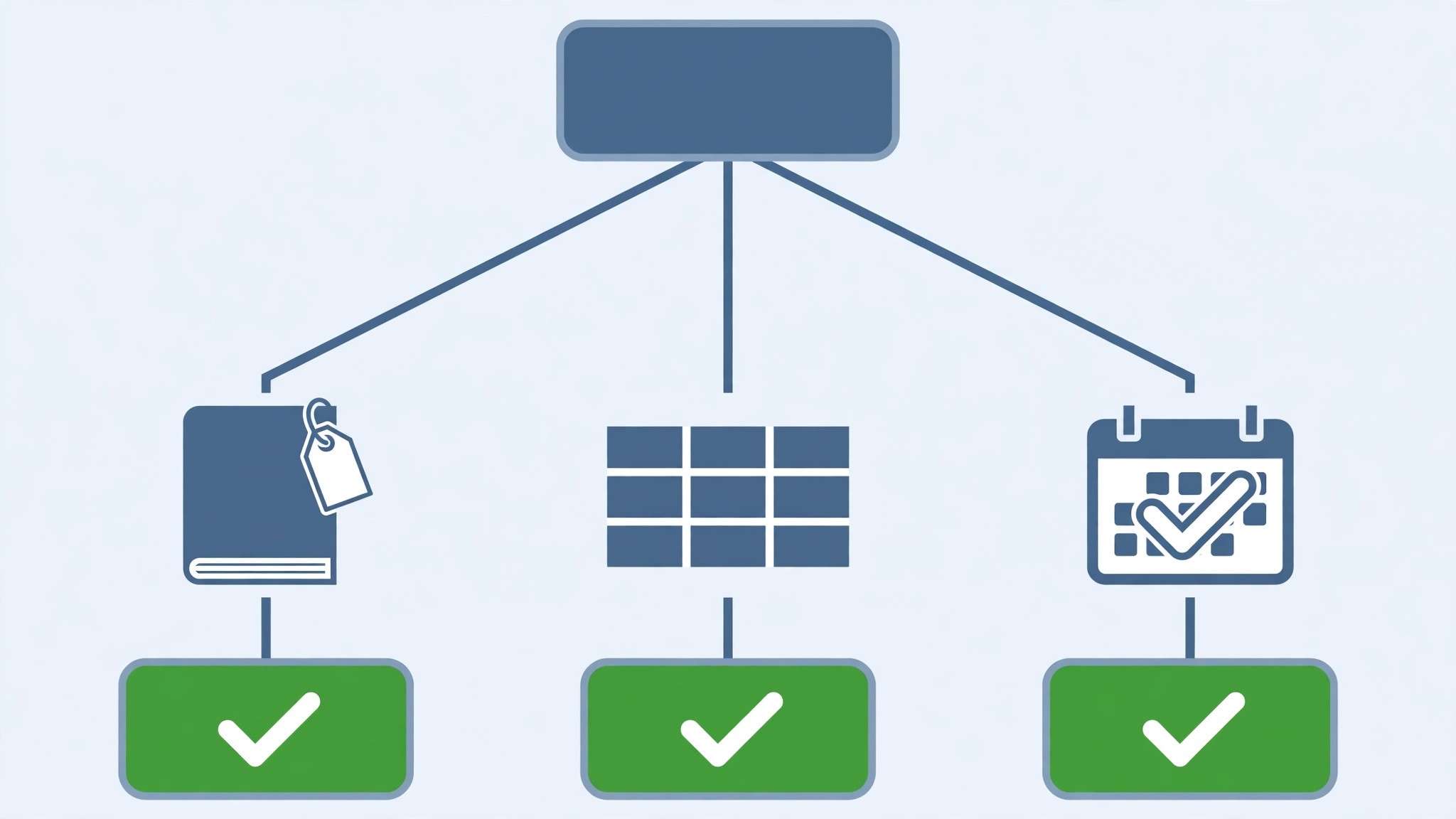
The fiftieth note will not fit. Evernote Free caps at 50 notes, one notebook, and one device, and a person who hits that cap has two choices. Pay for Starter at 14.99 dollars a month, or move to a tool that does not cap the notes at all. That is the moment most people start asking how to switch from Evernote to Notion, and it is a fair question.
Evernote is a capture tool with fast clipping and strong search, and a price that climbs fast once the free limits bite. Notion is a broader workspace that charges 10 dollars a member a month for Plus, but bundles pages, databases, docs, and wikis into the same login. A solo user who pays for Evernote Starter at 99 dollars a year spends about 8.25 dollars a month. The same user on Notion Plus spends 10 dollars a month, and gets databases, relations, and automations that Evernote does not offer at any price.
The switch is not about which tool is better in general. It is about which price and which structure match the way the notes are actually used. Evernote charges for capture, clipping, and search. Notion charges per member too, but at 10 dollars a month for Plus, and puts databases, kanban boards, and calendars on that plan. For a person whose notes have become a system, with projects, tasks, and references linked together, the gap is real. For a person who clips web pages and searches them later, Notion can feel heavy, and this guide says so plainly.
This guide walks through how to switch from Evernote to Notion in seven steps, with a checklist, a cost comparison, and a clear account of what transfers, what does not, and what to test before cancelling Evernote. Follow the steps in order, run both tools side by side for two weeks, and the move will be boring in the best way. Skip the steps, cancel early, and web clips, tags, and note links can vanish without a trace.
The Price Gap That Starts the Conversation
Cost is the reason most people switch, and the numbers explain why. Evernote Free costs nothing, with 50 notes, one notebook, and one device. Starter costs 14.99 dollars a month, or 99 dollars a year, with 1,000 notes and more devices. Advanced costs 24.99 dollars a month, or 249.99 dollars a year, with higher limits and AI features. The old Personal and Professional plan names are gone, retired in late 2025, and the new names are Starter and Advanced.
Notion Free costs nothing and, unusually for this category, has unlimited pages for solo use, though file uploads are capped at 5 MB per file and the page history lasts 7 days. Plus costs 10 dollars per member per month on annual billing, or 12 dollars monthly, and adds unlimited uploads, 30-day history, and database automations. Business costs 20 dollars per member per month on annual billing, and adds Notion AI, longer history, and advanced permissions.
A solo user on Evernote Starter at 99 dollars a year pays about 8.25 dollars a month on annual billing. The same user on Notion Plus pays 10 dollars a month, or 120 dollars a year, which is about 21 dollars a year more, and the Notion plan includes the databases and automations that Evernote does not offer at any price on Starter. The saving does not appear at the entry tier. It appears when the notes become a system, because Evernote charges for capture and Notion charges for structure.
A five person team on Evernote pays per seat too, and the team pricing is harder to compare, because Evernote Teams is not supported by the Notion importer. A small team that moves together should price Notion Plus at 50 dollars a month for five seats, and compare it against the Evernote bill it actually pays, not the headline Starter price. The free plans tell the same story. Evernote Free caps at 50 notes, so it is a plan for a person testing the tool. Notion Free has no note cap, so a whole small team can run on it, with pages and databases, before paying anything.
Evernote vs Notion at a Glance
| Feature | Evernote | Notion |
|---|---|---|
| Pricing model | Per user, capture focused | Per member, workspace focused |
| Free plan | 50 notes, 1 notebook, 1 device | Unlimited pages solo, 5 MB uploads |
| Entry paid plan | Starter 14.99 dollars a month, or 99 dollars a year | Plus 10 dollars a member a month annual |
| Full plan | Advanced 24.99 dollars a month, or 249.99 dollars a year | Business 20 dollars a member a month annual |
| Note structure | Notebooks and notes | Pages, databases, relations |
| Web clipping | Strong, with full page capture | Basic, through the web clipper |
| Search | Strong, including text in images | Good, with Ask Notion on Business |
| Offline use | Yes, on paid plans | Limited, desktop app caches pages |
| AI | Included on Advanced | Business plan only |
| Automations | Not offered | Database automations on Plus |
| Templates | Limited | Large gallery, community templates |
Notion bundles more into each tier, and that bundling is the point of the switch. Pages, databases, kanban boards, calendars, and wikis all live in the same workspace, so a person stops paying for a separate docs tool and a separate task tracker. Evernote stays faster at capture, with a clipper that saves a whole page in one click and search that reads text inside images, and that speed is worth real money to a person who clips all day. Check which side of that trade your work sits on before you move.
The Trade-Offs Nobody Mentions First
A switch guide that only lists the savings is not honest, so this section states the trade plainly. Evernote is a capture engine. Notion is a workspace that tries to do everything, and the difference shows in the daily work. A person who opens Evernote, clips a page, and closes it will find Notion busier, with more menus, more views, and more setup to learn. The first week in Notion feels slower, even when the bill is lower, and a person who hates setup will feel that friction daily.
A person who already pays for a docs tool, a task tracker, and a wiki will not miss the simplicity, because Notion replaces three subscriptions at once. The question is not which tool is better. The question is whether the notes should become a structured system or stay a searchable pile, and learning how to switch from Evernote to Notion starts with answering that question honestly.
The clipper deserves a second look, because it decides the saving for people who clip all day. Evernote’s clipper saves a full page, with images and layout, in one click, and its search reads text inside images. Notion’s clipper is basic, and its search is good but not as deep. A person who clips fifty pages a week will miss Evernote’s clipper every day, and no database will replace it. Count the clips before deciding, and the math will make the choice.
The AI pricing also changes the bill. Evernote includes AI on Advanced at 24.99 dollars a month. Notion puts its full AI features, including Notion Agent and Ask Notion, on Business at 20 dollars a member a month, so a solo user who wants AI everywhere pays 20 dollars a month, not 10. A person who does not need AI saves the full amount. A person who does should price Business into the comparison before moving.
How to Switch from Evernote to Notion in 7 Steps
Step 1. Audit the Evernote account before touching anything
Open Evernote and list every notebook, every note count, every tag, every saved search, and every web clip. Export each notebook as an ENEX file, and note the renewal date and the plan, because cancelling mid term can carry a fee. Pay special attention to note links, internal links between notes, and large attachments, because the importer does not move those cleanly. This audit takes an hour and prevents the most common switch failure, which is discovering a workflow only after it was deleted.
Step 2. Set up Notion and map the structure
Create the Notion workspace, choose the plan that matches the team size, and decide the structure before importing anything. Evernote notebooks become pages, and Evernote notes become database items inside those pages, with tags carried over as a property. Decide which notebooks become databases and which become simple pages, because a notebook full of meeting notes wants a database, and a notebook full of reference material wants a page. Do not import yet. A clean structure decided on paper saves a week of reorganizing later.
Step 3. Run the Evernote importer on one notebook first
Open Notion settings, choose Import, pick Evernote, and connect the Evernote account directly. No export file is needed first, because the importer reads the account. Import a single small notebook first, not the whole account. The importer brings across notes, images, and basic formatting like bold, headings, and bullet points, and tags usually carry over too. Check the imported notebook carefully, count the notes against the Evernote original, open a few notes to confirm images and formatting survived, and fix the mapping before the big import. A pilot import that takes an afternoon prevents a workspace wide mess.
Step 4. Import the rest and rebuild what does not transfer
Once the pilot looks clean, import the remaining notebooks in batches, checking each one as it lands. Then rebuild what the importer leaves behind. Note links, complex tables, and notes with many files need cleanup by hand, and Evernote Teams is not supported by the importer at all, so a team account needs a different plan. Attachments transfer, but files over 5 MB will fail on the free plan, so upgrade to Plus before importing a notebook full of large files. This is the largest single task in the switch, so budget a full afternoon for a normal account and do not promise a one hour migration.
Step 5. Move the team and set permissions
Invite the team to Notion and set access levels. Remember that Plus is priced per member, so decide who needs a full seat and who can be a guest. Assign each person to the pages they manage, and run a short training session on the views the team will actually use, because Notion has more views than Evernote and a new user can drown in options. A teammate who cannot find their notes will fall back to Evernote, and the switch will stall.
Step 6. Run both tools side by side for two weeks
Work from Notion for two weeks while Evernote stays open and the old notes finish moving. Watch the note counts daily, check that tags and attachments match, and confirm the databases you rebuilt actually filter and sort. Compare a Notion database with the Evernote export from step 1 to spot any gap in the notes. Fix the problems while Evernote is still available as a fallback, not after it is cancelled. Two quiet weeks of parallel running cost nothing and catch every problem early.
Step 7. Cancel Evernote and confirm the data is safe
Once two weeks of Notion work look clean, export the final notebooks as ENEX files and any remaining reports from Evernote, then cancel the subscription before the renewal date. Confirm the cancellation email arrives, and check that no auto renewal is set. Keep the Evernote export files for six months, because the importer does not move everything and the old exports are the only record of note links, saved searches, and clipped pages. The switch is done when Notion has run cleanly for two weeks and Evernote is cancelled without a surprise charge.
What Comes Across and What Stays Behind
The Notion Evernote importer moves the core notes well. Notebooks become pages, notes become database items, and text, images, and basic formatting come across. Tags usually carry over as a property, and attachments come along, though files over 5 MB need a paid plan. For a normal notebook, that covers most of what a person needs to keep working on day one.
What does not transfer is specific, and the team should name it before starting. Note links do not transfer cleanly, so list the notes that link to each other and rebuild the links by hand. Complex tables and notes with many files need cleanup, because the formatting can break. Evernote Teams is not supported by the importer, so a team account needs to export ENEX files and import them by hand, notebook by notebook. Imports are reliable for about 5,000 notes, and larger imports may fail or arrive in part, so a very large account should import in small batches.
It is a one time copy, not a live sync. Evernote stays as it was, and later changes in either tool do not sync back. Check the import report afterwards, because Notion notes that some notes can fail or duplicate. That is the full picture of how to switch from Evernote to Notion without losing the notes that matter.
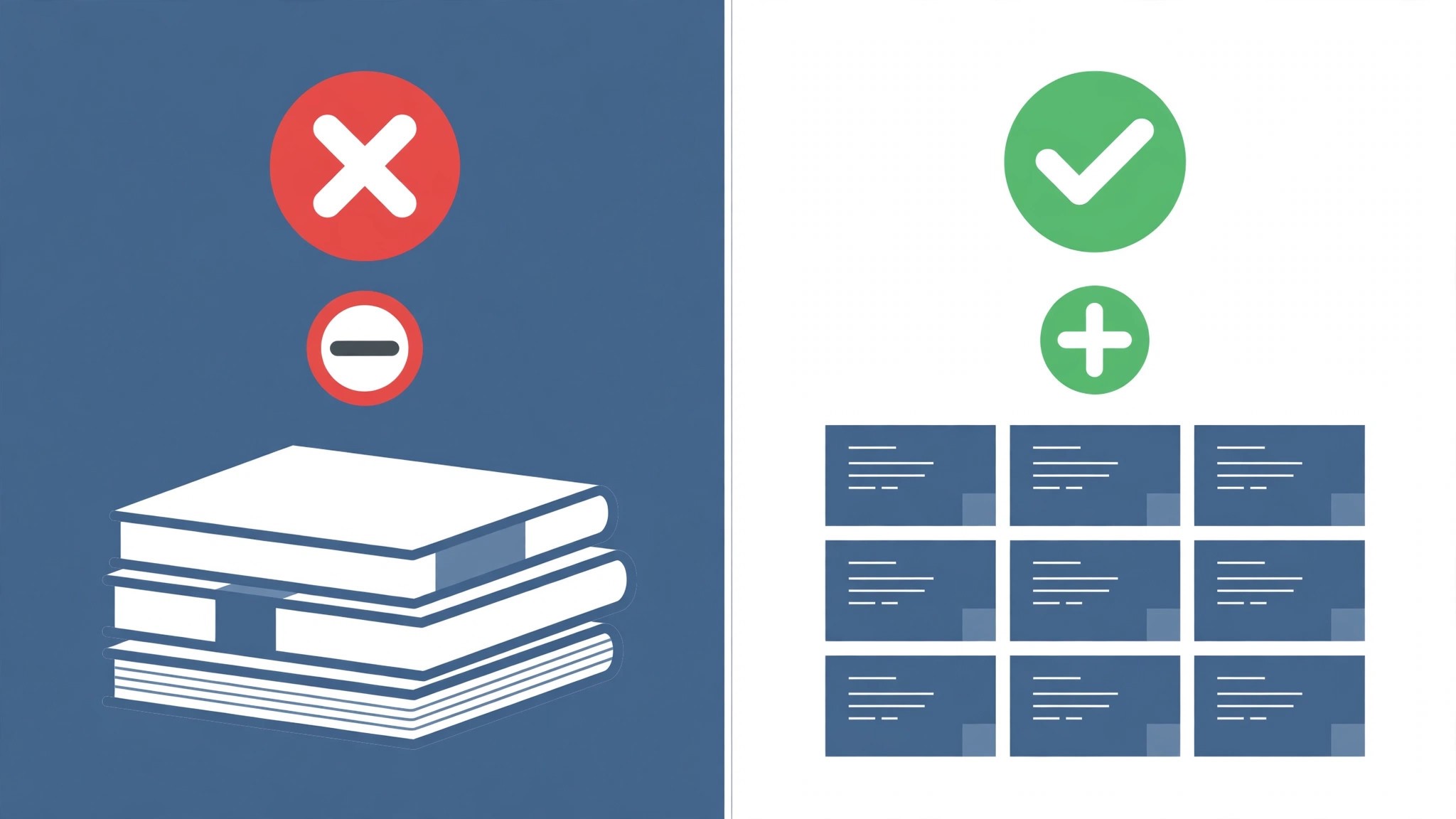
The Go-Live Checklist
Use this checklist before starting step 1, and do not skip a line.
- List every Evernote notebook, note count, tag, and saved search. – Export each notebook as an ENEX file and save the files. – Note the Evernote renewal date and any contract term. – Flag note links, complex tables, large attachments, and clipped pages. – Choose the Notion plan by team size and file size. – Decide how notebooks map, to pages or databases.
- List the Evernote features the team actually uses. – Count the notes, because imports are reliable up to about 5,000 notes. – Plan a replacement for any Evernote feature Notion lacks. – Set a switch date in a quiet week, not during a launch. – Tell the team the switch date and the new workflow before step 1.
What the Switch Saves in Real Money
The saving depends on the account size and plan, because the two tools charge different rates for similar work. A solo user on Evernote Starter at 99 dollars a year pays about 8.25 dollars a month. The same user on Notion Plus pays 10 dollars a month, or 120 dollars a year, which is about 21 dollars a year more, not less. The saving at the entry tier is negative, and the value is the databases, not the price.
A solo user on Evernote Advanced at 249.99 dollars a year pays about 20.83 dollars a month. The same user on Notion Business pays 20 dollars a month, or 240 dollars a year, which is about 10 dollars a year less, and the Business plan includes Notion AI, which Advanced also includes. A user who needs AI and structure will find Notion Business the cheaper of the two full plans, by a small margin.
A five person team on Notion Plus pays 50 dollars a month, or 600 dollars a year, and the same team on Evernote pays per seat too, with team pricing that varies by region and by plan. Run the two totals with AI and guests included, because the totals decide the plan. For most solo users, the switch costs a little more and buys a lot more structure. For most teams, the saving appears when Notion replaces a docs tool and a task tracker at the same time.
Run the same math for your own account before you commit to how to switch from Evernote to Notion, because the totals decide the plan.

Your First Two Weeks in Notion
The parallel run only helps if the team tests the right things, so set the tests before the first Notion page is created. Create pages across every database the team uses, including one with relations, one with a filter, and one with an attachment, and confirm each one shows the right tags and the right dates. Then compare the Notion note counts against the Evernote export from step 1, checking totals by notebook and by tag. That test plan is the part of the switch that most teams skip, and it is the part that catches the problems while Evernote is still available as a fallback.
Test the databases and the views next, because those are the workflows that break quietly. Trigger one rebuilt automation and confirm it fires, open the Table, Board, and Calendar views for the same database, and have a second teammate confirm they see the same notes. Also test a note that needs a large attachment, since the 5 MB free limit trips up users who import on the free plan. A test that covers pages, databases, views, and attachments in the first week leaves the second week for fixing what failed, which is exactly how a quiet switch is supposed to work.
Five Mistakes That Stall the Move
The first mistake is cancelling Evernote before the Notion import is checked. A person who cancels on day one loses the note links, the saved searches, and the clipped pages in one move, and the rebuild takes days instead of hours. Keep Evernote until step 7, and the switch stays boring. The second mistake is importing the whole account at once without a pilot. A mapping error on tags repeats across every notebook, and fixing it after the fact costs more than the pilot ever did.
The third mistake is forgetting the free plan limits. A person who imports on Notion Free will find files over 5 MB fail, and a person who imports 10,000 notes at once will find the import fails in part. Upgrade to Plus before the big import, and import in batches. The fourth mistake is skipping the two week parallel run. A person who switches overnight discovers the broken tables during a live project, when fixing them costs the most. Two quiet weeks of parallel running cost nothing and catch every problem early.
The fifth mistake is underestimating the manual rebuild. Note links, complex tables, and clipped pages do not transfer, and a person who budgets an hour for the rebuild will run out of time. Budget an afternoon, rebuild the top links first, and leave the long tail of old clips behind. The switch is a good time to clean the notebook, not a reason to move every old clip into the new tool.
Life After the Switch
The first month after the move is when the saving becomes real, and it is also when the new habits form. Set a weekly review in Notion, one hour where the team checks overdue tasks, clears the inbox, and updates the dashboards, because a workspace with more views needs a steadier rhythm than Evernote did. Tune the rebuilt databases after two weeks, not on day one, because the first fortnight shows which views get used and which never open. The work of learning how to switch from Evernote to Notion does not end on cancel day. It ends when the team stops opening the old tool out of habit, and that usually takes a full month.
Revisit the plan choice after 90 days. A person who started on Plus may find it needs Business for the AI features, and a person who started on Business may find it can drop back to Plus if the AI was never used. Count the seats again too, because Notion bills per member, and a contractor who finished their project should come off the plan. The switch saves structure once. The habits save it every month after.
Frequently Asked Questions
How long does it take to switch from Evernote to Notion?
Most solo users finish the switch in one to two weeks. The setup takes an afternoon, the pilot import and the manual rebuild take another afternoon, and the two week parallel run catches the problems while Evernote is still available. A person with many notebooks or more than 5,000 notes should budget three weeks, and import in small batches. Do not promise a one day switch, because the manual rebuild and the parallel run are what make the move safe.
Will I lose my notes when I switch from Evernote to Notion?
Notes, images, and basic formatting transfer through the native Evernote importer, so export each notebook first and run a pilot import on one notebook to confirm the mapping. Note links, complex tables, and clipped pages do not transfer cleanly, so flag them in the audit and rebuild them by hand. Keep Evernote running until the Notion import is checked, and no note will be lost.
Is Notion really cheaper than Evernote?
For most solo users, no, by a small margin. Notion Plus costs 10 dollars a member a month on annual billing against about 8.25 dollars a month for Evernote Starter on annual billing, so a solo user pays about 21 dollars a year more. At the full tier, Notion Business at 20 dollars a month is about 10 dollars a year cheaper than Evernote Advanced at 249.99 dollars a year. The value is the databases, not the price, so count the structure the notes actually need before deciding.
Does Notion have the same clipping as Evernote?
No, and the difference matters. Evernote’s clipper saves a full page with images and layout in one click, and its search reads text inside images. Notion’s clipper is basic, and its search is good but not as deep. A person who clips fifty pages a week will miss Evernote’s clipper every day. A person whose notes have become a system of linked pages and databases will find Notion’s structure worth the trade.
Can I keep my Evernote tags when I switch?
Tags usually carry over as a property through the importer, so run a pilot import on one notebook and check the tags before the big import. Notebooks become pages, notes become database items, and tags become a property on those items. Saved searches do not transfer, so list the searches the team actually uses and rebuild them as database views in Notion. A tag that is missing after the pilot is a mapping problem, not a lost tag, and the pilot is the place to catch it.
The Call
Switch to Notion if the notes have become a system, if the free plan cap of 50 notes is blocking the work, or if the team wants pages, databases, and wikis in the same login. A solo user or a small team will pay a little more each month, get databases and automations that Evernote does not offer, and lose nothing it actually uses, as long as the audit flags the note links and the clipped pages first. For those users, learning how to switch from Evernote to Notion is worth an afternoon, and the structure repeats every day.
Stay on Evernote if the work is clipping and searching, if the free plan still fits, or if the team is mid project and cannot afford a week of parallel running. A person who values fast capture over structure will feel Notion as noise, and a person with few notes can find Evernote Starter cheaper than Notion Plus. Stay also if the account is an Evernote Teams account, because the importer does not support it, and the move needs a manual export plan. A switch during a launch costs more in chaos than it saves in structure.
The decision rule is simple. Count the notes, count the clips, list the views the team actually opens every week, and run the two totals with AI and guests included. If Notion covers the weekly workflow and the structure is worth the small extra cost, switch in a quiet week and follow the seven steps. If Evernote covers a weekly workflow that Notion cannot match, stay and renegotiate the Evernote plan instead. The right tool is the one that matches the work, not the one with the lower headline price.