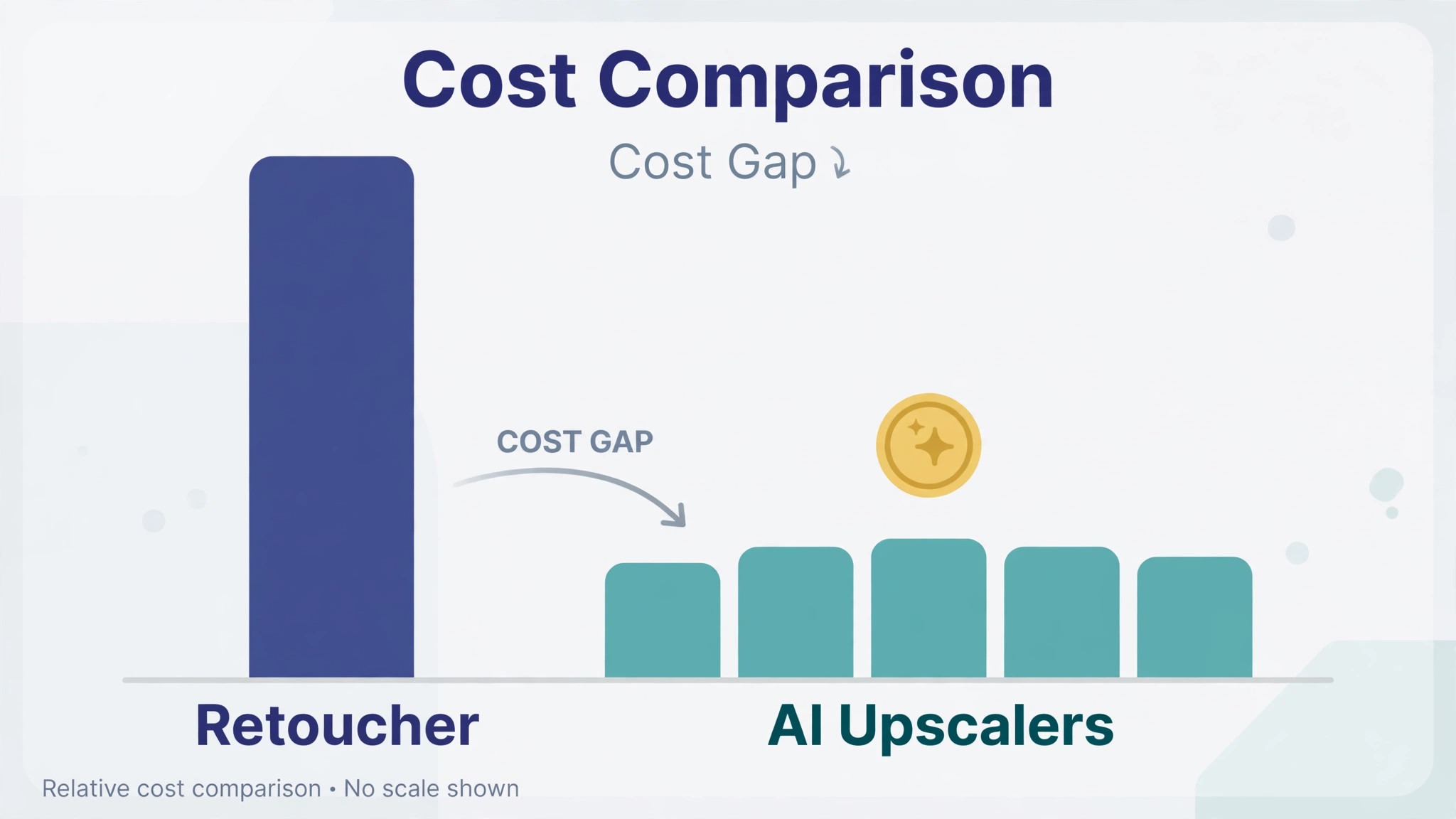
A photo retoucher charges 5 to 25 dollars per image, and a print shop charges more again for a large-format file. An AI image upscaler charges nothing to try and 9 dollars a month to sharpen, and that gap is the reason most small sellers start with AI. The gap also hides the real question, which is not whether AI is cheaper, because it is, but what the subscription actually buys. That question is the heart of ai image upscaler pricing, and it is the number this guide works out for every tool.
A tool that sells upscaling for 9 dollars a month and a tool that charges 29 dollars a month are not selling the same thing. The first sells credits in a browser. The second sells unlimited local renders with specialist models. A seller who needs ten product photos a month pays less with the cheap plan, and a photographer who needs a hundred prints a month pays less with the plan that counts nothing per image. The billing model decides the bill more than the headline price does.
The third thing to check is the credit. Most web upscalers sell monthly credits, and one image costs one credit, while a desktop upscaler sells a subscription with unlimited renders. A plan with 100 credits a month sounds generous until the catalog job, when the credits run out and the tool asks for more money. Knowing ai image upscaler pricing means knowing how many finished images the monthly allowance actually covers, not just what the plan costs.
Prices in this guide are US list prices checked in November 2026, before tax. Monthly prices are per month, with the annual billing rate beside the monthly rate where the vendor publishes one. Where a vendor hides its prices behind checkout, this guide says so instead of guessing.
At a Glance. ai image upscaler pricing in One Table
The table below is the short answer. Prices are in US dollars, before tax. Free means free to upscale and preview, and the paid column is what it costs to download a clean file without limits.
| Tool | Free plan | Entry paid price | What you get | Monthly allowance |
|---|---|---|---|---|
| Topaz Gigapixel | Web tool, up to 10 images | Personal 29 dollars a month, or 149 dollars a year | Unlimited renders, up to 16x | Unlimited on paid plan |
| Topaz Photo AI | No free tier | Personal 39 dollars a month, or 199 dollars a year | Denoise, sharpen, upscale in one app | Unlimited on paid plan |
| Let’s Enhance | 10 credits once, watermarked | Starter 9 dollars a month annual | 100 credits, batch up to 20 images | Starter 100, Pro 300, Max 500 credits |
| Upscale.media | 3 credits a month, no account needed | Pro 9.99 dollars a month | Unlimited upscales, 2x, 4x, 8x | Pro unlimited |
| Magnific | Free trial | From 14.50 dollars a month annual | Creative upscaling, precision mode | Credits vary by plan |
| VanceAI | Free tier, limited credits | From 4.95 dollars a month | 100 credits, full photo toolkit | 100 credits a month |
| Upscayl | Desktop free, open source, unlimited | Cloud from 9.99 dollars a month | 100 credits, cloud models | Desktop unlimited, Cloud 100 credits |
| PhotoRoom | Free, watermarked, no commercial use | From 7.50 dollars a month annual | Upscaling plus background removal | Limits vary by plan |
Read the allowance column first, because an upscaler without credits is an upscaler that stops working mid-month. Topaz Gigapixel gives unlimited renders on the paid plan, while Let’s Enhance gives 100 credits on Starter and Upscale.media gives unlimited upscales on Pro. That gap between the credit plan and the unlimited plan is the oldest trick in ai image upscaler pricing, and every tool in this table plays it in some form.
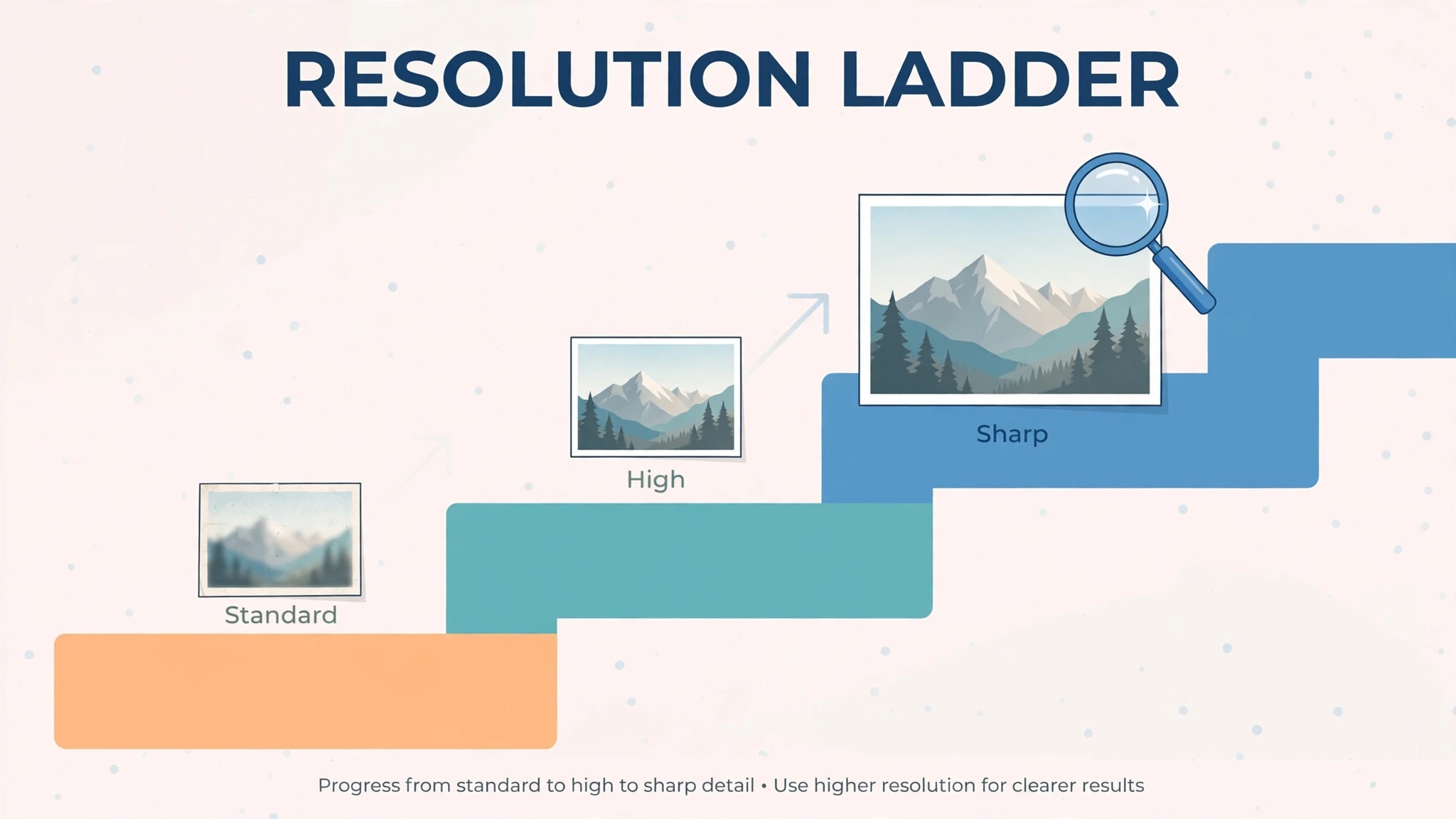
Read the billing column second, because a subscription and a credit pack behave differently as the volume grows. Gigapixel Personal at 149 dollars a year covers unlimited images, so 1,000 images cost 149 dollars, or about 15 cents per image. Let’s Enhance Starter at 9 dollars a month covers 100 credits, so 100 images cost 9 dollars, or about 9 cents per image, and the 101st image needs another plan. The billing model, not the headline price, decides what a catalog costs.
Topaz Gigapixel
Topaz Gigapixel is the quality pick in this guide, and its pricing changed in 2025 when the vendor ended perpetual licences. The old 99 dollar one-time purchase is gone, and every option is now subscription-only. Personal costs 29 dollars a month, or 19 dollars a month on a 12-month commitment, or 149 dollars a year, with unlimited local and cloud renders up to 16x. Pro costs 499 dollars a year, or 54 dollars a month on commitment, with commercial use and team features. The web tool allows up to 10 images as a trial, and there is no desktop trial.
Worked cost for 100 images a month. Personal at 149 dollars a year covers unlimited renders, so 100 images cost about 12.42 dollars in total on the annual rate, or about 12 cents per image. A photographer who upscales 1,000 images a year pays the same 149 dollars, or about 15 cents per image, because the plan never counts. That is the whole trade, and it is an honest one.
Gigapixel earns its price with models. Nine specialist models cover standard photos, high fidelity, low resolution recovery, text and shapes, art and face recovery, so the buyer matches the model to the image instead of using one setting for everything. A photographer who prints or delivers client work should test Gigapixel first, because 29 dollars a month buys the sharpest raw quality in this guide. The weakness is the subscription, because the old one-time licence is gone and the bill never stops.
Topaz Photo AI
Topaz Photo AI is the all-in-one pick in this guide, and its pricing is a subscription with no free tier. Personal costs 39 dollars a month, or 25 dollars a month on a 12-month commitment, or 199 dollars a year. The app combines denoise, sharpen and upscale in one place, so a photo is cleaned and enlarged in a single pass. The full Topaz Studio bundle, which adds Video AI and the rest of the suite, costs 69 dollars a month, or about 33 to 45 dollars a month on an annual commitment.
Worked cost for 100 images a month. Personal at 199 dollars a year covers unlimited renders, so 100 images cost about 16.58 dollars in total on the annual rate, or about 17 cents per image. A photographer who needs denoise and sharpen as well as upscaling will find Photo AI cheaper than buying three tools, because the bundle replaces them all. A photographer who only needs upscaling should buy Gigapixel instead, because 149 dollars a year beats 199 dollars for the same job.
Photo AI earns its price with the single pass. A noisy, soft photo becomes a clean, sharp, enlarged file in one app, without round-tripping between tools. A photographer who cleans client photos every day should test Photo AI first, because 39 dollars a month buys the fastest cleanup in this guide. The weakness is the price, because there is no free tier and no trial, so the buyer pays before testing properly.
Let’s Enhance
Let’s Enhance is the batch pick in this guide, and its pricing is a credit system with rollover. The free tier gives 10 credits once, with watermarked downloads. Starter costs 9 dollars a month on annual billing, or 12 dollars monthly, with 100 credits a month. Pro costs 24 dollars a month, with 300 credits, and Max costs 34 dollars a month, with 500 credits. One image costs one credit, and unused credits roll over while the subscription stays active. Batch processing covers up to 20 images at once, and six specialist models cover photos, old scans, digital art and product shots.
Worked cost for 100 images a month. Starter at 9 dollars a month covers 100 credits, so 100 images cost 9 dollars in total, or about 9 cents per image. A seller with a 500 image catalog will need Max at 34 dollars a month, because Starter runs out after 100 images. That is the cheapest honest price in this guide for a web upscaler at exactly 100 images a month, because the credit matches the need.
Let’s Enhance earns its price with batch work and with rollover. A seller who upscales a product catalog in batches of 20 will finish the job in an afternoon, and the rollover means a quiet month does not waste the credits. A small seller with a catalog to sharpen should test Let’s Enhance first, because 9 dollars a month buys the best batch workflow in this guide. The weakness is the cap, because 100 credits is a hard limit, and a large catalog job burns through it fast.
Upscale.media
Upscale.media is the free pick in this guide, and its pricing is the simplest of all. The free plan upscales one image a day with no sign-up, or 3 credits a month with an account, with no watermark and no software to install. Pro costs 9.99 dollars a month, with unlimited upscales at 2x, 4x or 8x. The tool handles JPG, PNG, WebP and HEIC files in seconds, and the free tier is genuinely free forever.
Worked cost for 100 images a month. Pro at 9.99 dollars a month covers unlimited upscales, so 100 images cost 9.99 dollars in total, or about 10 cents per image. A seller who needs one image a day can run on the free plan forever and never pay a cent. A seller who needs a hundred images a month should pay Pro, because 9.99 dollars beats every credit plan in this guide at that volume. That is the whole trade, and it is an honest one.
Upscale.media earns its place with speed and with zero risk. There is no card, no trial and no renewal on the free plan, so a seller can upscale ten images in an afternoon and keep the best one. A small seller who needs a quick upscale should test Upscale.media first, because free beats every paid plan in this guide. The weakness is the ceiling, because the tool cannot produce the specialist models and face recovery that Topaz sells.
Magnific
Magnific is the creative pick in this guide, and its pricing is a subscription with a trial. The free trial lets a creator test the upscaling, and the entry tier costs 14.50 dollars a month on annual billing, or 20 dollars monthly. Higher tiers cost 39 dollars a month and 99 dollars a month, with more credits, larger outputs and team features, and Enterprise costs 299 dollars a month. Magnific adds genuine detail that never existed in the original, which suits AI art and creative work more than faithful photo restoration.
Worked cost for 100 images a month. The entry tier at 14.50 dollars a month covers the creative upscaling a small creator does, so 100 images cost 14.50 dollars in total, or about 15 cents per image. A creator who upscales AI art daily will need a higher tier, because the entry credits run out fast at that volume. That is the price of creativity, and a creator that generates art should count it before buying.
Magnific earns its price with detail. Its Precision mode adds sharp, believable detail to AI art and illustrations, where a faithful upscaler only enlarges the pixels. A creator who sells AI art prints should test Magnific first, because 14.50 dollars a month buys the best creative upscaling in this guide. The weakness is the price, because the entry tier costs more than Let’s Enhance and Upscale.media for the same image count.
VanceAI
VanceAI is the toolkit pick in this guide, and its pricing is a credit system with a free tier. The free tier gives limited credits to test the tools. Paid plans start at 4.95 dollars a month, with 100 credits a month, and higher tiers add more credits across the full photo toolkit, which covers upscaling, denoising, sharpening, background removal and old photo repair. One credit covers one image on most tools, so the allowance is easy to count.
Worked cost for 100 images a month. The entry plan at 4.95 dollars a month covers 100 credits, so 100 images cost 4.95 dollars in total, or about 5 cents per image. That is the cheapest honest price in this guide for a creator who needs exactly 100 images a month with a toolkit attached, because no other tool gives 100 credits for under 5 dollars. A creator who needs 300 images a month will need a higher tier, because the entry plan runs out after 100 credits.
VanceAI earns its price with breadth. A creator who needs upscaling, denoising and background removal in one login will find the toolkit cheaper than three separate tools, and the credit system is transparent. A small creator who cleans photos in several ways should test VanceAI first, because 4.95 dollars a month buys the cheapest toolkit in this guide. The weakness is the cap, because 100 credits is a hard limit, and a large catalog job burns through it fast.
Upscayl
Upscayl is the privacy pick in this guide, and its pricing is the most honest of all. The desktop app is free and open source, runs on Windows, macOS and Linux, and upscales unlimited images on the buyer’s own machine with no account and no monthly cap. Cloud costs from 9.99 dollars a month, with 100 credits, or 89.99 dollars a year, for buyers who want cloud models without installing software. Upscaling runs up to 16x on the desktop, with no watermark and no upload.
Worked cost for 100 images a month. The desktop app costs nothing, so 100 images cost nothing in total, or zero cents per image. That makes Upscayl the cheapest tool in this guide by definition, because free and unlimited beats every paid plan. A creator who needs cloud models can pay 9.99 dollars a month for 100 credits, but a creator with a decent computer should run the desktop app and pay nothing. That is the whole trade, and it is an honest one.
Upscayl earns its place with privacy and with zero cost. No image ever leaves the computer, so a creator with client photos or sensitive work keeps full control, and the open source code means no vendor can change the price later. A creator who values privacy should test Upscayl first, because free and local beats every cloud plan in this guide. The weakness is the hardware, because the desktop app needs a decent GPU for fast results, and a slow machine will wait.
PhotoRoom
PhotoRoom is the ecommerce pick in this guide, and its pricing is a subscription with a free taste. The free plan covers upscaling with a watermark and no commercial use. Paid plans start at 7.50 dollars a month on annual billing, and they bundle upscaling with background removal, which is the feature ecommerce sellers actually need. Higher tiers add team features, brand kits and more exports, with prices that rise by seat and by volume.
Worked cost for 100 images a month. The entry paid plan at 7.50 dollars a month covers the upscaling and background removal a small seller does, so 100 product photos cost 7.50 dollars in total, or about 8 cents per image, with the background removed as well. That is the cheapest honest price in this guide for a seller who needs both upscaling and background removal, because the bundle replaces two tools. A seller who only needs upscaling should test Upscale.media instead, because free beats 7.50 dollars for the same job.
PhotoRoom earns its price with the bundle. A product photo that is upscaled and background-free in one pass saves the seller a second tool and a second subscription, and the templates cover marketplaces and social posts. An ecommerce seller who lists products every week should test PhotoRoom first, because 7.50 dollars a month buys the best product photo bundle in this guide. The weakness is the free tier, because the watermark and the non-commercial licence mean the free plan cannot be used for listings.
Total Cost of Ownership
The sticker price is not the total cost, and a buyer that budgets on the sticker price will be surprised in month two. The total cost includes the subscription, the credit top-ups, the extra models and the cost of fixing an image that cannot print. A 9 dollar plan with 100 credits costs another 9 dollars when the credits run out mid-month, so the real price of a heavy catalog month is 18 dollars, not 9. A 149 dollar a year plan with unlimited renders costs 149 dollars forever, and that certainty is worth money to a photographer that upscales daily.
Add the hidden costs to every tool. An image that needs re-shooting by a photographer costs hundreds of dollars, which wipes out the saving from the cheapest upscaler. An image that uses a model that invents detail costs a reprint later, which is the most expensive outcome in this guide. A subscription that renews at a higher rate, such as Gigapixel at 29 dollars monthly against 19 dollars on commitment, costs 50 percent more, so commit annually or pay monthly on purpose, never by accident.
The output size is the second hidden cost. A web upscaler that tops out at 64 megapixels on free and 256 megapixels on paid will not cover a billboard, and a buyer who discovers that after upscaling a hundred images must redo them all. Let’s Enhance reaches 512 megapixels on Max, and Gigapixel reaches 16x on any plan, so a buyer who prints large should check the maximum output before buying. A face recovery model is the same kind of check, because an old family photo needs it and a product photo does not.
The hardware is the third hidden cost. A desktop upscaler runs on the buyer’s own GPU, so a fast machine finishes a batch in minutes and a slow machine waits an hour. A cloud upscaler runs on the vendor’s servers, so any machine finishes fast, but the buyer pays per image. Upscayl desktop is free for a buyer with a decent computer, and a buyer with a slow laptop should pay for the cloud instead of waiting.
The rule is simple. Take the published price, work out the cost per image at the volume the buyer actually needs, add the renewal, and that is the real yearly cost. That per image figure is the heart of ai image upscaler pricing, and it is the number that decides the value.
Cheapest by Situation
| Situation | Best value | Why it wins |
|---|---|---|
| One image a day, zero budget | Upscale.media free | Free, no watermark, no account |
| Unlimited local upscaling | Upscayl desktop | Free, open source, no cap |
| 100 images a month, web only | VanceAI entry | 4.95 dollars a month, 100 credits |
| Batch catalog work | Let’s Enhance Starter | 9 dollars a month, 100 credits, rollover |
| Product photos plus background removal | PhotoRoom entry | 7.50 dollars a month, bundle included |
| Professional photo quality | Topaz Gigapixel Personal | 149 dollars a year, unlimited renders |
| Denoise, sharpen and upscale together | Topaz Photo AI Personal | 199 dollars a year, one app |
| Creative AI art upscaling | Magnific entry | 14.50 dollars a month annual, detail mode |
Read the table by situation, not by price alone. The cheapest tool for one image is not the cheapest tool for a thousand images, because the billing model flips the math. A buyer that chooses the cheapest tool and then discovers it lacks the model the image needs will pay twice, once for the cheap upscale and once for the replacement. That situation test is the core of ai image upscaler pricing. A buyer that buys the upscaler it needs for the job it has, with the allowance that job requires, will not pay twice.
Frequently Asked Questions
Is there a truly free AI image upscaler?
Yes, with limits. Upscayl desktop is free and open source with unlimited local upscales, which is the only free option in this guide with no cap. Upscale.media is free for one image a day with no account, and 3 credits a month with an account. Let’s Enhance free gives 10 credits once with watermarked downloads, and VanceAI free gives limited credits. That split between free upscaling and paid clean downloads is the first thing ai image upscaler pricing teaches a new buyer.
How much does one upscaled image cost?
An upscaled image costs about 5 cents on VanceAI at 4.95 dollars a month for 100 credits, and about 9 cents on Let’s Enhance Starter at 9 dollars a month for 100 credits. An unlimited image costs about 12 cents on Gigapixel Personal at 149 dollars a year for 1,000 images, and nothing on Upscayl desktop, because the app is free. Count the images the buyer makes, divide by the allowance, and that is the per image cost.
Do I own the image an AI upscaler makes?
Ownership depends on the tool and the tier. Topaz, Let’s Enhance, Upscale.media and Upscayl give the buyer full rights to the images they upscale on paid plans, and the exports are standard JPG or PNG files. PhotoRoom free gives no commercial use, so the rights only clear on the paid plan. Read the licence on the pricing page before paying, because an image the buyer cannot sell is an image that will need replacing. A model release is a separate legal step, and no upscaler in this guide files it for the buyer.
How much does an AI image upscaler cost in 2026?
An AI image upscaler costs 5 to 39 dollars a month on a subscription, depending on the tool and the allowance included. A photo retoucher charges 5 to 25 dollars per image, and a print shop charges more again for a large-format file. The AI price buys pixels and files, and the retoucher price buys judgment and craft. A seller that needs clean product photos fast should pay the AI price. A photographer that needs a print nobody else has should pay the retoucher price.
Which AI image upscaler is best for a small business?
It depends on the job. Let’s Enhance Starter is best for batch catalog work at 9 dollars a month. PhotoRoom is best for product photos with background removal at 7.50 dollars a month. Upscayl desktop is best for unlimited local upscaling at zero cost. Topaz Gigapixel is best for professional photo quality at 149 dollars a year. A small business that needs ten images a month should choose Upscale.media or VanceAI. A small business that needs a thousand images should choose Gigapixel or Upscayl.
Verdict
For most small businesses, the best value is Let’s Enhance Starter at 9 dollars a month on annual billing, with 100 credits and rollover, because it is the cheapest honest price in this guide for a web upscaler that handles a real catalog. A seller that needs a hundred images a month and nothing else should pay 9 dollars and stop there. For a seller that wants product photos with background removal, PhotoRoom at 7.50 dollars a month is the best pick, because the bundle replaces a second tool.
For quality, Topaz Gigapixel Personal at 149 dollars a year is the best pick for unlimited renders, and Upscayl desktop is the best pick for unlimited local upscaling at zero cost. For a zero budget, Upscale.media free and Upscayl desktop both hand over a clean image with no payment. The right tool is the one that fits the volume, the model need, and the budget at the tier the buyer will use in six months, not at the entry price, because the entry price buys credits that may not cover the catalog. That is the honest read on ai image upscaler pricing in 2026.