Most small businesses do not have a website problem. They have a time problem, a budget problem and a blank page problem, all arriving at once. A founder knows the business needs a site, knows a designer would take weeks and cost more than the marketing budget allows, and knows that a bad do it yourself site can hurt more than no site at all. That gap is exactly where AI website builders live, and in 2026 the gap is closing fast. The best ai website builders can turn a short description of a business into a finished, publishable site in an afternoon, with copy, images, layout and hosting handled in one place.
This guide compares ten builders on real sites, not on marketing claims. Each one was judged on the same jobs. A local service business that needs bookings and a phone number front and centre. An online shop that needs product pages and checkout. A portfolio site that must look expensive on a phone screen. Prices come from vendor pricing pages and pricing roundups checked in September and October 2026, and where a price is promotional we say what it renews at, because the renewal price is the real price.
The ten builders below split into two groups that buyers keep confusing. Flat rate builders such as Wix, Framer, Squarespace, Hostinger and Durable generate marketing pages and charge a fixed monthly fee. App builders such as Lovable and v0 build working software from a prompt and charge by usage or credits. A business that needs a brochure site should buy from the first group, while a business that needs a working app should look at the second. Buying from the wrong group is the most common expensive mistake in this category.
Why the Best AI Website Builders Matter in 2026
A website is still the one place on the internet a business fully controls, and that control matters more in 2026 than it did five years ago. Social platforms change their rules, their reach and their fees without warning, while a business website keeps working the same way every day. The best ai website builders matter because they put that control within reach of a business with no developer, no designer and no spare month. A site that used to take six weeks and several thousand dollars now takes an afternoon and a monthly fee smaller than a phone bill.
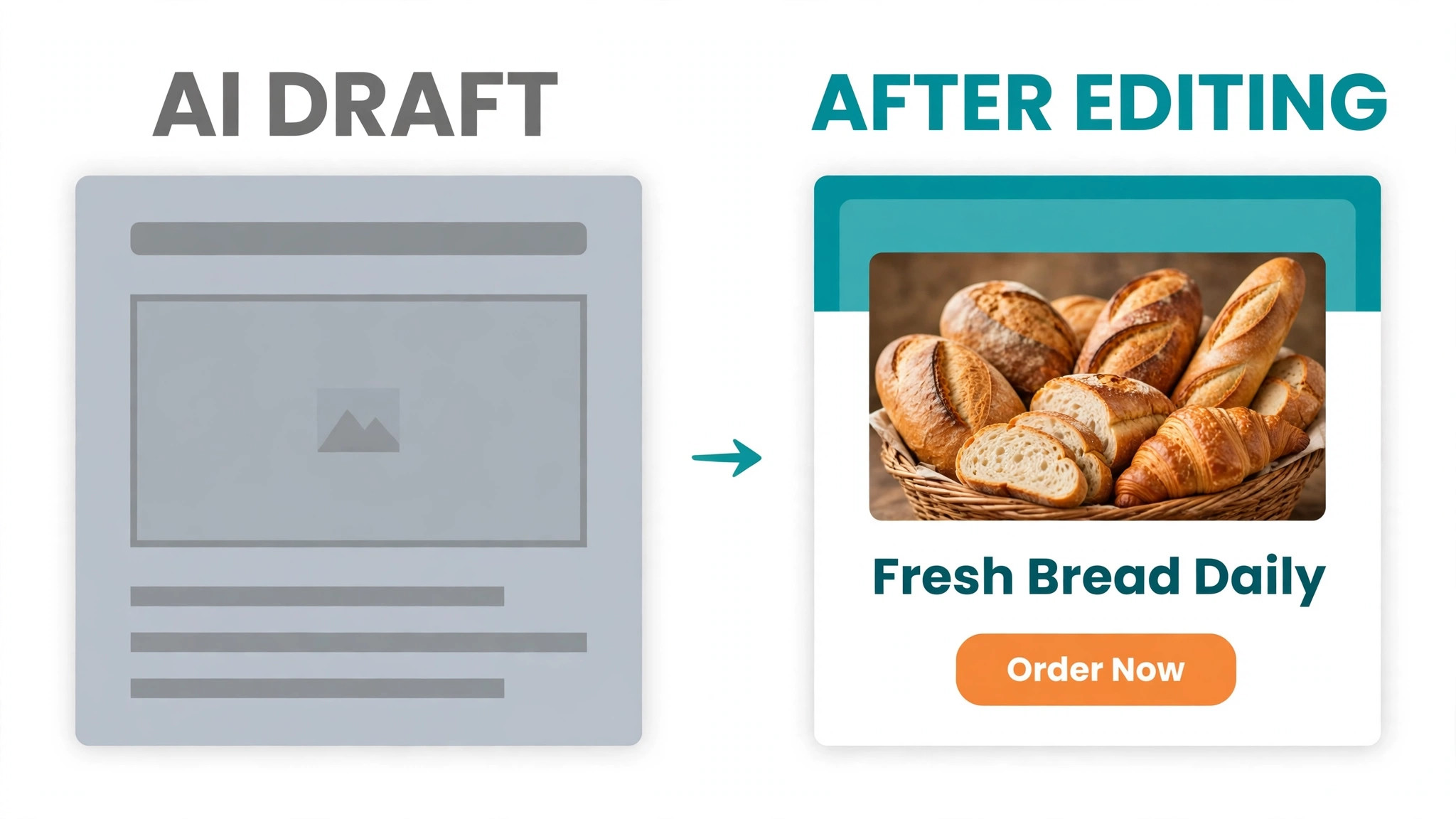
Speed is only half the story. The other half is that a generated site is a starting point, not a finished product, and the builders that win are the ones that let you edit freely afterwards. A tool that generates a beautiful homepage and then locks you out of changing the layout is a trap, because every real business needs to change its prices, its photos and its opening hours within weeks of launch. The builders in this guide were judged on how easily a non technical owner can keep the site current, not only on how pretty the first draft looks.
The third reason is cost honesty. Promotional prices dominate this market, and a builder advertised at 2.99 dollars a month can renew at 10.99 dollars, which changes the maths completely over a year. This guide lists the promotional price and the renewal price side by side wherever they differ, so the comparison reflects what you will actually pay in year two, not only what the first invoice says.
The 10 Builders at a Glance
| Builder | Best for | Free option | Entry paid price | Export |
|---|---|---|---|---|
| Design.com | Logo plus site in one account | Free site | 4 dollars a month annual | Limited |
| Wix | All round business site | Yes | 17.77 dollars a month annual | Content only |
| Framer | Design led marketing site | Yes | 10 dollars a month | Content only |
| Hostinger | Cheapest small business site | Trial | 2.99 dollars a month promo | WordPress content |
| Squarespace | Store with polished templates | 14 day trial | 19 dollars a month annual | Limited |
| Durable | Fastest service business site | Trial | 22 dollars a month annual | CSV only |
| 10Web | AI generation on WordPress | No | 10 dollars a month | Real WordPress |
| Lovable | Web app built by chat | Yes | 21 dollars a month annual | Code |
| v0 by Vercel | Working app from a prompt | Yes | 30 dollars a month | Code |
| Playcode | Site that grows into a product | Yes | 17 dollars a month annual | Code on Pro |
The table above is a starting point, and the best ai website builders for a brochure site look very different from the best for a working app. Read the price column together with the export column, because the ability to take your site with you matters as much as the monthly fee. A builder that locks you in is cheap until the day you want to leave.
Best Pick by Job
| Job | Pick | Why it fits |
|---|---|---|
| Small business that wants everything | Design.com | Logo, site and brand assets in one account |
| Safest all round ecosystem | Wix | Broadest tools, store and bookings included |
| Design led marketing site | Framer | Best design output from 10 dollars a month |
| Lowest price to launch | Hostinger | 2.99 dollars a month promo with hosting included |
| Polished store templates | Squarespace | Best looking commerce templates in the group |
| Service business in a hurry | Durable | Complete site in about 30 seconds |
| AI site on real WordPress | 10Web | True WordPress you can take with you |
| Web app from a chat prompt | Lovable | Working app, not just pages |
| Developer grade app prototype | v0 by Vercel | Clean code you own and can extend |
The 10 Builders in Detail
1. Design.com
Design.com approaches websites from branding first, which makes it the natural pick for a business that already made its logo on the platform. The AI website builder takes your business name, your logo and your brand colours, then generates a site that matches them without manual styling. That continuity is the point. A visitor who clicks from your logo to your site sees the same colours, the same fonts and the same feel, which builds trust faster than a generic template. The free plan includes a website builder, so you can publish a simple site without paying, and the full site arrives with the Value plan.
Pricing is the lowest in this guide for a branded site. The free plan costs nothing and covers a basic site, a logo and a digital business card. Value costs 4 dollars a month on annual billing and adds the full AI website builder, while Premium at 5 dollars a month adds link in bio and digital business cards. Monthly billing runs higher, at 9, 14 and 19 dollars across the three paid tiers.
The builder itself is simpler than Wix or Framer, with fewer templates and less design freedom, so a business that needs a complex store or a heavily custom layout will outgrow it. For a small business comparing the best ai website builders for a clean, branded site fast and cheap, it is hard to beat.
2. Wix
Wix is the safest all round pick in this guide, and its strength is breadth. The AI site generator builds a full site from a chat style brief, asking about the business, the style and the pages needed, then lets you edit everything by hand in the same platform. The result covers the widest range of real business needs. Stores, bookings, blogs, memberships and contact forms all live in one account, and the app market adds hundreds of extras. On our service business brief, Wix produced the most complete site, with a booking page, a services list and a contact form that all worked on the first try.
Pricing runs from a free tier with Wix branding to paid plans on annual billing at 17.77 dollars for Light, 29.77 for Core, 39.77 for Business and 159.77 for Business Elite. Commerce needs a Business plan or higher, which is the detail that pushes the real cost above the headline price for a shop. The weakness is exit. You can take your content with you, but the design and the site structure stay on Wix, so switching platforms later means rebuilding. For an established business that wants one ecosystem and will stay in it, Wix is the most complete answer here.
3. Framer
Framer delivers the best design output of any builder in this guide, and the difference shows on the first screen. Sites built here look like they came from a design agency, with real animation, careful typography and layouts that feel deliberate rather than assembled. The AI layer generates pages from a prompt, then the canvas editor lets you adjust any layer by hand, which gives designers the control they want and gives beginners a polished starting point. Our portfolio brief produced the strongest result on Framer by a clear margin, and the site looked expensive on a phone, which is where most visitors will see it.
Pricing is transparent. A free tier gives you a Framer subdomain, 1 GB of bandwidth and 500 AI credits to try, while Basic costs 10 dollars a month and Pro 30 dollars a month on monthly billing. AI features run on monthly credits, with Basic including 1,000 credits and Pro 3,000, and CMS collections are capped by tier, with Basic allowing 30 pages and Pro 150. There is no native store, so a business that needs checkout should look at Wix or Squarespace. For a design led marketing site or portfolio, Framer is the pick.
4. Hostinger AI Builder
Hostinger is the cheapest route to a real small business site, and the price gap is large. Promotional pricing runs 2.99 dollars a month for Premium with 5 AI credits, 3.99 for Unlimited with 15 credits, and 7.99 for Cloud Startup, but those renew at 10.99, 16.99 and 25.99 dollars, so budget on the renewal figure, not the promo. The builder includes hosting, a drag and drop editor and a conversational AI mode, and it recently merged its Horizons app builder into the same product. On our service business brief it produced a clean, fast site with a contact form and a services page in under an hour.
The trade off is depth. Hostinger is a brochure site builder, not a platform for a complex store or a working app, and the AI credit limits mean heavy experimentation costs extra. The drag and drop mode uses no credits, which is worth knowing, because it lets you refine the site by hand without burning the AI allowance. Export is limited, though content can move to WordPress from the drag and drop mode. For a budget first business that needs a professional site and hosting in one bill, Hostinger is the cheapest honest start.
5. Squarespace
Squarespace still ships the best looking templates in this category, and that matters for businesses where the site is the shop window. The AI tools generate copy and sections, then the template system keeps everything looking consistent, which suits photographers, restaurants, boutiques and anyone whose product is visual. Commerce is built in rather than bolted on, with product pages, checkout and inventory handled inside the same dashboard. Our online shop brief produced the most attractive storefront on Squarespace, with product images and pricing presented cleanly on mobile and desktop.
Pricing starts with a 14 day trial rather than a free tier, and the Basic plan costs 19 dollars a month on annual billing, with higher tiers reaching 99 dollars a month. The Basic plan includes 10 AI credits once, which is a small allowance that runs out fast if you regenerate often. Monthly billing costs noticeably more than annual, so the yearly commitment matters. The weakness is flexibility. Squarespace templates look superb but resist heavy customisation, and a business that needs unusual layouts or deep integrations will feel constrained. For a store that must look polished from day one, it remains the benchmark.
6. Durable
Durable is the fastest builder in this guide, and it is not close. The platform claims a complete business site in about 30 seconds, and our service business test came back with a finished homepage, services list and contact section in under a minute. The speed comes from a narrow focus. Durable builds sites for local service businesses, then bundles a CRM, booking, payments and an AI business assistant around the site. That bundle is the product. A plumber, a cleaner or a consultant gets a site, a way to take bookings and a way to track leads in one account.
Pricing is reported at 22 dollars a month on annual billing for the Launch plan, or 25 dollars monthly, with higher tiers adding more AI agents and lead capture. The weakness is the same as the strength. Customisation is thin, and a business that grows beyond a simple service site will outgrow Durable quickly. The design is clean but generic, and the site will look similar to thousands of others built the same way. For a solopreneur who needs to be online today with bookings working, nothing else here is as fast.
7. 10Web
10Web is the only builder in this guide that gives you AI generation on real WordPress, and that single fact decides who should buy it. The AI builds a site, then hands you a genuine WordPress installation you can host anywhere, extend with plugins and take with you. That ownership matters for a business that has been burned by a locked in builder before, or that needs WordPress plugins for SEO, membership or booking. Our test site generated cleanly and the WordPress dashboard worked exactly as a WordPress user would expect, with no proprietary layer in the way.
Pricing runs from 10 dollars to 22.50 dollars a month per site, with AI credits included in the plan and extra credits available. There is no permanent free plan, so the trial is the way to test it. The trade off is complexity. WordPress is more powerful than the closed builders, but it also needs more care, with updates, backups and plugin choices that the closed platforms handle for you. For a business that wants AI speed plus WordPress ownership, 10Web is the only honest answer in this list.
8. Lovable
Lovable builds working web apps from a chat prompt, which puts it in a different category from the brochure builders above. Describe the app you need, such as a booking tool, a dashboard or a customer portal, and Lovable generates working code with a database and a live preview. You then refine it by chatting, asking for changes in plain words and watching the app update. That loop is powerful for a founder validating an idea, because a working prototype can exist by the end of the day rather than the end of the quarter. Our test produced a working booking flow with real data handling, not a static mockup.
Pricing starts with a free plan, then Pro at 21 dollars a month on annual billing, with credit based usage on top. The credits are the detail to watch, because heavy iteration burns through them and the monthly fee is a floor rather than a total. The output is real code you can export, which removes the lock in problem that haunts the closed builders. Lovable is the wrong tool for a simple brochure site, and the right tool the moment the site must do something rather than only say something.
9. v0 by Vercel
v0 by Vercel is the most developer facing tool in this guide, and it shows in both the output and the pricing. Describe an interface or an app in a prompt and v0 generates clean, production quality code built on modern web frameworks, with a live preview and the ability to iterate by chat. The code it produces is the kind a developer would be happy to extend, which makes v0 a genuine starting point for a real product rather than a disposable demo. Our test produced a polished dashboard interface that a developer could take forward without rewriting it from scratch.
Pricing runs from a free tier with 5 dollars of credits to Plus at 30 dollars a month per user, with 30 dollars of credits included. That credit model means the monthly fee is a starting point, and heavy use costs more, so budget for the credits as well as the subscription. There is no drag and drop editor for non technical users, and the tool assumes someone on the team can read code. For a startup with a technical founder or a developer on call, v0 is the fastest route from an idea to a working interface.
10. Playcode
Playcode is the most flexible pick for a site that must grow into a full product. The AI builds a complete site from a description, then the visual editor lets you adjust it by hand, and on the Pro plan you can take the code or ask the team for help. The platform also supports Stripe payments and can grow into a mobile app, which means a business does not need to rebuild when the site becomes a product. Our test produced a clean marketing site with a working signup flow, and the path from site to app was clearer here than on any other builder in this list.
Pricing runs from a free plan with a public site on a Playcode address to Pro at 17 dollars a month on annual billing, or 19 dollars monthly. That is a fair price for a tool that covers both a marketing site and a product, though the platform is younger and smaller than Wix or Squarespace, so the template range and the third party integrations are thinner. For a founder who wants a site today and a product tomorrow without switching platforms, Playcode is the most forward looking choice here.
How to Judge Any AI Website Builder Before You Pay
Judge a builder on what happens after launch, because the first draft is the easy part. Open the editor and change a price, swap a photo and add a page, then time how long each job takes. A builder that makes those everyday edits slow will cost you hours every month, while a builder that makes them quick will quietly save you money. Then check the mobile view, because most visitors will arrive on a phone. A site that looks polished on a laptop and broken on a phone is a broken site, and the builders in this guide vary more on mobile than they do on desktop.
Check the exit before you check the price. Can you export your content, your code or your customer list, and what stays behind if you cancel? Real WordPress from 10Web and real code from Lovable, v0 and Playcode score well here, while closed builders keep the design and the structure. Then read the pricing page for the renewal figure, the credit limits and the plan gates on commerce, bandwidth and AI use. A builder that looks cheap at 2.99 dollars a month and renews at 10.99 is still cheap, but only if you budget for the renewal. The best ai website builders are honest about all three of those numbers before you pay.
Launch Checklist
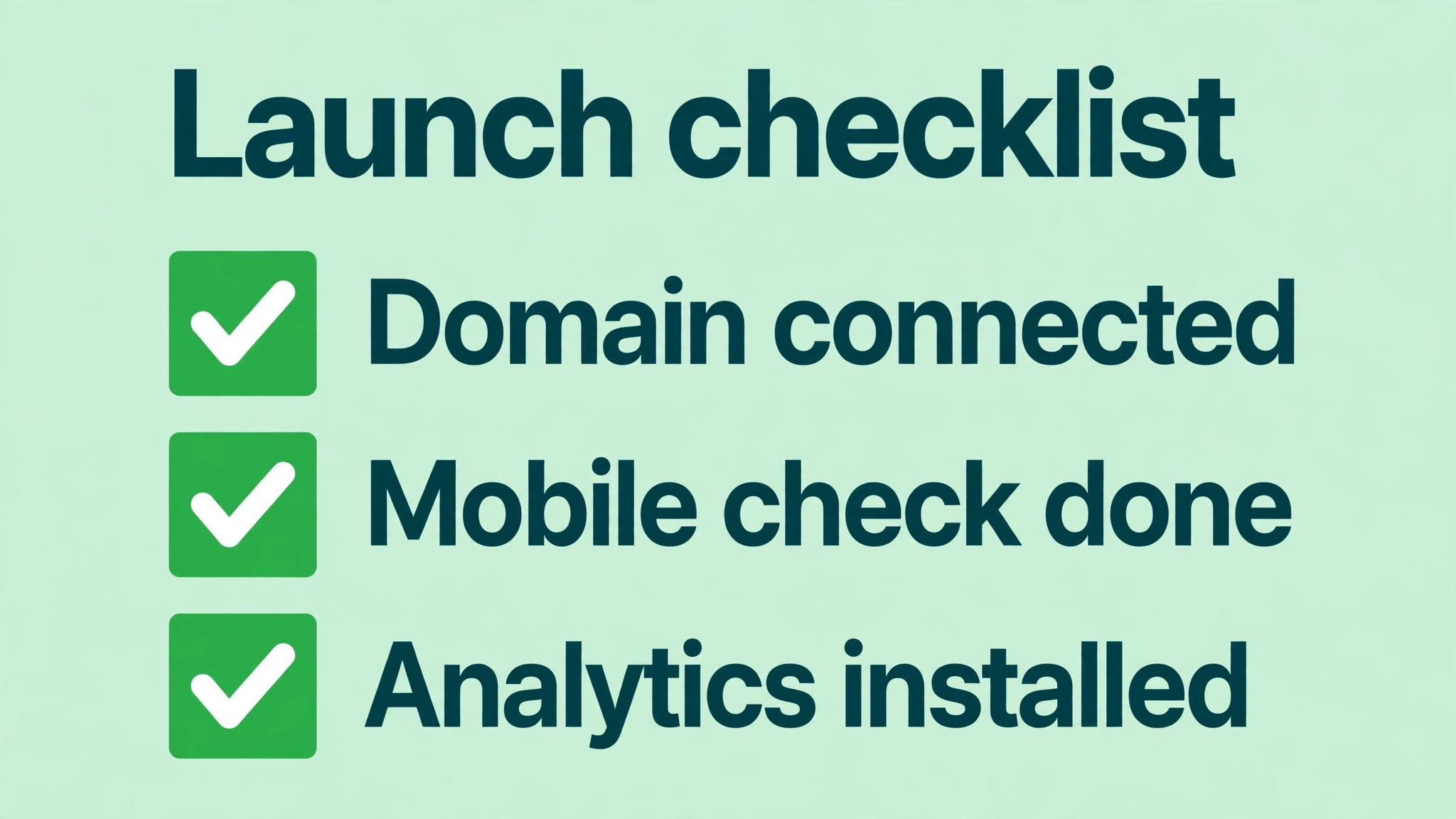
- Write one sentence that says what the business does and who it serves.
- Gather your logo, your best photos and your contact details before you start.
- Pick the builder that matches the job, brochure site or working app.
- Generate the first draft, then rewrite every line of AI copy in your own words.
- Check the site on a phone and fix anything that looks broken.
- Connect your domain and set up the contact form test.
- Add analytics and check that visits are being recorded.
- Publish, then ask three real customers to find your phone number on the site.
Mistakes That Waste Money on Website Builders
The most expensive mistake is buying an app builder for a brochure site, or a brochure builder for an app. A business that needs five pages and a phone number will pay credit based prices on Lovable or v0 for work a flat rate builder would do for a fixed monthly fee. A business that needs a working booking system will hit the limits of a brochure builder and rebuild six months later. Match the best ai website builders to the job before you pay, because the rebuild costs far more than the first subscription.
The second mistake is budgeting on the promotional price. Hostinger at 2.99 dollars a month is a genuine bargain, but only for the promotional term, and the renewal at 10.99 dollars is the price you will pay for most of the site’s life. Multiply the renewal price by twelve before you compare builders, and the ranking changes. The third mistake is never testing the mobile view, which is where most visitors arrive and where most AI generated sites show their weak spots. The fourth mistake is leaving AI generated copy untouched, because generic copy reads generic and visitors can tell. Rewrite it in your own words and the site immediately sounds like your business.
What a Website Really Costs in 2026
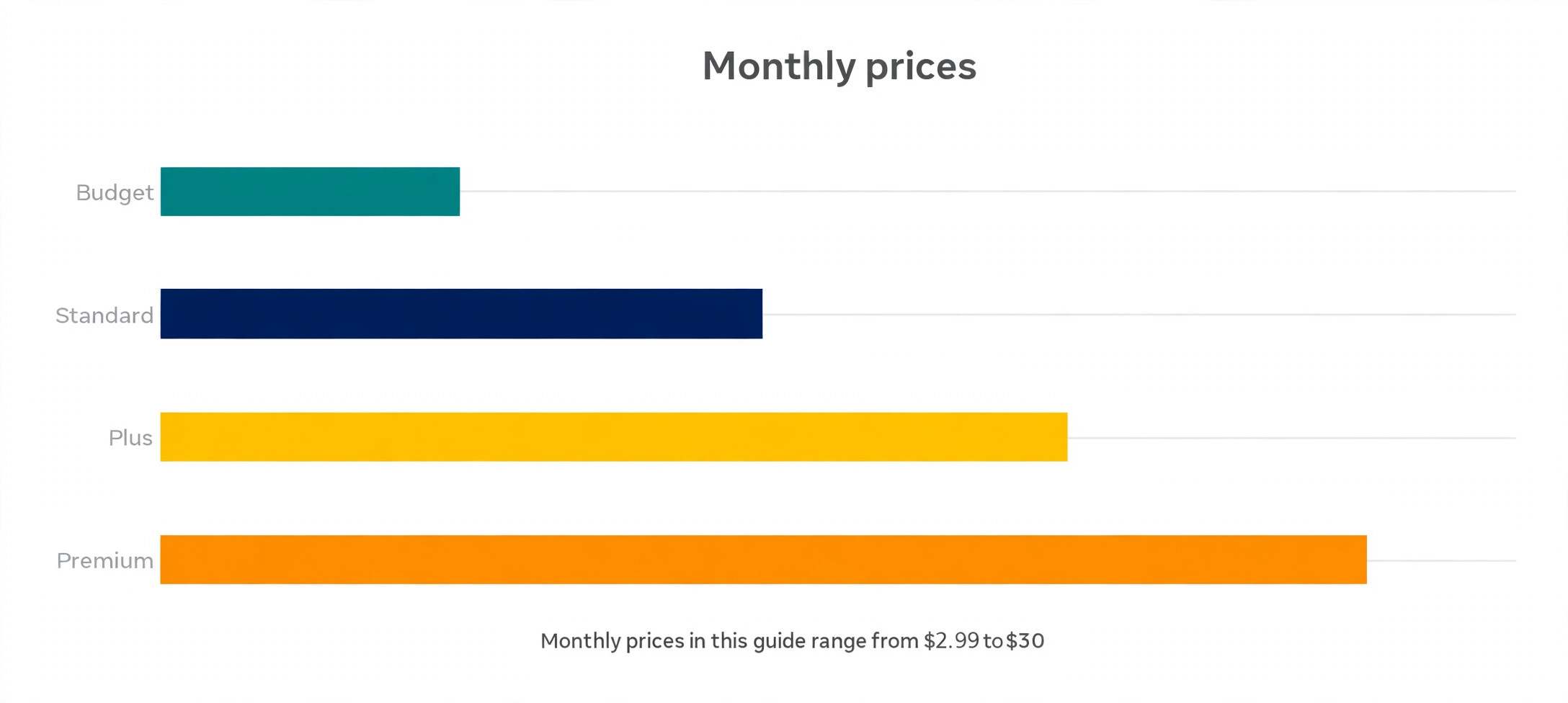
A small business website from an AI builder in 2026 costs between zero and 30 dollars a month for the builder itself, with the real cost depending on the plan, the renewal price and the credits. The cheapest honest path is Hostinger at 2.99 dollars a month on promotion, renewing at 10.99, or Design.com at 4 dollars a month on annual billing when a logo and brand assets are also needed. A design led site on Framer costs 10 dollars a month, a full Wix business site runs from 17.77 dollars, and an app builder such as v0 starts at 30 dollars a month before credits.
Add the costs beyond the subscription before you budget. A domain name typically costs 10 to 15 dollars a year, a business email account adds a few dollars a month, and stock photos or a logo can add a one time fee if you do not already have them. App builders add credit costs on top of the subscription, so a heavy month of iteration can double the bill. Set the budget as the builder plus the domain plus the first year of renewals, and the numbers stay honest. For most small businesses, a total of 150 to 250 dollars for the first year covers a professional site with a domain and room to grow.
Frequently Asked Questions
What is the cheapest AI website builder in 2026
Hostinger is the cheapest entry point, at 2.99 dollars a month on a promotional term, though it renews at 10.99 dollars a month, so budget on the renewal. Design.com is the cheapest for a branded site, at 4 dollars a month on annual billing for the Value plan, which includes the website builder alongside the logo tools. Framer at 10 dollars a month is the cheapest route to a design led site. Compare the twelve month cost, not the first month, before you decide.
Can I use an AI website builder for an online store
Yes, but pick a builder with real commerce rather than a brochure builder with a store bolted on. Wix handles stores from its Business plan at 39.77 dollars a month on annual billing, Squarespace builds commerce into every paid plan from 19 dollars a month, and Hostinger includes selling with no extra fees on its builder plans. Framer and Durable are weaker for stores, so a business that sells online should shortlist Wix, Squarespace or Hostinger first.
Do I own my website if I use an AI builder
It depends on the builder. 10Web gives you real WordPress you can host anywhere, and Lovable, v0 and Playcode give you real code you can export and keep. Closed builders such as Wix, Framer and Squarespace let you take your content with you, but the design and the site structure stay on their platform. If ownership matters, pick a builder that exports code or WordPress, and read the export terms before you build.
How long does it take to build a site with AI
A simple brochure site takes an afternoon, from the first prompt to a published page, and Durable claims a first draft in about 30 seconds. A store with real products takes longer, because product photos, prices and descriptions need real work no AI can do for you. An app built on Lovable or v0 can reach a working prototype in a day, but a production ready product still needs testing and refinement. Budget a day for a brochure site and a week for anything that takes payments.
Do AI website builders work for SEO
Yes, with limits. The builders in this guide all produce sites that search engines can read, with titles, descriptions and mobile friendly layouts. Wix and Squarespace include solid SEO tools, 10Web benefits from the full WordPress SEO plugin ecosystem, and Framer produces clean, fast pages. No builder ranks a site on its own, though. The content, the page speed and the links still decide rankings, so treat the builder as the foundation and the content as the work.
Can I switch website builders later
You can, but the cost varies. Content such as text and images moves fairly easily, while design, layout and custom features usually need rebuilding. Code exporting builders such as v0, Lovable and Playcode make switching cheapest, and 10Web makes it easy because WordPress is portable. Closed builders cost the most to leave, because the site must be rebuilt from scratch. That switching cost is why the export column in the comparison table matters as much as the price.
The Verdict
The best ai website builders in 2026 are not the ones with the flashiest first draft. They are the ones that still work well six months after launch, when the prices have changed, the photos have been swapped and the phone number needs updating. Wix takes the overall win for most businesses, because it covers the widest range of real jobs in one ecosystem. Framer is the pick for a design led site, Hostinger is the pick for the lowest honest price, and Design.com is the pick when a logo, a brand and a site must arrive together.
Start with the job, not the tool. A brochure site, a store and a working app are three different purchases, and the builder that wins one of them loses another. Test the free tier or the trial with your real business details, check the mobile view, read the renewal price, and publish the site that survives those four checks. That site will still be working when the promotional price has long since expired.