
Open enrollment is the busiest month in a benefits administrator’s year, and the questions arrive faster than any one person can answer them. Employees want to know which plan covers their doctor, what the deductible really means, and whether the new baby changes anything, and each answer has to be right. The best ai tools for benefits administrators cut that queue down by answering the routine questions, drafting the enrollment messages, and flagging the records that need a human look.
Benefits work is unforgiving about errors. A wrong plan election, a missed dependent, or a late carrier file costs an employee real money and costs the employer a complaint that reaches HR leadership. That is why the tools on this list were judged on accuracy and audit trails first, and on speed second, because a fast answer that is wrong is worse than a slow one that is right.
This guide compares twelve tools on published starting prices, the benefits job each one does best and the limit that only shows up after the trial ends. For benefits administration, every price in this guide is the vendor’s published starting price as of late 2026, and tools without a published rate are marked pricing on request. Start with the shortlist, then read the reviews that match the size of the workforce you support.
Every Tool on One Page
Use it to narrow the best ai tools for benefits administrators to two or three candidates before you read the full reviews. Monthly list prices apply unless noted, and annual billing usually beats monthly billing for an employer covering more than a hundred people.
| Job | Best tool | Why it wins |
|---|---|---|
| Benefits plus payroll in one system | Rippling | Rippling runs payroll, HR and benefits from one employee record, so a plan election updates |
| Small teams that want benefits without a consultant | Gusto | Gusto combines payroll, benefits administration and compliance for small employers, with a |
| HR plus benefits tracking for growing teams | BambooHR | BambooHR is an HR platform with benefits tracking, time-off management and reporting built |
| Large employers with complex benefits | Workday | Workday is the enterprise system for HR, payroll and benefits, used by the largest employers |
| Brokers and small employers running enrollment online | Ease | Ease is a benefits enrollment platform built for brokers and the small employers they serve, |
| Benefits shopping and enrollment at scale | PlanSource | PlanSource is a benefits administration platform that lets employees shop for plans, compare |
| Large-employer benefits administration | bswift | bswift is a benefits administration platform built for large employers, handling eligibility, |
| Benefits enrollment at very large scale | Benefitfocus | Benefitfocus, now part of Voya, is a benefits enrollment and administration platform for large |
| Mid-size HR plus benefits in one login | Namely | Namely is an HR platform for mid-size companies that combines payroll, benefits and |
| Payroll-linked benefits for mid-size employers | Paylocity | Paylocity is a payroll and HR platform with a benefits administration module that ties plan |
| Small business HR plus benefits | TriNet Zenefits | TriNet Zenefits is an HR platform for small businesses that handles benefits enrollment, |
| Global teams with benefits across countries | Deel | Deel is a global HR platform that handles payroll, compliance and benefits for teams spread |
How We Chose the Best AI Tools for Benefits Administrators
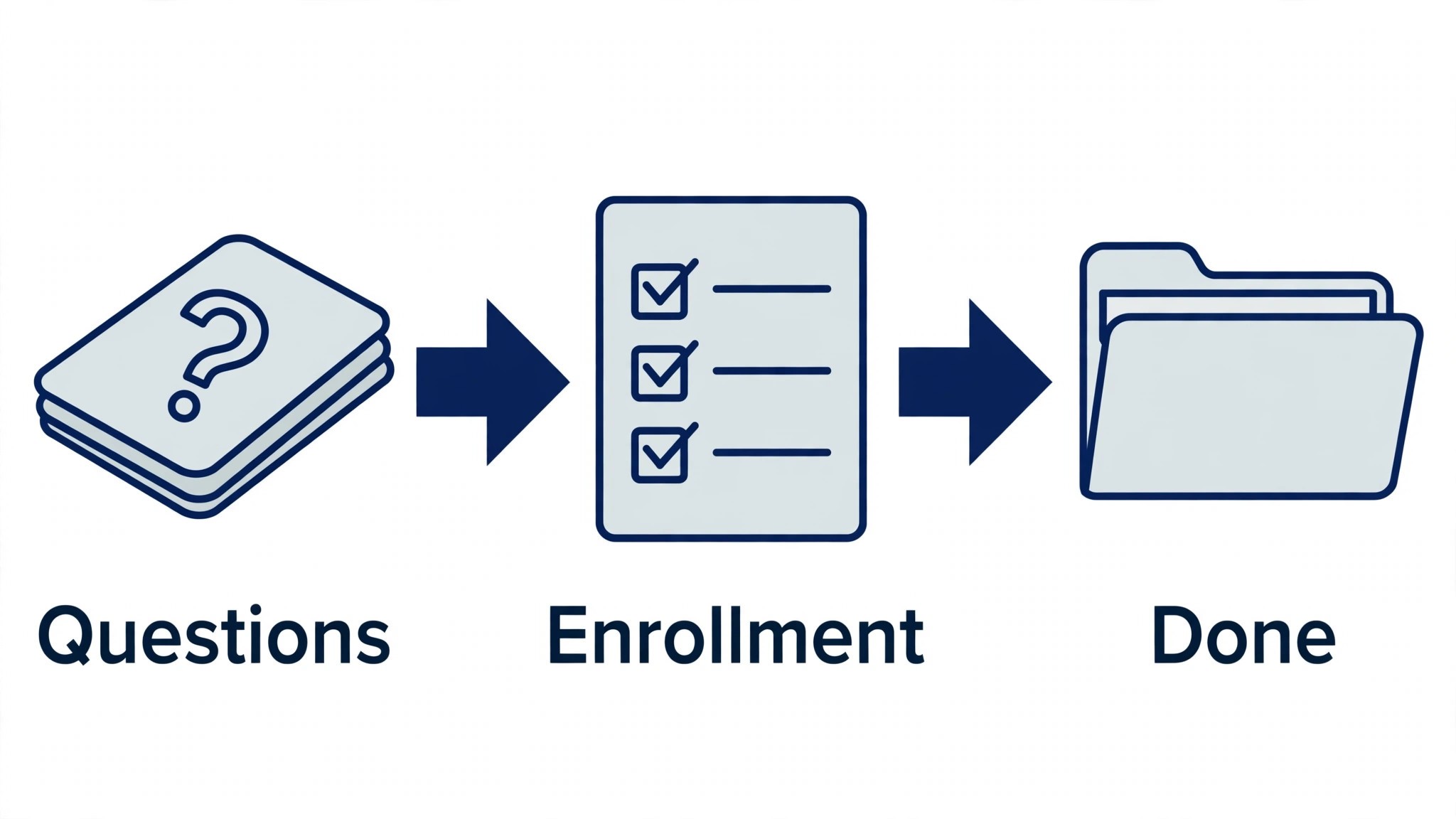
A tool earned a place here only when it does a real benefits job well in 2026, not when it added an AI label to an old HR product. The best ai tools for benefits administrators were judged on five things that decide whether an employer keeps paying after the first year.
Accuracy came first, because a benefits error costs more to fix than a month of subscription. Next came compliance support, since carrier files, eligibility rules and audit trails decide whether the tool survives a review. Pricing and how it scales per employee came third, then integration with payroll and the HR system, because a tool that cannot reach the core system forces double entry on every enrollment. The catch, from quote-only pricing to long implementations, came fifth.
| Check before you buy | What to ask | Why it matters |
|---|---|---|
| Published price | Is the rate on the pricing page | A hidden price is a hidden bill |
| Carrier files | Does the file pass your carrier’s checks | A rejected file means a week of fixes |
| Eligibility rules | Does it validate dependents and dates | A wrong election costs an employee money |
| Audit trail | Can you trace every change to a record | An audit without a trail is a risk |
| Trial access | Can you test it on a real enrollment | A demo is not a trial |
| Contract terms | Monthly or annual, and what year two costs | Annual billing locks the price but not the need |
The Twelve Tools, Reviewed
1. Rippling
Starting price From 8 dollars a month per user. Best for Benefits plus payroll in one system. Watch out The modules add up, and the headline price is only the start.
Rippling runs payroll, HR and benefits from one employee record, so a plan election updates payroll, the carrier file and the HR system at the same time. The AI features draft enrollment messages, answer routine employee questions, and flag records that look wrong before they reach the carrier.
At 8 dollars a month per user, Rippling is priced for benefits plus payroll in one system. The catch is the modules add up, and the headline price is only the start, so read the plan limits before you pay for a year.
Apply that test to the whole list of best ai tools for benefits administrators: an hour saved a week pays for almost any subscription, while a tool that needs rewriting on every job is a cost, not a saving.
2. Gusto
Starting price Paid plans begin at 49 dollars a month. Best for Small teams that want benefits without a consultant. Watch out Benefits admin add-ons cost extra on the lower tiers.
Gusto combines payroll, benefits administration and compliance for small employers, with a setup flow that a non-specialist can finish in a day. The platform handles health, dental and vision enrollment, sends the carrier files, and reminds employees about deadlines, which is the work that usually falls to one overloaded administrator.
The starting price of 49 dollars a month puts Gusto in reach for small teams that want benefits without a consultant, and the paid tiers mostly add volume, seats or deeper integrations. Keep an eye on benefits admin add-ons cost extra on the lower tiers, since that is the limit buyers hit first.
3. BambooHR
Starting price BambooHR is priced on request. Best for HR plus benefits tracking for growing teams. Watch out The quote-only pricing and the add-on cost of the benefits module.
BambooHR is an HR platform with benefits tracking, time-off management and reporting built around a single employee record. The AI features summarise employee data, draft messages and surface the records that need attention, so an administrator spends less time hunting through spreadsheets and more time on the decisions.
BambooHR does not publish a price, which suits HR plus benefits tracking for growing teams but means the buying process takes longer. The thing to check first is the quote-only pricing and the add-on cost of the benefits module, because that shapes the real cost once the team grows.
4. Workday
Starting price Workday quotes its price on request. Best for Large employers with complex benefits. Watch out The long implementation and the enterprise contract.
Workday is the enterprise system for HR, payroll and benefits, used by the largest employers to run open enrollment for tens of thousands of people. The AI features predict enrollment patterns, flag eligibility errors and draft communications, and the audit trail is the reason compliance teams trust it.
For large employers with complex benefits, Workday sells on a quote, and the higher tiers add the controls a bigger team needs. The weak spot is the long implementation and the enterprise contract, so confirm it on a trial before signing anything annual.
5. Ease
Starting price No published price for Ease; quotes on request. Best for Brokers and small employers running enrollment online. Watch out The broker-led setup, which is not self-serve.
Ease is a benefits enrollment platform built for brokers and the small employers they serve, turning paper enrollment forms into an online flow employees can finish on a phone. The system checks eligibility as employees choose, sends the carrier files, and gives the broker a dashboard that shows who has enrolled and who is still stuck.
Starting with a quote rather than a list price, Ease fits brokers and small employers running enrollment online without a self-serve checkout. Watch for the broker-led setup, which is not self-serve, which is where the bill or the workflow usually surprises buyers.
6. PlanSource
Starting price PlanSource does not publish a price. Best for Benefits shopping and enrollment at scale. Watch out The enterprise focus, which is more than a small employer needs.
PlanSource is a benefits administration platform that lets employees shop for plans, compare costs and enroll in one guided flow, with decision support that explains the trade-offs in plain language. The AI features answer plan questions, nudge employees who have not enrolled, and produce the carrier files automatically.
PlanSource is quote-only and is aimed squarely at benefits shopping and enrollment at scale. The trade-off is the enterprise focus, which is more than a small employer needs, so ask what the quote covers and price that package, not the demo.
7. bswift
Starting price bswift is priced on request. Best for Large-employer benefits administration. Watch out The implementation takes months, not weeks.
bswift is a benefits administration platform built for large employers, handling eligibility, enrollment, billing and carrier connections for workforces in the tens of thousands. The AI tools guide employees through plan choice, flag incomplete elections and reconcile the billing, which is where large programs usually leak money.
bswift is sold on a quote, which suits large-employer benefits administration, and the price depends on seats, volume and the modules you take. The catch is the implementation takes months, not weeks, so get the quote in writing before you pay for a year.
8. Benefitfocus
Starting price Benefitfocus quotes its price on request. Best for Benefits enrollment at very large scale. Watch out The enterprise contracts and the long sales cycle.
Benefitfocus, now part of Voya, is a benefits enrollment and administration platform for large employers and health plans. The guided shopping experience helps employees pick the right plan, the system validates eligibility in real time, and the carrier integrations keep the data flowing without manual files.
With pricing on request, Benefitfocus is aimed at benefits enrollment at very large scale, and the quote usually reflects team size and the integrations you need. Keep an eye on the enterprise contracts and the long sales cycle, since that is the limit buyers hit first.
9. Namely
Starting price No published price for Namely; quotes on request. Best for Mid-size HR plus benefits in one login. Watch out The per-employee pricing, which grows with headcount.
Namely is an HR platform for mid-size companies that combines payroll, benefits and performance in one system. The benefits module handles enrollment, tracks eligibility and produces carrier files, while the AI features draft employee communications and surface the data that needs a human check.
Namely does not publish a price, which suits mid-size HR plus benefits in one login but means the buying process takes longer. The thing to check first is the per-employee pricing, which grows with headcount, because that shapes the real cost once the team grows.
10. Paylocity
Starting price Paylocity does not publish a price. Best for Payroll-linked benefits for mid-size employers. Watch out The modules are priced separately, so the total is hard to predict.
Paylocity is a payroll and HR platform with a benefits administration module that ties plan elections straight into payroll deductions. The AI features answer employee questions, draft open enrollment messages and flag deduction errors, which is the mistake that creates the most payroll corrections.
For payroll-linked benefits for mid-size employers, Paylocity sells on a quote, and the higher tiers add the controls a bigger team needs. The weak spot is the modules are priced separately, so the total is hard to predict, so confirm it on a trial before signing anything annual.
11. TriNet Zenefits
Starting price From 8 dollars a month per employee. Best for Small business HR plus benefits. Watch out Add-ons push the real price above the headline in benefits administration.
TriNet Zenefits is an HR platform for small businesses that handles benefits enrollment, time-off and compliance from one dashboard. Employees enroll online, the system sends the carrier files, and the administrator sees who is done and who needs a nudge, without chasing paper forms around the office.
Starting at 8 dollars a month per employee, TriNet Zenefits fits small business HR plus benefits without a procurement meeting. Watch for the add-ons, which push the real price above the headline, which is where the bill or the workflow usually surprises buyers.
12. Deel
Starting price The entry paid tier costs 49 dollars a month. Best for Global teams with benefits across countries. Watch out The benefits features are strongest alongside Deel’s employer-of-record service.
Deel is a global HR platform that handles payroll, compliance and benefits for teams spread across countries. The benefits module lets an employer offer health and pension plans in each country an employee lives in, and the AI features draft the local communications and flag the compliance rules that differ by country.
Deel opens at 49 dollars a month and is aimed squarely at global teams with benefits across countries. The trade-off is the benefits features are strongest alongside Deel’s employer-of-record service, so check the tier that removes it and price that tier, not the headline.
How to Read the Price Table
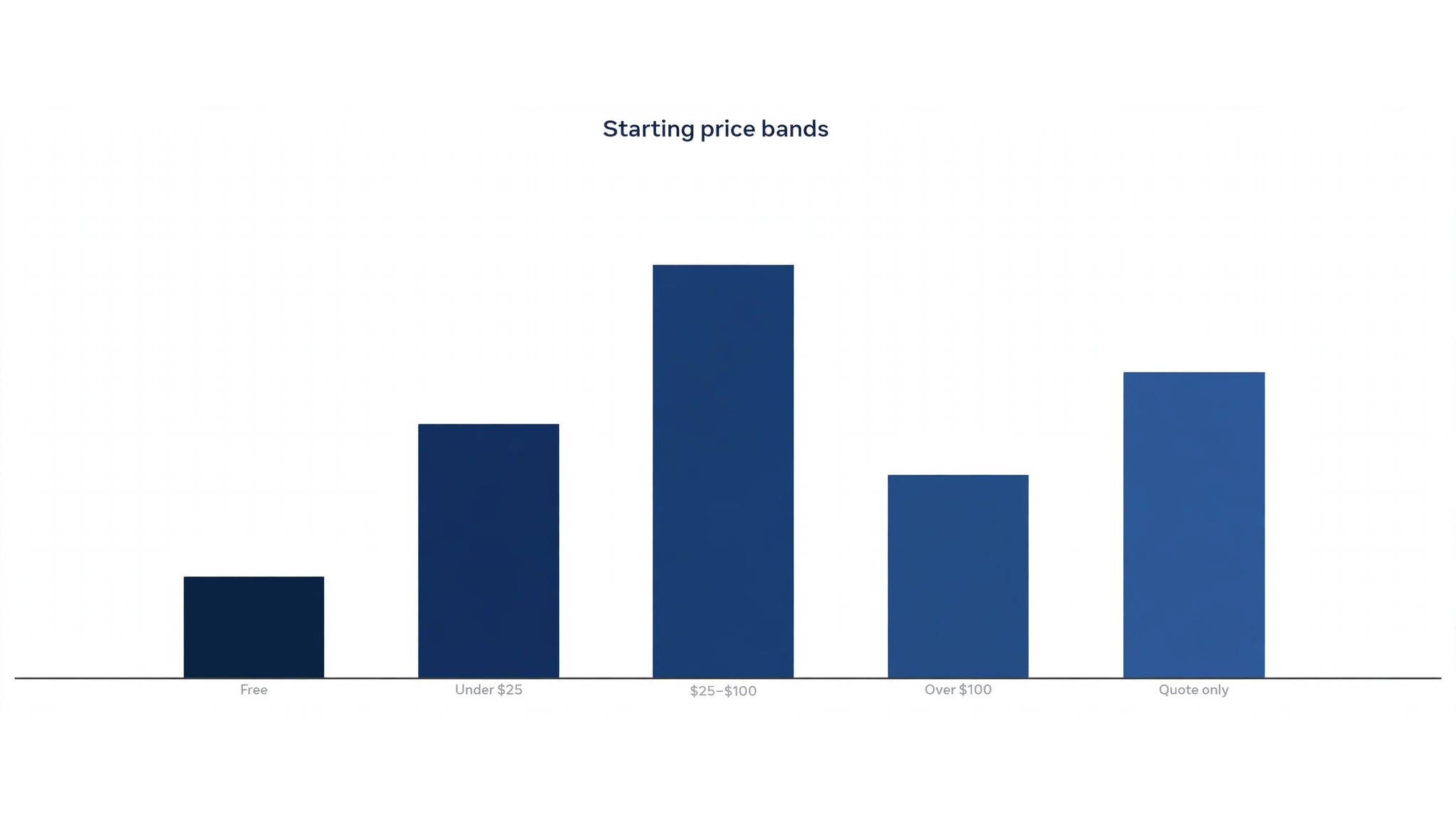
The table below puts the best ai tools for benefits administrators side by side on price, best job and free plan, so you can compare the published prices against the quote-only tools at a glance.
The fastest way through the table is by workforce size. A small employer should look at the tools with published prices first, while a large employer should look at the platforms built for carrier files and eligibility at scale, because the cheapest tool that fails an enrollment audit costs more than a pricier one that passes it.
| Tool | Starting price | Best for | Free plan |
|---|---|---|---|
| Rippling | From 8 dollars a month per user | Benefits plus payroll in one system | No |
| Gusto | From 49 dollars a month | Small teams that want benefits without a consultant | Trial |
| BambooHR | Pricing on request | HR plus benefits tracking for growing teams | Trial |
| Workday | Pricing on request | Large employers with complex benefits | No |
| Ease | Pricing on request | Brokers and small employers running enrollment online | No |
| PlanSource | Pricing on request | Benefits shopping and enrollment at scale | No |
| bswift | Pricing on request | Large-employer benefits administration | No |
| Benefitfocus | Pricing on request | Benefits enrollment at very large scale | No |
| Namely | Pricing on request | Mid-size HR plus benefits in one login | Trial |
| Paylocity | Pricing on request | Payroll-linked benefits for mid-size employers | No |
| TriNet Zenefits | From 8 dollars a month per employee | Small business HR plus benefits | Trial |
| Deel | From 49 dollars a month | Global teams with benefits across countries | Trial |
Buying for a Whole Workforce
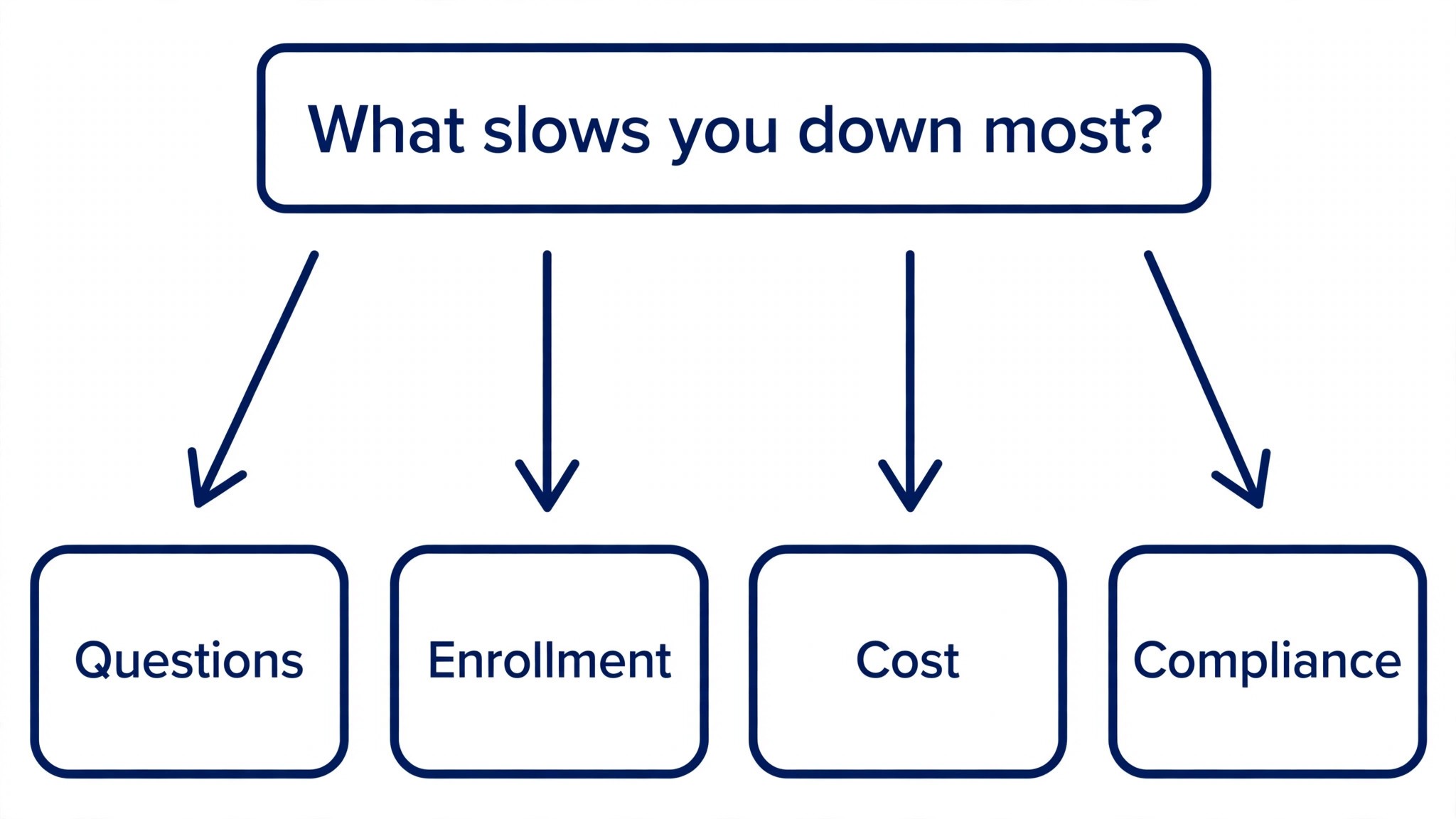
Start from the slowest part of your enrollment cycle, not from the vendor homepage. Teams buried in employee questions should buy the tool that answers those first, and teams losing hours to carrier-file errors should buy accuracy before features. In benefits administration, the tool that fixes the slowest bottleneck pays for itself first, and the rest can wait.
Price the whole stack per employee, not the headline number. A platform that charges per employee per month can look cheap at fifty people and expensive at five thousand, so model the bill at your real headcount, ask for implementation fees in writing, and check what year two costs before signing an annual contract. The best ai tools for benefits administrators on this list were priced at published starting rates, so the stack maths in the table below uses real numbers.
| Stack | Monthly cost | What it covers |
|---|---|---|
| Rippling alone | Lowest starting price | One tool for the main job |
| Rippling plus Gusto | Mid-range | Core tool plus a second specialist |
| Gusto plus BambooHR | Mid-range | Specialist pair for a busy week |
| Rippling plus BambooHR | Check the pricing page | Core tool plus a workflow specialist |
Best Pick by Job
Pick from the table below by the benefits job you do most each week. The best ai tools for benefits administrators are not ranked by features alone; they are ranked by which job each one actually finishes, so the pick that matches your week is the pick that will still be in your stack a year from now.
| Your job | Best pick | Why it wins |
|---|---|---|
| Benefits plus payroll in one system | Rippling | Rippling runs payroll, HR and benefits from one employee record, so a plan election updates |
| Small teams that want benefits without a consultant | Gusto | Gusto combines payroll, benefits administration and compliance for small employers, with a |
| HR plus benefits tracking for growing teams | BambooHR | BambooHR is an HR platform with benefits tracking, time-off management and reporting built |
| Large employers with complex benefits | Workday | Workday is the enterprise system for HR, payroll and benefits, used by the largest employers |
| Brokers and small employers running enrollment online | Ease | Ease is a benefits enrollment platform built for brokers and the small employers they serve, |
| Benefits shopping and enrollment at scale | PlanSource | PlanSource is a benefits administration platform that lets employees shop for plans, compare |
| Large-employer benefits administration | bswift | bswift is a benefits administration platform built for large employers, handling eligibility, |
| Benefits enrollment at very large scale | Benefitfocus | Benefitfocus, now part of Voya, is a benefits enrollment and administration platform for large |
| Mid-size HR plus benefits in one login | Namely | Namely is an HR platform for mid-size companies that combines payroll, benefits and |
| Payroll-linked benefits for mid-size employers | Paylocity | Paylocity is a payroll and HR platform with a benefits administration module that ties plan |
| Small business HR plus benefits | TriNet Zenefits | TriNet Zenefits is an HR platform for small businesses that handles benefits enrollment, |
| Global teams with benefits across countries | Deel | Deel is a global HR platform that handles payroll, compliance and benefits for teams spread |
Testing on Open Enrollment, Not on a Demo
A trial tells a benefits team more in five working days than a month of reading reviews, but only when the trial runs on real work. Pick the two tools that look closest after the shortlist, run them side by side on the same enrollment tasks, and score them on time saved, errors caught and how the output reads to an employee. Never trial on a demo file, because a demo hides the rough edges real enrollment exposes. The best ai tools for benefits administrators are judged on the same five days, so the comparison stays fair.
| Day | What to test | What good looks like |
|---|---|---|
| Day 1 | Setup and first real enrollment | Working in under an hour, no IT ticket |
| Day 2 | The hardest enrollment you do | Output needs light edits, not a rewrite |
| Day 3 | Integration with your core system | Data flows without double entry |
| Day 4 | A colleague tries it cold | They finish a job without asking for help |
| Day 5 | Count the time and the cost | Hours saved beat the monthly price |
In benefits administration, write the trial down as you go, one line a day: the job, the minutes, the fixes, and whether the result could have gone out as it was. After five days in benefits administration, that notebook is the whole decision. In benefits administration, the tool that wins on your own numbers wins, even when it was not the one you expected to like.
Four Buying Mistakes to Avoid
Mistake one in benefits administration is the cheapest plan, when the feature your team needs sits two tiers up. For benefits administration, read every tier on the pricing page and pay for the tier that does the daily job, not the tier that looks cheap. Mistake two is rolling out to the whole workforce before one administrator has tried the tool for a week, since a favourite of one and a burden to five is a cost, not a system.
The third mistake is skipping the compliance check. Ask for the data agreement, read the retention policy and check the carrier-file format before the first real enrollment goes through the tool, because fixing compliance after the fact costs far more than checking it first. The fourth mistake is judging the tool on its best day, so trial it on the hardest enrollment task and let the hard task decide.
Carrier files are the quiet test. A platform can look polished in the demo and still produce a carrier file the insurer rejects, which means a week of manual fixes at the worst possible time. Ask the vendor for a sample file, send it to your carrier contact, and confirm it passes before you sign, because that single check saves more time than any feature on the pricing page.
Employee questions follow a pattern, and the pattern is the business case. Count the questions your team answered last month, sort them by topic, and the top three topics are the ones the AI should answer first. A tool that answers the top three well is worth more than one that answers twenty topics badly, and the count is the number to put in front of finance.
Benefits Admin Questions, Answered
Which tool gives a benefits team the cheapest good start?
Gusto is the cheapest credible start on this list at 49 dollars a month, with Rippling close behind at 8 dollars a month per user. Start with the job you do most each week, trial the tool on real enrollment work, and add a specialist only when the general tool cannot do a job you are paid to do. That is the cheapest route to a benefits stack, with no payment for features never used.
Can a team keep AI answers from misleading employees?
It will mislead when a team publishes the AI answer unchanged. AI tools draft a usable first version, but the plan details, the eligibility rules and the judgement still come from the administrator doing the work. Use the AI to beat the blank page, then check the facts, the wording and the numbers, so the result sounds like your team and not the tool.
For a small employer, which benefits tool wins?
Gusto is the pick for a small employer, starting at 49 dollars a month with almost no setup, while Rippling at 8 dollars a month per user is the strongest all-round option as the headcount grows. For benefits administration, buy the tool that fixes your slowest weekly job first, and add a second only when a specific limit starts costing time.
How much will a mid-size employer spend on benefits tools in year one?
Plan on 50 to 150 dollars a month in year one for a general tool such as Gusto, rising to several hundred a month with a specialist such as PlanSource added. Multiply the headline price by headcount when you pay per employee, since those charges surprise buyers. Price the whole stack and trial each tool on real enrollment work before signing an annual contract.
Do these benefits tools offer a trial before payment?
Most tools on this list offer a free trial or a demo, and Gusto and Rippling both let teams test on real work before paying. Use the trial on the enrollment job itself your team does most, not on a demo, and count the time saved and the errors each output needs. For benefits administration, a trial over a real week tells you more than a sales call.
Our Recommendation
If you buy one tool this quarter, pick Gusto for a small employer or Rippling when you need payroll and benefits in one system. Gusto is the easiest place to start at 49 dollars a month, and Rippling is the strongest all-round platform at 8 dollars a month per user. The best ai tools for benefits administrators earn their keep by giving you back the week before open enrollment, and both of these do that from the first cycle.
Whatever you pick, trial it on a real enrollment task, count the questions it answers and the errors it catches, and keep a human eye on every AI message before it reaches an employee. Every tool on this list works for benefits administration. The difference is whether the platform matches the workforce you actually support, and whether you measure the return in hours saved and clean enrollments rather than in features used.