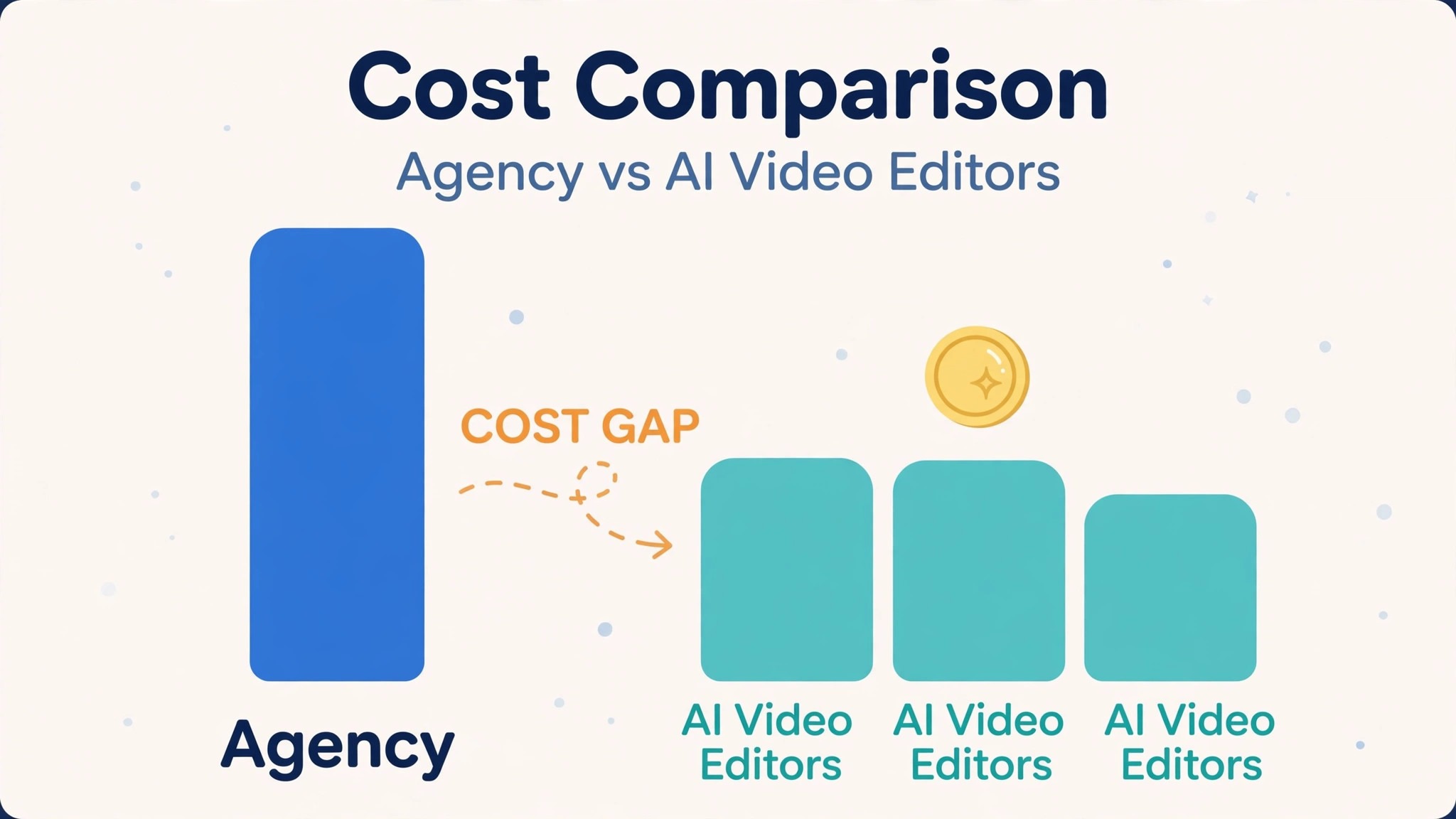
A freelance video editor charges 50 to 150 dollars an hour, and a finished minute of edited video can cost hundreds of dollars once revisions are counted. An AI video editor charges nothing to start and 16 dollars a month to edit, and that gap is the reason most small creators start with AI. The gap also hides the real question, which is not whether AI is cheaper, because it is, but what the subscription actually buys. That question is the heart of ai video editor pricing, and it is the number this guide works out for every tool.
A tool that sells editing for 12 dollars a month and a tool that charges 30 dollars a month are not selling the same thing. The first sells credits and templates. The second sells minutes, models and watermark-free exports. A creator who needs one short a week pays less with the cheap plan, and a creator who needs ten videos a month pays less with the plan that counts minutes instead of credits. The billing model decides the bill more than the headline price does.
The third thing to check is the minute. Most AI video tools sell monthly minutes or credits, and a video costs minutes to transcribe, minutes to edit and credits to generate. A plan with 60 free minutes sounds generous until the third video, when the minutes run out and the tool asks for more money. Knowing ai video editor pricing means knowing how many finished minutes the monthly allowance actually covers, not just what the plan costs.
Prices in this guide are US list prices checked in November 2026, before tax. Monthly prices are per month, with the annual billing rate beside the monthly rate where the vendor publishes one. Where a vendor hides its prices behind checkout, this guide says so instead of guessing.
At a Glance. ai video editor pricing in One Table
The table below is the short answer. Prices are in US dollars, before tax. Free means free to edit and preview, and the paid column is what it costs to export without a watermark.
| Tool | Free plan | Entry paid price | What you get | Monthly allowance |
|---|---|---|---|---|
| Descript | 60 transcribed minutes a month, watermarked | Hobbyist 16 dollars a month annual | Watermark-free exports, 10 media hours | 10 media hours, 400 AI credits |
| Runway | 125 credits once | Standard 12 dollars a month annual | 625 credits, generative video | Standard 625, Pro 2,250 credits |
| CapCut | Full features free, no watermark | Pro about 10 dollars a month | 1,200 AI credits, 4K export | 1,200 AI credits a month |
| InVideo | Watermarked exports | Paid from 20 dollars a month annual | Prompt to video, stock footage | Plus 2,000 credits a month |
| Pictory | 14-day trial, 3 projects | Starter 25 dollars a month annual | 200 video minutes, script to video | Starter 200 minutes, Pro 600 minutes |
| VEED | Free plan | Creator from 9 dollars a month annual | AI credits, watermark-free export | Credits vary by plan |
| OpusClip | Free tier | Pro 19 dollars a month | Long video to viral shorts | Limits vary by plan |
| Kapwing | Free plan, watermarked | Pro 16 dollars a month annual | Watermark-free, 4K export | Limits vary by plan |
Read the allowance column first, because a video tool without minutes is a video tool that stops working mid-month. Descript gives 10 media hours on Hobbyist, Pictory gives 200 video minutes on Starter, and Runway gives 625 credits on Standard, which buys about 50 seconds of generated footage at 12 credits a second. That gap between the free allowance and the paid allowance is the oldest trick in ai video editor pricing, and every tool in this table plays it in some form.
Read the billing column second, because a credit plan and a minute plan behave differently as the volume grows. Runway Standard at 12 dollars a month covers a few seconds of generated footage, while Pictory Starter at 25 dollars a month covers 200 minutes of script-to-video output. A creator that generates footage pays by the second, and a creator that edits footage pays by the minute. The billing model, not the headline price, decides what a month of video costs.
Descript
Descript is the talking-head pick in this guide, and its pricing is a minute system with a free taste. The free plan includes 60 transcribed minutes a month with watermarked exports. Hobbyist costs 16 dollars a month on annual billing, or 24 dollars on monthly billing, with watermark-free exports, 10 media hours and 400 AI credits a month. Creator costs 24 dollars a month on annual billing, with more media hours, 4K export and more AI credits. The trick is simple and transformative, because Descript transcribes the video and the editor deletes a sentence of text to cut the footage.
Worked cost for 10 videos a month. A 10 minute talking-head video uses 10 media hours across 10 videos only if the footage is trimmed hard, so Hobbyist at 16 dollars a month covers about 10 short videos with room to spare. A creator who makes hour-long course lessons will need Creator, because 10 media hours fills fast at that length. That is the whole trade, and it is an honest one.
Descript earns its price with revision speed. A client watches the edit happen in plain text during a review call, and a cut that takes an hour in a timeline editor takes a minute in a transcript. A creator who makes course lessons, testimonials and coaching videos should test Descript first, because 16 dollars a month buys the fastest revision workflow in this guide. The weakness is generation, because Descript edits footage that exists and generates almost nothing new.
Runway
Runway is the generative pick in this guide, and its pricing is a credit system with a free taste. The free tier gives 125 credits once to learn the tool. Standard costs 12 dollars a month on annual billing, or 15 dollars monthly, with 625 credits a month. Pro costs 28 dollars a month on annual billing, or 35 dollars monthly, with 2,250 credits a month. Gen-4.5, the current model, uses about 12 credits per second, so a few seconds of hero footage costs a few dollars per project.
Worked cost for 10 videos a month. A 5 second generated clip costs about 60 credits, so 10 clips cost about 600 credits, which fits inside Standard at 12 dollars a month with almost nothing to spare. A creator who needs 30 seconds of generated footage a month will need Pro at 28 dollars, because Standard runs out after about 50 seconds. That is the price of generation, and a creator that generates often will pay it gladly.
Runway earns its price with effects and B-roll. Object removal, scene extension and text-to-video generation cover the shots a creator cannot film, and the results look better than any template library. A creator who needs generative B-roll for client work should test Runway first, because 12 dollars a month buys the best generative footage in this guide. The weakness is the credit burn, because 12 credits a second makes a long generated scene expensive fast.
CapCut
CapCut is the free pick in this guide, and its pricing is the simplest of all. The free plan covers auto-captions in dozens of languages, background removal, AI effects and smooth slow motion, with no watermark on standard exports. Pro costs about 10 dollars a month, with regional pricing shown after sign-in, and it adds 1,200 AI credits a month, 4K export and the key AI features that moved to the paid tier in 2026. There is no card, no trial and no renewal on the free plan, so a creator can edit ten videos in an afternoon and keep the best one.
Worked cost for 10 videos a month. Ten short-form videos cost nothing on the free plan, which makes CapCut the cheapest tool in this guide by definition. The catch is the AI tier, because the 2026 split moved key AI features and 4K export into Pro at about 10 dollars a month. A creator that only needs captions, cuts and effects can run on CapCut free forever and never pay a cent. A creator that needs 4K and the full AI toolkit should budget the Pro price.
CapCut earns its place with speed and with zero risk. It is the fastest free way to turn raw footage into a finished social video, and the mobile app edits as well as the desktop. A creator who makes short-form social video should test CapCut first, because free beats every paid plan in this guide. The weakness is the ceiling, because the tool cannot produce the long-form edits and generative footage that Descript and Runway sell.
InVideo
InVideo is the prompt-to-video pick in this guide, and its pricing is a credit system rebuilt in 2026. The free tier exports with a watermark. Paid plans start at about 20 dollars a month on annual billing, with higher-quality generation models on the pricier tiers. Plus costs 30 dollars a month on annual billing, or 60 dollars monthly, with 2,000 credits a month, and generated video is billed per second. InVideo rebuilt its plans around credits in 2026, so check the current allowances before costing one into a client quote.
Worked cost for 10 videos a month. A fully generated 30 to 60 second video costs about 5 to 10 dollars on Plus, so 10 videos cost about 50 to 100 dollars in credits, which means Plus at 30 dollars a month does not cover 10 generated videos. A creator who generates one video a week will fit inside Plus, and a creator who generates daily will need a higher tier or a top-up. That is the price of generation, and a creator that generates often should count the seconds before buying.
InVideo earns its price with drafts. A prompt or a rough script becomes a full video with scenes, voiceover and music, and the editor refines the result on a real timeline. A creator who needs fast client drafts should test InVideo first, because 20 dollars a month buys the fastest first draft in this guide. The weakness is the review, because AI-generated videos need checking before publishing, and the credit bill grows with every regeneration.
Pictory
Pictory is the script-to-video pick in this guide, and its pricing is a minute system with a trial. The free trial lasts 14 days with three full projects. Starter costs 25 dollars a month on annual billing, or 29 dollars monthly, with 200 video minutes a month. Professional costs 59 dollars a month on monthly billing, with 600 video minutes and a lower annual rate. Pictory turns scripts and blog posts into finished videos with AI voiceover and matched stock footage, which makes it the strongest tool in this guide for script-driven work.
Worked cost for 10 videos a month. A 5 minute video uses 5 minutes of the allowance, so 10 videos cost 50 minutes, which fits inside Starter at 25 dollars a month with 150 minutes to spare. A creator who turns a blog archive into video will fit inside Starter for months, because 200 minutes covers 40 short videos. That is the cheapest honest price in this guide for turning text into video at volume.
Pictory earns its price with scripts. A blog post becomes a video with matched stock footage, captions and voiceover, and the workflow suits explainers, listicles and course intros. A creator who repurposes written content should test Pictory first, because 25 dollars a month buys the best text-to-video pipeline in this guide. The weakness is the footage, because stock video looks like stock video, and a creator who needs original footage should test Runway instead.
VEED
VEED is the browser pick in this guide, and its pricing starts with a free plan. The free plan covers basic editing in the browser with a watermark. Creator costs from 9 dollars a month on annual billing, and it adds AI credits, watermark-free export and more storage. Higher tiers add team features, brand kits and more AI credits, with prices that rise by seat and by volume.
Worked cost for 10 videos a month. Creator at 9 dollars a month covers the editing a small creator does, so 10 short videos cost 9 dollars in total, or about 90 cents per video, with no software to install. That is the cheapest paid editing price in this guide, and it is the reason a creator on a tight budget should test VEED before paying anywhere else. The catch is the AI credits, because generated video and heavy AI use cost extra on top of the subscription.
VEED earns its place with the browser. A creator who edits on any computer, with no install and no GPU, will find VEED the most convenient tool in this guide, and the captions and templates are strong. A small creator who edits in a browser should test VEED first, because 9 dollars a month buys the cheapest watermark-free export in this guide. The weakness is depth, because the tool cannot match Descript for long-form editing or Runway for generation.
OpusClip
OpusClip is the shorts pick in this guide, and its pricing is a simple subscription with a free tier. The free tier lets a creator test the clipping workflow, and Pro costs 19 dollars a month, with virality scoring, auto-captions and watermark-free exports. OpusClip turns long videos into short clips automatically, which makes it the strongest tool in this guide for repurposing podcasts, webinars and long interviews.
Worked cost for 10 videos a month. Pro at 19 dollars a month covers the clipping a creator does, so 10 long videos turned into 30 shorts cost 19 dollars in total, or about 63 cents per short. That is the cheapest honest price in this guide for turning one long video into many shorts, because the AI finds the moments and cuts the clips without a timeline. A creator who publishes daily shorts should test OpusClip first, because 19 dollars a month buys the fastest repurposing workflow in this guide.
OpusClip earns its price with scoring. Each clip gets a virality score, so the creator posts the strongest moments first and skips the weak ones. A podcaster or a course creator should test OpusClip first, because the scoring answers the question every creator asks, which is which clip to post. The weakness is control, because the AI chooses the moments, and a creator who wants frame-level control should test Descript instead.
Kapwing
Kapwing is the team pick in this guide, and its pricing starts with a free plan. The free plan covers editing in the browser with a watermark. Pro costs 16 dollars a month on annual billing, or 24 dollars monthly, with watermark-free exports, 4K export and more storage. Higher tiers add team workspaces, brand kits and admin controls, with prices that rise by seat.
Worked cost for 10 videos a month. Pro at 16 dollars a month covers the editing a small team does, so 10 videos cost 16 dollars in total, or about 1.60 dollars per video, with the whole team working in one workspace. That is a fair price for a team tool, and it is the reason a small team should test Kapwing before paying for a timeline editor. The catch is the generation, because Kapwing edits footage that exists and generates almost nothing new.
Kapwing earns its place with collaboration. A team that edits together, comments on the timeline and shares a brand kit will find Kapwing the most team-friendly tool in this guide, and the browser access means no installs. A small team that edits social video together should test Kapwing first, because 16 dollars a month buys the simplest shared workspace in this guide. The weakness is the ceiling, because the tool cannot match Runway for generation or Descript for transcript editing.
Total Cost of Ownership
The sticker price is not the total cost, and a buyer that budgets on the sticker price will be surprised in month two. The total cost includes the subscription, the credit top-ups, the extra minutes and the cost of fixing a video that cannot export in 4K. A 12 dollar plan with 625 credits costs another 12 dollars when the credits run out mid-month, so the real price of a heavy generation month is 24 dollars, not 12. A 16 dollar plan with 10 media hours costs 16 dollars forever, and that certainty is worth money to a creator that edits on a schedule.
Add the hidden costs to every tool. A video that needs re-editing by a freelancer costs 50 to 150 dollars an hour, which wipes out the saving from the cheapest editor. A video that uses stock footage another creator already uses costs a reshoot later, which is the most expensive outcome in this guide. A subscription that renews at a higher rate, such as Descript at 24 dollars monthly against 16 dollars annual, costs 50 percent more, so pay annually or pay monthly on purpose, never by accident.
The export is the second hidden cost. A plan that exports in 720p looks fine on a phone and soft on a laptop, and a creator who discovers that after editing ten videos must re-export them all. Descript puts 4K export on Creator, CapCut puts it on Pro, and Kapwing puts it on Pro too, so a creator who delivers in 4K should check the export tier before buying. A watermark is the same kind of trap, because a free export with a logo in the corner cannot be sent to a client, and the paid plan is the only way to remove it.
The seat is the third hidden cost. A solo creator pays one subscription, and a team of three pays three, so a 16 dollar plan costs 48 dollars a month for a team that shares one login badly. Kapwing and VEED sell team workspaces for that reason, and a team that buys three solo seats instead of one team plan pays more for less. Annual billing is the last check, because Descript at 24 dollars monthly against 16 dollars annual costs 96 dollars more a year, and a creator who pays monthly for a year pays for four extra months.
The rule is simple. Take the published price, work out the cost per finished minute at the volume the creator actually needs, add the renewal, and that is the real yearly cost. That per minute figure is the heart of ai video editor pricing, and it is the number that decides the value.
Cheapest by Situation
| Situation | Best value | Why it wins |
|---|---|---|
| One short a week, zero budget | CapCut free | Free, no watermark on standard exports |
| Talking-head and course video | Descript Hobbyist | 16 dollars a month, transcript editing |
| Generative B-roll | Runway Standard | 12 dollars a month, 625 credits |
| Script to video at volume | Pictory Starter | 25 dollars a month, 200 minutes |
| Prompt to video drafts | InVideo paid | From 20 dollars a month, fast drafts |
| Cheapest watermark-free export | VEED Creator | From 9 dollars a month |
| Long video to viral shorts | OpusClip Pro | 19 dollars a month, virality scoring |
| Small team editing together | Kapwing Pro | 16 dollars a month, shared workspace |
Read the table by situation, not by price alone. The cheapest tool for one short is not the cheapest tool for ten videos, because the billing model flips the math. A buyer that chooses the cheapest tool and then discovers it lacks minutes will pay twice, once for the cheap plan and once for the top-up. That situation test is the core of ai video editor pricing. A creator that buys the editor it needs for the job it has, with the minutes that job requires, will not pay twice.
Frequently Asked Questions
Is there a truly free AI video editor?
Yes, with limits. CapCut is free with no watermark on standard exports, which is the only free option in this guide that hands over a finished video with no payment. Descript free gives 60 transcribed minutes a month with watermarked exports, and Runway free gives 125 credits once. VEED and Kapwing free export with a watermark, and Pictory gives a 14-day trial with three projects. That split between free editing and paid exporting is the first thing ai video editor pricing teaches a new buyer.
How much does one finished minute cost?
A finished minute costs about 1.60 dollars on Descript Hobbyist at 16 dollars a month for 10 media hours, and about 12 cents on Pictory Starter at 25 dollars a month for 200 video minutes. A generated second costs about 1 dollar on Runway Standard, because Gen-4.5 uses 12 credits a second and 625 credits cost 12 dollars a month. Count the minutes the creator makes, divide by the allowance, and that is the per minute cost.
Do I own the video an AI editor makes?
Ownership depends on the tool and the tier. Descript, CapCut, VEED and Kapwing give the buyer full rights to the videos they edit on paid plans, and the exports are standard MP4 files. Runway and InVideo give the same on paid plans, with the generated footage covered by the plan license. Read the license on the pricing page before paying, because a video the creator cannot monetize is a video that will need replacing. A music license is a separate step, and no editor in this guide clears it for the buyer.
How much does an AI video editor cost in 2026?
An AI video editor costs 9 to 25 dollars a month on a subscription, depending on the tool and the allowance included. A freelance editor charges 50 to 150 dollars an hour, and a finished minute can cost hundreds of dollars once revisions are counted. The AI price buys minutes and files, and the editor price buys judgment and craft. A creator that needs clean edits fast should pay the AI price. A creator that needs a film nobody else has should pay the editor price.
Which AI video editor is best for a small creator?
It depends on the job. Descript Hobbyist is best for talking-head video at 16 dollars a month. Runway Standard is best for generative B-roll at 12 dollars a month. Pictory Starter is best for script-to-video at 25 dollars a month. CapCut free is best for short-form social video at zero cost. OpusClip Pro is best for turning long video into shorts at 19 dollars a month. A small creator that needs one video a week should choose Descript or CapCut. A small creator that needs many videos should choose Pictory or VEED.
Verdict
For most small creators, the best value is Descript Hobbyist at 16 dollars a month on annual billing, with watermark-free exports and 10 media hours, because it is the cheapest honest price in this guide for a creator that edits real footage every week. A creator that needs talking-head edits and nothing else should pay 16 dollars and stop there. For a creator that wants generative footage, Runway Standard at 12 dollars a month is the best pick, because the credits buy the best generated B-roll in this guide.
For volume, Pictory Starter at 25 dollars a month is the best pick for turning scripts into video, and VEED Creator from 9 dollars a month is the best pick for the cheapest watermark-free export. For a zero budget, CapCut free is the only tool in this guide that hands over a finished video with no watermark and no payment. The right tool is the one that fits the volume, the footage need, and the budget at the tier the creator will use in six months, not at the entry price, because the entry price buys minutes that may not cover the month. That is the honest read on ai video editor pricing in 2026.