Gamma is the best overall pick among the best AI presentation makers for most people in 2026. It turns a short prompt into a polished deck in minutes, it starts free with 400 credits, and its paid Plus plan is among the cheapest ways to get unlimited AI generation.
That verdict holds for founders, marketers, teachers and small teams who need a good deck fast. It does not hold for everyone. A corporate team that needs strict brand control will get a better result from Beautiful.ai. A team that lives inside PowerPoint should stay there with Copilot or Plus AI. The best AI presentation makers in 2026 are ranked by fit, and this guide compares all ten on price, export quality, design control, collaboration and what happens when the free credits run out.
The field changed in the last year, and an honest guide has to say so first. Tome was one of the earliest names in AI presentations, but the company pivoted away from decks in March 2025 and now sells an AI sales assistant. It no longer builds slide decks as a product, so it is excluded from this list, even though older roundups still rank it.
That change shows how fast this category moves. The prices and features below were checked against vendor pages and recent independent comparisons in October and November 2026, and you should still check the vendor pricing page before you pay, because prices here move often.
Why the Best AI Presentation Makers Matter in 2026
A presentation is no longer judged only on its content. A deck is judged on whether it looks like it was made by someone who cares, and AI tools have made that standard reachable for people with no design training.
The best tools do three jobs at once. They draft the outline and the words, they apply a layout that keeps text readable, and they export a file that still looks right in PowerPoint or Google Slides or as a web link. A tool that does only the first job leaves you with good words on ugly slides.
The cost of a bad choice is time, not money. Most of these tools cost between 8 and 20 dollars a month, and the difference between the cheapest and the most expensive is smaller than the cost of one afternoon spent rebuilding a deck that exported badly. The real question is whether the tool fits the way you already work. If your client expects a PowerPoint file, you need a tool that exports a clean editable file, not a flattened image of each slide.
This guide tests that fit in a practical way. Each tool below is judged on its free starting point, its entry paid price, its export formats, its design limits and the job it suits best. The at a glance table gives you the short version, the best pick table tells you which tool to choose for each common job, and the detailed sections explain the trade offs that the tables cannot show.
The 10 Best AI Presentation Makers at a Glance
| Tool | Best for | Free start | Entry paid price | PowerPoint export |
|---|---|---|---|---|
| Design.com AI Presentation Maker | Fast branded decks for small business | Free templates to try | Premium from 9 dollars a month | Yes, plus Google Slides |
| Design.com Presentation Maker | Template decks without AI drafting | Free templates to try | Premium from 9 dollars a month | Yes, plus Google Slides |
| Gamma | Best overall, modern web decks | 400 credits at signup | Plus 8 to 10 dollars a month | Yes, editable |
| Beautiful.ai | Corporate consistency | 14 day trial | Pro 12 dollars a month | Yes, editable |
| Canva Magic Design | Existing Canva users | Free plan | Pro about 13 to 15 dollars a month | Yes, export only |
| Microsoft Copilot in PowerPoint | PowerPoint teams | No free plan | Copilot Business from 18 dollars a month, promo to 31 Dec 2026 | Native PowerPoint |
| Google Gemini in Slides | Google Workspace teams | No free plan | Workspace Business Standard 14 dollars a month | Native Google Slides |
| Pitch | Team decks with analytics | Free plan, 100 AI credits | Plus about 13 dollars a month | Yes, unbranded from Plus |
| Plus AI | AI inside PowerPoint and Google Slides | 7 day trial | Basic 10 dollars a month | Native file, no export needed |
| Visme | Data heavy decks and reports | Free Basic plan | Starter 12.25 dollars a month | Yes, from Business plan |
Prices in this table are entry paid prices reported on vendor pages and in independent checks in October and November 2026, and they are annual billed prices where the vendor states them. Monthly billing usually costs more. Gamma shows the widest range, from 8 to 10 dollars a month. Treat every price here as a starting point and check the vendor page before you commit, because the Copilot promotion ends on 31 December 2026.
Best Pick by Job
| Job | Pick | Why it wins for this job |
|---|---|---|
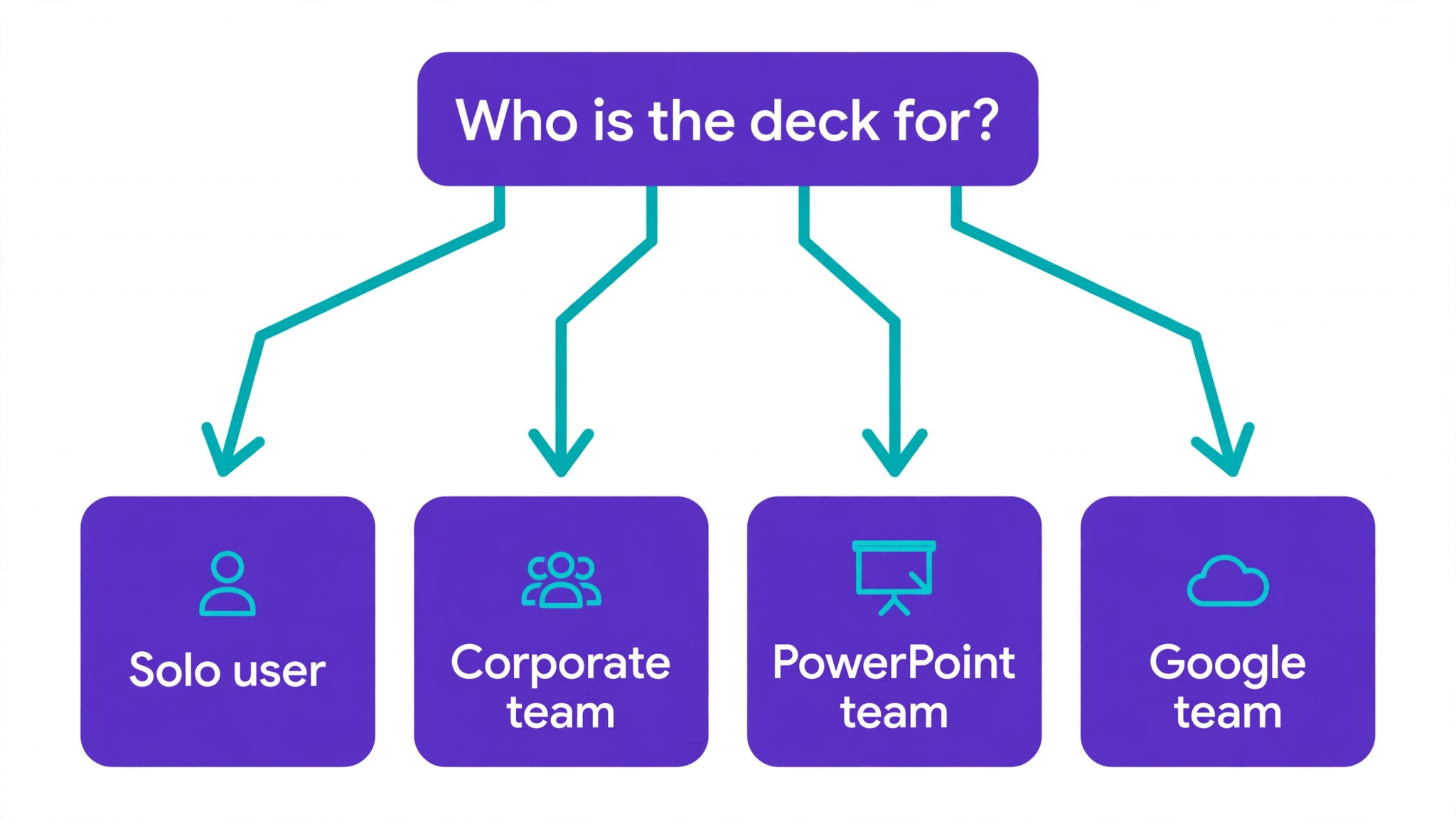
| Fast first draft for a pitch or a talk | Gamma | Best prompt to deck quality, generous free credits, cheap unlimited plan |
| Small business brand kit in one place | Design.com AI Presentation Maker | Logo, slides, cards and social posts share one brand, Premium from 9 dollars a month |
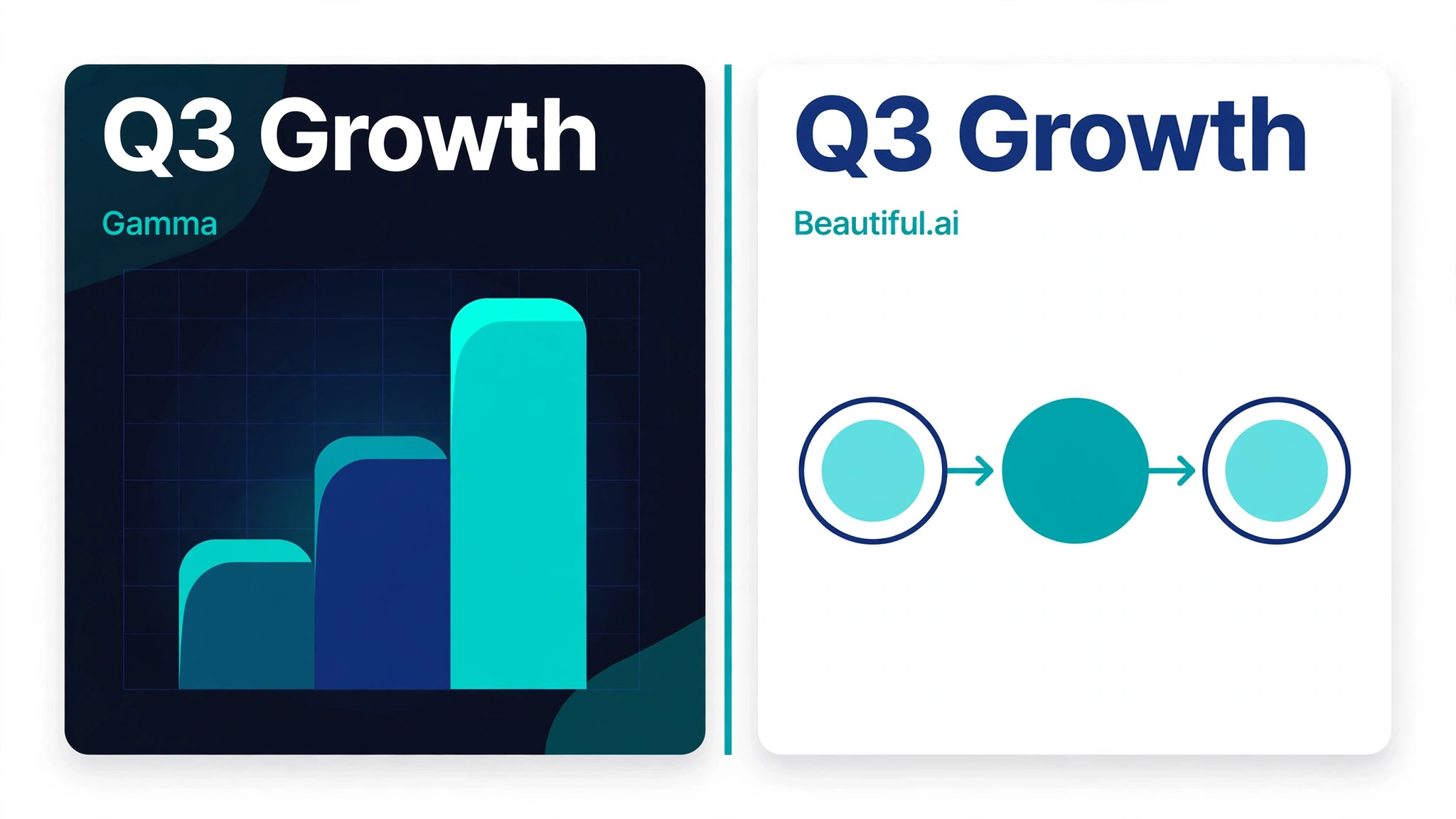
| Corporate deck that must stay on brand | Beautiful.ai | Smart Slide layouts stop bad design choices before they happen |
| You already pay for Canva | Canva Magic Design | No new tool to learn, huge asset library, Magic Design on the free plan |
| Your company runs on PowerPoint | Microsoft Copilot in PowerPoint | Native file, no export step, works inside the app your team already uses |
| Your company runs on Google Slides | Google Gemini in Slides | Gemini inside Workspace Standard, no separate AI seat to buy |
| A team building decks together | Pitch | Real time co editing, viewer analytics, shared templates |
| You refuse to leave PowerPoint or Slides | Plus AI | Generates and restyles inside the native file itself |
| Charts, data and reports | Visme | Built in charts, data widgets and infographics, not just slides |
| A quick deck from a template, no AI draft needed | Design.com Presentation Maker | Thousands of templates, enter a business name and browse, free to try |
The 10 Best AI Presentation Makers in Detail
1. Design.com AI Presentation Maker
Design.com AI Presentation Maker is the fastest route to a branded deck when you run a small business and you need slides that match the rest of your brand. You enter a few keywords or your business name, and the AI suggests complete slide layouts and visual styles. The platform claims more than 589,000 presentation templates, and the AI logo integration means a logo made in the same platform can be applied across the deck. That shared brand system is the real selling point, because the same colours and fonts can carry across a logo, a business card, a flyer and a website.
The free plan lets you browse templates, customise them and download your work, and the Premium plan is listed at 9 dollars a month for high resolution downloads and the full suite of more than 50 design tools. Check the vendor pricing page for the current figure. The limits to know are export and collaboration. Design.com is stronger on quick branded decks than on deep team workflows. Pick it when the deck is one part of a wider brand job, and pick a specialist when the deck itself is the whole job.
2. Design.com Presentation Maker
Design.com Presentation Maker is the template first sibling of the AI tool above, and it suits people who want to choose a finished design rather than prompt an AI to draft one. The library spans pitch decks, corporate reports, proposals and portfolios, and you start by entering your business name to see designs that fit your industry. Editing is drag and drop, with fonts, colours, layouts, shapes and gradient effects you can change without design experience, and you can come back and edit as many times as you like. The tool is free to try, with free templates you can fully customise and download, and the paid plans start at 9 dollars a month for the wider platform.
The difference from the AI maker is control. Here you pick the look first and fill in your words, while the AI maker drafts the structure for you. That makes this tool a better fit when you already know what you want to say and you only need it to look good. It is also a good second tool for a team that already uses Design.com for logos and cards. Team collaboration and analytics are thinner than in Pitch or Beautiful.ai, so use it for decks you own yourself.
3. Gamma
Gamma is the tool most reviewers name as the best overall AI presentation maker in 2026, because its decks look like a designer made them. You describe what you need and Gamma drafts a full deck, a website or a document from the prompt, with web native designs that feel modern rather than like a PowerPoint template with new colours. The free plan gives 400 AI credits at signup, and those credits do not refresh monthly, so once they are gone, AI generation stops until you upgrade. That limit matters, because the free plan is generous for a first deck and empty for a second month of regular use.
Paid plans start at Plus, reported at 8 to 10 dollars a month on annual billing, with unlimited AI generation on that tier, and Pro at 15 to 20 dollars a month. Exports include PDF, PowerPoint and a web link, and the PowerPoint export is editable, though complex charts can flatten on export. Gamma suits anyone who wants a beautiful deck fast. It suits a corporate team less well, because a careless prompt can produce a deck that drifts off brand.
4. Beautiful.ai
Beautiful.ai is the corporate pick, and it earns that place by doing the opposite of Gamma. Instead of giving you freedom, it gives you guardrails. Its Smart Slide layouts auto adjust as you edit, so text stays readable, images stay placed well and the deck stays consistent from the first slide to the last. There are more than 300 Smart Slide layouts, and the design system is the product, not an add on. That makes it the safest choice for a team where ten people make decks and all ten need to look like they came from the same company.
Pricing starts at Pro at 12 dollars a month on annual billing, with a Team plan at 40 dollars a user a month, and there is a 14 day trial rather than a free plan. Exports are editable PowerPoint and PDF, and the PowerPoint export is clean. The limit is creative flexibility. If you want a wildly original deck, the guardrails will frustrate you. Pick Beautiful.ai when consistency matters more than originality, which is most corporate work.
5. Canva Magic Design
Canva Magic Design is the best pick for people who already use Canva, and it is the weakest pick for people who do not. If you already pay for Canva, Magic Design turns a prompt or an uploaded file into a deck using the same asset library, fonts and brand kit you already know, and the free Canva plan includes basic Magic Design. Canva Pro is reported at about 13 to 15 dollars a month, with the exact figure varying by region and billing, and it unlocks the premium content and tools that make the decks look finished. Exports include PowerPoint, PDF, video and image formats, and the sharing and collaboration tools are mature.
The limit is that Canva is a general design tool, not a presentation specialist, so its AI drafting is less focused than Gamma, and its PowerPoint export can flatten complex charts. It also tempts you to over decorate, because the asset library is so large. Pick Canva when you already live in it and the deck is one of many design jobs.
6. Microsoft Copilot in PowerPoint
Microsoft Copilot in PowerPoint is the right tool when your company already runs on Microsoft 365 and your decks must stay in PowerPoint from start to finish. Copilot generates a complete deck from a text prompt or an existing Word document, suggests design improvements, rewrites slide content, summarises long presentations and applies formatting changes across a whole deck in seconds. Because it works inside PowerPoint, there is no export step to worry about, and the file your team opens is the file Copilot made, with native shapes and text that anyone can edit.
The price is the barrier. Copilot is an add on to a Microsoft 365 plan, not a standalone tool. The enterprise add on is listed at 30 dollars a user a month on annual billing, and the Copilot Business add on is listed at 21 dollars a month, with a promotion at 18 dollars a month paid yearly for purchases up to 31 December 2026.
Individuals get Copilot with Microsoft 365 Personal at 99.99 dollars a year. Add the suite cost on top, and a business user can pay about 42 dollars a month in total. That is the most expensive route in this list, and it only makes sense when the company already pays for Microsoft 365.
7. Google Gemini in Slides
Google Gemini in Slides is the Google equivalent of Copilot, and it wins on price because Google includes Gemini in its Workspace plans instead of selling it as a separate seat. Gemini adds editable slides to an existing deck from a side panel, and it works inside Docs, Sheets, Drive, Meet and Chat as well.
It is included in Workspace Business Standard at 14 dollars a user a month on annual billing, and Business Plus at 22 dollars a month, while Business Starter at 7 dollars a month includes only a limited version in Gmail. Full deck generation is available on desktop and in English only.
The trade off is depth. Gemini in Slides is good at adding slides inside a deck you already have, and it is less strong as a standalone deck generator than Gamma. It also carries monthly usage limits that never pool or roll over. Pick it when your company already uses Google Workspace, because the AI then costs nothing extra on the Standard plan. The choice between these two is usually made by the suite you already pay for.
8. Pitch
Pitch is the team pick, built for groups that make decks together and need to know what happens after they share them. It offers real time co editing, shared custom templates, client rooms and viewer analytics that show who viewed which slides, and its Pitch Agent can generate a presentation from a prompt. You can import PowerPoint files and export to PowerPoint without Pitch branding from the Plus plan up, which matters when the deck goes to a client. The free plan covers up to five members with unlimited presentations and 100 AI credits that do not renew, so it is useful for a trial and thin for regular use.
Pricing varies by region and currency, so check the vendor page. The Plus plan is reported at about 13 dollars a month on annual billing, with 500 AI credits a month, and the Team plan at about 19 dollars a seat a month. The AI credit pool is smaller than Gamma Pro, so a team that generates many decks will feel the limit sooner. Pick Pitch when collaboration and analytics are the job.
9. Plus AI
Plus AI is the pragmatic pick for teams that are standardised on Microsoft or Google and refuse to move their decks into a new tool. Instead of exporting between tools, you generate, rewrite and restyle slides directly inside PowerPoint or Google Slides, so the output is already a native file that your whole team can open. It installs as an add on in both, and it handles the jobs that matter in a working deck, which are drafting new slides, rewriting weak text, restyling a deck to a theme and turning a document into slides.
Pricing starts at Basic at 10 dollars a user a month billed annually, with Pro at 20 dollars and Team at 30 dollars, and a 7 day free trial precedes a paid plan. Basic includes 1,500 credits a month, Pro includes 3,000 and Team includes 6,000. The limit is that Plus AI has no standalone site or document builder. Pick it when the file format is fixed and the team will not change tools.
10. Visme
Visme is the data pick, and it earns its place when the deck is full of numbers. It offers built in charts, data widgets, maps, diagrams, forms and interactive content, plus an AI presentation maker on every plan, and its real strength is turning a report or a proposal into slides that explain the data instead of just showing it. The free Basic plan allows unlimited projects of up to 50 slides with 10 AI credits a month, though downloads are limited to image and PDF formats, and editable PowerPoint downloads start on the Business plan. That export limit is the one to check before you invest time in a deck you need to hand over as a file.
Pricing starts at Starter at 12.25 dollars a month billed annually, with 200 AI credits a month, and Business at 24.75 dollars a month with 500 credits and PowerPoint download, brand kit and analytics. Each AI generation uses two credits. Pick Visme when the deck is a report, a proposal or an infographic in slide form.
What Happened to Tome
Tome deserves a short note, because many older guides still list it as a top AI presentation maker. Tome pivoted away from presentations entirely in March 2025 and is now positioned as an AI sales assistant for account research and meeting preparation.
Its presentation editor still exists in a legacy form, but it is no longer positioned as a competitor to Gamma, Canva or Beautiful.ai, and it does not support PowerPoint export. Do not choose Tome for a deck in 2026, and treat any guide that still ranks it for decks as out of date.
How to Judge an AI Presentation Maker
Start with the export, because it decides whether the deck survives contact with the real world. Open the exported PowerPoint file in PowerPoint itself, and check that text is editable, charts are charts rather than images, and fonts have not been replaced by defaults.
Then check the free plan, because the credit limit is where most tools hide their real price. Gamma gives 400 credits once, Pitch gives 100 credits once, and Visme gives 10 credits a month, so three free plans that look similar behave very differently after the first week.
Ask four questions before you pay. Does the tool generate from a prompt, from a document, or both. Does it keep your brand colours, fonts and logo on every slide without manual fixing. Does it export a file your audience can open and edit, or only a link and a PDF. Does the team plan include the collaboration you need. A tool that passes all four for your job is the right tool, even if it is not the top ranked tool in this list.
Setup Checklist
Use this checklist for your first deck in whichever tool you choose, and keep it for the second deck too, because the second deck is where bad habits form.
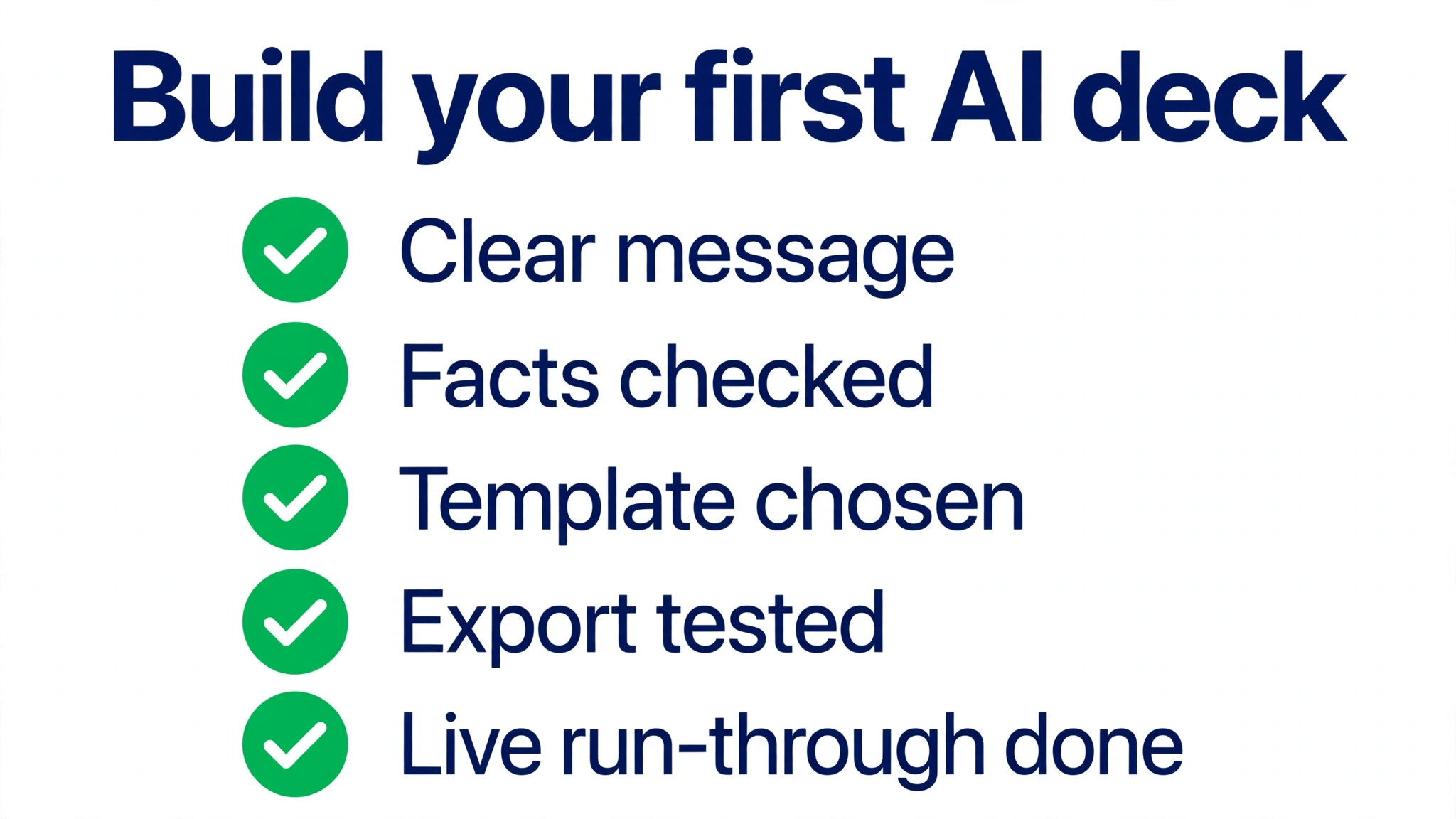
- Write the one sentence message of the deck before you open the tool, so the AI drafts toward a point instead of toward a topic.
- Gather the numbers, names and dates the deck must contain, because AI tools invent facts when they have no source to use.
- Choose the template or brand kit first, and do not change it halfway through the deck.
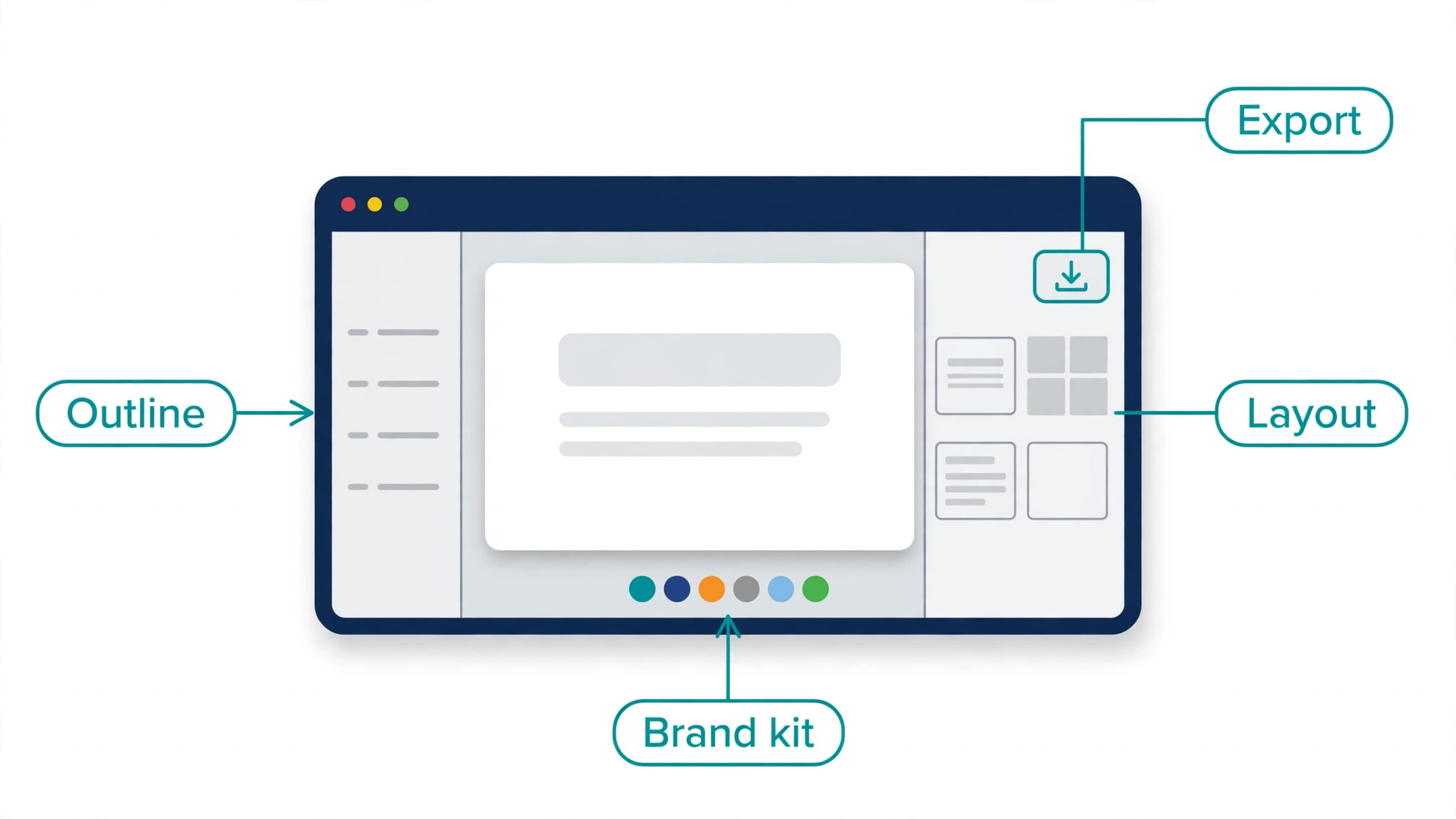
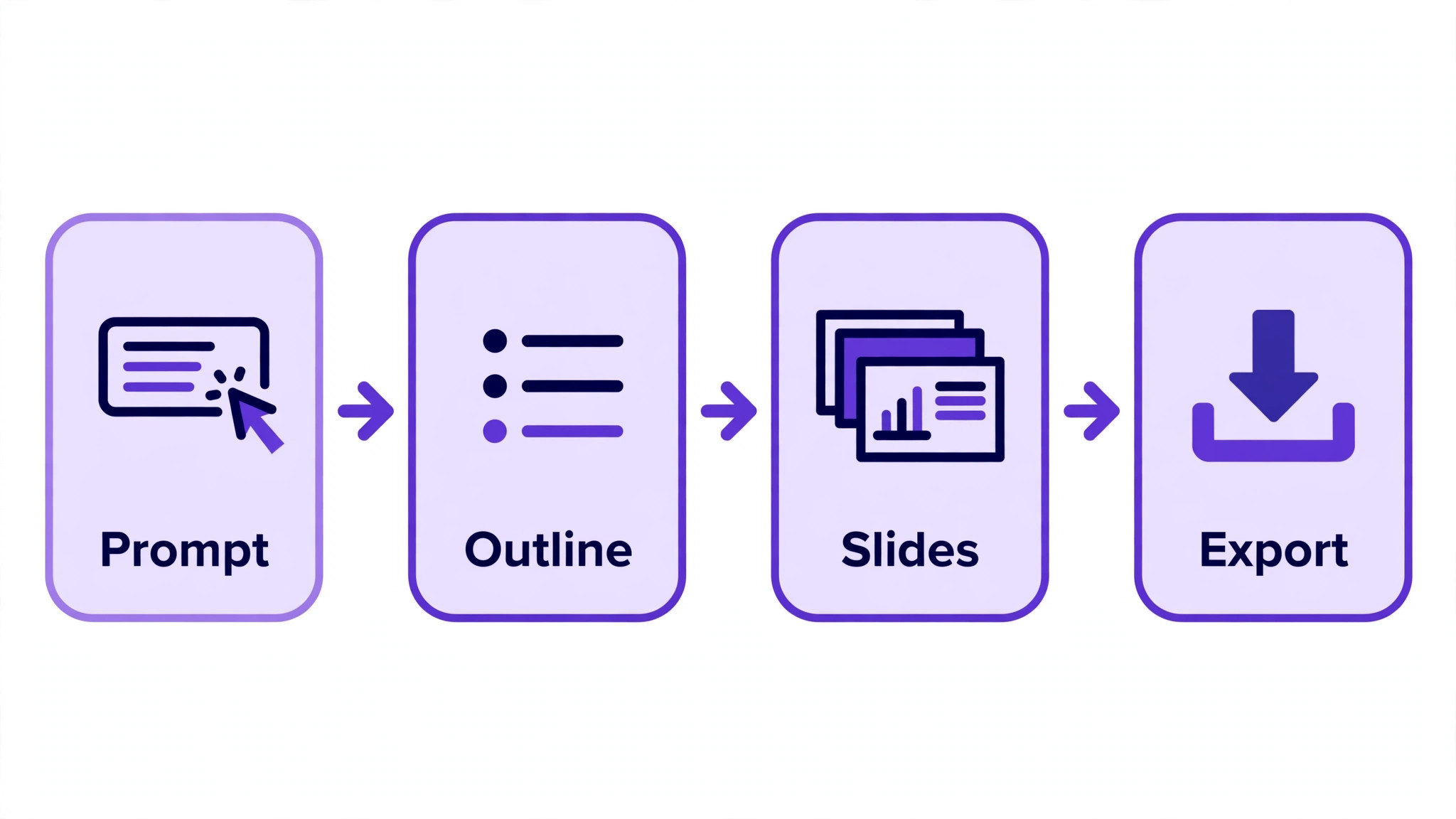
- Generate the outline, read it as a whole, and fix the structure before you generate the slides.
- Generate the slides, then read every slide for invented facts, repeated points and text that is too long for the layout.
- Export to PowerPoint or PDF and open the file in the app your audience will use, checking that charts and fonts survive.
- Present the deck once from the exported file or the link, and fix anything that looks wrong in the real presentation view.
Mistakes That Waste Your Afternoon
The first mistake is trusting the AI draft without reading it. AI presentation tools write confident text, and confident text can contain invented statistics, wrong dates and claims about your company that are not true. Read every slide as if a client will check it. The second mistake is choosing a tool for its free plan and discovering the credit limit after you have built half a deck. Check the credit rules before you start. The third mistake is exporting at the last minute and finding that charts have flattened into images, so export early and test the file in PowerPoint.
The fourth mistake is letting the tool choose the story. An AI draft follows the prompt, and a vague prompt produces a vague deck with no clear argument. Write the message first, then prompt for a deck that argues that message.
The fifth mistake is over decorating, which is easiest in Canva and Visme, where the asset library tempts you to add graphics that compete with the words. One image per slide is enough for most decks. The sixth mistake is ignoring the audience file format, so a team that needs PowerPoint gets a web link.
What the Best AI Presentation Makers Cost in Practice
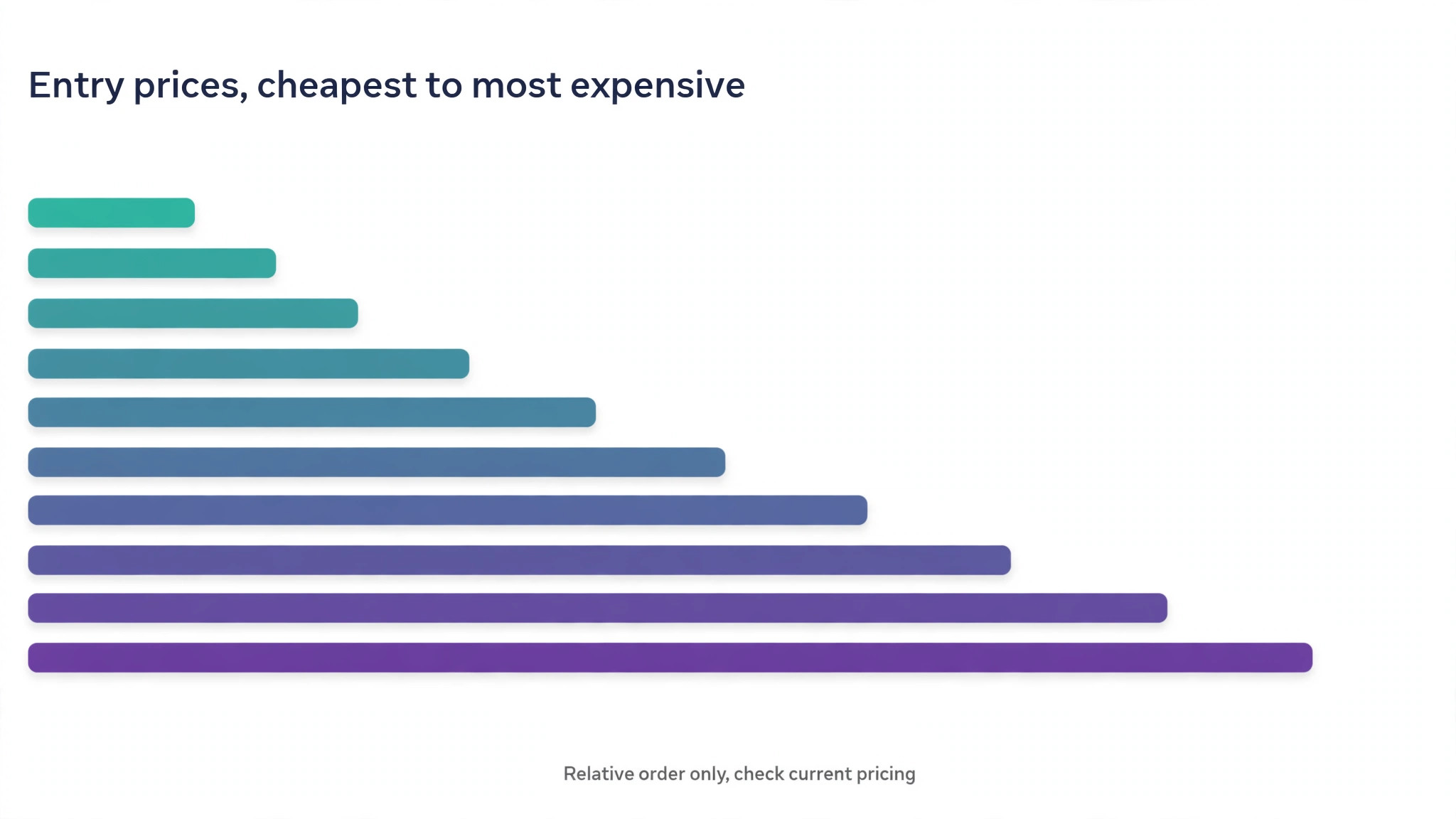
The cheapest honest route for a solo user is Gamma Plus at 8 to 10 dollars a month, or Design.com Premium at 9 dollars a month when the deck is part of a wider brand job. Beautiful.ai Pro at 12 dollars a month is the cheapest corporate route, and Canva Pro at about 13 to 15 dollars a month is the cheapest route when you already use Canva.
Plus AI at 10 dollars a month and Visme Starter at 12.25 dollars a month sit in the same band, and Pitch Plus at about 13 dollars a month is the cheapest team route with analytics. The expensive routes are the suite tools, which are Copilot at 18 to 30 dollars a month on top of Microsoft 365, and Gemini inside Workspace Standard at 14 dollars a month.
Work out the cost per deck, not just the cost per month. A 10 dollar a month tool that you use for four decks costs 2.50 dollars a deck, while a 30 dollar a month add on that you use once costs 30 dollars a deck.
Also work out the cost of the free plan ending. Gamma free credits run out once, Pitch free credits run out once, and Visme free credits refresh monthly, so the tool that is free in week one can be the most expensive in month two. Check the vendor pricing page before you pay, because prices here move often.
Frequently Asked Questions
Which is the best AI presentation maker for beginners?
Gamma is the best starting point for most beginners, because it turns a short prompt into a finished deck, it starts free with 400 credits, and its Plus plan is among the cheapest paid options. Design.com AI Presentation Maker is the best beginner pick when the deck must match a small business brand. A beginner should avoid Copilot and Gemini as a first tool, because both need a paid suite plan before the AI works at all.
Can AI presentation makers export to PowerPoint?
Most of them can, but the quality varies. Gamma, Beautiful.ai and Pitch export editable PowerPoint files, and Plus AI and Copilot work inside PowerPoint natively, so there is no export step. Canva exports to PowerPoint, though complex charts can flatten. Visme exports to PowerPoint only from the Business plan up. Always test the export in PowerPoint itself before you rely on it for a client deck.
Are the best AI presentation makers free to use?
They are free to try, and the free plans differ sharply. Gamma gives 400 credits once, Pitch gives 100 credits once, Visme gives 10 credits a month, and Canva gives a free plan with basic Magic Design. Beautiful.ai offers a 14 day trial, Plus AI offers a 7 day trial, and Copilot and Gemini have no free plan. A free plan that gives credits once will run out, so treat it as a trial.
How much do the best AI presentation makers cost per month?
Entry paid prices run from 8 to 10 dollars a month for Gamma Plus, 9 dollars for Design.com Premium, 10 dollars for Plus AI Basic, 12 dollars for Beautiful.ai Pro, 12.25 dollars for Visme Starter, about 13 dollars for Pitch Plus and Canva Pro, 14 dollars for Workspace Standard with Gemini, and 18 to 30 dollars for Copilot on top of Microsoft 365. Monthly billing usually costs more, so check the vendor pricing page before you pay.
Is Tome still a good AI presentation maker?
No, not for decks in 2026. Tome pivoted away from presentations in March 2025 and now sells an AI sales assistant for account research and meeting preparation. Its legacy editor still exists, but it is no longer a competitor to Gamma, Canva or Beautiful.ai, and it does not support PowerPoint export. Choose one of the ten tools in this guide instead.
Which AI presentation maker is best for teams?
Pitch is the best pick for a team that builds decks together, because it offers real time co editing, shared templates, client rooms and viewer analytics. Beautiful.ai is the best pick for a team that needs strict brand consistency. Microsoft Copilot and Google Gemini are the best picks for teams that already live inside PowerPoint or Google Slides.
Do AI presentation makers invent facts?
Yes, they can, and this is the risk to manage on every deck. An AI tool that has no source document will invent statistics, dates and claims that sound confident and are wrong. The fix is to give the tool your source material, to check every number and name on every slide, and to remove any claim you cannot verify. Never send a deck to a client without reading it first.
The Verdict
Gamma wins for most people, Beautiful.ai wins for corporate teams, and the suite tools win when your company already pays for Microsoft 365 or Google Workspace. Design.com wins when the deck is one part of a small business brand job, and Pitch wins when a team builds decks together and needs to know who read them.
The wrong choice is not a bad tool, it is a good tool for the wrong job, so start from the job, check the export and the credit limit before you pay, and test one real deck before you commit to a year.