More than 500,000 logo templates sit inside Design.com alone, and that single number explains why choosing a logo tool feels harder in 2026 than it did three years ago. The market is no longer a handful of simple makers. It now holds guided brand kit builders, prompt driven vector engines, free template libraries and full design platforms, all promising a finished mark in minutes. The best ai logo generators separate themselves from that crowd in one clear way. They hand you files you can actually use, at sizes from a favicon to a shop sign, without locking the good versions behind a surprise fee.
We tested each tool on the same three briefs. A neighbourhood bakery that needs a warm, friendly mark for packaging and a shop window. A software startup that needs a clean, modern mark for an app icon and a pitch deck. A freelance photographer who needs a simple monogram for watermarks and invoices. Every tool below faced the same words, the same industries and the same demand for usable files. Price figures come from vendor pricing pages and pricing roundups checked in October and November 2026, and where sources disagreed we say so rather than picking the friendlier number.
A logo is not a picture. It is a working asset that must survive on a business card, a website header, a delivery van and a social avatar, often in a single colour and sometimes at 16 pixels wide. That is why this guide weighs vector export and licensing as heavily as design quality.
Why the Best AI Logo Generators Matter in 2026
A small business in 2026 usually meets its customers on a phone screen first, and the logo is often the first thing they see. A weak mark does not just look plain. It quietly tells a visitor that the business behind it may cut corners elsewhere, while a sharp mark buys trust before a single word is read. The best ai logo generators matter because they close the gap between a founder with no design training and a mark that holds up in that first glance, at a price a new business can actually pay.
Speed is the second reason. A traditional designer can take a week or more to return first concepts, and a full identity project can run into thousands of dollars.
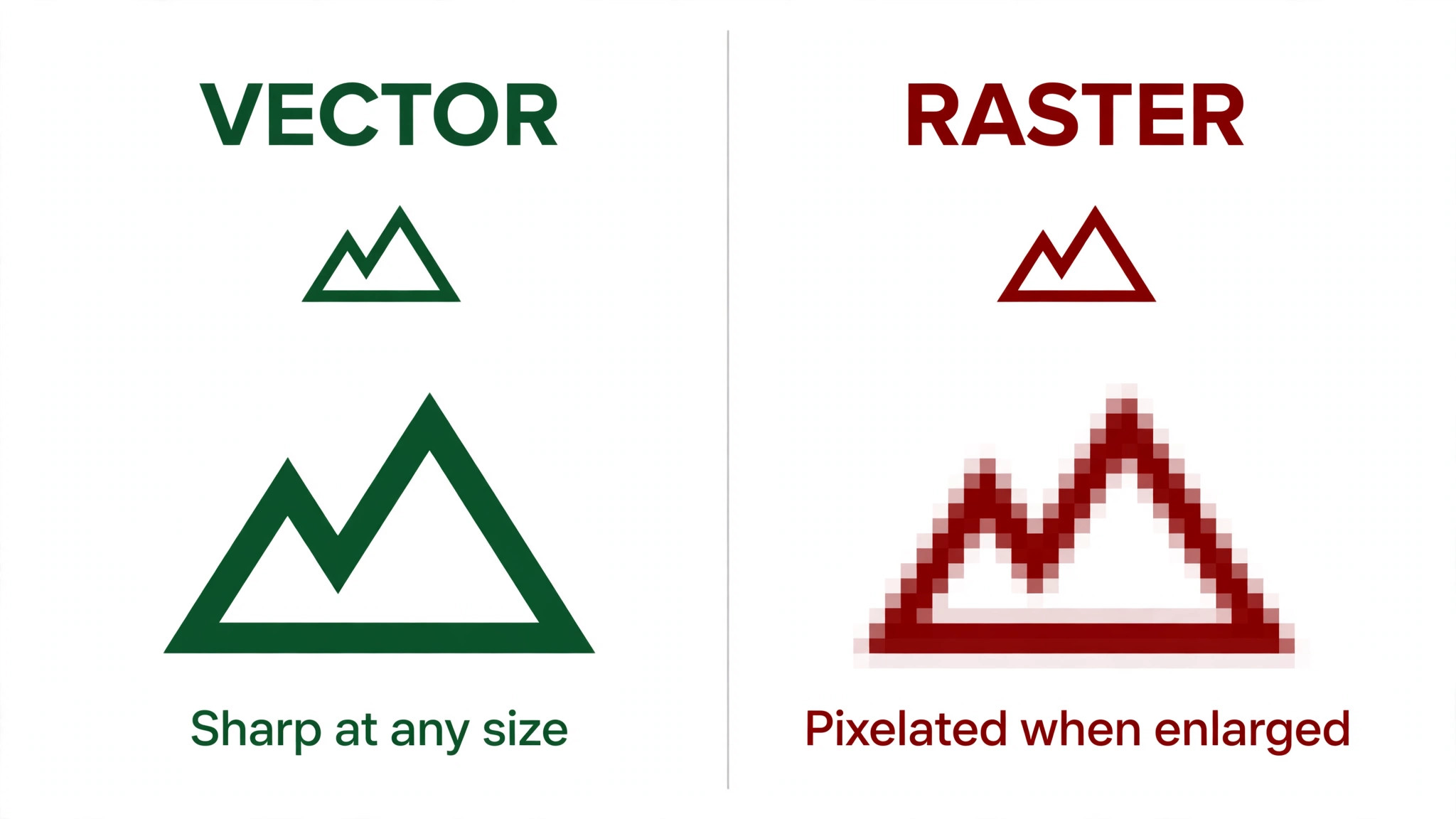
The third reason is the file problem, and it is the one most buyers discover too late. A logo delivered only as a small PNG looks fine on a screen and falls apart in print. Vector files such as SVG and EPS scale without losing sharpness, and they are the format printers, embroiderers and sign makers ask for.
The 14 Tools at a Glance
| Tool | Best for | Free option | Vector files | Starting price |
|---|---|---|---|---|
| Design.com | Logo plus full brand kit | Yes | Yes on paid plans | 3 dollars a month annual |
| Looka | Guided brand kit | Design free | Yes on Premium | 20 dollars one time |
| LogoAI | Animated logos | Trial only | Yes on paid plans | 10 dollars trial |
| Brandmark | Distinctive one time buy | No | Yes on paid plans | 25 dollars one time |
| LOGO.com | Logo plus website | Yes | Yes on Brand plan | Free then 72 dollars a year |
| BrandCrowd | Browsing many styles | Yes | Yes on paid plans | 3 dollars a month annual |
| Recraft | Prompt to vector marks | Yes | Yes | 10 dollars a month annual |
| Ideogram | Type led concepts | Yes | Yes | 8 dollars a month |
| Canva | Teams already in Canva | Yes | Yes on Pro | 15 dollars a month |
| Tailor Brands | US founders forming an LLC | No | Yes on paid export | Check vendor page |
| Wix Logo Maker | Pairing a logo with a Wix site | Yes | Yes | 90 dollars a year |
| Namecheap Logo Maker | Free mark with no watermark | Yes | Check vendor page | Free |
| Adobe Express | Quick social ready marks | Yes | Yes on paid plans | 10 dollars a month |
| ChatGPT Images | Conversational logo drafts | Limited | No direct vector | 20 dollars a month |
The table above is a starting point, not a verdict. This snapshot shows how the best ai logo generators compare before you read the detail. A tool that looks cheap can turn expensive once vectors or a brand kit enter the picture, and a tool with no free tier can still be the cheapest path to a finished, usable mark.
Best Pick by Job
Use the table below to match the tool to the job, because the best ai logo generators for one business are rarely the best for the next.
| Job | Pick | Why it fits |
|---|---|---|
| Small business that wants everything | Design.com | Logo, site and social assets in one account |
| Best all round brand kit | Looka | Clean output and complete kit at 65 dollars one time |
| Distinctive mark with no subscription | Brandmark | One time payment and less templated results |
| Logo plus a website in one plan | LOGO.com | Brand plan covers both for 72 dollars a year |
| True vector from a prompt | Recraft | Prompt to SVG paths you can edit |
| Logo with words that must read clearly | Ideogram | Best text rendering in this group |
| Free mark with no watermark | Namecheap Logo Maker | Free download with no watermark |
| Logo inside an existing design workflow | Canva | Pro unlocks SVG and the full suite |
| Animated logo for video and social | LogoAI | Animation built into the paid plans |
| US founder forming an LLC | Tailor Brands | Formation and logo in one flow |
The 14 Logo Tools in Detail
1. Design.com
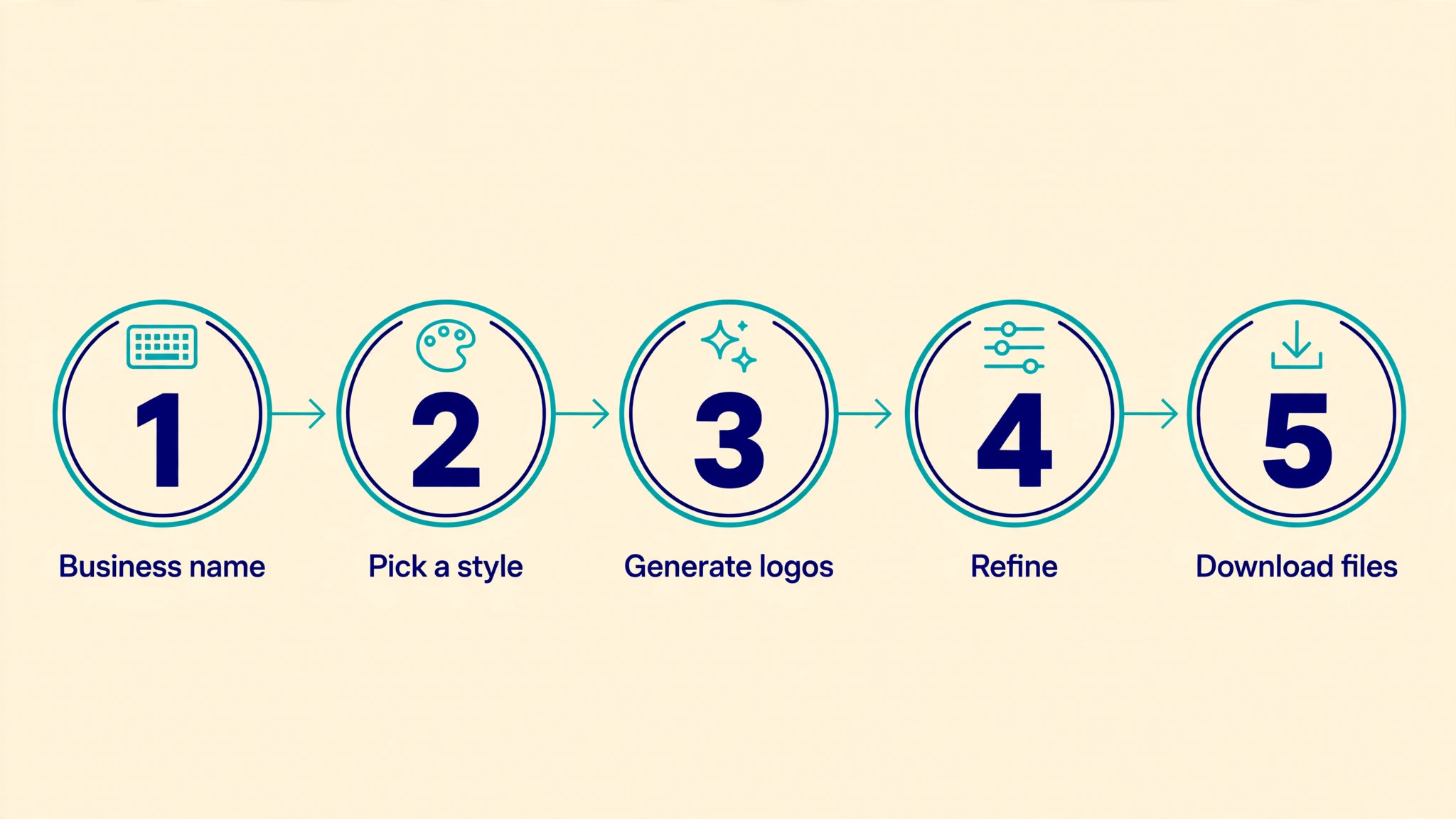
Design.com opens with a library of more than 500,000 logo templates, which is the largest starting pool in this guide, and its AI filters that pool by your industry, keywords and style preferences. The flow asks for a business name and a short description, then returns a wall of concepts you can refine through a chat style editor. Type a change in plain words and the AI applies it, which keeps the process friendly for anyone who has never opened design software.
Pricing is among the lowest here. A free plan covers logo design and downloads, while paid plans start at 3 dollars a month on annual billing for Starter, 4 dollars for Value and 5 dollars for Premium, with monthly billing at 9, 14 and 19 dollars. The Value plan adds the AI website builder, which is the natural next step once a logo exists.
Downloads include high resolution PNG and JPG plus vector formats such as SVG, EPS and PDF on paid plans, and the platform states that downloaded logos carry a worldwide, irrevocable licence for commercial and non commercial use. On our briefs the bakery concepts were warm and usable, while the startup marks leaned safe and familiar, which is the trade off of a template led system.
2. Looka
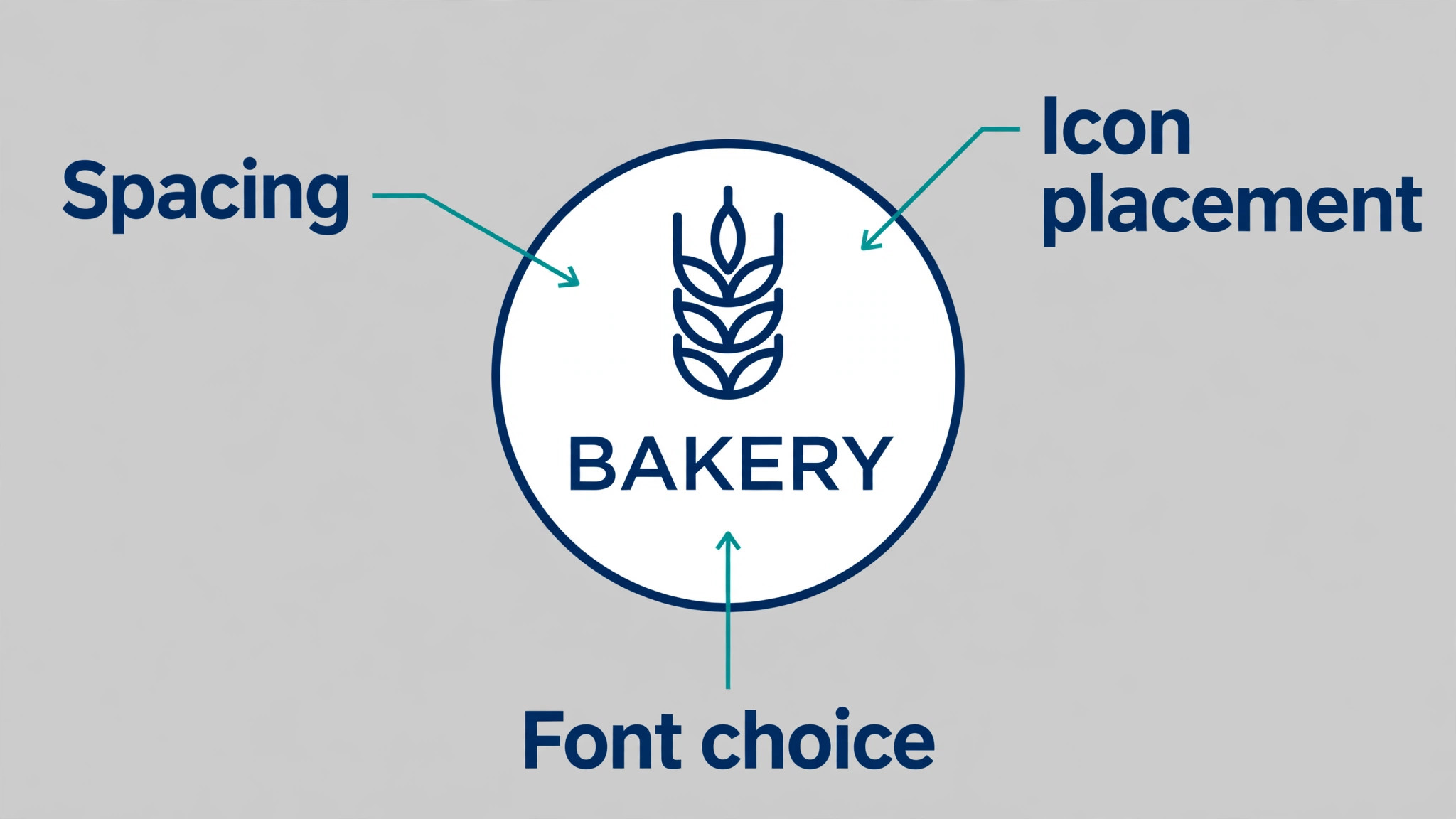
Looka remains the most recognised name in this category, and its strength is guidance. The flow asks about style preferences before it shows concepts, which cuts down the endless scroll of mediocre marks that weaker tools produce. You pick colours, symbols and layouts step by step, and the editor then lets you adjust spacing, fonts and arrangement with more control than most rivals allow. The result on our startup brief was a clean, modern mark that needed almost no fixing.
Pricing is refreshingly simple. A Basic logo package costs 20 dollars as a one time payment, Premium costs 65 dollars one time and includes full file formats with SVG, EPS and PDF, and a Brand Kit subscription runs around 96 dollars a year.
There is no free download of a finished logo, but designing and previewing costs nothing, so you only pay once you like what you see. The weakness is animation, which Looka does not advertise, and the editor will not let you break free of its layout grid the way a vector tool would.
3. LogoAI
LogoAI rebuilt its pricing in 2026, dropping one time packages in favour of a subscription model, and that change shapes who it suits. The entry point is a 10 dollar seven day trial that renews at 20 dollars a month for Pro unless cancelled, so treat the trial as a paid test rather than a free one. In return you get an automated brand kit, a design studio, logo animation for video and GIF versions, and full vector files on paid plans. On our briefs the startup marks were sharp and modern, with a tech forward feel that suited an app icon, and the animation feature turned the same mark into a short intro clip in minutes.
The subscription math deserves a pause. Four months of Pro costs 80 dollars, which is more than Looka Premium at 65 dollars one time, so LogoAI only wins when you keep using the brand centre, the animation tools and the monthly credits. If you need one logo and nothing else, the one time tools below are cheaper.
4. Brandmark
Brandmark takes the opposite approach to LogoAI and sells one time packages, which makes it the pick for buyers who dislike subscriptions. The tool generates distinctive, less templated marks than the big template libraries, and on our photographer brief it produced the most original monogram of the group, a simple letterform with a lens inspired curve that felt designed rather than assembled. The editor covers fonts, colours and layout, and higher tiers add brand guides, business cards and social templates. You pay once and the logo is yours, with no monthly bill arriving later.
Pricing is reported differently across sources, with packages listed from 25 dollars to 195 dollars depending on the tier, so confirm the current tiers on the vendor page before budgeting. The lower tiers cover the logo itself, while the higher Designer tier adds the brand guide and stationery that a growing business eventually needs.
5. LOGO.com
LOGO.com is the quiet value pick in this list, and it wins on a simple idea. One annual plan covers the logo and a website together, which suits a new business that needs both in the same week. The generator itself is straightforward. Enter a name and a few preferences, browse the concepts, refine the one you like, and download. The free tier hands you PNG files at no cost, while the Brand plan at 72 dollars a year unlocks SVG, PDF and AI vector files plus the website builder. On our briefs the output was clean and professional rather than striking, which is fine for a business that needs a credible mark fast.
The annual model has a clear edge over monthly subscriptions for a business that plans to keep its site for a year or more. Seventy two dollars covers twelve months of logo and site, against a monthly tool that would cost more than twice that over the same period.
6. BrandCrowd
BrandCrowd suits the buyer who wants to browse. Its library is large, its styles range from vintage badges to sharp modern wordmarks, and the AI generator sits alongside thousands of templates you can customise directly. That browsing first approach worked well on our bakery brief, where a vintage badge template needed only a name swap and a colour change to look finished. The editor handles text, icons, colours and layout, and the brand kit tools extend the mark into social posts and stationery. It shares a pricing family with Design.com, with plans reported from 3 dollars a month on annual billing.
The risk with a browsing led tool is choice overload, and BrandCrowd is no exception. With so many templates on screen, it is easy to pick a mark that looks good in isolation and weak on a real shopfront. The fix is to test every shortlisted concept at small size and in one colour before paying, which takes ten minutes and saves a poor choice.
7. Recraft
Recraft is the most designer facing tool in this guide, and it earns its place through a single feature. Its vector generator turns a text prompt into editable SVG paths, strokes and fills, which means the mark you generate is a real vector you can open, reshape and recolour rather than a flat image pretending to be one. That matters for anyone who must edit a logo after generation, hand it to a print shop, or build an icon set from the same style. Style boards and saved custom styles keep later generations consistent, which is exactly what a brand needs across many assets.
Pricing starts with a free plan, then Basic at 10 dollars a month on annual billing or 12 dollars monthly, with Pro and Teams tiers above. The free plan carries a warning worth reading. Free plan images are owned by Recraft, are public, and are not licensed for commercial use, so a business logo must come from a paid plan.
8. Ideogram
Ideogram is the specialist for logos that contain words, and that specialty shows up on the first generation. Most image generators misspell text or bend letters into strange shapes, but Ideogram renders short names, taglines and curved badge text with far fewer errors than its rivals. That makes it the default choice when the logo must carry a business name that people can actually read, which covers most small business marks. The tool also offers prompt to SVG vectors and a transparent background setting, both useful when a mark must sit on packaging or a photo.
Pricing runs from a free plan with limited weekly credits to Basic at 8 dollars a month and Plus at 20 dollars a month, or 15 dollars on annual billing. The free tier is generous enough to test a brief properly before paying.
9. Canva
Canva is not a logo specialist, and that is both its weakness and its strength. The logo tools live inside a full design suite, so a mark made here flows straight into social posts, presentations, menus and flyers without exporting and reimporting files. Magic Design and the template library make the first draft fast, and the brand kit on Pro keeps colours, fonts and logos consistent across a team. On our briefs the output was polished and social ready, though rarely as distinctive as Brandmark or Recraft, because the templates are built for broad appeal.
Pricing starts free, with Pro at around 15 dollars a month on annual billing, though the exact figure varies by region and promotion. SVG export arrives on paid plans for many assets, which is the detail that matters for logo use.
10. Tailor Brands
Tailor Brands aims at a different buyer from everyone else here, the US founder who is forming a company and needs a logo in the same flow. Its LLC formation bundles start from zero dollars plus state fees, and the logo maker sits inside that journey alongside a website, a domain and compliance tools. The logo output is solid rather than spectacular, with guided choices and a brand kit that covers the basics. On our startup brief it produced a clean mark with matching social templates, and the formation checklist alone saved real admin time for a first time founder.
Pricing for the logo itself is tied to paid downloads and plan bundles rather than a simple one time fee, so check the vendor page for the current structure before budgeting.
11. Wix Logo Maker
Wix Logo Maker, now presented under the Wixel name in parts of the platform, suits a business that is already building on Wix. The generator asks the same style and industry questions as its rivals, then returns concepts that pair naturally with Wix templates, which removes the usual friction of matching a logo to a site theme. Free downloads cover PNG, JPG and SVG on the free path, which is generous, and paid credit plans from around 90 dollars a year unlock the fuller brand assets. On our briefs the output was clean and web friendly, with marks that looked natural in a site header.
The limitation is the ecosystem. A logo made here is happiest inside Wix, and while the files export fine, the brand kit and template pairing lose their value the moment you move elsewhere.
12. Namecheap Logo Maker
Namecheap Logo Maker is the best free option in this guide, and the reason is simple. It hands you a finished logo with no watermark and no payment, which no other free tier here matches. The generator is basic. You enter a name, pick a style and an icon, adjust colours and fonts, and download. There is no brand kit, no animation and no AI chat editor, and the template range is narrower than the paid platforms. On our photographer brief it produced a tidy monogram that worked well as a watermark, which is exactly the job a free tool should handle.
The honest limit is originality. A free tool with a modest library will produce marks that resemble other businesses, so use it for a side project, a watermark, a test brand or a business that is still validating its idea. When the business starts earning, move to a paid tool or a designer and treat the free mark as a placeholder.
13. Adobe Express
Adobe Express brings Adobe polish to quick logo work, and its strength is the path from mark to marketing. A logo made here drops straight into social templates, flyers and short video posts, with generative tools that can extend backgrounds, remove objects and restyle assets. The free tier covers drafts and basic downloads, while paid plans from around 10 dollars a month unlock premium templates, brand controls and fuller export options. On our briefs the bakery mark looked warm and print friendly, and the startup mark was clean enough for a deck, though neither felt as original as the Brandmark results.
The trade off is depth of logo control. Adobe Express is a general design tool, so its logo editor is simpler than a dedicated maker, and vector handling is tied to paid plans and specific asset types.
14. ChatGPT Images
ChatGPT Images earns its place as a drafting tool rather than a finishing tool. Describe a logo in conversation, ask for variations, change the style in plain words, and iterate ten times in ten minutes without touching a single slider. That conversational loop is genuinely useful at the brief stage, when you are still deciding whether the mark should be a badge, a monogram or a mascot. On our startup brief it produced three directions worth showing a partner, and on the bakery brief it nailed the warm colour palette on the second try. Access runs through ChatGPT, with limited free generation and Plus at 20 dollars a month lifting limits and adding priority.
The limits are firm. There is no direct vector export, so a mark made here is a raster image that needs redrawing in a vector tool before it can go to print. Text rendering has improved but still slips on longer names and taglines, so proofread every generation at full size.
How to Judge Any Logo Tool Before You Pay
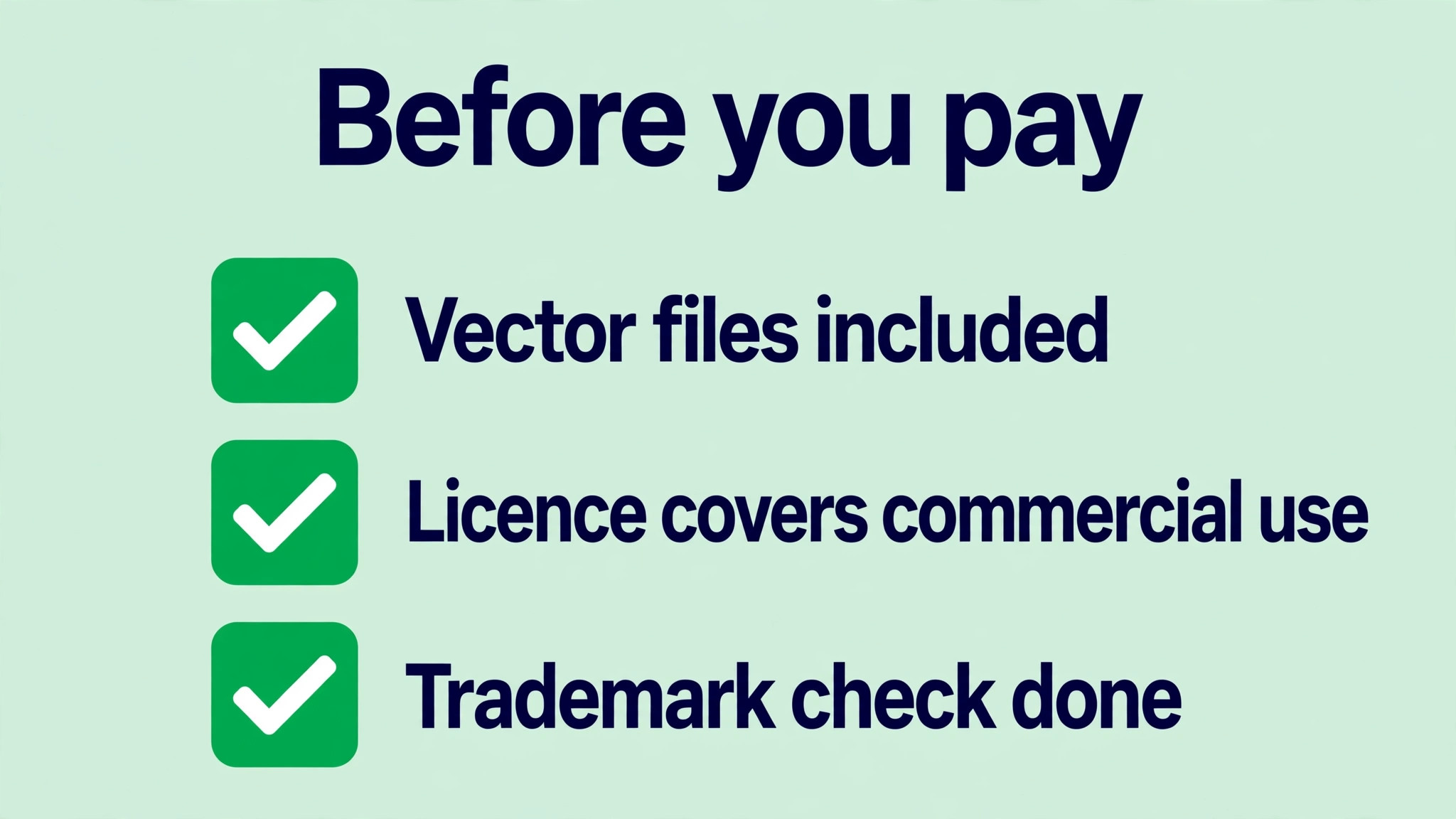
Judge a logo tool on files first and beauty second, because beauty fades the moment a printer asks for a vector. Open the pricing page and find the vector line before you fall in love with a concept. If SVG or EPS costs extra, add that cost to the headline price and compare honestly. Then check the licence. A tool that grants a worldwide commercial licence on paid downloads is safe for a real business, while a free tier that keeps ownership with the vendor is only safe for drafts.
Test the editor with a real brief, not the sample business the tool suggests. Type your actual business name, including any awkward spelling or long words, and watch how the tool handles it. Then shrink the best concept to the size of a phone icon and print it in one colour. If it still reads clearly, the mark has a future.
Finally, check the exit. Can you download every file without a subscription, and can you keep using the logo if you cancel? One time purchases score well here, and so do platforms that grant full ownership on paid plans. That is the test every one of the best ai logo generators in this guide had to pass.
Launch Checklist
- Write the exact business name and check every spelling before generating anything.
- Pick three style directions and generate concepts for each, not just one.
- Shortlist five marks, then test each at 16 pixels and in one colour.
- Ask three people outside the business which mark they remember after ten seconds.
- Confirm vector files and a commercial licence are included in the price you pay.
- Check the mark against a quick trademark search before printing anything.
- Export PNG, JPG, SVG and PDF versions and store them in one folder.
- Apply the mark to a business card, a social avatar and a website header before launch.
Mistakes That Waste Money on Logo Tools
The most expensive mistake is paying for a logo you cannot use, and it usually starts with a PNG only download. A founder falls for a beautiful concept, pays for the basic package, and only learns at the printer that vectors cost extra. Always confirm the file list on the pricing page before checkout, and treat a tool that hides vector pricing as a warning sign.
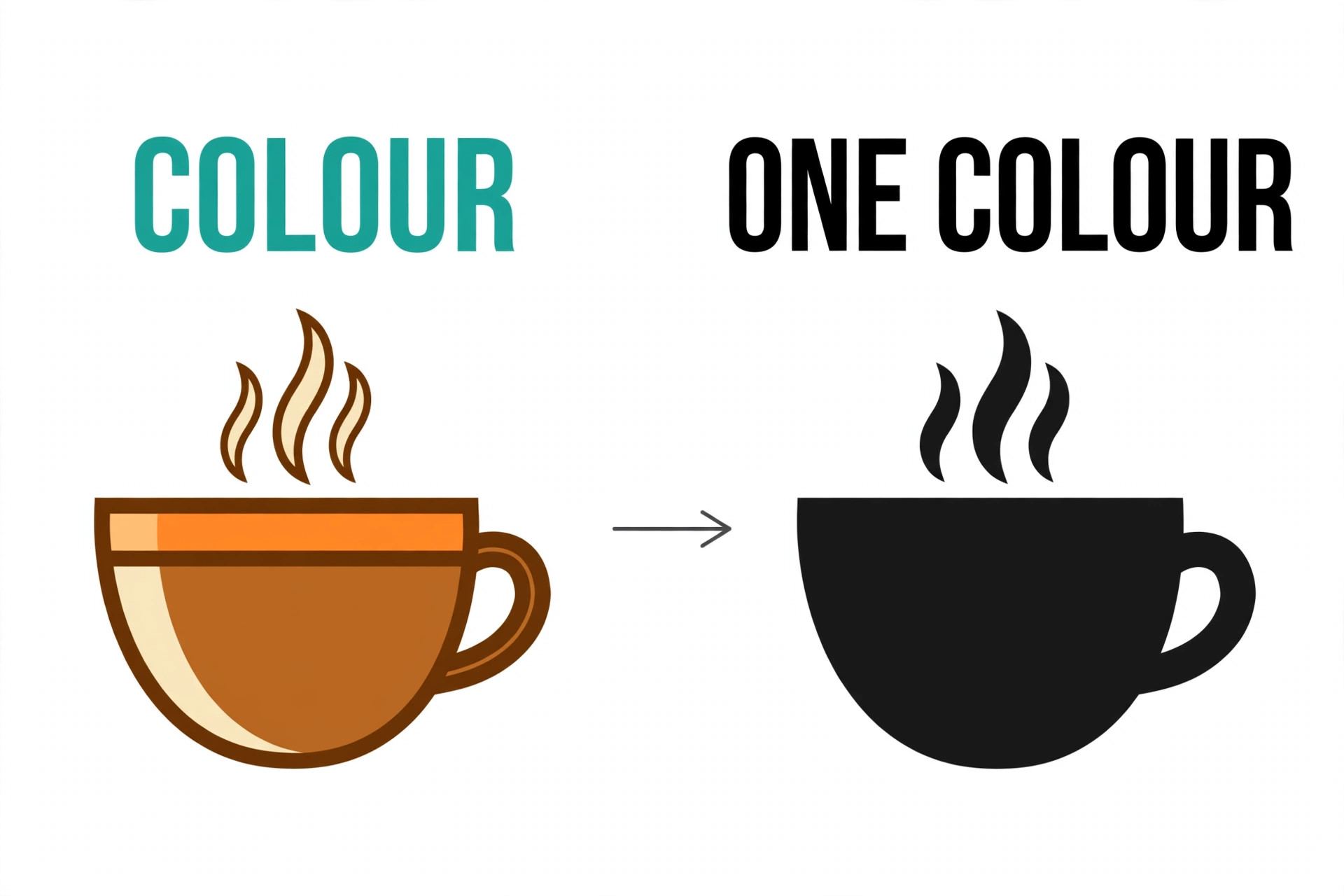
The second mistake is choosing a mark that only works in colour. A logo that depends on a gradient or a photo background will fail on a receipt, a stamp, a single colour shirt or a faxed invoice. Test every finalist in plain black on white, and if the idea disappears, the idea is wrong.
The fourth mistake is buying a subscription for a one time job. A monthly plan makes sense when you generate new assets every week, but for a single logo it quietly charges you for months after the work is done. If the tool offers a one time package, compare the twelve month cost of the subscription against it and pick the cheaper path.
What a Logo Really Costs in 2026
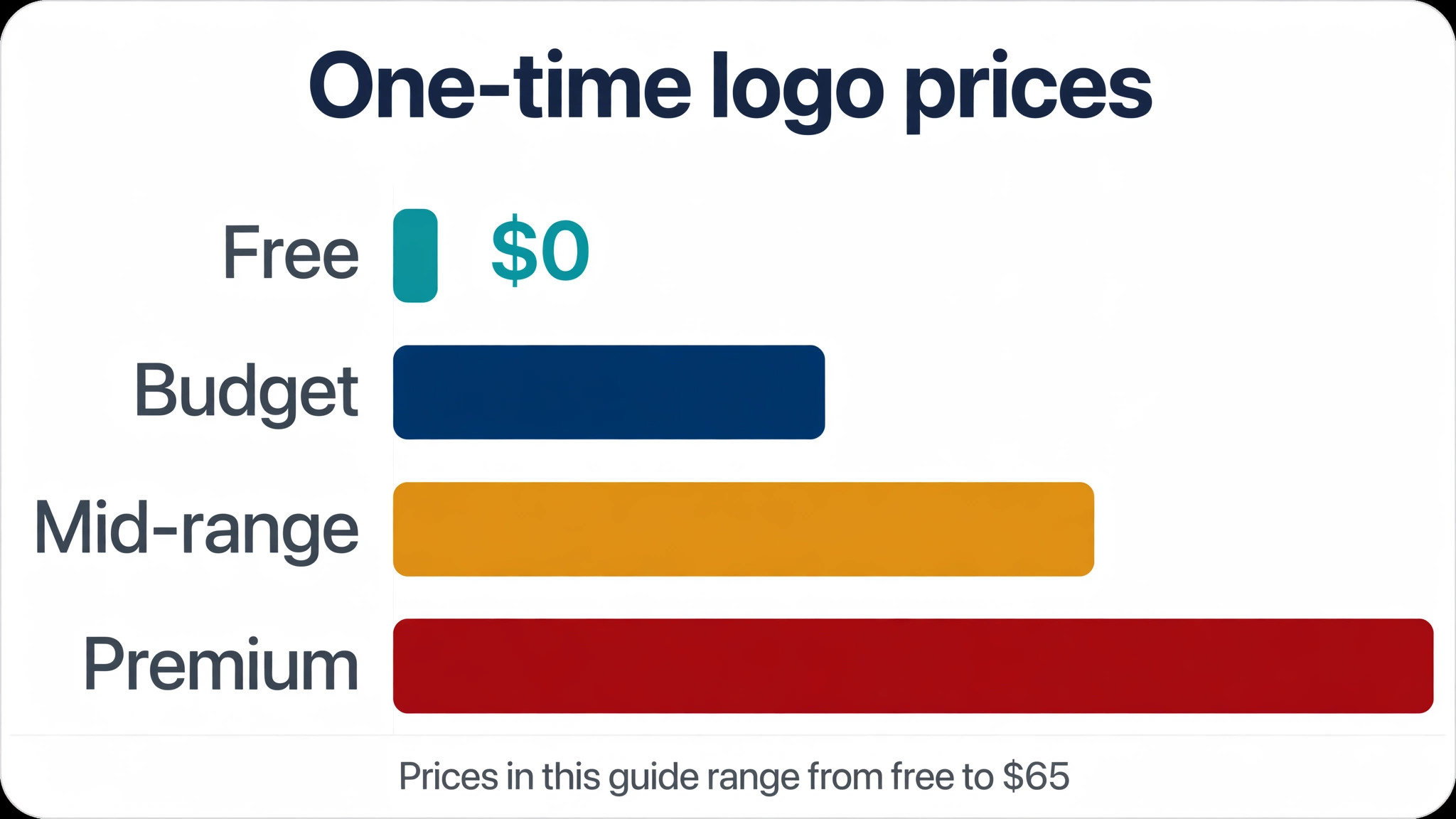
A usable logo from an AI tool in 2026 costs between zero and 65 dollars as a one time payment, or between 3 and 20 dollars a month on a subscription, depending on the tool and the files you need. The cheapest honest path is a free tool such as Namecheap for a placeholder, followed by a one time purchase from Looka at 65 dollars or Brandmark from around 25 dollars when the business is ready. The most expensive path is a monthly plan you forget to cancel, which can pass 200 dollars in a year without producing a single new asset.
Add the hidden costs before you budget. A trademark search is free to start, a professional trademark filing is not, and a designer to redraw a raster mark as a vector can cost more than the logo itself. Set the budget as the logo plus the files plus the first print run, and the numbers stay honest.
Frequently Asked Questions
Can I use an AI generated logo for my business legally
Yes, in most cases, provided you pay for the plan that grants a commercial licence and you check the vendor terms before use. Most of the best ai logo generators in this guide grant a worldwide licence on paid downloads, while free tiers vary, so read the licence line for the exact plan you buy.
Do AI logo generators give me vector files
Some do, and the detail sits in the pricing. Looka includes SVG and EPS on its 65 dollar Premium package, Recraft generates true editable SVG from a prompt, and Design.com, LOGO.com and BrandCrowd include vectors on paid plans. Free tiers usually limit you to PNG, so if print work is in your future, budget for the tier that unlocks vectors rather than discovering the limit at the printer.
What is the cheapest way to get a good logo in 2026
Start free with Namecheap Logo Maker if the business is still a test, then move to a one time purchase when revenue starts. Looka Premium at 65 dollars one time is the best value for a complete file set, while Brandmark from around 25 dollars is cheaper for a single mark. Avoid a monthly subscription unless you will keep generating new branded assets, because the recurring cost overtakes the one time price within a few months.
Can an AI logo be trademarked
A logo can be protected through trademark rather than copyright, and that distinction matters. AI generated designs have very limited copyright protection in the United States, which is why the trademark route is the practical one.
Which logo generator is best for a startup
A startup that needs a clean mark, full files and a brand kit should start with Looka for its guided flow and one time pricing, or Design.com when a website and social assets are also on the list. A startup that needs a truly editable vector should test Recraft first, and one that needs an animated mark for video should look at LogoAI. The right answer depends on whether the mark must also animate, scale to print, or feed a website.
Are free AI logo generators safe to use
Free generators are safe for drafts and placeholders, but the licence terms decide whether they are safe for a real business. Some free tiers grant a usable licence with no watermark, as Namecheap does, while others keep ownership with the vendor or limit commercial use. Read the terms for the exact plan, check whether vectors are included, and plan an upgrade to a paid plan before the logo appears on packaging or paid advertising.
The Verdict
The best ai logo generators in 2026 are not the ones with the biggest template libraries. They are the ones that hand you a mark you can print, trademark and build a brand around without a second purchase. Looka takes the overall win for most founders, because a 65 dollar one time payment buys a clean mark, full vector files and a complete brand kit. Design.com is the pick when the logo is the first step toward a website and a full set of branded assets, and Recraft is the pick when editable vectors matter more than anything else.
Start with the free tiers, test your real business name on the three briefs that match your situation, and shrink every finalist to icon size before you pay. The tool that survives that test at a price you can justify is the right one, and the logo it produces will still look sharp when the business outgrows its first shopfront.