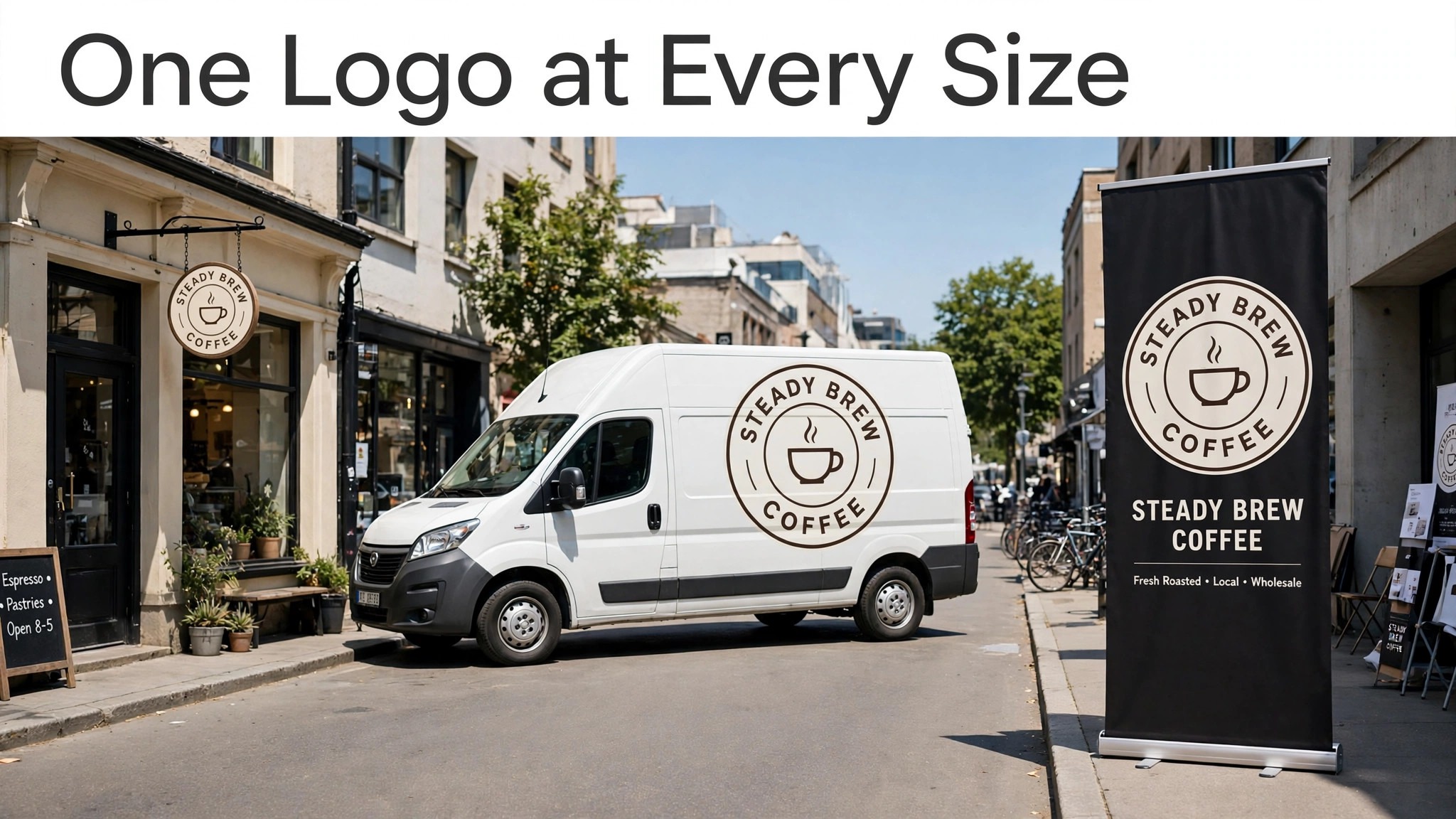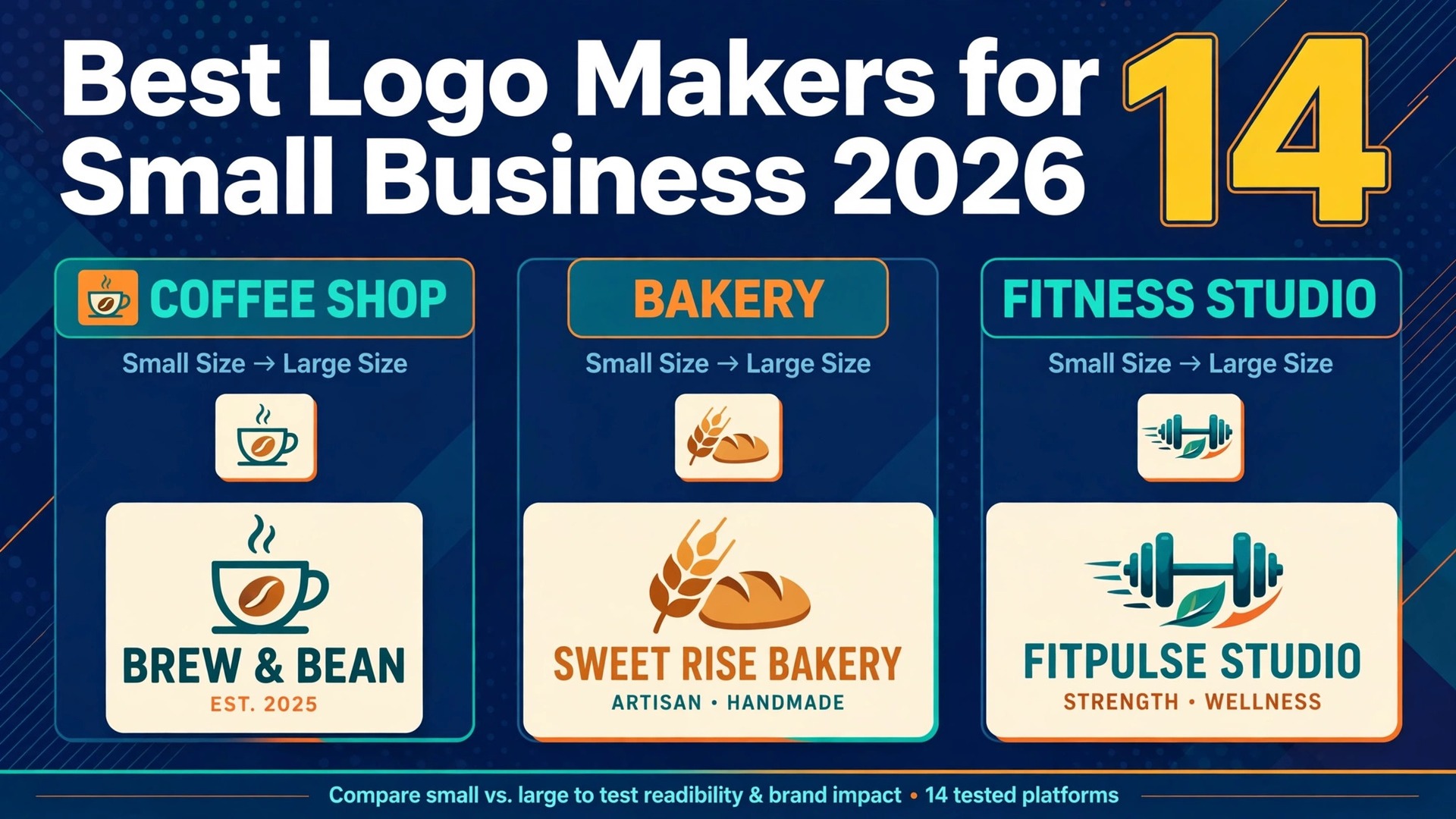
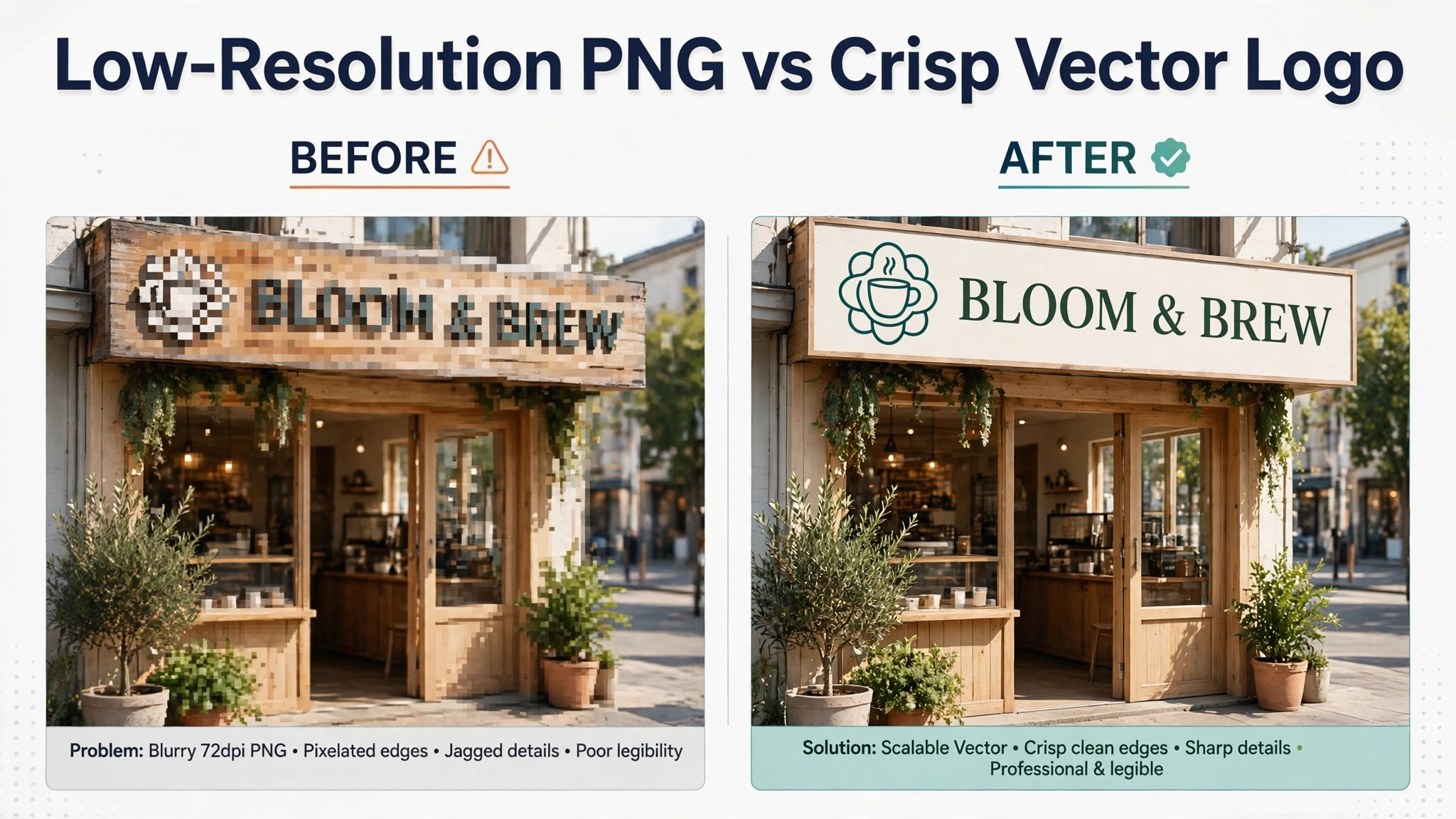
A logo for a small business now costs anywhere from nothing to about 250 dollars a year, and the gap between those two prices is not the picture. It is the file. A free PNG looks fine on a website and falls apart on a shop sign, a van, or a trade show banner. The best logo makers for small business are the ones that hand you a vector file you can scale to any size, plus the everyday assets that keep the brand consistent after launch day.
That file question decides almost everything else. If a tool only sells you a low resolution PNG, you will pay a second time when you need the logo printed, embroidered, or cut in vinyl. If it sells you vectors and a brand kit, the same purchase covers the website, the cards, the invoices, and the social profiles. This guide compares 14 tools on that basis, with prices checked against vendor pages and recent 2026 reviews, so you can see what each dollar actually buys.
The Short Answer on the Best Logo Makers for Small Business
If you want one answer, start with Looka. Its Premium package costs 65 dollars one time and includes high resolution PNG files plus SVG, EPS, and PDF vectors, with full ownership and unlimited edits after purchase. That combination is the cheapest honest route to a logo a printer can use, and the Brand Kit at 96 dollars a year adds more than 300 branded templates.
If your budget is truly zero, LOGO.com is the strongest free option. It gives you four high resolution PNG files with a commercial licence and no credit card, which is enough for a website, a social profile, and an email signature while the business finds its feet. The catch is that vector files sit behind the Brand Plan, so a free logo from LOGO.com is a starting point, not a finished brand asset.
If you want the logo to live inside a design tool you already use every day, Canva is the practical pick. The free plan covers basic logo design, and Canva Pro at 18 dollars a month or 144 dollars a year unlocks SVG export, background removal, and a Brand Kit. Adobe Express plays the same role at a lower price, with Premium at 9 dollars and 99 cents a month, and it suits owners who make social graphics more often than they make logos.
Best Pick by Job
| Job | Pick | Why it wins |
|---|---|---|
| Cheapest real logo | Looka Premium | Vectors and ownership for 65 dollars one time |
| Free to start | LOGO.com | Four high resolution PNG files free |
| Logo plus business setup | Tailor Brands | Logo, website, and formation in one plan |
| One time, no subscription | Brandmark | Vectors for 35 dollars, paid once |
| Logo inside daily design | Canva | Brand Kit and SVG export on Pro |
| Cheapest paid start | Turbologo | Paid downloads from 5 dollars |
| No design skill needed | LogoAI | Guided generation with human revision option |
What to Check Before You Pay for a Logo
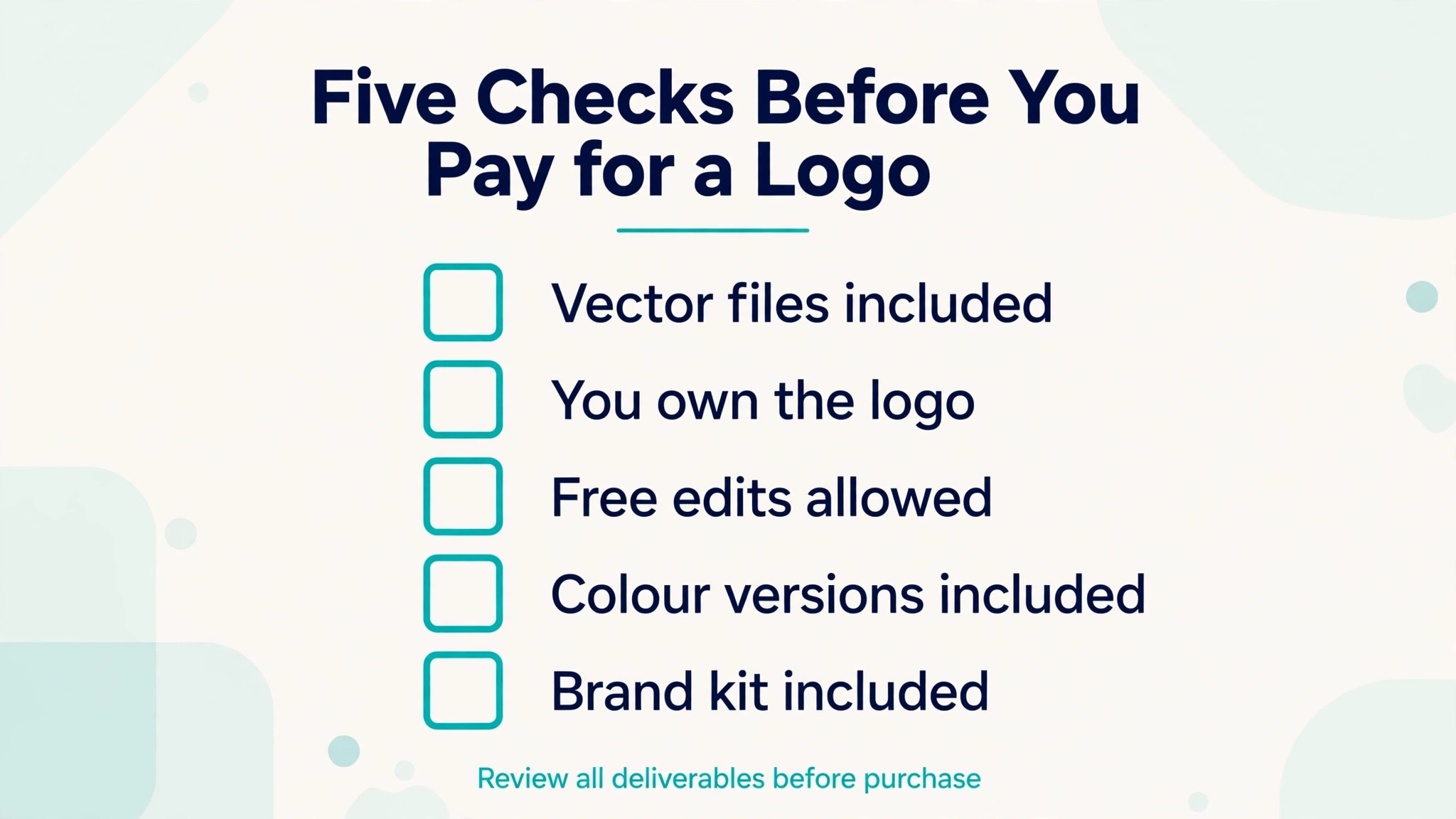
A logo purchase has four parts, and most regret comes from checking only one of them. The first part is the file format. A vector file, usually SVG or EPS, scales from a favicon to a billboard without going blurry. A PNG is a fixed grid of pixels, and a low resolution PNG is the single most common waste of money in this category. Before you pay, confirm the exact formats in the tier you are buying, not the formats on the marketing page.
The best logo makers for small business publish their file lists on the pricing page. If a tool hides its formats until checkout, treat that as a warning.
The second part is ownership. Some tools sell you the files and the right to use them commercially. Others keep the design in their system and charge you to keep using it. Looka, Brandmark, and LOGO.com all grant commercial rights with their paid files, but Tailor Brands ties logo use to an active subscription, so cancelling the plan can mean losing access. Read the licence line on the checkout page, because it matters more than the price.
The third part is editing after purchase. A logo is rarely finished on the first try. You will want to change a colour after seeing it on a sign, or tighten the spacing after printing the first cards. Looka and Brandmark allow unlimited edits after purchase. LogoAI limits post purchase edits to three days, which is a real constraint if you like to sit with a design before deciding.
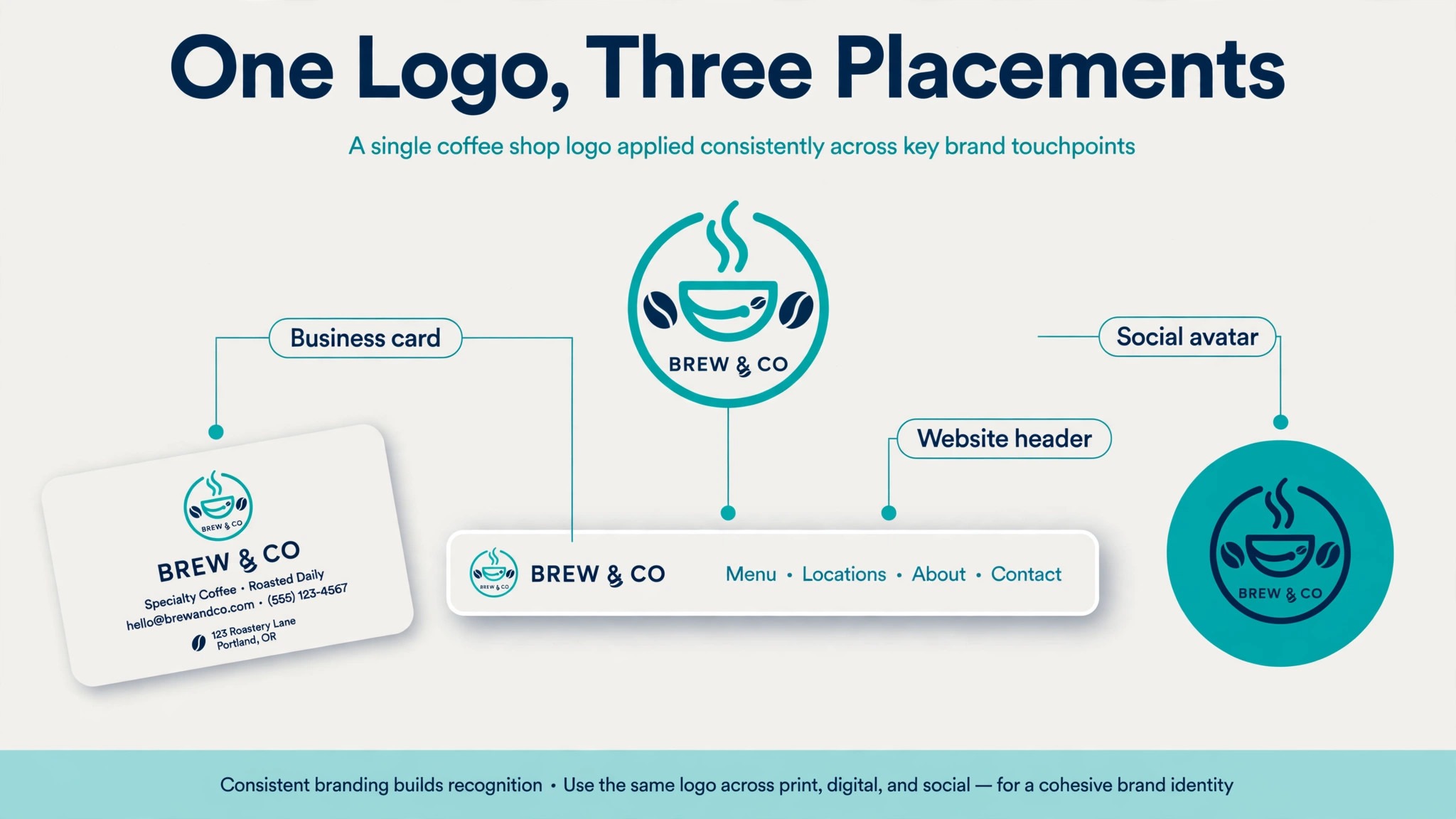
The fourth part is what comes after the logo. A brand kit turns one mark into business cards, social templates, letterheads, and an email signature without a designer. Looka, Tailor Brands, Canva, and LOGO.com all sell some version of this, and the value depends on how much marketing you make yourself. If you only need the logo, a one time purchase beats a subscription every time.
Price at a Glance
| Tool | Entry paid price | Model |
|---|---|---|
| Looka | 20 dollars | One time, Basic PNG |
| Canva | 18 dollars a month | Subscription, Pro |
| Tailor Brands | 199 dollars a year | Subscription, Essential |
| Brandmark | 35 dollars | One time |
| LOGO.com | Free | Free PNGs, Brand Plan paid |
| LogoAI | 29 dollars | One time, Basic |
| Turbologo | 5 dollars | One time |
The table above covers the first seven tools. Every figure is in US dollars.
| Tool | Entry paid price | Model |
|---|---|---|
| Wix Logo Maker | Shown at checkout | One time packages |
| Adobe Express | 9 dollars and 99 cents a month | Subscription, Premium |
| FreeLogoDesign | Free low resolution | Paid high resolution |
| Logaster | 9 dollars and 99 cents a month | Subscription |
| Namecheap Logo Maker | Free | Free |
| Squarespace Logo Maker | Free | Free |
| Fiverr Logo Maker | 30 dollars | One time |
Two warnings belong here before the reviews start. First, Looka prices move with promotions and region. Most 2026 checks list Basic at 20 dollars and Premium at 65 dollars, but one October 2026 check showed 35 and 72 dollars, so confirm at checkout. Second, LogoAI has sold its plans both as one time purchases and as subscriptions during 2026, so the figures in its section are the one time prices on its pricing page, and the subscription figures reported elsewhere are noted there too.
How the Best Logo Makers for Small Business Compare on Price
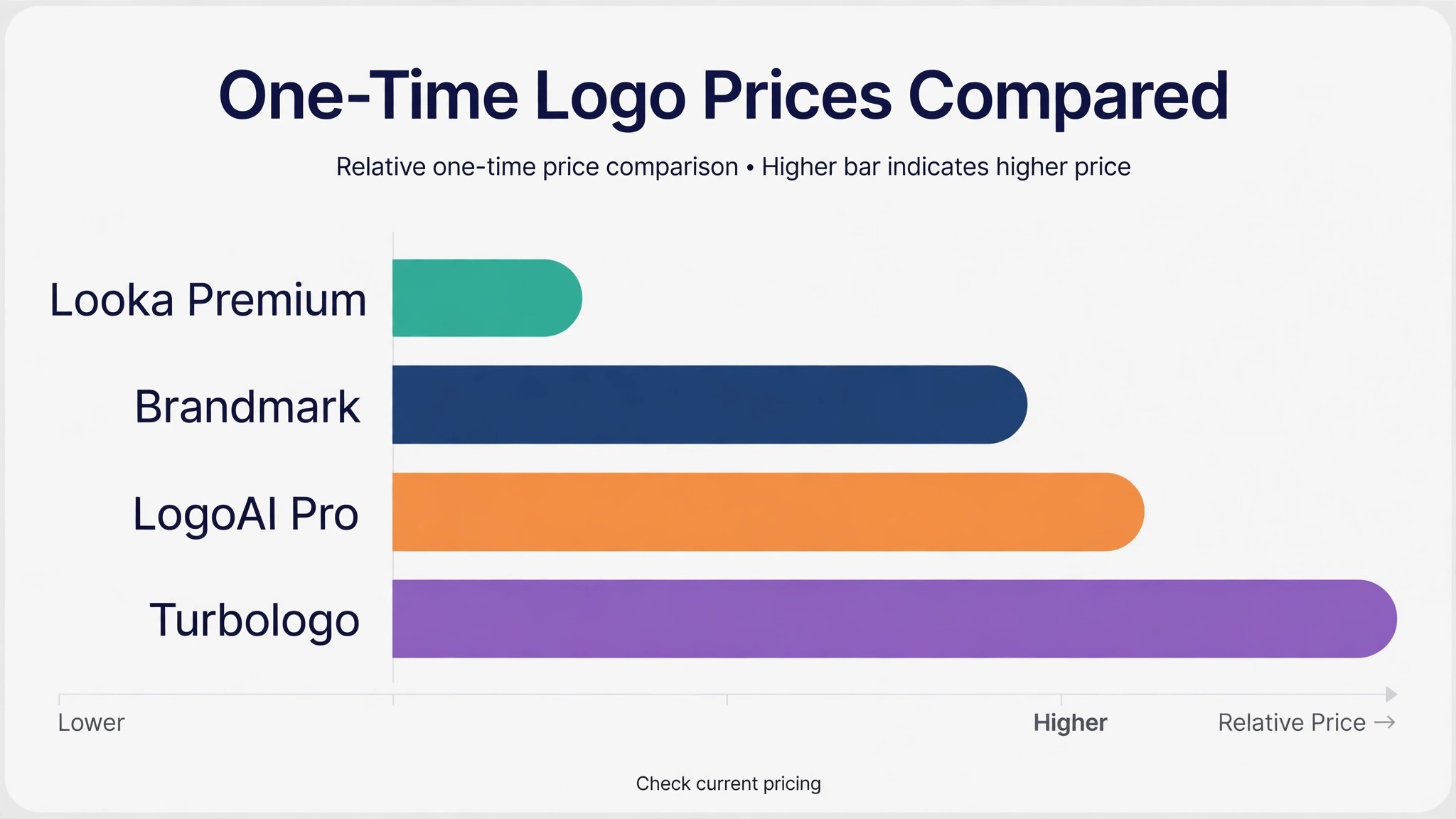
Price alone tells you little, because a 20 dollar logo and a 65 dollar logo are different products. The 20 dollar tier at Looka buys one low resolution PNG on a coloured background. It cannot be made transparent, it cannot be enlarged for print, and it cannot be used for a trademark filing. The 65 dollar tier buys the vector files, transparent versions, colour variations, and full ownership. For a real business, the 65 dollar tier is the actual entry price, and the 20 dollar tier is a preview that happens to cost money.
The same pattern repeats across the category. Brandmark charges 35 dollars once and includes the vector file, which makes it the cheapest one time route to a usable logo. LOGO.com charges nothing for PNG files and 36 dollars a year for the Brand Plan that unlocks vectors, templates, and a website builder. Turbologo starts paid downloads at 5 dollars, which is the lowest cash outlay on this list, but its higher tiers are where the full file set lives.
Subscriptions change the maths in a different way. Canva Pro at 144 dollars a year only makes sense if you use Canva for other design work, because the logo alone does not justify the fee. Tailor Brands at 199 dollars a year only makes sense if you also want its website builder and business formation tools. A small business that buys a subscription for the logo alone is paying for a gym membership to use one treadmill.
The 14 Tools Reviewed
1. Looka
Looka is the strongest all round choice for a small business that wants a finished logo and a brand kit without hiring a designer. You answer a few questions about your industry, style, and colours, and Looka generates a set of marks you can refine in its editor. The editor gives you control over layout, fonts, spacing, and symbols, and the preview shows your logo on cards, signs, and social profiles before you pay.
Designing is free. Downloading is where the money changes hands. Basic costs 20 dollars one time for a single low resolution PNG, and it is close to useless for a real business because it has no transparent version and no vector file. Premium costs 65 dollars one time and adds high resolution PNG files, SVG, EPS, and PDF vectors, colour variations, and full ownership with unlimited edits. The Brand Kit at 96 dollars a year adds more than 300 branded templates, and Brand Kit Web at 129 dollars a year adds a simple AI built website.
Price. Premium at 65 dollars one time is the realistic buy. Best for. Owners who want vectors, ownership, and a brand kit from one purchase.
2. Canva
Canva is not a logo generator in the same sense as Looka. It is a design platform with logo templates, and you build the mark yourself from a blank canvas or a template, then place it in a Brand Kit alongside your colours and fonts. That difference matters. Canva gives you more control over the final design, but it gives you less guidance, and a logo built from template elements can be hard to trademark because other businesses may use the same elements.
The free plan covers logo design and basic PNG downloads. Canva Pro costs 18 dollars a month or 144 dollars a year in the US, and it unlocks SVG export, transparent backgrounds, background removal, and five Brand Kits. For a small business that already makes flyers, menus, and social posts in Canva, keeping the logo in the same workspace saves real time and keeps every asset consistent.
Price. Free, or Pro at 18 dollars a month. Best for. Owners who already design everything in Canva.
3. Tailor Brands
Tailor Brands is less a logo tool than a business launch platform with a logo maker attached. Alongside the logo generator it offers LLC formation, a website builder, digital business cards, and social media graphics. That breadth is its selling point and its trap. If you are forming a company and building a brand at the same time, the bundle is convenient. If you only want a logo, it is the most expensive way to get one.
The Lite plan costs nothing plus state filing fees and covers basic formation only, with no branding tools. Essential costs 199 dollars a year and adds the logo maker, annual compliance alerts, and a basic website. Elite costs 249 dollars a year and adds eight custom logos, a website builder with store features, a digital business card, and a social post maker. Logo use is tied to an active subscription, so the files are not yours in the same way a one time purchase is.
Price. Essential at 199 dollars a year, Elite at 249 dollars a year. Best for. New businesses that need formation, a website, and a logo together.
4. Brandmark
Brandmark is the simplest deal on this list. You pay once, you own the files, and nobody bills you again. Its generator leans toward clean, geometric marks that suit tech and service businesses, and the output tends to look less templated than the average AI logo tool. The editor covers colours, fonts, and layouts, and the brand kit tools generate matching business cards and social assets.
Basic costs 35 dollars one time and includes PNG and vector files, which makes it the cheapest one time route to a vector logo anywhere in this guide. Designer costs 95 dollars one time and adds source files and brand guidelines. Enterprise costs 195 dollars one time and adds up to ten hand crafted concepts. There is no subscription, no renewal email, and no feature that disappears if you stop paying, because there is nothing to stop paying.
Price. 35 dollars one time for Basic. Best for. Owners who want to pay once and never think about it again.
5. LOGO.com
LOGO.com is the only tool here that gives you a genuinely usable logo for nothing. The free plan includes four high resolution PNG files with a full commercial licence, no watermark, and no credit card required. That is enough for a website header, a social avatar, and an email signature, and it is the best free starting point for a business that is still testing its name.
The paid Brand Plan starts at 36 dollars a year and unlocks vector files in SVG, PDF, and AI formats, more than 250 file variations, 1,200 branded templates, a website builder, and brand guidelines. A higher tier at 72 dollars a year adds merchandise printing across more than 200 products. The free tier is honest about its limits, and the upgrade path is cheap, which is a rare combination in this category.
Price. Free for PNG files, Brand Plan from 36 dollars a year. Best for. Zero budget starts and the cheapest full brand upgrade.
6. LogoAI
LogoAI generates logos from a text prompt rather than assembling them from icon libraries, and the results can feel fresher than template based tools. It also offers an optional human designer revision for 40 dollars, which is a useful middle step between a fully automated logo and hiring a designer. The brand kit tools cover business cards, posters, and mockups, and the logo animation option suits businesses that post video.
Basic costs 29 dollars one time, but the file at that tier is an 800 by 600 pixel raster, which is too small for print. Pro costs 59 dollars one time and adds high resolution files, transparent PNG, and vectors. Brand costs 99 dollars one time and adds the animation option and AI credits for matching assets. One warning. LogoAI has also been listed with subscription pricing during 2026, including a Pro plan at 20 dollars a month, so confirm which model the checkout page shows before you buy.
Price. Pro at 59 dollars one time is the tier that matters. Best for. Owners who want AI generated concepts with a human polish option.
7. Turbologo
Turbologo is the cheapest paid start on this list, and it is honest about what it is. The generator is fast, the editor is simple, and paid downloads start at 5 dollars one time. That low entry price makes it a good tool for testing a name or a concept before committing real money, and for side projects where a 65 dollar logo would cost more than the project earns in its first month.
The trade off is depth. Turbologo has fewer brand kit features than Looka or Tailor Brands, and the full file set with vectors and transparent versions sits in its higher priced packages. The free plan lets you design and preview, and the paid tiers scale up from the 5 dollar entry point depending on the formats and extras you choose. For a small business on a tight budget, it is a fair deal as long as you check which tier includes vectors before paying.
Price. Paid downloads from 5 dollars one time. Best for. Testing a concept or branding a side project on a tiny budget.
8. Wix Logo Maker
Wix Logo Maker suits owners who already run their website on Wix, because the logo drops straight into the site, the favicon, and the social profiles without any file juggling. The generator asks about your business and style, then produces a set of marks you can refine in the editor. The output quality is solid for a website header and social use, though it leans toward safe, familiar designs rather than distinctive marks.
The awkward part is pricing. Wix does not publish a fixed logo price list on its main pages. You design for free and the price appears at checkout, where packages are sold as one time purchases. That means you cannot compare its cost against Looka or Brandmark without going through the flow yourself. If your site is already on Wix, the convenience may justify it. If it is not, a tool with published prices is the better buy.
Price. Shown at checkout, one time packages. Best for. Businesses whose website already runs on Wix.
9. Adobe Express
Adobe Express is the quickest free starting point for a logo that lives inside social graphics. The free plan covers logo templates, stock photos, and basic design tools, and the editor is fast enough that a simple wordmark takes minutes. It also connects to Adobe Fonts and Adobe Stock, which gives the template library more range than most free tools.
Premium costs 9 dollars and 99 cents a month and unlocks background removal, resize tools, premium templates, and the full stock library. The logo itself is still built by hand from templates, so the result depends on your eye more than on an AI generator. One caution applies here as it does in Canva. A logo built from shared template elements can be difficult to trademark, so check with a trademark attorney before filing if exclusivity matters to you.
Price. Free, or Premium at 9 dollars and 99 cents a month. Best for. Owners who make social graphics every week and need a logo inside that workflow.
10. FreeLogoDesign
FreeLogoDesign does exactly what its name promises, with one condition worth knowing before you start. You can design a logo and download a low resolution version for free, which is enough for a social profile or a simple website header. High resolution files and vector formats are paid, and the price appears at checkout rather than on a public pricing page.
The editor is one of the simplest here. You pick a template, change the text and colours, and download. There is no brand kit, no website builder, and no formation service, and that narrow focus is the point. For a hobby business or a first draft of a brand, it is a fair free tool. For a business that needs print files and a consistent brand system, Looka or Brandmark gives you more for a similar one time cost.
Price. Free low resolution download, paid high resolution. Best for. A free first draft or a hobby business.
11. Logaster
Logaster is a logo maker with a brand kit attached, aimed at owners who want the logo, the cards, and the letterhead from one account. The generator produces a set of marks from your business name and industry, and the editor lets you adjust colours, fonts, and layouts before download. The brand kit extends the design into business cards, envelopes, and social covers, which saves time if you print stationery.
Pricing is subscription based, with plans starting at 9 dollars and 99 cents a month, and the exact formats in each tier are shown on the pricing page. That model suits an owner who will keep making branded material all year. It suits nobody who only wants a logo, because a subscription keeps charging after the logo is finished. Compare the yearly total against a one time purchase before you subscribe.
Price. From 9 dollars and 99 cents a month. Best for. Owners who want an ongoing brand kit, not just a logo.
12. Namecheap Logo Maker
Namecheap Logo Maker is free, fast, and free of upsell pressure, which is a rare combination. You type your business name, pick a style, and download a logo without creating an account or entering a card. It is the fastest route from nothing to a usable mark on this list, and it is a good fit for a domain you just bought from Namecheap and want to put a face on the same day.
The limits are plain. The output is a simple mark, the customisation options are basic, and there is no brand kit, no vector export on the free tier, and no support if you get stuck. Think of it as a placeholder that looks professional while you decide whether the business deserves a paid logo. For a real brand with print needs, upgrade to a tool that sells vectors.
Price. Free. Best for. A same day placeholder logo at zero cost.
13. Squarespace Logo Maker
Squarespace Logo Maker is another free tool that does one job well. It generates simple wordmarks and icon marks from your business name, with a clean editor for adjusting fonts and colours. The output suits a website header, an email signature, and a social avatar, and it takes about five minutes from start to finish.
Like Namecheap, it is a starting point rather than a finished brand system. There is no vector export, no brand kit, and no paid upgrade path inside the tool itself. Its natural home is a Squarespace website, where the logo drops into the header and the favicon in one step. If your site is on Squarespace and you need a mark today, it is the obvious free choice. If you need print files, pair it with a paid tool later.
Price. Free. Best for. A free logo for a Squarespace website.
14. Fiverr Logo Maker
Fiverr Logo Maker is a hybrid. It generates logo concepts with AI, then lets you refine them with the help of the designer community behind the platform. Packages start at 30 dollars one time, and higher tiers add more file formats, social media kits, and revisions. The appeal is the human layer. If the generated concepts miss the mark, a designer can step in, which no pure AI tool on this list offers at this price.
The trade off is consistency. The quality of the human help varies by seller, and the turnaround is slower than a fully automated tool. Read the package details before buying, because the file formats and revision counts change between tiers. For an owner who likes the AI starting point but wants a person to check the result, it is a sensible middle ground between a 35 dollar automated logo and a 500 dollar custom design.
Price. Packages from 30 dollars one time. Best for. AI concepts with a human designer checking the result.
A Note on a Tool That Is Gone
Shopify Hatchful used to appear on every list like this one. Shopify retired Hatchful, and it no longer accepts new signups or generates new logos. The free tools above, Namecheap and Squarespace in particular, are the current replacements for the job Hatchful used to do, and neither one asks for a subscription.
Mistakes That Waste the Logo Budget
The most expensive mistake is buying the cheapest tier and discovering it cannot be printed. A low resolution PNG looks fine on a screen and turns to mush on a sign, and the fix is buying the logo a second time at the higher tier. Always check the file list before paying, and treat any tier without a vector file as a preview, not a purchase.
The second mistake is choosing a logo from a phone screen. Colours and spacing that look fine at two inches wide can look wrong at two feet wide. Print a test page at full size, tape it to a wall, and look at it from across the room before you commit. The third mistake is picking a mark that only works in colour. A good logo still reads in one colour, in black and white, and as a favicon, so test all three before you buy.
Some of the best logo makers for small business sell the logo cheap and the brand kit dear, so add up both before comparing tools.
How to Choose in Ten Minutes
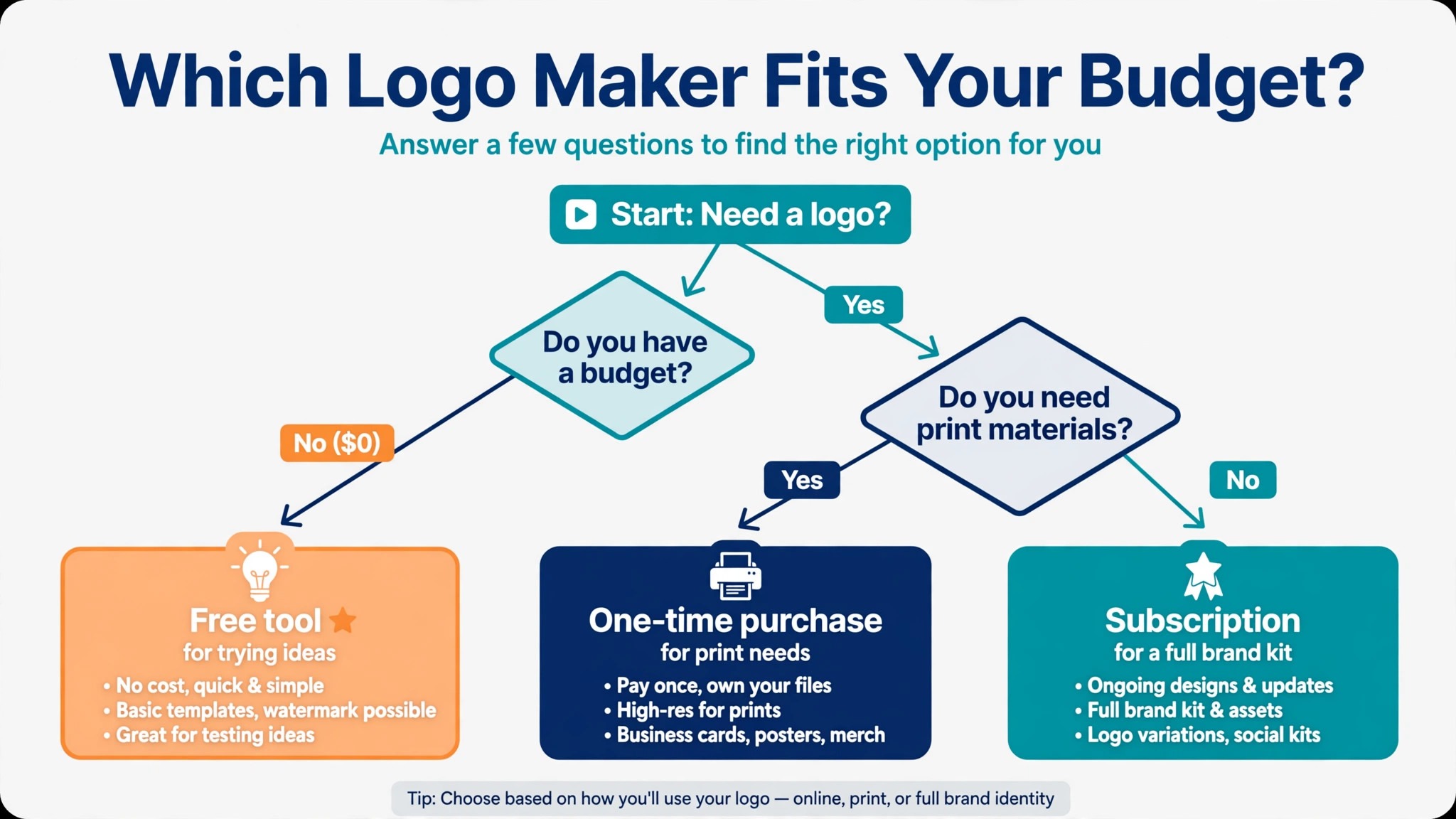
Start with the file question. If you need print, embroidery, or signage, you need vectors, and that narrows the field to Looka Premium, Brandmark, LogoAI Pro, or the LOGO.com Brand Plan. If the logo only ever lives on a screen, a free tool is enough. Then check the budget shape. A one time purchase suits a logo you will keep for years, while a subscription only pays off if you use the brand kit every month. Among the best logo makers for small business, the right pick is the one whose file set matches your real use, not the one with the longest feature list.
Frequently Asked Questions
How much should a small business pay for a logo?
Most small businesses should budget between 35 and 65 dollars one time for a usable logo with vector files. Brandmark charges 35 dollars and Looka Premium charges 65 dollars, and both include full ownership. Free tools cover screen use only, and anything above 250 dollars a year is a branding subscription, not a logo.
Can I use a free logo maker for my business?
Yes, for digital use. LOGO.com gives you four high resolution PNG files free with a commercial licence, and Namecheap and Squarespace offer free marks as well. For print, signage, or trademark filing you need vector files, which sit behind a paid tier on every free tool here.
Is an AI generated logo safe to trademark?
A purely AI generated logo has weak copyright protection in the United States, and trademark protection depends on distinctiveness and use, not on how the mark was made. Avoid logos built from shared template elements if you plan to file, and talk to a trademark attorney before spending on a filing.
What file formats do I need from a logo maker?
You need a vector file, usually SVG or EPS, for print and signage, plus a high resolution transparent PNG for digital use. A PDF version helps with printers, and a favicon sized PNG covers the browser tab. Any tool that cannot supply a vector file is not selling you a finished logo.
Should I hire a designer instead of using a logo maker?
Hire a designer if the logo is the face of a funded business, if you need a mark that no competitor can resemble, or if you plan to trademark it. Use a logo maker if the budget is under 100 dollars, the business is new, and speed matters more than distinctiveness. Many owners start with a maker and commission a custom mark later.
The Verdict
Buy Looka Premium at 65 dollars if you want the safest all round logo with vectors and ownership. Buy Brandmark at 35 dollars if you want the cheapest one time route to the same files. Start free with LOGO.com if the budget is zero today, and upgrade to its Brand Plan when print work starts. The best logo makers for small business all agree on one thing. The file matters more than the picture, and the cheapest logo is the one you only buy once.