The best AI social media tools in 2026 split into two camps, and picking from the wrong camp is the expensive mistake. The first camp is the management suite that added AI to scheduling, inbox, and analytics, led by Buffer, Hootsuite, and Sprout Social. The second camp is the AI native creator, led by Predis.ai, OpusClip, and Canva Magic Studio, which generates the post, the image, or the video clip itself. Most buyers need one tool from each camp, not two from the same one, and this guide compares twelve real tools on price, AI features, and team fit.
How This List Was Built
Every price in this guide comes from vendor pricing pages and published comparisons checked in October and November 2026. Prices move often in this category, so treat each figure as a snapshot and confirm it on the pricing page before you pay. Where two reputable checks disagreed, this guide says so instead of picking the friendlier number, and where a vendor prices in euros or pounds, the currency is named.
The comparison rests on four questions that decide whether a tool survives past the first month. First, what does the AI actually do on a normal working day. Drafting captions, suggesting hashtags, picking the best time to post, and turning a long video into short clips are real daily work. A chatbot that answers generic questions is not.
Second, what the pricing meter charges for. Some tools charge per channel, some per user, some per brand, and some per AI credit, so a headline price of 5 dollars can mean 15 dollars or 100 dollars depending on the size of your team. Third, whether the free plan or trial is genuinely usable, with no watermark on exports and no hard cap that forces an upgrade in week two. Fourth, which networks the tool publishes to directly, since a scheduler that cannot post to the network where your audience lives is a calendar, not a tool.
The twelve tools below cover the full range. Four are full suites for teams. Three are scheduling first tools for creators and small brands. Three generate content with AI. Two are specialists, one for short video and one for hashtags and Instagram growth. Every one of them is a real, currently available product with a published pricing page, and none of them is a renamed or acquired tool being kept alive on life support.
The Best AI Social Media Tools at a Glance
The two tables below put the whole field on one screen. The first covers the suites and schedulers, the second covers the AI creators and specialists. Read the starting price with the meter in mind, because the unit behind the number is what decides the real monthly bill.
| Tool | Best for | Starts at | Free plan |
|---|---|---|---|
| Buffer | Simple scheduling for small teams | Free, then 5 dollars per channel a month | Yes, 3 channels |
| Hootsuite | Large teams needing listening | 99 dollars per user a month | Trial only |
| Sprout Social | Analytics and customer care | Listed per seat a month | Trial only |
| Later | Visual planning for Instagram and TikTok | 25 dollars a month | Limited free plan |
| Metricool | Analytics led small brands | Free, then 25 dollars a month | Yes, 1 brand |
| SocialPilot | Agencies on a flat budget | 30 dollars a month | Trial only |
| Tool | Best for | Starts at | Free plan |
| — | — | — | — |
| Agorapulse | Shared inbox and approvals | 99 dollars per user a month | Trial only |
| Predis.ai | AI generated posts and video | 19 dollars a month | Yes, limited credits |
| OpusClip | Turning long video into clips | 15 dollars a month | Yes, watermarked |
| Canva | Design plus AI captions | Free, Pro 18 dollars a month | Yes, limited AI |
| Flick | Hashtags and Instagram growth | 11 pounds a month | Trial only |
| FeedHive | AI assisted scheduling | 19 euros a month | Trial only |
The pattern in those tables is the first decision this guide asks you to make. The cheapest headline prices belong to tools that charge per channel or per brand, while the dearest belong to tools that charge per user. A solo creator with five channels pays very little on Buffer and a great deal on Sprout Social. A ten person team pays the reverse. The best pick by job table near the end turns that pattern into a direct recommendation for eight common situations.
What You Will Actually Pay
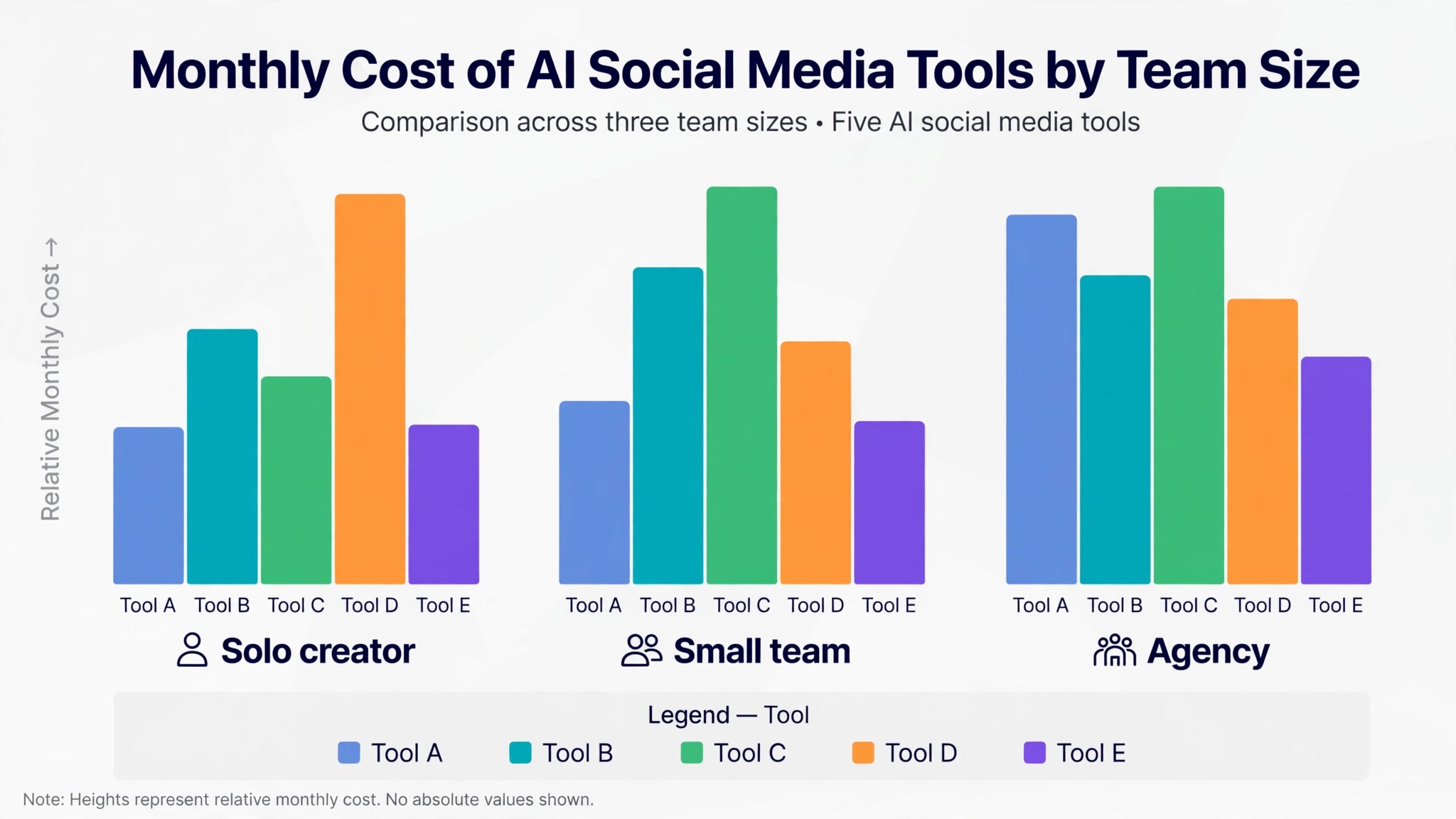
Headline prices hide the meter, so the table below shows the real monthly cost for three common team shapes, using annual billing where a vendor offers it. The numbers come from vendor pricing pages checked in October 2026, and they are the cheapest plan on each page that fits the shape described.
| Team shape | Buffer | Metricool | Hootsuite | Agorapulse | Sprout Social |
|---|---|---|---|---|---|
| Solo, 3 to 5 accounts | 0 to 25 dollars | 0 to 22 dollars | 19 dollars | 0 dollars free tier | 199 dollars |
| Small team, 10 accounts | About 100 dollars | About 54 dollars | 99 dollars | 79 dollars | 597 dollars |
| Agency, 20 plus accounts | About 200 dollars | About 54 dollars | Custom | 119 dollars | 1,495 dollars |
Two lessons sit inside that table. The first is that per seat pricing punishes teams fast. Three people on Sprout Social pay 597 dollars a month at the entry rate, while the same three people pay about 54 dollars on Metricool and 79 dollars on Agorapulse.
The second lesson is that the free tier is a real option for a solo creator. Buffer free covers three channels, Metricool free covers one brand, and Agorapulse offers a free tier, so a creator starting out can run for months without paying anything. The dearer tools are not bad tools. They are team tools, priced for the team that needs a shared inbox, listening, and approvals, not for a solo creator who needs a queue.
Watch for the add ons that never appear in the headline price. Extra social profiles on Agorapulse cost 15 dollars a month each on monthly billing, or 10 dollars on annual billing. Extra channels on Buffer cost 5 dollars each on the Essentials plan. X accounts on Metricool carry a separate charge of 10 dollars a month per connected account in some checks. Each is published on the pricing page, but all of them change the monthly total, so count your accounts before you compare plans.
The 12 Tools in Detail
The sections below take the tools one by one, in the order a buyer usually considers them. Each one names the AI features that matter day to day, the real price, and the catch that the homepage leaves out. The best AI social media tools are not the ones with the longest feature list, but the ones whose AI removes a job you currently do by hand.
Buffer
Buffer is the simplest tool on this list, and that simplicity is the reason it survives. You connect your channels, write posts, drag them onto a queue, and they go out. The AI Assistant drafts and repurposes posts, suggests the best time to post, and recommends hashtags, which covers the three AI jobs a small team actually needs. The free plan connects three channels with ten queued posts each, and Essentials costs 5 dollars per channel per month on annual billing, or 6 dollars month to month.
The catch is scale. Buffer charges per channel, so a creator with ten channels pays 50 dollars a month on Essentials, and the tool has no social listening and no shared inbox for customer care. It is the best starting point for a solo creator or a small team that needs scheduling and light AI, and the worst pick for a team that answers customers through social media.
Hootsuite
Hootsuite is the incumbent suite, and its 2026 product is built around an AI driven command centre rather than a simple queue. Scheduling, analytics, competitor tracking, social listening, and the Wisdom AI assistant cover the full workflow. Standard costs 99 dollars per user per month on annual billing, with a 14 day trial and no free plan.
The catch is the per user meter. A three person team on Standard pays three seats, and month to month billing costs meaningfully more than annual. Hootsuite is the right pick for an established team managing five or more accounts that needs listening and detailed analytics in one place. It is the wrong pick for a solo user, who pays a team price for a solo job.
Sprout Social
Sprout Social leads this list on analytics, listening, and enterprise polish, with a 30 day free trial and no free plan. Its AI covers social listening with sentiment analysis, a smart inbox that routes customer messages by priority, and a Trellis AI agent for automated customer care. Reporting is the deepest in this comparison, and team workflows for approvals and assignments are built in rather than added on.
The catch is price, and the price itself moved during 2026. October checks listed the entry plan anywhere from 79 dollars to 199 dollars per seat per month, so confirm the current figure on the pricing page before you budget. At the higher end, a three person team pays 597 dollars a month. Sprout is the right pick for a mid market business that treats social as a customer service channel. For scheduling and basic AI alone, it is far more tool than the job needs.
Later
Later is the visual planner, built for brands whose work lives on Instagram and TikTok. The grid planner, link in bio, and user generated content collection are the core, and the AI suggests captions, hashtags, and best times to post. Starter costs 25 dollars a month billed monthly, or 18.75 dollars a month billed annually, for one social set, one user, and 30 posts per profile per month. Growth costs 37.50 dollars a month billed annually and adds the social inbox and approvals.
The catch is the social set meter. One set is one profile per network, so a brand with two Instagram accounts needs two sets, and the price climbs faster than the headline suggests. Later is the right pick for a visual brand that plans its feed like a magazine. It is the wrong pick for a team that needs a shared inbox or deep analytics.
Metricool
Metricool is the analytics led pick, and it has the best AI to price ratio among the traditional suites. The free plan covers one brand with 20 scheduled posts a month and 30 days of analytics, though it blocks LinkedIn and X entirely, so most users outgrow it quickly. Starter costs 25 dollars a month, or 20 dollars a month billed annually, for up to five brands, and Advanced costs 67 dollars a month, or 53 dollars billed annually, for up to fifteen brands with team management and approvals. AI features are unlimited on paid plans, which is rare in this list.
The catch is the brand bracket. A brand is one business with one profile per network, so the bill jumps from 20 dollars to 36 dollars a month the moment a sixth brand is added. Metricool is the right pick for a small brand or a freelancer managing a handful of clients who wants strong analytics without a per seat bill. It is the wrong pick for an agency with dozens of brands.
SocialPilot
SocialPilot is the budget agency pick, with flat rate pricing that does not charge per user. The entry plan costs 30 dollars a month, or 25.50 dollars billed annually, for seven social accounts and one user, and Standard costs 50 dollars a month, or 42.50 dollars billed annually, for fifteen accounts and three users with an inbox, analytics, and manager approval. Premium adds client approvals and white label reports for 100 dollars a month. A 14 day trial needs no card.
The catch is the account meter. Extra accounts cost 4 dollars a month each, and a 32 account agency will pay for seventeen extras on top of the plan, so count accounts before you compare. SocialPilot is the right pick for a freelancer or small agency that wants flat, predictable pricing with client approvals. It is the wrong pick for a team that needs social listening.
Agorapulse
Agorapulse is the inbox first suite, built for teams that live in replies, comments, and direct messages. The unified inbox, shared assignments, and approval workflows are the core, and the AI assists with reply drafting, sentiment detection, and reporting. Standard costs 99 dollars per user per month billed monthly, or 79 dollars billed annually, with ten social profiles, unlimited scheduling, and a 30 day free trial. Professional costs 149 dollars a month, or 119 dollars billed annually, and Advanced costs 199 dollars, or 149 dollars billed annually.
The catch is the profile meter on top of the seat meter. Ten profiles are shared across users, and extra profiles cost 15 dollars a month each on monthly billing, or 10 dollars on annual billing. Agorapulse is the right pick for a team that answers customers through social and needs every reply tracked, assigned, and reported. It is the wrong pick for a solo creator.
Predis.ai
Predis.ai is the AI creator in this list, built for people who need finished posts rather than a place to schedule them. Type a short prompt or paste a product link, and it generates the caption, the image or video, and the hashtags, then lets you schedule the result. Core costs 19 dollars a month billed annually, or 32 dollars billed monthly, and the free plan offers limited credits for testing. The tool covers single image posts, carousels, reels, and short video, which makes it the fastest route from an idea to a published post.
The catch is editing. AI generated posts still need a human pass for tone, accuracy, and brand voice, and a team that publishes without that pass will sound generic within a week. Predis.ai is the right pick for a small business owner or creator who needs volume, such as a shop that posts daily deals. It is the wrong pick for a team that needs a shared inbox, listening, or deep analytics.
OpusClip
OpusClip turns long recordings into short vertical clips, and it is the default tool for that job in 2026. Upload a podcast, webinar, or stream, and it finds the moments worth posting, adds animated captions in more than twenty languages, reframes the video to vertical, and scores each clip from 0 to 100 for virality. The free plan offers 60 credits a month with a watermark and no editing, and clips stop being exportable after three days. Starter costs 15 dollars a month for 150 credits, and Pro costs 29 dollars a month, or 14.50 dollars a month billed annually, for 300 credits.
The catch is the credit meter. One credit equals one minute of source video processed, so a two hour podcast costs 120 credits before a single clip is exported. OpusClip is the right pick for a video first creator who already records long form content and needs short clips every week. It is the wrong pick for a team that has no long video to cut.
Canva
Canva earns its place here through Magic Studio, the AI layer inside the design tool most creators already use. Magic Write drafts captions, Magic Media generates images and short video, and the background remover and Magic Resize adapt one design to every network. The free plan includes limited Magic Studio use, and Pro costs 18 dollars a month or 144 dollars a year in the United States according to an October 2026 check. Canva has changed its prices more than once in the past year, so confirm the figure at checkout.
The catch is that Canva is a design tool with social features, not a social suite. Scheduling exists, but there is no shared inbox, no listening, and no deep analytics, so a team that needs those will pair Canva with Buffer or Later. Canva is the right pick for a creator or small team that designs its own visuals and wants AI captions and images in the same place.
Flick
Flick is the specialist for hashtags and Instagram growth, and it is the only tool in this list built around that job. Its AI suggests hashtags, writes captions, schedules posts, and tracks which hashtags actually drive reach, so the work is measurable rather than guesswork. Solo costs 11 pounds a month billed annually, for four social profiles, one user, and 30 scheduled posts per profile a month. Pro costs 24 pounds a month billed annually for eight profiles and two users, and Agency costs 55 pounds a month for twenty profiles and five users. A 7 day free trial covers all plans.
The catch is scope and currency. Flick covers Instagram, Facebook, TikTok, and LinkedIn, but it is not a full suite, and its prices are published in pounds, so the dollar cost moves with the exchange rate. Flick is the right pick for a creator or small brand whose growth depends on Instagram and hashtags. It is the wrong pick for a team that needs a shared inbox or listening.
FeedHive
FeedHive is the AI first scheduler for creators who want the AI to do more of the planning. It drafts posts, recycles evergreen content, suggests the best times to publish, and predicts performance before a post goes live, across Facebook, Instagram, X, LinkedIn, TikTok, YouTube, Pinterest, Threads, and Google Business. Creator costs 19 euros a month, or 15 euros a month billed annually, for four social accounts. Brand costs 29 euros a month, or 22 euros billed annually, for ten accounts, and Business costs 99 euros a month for one hundred accounts. A 7 day trial is included.
The catch is the AI credit cap. Each plan includes a monthly allowance of AI credits, and a heavy user who generates every post with AI can run out before the month ends. FeedHive is the right pick for a creator or marketer who wants AI assisted scheduling and recycling in one affordable tool. It is the wrong pick for an agency that needs white label reporting.
Which AI Features Actually Save Time
Not all AI features are equal, and the ones that save time share a pattern. They remove a repetitive decision you make every day. Caption drafting saves time when it produces a usable first draft in your voice, and it wastes time when every draft needs a full rewrite.
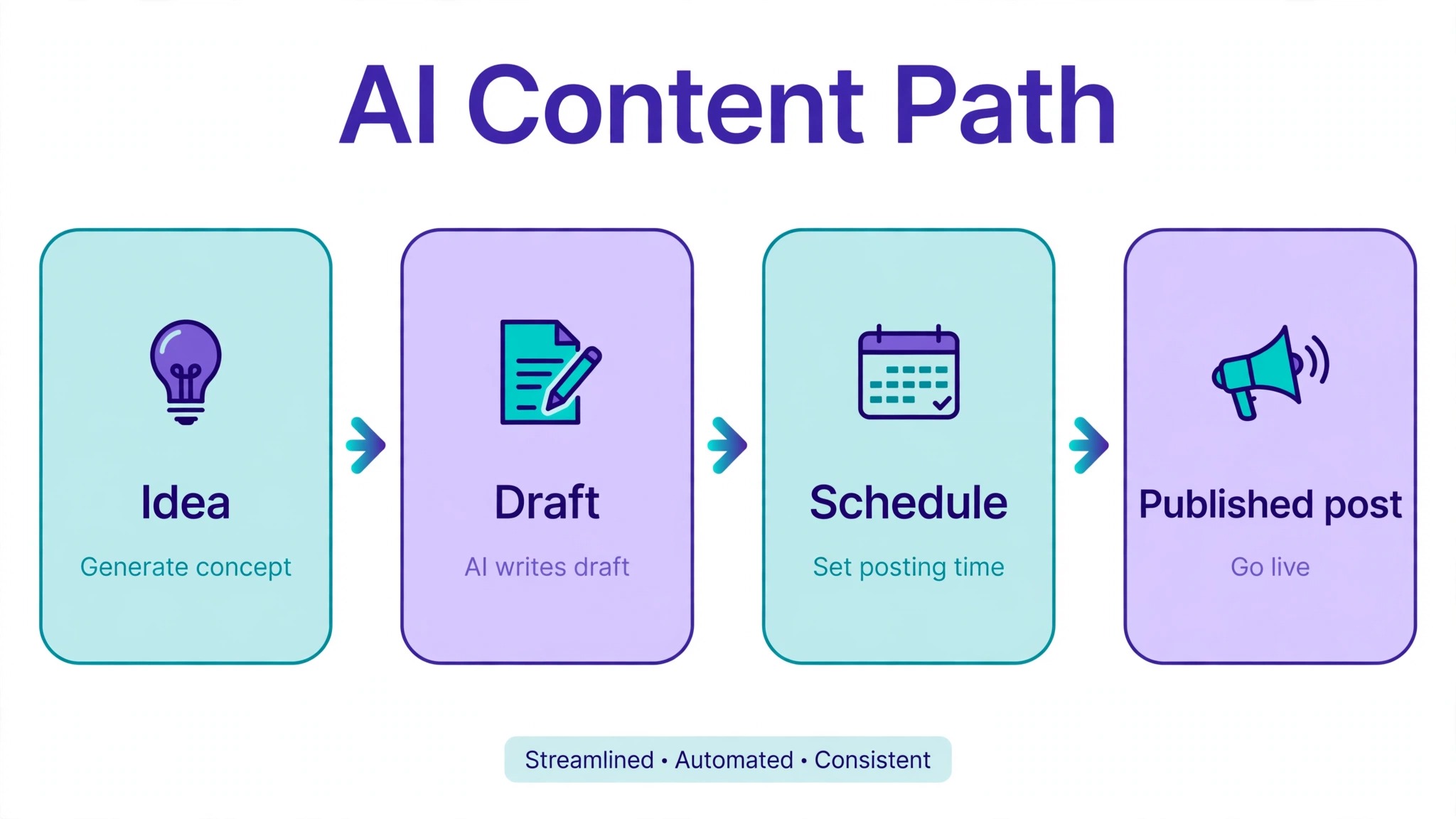
Best time to post saves time when it is based on your own audience data, and it is decoration when it repeats a generic rule.
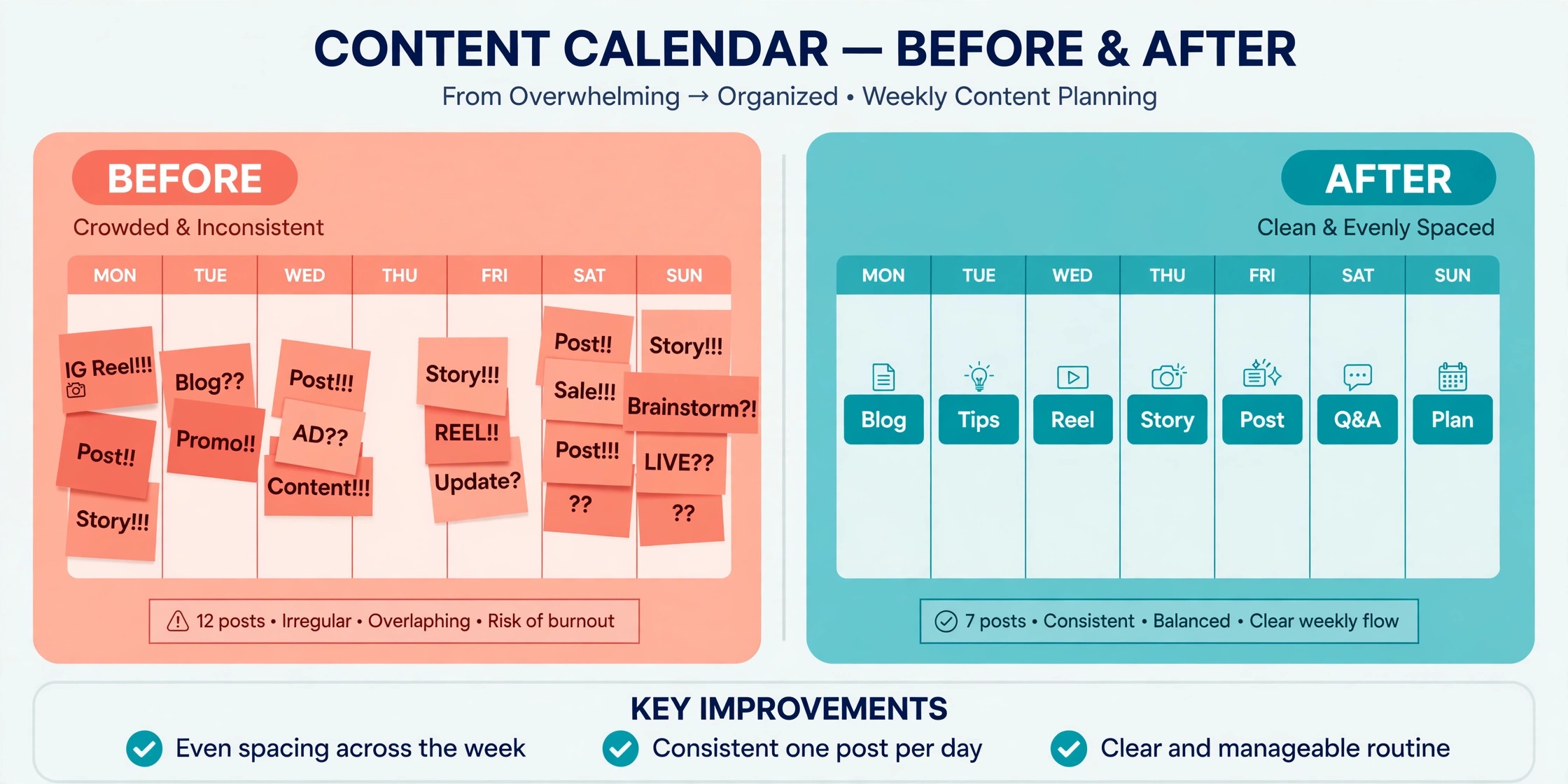
Hashtag suggestions save time when they are tied to measured reach, as Flick does, and they are noise when they list popular tags with no link to your account. Short video clipping saves time when the tool finds the moment, adds captions, and posts the result, as OpusClip does, and it is a demo when it only cuts the video and leaves the rest to you.
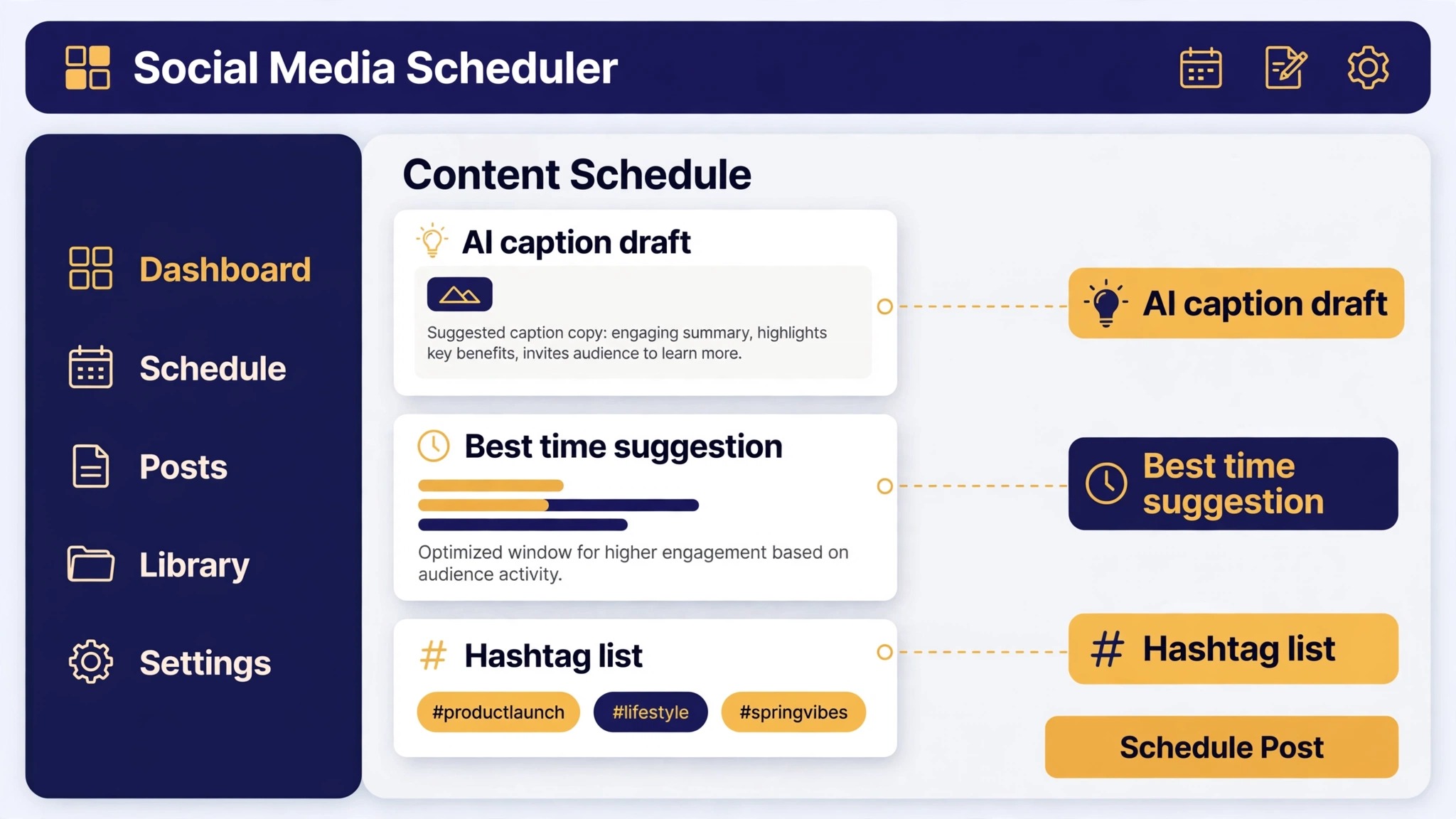
The best AI social media tools in this guide earn their place by passing that test on at least one daily job. Buffer passes it on drafting and timing. Sprout Social passes it on inbox routing and listening. Predis.ai passes it on generating a finished post from a prompt. OpusClip passes it on clipping.
Before you pay, run the test yourself. Take five real posts from last week, run them through the trial, and count how many came back usable without a rewrite. A tool that scores four out of five will save hours every week. A tool that scores one out of five will cost hours.
Best Pick by Job
| Job | Best pick | Why it wins |
|---|---|---|
| Solo creator, just starting | Buffer free | Three channels free, AI drafting included |
| Small team, daily publishing | Metricool Starter | Analytics plus unlimited AI for 20 dollars a month |
| Agency, many clients | SocialPilot Premium | Flat pricing with client approvals |
| Video first creator | OpusClip Pro | Clipping, captions, and posting in one flow |
| LinkedIn focused professional | Buffer plus Canva | Simple scheduling plus AI captions and visuals |
| Tight budget, high volume | Predis.ai Core | Finished posts from a prompt for 19 dollars a month |
| Customer care through social | Agorapulse Standard | Shared inbox with AI routing for 79 dollars a user |
| Visual brand, Instagram and TikTok | Later Growth | Grid planning plus inbox and approvals |
For the LinkedIn row, a professional gets the best result from Buffer for scheduling plus Canva Magic Studio for captions and visuals, which together cost less than one seat on the enterprise suites.
How to Choose in One Afternoon
Choosing well takes an afternoon, not a month, if you test with real work instead of reading feature pages. Pick the two tools that fit your job from the table above, sign up for both trials on the same day, and run the same five posts through each one. Schedule them, answer a comment through the inbox if the tool has one, and read the analytics the next morning. The tool that felt faster on the second post is the one you will still be using in three months, because the first post is always slow and the second shows the real workflow.
Then count the meter before you pay. Write down the number of channels, brands, users, and profiles you actually have, and price the plan that fits those numbers, not the headline plan. A tool that costs 5 dollars per channel is cheap at three channels and expensive at twenty. A tool that costs 99 dollars per user is expensive at one seat and reasonable at ten, if the inbox saves each person an hour a day. The best AI social media tools are the ones whose meter matches the shape of your team, and the afternoon test is what proves the match.
If neither trial feels faster than your current workflow by the second post, keep your current tool and revisit the choice in six months.
Frequently Asked Questions
Which AI social media tool is best for beginners?
Buffer is the best starting point for most beginners, because the free plan covers three channels, the AI Assistant drafts posts and suggests posting times, and the interface has almost no learning curve. Metricool is the second best starting point when analytics matter from day one, since its free plan covers one brand with 30 days of analytics. Either one can be running within an hour, and both let you upgrade only when the free limits start to pinch. The best AI social media tools for a beginner are the ones that let you publish today and learn the analytics tomorrow.
Is there a free AI social media tool?
Yes, several. Buffer free covers three channels with the AI Assistant included. Metricool free covers one brand with AI features. Canva free includes limited Magic Studio use, and Predis.ai offers a free plan with limited credits. OpusClip free offers 60 credits a month with a watermark. Each free plan has a cap on volume, channels, or exports, so read the limit before building a daily workflow on one.
How much do AI social media tools cost per month?
Entry prices in this guide run from free to about 99 dollars per user per month, and the meter behind the price matters more than the number. Buffer starts at 5 dollars per channel per month, Metricool at 20 dollars a month billed annually for five brands, Later at 18.75 dollars a month billed annually, and SocialPilot at 25.50 dollars a month billed annually. Hootsuite and Agorapulse start near 79 to 99 dollars per user per month, and Sprout Social lists its entry plan per seat per month with figures that moved between 79 and 199 dollars across October 2026 checks.
Do AI social media tools replace a social media manager?
No, they replace the repetitive parts of the job, not the judgement. AI drafts captions, suggests times, and clips video, but it does not know your customers, your brand voice, or when a post would be tone deaf. The teams that get the most from these tools use AI for the first draft and a human for the final call, and they measure the result in hours saved per week. A tool that drafts well still needs someone who knows what should never be published.
Which tool is best for scheduling Instagram and TikTok?
Later is the best pick for visual planning on Instagram and TikTok, because the grid planner, link in bio, and content collection are built for those networks, and Growth adds the inbox and approvals. Flick is the best pick when hashtags and reach matter most, since it tracks which hashtags actually drive results. Buffer is the best pick when you want the same queue to cover every network, not just the visual ones. The best AI social media tools for Instagram and TikTok are the ones that show you the grid before you post.
Can one tool handle every social network?
Most of the suites in this guide publish to the major networks, including Facebook, Instagram, X, LinkedIn, TikTok, YouTube, Pinterest, and Threads, but the details differ. Metricool free blocks LinkedIn and X entirely. Check the network list on the pricing page for the exact networks you use, and test the one that matters most during the trial, because a scheduler that cannot post to your main network is not a scheduler for you.
Should a small business pay for Hootsuite or Sprout Social?
Only when the job needs what those tools do best. A small business that answers customers through social media, needs listening and sentiment analysis, and has three or more people working in the inbox will get value from Agorapulse or Sprout Social. A small business that only needs to publish regularly will get the same result from Buffer or Metricool for a tenth of the price. Pay for the inbox when the job is customer care. Pay for the queue when the job is publishing.
The Last Word
The right AI social media tool is the one whose meter matches your team and whose AI removes a job you do every day. A solo creator should start with Buffer free or Metricool free and pay only when the limits pinch. A small team that publishes daily should look at Metricool Starter or SocialPilot Standard. An agency should price SocialPilot against Agorapulse on real account counts. A video creator should test OpusClip Pro on five real recordings before paying. And a team that answers customers through social should trial Agorapulse and Sprout Social side by side on the same five conversations.
Run the afternoon test, count the meter, and pick the tool that was faster on the second post. That is how the best AI social media tools earn their place, not on a feature list, but on a working week.