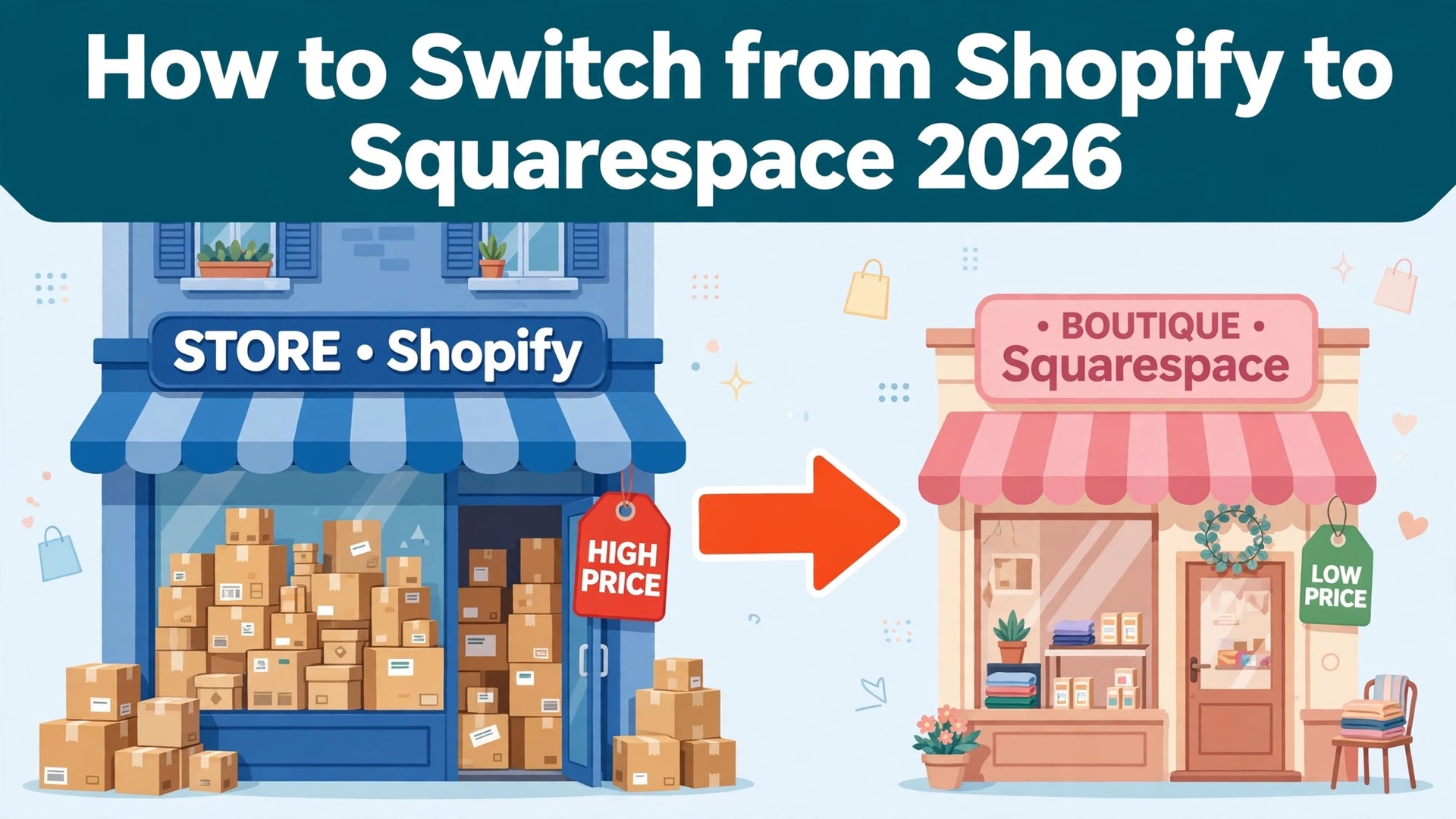
Shopify Basic and Squarespace Core cost the same money, 39 dollars a month, or 29 dollars on yearly billing, with the same 2.9 percent plus 30 cents per online card sale. The saving is not in the headline price, it is in what the store stops paying for, and that is the first thing to understand about how to switch from Shopify to Squarespace.
Shopify is the better store engine. Its app store, its checkout, its inventory tools and its multi-channel selling cover a growing catalog better than anything else in this category. Squarespace is the better website with a shop attached. Its templates are the most beautiful in this category, its site builder is simpler, and its Core plan at 29 dollars a year-billed month gives a small store the same card rate as Shopify Basic with no app bill. A store with twenty products and a beautiful brand will feel at home on Squarespace, and a store with two thousand products will feel cramped.
The switch is not about which platform is better in general. It is about whether the store is the business or the site is the business. Shopify charges for commerce depth, and a store that sells across channels, in person and wholesale, gets its money worth. Squarespace charges for design, and a store that sells from a beautiful site with a small catalog gets the same result for less. For a small store with a simple catalog, the saving is real money every month.
This guide walks through how to switch from Shopify to Squarespace in seven steps, with a cost comparison, a clear account of what transfers, what must be rebuilt, and what to test before cancelling Shopify. Follow the steps in order, run both tools side by side for two weeks, and the move will be quiet. Skip the steps, cancel early, and products, customer passwords and discount codes can vanish without warning.
The Price Gap, Measured by Store Size
Cost is the reason most stores switch, and the numbers explain why. Shopify Basic costs 39 dollars a month on monthly billing, or 29 dollars on annual billing, with 2.9 percent plus 30 cents per online card sale, 0 percent platform fee with Shopify Payments and 2 percent with a third-party processor. Grow costs 105 dollars a month, or 89 dollars on annual billing, with 2.7 percent plus 30 cents and 1 percent with a third-party processor. Advanced costs 399 dollars a month, or 359 dollars on annual billing, with 2.5 percent plus 30 cents and 0.6 percent with a third-party processor. Plus starts at 2,300 dollars a month.
Squarespace has four current plans, and the old Personal, Business and Commerce plans closed to new sign-ups in February 2026. Basic costs 25 dollars a month, or 19 dollars on annual billing, with a 2 percent transaction fee on store sales and a 2.9 percent plus 30 cents card rate.
Core costs 39 dollars a month, or 29 dollars on annual billing, with 0 percent transaction fees and the same 2.9 percent plus 30 cents card rate. Plus costs 65 dollars a month, or 49 dollars on annual billing, with a 2.7 percent plus 30 cents card rate. Advanced costs 139 dollars a month, or 99 dollars on annual billing, with a 2.5 percent plus 30 cents card rate.
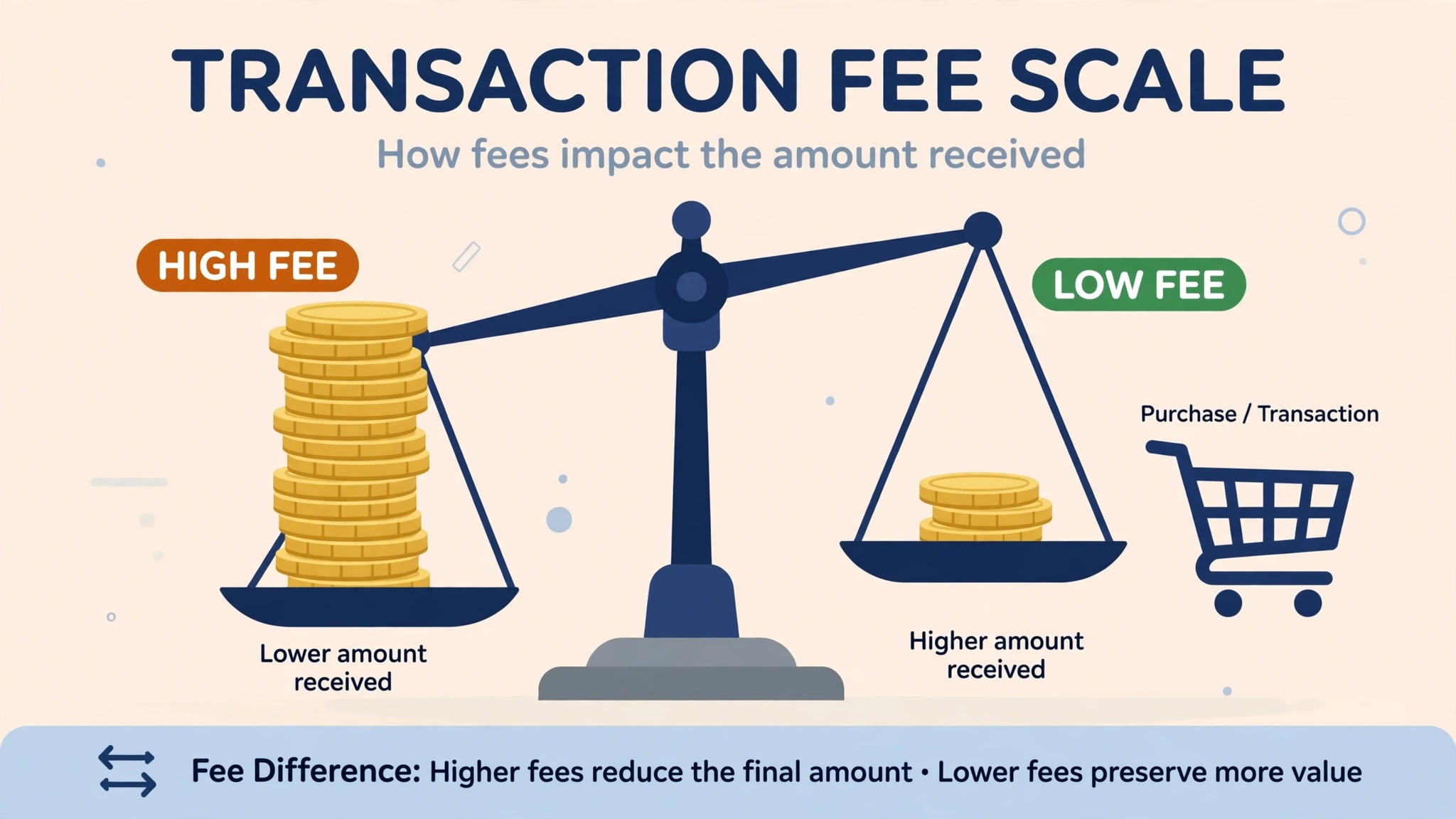
A store with a small catalog on Shopify Basic pays 29 dollars a month on annual billing. The same store on Squarespace Basic pays 19 dollars a month, a saving of 10 dollars a month or 120 dollars a year, but it pays a 2 percent transaction fee on every sale, so a store selling 5,000 dollars a month pays 100 dollars in fees and the saving disappears. A store on Squarespace Core pays 29 dollars a month, the same as Shopify Basic, with 0 percent transaction fees and the same card rate, so the bill is identical and the choice turns on features.
A growing store on Shopify Grow pays 89 dollars a month on annual billing. The same store on Squarespace Plus pays 49 dollars a month, a saving of 40 dollars a month or 480 dollars a year, with a 2.7 percent plus 30 cents card rate on both.
A large store on Shopify Advanced pays 359 dollars a month against 99 dollars on Squarespace Advanced, a saving of 260 dollars a month or 3,120 dollars a year, with a 2.5 percent plus 30 cents card rate on both. Those figures use the US list prices from October 2026, before tax, and the card rates are the same on both tools at each tier, so the subscription is the whole saving.
Shopify vs Squarespace at a Glance
| Feature | Shopify | Squarespace |
|---|---|---|
| Pricing basis | Per month, Basic, Grow, Advanced | Per month, Basic, Core, Plus, Advanced |
| Entry plan | Basic 39 dollars a month, 29 annual | Basic 25 dollars a month, 19 annual |
| Comparable plan | Basic 29 dollars a month annual | Core 29 dollars a month annual |
| Card rate, entry | 2.9 percent plus 30 cents | 2.9 percent plus 30 cents on Core |
| Transaction fee | 0 percent with Shopify Payments | 2 percent on Basic, 0 percent on Core |
| Product limit | Unlimited on every plan | Unlimited on every plan |
| App store | Thousands of apps | Smaller extension library |
| Themes | Hundreds, many paid | Fewer, more polished, design-led |
| Checkout | Best in category, Shop Pay | Good, simpler, fewer options |
| Point of sale | Built in, hardware available | Available, simpler setup |
Squarespace wins on design and on the mid-tier price. Shopify wins on commerce depth, apps and checkout. Check how many products the store sells and where it sells them before moving, because the catalog size decides the plan.
The Trade-Offs Nobody Mentions First
A switch guide that only lists the saving is not honest, so this section states the trade plainly. Shopify is a commerce platform that happens to have a website builder. Its checkout converts better, its app store covers every edge case a store can name, and its inventory, discount and shipping tools handle a catalog that grows from twenty products to two thousand without a rebuild. A store that sells in person, wholesale and across marketplaces will feel the loss of that depth every week.
Squarespace is a website builder that happens to have a shop. Its templates are the most beautiful in this category, its editor is simpler, and its site, blog and shop live in one login without apps. A store that sells twenty products from a beautiful site will feel the gain every day, and a store that needs advanced shipping rules, multi-currency pricing and wholesale catalogs will feel the limits just as fast. The question is not which platform is better. The question is whether the store is the business or the site is the business, and learning how to switch from Shopify to Squarespace starts with answering that question honestly.
The app bill also changes. Shopify stores pay for apps, and a store with five paid apps can add 50 to 100 dollars a month on top of the subscription. Squarespace stores pay for fewer apps, because more features are built in, and the app bill is the saving most stores actually feel. Count the apps before deciding, because the subscription saving can be smaller than the app saving.
How to Switch from Shopify to Squarespace in 7 Steps
Step 1. Audit the Shopify store before touching anything
Open Shopify and list every product, every variant, every collection, every customer, every order, every discount code, every gift card and every app. Export the product list, the customer list and the order history as CSV files, and note the renewal date and the billing cycle, because cancelling mid cycle does not refund the month. Pay special attention to products with many variants, discount codes that are printed on packaging, and apps that handle shipping, tax or reviews, because those are the pieces that do not move cleanly. This audit takes an hour and prevents the most common switch failure, which is discovering a bestseller only after it was deleted.
Step 2. Set up Squarespace and choose the template
Create the Squarespace site, choose the plan that matches the catalog size, and pick a template before moving any product. Squarespace Core is the plan most small stores need, because it removes the 2 percent transaction fee and matches Shopify Basic on price. Set the currency, the tax rules and the shipping zones, and decide the navigation and the homepage layout on paper. Do not import products yet. A clean template decided on paper saves a week of fixing later.
Step 3. Import the products and customers
Import the product CSV file into Squarespace, mapping title, description, price, SKU, variants and images field by field. Check the product counts and open a few products to confirm the images, the variants and the prices survived, and fix the mapping before the big import. Import the customer list next, and note that customer passwords do not transfer, so every customer must reset their password on the new store. A pilot import on ten products prevents a store wide mess.
Step 4. Rebuild the theme, the apps and the discount codes
Themes do not transfer, so rebuild the storefront in the Squarespace template with the same brand colors, fonts and logo. Apps do not transfer either, so replace each Shopify app with a Squarespace feature or an extension, starting with reviews, shipping and email. Discount codes do not transfer, so recreate each code by hand with the same value and the same expiry date. This is the largest single task in the switch, so budget a full afternoon for a normal store and do not promise a one hour migration.
Step 5. Move the domain and the payment processor
Point the domain at Squarespace and confirm the site loads on the new address, then connect the payment processor and run a test order with a real card. Set the shipping rates, the tax rules and the order confirmation emails, and check that the checkout shows the right totals. Tell the customers where the new store lives, and warn them that their old passwords will not work. A store that skips the test order will discover the checkout problem from a customer, not from a test.
Step 6. Run both stores side by side for two weeks
Sell from Squarespace for two weeks while Shopify stays open and the old orders finish. Watch the order counts, the conversion rate and the average order value daily, and compare them with the Shopify numbers from the same weeks last month. Confirm the discount codes work, the shipping rates calculate correctly, and the order emails arrive. Fix the problems while Shopify is still available as a fallback, not after it is cancelled. Two quiet weeks of parallel running cost nothing and catch every problem early.
Step 7. Cancel Shopify and confirm the data is safe
Once two weeks of Squarespace orders look clean, export the final product list, customer list and order history from Shopify, then cancel the subscription before the renewal date. Confirm the cancellation email arrives, and check that no auto renewal is set. Keep the Shopify export files for six months, because the order history and the discount codes cannot be recovered later and the old exports are the only record of what the store used to sell. The switch is done when Squarespace has run cleanly for two weeks and Shopify is cancelled without a surprise charge.
What Moves Across and What You Rebuild
Products and customers move well. Export them as CSV files from Shopify and import them into Squarespace with the fields mapped, and the catalog and the customer list land intact. Order history moves as an export, and the store should save it before cancelling, because the new store starts with no order history. The domain moves as a setting, and the payment processor reconnects with the same account.
What does not transfer is specific, and the store should name it before starting. Themes do not transfer, so the storefront must be rebuilt in the Squarespace template. Apps do not transfer, so each one must be replaced with a Squarespace feature or an extension. Discount codes do not transfer, so every code must be recreated by hand. Gift cards do not transfer cleanly, so check the balances and reissue them before the switch date.
Customer passwords do not transfer, so every customer must reset their password on the new store, and the store should warn them in advance. Order history does not import as live orders, so the new store cannot show a customer their old orders. Blog posts need a separate import, and a store with a large blog should test the import on a few posts first. The only things lost are the Shopify specific records, which are the theme, the apps, the codes and the passwords. Export them all before cancelling, and the switch loses nothing that matters.
That is the full picture of how to switch from Shopify to Squarespace without losing the products that matter.
The Go-Live Checklist
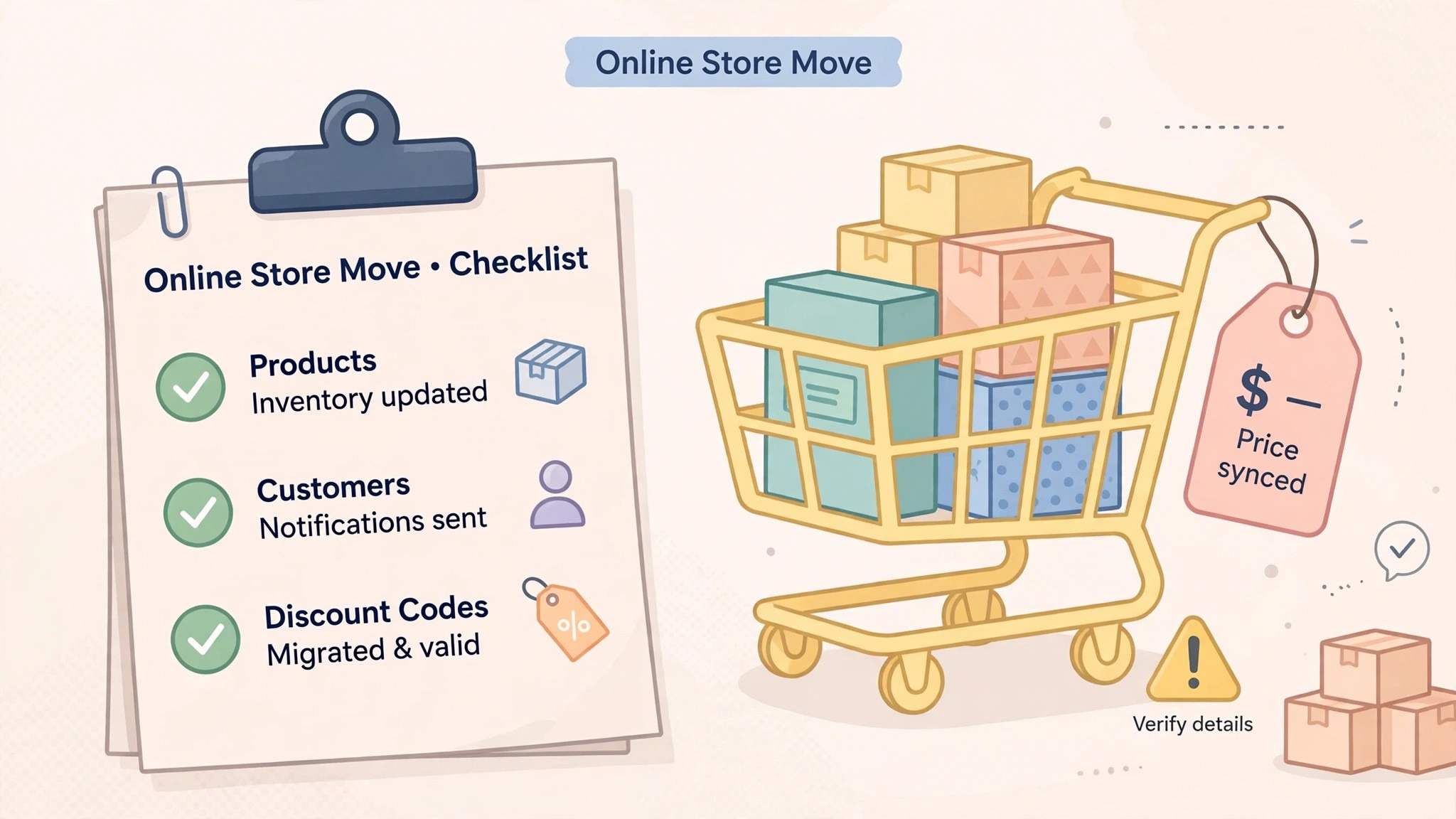
Use this checklist before starting step 1, and do not skip a line.
- List every Shopify product, variant, collection, customer, order, code and app. – Export the product, customer and order lists as CSV files. – Note the Shopify renewal date and any contract term. – Flag products with many variants and codes printed on packaging. – Choose the Squarespace plan by catalog size and by transaction fee. – Pick the Squarespace template before importing any product.
- List the Shopify apps the store actually uses. – Confirm the payment processor and the domain transfer. – Plan a replacement for any Shopify feature Squarespace lacks. – Set a switch date in a quiet week, not during a sale. – Tell the customers the switch date and the password reset before step 1.
What the Switch Saves in Real Money
The saving depends on the plan tier, because the two tools charge different rates at different sizes. A small store on Shopify Basic pays 29 dollars a month on annual billing. The same store on Squarespace Basic pays 19 dollars a month, a saving of 10 dollars a month or 120 dollars a year, but it pays a 2 percent transaction fee, so a store selling 5,000 dollars a month pays 100 dollars in fees and the saving disappears. The same store on Squarespace Core pays 29 dollars a month, the same as Shopify Basic, with 0 percent transaction fees, so the bill is identical.
A growing store on Shopify Grow pays 89 dollars a month on annual billing. The same store on Squarespace Plus pays 49 dollars a month, a saving of 40 dollars a month or 480 dollars a year. A large store on Shopify Advanced pays 359 dollars a month against 99 dollars on Squarespace Advanced, a saving of 260 dollars a month or 3,120 dollars a year. Those figures use the US list prices from October 2026, before tax, and the card rates are the same on both tools at each tier, so the subscription is the whole saving.
The saving grows when the app bill is counted. A Shopify store with five paid apps at 10 dollars each pays 50 dollars a month on top of the subscription, and a Squarespace store with the same features built in pays nothing extra. A store that drops the apps and the subscription together can save 100 dollars a month or more. Count the apps and run the two totals, because the app bill is the saving most stores actually feel.
Run the same math for your own store before you commit to how to switch from Shopify to Squarespace, because the totals decide the plan.
Your First Two Weeks on Squarespace
The parallel run only helps if the store tests the right things, so set the tests before the first Squarespace order is placed. Place one test order with a real card, apply one discount code, and buy one product with variants to confirm the inventory drops correctly. Then compare the Squarespace order counts against the Shopify numbers from the same weeks last month, checking totals by product and by channel. That test plan is the part of how to switch from Shopify to Squarespace that most stores skip, and it is the part that catches the problems while Shopify is still available as a fallback.
Test the checkout and the customer accounts next, because those are the pieces that break quietly. Confirm the checkout shows the right shipping and tax, reset one customer password and confirm the login works, and have a second person confirm they see the same products and the same prices. Also test one order from a phone, since most customers shop on mobile and a mobile checkout failure costs the store its sales. A test that covers orders, codes, accounts and mobile in the first week leaves the second week for fixing what failed, which is exactly how a quiet switch is supposed to work.
Five Mistakes That Stall the Move
The first mistake is cancelling Shopify before the Squarespace orders are checked. A store that cancels on day one loses the theme, the apps, the discount codes and the order history in one move, and the rebuild takes days instead of hours. Keep Shopify until step 7, and the switch stays boring. The second mistake is importing the whole catalog at once without a pilot. A mapping error on variants repeats across every product, and fixing it after the fact costs more than the pilot ever did.
The third mistake is forgetting the customer passwords. A store that moves without warning its customers will see login failures and support tickets for weeks after the switch, and every failed login costs a little trust. Warn the customers before the switch date, and send the reset link twice. The fourth mistake is skipping the two week parallel run. A store that switches overnight discovers the checkout gaps during a live sale, when fixing them costs the most. Two quiet weeks of parallel running cost nothing and catch every problem early.
The fifth mistake is underestimating the theme rebuild. Themes do not transfer, and a store that budgets an hour for the rebuild will run out of time. Budget an afternoon, rebuild the homepage and the product pages first, and leave the long tail of old pages behind. The switch is a good time to clean the storefront, not a reason to move every old page into the new tool.
Life After the Switch
The first month after the move is when the saving becomes real, and it is also when the new habits form. Set a weekly review in Squarespace, one hour where the store checks the orders, clears the old drafts and updates the products, because a cheaper tool still needs a steady rhythm to earn its keep. Tune the rebuilt storefront after two weeks, not on day one, because the first fortnight shows which pages get visited and which never open. The work of how to switch from Shopify to Squarespace does not end on cancel day. It ends when the store stops opening the old tool out of habit, and that usually takes a full month.
Revisit the plan choice after 90 days. A store that started on Core may find it needs Plus for lower card rates, and a store that started on Plus may find it can drop to Core once the sales volume settles. Count the products again too, because Squarespace bills the plan the store holds, and a catalog that grew past the plan should move up before the checkout slows down. The switch saves money once. The habits save it every month after.
Frequently Asked Questions
How long does it take to switch from Shopify to Squarespace?
Most small stores finish the switch in one to two weeks. The setup takes an afternoon, the product import and the theme rebuild take another afternoon, and the two week parallel run catches the problems while Shopify is still available. A store with many products or many apps should budget three weeks. Do not promise a one day switch, because the manual rebuild and the parallel run are what make the move safe.
Will I lose my products when I switch from Shopify to Squarespace?
Products and customers transfer through CSV export and import, so export each list first and run a pilot import on ten products to confirm the mapping. Themes, apps, discount codes, gift cards and customer passwords do not transfer, so flag them in the audit and rebuild them by hand. Keep Shopify running until the Squarespace orders are checked, and no product will be lost.
Is Squarespace really cheaper than Shopify?
At the mid and high tiers, yes, by a wide margin. Squarespace Plus costs 49 dollars a month on annual billing against 89 dollars for Shopify Grow, and Advanced costs 99 dollars against 359 dollars for Shopify Advanced, with the same card rates at each tier. At the entry tier the two tools cost the same, 29 dollars a month for Shopify Basic and Squarespace Core, so the choice turns on features. Count the apps before deciding, because the app bill is the saving most stores feel.
Does Squarespace have the same features as Shopify?
No, Squarespace has a simpler shop with fewer apps and a more beautiful site, where Shopify has deeper inventory, checkout and multi-channel tools. Squarespace covers a small catalog better, and Shopify covers a growing catalog better, so the feature list differs more than the price suggests. Pick the five features the store actually uses and test those first.
Can I keep my Shopify discount codes when I switch?
No, discount codes do not transfer between platforms. Recreate each code in Squarespace by hand with the same value and the same expiry date, and check the codes printed on packaging before the switch date. Export the code list before cancelling, and recreate the codes customers actually use first.
The Call
Switch to Squarespace if the store has a small catalog, if the site is the business and the shop is part of it, or if the app bill is the problem. A growing store will save 480 to 3,120 dollars a year on the subscription alone, get a more beautiful storefront and the same card rates, and lose nothing it actually uses, as long as the audit flags the apps and the passwords first. For those stores, learning how to switch from Shopify to Squarespace is worth an afternoon, and the saving repeats every month.
Stay on Shopify if the catalog is large and growing, if the store sells in person, wholesale and across marketplaces, or if the store is mid sale and cannot afford a week of parallel running. A store that values commerce depth over price will feel Squarespace as a step down, and a store with two thousand products can find the saving smaller than the headline suggests. Stay also if the renewal is close and the store is mid launch. A switch during a launch costs more in chaos than it saves in subscription fees.
The decision rule is simple. Count the products, count the apps, list the features the store actually uses every week, and run the two totals with apps included. If Squarespace covers the weekly workflow and costs less, switch in a quiet week and follow the seven steps. If Shopify covers a weekly workflow that Squarespace cannot match, stay and renegotiate the Shopify plan instead. The right tool is the one that matches the work, not the one with the lower headline price.