
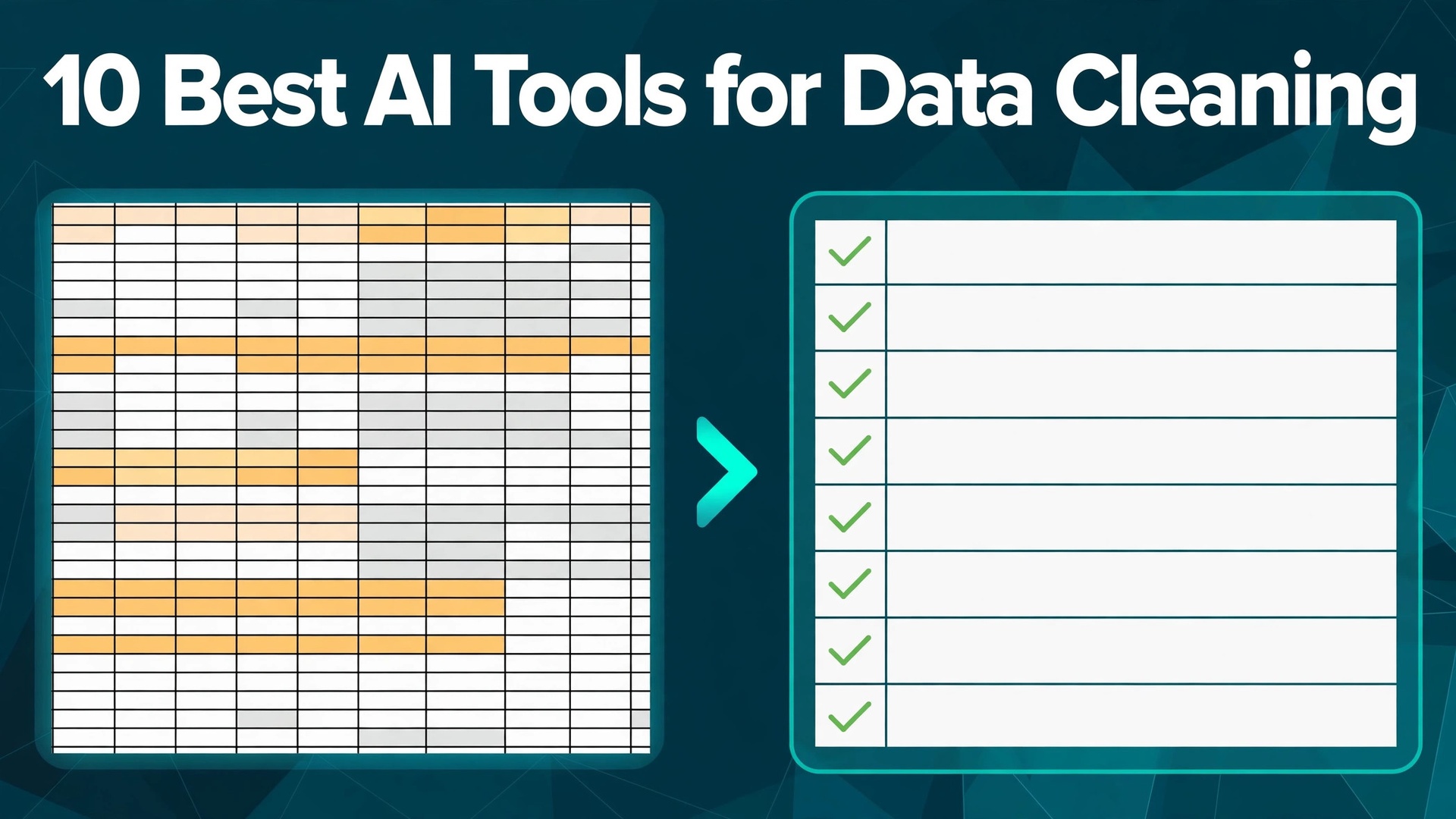
Bad data is expensive in a quiet way. A sales report built on duplicate customer records overstates the pipeline, a marketing list full of dead addresses wastes the budget, and a dashboard fed by mismatched date formats tells a different story every Monday. The top 10 ai tools for data cleaning in this guide exist to stop that drift before it reaches a decision, by finding duplicates, fixing formats and flagging values that do not belong.
This guide compares ten cleaners on published prices, the cleaning job each one does best and the catch that only shows up after the trial ends. Prices below are published starting prices as of late 2026 for data cleaning, and where a vendor hides the data cleaning plan price we say so rather than guessing. Use the shortlist first, then read the reviews that match the data cleaning jobs teams do most.
A team does not need ten cleaners. One free desktop tool plus one cloud platform that repeats the same cleaning on every new file covers most data work, and a third tool only earns its place when it fixes a specific weekly pain, such as matching records across two systems or proving to an auditor that every change is logged. The reviews below say plainly which job each cleaner does, so you can pick two and stop shopping. The top 10 ai tools for data cleaning reward buyers who match the tool to the file, not buyers who buy the biggest platform.
All 10 Tools in One Table
The table below matches each common cleaning job to the single tool that handles it best. Use it to narrow the top 10 ai tools for data cleaning to two or three candidates before you read the full reviews. Prices are monthly list prices unless noted.
| Job | Best tool | Why it wins |
|---|---|---|
| Free one-off cleanup | OpenRefine | Free, open source, unmatched for messy text |
| Repeatable cloud pipelines | Alteryx Designer Cloud | Visual recipes that rerun on every new file |
| No-code business files | Querri | Natural language cleaning for Excel and CRM exports |
| Non-technical teams | Mammoth Analytics | No-code interface from 99 dollars a month |
| Enterprise data quality | Talend | Governed pipelines with broad connectors |
| Data governance plus quality | Ataccama ONE | Quality, lineage and governance in one platform |
| Duplicate matching | Winpure | Fast deduping for contact and customer lists |
| Record matching at scale | Data Ladder DataMatch | Fuzzy matching built for large lists |
| Cloud data quality | Informatica Data Quality | Enterprise grade profiling and rules |
| Full integrity suite | Precisely | Address, identity and data quality together |
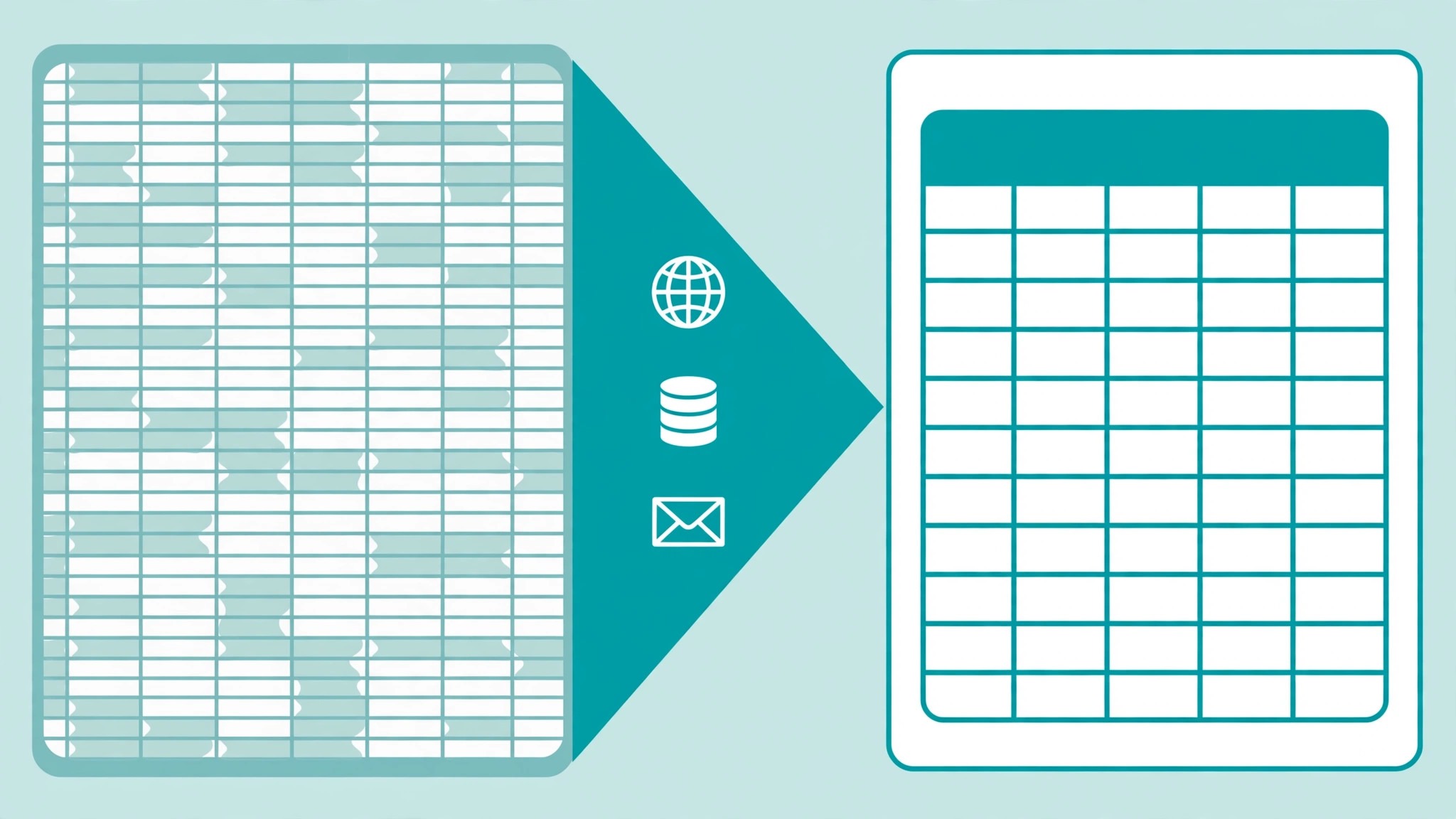
How We Chose the Top 10 AI Tools for Data Cleaning
A cleaner earned a place here only if it does a real cleaning job in 2026, not if it added an AI label to an old import wizard. The tools were judged on five things that decide whether a team keeps paying for data cleaning work after the first year. First, the cleaning job it does, from deduping a contact list to profiling a warehouse table, because a tool that does one job well beats a platform that does five jobs poorly.
Second, whether the price is published and how it scales, including per user charges that change the real bill as a team grows. Third, repeatability, because a cleaning job that has to be redone by hand every month is not a solution. Fourth, auditability, because a cleaned file that cannot show what changed is a liability in regulated work. Fifth, the catch, from desktop tools that cannot schedule jobs to enterprise platforms that need a sales call before they name a price.
The top 10 ai tools for data cleaning were also checked for how they handle the file you actually have. A tool that shines on a 10,000-row spreadsheet can fall over on a 10-million-row warehouse table, and a tool built for customer records may have nothing to say about sensor data. Match the tool to the shape of your mess, and check the free tier on a real file before you commit to an annual contract.
| Check before you buy | What to ask | Why it matters |
|---|---|---|
| Repeatability | Does the cleaning rerun on new data | Manual cleaning repeats the cost every month |
| Duplicate handling | Fuzzy matching or exact only | Fuzzy matching catches the typos exact matching misses |
| Audit trail | Every change logged and reversible | Regulated teams need proof of what changed |
| Scale | Rows it handles without slowing down | A tool that stalls at a million rows wastes the day |
| Connectors | Your sources and destinations covered | Manual exports undo the automation |
| Free plan limits | Rows, users or features capped | A capped free plan may hide the real price |
The Reviews in Full
1. OpenRefine
Starting price Free and open source. Best for Free one-off cleanup. Watch out Desktop only, no scheduling and no cloud pipelines.
OpenRefine is the free power tool for hands-on cleaning, and it remains the first stop for messy text data. Its faceting shows every distinct value in a column at a glance, so a typo that appears forty times is obvious in seconds, and its clustering groups near-duplicate spellings so you can merge them in one move. Reconciliation against reference data turns a list of company names into matched, standardised records without writing code.
The strength is control. Every transformation is recorded as a recipe you can replay on the next file, and nothing leaves your machine, which suits sensitive data. The limit is scale and automation: OpenRefine is a desktop tool, it has no scheduler, and very large files will test its memory. For a researcher or analyst cleaning one file at a time, it is the best free option available, and the price is hard to argue with.
2. Alteryx Designer Cloud
Starting price Starter from 250 dollars a user a month. Best for Repeatable cloud pipelines. Watch out Per user pricing adds up fast, and higher tiers need a quote.
Alteryx Designer Cloud, formerly Trifacta, is the cloud-native wrangling platform that data teams reach for when cleaning has to repeat. Its visual recipes suggest transformations as you work, profile each column as it loads, and rerun unchanged on the next delivery of the same file. For an analyst preparing the same report every week, that repeatability is the whole value, because the second run takes minutes instead of hours.
The strength is the balance of power and usability. Non-technical analysts can build a pipeline with drag and drop, while the profiling catches anomalies a spreadsheet would hide. The catch is the price: the Starter edition runs 250 dollars a user a month, and Professional and Enterprise tiers are custom priced. Solo analysts should look elsewhere, but a team of three or more that cleans the same sources weekly will earn it back.
3. Querri
Starting price Start free, then move to a paid plan from 20 dollars a month. Best for No-code business files. Watch out Young product, and the deepest features sit on higher tiers.
Querri is built for business teams cleaning genuinely messy Excel and CRM exports without code. You describe the fix in plain language, and its agentic cleaner works through the file, fixing duplicates, standardising formats, separating embedded tables and pulling structure out of free text. For a sales operations team handed a spreadsheet nobody wants to touch, that plain-language interface is the difference between a cleaned file and a file that stays dirty.
The strength is the starting price. A free plan covers small jobs, Core runs 20 dollars a month, and Pro runs 50 dollars a month, which undercuts every enterprise rival on this list by an order of magnitude. The limit is maturity: Querri is newer than the enterprise names here, so teams that need governed pipelines and deep audit trails should keep a second tool. For quick, no-code cleaning of business files, it is the closest fit.
4. Mammoth Analytics
Starting price From 99 dollars a month. Best for Non-technical teams. Watch out Priced per month for the platform, so light users pay the same as heavy ones.
Mammoth Analytics is the no-code cleaning platform for teams that want a spreadsheet feel with database muscle. It loads files from spreadsheets, databases and cloud storage, then lets anyone clean, join and transform data through a visual interface, with AI suggestions for the repetitive parts. For a small business where the person cleaning the data is also the person reporting on it, that simplicity is the whole value.
The strength is the learning curve. A new user can clean a real file in the first session, and scheduled refreshes keep the clean version current without manual rework. The catch is the flat 99 dollars a month starting price, which is fair for a team that cleans weekly and steep for a team that cleans quarterly. Try it on your worst file during the trial, and judge it by the hours that file used to take.
5. Talend
Starting price Pricing on request. Best for Enterprise data quality. Watch out Sales-led pricing, and the platform needs real setup time.
Talend, now part of Qlik as Qlik Talend Cloud, is the enterprise option for teams that clean data as part of a larger integration job. Its data quality tools profile, standardise and match records inside pipelines that also move data between systems, so cleaning is not a separate chore bolted on after loading. For a company consolidating customer data from five systems into one warehouse, that integration is the whole value.
The strength is breadth. Four pricing tiers cover starter through enterprise, with connectors for nearly every source a large company runs, and the quality rules travel with the data instead of living in a spreadsheet. The catch is the sales-led pricing and the setup effort: this is a platform, not a quick fix, and a small team will spend more time configuring it than cleaning. Buy it when data quality is a company-wide program, not a one-off job.
6. Ataccama ONE
Starting price Pricing on request. Best for Data governance plus quality. Watch out Enterprise pricing and a platform-sized learning curve.
Ataccama ONE combines data quality, lineage and governance in a single platform, which suits organisations that must prove where every value came from. Its AI-assisted profiling finds anomalies, suggests rules and tracks data lineage from source to report, so a data steward can answer an auditor in minutes instead of days. For a regulated company, that traceability is the whole value.
The strength is the unified approach. Quality rules, catalogues and lineage share one metadata layer, so a fix in one place flows everywhere it should. The catch is that this is an enterprise platform with enterprise pricing and an enterprise onboarding curve. A team that only needs to dedupe a mailing list should not buy it. A team that owns data quality for a whole company should shortlist it first.
7. Winpure
Starting price Pricing on request. Best for Duplicate matching. Watch out Narrow focus, so it pairs with a broader tool rather than replacing one.
Winpure is the specialist for deduping contact and customer lists, and it does that one job with unusual speed. Its matching engine finds duplicates across names, addresses, emails and phone numbers, including the fuzzy matches that exact matching misses, then merges them with rules you control. For a marketing team about to mail the same customer three times, that merge is worth more than any dashboard.
The strength is focus. Winpure loads a list, finds the duplicates, and gives you a clean file in an afternoon, with no platform to learn and no pipeline to build. The limit is scope: it cleans lists, not warehouses, so a team with broader quality needs will pair it with a second tool. For the specific pain of a dirty CRM or mailing list, it is one of the fastest fixes on this list.
8. Data Ladder DataMatch
Starting price Pricing on request. Best for Record matching at scale. Watch out Quote-based pricing, and the interface shows its age.
Data Ladder DataMatch is the matching engine for large lists, built around fuzzy logic that catches the near-duplicates other tools miss. It compares records across multiple fields at once, scores each potential match, and lets you set the threshold for what counts as a duplicate, which matters when a false merge is worse than a missed one. For a team merging two customer databases after an acquisition, that control is the whole value.
The strength is accuracy at volume. DataMatch handles millions of records without choking, and its matching rules are transparent enough to explain to a manager. The catch is the quote-based pricing and an interface that feels older than its rivals. Judge it on a sample of your own data during the trial, and compare its match rate against the tool you use now before you sign.
9. Informatica Data Quality
Starting price Pricing on request. Best for Cloud data quality. Watch out Enterprise sales cycle, and the full value needs the wider Informatica platform.
Informatica Data Quality is the enterprise-grade option for cloud data, with profiling, standardisation, matching and monitoring built for teams that treat data quality as a continuous program. Its AI-assisted rules learn from your data, flag drift as it appears, and feed quality scores into dashboards so a data owner sees problems before a report goes wrong. For a large company running its analytics in the cloud, that monitoring is the whole value.
The strength is depth. Decades of data quality engineering sit behind the product, and it scales from one table to a whole warehouse without a redesign. The catch is the enterprise sales cycle and the fact that the deepest value comes with the wider Informatica platform attached. A small team will find it heavy; a data team that already runs Informatica will find it the natural next step.
10. Precisely
Starting price Pricing on request. Best for Full integrity suite. Watch out Modular pricing means the full suite costs more than any single module.
Precisely, formerly Pitney Bowes Software, covers data integrity end to end, from address verification and identity matching to data quality and enrichment. Its address data is the standout, correcting and standardising postal addresses across countries so a delivery or a mailing actually arrives, and its matching tools tie records to real people and businesses. For a company whose customer file spans countries, that address accuracy is the whole value.
The strength is the breadth of the integrity suite. One vendor covers the address, the identity and the quality rules, which beats stitching three tools together. The catch is modular pricing: each piece is quoted separately, so the full suite costs far more than any single module. Price the modules you actually need, and trial the address verification on your own list first, because that is where the return shows up fastest.
Prices and Fit, Side by Side
The table below puts the top 10 ai tools for data cleaning side by side on price, best job and free plan, so you can compare the published prices against the quote-only enterprise tools at a glance.
| Tool | Starting price | Best for | Free plan |
|---|---|---|---|
| OpenRefine | Free | Free one-off cleanup. | Yes |
| Alteryx Designer Cloud | 250 dollars a user a month | Repeatable cloud pipelines. | Trial only |
| Querri | 20 dollars a month | No-code business files. | Yes |
| Mammoth Analytics | 99 dollars a month | Non-technical teams. | Trial only |
| Talend | Pricing on request | Enterprise data quality. | Trial only |
| Ataccama ONE | Pricing on request | Data governance plus quality. | No |
| Winpure | Pricing on request | Duplicate matching. | Trial only |
| Data Ladder DataMatch | Pricing on request | Record matching at scale. | Trial only |
| Informatica Data Quality | Pricing on request | Cloud data quality. | No |
| Precisely | Pricing on request | Full integrity suite. | No |
The cheapest way to read the table for data cleaning is by job, not by price. A free tool that cannot repeat its cleaning costs more than a 250 dollar platform that reruns itself every week, because the manual redo eats an afternoon on every cycle. A team that cleans the same file weekly saves that afternoon with a repeatable pipeline, which is worth far more than the gap between free and paid. Read the best for column first, then check the price, and the right cleaner is usually obvious in under a minute.
Best Pick by Job
The top 10 ai tools for data cleaning split cleanly by the shape of the mess. Match your file to the row below and the choice makes itself.
| Job | Pick | Why |
|---|---|---|
| One messy spreadsheet | OpenRefine | Free, and the clustering fixes text no other free tool touches |
| Same file every week | Alteryx Designer Cloud | Recipes rerun themselves on each new delivery |
| Business exports, no code | Querri | Plain language cleaning from 20 dollars a month |
| Dirty CRM or mailing list | Winpure | Fast deduping built for contact lists |
| Enterprise warehouse | Talend | Governed pipelines with broad connectors |
| Regulated data quality | Ataccama ONE | Quality plus lineage an auditor can follow |
If you buy one tool this quarter, buy the one that matches the file you clean most often, not the one with the longest feature list. A free desktop tool plus a repeatable cloud pipeline covers nearly every team, and the third tool only earns its place when it fixes a pain the first two cannot touch.
A Weekly Cleaning Routine That Actually Sticks
A cleaning tool only pays for itself when the cleaning repeats, and the routine matters more than the tool. Start Monday with profiling: load the week’s new file, run the profiler, and read the report before you touch anything. The profile tells you what changed since last week, which columns drifted, and where the new errors are hiding. A team that profiles first spends its time on the real problems instead of re-cleaning the same old issues.
Tuesday is the fix day. Run the saved recipe on the new file, review the changes the tool proposes, and approve the merges it flags. The review is the step most teams skip, and it is the step that catches the false merge that would have corrupted a customer record. Keep the review short by sampling: check fifty random rows in full and the ten largest changes, which covers most of the risk in a fraction of the time.
Wednesday is the validation day. Compare the cleaned file against three numbers from the raw file: the duplicate rate, the share of blank or invalid values, and the count of values that fail your format rules. If all three improved and the sample checks passed, the file ships. If one number moved the wrong way, the recipe needs a fix before the next run, and the fix is cheaper now than after the report goes out.
Friday is the maintenance hour. Review the rules the tool suggested during the week, retire the ones that never fire, and document the ones that do. A recipe that grows without pruning becomes a mystery nobody wants to touch, and the team that maintains it monthly keeps it fast. One hour a week on maintenance saves a full day of rework every quarter, which is the return the tool was bought for.
| Routine step | What to do | Time it takes |
|---|---|---|
| Profile the new file | Run the profiler and read the report | 30 minutes |
| Run the saved recipe | Apply the cleaning and review the changes | 1 hour |
| Validate the result | Check duplicates, blanks and format failures | 30 minutes |
| Ship and log | Deliver the clean file with the change log | 15 minutes |
| Maintain the recipe | Retire dead rules and document live ones | 1 hour a week |
Frequently Asked Questions
What is the best free AI data cleaning tool
OpenRefine is the best free option, and it is genuinely free and open source rather than a limited trial. Its faceting and clustering handle messy text, duplicates and inconsistent formats without code, and every transformation is recorded as a replayable recipe. The limit is that it runs on your desktop, so there is no scheduling and no cloud pipeline. For one-off files and research work, start with OpenRefine before you spend anything, and only move to a paid platform when the same cleaning has to repeat on a schedule.
How much does Alteryx Designer Cloud cost
The Starter edition costs 250 dollars a user a month, and Professional and Enterprise tiers are custom priced. The per user model means a solo analyst pays the same per seat as a team of twenty, so the maths only works when three or more people clean the same sources regularly. Ask for the quote in writing before you budget, and compare the annual total against the hours the team currently spends redoing the same cleaning by hand each month.
Can AI clean data automatically without a human checking
Partly. AI is good at suggesting transformations, spotting anomalies and matching near-duplicates, but a human still has to approve merges that change business records, because a wrong merge is worse than a missed duplicate. The top 10 ai tools for data cleaning all keep a human in the loop for exactly this reason. Treat the AI as a fast first pass, review its suggestions on a sample, and only automate the rules that have proved themselves on your own data.
Which tool is best for deduping a customer list
Winpure is the fastest specialist for contact and customer lists, and Data Ladder DataMatch is the stronger pick when the list runs into millions of records. Both use fuzzy matching, which catches the typos and spelling variants that exact matching misses. Run a sample of your own list through the trial first, and check both the matches it finds and the false matches it proposes, because a tool that merges two different customers is worse than one that misses a duplicate.
Do I need an enterprise platform for data cleaning
Only when cleaning is a company-wide program with governance, audit and scale requirements. A small team cleaning spreadsheets and CRM exports gets further with OpenRefine plus Querri than with an enterprise platform it cannot configure. Buy Talend, Ataccama ONE or Informatica when data quality has an owner, a budget and an auditor, and when the same rules must apply across many systems at once.
How do I check whether a cleaning tool actually worked
Keep a copy of the raw file, run the cleaning, then compare three numbers: the duplicate rate, the share of blank or invalid values, and the count of values that fail your format rules. A good tool reports all three before and after. Also spot-check fifty random rows by hand, because a tool can pass every metric while still merging two customers or mangling an address. The audit trail matters here, and it is one of the checks in the table above.
How often should data be cleaned
Clean on the schedule the data arrives, not on a calendar. A file that lands weekly should be cleaned weekly, with the same recipe, so the cost stays flat and the quality stays steady. The top 10 ai tools for data cleaning all support repeatable recipes for exactly this reason, and a team that cleans on arrival never faces the month-end mountain of dirty data that takes a week to fix. Set the routine, keep the change log, and the cleaning becomes a habit instead of a project.
Making the Call
If you buy one tool this quarter, buy OpenRefine if your cleaning is one file at a time, and Alteryx Designer Cloud if the same file arrives every week. OpenRefine costs nothing and handles messy text better than most paid tools, while Alteryx earns its 250 dollars a user a month the first time a recipe reruns itself. The top 10 ai tools for data cleaning earn their keep by giving you back the afternoons that manual cleaning used to eat, and both of these do that from the first week.
Whatever you pick, start with your worst file, trial on real data, and keep a copy of the raw version until you trust the output. The tools on this list all work. The difference is whether the cleaner matches the mess you actually have, and whether you measure the return in hours saved and decisions improved rather than in features used. The cleaners still in your stack a year from now are the ones that passed that test.