
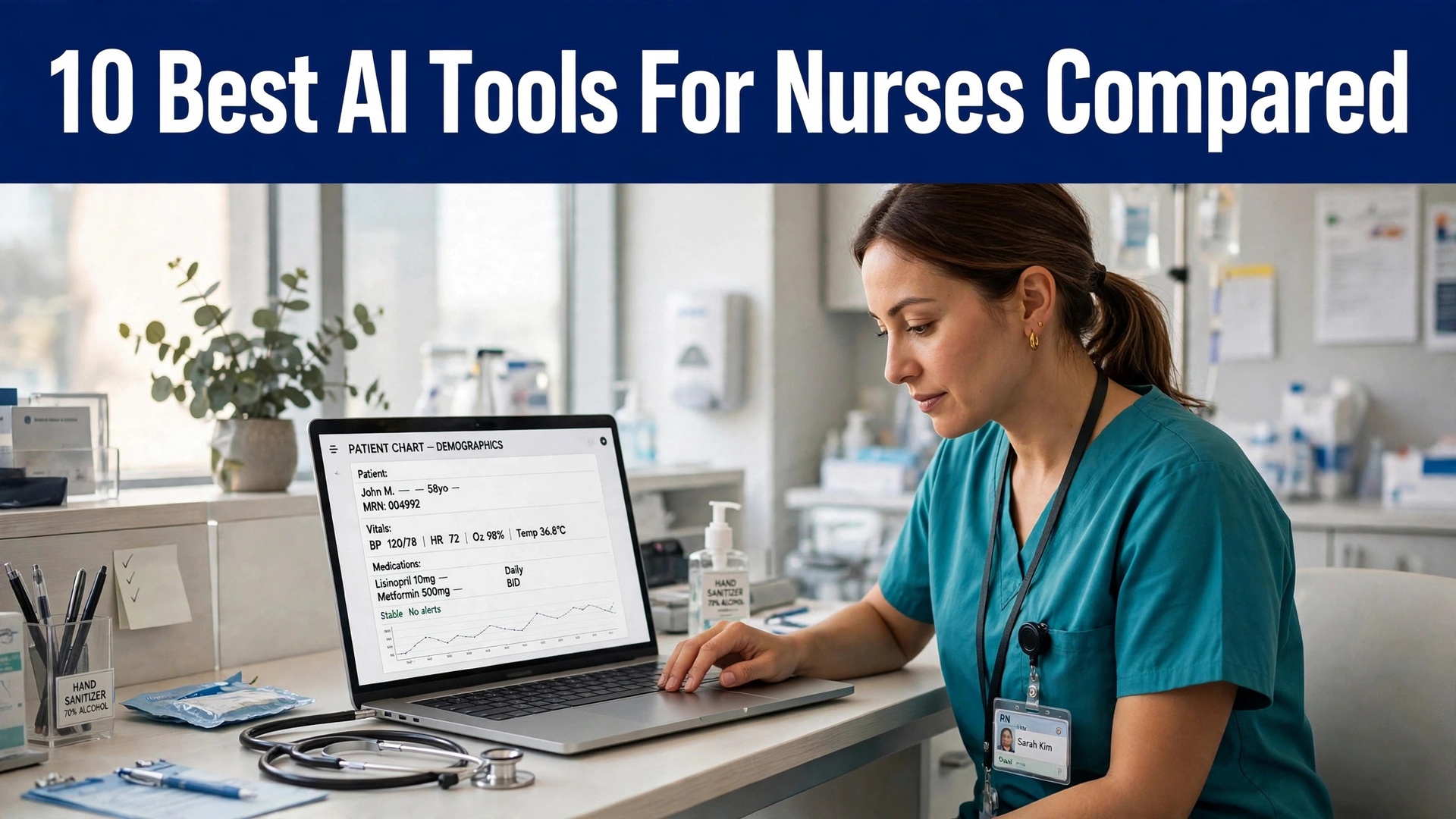
A nurse who finishes a shift with two hours of notes still to write is not slow. The documentation load is the problem, and it has grown faster than the staffing. The best ai tools for nurses cut that load by listening to the visit and drafting the note, so the nurse reviews and signs instead of typing from memory.
Nurses in the US report spending a large share of every shift on documentation, and the share keeps rising as EHR demands grow. That time is the reason so many nurses look for a scribe, and it is the reason this guide exists. The tools below were judged on note quality, EHR fit, price and the time they actually return, not on the size of their marketing claims.
This guide compares ten tools on published prices, the nursing job each one does best and the catch that only shows up after the trial ends. All prices below are published starting prices as of late 2026 for nurses, or marked pricing on request where a vendor publishes no nursing work rate. Use the shortlist first, then read the reviews that match the daily nursing jobs nurses do most.
The Shortlist at a Glance
Use it to narrow the best ai tools for nurses to two or three candidates before you read the full reviews. Prices are monthly list prices unless noted, and annual billing usually beats monthly billing for nursing teams.
| Job | Best tool | Why it wins |
|---|---|---|
| Ambient notes across many EHRs | Nabla | Fast notes in under a minute |
| Simple notes with almost no setup | Freed | Notes that learn your style |
| Free ambient notes plus admin agents | Heidi Health | A free tier that actually works |
| Voice commands plus notes | Suki AI | Voice-first workflow beyond notes |
| Evidence-linked notes for Epic teams | Abridge | Notes linked back to the audio |
| Specialty-aware documentation | Ambience Healthcare | Notes shaped to the specialty |
| Enterprise voice plus AI assistant | Microsoft Dragon Copilot | A familiar voice platform, rebuilt with AI |
| High-accuracy notes for complex cases | DeepScribe | Built for the hardest visits |
| Real-time guidance during the call | Corti | Guidance while the patient is still talking |
| Low-cost notes with coding built in | Commure Scribe | A low price with coding included |
How We Chose the Best AI Tools for Nurses
Only tools doing a real nursing job daily in 2026 made this list for nurses, not products with a fresh AI label on old software. The best ai tools for nurses were judged on five things that decide whether a team keeps paying after the first year.
First, the job itself, since nursing teams get more from a tool that handles one nursing daily task well than from a platform that handles five badly. Second, whether the price is published and how it grows, because per-seat charges change what nurses really pay as the team grows. Third, output quality, since a hidden nursing error costs more in rework than the subscription saves.
Fourth came system fit, since nurses lose the time saved when a tool cannot connect to the records they already keep for nursing work. Fifth came the catch, from free tiers that cap the useful nursing feature set to enterprise pricing that hides behind a sales conversation.
| Check before you buy | What to ask | Why it matters |
|---|---|---|
| Published price | Is the rate on the pricing page | A hidden price is a hidden bill |
| Free plan limits | Usage caps, watermarks or seats | A capped free plan cannot run the real job |
| Integration | Does it connect to your core system | Double entry eats the time it saves |
| Compliance | BAA, retention and consent | A fast output that breaks the rules is a risk |
| Trial access | Can you test it on real work | A demo is not a trial |
| Contract terms | Monthly or annual, and what year two costs | Annual billing locks the price but not the need |
The 10 Tools in Detail
1. Nabla
Starting price Start free, then move to paid plans from 119 dollars a month. Best for Multilingual and telehealth nursing teams. Watch out Enterprise integrations can call for help from IT.
Nabla records the visit and drafts a structured note in seconds, with support for more than 30 languages and direct links into Epic, Oracle Health and athenahealth. A nurse who sees patients in two languages no longer retypes the same history twice, and the note template can be shaped to the unit, so a wound-care visit reads differently from a triage call.
The free tier covers a set number of consultations a month, which is enough to test the note quality on real shifts before paying. Paid plans add team controls and deeper EHR work, and the price rises with seats, so a small clinic should trial the free tier first and count how many notes it actually produces in a week.
That is the test to apply to the best ai tools for nurses as a group: the tool that saves an hour a week on real work pays for itself, and the tool that needs constant correction does not, however cheap the headline looks.
2. Freed
Starting price From 39 dollars a month. Best for Solo nurses and small clinics. Watch out Coding plus the EHR push are locked to the higher tier.
Freed hears the visit and produces a note in the clinician style it has picked up, with the higher tier adding a one-click push into many browser-based EHRs. Setup takes minutes, not weeks, and the interface has almost nothing to learn, which suits a nurse who wants the note done before the next patient walks in.
The Starter plan caps notes at 40 a month, so a busy nurse will need Core or Premier. The higher tier adds coding support and the EHR push, and the per-clinician price is low enough that a two-nurse practice can run it without a procurement meeting. No other scribe on this list is simpler to start with.
3. Heidi Health
Starting price Free tier included, and paid plans begin at 99 dollars a month. Best for Nurses who want a free tier first. Watch out Expect more editing on free-tier notes.
Heidi Health offers a permanent free tier for ambient notes, with paid tiers adding templates, team features and, in the newer release, supervised agents that draft referrals and prep charts. It works in the browser and on mobile, and it covers a wide set of note formats, so a nurse can shape the output to the clinic instead of the other way round.
The paid Clinician tier is the sensible starting point for a working nurse, because the free tier caps usage and the notes need a closer edit. Heidi also handles dictation and document work, which makes it more than a scribe for nurses who spend half the shift on admin. Confirm the current plan limits up front — the agent features are priced on their own.
4. Suki AI
Starting price Pricing on request. Best for Large practices with voice workflows. Watch out Pricing is unpublished and there is no self-serve trial.
Suki AI goes beyond note writing: it takes voice commands for orders, referrals and coding, and it works inside Epic, Oracle Health, athenahealth and MEDITECH. A nurse can dictate a note, ask for a code and pull up a patient summary without touching the keyboard, which is the point for a team that lives inside the EHR all day.
The trade-off is the buying process. There is no list price and no trial to start yourself, so a practice will need a sales conversation and an IT plan before the first note. For a large group that already runs Epic, that effort pays off in a workflow that smaller scribes cannot match. For a solo nurse, it is the wrong starting point.
5. Abridge
Starting price Pricing on request. Best for Health systems on Epic. Watch out Enterprise only, no self-serve trial.
Abridge writes ambient notes with evidence attached, letting any line be traced to the precise point in the recording where those words were spoken. That kind of trace matters for audits and for colleagues double-checking what a patient actually said. Its Epic link is built in, and it has since moved into revenue-cycle review as well.
Abridge is sold to health systems, not to individual nurses, so the price comes from a contract and the rollout takes weeks. A nurse in a large hospital will usually meet it through the employer, not by buying it alone. Where your system already runs it, learn the linked-evidence check, since it verifies a note before signing faster than anything else.
6. Ambience Healthcare
Starting price Pricing on request. Best for Specialty and hospital nursing. Watch out Enterprise sales process only.
Ambience Healthcare builds documentation that understands the specialty, from cardiology to oncology, and it adds coding and CDI support on top of the note. A nurse in a specialty clinic gets a note that uses the right terms and the right structure for that service, instead of a generic summary that needs rewriting.
Like the other enterprise scribes, Ambience is priced by contract and rolled out with IT support. It is a strong fit for a hospital department that documents complex visits all day, and a poor fit for a small clinic that needs a card and a login. Ask for a demo on your own specialty notes before judging it, because the specialty tuning is the whole value.
7. Microsoft Dragon Copilot
Starting price Pricing on request. Best for Hospital teams on Microsoft systems. Watch out Setup cost and enterprise rollout.
Dragon Copilot combines the long-running Dragon dictation engine with an AI assistant that drafts notes and pulls together patient information. It embeds natively in Epic and works across the Microsoft stack, so a hospital already on Microsoft 365 gets a tool its IT team already knows how to support.
The cost is enterprise, with a setup fee reported by third parties, and there is no self-serve trial. A nurse will meet it through the hospital, and the value is the depth of the EHR embed and the dictation accuracy that Dragon built its name on. For an independent nurse, the price and the rollout put it out of reach.
8. DeepScribe
Starting price Pricing on request. Best for Complex specialty visits. Watch out No published price.
DeepScribe focuses on complex specialty visits, where the note has to capture a long history, several problems and a detailed plan. It uses human review alongside the AI, which is why its accuracy holds up on the visits where a plain scribe starts to miss things. Oncology and cardiology teams are its natural home.
The price is quoted per practice, and the rollout is handled with the vendor, so a small clinic should expect a sales conversation. For a nurse in a high-acuity specialty, the extra accuracy is worth the process. For routine primary-care visits, a cheaper self-serve scribe does the same job for less.
9. Corti
Starting price Pricing on request. Best for Triage and real-time guidance. Watch out Enterprise pricing, no public rate.
Corti listens during the call and gives real-time guidance, flagging what to ask next and what to document, instead of only writing the note afterwards. For a triage nurse, that live support is more valuable than a fast note, because the decision happens during the call, not after it.
Corti is sold to health systems and large contact centres on a contract, so there is no published price and no solo plan. A nurse in a triage or advice-line role should ask whether the employer already licenses it, because the tool is bought by the organisation. Used well, it cuts the time between the call and the finished record to almost nothing.
10. Commure Scribe
Starting price 89 dollars a month, or 59 dollars a month billed annually. Best for Family and general practice nursing. Watch out Smaller template library than the big names.
Commure Scribe drafts notes with ICD-10 and CPT coding built in, and it works with more than 60 EHRs through copy and paste or one-click sync. At 59 dollars a month on annual billing, it is one of the cheapest scribes that still codes, which makes it a strong pick for a general practice nurse who bills from the note.
The 7-day trial needs no card, so a nurse can test it on a real week of visits before paying. The template set is smaller than the big enterprise tools, and the setup is self-serve, which is a plus for a small team and a limit for a hospital. For a solo or small-group nurse, the price and the coding make it hard to beat.
The Tools Compared
The table below puts the best ai tools for nurses side by side on price, best job and free plan, so you can compare the published prices against the quote-only tools at a glance.
Read the table by nursing task type, not by price, because a cheap tool that cannot do the job costs nursing teams more than a dearer one that finishes it in one pass. Each rework round costs about an hour per job. Scan the best-for column first, then the price, and the right nursing work pick for nurses is usually clear in under a minute.
| Tool | Starting price | Best for | Free plan |
|---|---|---|---|
| Nabla | Free tier, then from 119 dollars a month | Multilingual and telehealth nursing teams | Yes |
| Freed | From 39 dollars a month | Solo nurses and small clinics | Trial |
| Heidi Health | Free tier, then paid plans from 99 dollars a month | Nurses who want a free tier first | Yes |
| Suki AI | Pricing on request | Large practices with voice workflows | No |
| Abridge | Pricing on request | Health systems on Epic | No |
| Ambience Healthcare | Pricing on request | Specialty and hospital nursing | No |
| Microsoft Dragon Copilot | Pricing on request | Hospital teams on Microsoft systems | No |
| DeepScribe | Pricing on request | Complex specialty visits | No |
| Corti | Pricing on request | Triage and real-time guidance | No |
| Commure Scribe | 89 dollars a month, or 59 dollars a month billed annually | Family and general practice nursing | Trial |
Picking the Right Tool
Buy for the slowest hour of the nursing working week, not for the shiniest homepage. When one nursing main task eats the week, the tool built for that task is the first purchase. When admin eats the week, that is what the automation is for. Fix the slowest nursing task today first and the rest of the list can wait.
Judge the whole bill, not just the headline price. The table below shows what a solo buyer and a small team actually pay in year one for the usual nursing work combinations, using published starting prices. Per-seat charges surprise nursing teams most, so ask for them in writing before signing, and annual billing usually saves about twenty percent against monthly billing.
| Stack | Monthly cost | What it covers |
|---|---|---|
| Nabla plus Freed | Check the pricing page | Core tool plus a second specialist |
| Freed alone | Lowest starting price | One tool for the main job |
| Nabla plus Heidi Health | Mid-range | Core tool plus a workflow specialist |
| Heidi Health plus Freed | Mid-range | Specialist pair for a busy week |
Check the exit before the price. nurses can leave a tool that exports their nursing work cleanly in an afternoon, while a tool that locks it in costs months to quit. Read the export formats, data ownership and contract length on the pricing page first, because those lines decide what happens when nursing teams outgrow the tool.
Best Pick by Job
Pick from the table below by the job nurses do most each week. The best ai tools for nurses are not ranked by features alone; they are ranked by which job each one actually finishes, so the pick that matches your week is the pick that will still be in your stack a year from now.
| Your job | Best pick | Why it wins |
|---|---|---|
| Ambient notes across many EHRs | Nabla | Fast notes in under a minute |
| Simple notes with almost no setup | Freed | Notes that learn your style |
| Free ambient notes plus admin agents | Heidi Health | A free tier that actually works |
| Voice commands plus notes | Suki AI | Voice-first workflow beyond notes |
| Evidence-linked notes for Epic teams | Abridge | Notes linked back to the audio |
| Specialty-aware documentation | Ambience Healthcare | Notes shaped to the specialty |
| Enterprise voice plus AI assistant | Microsoft Dragon Copilot | A familiar voice platform, rebuilt with AI |
| High-accuracy notes for complex cases | DeepScribe | Built for the hardest visits |
| Real-time guidance during the call | Corti | Guidance while the patient is still talking |
| Low-cost notes with coding built in | Commure Scribe | A low price with coding included |
A One-Week Trial That Tells the Truth
A trial tells nursing teams more in five working days than a month of reading reviews, but only when the trial runs on real nursing work. Pick the two tools that look closest after the shortlist, run them side by side on the same core nursing jobs, and score them on time saved, edits needed and how the output reads to a colleague. Never trial on a demo file, because a demo hides the rough edges real nursing work exposes.
| Day | What to test | What good looks like |
|---|---|---|
| Day 1 | Setup and first real job | Working in under an hour, no IT ticket |
| Day 2 | The hardest job you do | Output needs light edits, not a rewrite |
| Day 3 | Integration with your core system | Data flows without double entry |
| Day 4 | A colleague tries it cold | They finish a job without asking for help |
| Day 5 | Count the time and the cost | Hours saved beat the monthly price |
Keep a simple log through the trial week, noting the main nursing task, the minutes it took, the edits made and whether the output could go out unchecked. At the end of the week the log is the decision for nursing teams. The tool with the best log wins, even when it was not the expected favourite, because the log measures the team’s own nursing work, not the vendor demo.
One more check belongs in the trial week for nursing teams. Ask the vendor what happens when something goes wrong with the nursing tool itself. A support reply that arrives in an hour is worth more than a feature list, because the first problem usually arrives in the first week, and a tool with slow support gets abandoned by nursing teams while the subscription keeps billing. Note the answer in the nursing work log beside the time saved, and let both numbers decide.
Buying Mistakes to Skip
The first mistake is buying the cheapest nursing work plan and then finding the needed feature two tiers higher. Read the pricing page tier by tier before nursing teams pay, and price the tier that does the job, not the one that looks cheap. The second mistake is buying for the whole team before one person has used the tool for a week, because a tool one person loves and five ignore is a cost for nursing teams, not a system.
The third mistake is skipping the data and compliance check for nursing teams. Ask for the data agreement, read the retention policy and check the consent wording before the first real nursing work record goes through the tool, because fixing compliance after the fact costs far more than checking it first. The fourth mistake is judging the tool on its best day, so trial it on the hardest nursing pain point and let the hard job decide.
Frequently Asked Questions
What is the cheapest good nursing tool option to start with
The cheapest credible start here is Nabla at free tier, then from 119 dollars a month, and Freed at from 39 dollars a month is close behind. The best ai tools for nurses include free tiers and free plans, so start with the job you do most each week, trial the free tier on real work, and add a specialist only when the general tool cannot do a job you are paid to do. That is the cheapest way to build a nursing work stack without paying for features never opened.
Will AI output for nurses look the same as every other team’s
It will when nursing teams publish the template unchanged. AI tools draft a usable first version, but the facts, the wording and the judgement still come from the professional doing the nursing work. An output that goes out unedited reads generic, and clients notice generic nursing work fast. Use the AI to beat the blank page, then change the details, the wording and the checks, so the result sounds like nursing teams and not the tool.
Which tool suits small nursing teams best
For a small team, Freed leads: it starts at from 39 dollars a month and needs almost no setup, while Nabla at free tier, then from 119 dollars a month is the stronger all-round choice once the team is bigger. The best ai tools for nurses were ranked by the job each one finishes, not by the size of the feature list, so a small team should buy the tool that fixes its slowest weekly job first and add a second tool only when a specific limit starts costing time.
How much should small nursing teams budget in year one
A realistic year-one budget is 20 to 50 dollars a month for one general tool such as Nabla, and 100 to 200 dollars a month once nursing teams add a specialist such as Freed. nursing teams paying per seat should multiply the headline price by the headcount before budgeting, because per-seat charges surprise buyers. Budget for the nursing work stack, not for one tool, and trial each one on real work before committing to annual billing.
Do nurses need a separate tool for this nursing job
Not always. Most nursing teams get by with one general tool for months, and a separate specialist only earns its place when a specific nursing niche task runs every week and the general tool cannot do it well. Time the last week before spending. When the job takes hours and the specialist cuts it to minutes for nursing teams, buy it, and when the job already takes minutes, the specialist is a cost.
Can nursing teams trial these nursing work tools before paying
Most tools on this list offer a free plan or a free trial, and Nabla and Heidi Health both let nursing teams test on real nursing work before paying. Use the trial on the everyday nursing tasks the team does most, not on a demo, and count the time saved and the edits each output needs. A trial that covers a real week tells nurses more than a sales call, and a tool that will not trial is one to be careful about.
Our Recommendation
Buying a single tool this quarter? Take Freed if you work solo or in a small clinic, and Nabla if multilingual notes and deep EHR links matter. Freed gives the simplest start at 39 dollars a month, while Nabla stands out as the strongest all-round scribe at 119 dollars a month. The best ai tools for nurses earn their keep by giving you back the hours that documentation used to eat, and both of these do that from the first week.
Whatever you pick, trial it on a real week of shifts, count the notes it produces and the edits each one needs, and keep a human eye on every AI note before it is signed. The tools on this list all work. The difference is whether the scribe matches the notes you actually write, and whether you measure the return in hours saved and notes signed rather than in features used.