

A recruiter who spends the morning reading CVs that were never a fit loses the afternoon to interviews that should never have been booked. The top 10 ai tools for candidate screening fix that gap by ranking applicants on the skills and experience the role actually needs, before a human ever opens a file.
The difference between a shortlist that hires and one that wastes a week is rarely the volume of applicants. It is whether the screening measures what predicts success in the role, and whether a strong candidate can survive the filter. A good screening tool ranks on evidence, not on keywords alone, and it shows its working.
This guide compares ten tools on published prices, the screening job each one does best and the catch that only shows up after the trial ends. Prices below come from published starting rates as of late 2026; where a vendor keeps its screening work pricing unpublished, it is labelled pricing on request. Start with the shortlist, then read the reviews that match the hiring you do most.
The Full Shortlist in One Place
Use it to narrow the top 10 ai tools for candidate screening to two or three candidates before you read the full reviews. Monthly list prices apply unless noted, and annual billing usually beats monthly billing for hiring teams who screen every month.
| Job | Best tool | Why it wins |
|---|---|---|
| Video screening at scale | HireVue | Video interviews that rank |
| Skills measured by games, not CVs | Pymetrics | Games that measure real skills |
| Sourcing and screening in one login | HireEZ | Sourcing that screens as it finds |
| Chat screening that candidates finish | Paradox | Conversational screening at scale |
| Small teams that hire every month | Workable | Hiring and screening in one place |
| Small teams on a tight budget | Manatal | The cheapest credible start |
| Growing teams that hire in volume | Lever | Hiring with a CRM for talent |
| Outbound sourcing with screening | Fetcher | Sourced shortlists, delivered |
| Chat screening for hourly hiring | XOR | Fast screens for frontline roles |
| Structured hiring with scorecards | Greenhouse | Scorecards that keep hiring fair |
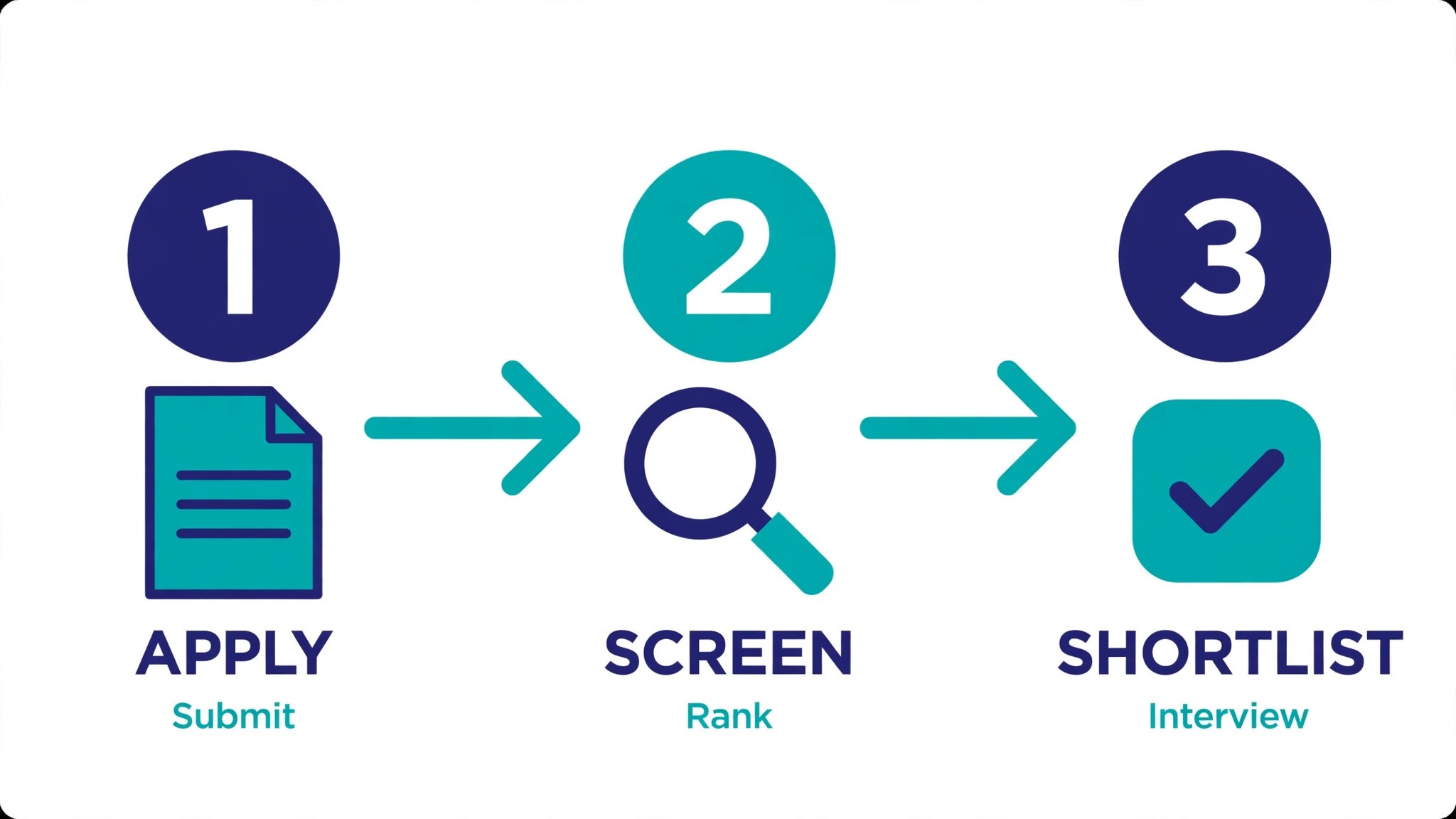
How We Chose the Top 10 Ai Tools For Candidate Screening
A tool earned a place here only when it screens a real applicant pool well in 2026, not when it added an AI label to an old keyword filter. The top 10 ai tools for candidate screening were judged on five things that decide whether a team keeps paying after the first hire.
We ranked the tools first on the screening job each one does, because a single-purpose screening tool usually beats a general hiring platform that treats screening as a side feature. Next came published pricing and how it scales, since per-user charges decide the real bill for a team doing screening work. Output quality came third, because a screen that drops a strong candidate costs more to fix than a month of subscription. Fourth, fit with the applicant tracking system the team already runs, because a tool that cannot reach real applications forces double entry on every hire. Fifth, the catch, from free plans that cap candidates to enterprise tools that need a sales call before the first trial.
| Check before you buy | What to ask | Why it matters |
|---|---|---|
| Published price | Is the rate on the pricing page | A hidden price is a hidden bill |
| Screening accuracy | Does it rank on skills, not keywords | A keyword filter drops good people |
| Bias controls | Can you audit the ranking | An unexplained ranking is a legal risk |
| ATS link | Does it connect to your hiring system | Double entry eats the time it saves |
| Trial access | Can you test it on your real applicants | A demo is not a trial |
| Contract terms | Monthly or annual, and what year two costs | Annual billing locks the price but not the need |
Tool by Tool
1. HireVue
Starting price Pricing on request. Best for Video screening at scale. Watch out No list price is published, and no trial runs without sales.
HireVue runs structured video interviews with AI scoring, so a recruiter can screen hundreds of candidates without a live call each time. The structured format keeps every candidate on the same questions, which makes the ranking fairer than an unstructured chat.
The trade-off is the buying process for a screening round tool, with no published price and no self-serve trial. HireVue suits a team hiring at volume for customer-facing roles. For a small team hiring one person a quarter, it is the wrong scale.
2. Pymetrics
Starting price Pricing on request. Best for Skills measured by games, not CVs. Watch out Enterprise only, no list price.
Pymetrics measures candidates with short neuroscience-based games, then matches the results against the traits of top performers in the role. It finds strong candidates whose CVs would never have passed a keyword filter, which is the point for teams that keep missing good people.
Pymetrics is sold to large employers, so the price comes from a contract and the rollout takes weeks. A team hiring at scale for early-career roles will get the most from it. A small team should look at Manatal or Workable first.
3. HireEZ
Starting price From 169 dollars a month. Best for Sourcing and screening in one login. Watch out Steep price for a small team.
HireEZ, formerly Hiretual, sources candidates across the web and ranks them against the role as it finds them, so the shortlist starts forming before the recruiter opens a CV. It covers the sourcing and the first screen in one workflow.
At 169 dollars a month it is a serious price, and it only makes sense when sourcing is the bottleneck. HireEZ suits a team that struggles to find candidates at all. For a team drowning in applications, a screening-first tool wins instead.
4. Paradox
Starting price Pricing on request. Best for Chat screening that candidates finish. Watch out No list price is published, and setup is heavy.
Paradox screens candidates through a chat assistant, asking the knockout questions, scheduling the interview and answering candidate questions around the clock. Completion rates beat email forms, because candidates can finish the screen on their phone in minutes.
The price is quoted and setup is a project, so a small team doing screening work will find it heavy. Paradox suits high-volume hiring for hourly and frontline roles. For a team hiring a handful of specialists, a simpler tool wins.
5. Workable
Starting price From 149 dollars a month. Best for Small teams that hire every month. Watch out AI screening needs the higher tier.
Workable is an applicant tracking system with AI screening built in, ranking applicants, drafting job posts and scheduling interviews from one login. A small team gets the whole hiring workflow without buying three tools.
The 149 dollar plan covers the core hiring, while the deeper AI screening sits higher up. Workable suits a team that hires steadily and wants one system. Check which tier carries the screening depth you need before you sign.
6. Manatal
Starting price Pricing begins at 15 dollars per user each month. Best for Small teams on a tight budget. Watch out Screening depth is lighter than rivals.
Manatal is a hiring system with AI candidate matching, social enrichment and a clean pipeline view, at a price a small business can actually pay. It covers the full hire from posting to offer, with the screening built into the pipeline.
At 15 dollars a user a month it undercuts every serious rival, and the starter plan still includes the AI matching. The trade-off is depth: the screening is lighter than HireVue or Pymetrics. For a small team, that trade is usually worth it.
7. Lever
Starting price Pricing on request. Best for Growing teams that hire in volume. Watch out No list price is shown, and rollout takes real effort.
Lever combines an applicant tracking system with a candidate relationship tool, so the team nurtures past applicants and screens new ones in the same place. It suits a growing company that hires in waves and wants the pipeline to survive between roles.
The price is quoted and the rollout is a real project, with data import and staff training. A small team should set that effort against the screening work mess it replaces. For a scaling company, the single system pays for itself in fewer lost candidates.
8. Fetcher
Starting price Pricing on request. Best for Outbound sourcing with screening. Watch out No list price is published, and it feels more like a service.
Fetcher combines AI sourcing with human review, delivering a shortlist of candidates who match the role and have shown interest. It suits a team that needs candidates found, not just screened, and wants the first pass done for them.
Fetcher is priced by role and the service element makes it heavier than a pure tool. For a team with no sourcing time at all, that is the value. For a team with plenty of applicants, a screening-first tool wins instead.
9. XOR
Starting price Pricing on request. Best for Chat screening for hourly hiring. Watch out No list price is published, and the screening round focus is narrow.
XOR screens candidates by chat, handling the knockout questions, the scheduling and the reminders, so a frontline hiring team can move from application to interview in a day. It is built for speed, and it shows in the completion rates.
The price is quoted and the focus is narrow: hourly and frontline roles. A team hiring specialists will find it thin. For a retailer or a warehouse hiring in volume, XOR is a strong fit.
10. Greenhouse
Starting price Pricing on request. Best for Structured hiring with scorecards. Watch out No list price is published, and setup is heavy.
Greenhouse runs structured hiring with scorecards, interview kits and reporting, so every candidate is judged on the same criteria. The screening is deliberate rather than automatic, which suits teams that need a defensible, consistent process.
The price is quoted and setup is a project, so a small team doing screening work will find it heavy. Greenhouse suits a company that hires steadily and cares about process. For a team that needs speed first, a lighter tool wins.
The Comparison Table, Explained
The table below puts the top 10 ai tools for candidate screening side by side on price, best job and free plan, so you can compare the published prices against the quote-only tools at a glance.
The fastest way through the table is by volume, since teams pay more for a bargain tool that drops a strong hire than for a pricier one that ranks first time. A screen that misranks the pool eats another week of interviews. Match each tool to its best screening round first, then check the price, and the choice usually settles in under a minute.
| Tool | Starting price | Best for | Free plan |
|---|---|---|---|
| HireVue | Pricing on request | Video screening at scale | No |
| Pymetrics | Pricing on request | Skills measured by games, not CVs | No |
| HireEZ | From 169 dollars a month | Sourcing and screening in one login | Trial |
| Paradox | Pricing on request | Chat screening that candidates finish | No |
| Workable | From 149 dollars a month | Small teams that hire every month | Trial |
| Manatal | From 15 dollars a user a month | Small teams on a tight budget | Trial |
| Lever | Pricing on request | Growing teams that hire in volume | No |
| Fetcher | Pricing on request | Outbound sourcing with screening | No |
| XOR | Pricing on request | Chat screening for hourly hiring | No |
| Greenhouse | Pricing on request | Structured hiring with scorecards | No |
Reading the Price Tags
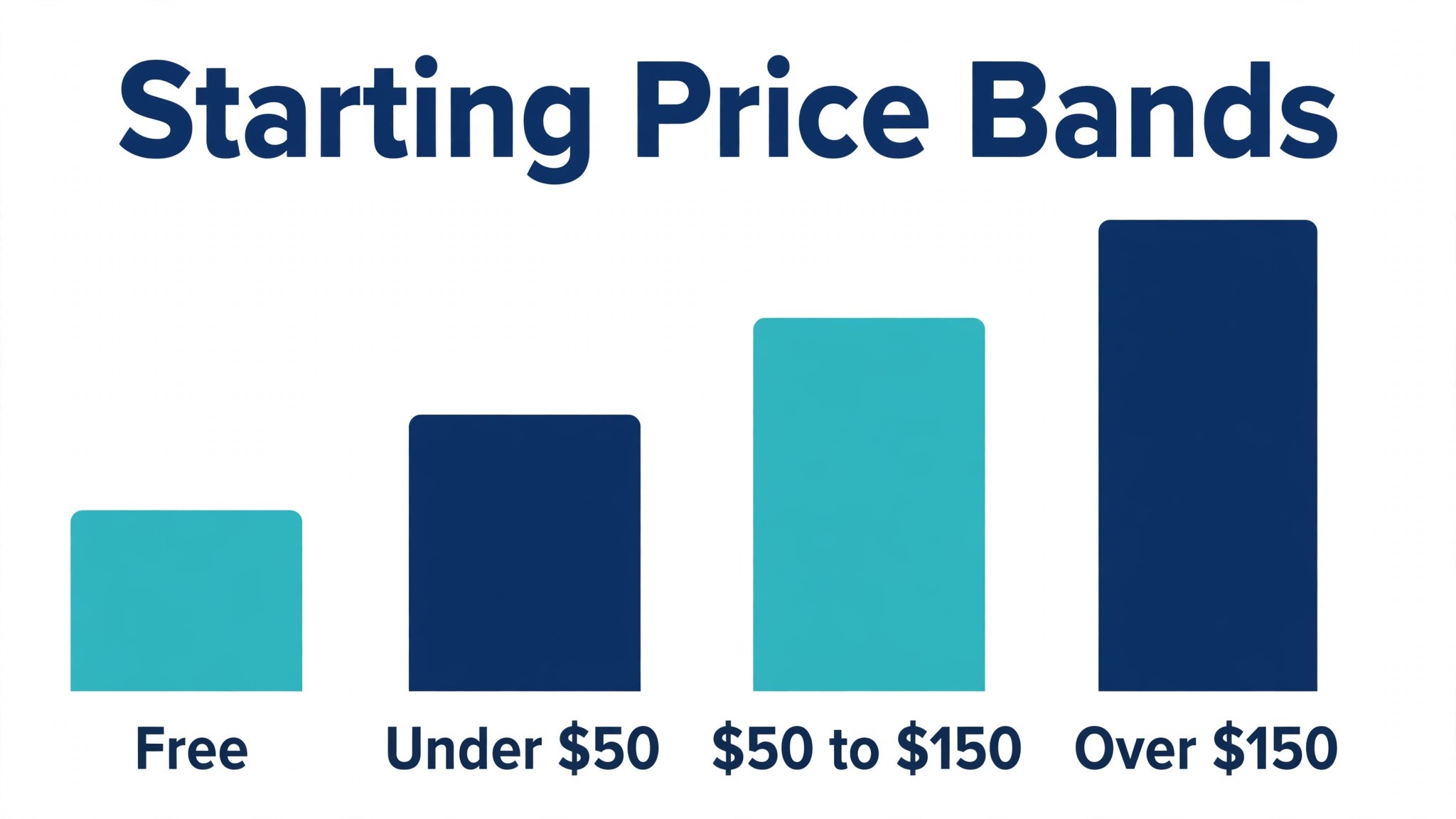
Most teams doing screening work overpay in year one by buying the top tier for a feature they use once. The screening tools on this list charge 15 to 169 dollars a month at the entry tier, and the gap between tiers is usually the candidate volume, the number of users, and the skills tests. Buy the tier that covers your current hiring, and upgrade only when a manager asks for something the tier cannot produce.
Free trials are worth a careful look because most tools on this screening round list let you start without a long contract. A trial that caps candidates to a handful, or blocks the ATS link, is a demo in disguise. Count how many applicants you will actually screen in a quarter, check whether the trial covers them, and treat a trial that fits as a genuine test rather than a sales pitch.
The Numbers Behind the Choice
The average job posting now attracts more than two hundred applications, and a recruiter who reads each one for five minutes would spend two full working days on a single role. Screening tools exist because that maths does not work, and the best of them cut the pile to a shortlist of twenty in an afternoon. The time saved is real, but the quality of the shortlist is what decides whether the hire succeeds.
Skills-based screening is replacing degree and keyword filters, and the shift is backed by hiring data. Employers who screen on demonstrated skills report better retention and a wider pool, because the filter catches people whose CVs would never have passed a keyword search. Tools that test a skill directly, rather than searching for its name on a CV, are the ones driving that change.
Bias in screening is a legal and a business risk. A ranking that cannot be explained will not survive a challenge from a rejected candidate or a hiring manager, and a ranking that systematically drops one group will cost the company talent it cannot afford to lose. The tools on this list that publish their audit methods and let a recruiter see why a candidate ranked where they did are the ones a careful employer should prefer.
Candidate experience has become a hiring metric in its own right. A candidate who waits three weeks for an answer will tell other candidates, and a candidate who receives a fast, clear rejection will apply again. Screening tools that automate the first response, even a simple acknowledgement, protect the employer brand while the human work happens behind the scenes.
Video screening has changed the economics of the first interview. A structured video interview costs a fraction of a live call, because the recruiter watches it at double speed and at a convenient time, and the candidate records it when they are ready. Teams that screen by video first report that they interview fewer people live, and that the live interviews they do run are better, because the weak candidates have already been filtered out.
The cost of a bad hire is usually quoted as a multiple of the salary, and even the conservative estimates run to tens of thousands of dollars once the lost time, the retraining and the repeat hiring are counted. Against that cost, a screening subscription is small. The right way to judge the price is not against other software but against the cost of one hire that should never have been made.
The interview stage is where a good screen proves its worth. A shortlist built on evidence gives the interviewer specific questions to ask, because the ranking shows exactly which skill needs checking and which one is already proven. That focus turns the interview from a general chat into a targeted test, and the hiring manager will notice the difference in the quality of the discussion that follows.
How to Choose Without Overbuying
Start from the hiring that eats the most hours, not from the vendor homepage. A team drowning in applications needs a different tool from one hiring for a single specialist role, and a small business needs something else again. The tool that fixes the slowest part of your screening round week pays for itself first, and the rest can wait.
Price the whole screening round hiring stack, not the headline number. The table below prices year one for a solo recruiter and for a small team on the common screening round combinations, at published starting prices. Ask for per-user charges in writing before signing a screening round tool, since those lines surprise teams, and annual billing usually cuts about twenty percent off the monthly rate.
| Stack | Monthly cost | What it covers |
|---|---|---|
| Manatal alone | Lowest starting price | One tool for the main job |
| Manatal plus HireEZ | Mid-range | Core tool plus a sourcing specialist |
| Workable plus Pymetrics | Higher | Core tool plus a skills specialist |
| HireVue plus Workable | Higher | Core tool plus a video specialist |
Best Pick by Job
Pick from the table below by the screening job you do most. The top 10 ai tools for candidate screening are not ranked by features alone; they are ranked by which job each one actually finishes, so the pick that matches your week is the pick that will still be in your stack a year from now.
| Your job | Best pick | Why it wins |
|---|---|---|
| Video screening at scale | HireVue | Video interviews that rank |
| Skills measured by games, not CVs | Pymetrics | Games that measure real skills |
| Sourcing and screening in one login | HireEZ | Sourcing that screens as it finds |
| Chat screening that candidates finish | Paradox | Conversational screening at scale |
| Small teams that hire every month | Workable | Hiring and screening in one place |
| Small teams on a tight budget | Manatal | The cheapest credible start |
| Growing teams that hire in volume | Lever | Hiring with a CRM for talent |
| Outbound sourcing with screening | Fetcher | Sourced shortlists, delivered |
| Chat screening for hourly hiring | XOR | Fast screens for frontline roles |
| Structured hiring with scorecards | Greenhouse | Scorecards that keep hiring fair |
Testing Before You Pay
A trial tells hiring teams more in five working days than a month of reading reviews, but only when the trial runs on real applicants. Pick the two tools that look closest after the shortlist, run them side by side on the same role, and score them on time saved, ranking quality and how the shortlist reads to a hiring manager. Never trial on a demo file, because a demo hides the rough edges real applications expose.
Keep a simple log through the trial week, noting the daily hiring task, the minutes it took, the edits made and whether the shortlist could go to a manager unchecked. The week’s screening work log makes the call at the end. The tool with the best log wins, even when it was not the expected favourite, because the log measures your own applicants, not the vendor demo.
| Day | What to test | What good looks like |
|---|---|---|
| Day 1 | Setup and first real job | Working in under an hour, no IT ticket |
| Day 2 | The hardest job you do | Output needs light edits, not a rewrite |
| Day 3 | Integration with your core system | Data flows without double entry |
| Day 4 | A colleague tries it cold | They finish a job without asking for help |
| Day 5 | Count the time and the cost | Hours saved beat the monthly price |
Buying Mistakes to Skip
Mistake one is the cheapest plan, when the skills-test feature you need sits two tiers up. Read every tier on the pricing page and pay for the tier that does the daily screening round hiring job, not the tier that looks cheap. The second mistake is a team-wide rollout before one person has tested the tool for a week on screening work, since a favourite of one and a burden to five is a cost, not a system.
The third mistake is skipping the bias check. Ask how the ranking is built, read the audit report and check the shortlist against your own judgement before the first real hire goes through, because fixing a ranking after a candidate has been rejected costs far more than checking it first. The fourth mistake is judging the tool on its best day, so trial it on the hardest screening round role itself and let the hard role decide.
Your Questions, Answered
Which tool gives teams the cheapest good start
Manatal is the cheapest credible start on this list at 15 dollars a user a month, with Workable close behind at 149 dollars a month. The top 10 ai tools for candidate screening include free trials and free plans, so start with the role type you hire most, trial the tool on real applicants, and add a specialist only when the general tool cannot measure a skill you are judged on. That is the cheapest route to a screening round hiring stack, with no payment for features never used.
Can a candidate tell the screen was done by AI
They can when the rejection is instant and unexplained. AI tools draft a usable first ranking, but the facts, the judgement and the final call still come from the recruiter doing the hiring. An output that goes out unedited reads generic, and candidates notice generic screening fast. Use the AI to beat the screening round pile, then change the details, the wording and the checks, so the result sounds like your team and not the tool.
For a small hiring team, which screening tool wins
Manatal is the pick for a small team, starting at 15 dollars a user a month with almost no setup, while Workable at 149 dollars a month is the strongest all-round option as hiring grows. The top 10 ai tools for candidate screening were ranked by the job each one finishes, not by the size of the feature list, so a small team should buy the tool that fixes its slowest weekly job first and add a second tool only when a specific limit starts costing time.
How much will a small team spend on screening tools in year one
Plan on 15 to 50 dollars a user a month in year one for a general hiring tool such as Manatal, rising to 150 to 300 dollars a month with a specialist such as HireVue added. Per-seat pricing means multiplying the headline price by headcount, and those screening work charges surprise buyers. Price the whole stack and trial each tool on real applicants before signing an annual contract.
Do teams need a specialist tool as well as a general one
Not always. Most teams get by with one general tool for months, and a separate specialist only earns its place when a specific hiring task runs every week and the general tool cannot do it well. Log a week of screening hours before you pay anything. If the screening round eats hours and a specialist tool cuts it to minutes, buy it; if it already takes minutes, the specialist is a cost.
Do these screening tools offer a trial before payment
Most tools on this list offer a free plan or a free trial, and Manatal and Workable both let teams test on real applicants before paying. Use the trial on the screening round role you hire most, not on a demo, and count the time saved and the edits each output needs. A trial that covers a real week of screening work tells teams more than a sales call, and a tool that will not trial is one to be careful about.
The Verdict, in Brief
If you buy one tool this quarter, pick Manatal for a small team that needs hiring and screening in one place, and HireVue when video screening is the bottleneck. Manatal is the easiest place to start at 15 dollars a user a month, and HireVue is the strongest video-screening specialist. The top 10 ai tools for candidate screening earn their keep by giving you back the morning between the pile and the shortlist, and both of these do that from the first hire.
Whatever you pick, trial it on a real role with real applicants, count the shortlists it produces and the edits each one needs, and keep a human eye on every ranking before it goes to a manager. Every screening tool here can sort real applicants fairly. The difference is whether the screening tool matches the hiring you actually do, and whether you measure the return in hires made and hours saved rather than in features used.