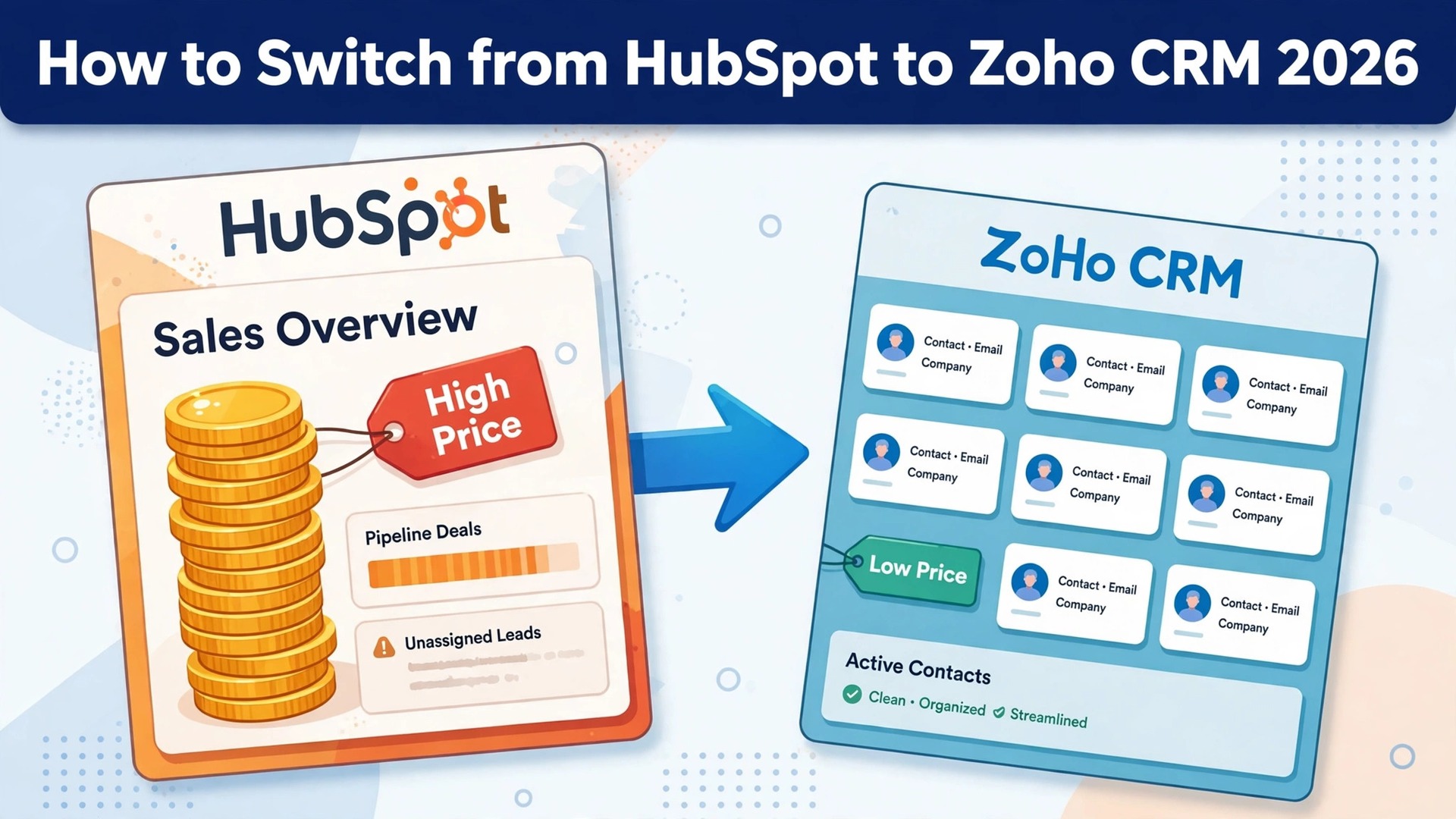
The HubSpot bill arrives, the team has grown from three seats to eight, and the per seat price has turned a simple CRM into one of the largest software lines on the budget. That is the moment most small sales teams start asking how to switch from HubSpot to Zoho CRM, and the answer is kinder than they expect. HubSpot is a polished platform with excellent marketing tools, and its free CRM is genuinely useful for a team of two. Zoho CRM is a quieter, cheaper system that covers the same sales work for a fraction of the price, and it connects to the rest of the Zoho suite without extra licences.
The price gap is the whole story at the entry level. HubSpot Sales Hub Starter lists at 20 dollars per seat per month, with a limited time offer of 7 dollars for new customers, while Professional costs 90 dollars per seat per month on annual billing, or 100 dollars on monthly billing, plus a required one time onboarding fee of 1,500 dollars.
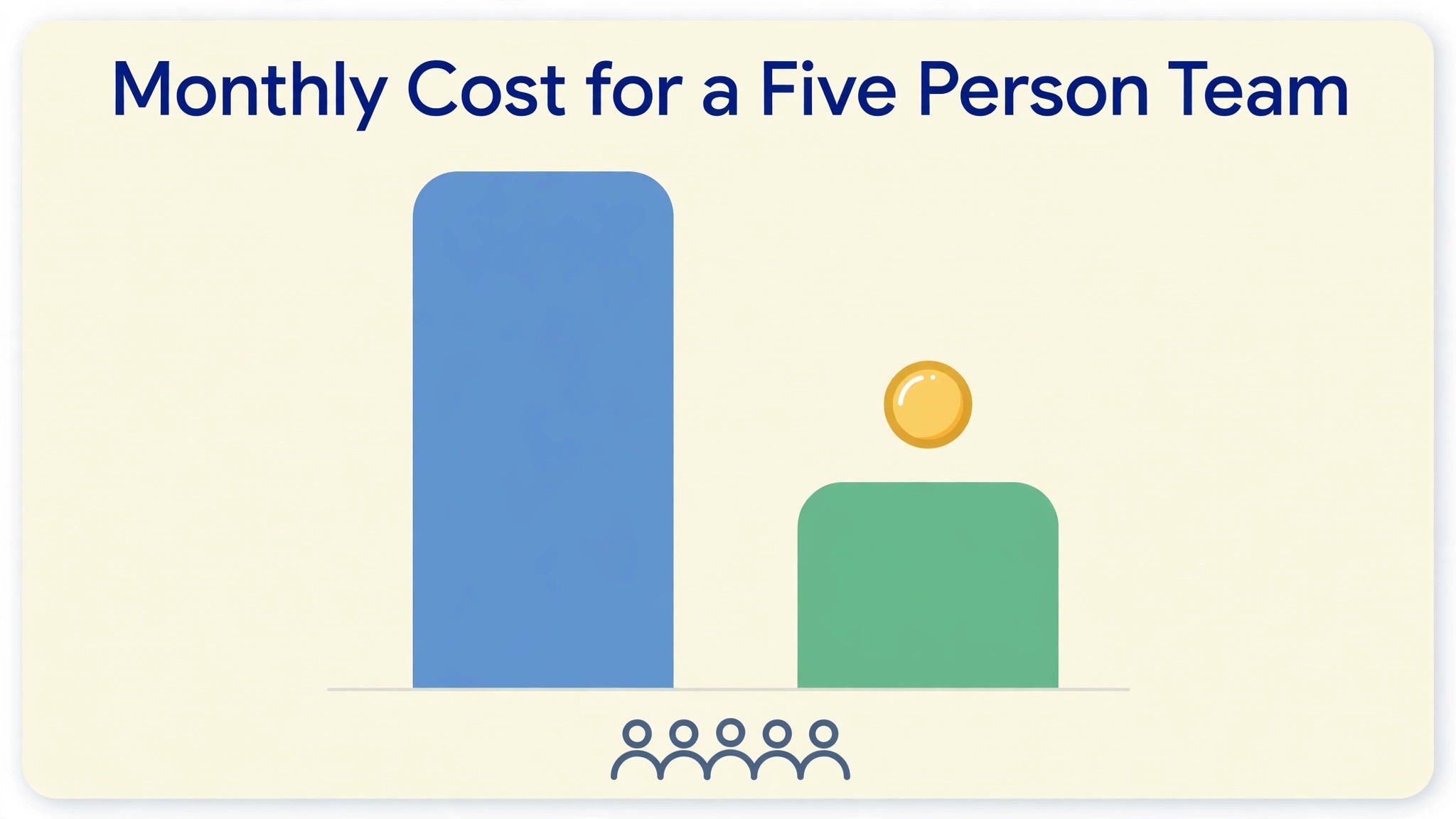
Zoho CRM Standard costs 14 dollars per user per month on annual billing, Professional costs 23 dollars, and Enterprise costs 40 dollars. A five person team on HubSpot Professional pays 450 dollars a month plus onboarding, while the same team on Zoho Professional pays 115 dollars a month, a gap that repeats every month for as long as the team uses the CRM.
This guide explains how to switch from HubSpot to Zoho CRM in seven steps, with the real prices, a mapping of HubSpot objects to Zoho modules, and a plain account of what transfers and what must be rebuilt. The data move is straightforward, because contacts, companies, deals, and notes all export from HubSpot and import into Zoho, as long as the record IDs travel with them.
The work that takes time is the rebuild, which is the workflows, the sequences, the reports, and the integrations, none of which transfer. Follow the steps in order, run both CRMs side by side for a month, and the move stays calm. Rush it, and the team can lose deal associations, consent records, and a quarter of pipeline visibility.
The Price Gap That Drives the Switch
Cost is the reason most teams switch, and the numbers leave little room for argument. HubSpot Sales Hub Professional at 90 dollars per seat per month on annual billing costs a five person team 450 dollars a month, or 5,400 dollars a year, plus the 1,500 dollar onboarding fee in year one, which brings the first year to 6,900 dollars. Zoho CRM Professional at 23 dollars per user per month costs the same team 115 dollars a month, or 1,380 dollars a year, with no onboarding fee.
The saving is 335 dollars a month, or more than 5,000 dollars in year one. That gap is the reason most teams start researching how to switch from HubSpot to Zoho CRM in the first place, and it is worth checking against the team’s own seat count before going further. At ten seats the gap widens further, with HubSpot Professional at 900 dollars a month against Zoho Professional at 230 dollars.
The Starter tier tells a similar story with a smaller gap. HubSpot Starter at the 20 dollar list price costs a five person team 100 dollars a month, while Zoho Standard at 14 dollars costs 70 dollars. The limited time 7 dollar HubSpot offer narrows that gap to almost nothing, but the offer is temporary, and the price rises when it ends. A team that plans on the list price rather than the promotion will not be surprised later. Zoho also offers a free edition for up to three users, while HubSpot free covers up to two users and 1,000 contacts, so both tools let a tiny team start without paying.
Marketing Hub is where the HubSpot bill grows fastest, and it deserves its own line. Marketing Hub Professional starts at 800 dollars a month for three seats and 2,000 marketing contacts, with a 3,000 dollar onboarding fee, and Enterprise starts at 3,600 dollars a month. A team that only needs the CRM should not pay for marketing contacts it does not use, and a team that does need marketing automation should price Zoho Campaigns or Zoho Marketing Automation separately rather than assuming the CRM switch covers it. The CRM saving is real, but the marketing stack is a separate decision, and mixing the two together is how switch budgets go wrong.
HubSpot vs Zoho CRM Side by Side
| Feature | HubSpot Sales Hub | Zoho CRM |
|---|---|---|
| Free plan | 2 users, 1,000 contacts | 3 users |
| Entry paid plan | Starter 20 dollars per seat a month, 7 dollars promo | Standard 14 dollars per user a month annual |
| Mid plan | Professional 90 dollars per seat a month annual | Professional 23 dollars per user a month annual |
| High plan | Enterprise 150 dollars per seat a month | Enterprise 40 dollars per user a month annual |
| Top plan | Marketing Hub Pro from 800 dollars a month | Ultimate 52 dollars per user a month annual |
| Onboarding fee | 1,500 dollars on Professional, 3,500 dollars on Enterprise | None published |
| Pipelines | 2 on Starter, unlimited from Professional | 5 on Standard, 10 on Professional, 20 on Enterprise |
| Automation | Sequences and workflows from Professional | Workflows on Standard, Blueprint from Professional |
| AI assistant | HubSpot Credits, metered | Zia AI from Enterprise |
| Monthly billing | Starter 20 dollars, Professional 100 dollars per seat | Standard 20 dollars, Professional 35 dollars, Enterprise 50 dollars per user |
Zoho CRM charges per user on every edition, and the price includes the CRM itself rather than a bundle of hubs. HubSpot charges per seat on Sales Hub and Service Hub, and by marketing contacts on Marketing Hub, which means a team with a large contact list can pay far more than the seat price suggests. A team with 5,000 marketing contacts and five sales seats pays for both, while Zoho charges only for the five users. Count the contacts as well as the seats before comparing the two bills.
Before You Switch. What Zoho Does Differently
A switch guide that only lists the savings is not honest, so this section states the trade plainly. HubSpot is easier to use on day one, and its interface, reporting, and email tools feel finished in a way Zoho does not always match. A team that lives in HubSpot sequences, playbooks, and forecasting will find Zoho rougher around the edges, and the first month will feel like a step backward in polish. Zoho is deeper and cheaper, with more customization, more modules, and a lower price, but it asks more of the person setting it up. The team should expect a learning curve, not a clone.
The marketing tools are the second trade. HubSpot Marketing Hub is a complete marketing platform, with landing pages, campaigns, and contact based pricing that small teams often outgrow. Zoho CRM does not include those tools, so a team that relies on HubSpot landing pages, email campaigns, and lead scoring must rebuild that work in Zoho Campaigns, Zoho Marketing Automation, or Zoho Forms.
That rebuild is real work, and a team that switches the CRM without planning the marketing move will lose its campaigns on cutover day. Decide the marketing plan before the CRM move, not after. A team that plans the marketing move first will find how to switch from HubSpot to Zoho CRM far less disruptive than a team that discovers the gap on cutover day.
The ecosystem is the third trade, and it favors Zoho more often than teams expect. Zoho CRM connects natively to Zoho Books for invoicing, Zoho Desk for support, Zoho Projects for delivery, and Zoho Sign for contracts, all inside one login and one vendor. A team already using any Zoho app gains more from the switch than a team starting from zero. A team deeply tied to HubSpot integrations, with custom apps and third party tools built on the HubSpot API, should audit each integration before moving, because each one needs rebuilding or replacing. List every integration, and check the Zoho Marketplace for each one before committing to the move.
How to Switch from HubSpot to Zoho CRM in 7 Steps
Step 1. Audit HubSpot and decide what moves
Open HubSpot and list every contact, company, deal, ticket, and engagement, plus every workflow, sequence, report, dashboard, form, and landing page. Decide what moves and what stays behind, because a CRM migration is the best moment to leave stale data behind. Move active contacts and companies, open deals, and the last two or three years of closed deals. Archive older activity as files rather than importing it, and send marketing only contacts to Zoho Campaigns instead of the CRM, so they do not consume CRM licences. Record the HubSpot renewal date and any annual commitment, because cancelling early can forfeit prepaid months.
Step 2. Export from HubSpot with the record IDs
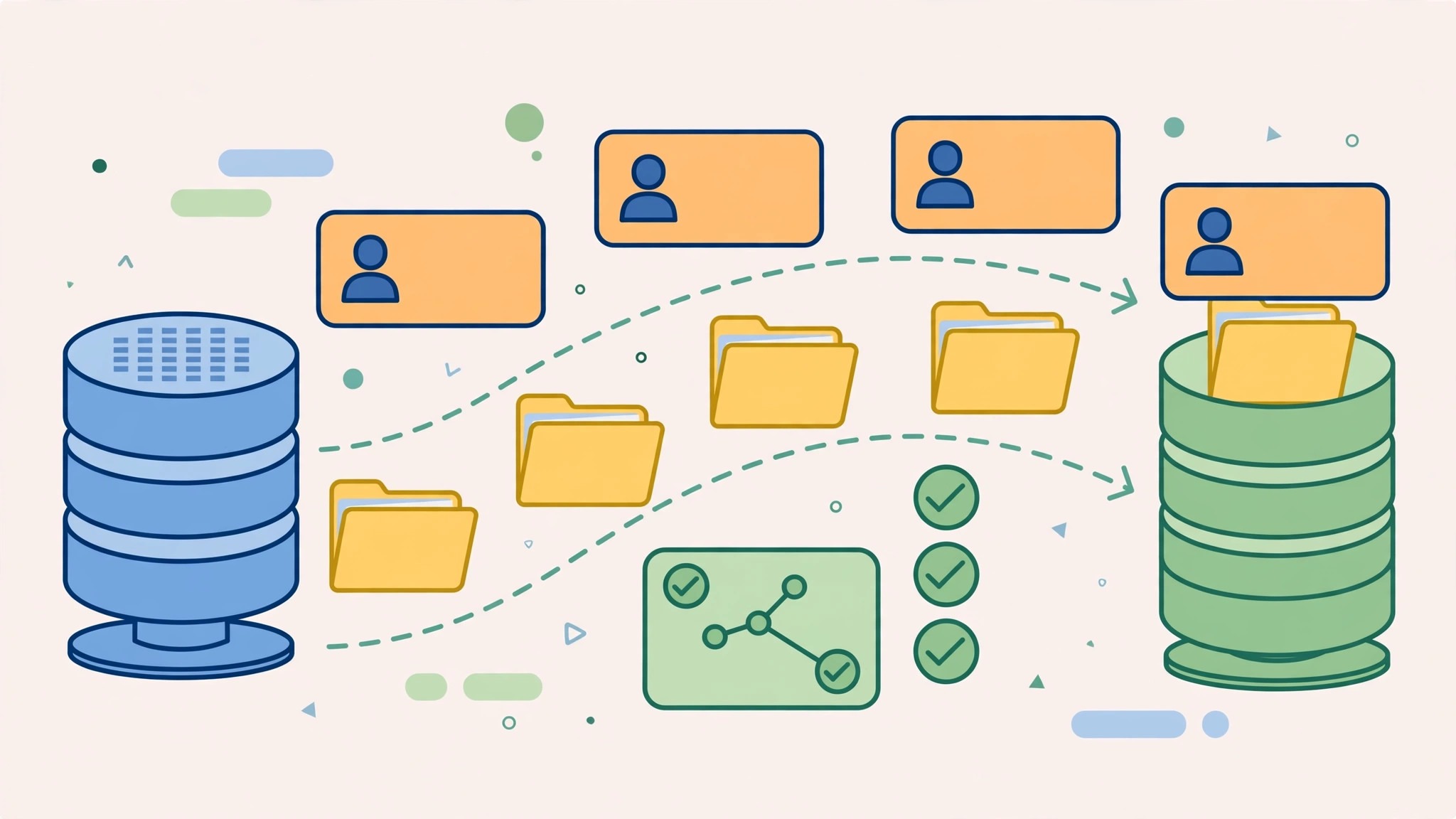
Export each HubSpot object separately, and include the record ID and the association IDs on every export, which is the company ID on a contact and the contact and company IDs on a deal. Without those IDs, the links between records are lost, and deals arrive as orphans with no company attached. Export engagements separately, since notes, calls, emails, meetings, and tasks are not included in a basic contact export. Save the files in a folder the team can find later, and check a sample of each file for missing fields before moving on.
Step 3. Set up Zoho CRM and map the fields
Create the Zoho CRM account and choose the edition from the features the team actually needs. Standard at 14 dollars covers pipelines, workflows, and forecasting. Professional at 23 dollars adds Blueprint process management, CPQ, and inventory. Enterprise at 40 dollars adds Zia AI, territories, and a sandbox. Then build the field mapping sheet, which is the document that decides whether the migration succeeds. Map HubSpot lifecycle stages to Zoho lead status or contact type, map each HubSpot pipeline and stage to a Zoho pipeline and stage, and map every custom property to a Zoho custom field, creating new fields where needed before any import runs.
Step 4. Import in parent to child order
Import in the order that preserves the links, which is users and roles first, then accounts, then contacts, then deals, then engagements. Importing deals before companies breaks the associations, and fixing orphaned deals by hand is slow, miserable work. Use the HubSpot record IDs from step 2 to link each record to its parent, and run a small test import of fifty records first, checking that the companies, contacts, and deals link correctly. When the test looks clean, run the full import, and check the duplicate detection report, because HubSpot exports often contain duplicate contacts that Zoho will flag.
Step 5. Rebuild the automation in Zoho
Rebuild every HubSpot workflow as a Zoho workflow rule, Blueprint, or Cadence, and rebuild every sequence as a Zoho Cadence. Do not copy the automations blindly, because a third of most HubSpot workflows fire on conditions that no longer exist, and the migration is the right moment to delete them. Rebuild the reports and dashboards the team actually reads, and reconnect the integrations, whether that means rebuilding them in Zoho, replacing them with a native Zoho app, or retiring them. Test each automation with a sample record before turning it on for the whole team.
Step 6. Move consent, unsubscribe, and email history
Map the subscription and consent fields from HubSpot to Zoho before the team sends any email from the new system, because losing consent records is a compliance problem, not a cosmetic one. Decide where the email history lives, since engagement history can be migrated and linked to the right records when the IDs were exported, but older email threads are often better archived as files. Confirm the unsubscribe status travels with each contact, and test a marketing send to a small internal list before emailing customers from Zoho. A team that skips this step risks emailing people who unsubscribed months ago.
Step 7. Run both CRMs side by side, then cut over
Run HubSpot and Zoho side by side for two to four weeks, with the team working in Zoho and HubSpot kept as the reference. Ask each user to check their own records, their deals, and their tasks, and fix the gaps while HubSpot is still available. Once the team agrees the Zoho data is right and the automations fire correctly, export a final backup from HubSpot, cancel before the renewal date, and confirm the cancellation email arrives. Keep the HubSpot exports for at least a year, because the old CRM is the only record of past engagement history, form submissions, and campaign performance.
Pre Switch Checklist
Use this checklist before starting step 1, and do not skip a line.
– List every HubSpot contact, company, deal, ticket, workflow, sequence, and report. – Decide which records move and which are archived as files. – Record the HubSpot renewal date and any annual commitment. – Export every object with record IDs and association IDs. – Build the field mapping sheet before any import runs. – Choose the Zoho edition from the features the team needs, not the price alone. – Plan where marketing contacts and campaigns will live after the move. – Confirm consent and unsubscribe fields are mapped. – Set a cutover date in a quiet sales week, not during a campaign. – Tell the team the switch date and the new workflow before step 1.
Data Migration. What Transfers and What Does Not
Contacts, companies, deals, notes, tasks, and selected activity history all transfer, as long as the export includes the record IDs that link them together. Products and price lists move too, and tags usually become pick lists or tags in Zoho. Deal pipelines and stages map to Zoho pipelines and stages, and HubSpot lifecycle stages map to Zoho lead status or contact type, though the lifecycle model does not map one to one and needs a deliberate design decision rather than a blind copy. Custom properties transfer when they are inventoried and mapped to Zoho custom fields first, and new fields are created where Zoho has no match.
Automations, sequences, campaigns, and landing pages do not transfer between platforms, and this is the largest single rebuild in the switch. HubSpot workflows are rebuilt as Zoho workflow rules, Blueprint, Cadences, or Zoho Flow, and HubSpot sequences become Zoho Cadences. Email templates need reformatting for the Zoho template engine, and HubSpot reports and dashboards are rebuilt in Zoho before go live, so the team has no reporting gap on day one. HubSpot forms and landing pages are rebuilt in Zoho Forms or Zoho Landing Pages, and the team should expect that work to take a week on its own for a marketing heavy setup.
What does transfer is the sales data itself, which is the part the team cannot afford to lose. The audience, the pipeline, and the history all survive when the IDs travel with the export. The only things lost are the HubSpot specific assets, which are the workflows, the sequences, the campaigns, and the reports, and each of those is rebuilt rather than recovered. Export them as documentation before cancelling, and the switch loses nothing that matters. That discipline is what makes how to switch from HubSpot to Zoho CRM a safe move rather than a gamble.
Cost Comparison. What the Switch Actually Saves
The saving depends on team size and which HubSpot tier the team sits on, because HubSpot prices per seat and Zoho prices per user at a much lower rate. A three person team on HubSpot Professional pays 270 dollars a month plus the 1,500 dollar onboarding fee in year one, against 69 dollars a month on Zoho Professional, a saving of 201 dollars a month, or more than 3,900 dollars in year one.
A five person team saves 335 dollars a month, and a ten person team saves 670 dollars a month, or 8,040 dollars a year, before the onboarding fee is even counted. Those figures use annual billing on both tools, and monthly billing widens the gap further, since HubSpot Professional costs 100 dollars a seat on monthly billing against 35 dollars for Zoho Professional.
The saving shrinks on Starter, and it can vanish entirely on the promotional price. A five person team on HubSpot Starter at the 7 dollar limited time offer pays 35 dollars a month, which is cheaper than Zoho Standard at 70 dollars. That offer is temporary, and the list price of 20 dollars a seat brings the HubSpot bill to 100 dollars a month, against 70 dollars on Zoho. A team on the promotion should switch when the offer ends, not before, and should set a reminder for the renewal date so the price rise does not arrive as a surprise.
The marketing stack can also change the math, since a team that needs Marketing Hub Professional at 800 dollars a month should price Zoho Campaigns separately before assuming the CRM saving covers everything. The marketing stack can also change the math, since a team that needs Marketing Hub Professional at 800 dollars a month should price Zoho Campaigns separately before assuming the CRM saving covers everything. Run the full comparison before starting how to switch from HubSpot to Zoho CRM, and the saving will be a number the finance team can trust.
What to Test in the First Month on Zoho CRM
The parallel run only helps if the team tests the right things, so set the tests before the first Zoho deal closes. Create a test deal and move it through every pipeline stage, checking that the stage, the value, and the close date all land correctly. Then log a call, send an email, and add a note to the same record, and confirm each one shows in the activity timeline.
That test plan is the part of how to switch from HubSpot to Zoho CRM that most teams skip, and it is the part that catches broken associations while HubSpot is still available as a reference. That test plan is the part of how to switch from HubSpot to Zoho CRM that most teams skip, and it is the part that catches broken associations while HubSpot is still available as a reference. Check the pipeline totals in Zoho against the HubSpot export every Friday during the parallel run, and any gap bigger than a single deal deserves a look before the next week starts.
Test the automations and the reports next, because those are the workflows that break quietly. Trigger a workflow with a test record, confirm the right person gets the notification, and check that the deal moves to the right stage. Run the weekly sales report in Zoho and compare it against the HubSpot report for the same week, checking the deal count, the total value, and the stage distribution. A test that covers deals, activities, automations, and reporting in the first two weeks leaves the rest of the month for fixing what failed, which is exactly how a quiet switch is supposed to work.
Common Switch Mistakes and How to Avoid Them
The first mistake is exporting without the record IDs. A team that exports contacts without company IDs and deals without contact IDs loses every association, and the rebuild takes days instead of hours. Export the IDs, import in parent to child order, and the links survive. The second mistake is importing marketing contacts into the CRM. A team with 5,000 marketing contacts will inflate its licence count and its bill, when those contacts belong in Zoho Campaigns instead. Separate the lists before importing anything.
The third mistake is forgetting consent and unsubscribe status. A team that imports contacts without their subscription fields will email people who opted out, which is a compliance risk and a reputation risk. Map the consent fields first, and test a send to a small list before emailing customers. The fourth mistake is rebuilding every workflow on day one. A team that copies all fifty HubSpot workflows into Zoho will spend a week on automations nobody uses, and the important ones will wait. Rebuild the five workflows the team actually relies on first, and let the rest wait until someone misses them.
The fifth mistake is cancelling HubSpot before the team has checked their own records. A sales rep who discovers a missing deal after cancellation has no reference left to rebuild it from. Ask every user to check their deals, their contacts, and their tasks before cutover, and keep the HubSpot exports for a year. The sixth mistake is treating the CRM switch as a tools only job. The workflows, the reports, and the team habits carry the pipeline, and a team that ignores them will find the new CRM empty of the routines that made the old one work.
Frequently Asked Questions
How long does it take to switch from HubSpot to Zoho CRM?
Most small teams finish the switch in three to five weeks. The export and import take a few days, the automation rebuild takes one to two weeks, and the parallel run catches the problems while HubSpot is still available. A team with many workflows or a large marketing setup should budget six weeks. Do not promise a one week switch, because the mapping sheet and the rebuild are what make the move safe.
Will I lose my contacts when I switch from HubSpot to Zoho CRM?
No, contacts transfer through CSV export and import, as long as the export includes the record IDs and association IDs that link each contact to its company. Import in parent to child order, starting with accounts, then contacts, then deals, then engagements. Check the duplicate detection report after the import, because HubSpot exports often contain duplicate contacts.
Do HubSpot workflows transfer to Zoho CRM?
No, workflows do not transfer. HubSpot workflows are rebuilt as Zoho workflow rules, Blueprint, Cadences, or Zoho Flow, and HubSpot sequences become Zoho Cadences. Treat the rebuild as a chance to remove automations nobody needs, and rebuild the five workflows the team relies on first. Reports and dashboards are rebuilt in Zoho too, before go live.
Is Zoho CRM really cheaper than HubSpot?
For most small teams, yes, by a wide margin. A five person team on HubSpot Professional pays 450 dollars a month plus a 1,500 dollar onboarding fee in year one, against 115 dollars a month on Zoho Professional with no onboarding fee. The only common case where HubSpot is cheaper is the Starter tier on the limited time 7 dollar offer, which is temporary. Count the seats and the marketing contacts before deciding. Count the seats and the marketing contacts before deciding, and the honest answer to how to switch from HubSpot to Zoho CRM on a budget will be clear.
What happens to my marketing contacts when I switch from HubSpot to Zoho CRM?
Marketing only contacts should go to Zoho Campaigns or Zoho Marketing Automation, not to the CRM, so they do not consume CRM licences. Move the active sales contacts to Zoho CRM, and keep the consent and unsubscribe status with each contact. A team that imports every marketing contact into the CRM will inflate its licence count and its bill for no reason.
Verdict. Who Should Switch and Who Should Stay
Switch to Zoho CRM if the team is small, the work is mostly sales pipeline and contact management, the HubSpot bill is the problem, and the team does not rely on Marketing Hub. A team of three to ten people on HubSpot Professional will save hundreds of dollars a month, get a deeper and more customizable CRM, and lose nothing it actually uses, as long as the workflows are rebuilt properly. For those teams, learning how to switch from HubSpot to Zoho CRM is worth a few weeks, and the saving repeats every month.
Stay on HubSpot if the team relies on Marketing Hub campaigns and landing pages, needs HubSpot sequences and playbooks daily, or has custom integrations built on the HubSpot API that would cost more to rebuild than the saving is worth. A marketing heavy team that lives in HubSpot campaigns will miss them daily on Zoho, and the rebuild of the marketing stack can erase the first year of CRM savings. Stay also if the contract renewal is close and the team is mid quarter. A switch during a closing push costs more in chaos than it saves in subscription fees.
The decision rule is simple. Count the seats, count the marketing contacts, list the workflows the team actually uses every week, and run the two totals. If Zoho covers the weekly workflow and costs less, switch in a quiet month and follow the seven steps. If HubSpot covers a weekly workflow that Zoho cannot, stay and renegotiate the HubSpot plan instead. The right CRM is the one that matches the work, not the one with the lower headline price.