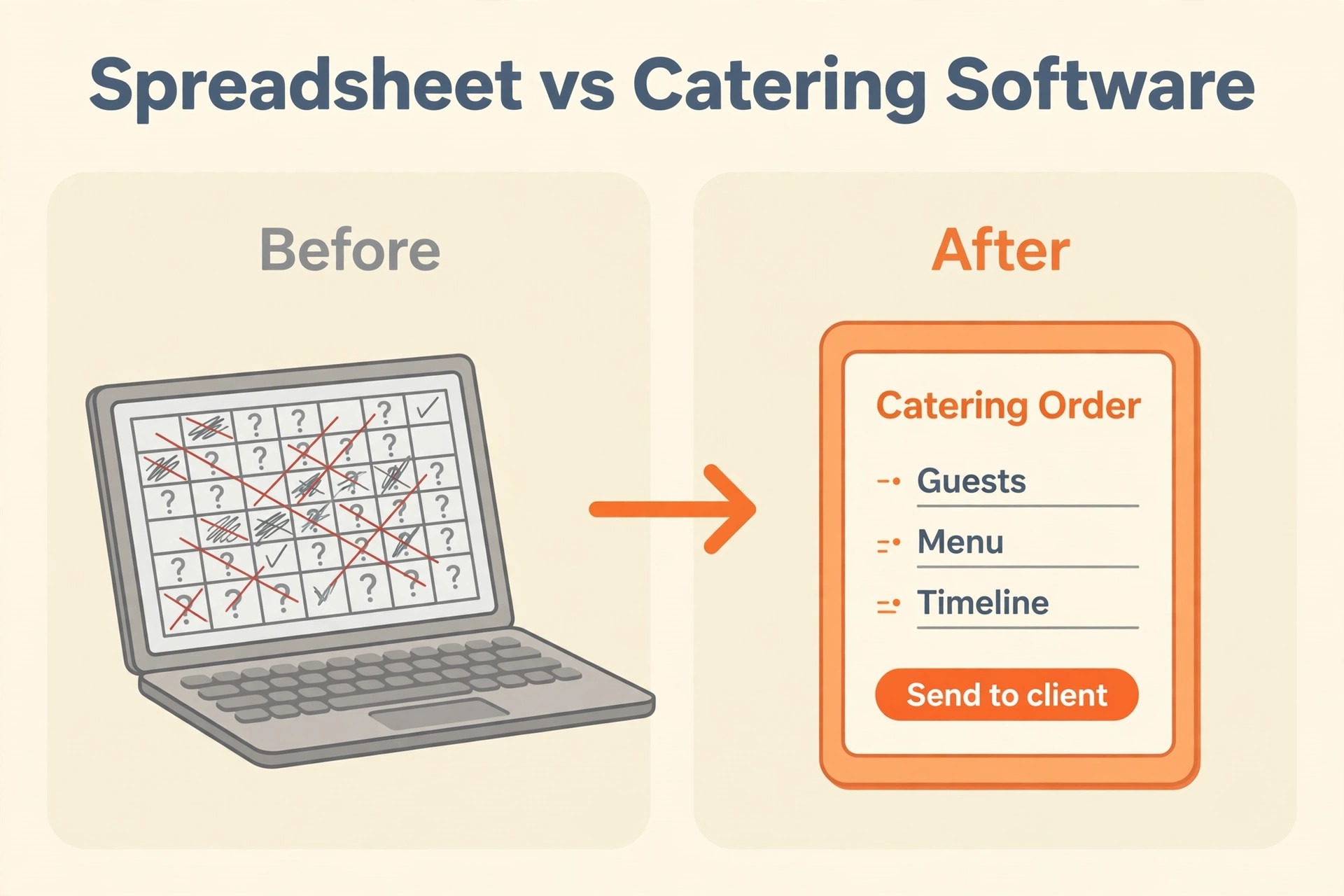
A catering business runs on spreadsheets until the day the spreadsheets break. One sheet holds the menus, another holds the recipes, a third holds the client list, and a fourth holds the event dates, and nobody knows which one is current. A price changes in one sheet and not in the other, a client is booked twice, and the food cost for an event is guessed instead of calculated. The question is how to switch from spreadsheets to catering software without losing the recipes, the clients and the events that keep the business running.
The risk is not the software, it is the data. A recipe that loses its cost, a client whose dietary notes are left behind, and an event whose BEO is rebuilt wrong, each one is a problem that shows up on the day of the event, when there is no time to fix it. The caterers that switch cleanly are the ones that audit the sheets first, map every field before importing, and run the two systems side by side until the numbers agree.
This guide walks through the switch from spreadsheets to catering software, step by step, from the audit of the sheets to the day the software runs the whole event. It covers the tools, the field mapping, the BEO rebuild and the parallel run, with real prices and a migration timeline. A small caterer can finish the move in six weeks, and the same steps scale up for a larger team.
Before You Move, Know What the Sheets Hold
Start with an inventory of every sheet the business uses. Most caterers have a menu sheet, a recipe sheet, a client sheet, an event sheet, a supplier sheet and a pricing sheet, and some have more, such as a staff sheet and a rental sheet. Count them, name the owner of each one, and note how often each one is updated. A sheet that has not been updated in a year is a sheet that can be archived, and a sheet that is updated every day is a sheet that must move cleanly.
Next, find the truth in the sheets, because the sheets usually disagree. The menu sheet says the price of a chicken dish is 25 dollars, the recipe sheet says the food cost is 9 dollars, and the event sheet says the client was charged 22 dollars. One of those numbers is wrong, and the audit has to find which one. The audit is a simple exercise, pick ten events from the last month, and check the price, the cost and the client details in every sheet that holds them.
Then list the fields that matter, because not every column needs to move. The client name, the phone number, the email, the dietary notes and the event history must move. The colour of the cell, the comment in the margin, and the formula that nobody understands can stay behind. The field list is the document that decides what the import must carry, and it is written before any software is chosen, because the software must match the fields, not the other way round.
Finally, decide who owns the migration. One person needs to own the audit, the export, the import and the parallel run, even if the whole team helps. The owner checks the work every week, signs off each batch of imported records, and is the person the team asks when a field does not match. Caterers that spread the job across everyone end up with nobody checking the work, and that is how recipes and clients get lost.
Switch from Spreadsheets to Catering Software, Step by Step
1. Audit the Sheets and Find the Truth
Open every sheet and write down what it holds, who updates it, and how often. The menu sheet holds the dishes and the prices, the recipe sheet holds the ingredients and the costs, the client sheet holds the names and the dietary notes, and the event sheet holds the dates, the guest counts and the venues. A sheet that is updated daily is a sheet that runs the business, and a sheet that is updated yearly is a sheet that can be archived.
Pick ten events from the last month and trace each one through every sheet. Check the guest count, the menu, the price, the food cost and the client details, and write down where the sheets disagree. The disagreements are the errors that the software will inherit if they are not fixed first, and the audit is the only chance to fix them. A caterer that imports messy sheets will get messy software, and the mess will be harder to find once it is inside the tool.
The audit also finds the sheets that nobody owns. Every business has a sheet that one person built years ago and nobody understands now, with formulas that break when a row is added and columns that nobody can explain. That sheet is a risk, because the person who built it is the only person who can fix it, and the day they leave, the sheet stops working. The audit should list every orphan sheet, and the owner should decide whether it is rebuilt, replaced, or archived before the migration.
2. Pick the Software
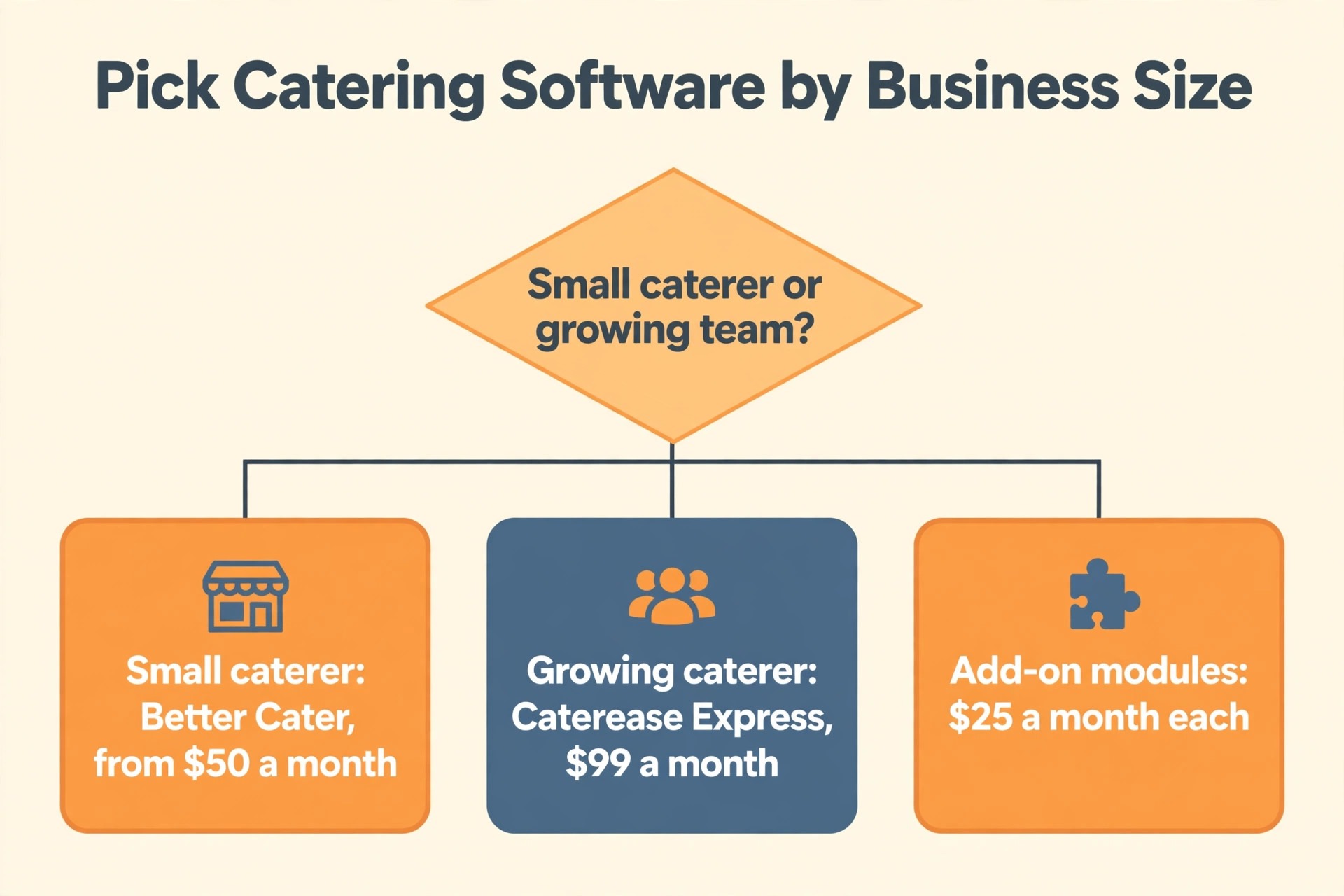
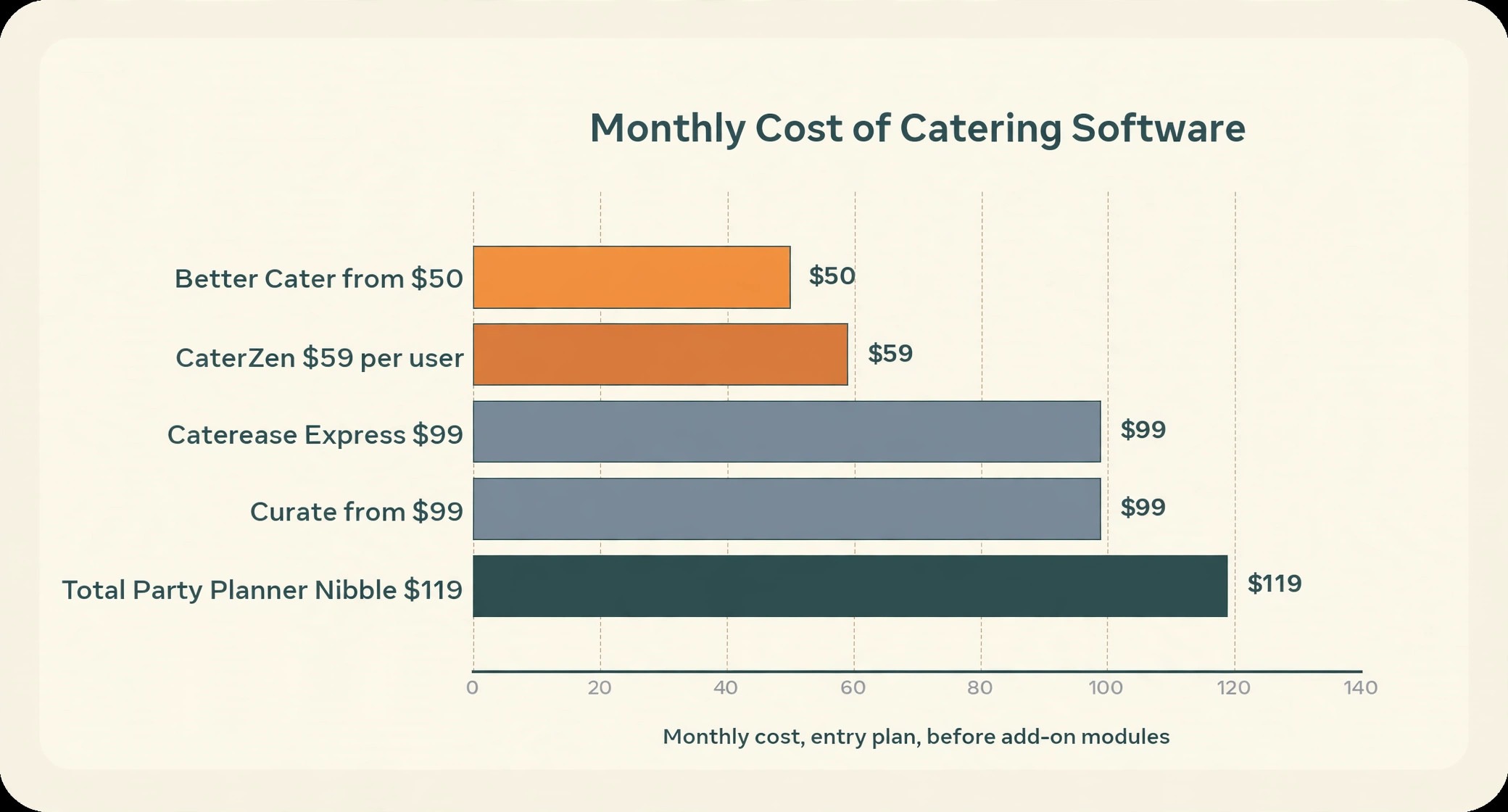
Pick the software by the size of the business and the features it needs. Caterease Express costs 99 dollars a month, Standard costs 199 dollars a month, and Professional costs 349 dollars a month, with add on modules at 25 dollars a month each. Total Party Planner Nibble costs 119 dollars a month, Gourmet costs 149 dollars a month, and Feast costs 199 dollars a month. Better Cater starts at 50 dollars a month, Curate starts at 99 dollars a month, and CaterZen costs 59 dollars per user per month.
Trial the software with a real event, not with the demo data. Take one event from last month, enter the client, the menu, the guest count and the BEO, and see how long it takes and what does not fit. If the recipe costing takes three screens, the team will hate it. If the BEO cannot be printed with the client logo, it will not be used. The trial is the cheapest test in this whole project, and it answers the only question that matters, which is whether the team can run an event in this software.
Price the add ons together, because the headline price rarely includes everything. Caterease charges 25 dollars a month for each add on module, such as web inquiry, document builder and banquet rooms, and 25 dollars a month for each integration, so a caterer that needs three modules pays 75 dollars a month on top of the plan. Better Cater and CaterZen include their features in the plan price, which is why their headlines are more honest, even though the feature list is shorter.
3. Export Menus and Recipes
Export the menus and the recipes first, because they are the hardest part of the move. A menu is a list of dishes with prices, and a recipe is a list of ingredients with quantities and costs, and both must be clean before they are exported. Remove the duplicate dishes, fix the prices that disagree, and delete the recipes that are no longer served. A clean export is a clean import, and a dirty export will take weeks to fix inside the software.
Check the recipe costs after the export, because the food cost is the number that decides the profit. A recipe that costs 9 dollars in the sheet must cost 9 dollars in the software, and a recipe that costs 9 dollars in the sheet and 12 dollars in the software has an ingredient that was entered twice, or a quantity that was read wrong. Check ten recipes by hand after the import, and fix the ones that are wrong before the team starts using them.
4. Map the Fields
Field mapping is the step that decides whether the data survives. For every column in the sheets, write down where it goes in the software. The client name, the phone, the email and the dietary notes go into the client record. The dish name, the price and the category go into the menu. The ingredient, the quantity and the cost go into the recipe. The event date, the guest count, the venue and the BEO go into the event. A field without a destination is a field that will be lost.
Some fields do not have a home, and that is normal. A note in the margin about a client who hates cilantro goes into the client notes field. A formula that calculates the staff needed goes into the event notes, or is rebuilt as a template in the software. The rule is that nothing is typed into a field that does not exist, and nothing is left out because it was hard to place. The mapping document lists every column, its destination, and the person who checked it.
Watch for duplicates, because sheets breed them. The same client appears twice, once under the company name and once under the contact name, or the same dish appears with two different spellings. The mapping step must include a duplicate check, where the owner merges the two records into one and keeps the newer details. A caterer that skips this step imports 500 clients and finds 100 of them twice, which confuses the reminders and doubles the mailing list.
5. Import Clients and Events
Import the clients first, then the events, because an event without a client is an orphan. Import in batches of fifty, and check each batch before importing the next one. A batch that imports cleanly is a batch that can be trusted, and a batch with errors is a batch that must be fixed before the next one is imported. The batch check takes ten minutes, and it stops a small error from becoming a thousand record error.
Check the dietary notes after the import, because they are the field that matters most on the day of the event. A client with a nut allergy whose note did not import is a safety problem, not an admin problem. Open twenty client records at random, and check the name, the phone, the email and the dietary notes against the sheet. If all twenty match, the import worked. If three are wrong, stop and fix the mapping, because the same error is hiding in the other records.
Check the event history after the import, because the history is what the team uses to quote the next event. A client who booked three events last year should show three events in the software, with the guest counts, the menus and the prices. If the history is missing, the team will quote from memory, and the quote will be wrong. Open ten clients with a long history, and check that every event is there, with the right date and the right price.
6. Rebuild the BEO Templates
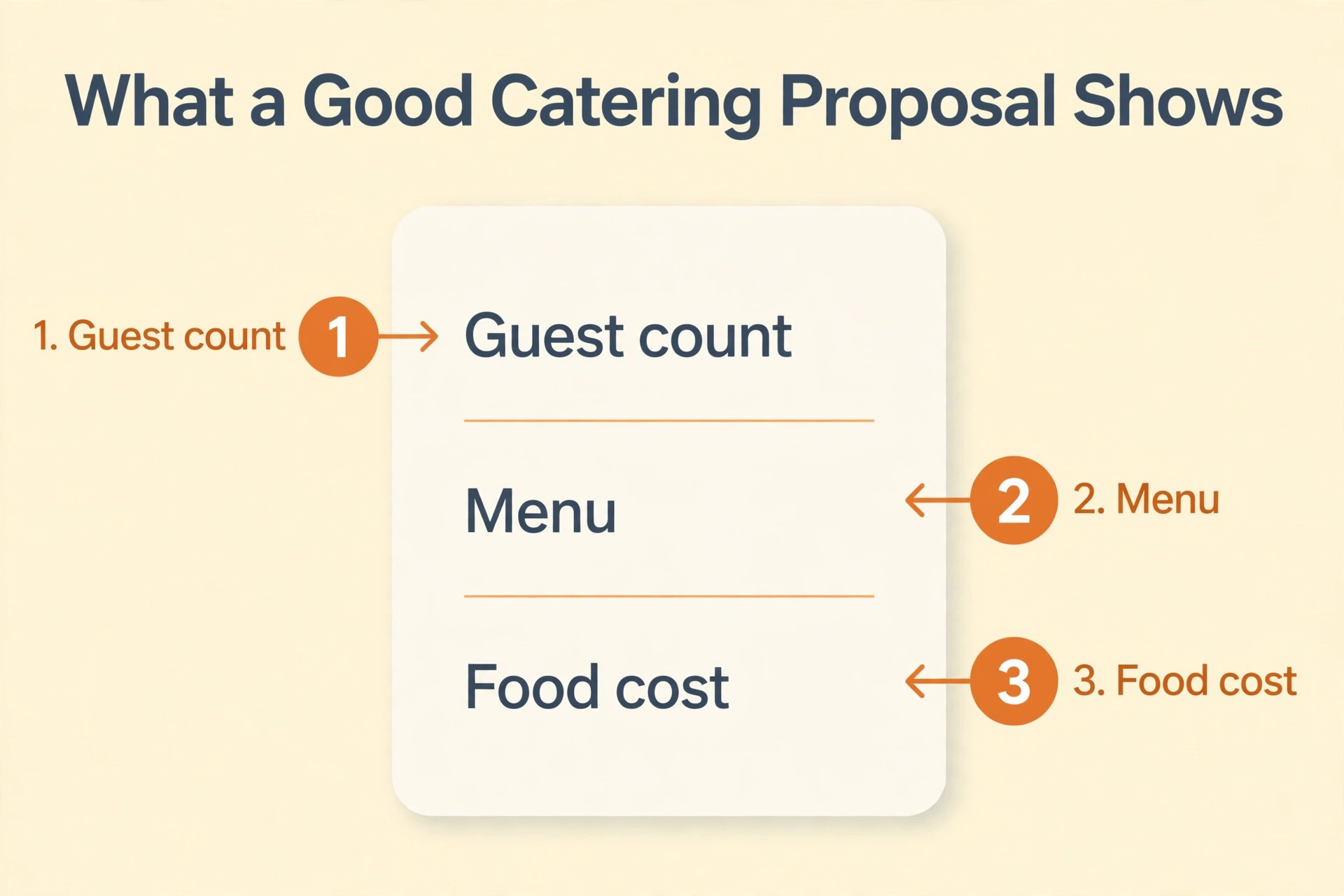
Rebuild the BEO templates in the software, because the sheet BEO does not transfer. The BEO is the document the kitchen, the servers and the venue all read, and it must show the guest count, the menu, the timing, the layout and the dietary notes. Build one template for a wedding, one for a corporate event, and one for a private party, and test each one with a real event from last month. A template that is rebuilt wrong will confuse the kitchen on the day of the event.
Check the BEO against the sheet version for the same event, line by line. The guest count, the menu, the price and the timing must match, and the dietary notes must be on the page where the kitchen will see them. A BEO that hides the dietary notes on the last page is a BEO that will cause a problem. The template is the most important document in the software, and it deserves a full day of testing.
7. Train the Team
Train on the real workflow, not on the feature list. The person who takes the booking needs to create the client, the event and the BEO. The person who runs the kitchen needs to read the BEO and update the recipe costs. The person who sends the invoice needs to find the event and bill it. Each person gets a one page guide for their own job, with the five tasks they do every week, and nothing else. A two hour session per role is enough when the guide is that focused.
Train in the week before go live, not a month before. Skills fade, and a team trained in March will have forgotten the workflow by April. The person who ran the pilot trains the rest of the team, because a colleague who has done the work is more convincing than a vendor trainer. Run a practice event where every step is entered in the software alongside the sheets, so the team builds confidence before the sheets disappear.
Expect resistance, and plan for it. One person on every team will say the sheets were faster, and on day one they are right, because the new workflow is unfamiliar. Give that person a quick win, such as the BEO that used to take an hour and now takes ten minutes, or the recipe cost that is calculated instead of guessed. A team that sees one clear win in the first week stops resisting, and a team that sees none goes back to the sheets.
8. Run in Parallel, Then Go Live
Run the software and the sheets side by side for two weeks, and enter every event in both. The parallel run is the test that proves the software works with real events, and it is the safety net that catches the errors before they matter. If the software and the sheets disagree on a price, a guest count or a dietary note, stop and find out why, because the disagreement is the error, and the error must be fixed before go live.
Go live on a Monday, and stop entering events in the sheets on that day. The first event run entirely in the software is the proof the switch worked, and the sheets stay as the backup for a month, not as the source. After a month of clean events, archive the sheets, and keep them for a year. The switch is done when the team reaches for the software first, not the sheets.
What Moves and What Gets Rebuilt
Not every column needs to move in full. The table below shows how each part of the sheets travels, and the rule is simple. Anything that changes a decision on the day of the event moves in full, and anything that is background moves as a summary. A dietary note changes a decision, so it moves in full. A five year old event that will never be repeated does not, so it becomes one line in the history.
| Sheet part | How it moves | Where it lands |
|---|---|---|
| Client names and contacts | In full | Client record |
| Dietary notes | In full | Client notes field |
| Menus and prices | In full | Menu |
| Recipes and food costs | In full | Recipe costing |
| Event dates and guest counts | In full | Event record |
| BEOs | Rebuilt as templates | BEO templates |
| Supplier lists | In full | Supplier record |
| Old events | Summary only | Event history |
Migration Timeline for a Small Caterer
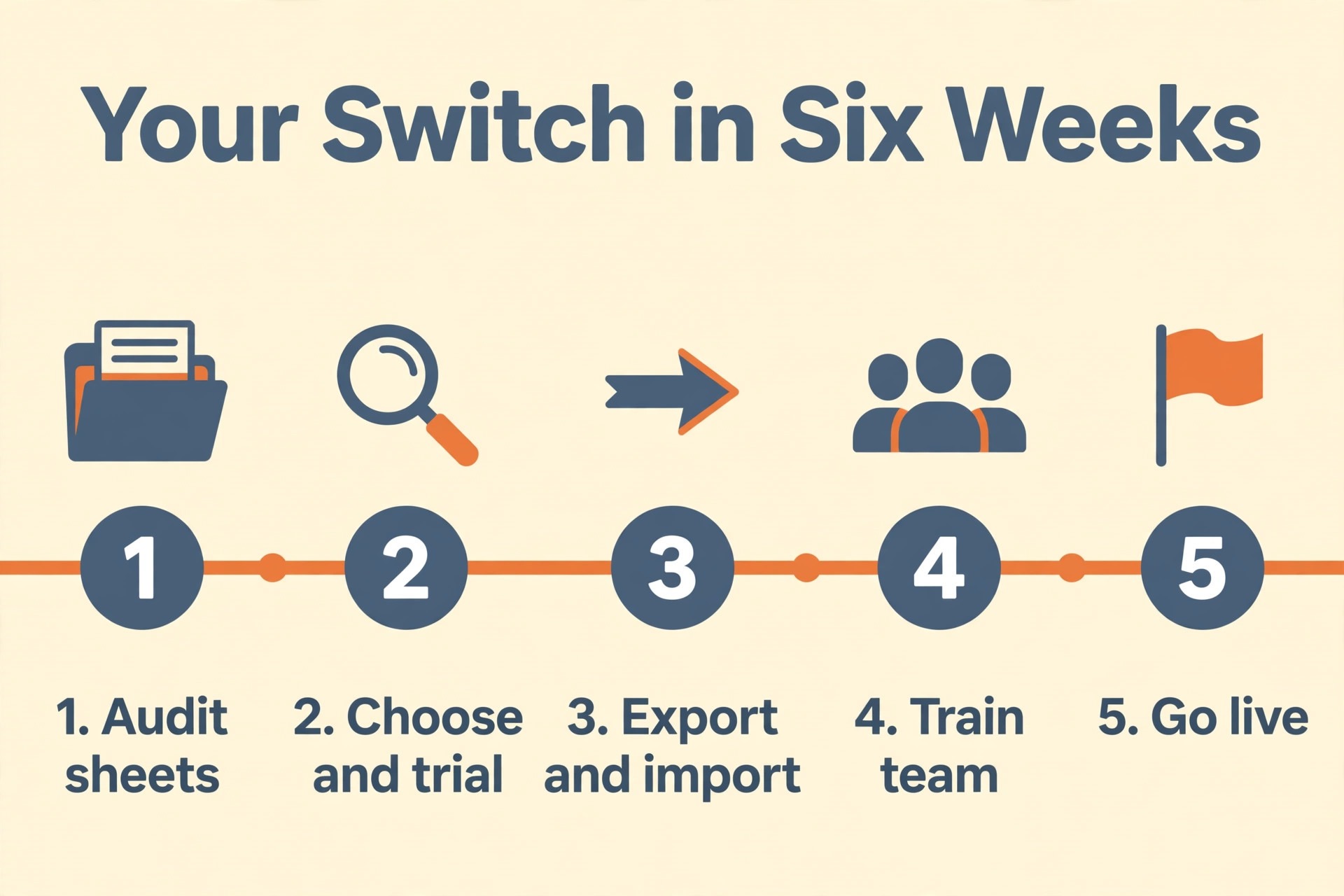
A small caterer with one or two people in the office and about 500 clients can finish the move in six weeks, working around the normal events. The timeline below assumes one person owns the migration and the team gives it a few hours a week. A larger caterer adds a week per extra person in the office, and a caterer with more than 2,000 clients should hire help for the audit and the import.
| Week | Work | Owner |
|---|---|---|
| 1 | Audit the sheets and find the truth | Migration owner |
| 2 | Pick the software and run the trial | Migration owner |
| 3 | Export menus and recipes | Migration owner |
| 4 | Map the fields and import clients | Migration owner |
| 5 | Rebuild BEO templates and train the team | Migration owner |
| 6 | Parallel run and go live | Whole team |
The Parallel Run Checklist
Print this checklist and work through it during the two week parallel run. Every item has a finish line, and the owner ticks it off when the finish line is met. The checklist is the whole parallel run on one page, and a caterer that works through it in order will not go live with a broken event.
| Item | Done when |
|---|---|
| Clients imported | Every client has a name and a phone |
| Dietary notes checked | Twenty records match the sheets |
| Menus imported | Every dish has a price |
| Recipe costs checked | Ten recipes match the sheets |
| BEO templates built | Wedding, corporate and private tested |
| Team trained | Every role has a one page guide |
| Parallel run started | Every event is in both systems |
| Prices agree | Software and sheets match for a week |
| First event run in software | Event runs without the sheets |
| Sheets archived | Sheets labelled and stored |
What the Switch Costs
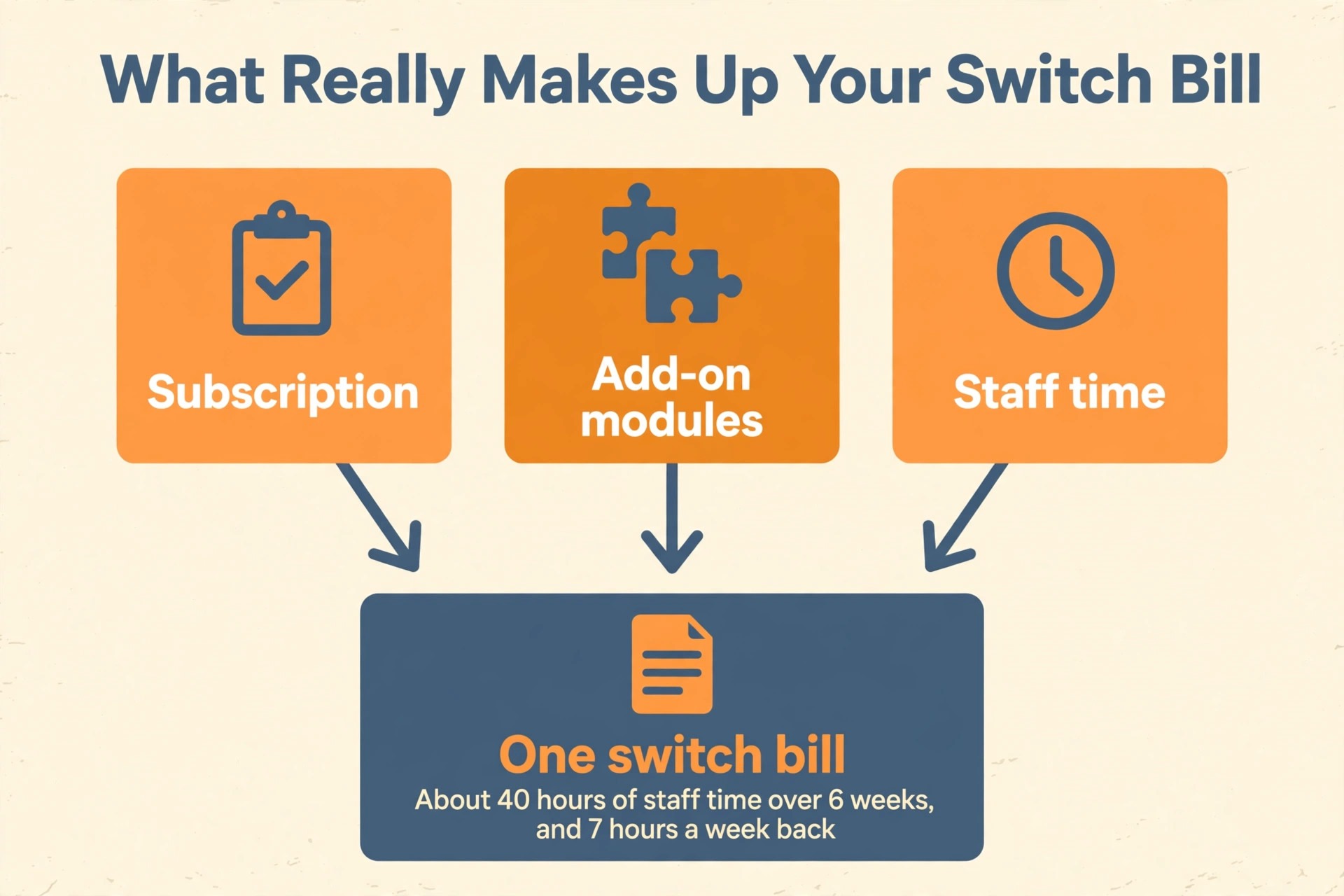
The switch from spreadsheets to catering software costs more than the subscription, because the migration itself has a cost. Caterease Express costs 99 dollars a month, and with three add on modules at 25 dollars each the real price is 174 dollars a month. Total Party Planner Nibble costs 119 dollars a month, Better Cater starts at 50 dollars a month, Curate starts at 99 dollars a month, and CaterZen costs 59 dollars per user per month.
The biggest cost is staff time, about a few hours a week for six weeks, which is roughly forty hours. Price the time honestly, because a migration that is budgeted only for the subscription will run out of patience in week three. The total for a small caterer is usually a few thousand dollars all in, and the return is the time the team stops spending on sheets that disagree, prices that are guessed, and events that are booked twice.
The return is measured in hours, and it is easy to count. A caterer that spends five hours a week on sheets that disagree, and two hours a week fixing prices that were guessed, spends seven hours a week on work the software does in minutes. At the price of the software, those seven hours pay for the subscription many times over, and the team gets the hours back for the work that actually earns money, which is the food and the service.
Mistakes That Lose Clients and Recipes
The first mistake in the switch from spreadsheets to catering software is importing without an audit. A caterer that imports messy sheets will get messy software, and the mess will be harder to find once it is inside the tool. The audit takes a week, and it finds the prices that disagree, the clients that appear twice, and the recipes that are no longer served. A caterer that skips the audit will spend a month fixing the import instead.
The second mistake is importing without a pilot. A caterer that imports 500 clients in one go discovers the mapping error on client 450, when the dietary notes are in the wrong field and the phone numbers are missing. The pilot of fifty clients finds the same error on day one, when it takes an hour to fix. The pilot is the cheapest insurance in this project, and skipping it is the most expensive decision a caterer can make.
The third mistake is going live without a parallel run. A caterer that stops using the sheets on the day of the import has no safety net, and the first event that goes wrong has no backup. The parallel run takes two weeks, and it proves the software works with real events before the sheets disappear. A caterer that skips it will discover the problem on the day of a wedding, when there is no time to fix it.
Our Verdict
The switch from spreadsheets to catering software is a data project, not a software purchase, and the caterers that succeed treat it that way. They audit first, they choose the software second, they clean the menus and the recipes before exporting, they map every field before importing, and they run the two systems side by side for two weeks before going live. The six week timeline is realistic for a small caterer, and the data survives when every step is checked.
Start this week with the audit, because the audit is free and it tells the caterer what the real job is. Count the sheets, trace ten events through every sheet, and pick the owner. The software choice comes after that, and the export comes after that. A caterer that follows this order keeps every recipe, every client and every event, and the first event run entirely in the software feels like a relief rather than a risk.
Frequently Asked Questions
How long does it take to switch from spreadsheets to catering software?
A small caterer with about 500 clients needs about six weeks, working a few hours a week around the normal events. The audit takes a week, the software choice and trial take a week, the export and import take two weeks, and the training and parallel run take two weeks. A larger caterer adds about a week per extra person in the office.
Do I need to move every sheet?
No. Move the clients, the menus, the recipes, the events and the suppliers in full. Archive the sheets that have not been updated in a year, and summarise old events into one line of history. Moving everything takes months and the caterer does not need most of it.
What happens to the dietary notes?
Dietary notes move in full, into the client notes field, because they are the field that matters most on the day of the event. Check twenty client records at random after the import, and confirm the dietary notes match the sheets. A note that did not import is a safety problem, not an admin problem.
Which catering software is best for a small caterer?
Caterease suits a caterer that wants depth and is willing to pay for add on modules, Total Party Planner suits a full service caterer that needs recipe costing, Better Cater suits a caterer that wants a low starting price, Curate suits a caterer that wants a modern interface, and CaterZen suits a caterer that wants a simple per user price. Trial each one with a real event before deciding.
How much does catering software cost?
Caterease Express costs 99 dollars a month, Standard costs 199 dollars a month, and Professional costs 349 dollars a month, with add on modules at 25 dollars a month each. Total Party Planner Nibble costs 119 dollars a month, Gourmet costs 149 dollars a month, and Feast costs 199 dollars a month. Better Cater starts at 50 dollars a month, Curate starts at 99 dollars a month, and CaterZen costs 59 dollars per user per month.
Do the BEOs transfer from the sheets?
No. BEOs must be rebuilt as templates in the software, because the sheet BEO does not transfer. Build one template for a wedding, one for a corporate event, and one for a private party, and test each one with a real event from last month. Budget a full day for the templates, because they are the most important document in the software.
Can the caterer keep working during the migration?
Yes. The migration runs alongside the normal events, a few hours a week, and the sheets stay as the source until go live. The parallel run proves the software works with real events before the sheets disappear, so there is no day when the caterer cannot run an event.
Audit the sheets this week, pick the owner, and the switch will take six weeks instead of six months.