
A paper invitation costs a dollar or more per guest before the stamp, while a digital invitation can reach the same guest list for free, and that gap is why the choice of tool matters more than the choice of template. The best invitation makers do more than look good. They track who opened the invite, who replied, who needs a reminder, and who asked about food, and they do it without making your guests fight an account signup or sit through an ad.
This guide compares nine real tools on those practical questions, with prices checked against vendor pages and independent comparisons from October and November 2026, so you can pick the one that fits your event rather than the one with the prettiest homepage.
The nine tools below cover the full range of events, from a wedding with 150 guests to a birthday party for twelve. Paperless Post and Greenvelope lead on formal design. Evite and Punchbowl lead on casual parties and family events. Partiful and Mixily lead on free plans that actually work. RSVPify leads on corporate and nonprofit events that need check in and ticketing. Canva and Greetings Island lead when you want a printable design rather than a sending platform. No single tool wins every category, and the right answer depends on how formal the event is, how many guests you have, and how much you are willing to pay to remove ads.
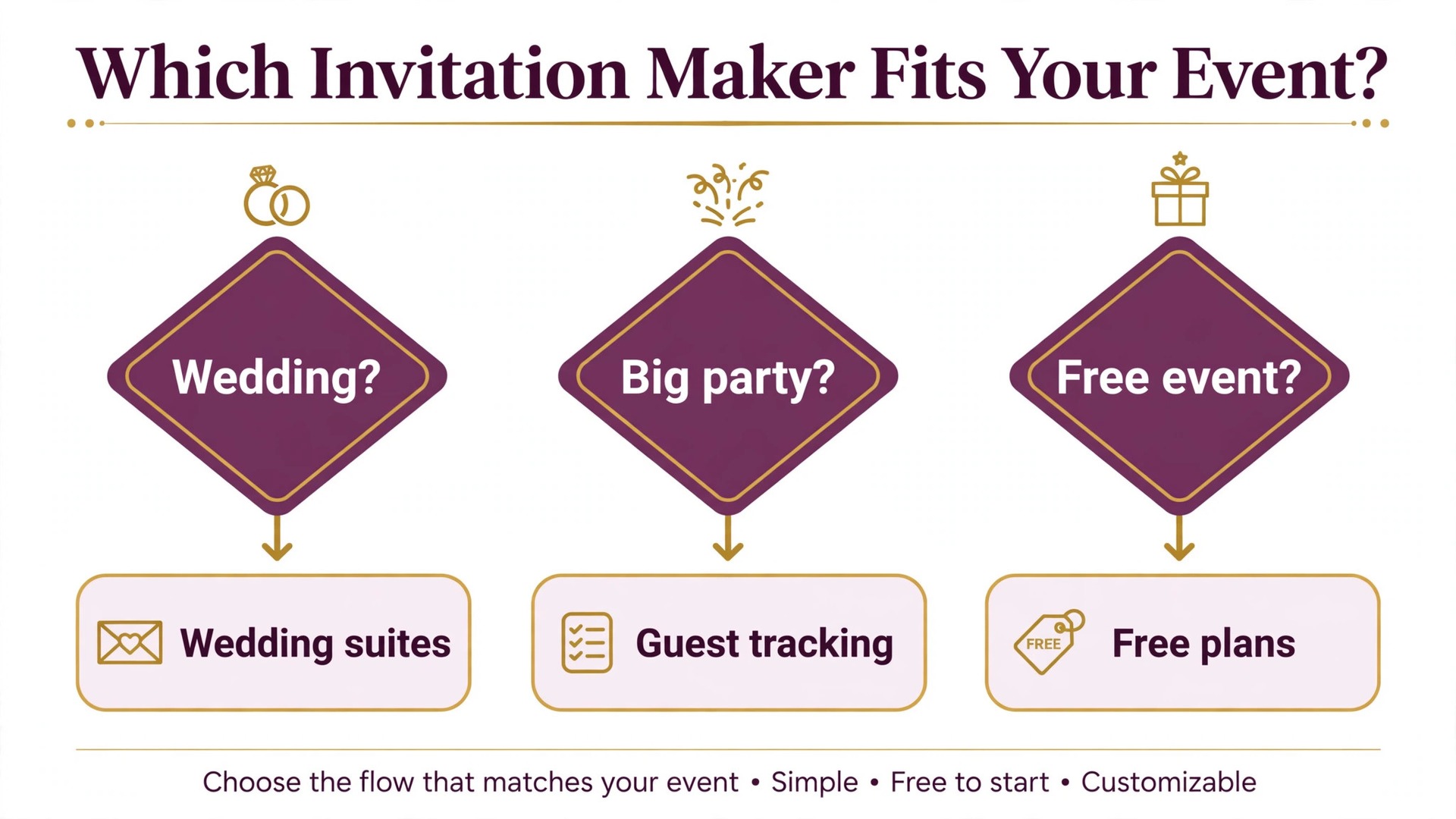
Before you compare features, decide how your guests will receive the invitation. Email works for weddings and formal dinners, where guests expect a designed card in their inbox. Text works for friends and family parties, where people reply faster on their phones. A shareable link works for open events, school fundraisers, and community gatherings, where you do not have a full guest list. The tools below differ sharply on delivery, and a tool that only sends by email is a poor fit for a party where half the guests only check their phones.
What Matters When You Compare Invitation Tools
Design quality is the first thing you notice and the third thing that matters. What matters most is whether guests can open the invitation without an account, read it on a phone, and reply in one tap. A beautiful card that needs a signup loses guests at the door, while a plain card with a clear reply button gets answers. Check the guest experience before you fall in love with a template, and send yourself a test invitation to see exactly what your guests will see. That guest experience is the first test any of the best invitation makers must pass.
RSVP tracking is the second thing that matters, and it is where the tools separate. Every tool on this list tracks replies, but the useful ones also track opens, send automatic reminders to people who have not answered, and let you ask custom questions about meals, plus ones, and allergies. For a wedding, the ability to ask about meal choices and collect replies by household is worth more than any template. For a kids party, the ability to see a headcount at a glance is enough. Match the tracking to the event, not to the feature list.
Price is the third thing that matters, and the best invitation makers differ so much on price that a straight comparison misleads. Some tools charge per mailing, some charge per guest, some sell coins, and some charge a monthly membership. A tool that looks cheap at 20 guests can be the most expensive at 150 guests, and a tool that looks expensive for one party can be cheap if you host often. The cost section later in this guide prices the same three party sizes on each tool, so you can see the real number for your guest list instead of guessing from a starting price.
The 9 Best Invitation Makers in 2026
The table below gives the short version. Read the row that matches your event, then read that tool’s full section for the details, the limits, and the price you will actually pay.
| Tool | Best for | Starting price | Free option |
|---|---|---|---|
| Paperless Post | Weddings and formal events | Coins per guest | Yes, first 50 guests |
| Evite | Casual parties on a budget | Free with ads | Yes |
| Greenvelope | Ad free formal invitations | 19 dollars per mailing | Trial to 10 guests |
| Punchbowl | Family parties and characters | Membership | 7 day trial |
| Partiful | Friends who plan by text | Free | Yes |
| RSVPify | Corporate and nonprofit events | 39 dollars a month | Yes |
| Canva | Printable designs | Free | Yes |
| Greetings Island | Free printable invitations | Free | Yes |
| Mixily | Simple free events | Free | Yes |
Paperless Post
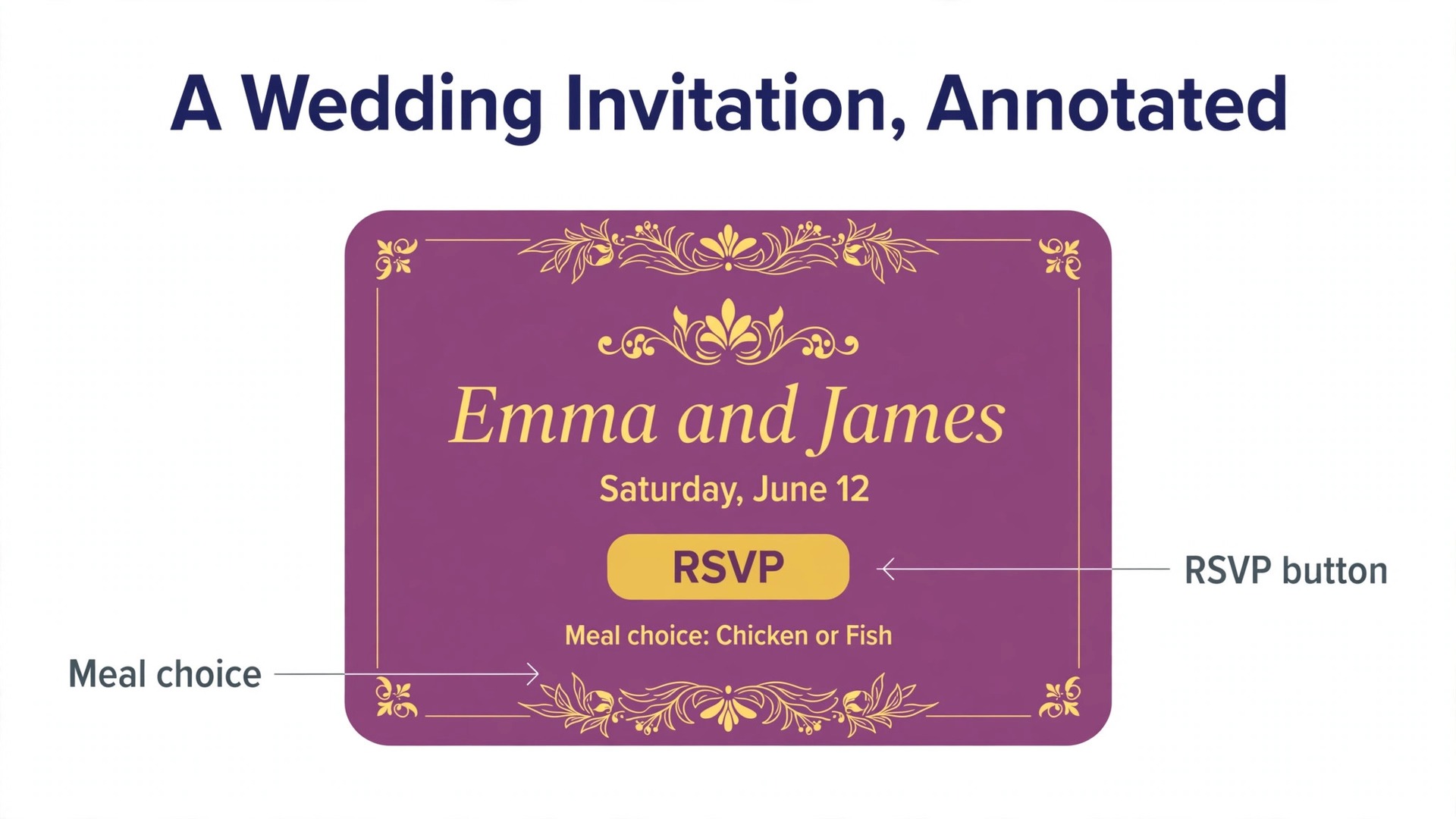
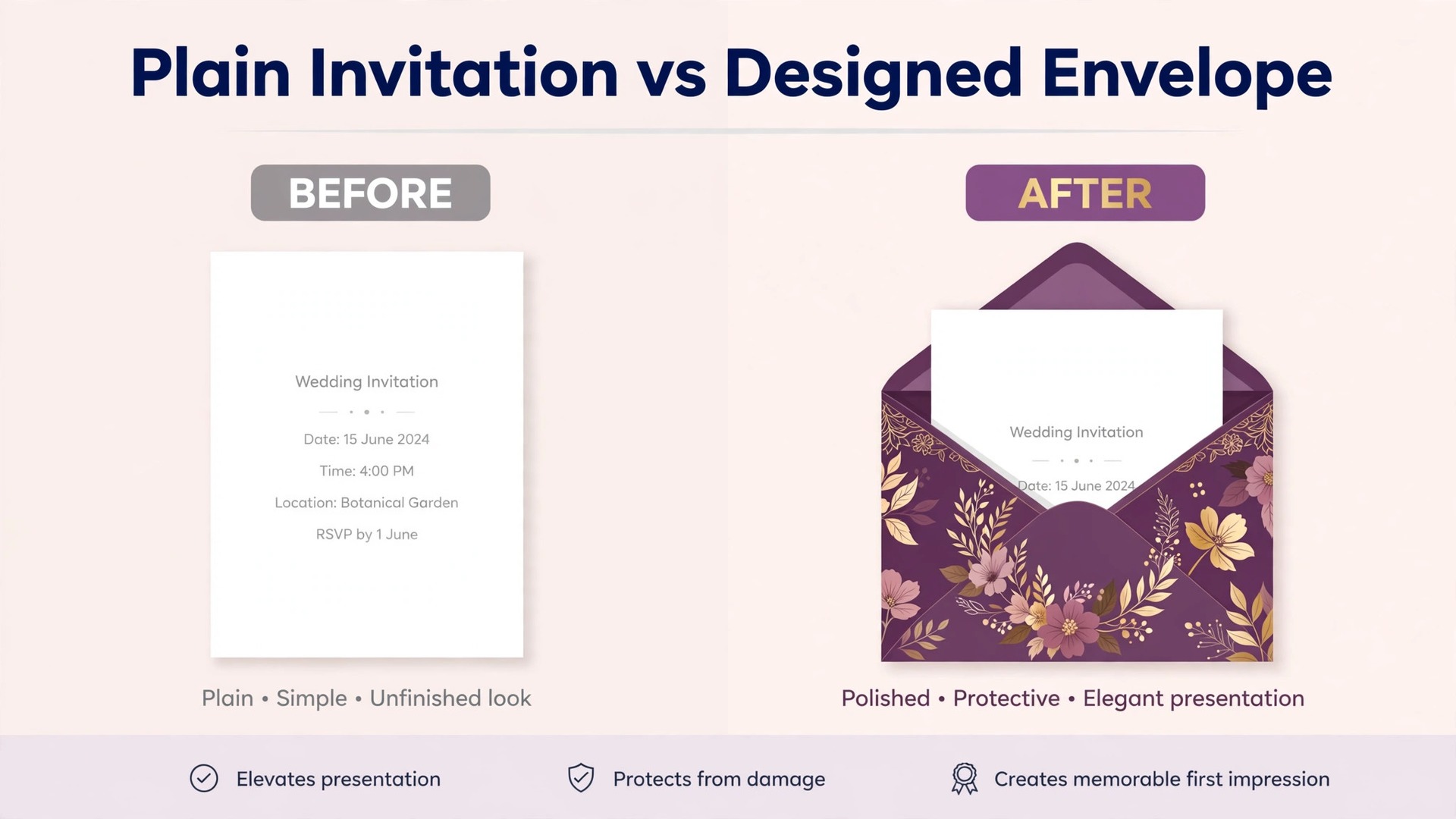
Paperless Post is the strongest pick for weddings and formal events, and the reason is the design catalogue. The templates come from named designers and stationery studios, so the invitations look like printed stationery rather than a web form with a photo on top. You can add a custom envelope liner, a stamp, and a matching reply card, and the guest opens the invitation from an animated envelope that feels closer to mail than to email. For a wedding, that presentation matters, because the invitation is the first impression guests get of the day itself.

Pricing works on Coins, which you buy and spend per recipient, and the cost depends on the design you choose. Eligible free designs reach the first 50 direct recipients at no charge, which covers a small dinner or a shower. Paid designs cost more, and premium collections cost the most, with one October 2026 comparison pricing a 75 guest list between 12 and 96 dollars depending on the card. The site shows the exact price before you send, so check the number for your design and your guest count rather than trusting a starting price. All Access and Paperless Pro plans exist for frequent hosts, and they change the maths if you send invitations often.
The RSVP tools are built for formal events. Guests can reply for their whole household, answer custom questions about meals and dietary needs, and see the event details without creating an account. The host dashboard shows opens, replies, and outstanding guests in one place, and reminders go out automatically. The trade off is cost at scale. A 150 guest wedding on a premium design is one of the most expensive options on this list, and the free tier ends at 50 guests, so a large wedding needs a budget for invitations alone.
Evite
Evite is the oldest name on this list, founded in 1998, and it remains the default choice for casual parties because the free tier covers the whole workflow. You can design the invitation, send it to up to 750 guests, track replies, and message guests without paying anything. The catch is advertising. Free invitations carry ads for your guests, and the design library on the free tier is smaller than the premium one. For a backyard birthday or a holiday party, that trade is easy to accept. For a formal event, it is not.
Premium removes the ads and unlocks the full design library, and it is priced per event by guest count. A Premium invitation costs 17.99 dollars for up to 12 guests, 36.99 dollars for up to 30, 68.99 dollars for up to 75, and 99.99 dollars for up to 750, based on October 2026 prices. Evite Pro, a yearly plan listed near 249.99 dollars a year, gives unlimited premium invitations and greeting cards for people who host often. The per event price is fair for a single party, but it adds up fast if you host monthly, and that is when the yearly plan starts to make sense.
Evite’s RSVP tracking is simple and reliable. Guests reply by link without an account, the host sees a headcount and a guest list, and the dashboard is easy enough that a first time host can use it without a tutorial. The weakness is design. Even the premium templates look familiar, since millions of people have used them, and the tool does not try to match the polish of Paperless Post or Greenvelope. If your guests care more about the date and the address than the stationery, Evite is the right call.
Greenvelope
Greenvelope is the closest thing to mailed stationery among digital invitations. Every invitation opens from an animated envelope with a liner and a stamp, the designs are genuinely beautiful, and there are no ads for your guests at any tier. That combination makes it the best pick for weddings, milestone birthdays, and formal dinners where the invitation itself is part of the occasion. The dashboard tracks opens and replies alongside survey answers such as meal choices, so the host gets organised answers rather than a pile of reply emails.
Pricing is a flat amount per mailing based on guest count, starting at 19 dollars for up to 20 recipients. A mailing to 100 guests costs 99 dollars and a mailing to 250 guests costs 249 dollars, based on prices read in October 2026. There is no subscription, no coin system, and no surprise charge. A trial mode sends to 10 recipients so you can test the design and the guest experience before you pay. The flat price is easy to budget, but it is the most expensive option on this list for a small party, since 19 dollars buys a mailing that Evite or Partiful would send for free.
Punchbowl
Punchbowl is built for family parties, and its best feature is the one no other tool on this list offers. It licenses character designs that children actually care about, from popular films and shows, so a birthday invitation with a character on it gets a reaction that a generic template never will. The tool also covers the basics well, with RSVP tracking, gift registries, and potluck lists for family gatherings. For a kids birthday, a baby shower, or a family reunion, Punchbowl is the most fun option here.
Pricing is a membership, and the published figures have varied across recent checks, with different sources listing monthly rates between about 3 and 7 dollars depending on billing and discounts. A 7 day trial lets you test the full tool before you pay, and the membership removes ads and unlocks the premium designs. Because the price has moved between checks, confirm the current rate on the site before you commit, and check whether the plan you need is the basic membership or the higher Platinum tier, since polls and some features sit behind the higher tier.
The trade off is that Punchbowl is a membership for a single purpose, so it only makes sense if you host family parties often enough to use it. A one off birthday host gets more from a free tool, and a wedding host gets more from Paperless Post or Greenvelope. Punchbowl also shows ads below the Platinum tier, which is a real downside for a kids party where parents open the invitation on a phone. For the family that hosts several parties a year, though, the character designs alone justify the membership.
Partiful
Partiful is the free tool that most closely matches how friends actually plan. The core product costs nothing, there are no ads on the invitation, and guests reply by text after confirming a phone number, which is how most friend groups already talk. The host can add polls, photo sharing, and payment splitting for shared costs, and the whole event lives in a feed that guests check on their phones. For a dinner, a house party, or a weekend trip, Partiful is faster than any tool on this list.
The free plan covers up to 1,000 invitations by link, which is more than enough for any private party, and paid designs are optional rather than required. The weakness is formality. Partiful looks and feels casual, and it is the wrong choice for a wedding or a corporate event where guests expect a designed card. It also leans on phone numbers, so guests who prefer email may find the flow unfamiliar. For the events it is built for, though, the combination of free, ad free, and text first is hard to beat, and it is the tool most likely to get replies from friends who ignore email invitations entirely.
RSVPify
RSVPify is the tool for events where the invitation is only the first step. It handles corporate conferences, nonprofit galas, and large weddings that need ticketing, check in, seating, and guest management in one place. The free plan covers the basics, including RSVP tracking and a simple event page, while paid plans start at 39 dollars a month and add ticketing, check in apps, and advanced guest management. For a company event or a fundraiser, those features are the point, and no other tool on this list goes as far.
The strength of RSVPify is control. You can build custom registration forms, ask detailed questions, sell tickets at different prices, and check guests in at the door with a mobile app. The dashboard shows who has registered, who has paid, and who is still outstanding, which is exactly what an event manager needs the week before a large event. The weakness is that the designs are functional rather than beautiful, and the tool feels like event software rather than stationery. A wedding that needs elegance should pair RSVPify with a designed invitation, or choose Paperless Post instead.
RSVPify is priced by the month, so a single event that needs one month of access costs 39 dollars at the lowest paid tier, and larger events with more features cost more. That is cheap for a corporate event and expensive for a birthday party, which is why the tool belongs in the corporate and nonprofit category. If your event has tickets, sponsors, or a check in desk, RSVPify is the right tool. If it has a cake and twenty guests, it is far more than you need.
Canva
Canva is not a sending platform, and that distinction matters. It is the best tool on this list for designing an invitation, and the worst for tracking replies, because it does not send invitations or collect RSVPs at all. What it offers is the largest template library here, a free plan that covers most designs, and an editor that anyone can learn in minutes. You design the invitation, download it as an image or a PDF, and send it yourself by email, text, or print. For a host who wants full control of the design and does not need tracking, that is enough.
Canva Pro is listed near 15 dollars a month in the United States, with prices that vary by region, and it adds premium templates, brand colours, and background removal. The free plan is enough for a single invitation, since the free templates are plentiful and the editor is the same on both tiers. Canva also offers printing, so a design made for email can be ordered as a printed card without rebuilding it. The trade off is the missing workflow. You have to track replies yourself, chase guests who have not answered, and manage the guest list in a spreadsheet, which is real work for a large event.
Greetings Island
Greetings Island is the simplest free option for a printable invitation. The site offers free templates for birthdays, weddings, baby showers, and holidays, and you can customise the text, download the design, and print it at home without creating an account or paying for the basics. Premium designs exist for a fee, and the site shows which templates are free before you start, so there is no surprise at download. For a host who wants a paper invitation without a trip to a print shop, Greetings Island is the lowest friction choice.
The templates are straightforward rather than striking, and the editor is simpler than Canva, which cuts both ways. A first time user can finish an invitation in ten minutes, but a designer will find the options limited, and the free templates are recognisable to anyone who has used the site before. There is no RSVP tracking, no sending, and no guest management, so the host handles all of that separately. That is fine for a small party where the host knows every guest, and it is a real gap for a large event.
Mixily
Mixily is a free event tool with no guest limits, no ads, and no spam for your guests, which is a rare combination. You can create an event, share it by link, collect RSVPs, and message guests without paying anything, and the tool does not push your guests toward an account or a download. The design is clean and simple, and the focus is on the event itself rather than on the invitation as a piece of stationery. For a community event, a club meeting, or a casual party, Mixily is the most honest free option here.
Mixily is the right pick when the budget is zero and the guest list is large, since most free tiers cap guests or add ads at scale. It is also a good pick for recurring community events, where the same host sends invitations every month and cannot pay per mailing. The tool will not impress guests with design, but it will not annoy them either, and for many events that is the right trade.
Best Pick by Job
The table below names the best invitation makers pick for each event. Find your event, take the pick, and skip the rest of the comparison.
| Job | Best pick | Why it fits |
|---|---|---|
| Wedding, formal | Paperless Post | Designer templates, household RSVPs |
| Wedding, ad free luxury | Greenvelope | Animated envelope, no ads |
| Birthday, casual | Evite | Free tier, up to 750 guests |
| Kids birthday | Punchbowl | Licensed character designs |
| Friends, plan by text | Partiful | Free, no ads, text replies |
| Corporate or gala | RSVPify | Ticketing, check in, forms |
| Printable design | Canva | Largest template library |
| Free printable card | Greetings Island | Free, no account needed |
| Free event, any size | Mixily | Free, no limits, no ads |
If your event does not match a row exactly, pick the row closest to it and read that tool’s section again. A 40th birthday with 60 guests is closer to a casual party than to a wedding, so Evite or Partiful fits better than Greenvelope. A fundraiser with tickets is closer to a corporate event than to a party, so RSVPify fits better than Punchbowl. The job decides the tool, and the tool decides how much work the invitations will be.
What the Same Party Costs on Each Tool
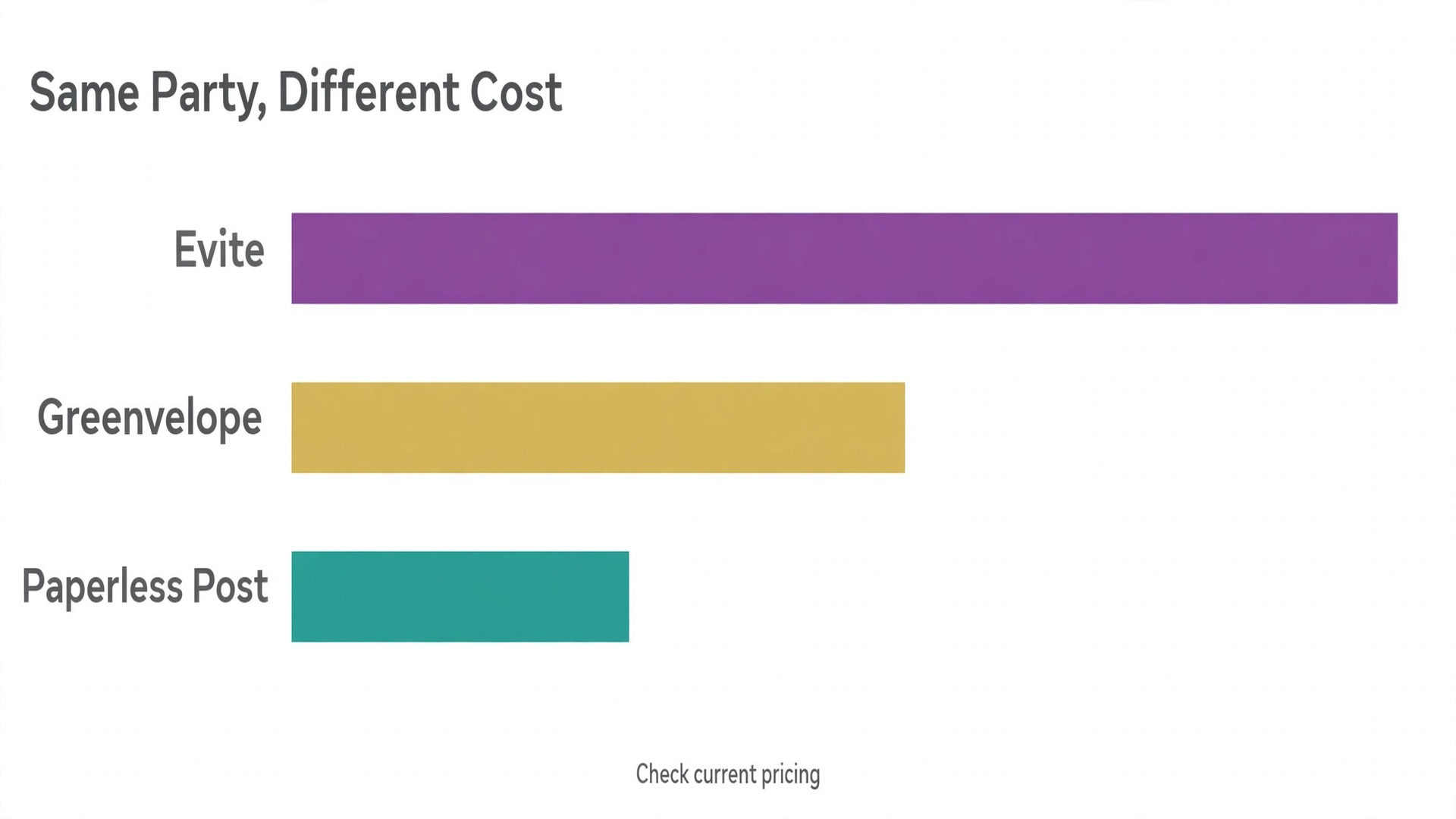
Price comparisons only work when the party is the same, so this section prices a 30 guest party, a 75 guest party, and a 150 guest party on each tool, using prices read from vendor pages and independent comparisons in October 2026. The numbers are list prices with no promo codes, and they assume you want the invitation without ads, since an ad free invitation is the fair comparison for a formal event.
Evite Premium costs 36.99 dollars for up to 30 guests, 68.99 dollars for up to 75, and 99.99 dollars for up to 750, so a 150 guest party costs the same as a 75 guest party. Greenvelope costs 19 dollars for up to 20 guests, 99 dollars for 100 guests, and 159 dollars for 150 guests, based on the per mailing scale. Paperless Post varies by design, with one October 2026 comparison pricing a 30 guest list between free and about 50 dollars, a 75 guest list between 12 and 96 dollars, and a 150 guest list between 25 and 168 dollars, so the design you choose matters as much as the guest count.
Partiful, Mixily, and Canva cost nothing to send at any of these sizes, since Partiful and Mixily are free to send and Canva is a design tool rather than a sending platform. Punchbowl costs a membership rather than a per event fee, so a single party costs the monthly rate and a host who sends several parties a year spreads that cost across all of them. RSVPify costs 39 dollars a month at the lowest paid tier, so a single event that needs one month of access costs 39 dollars regardless of guest count. Greetings Island costs nothing for a free template and a fee for a premium design, with printing at home adding only paper and ink.
The lesson is that the cheapest tool depends on the size of the party and how often you host. A one off party of 30 guests is cheapest on a free tool, and paying 36.99 dollars for Evite Premium only makes sense if the ads bother you. A wedding of 150 guests is cheapest on Paperless Post with a free or low cost design, and Greenvelope is the most expensive at that size. A host who sends invitations monthly should compare memberships and yearly plans rather than per event prices, since the maths flips once you pass three or four events a year.
Mistakes That Cost Hosts Guests
The most common mistake is choosing a tool before choosing a delivery method. A host who picks an email only tool for a party where half the guests only check their phones will spend the week before the party chasing replies by text. Decide how your guests will receive the invitation first, then pick the tool that delivers that way. The best invitation makers cannot fix a delivery choice made backwards. A text first tool for friends, an email tool for formal events, and a link tool for open events will each save you more work than any template.
The second mistake is sending the invitation before testing it. Every tool on this list lets you send a test to yourself, and that test shows you exactly what your guests see, including ads, account prompts, and broken images on a phone. Send the test, open it on your phone, and reply to it as a guest would. If anything confuses you, it will confuse your guests, and fixing it before you send to 100 people is far easier than fixing it after.
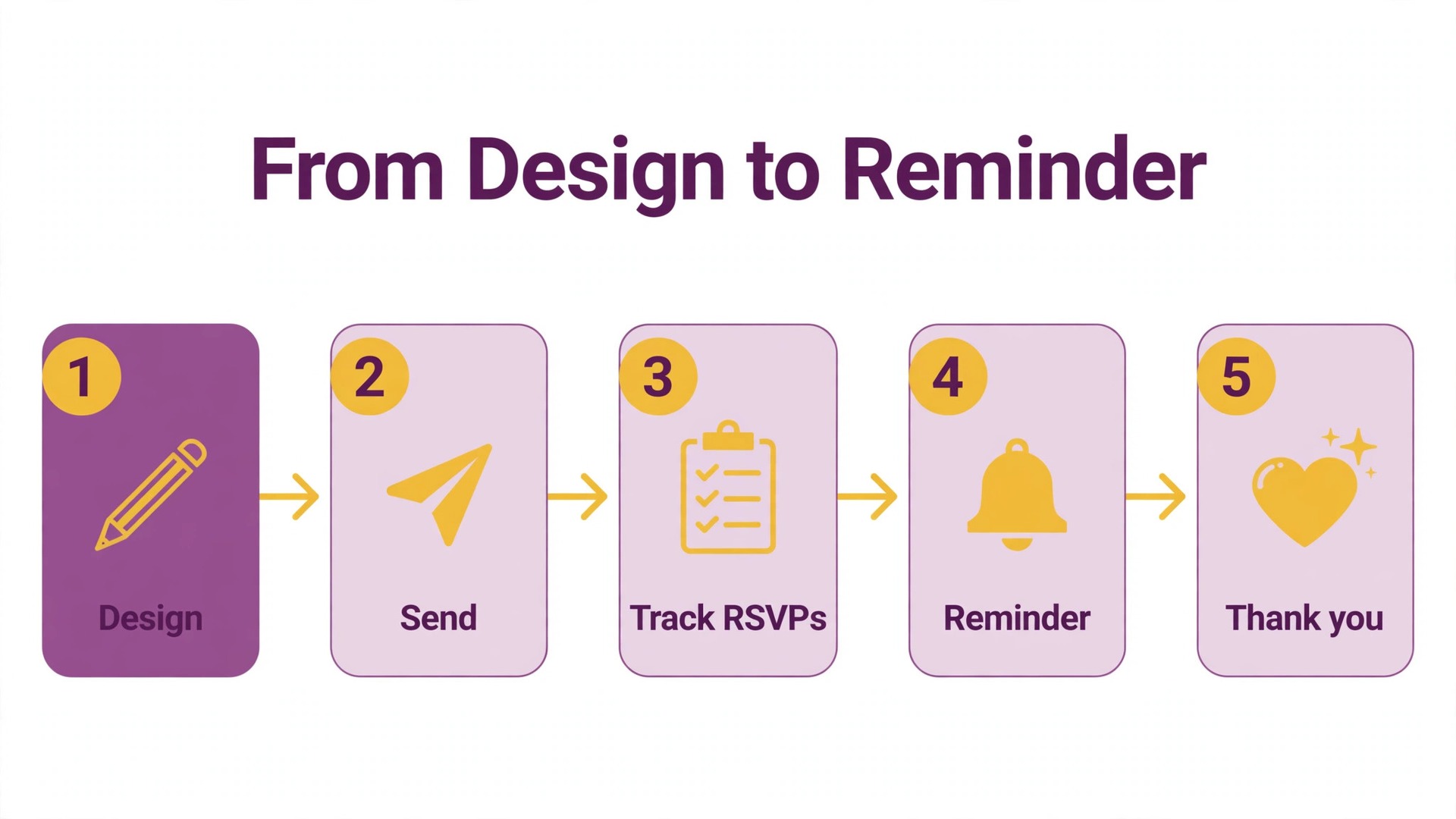
The third mistake is forgetting the reminder. About a third of guests reply late or not at all, and a polite reminder a week before the event and again two days before it recovers most of them. The tools with automatic reminders do this for you, while the free and printable tools leave it to the host. Put the reminder dates in your calendar when you send the invitation, since the reminder is part of the invitation, not an afterthought, and a party with a firm headcount is easier to plan than one with guesses.
Frequently Asked Questions
What is the best invitation maker for a wedding?
Among the best invitation makers, Paperless Post is the best pick for most weddings, because the designer templates look like printed stationery and the RSVP tools handle households, meal choices, and dietary questions. Greenvelope is the better pick when you want an ad free experience with an animated envelope and are willing to pay a flat per mailing price. The two tools differ on price at scale, so check the cost for your guest count and your chosen design before you commit.
Are there free invitation makers without ads?
Yes. Partiful and Mixily are both free to send with no ads on the invitation, and Mixily has no guest limit. Paperless Post offers free designs that reach the first 50 recipients at no charge. Evite is free but shows ads to guests unless you buy Premium. Greenvelope offers a trial to 10 recipients but no free sending tier. If an ad free invitation matters and the budget is zero, Partiful or Mixily is the honest answer.
How much does it cost to send digital invitations?
It depends on the tool and the guest count. A free tool costs nothing at any size. Evite Premium costs 36.99 dollars for up to 30 guests and 99.99 dollars for up to 750. Greenvelope starts at 19 dollars per mailing for up to 20 guests and rises to 159 dollars for 150 guests. Paperless Post charges Coins per recipient and varies by design, with a 75 guest list priced between 12 and 96 dollars in one October 2026 comparison. Always check the price for your exact guest count before you send.
Can I print invitations I design online?
Yes. Canva lets you design an invitation and order it as a printed card, or download it as a PDF and print it yourself. Greetings Island offers free printable templates you can download and print at home. Paperless Post and Greenvelope are digital sending platforms and do not print invitations, so use Canva or Greetings Island when the invitation needs to be paper rather than email.
Do guests need an account to reply to an invitation?
Most tools on this list let guests reply by link without creating an account, including Evite, Paperless Post, Greenvelope, and Partiful. Partiful asks guests to confirm a phone number to reply, which is how it handles text delivery. Canva and Greetings Island do not collect replies at all, since they are design tools rather than sending platforms. Always send yourself a test invitation to see exactly what your guests are asked to do.
Which invitation maker is best for a kids birthday party?
Punchbowl is the best pick for a kids birthday, because it licenses character designs that children recognise and gets a reaction that a generic template never will. Evite is the best free alternative, with a large template library and simple RSVP tracking for up to 750 guests. Partiful is the best pick when the party is planned with friends by text and the design matters less than fast replies.
The Short Version
The best invitation makers are the ones that match the event, not the ones with the most templates. Paperless Post leads for weddings, Greenvelope leads for ad free formal invitations, Evite leads for casual parties on a budget, Punchbowl leads for kids birthdays, Partiful leads for friends who plan by text, RSVPify leads for corporate events, Canva leads for printable designs, Greetings Island leads for free printable cards, and Mixily leads for free events of any size. Pick the row that matches your event, send yourself a test invitation, and check the price for your exact guest count before you send it to anyone else.
The invitation is a small part of the event, but it decides how many guests show up and how much work the host does chasing replies. A tool that tracks answers, sends reminders, and lets guests reply in one tap is worth more than a prettier template that loses half the guest list at the door. Choose for the replies, not for the homepage, and the party will be easier to plan.