
Every small photography studio owner knows the same frustration. The work is booked, the clients are happy, and the admin still eats the evening, because the system that runs the business was never built for it. This guide covers best photography studio management software across the tools a small business actually buys, with real prices, real limits and a clear pick for each kind of operation.
The fix is not a bigger tool, it is the right tool. A solo operator needs a system that opens fast and stays out of the way, while a growing team needs one that keeps every job, every payment and every client in one place. The tools below split cleanly along that line, and the prices show where each one stops being cheap.
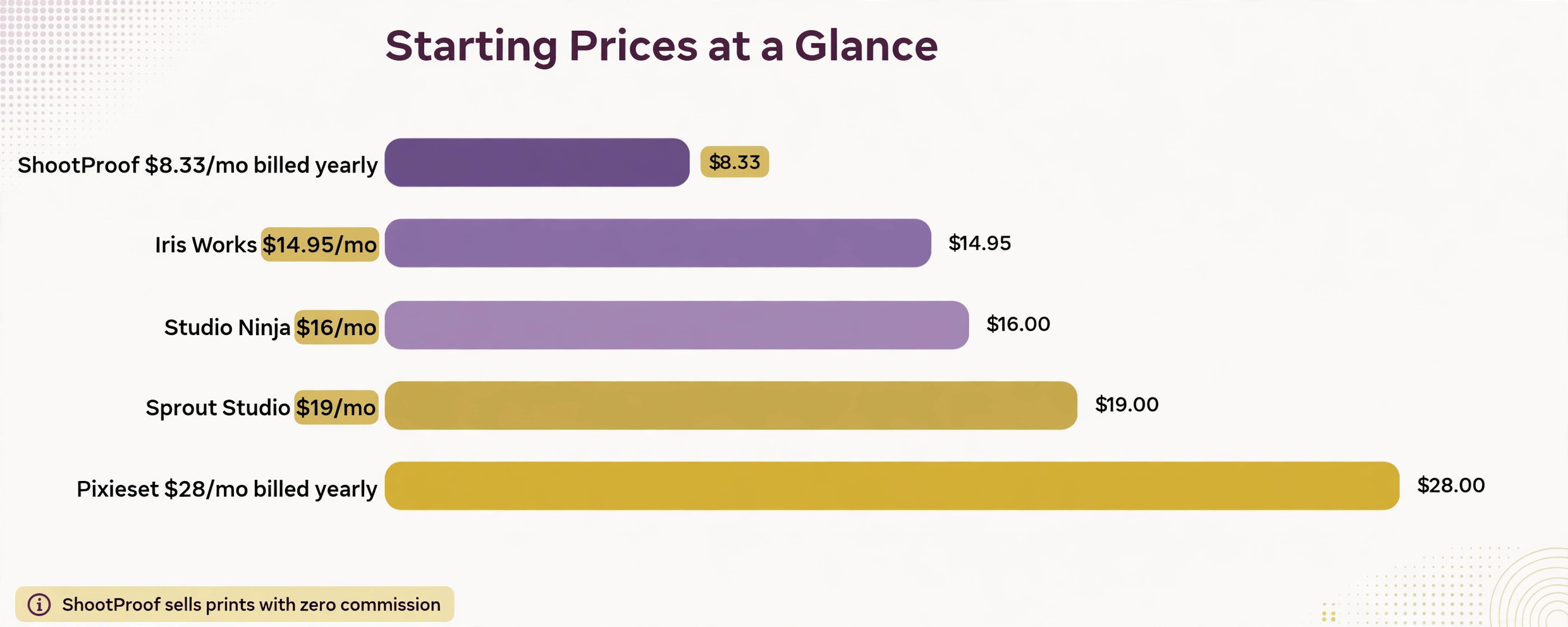
Prices checked November 2026. ShootProof Starter is 8.33 dollars a month billed yearly and Studio Ninja Starter is 16 dollars a month. Prices change, so confirm the figure on the vendor page before you pay. All prices below are in US dollars unless stated otherwise, and annual billing is noted where it changes the monthly figure.
What Matters Before You Choose
A photography studio business buys software for the daily work, not for the feature list. The tool must handle the busiest day without slowing the team, and it must keep the money, the clients and the schedule in one place. When a tool fails on a busy day, the team goes back to paper, and the software becomes a monthly bill for work it never does.
Start with the job, not the price. Write down the three tasks the team does every day, and check each tool against those three tasks first. A tool that covers the daily three is worth paying for, and a tool that covers ten rare tasks while missing one daily task is not. The daily three are the test, and everything else is a bonus.
Check the full price before the trial ends. Ask for the setup fee, the add ons, the per user cost and the price of the next tier, and write them down next to the monthly figure. A tool that looks cheap at 30 dollars a month can cost 300 dollars a month once the team, the add ons and the setup are counted, and that surprise is the most common complaint in this category.
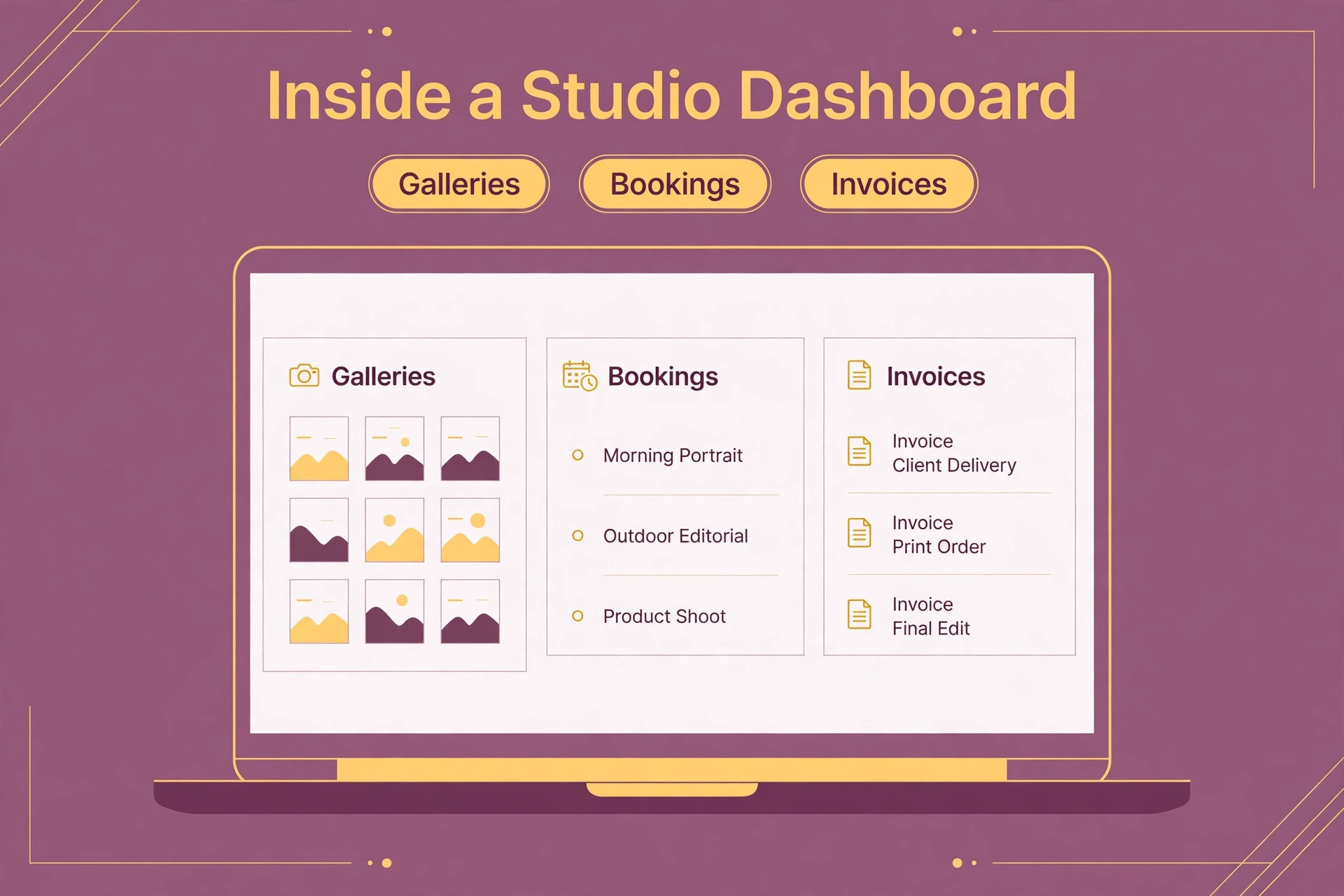
Best Photography Studio Management Software in 2026 at a Glance
Use this table as a shortcut for best photography studio management software, then read the sections below for the limits and the costs that decide the real bill. The cheapest entry price is not always the cheapest yearly bill, because seat minimums, add ons and setup fees change the maths fast.
| Tool | Starting price | Best for |
|---|---|---|
| Pixieset | 28 dollars a month billed yearly for Suite Starter | studios that want galleries, a website and management on one bill |
| ShootProof | 8.33 dollars a month billed yearly for Starter | studios that sell prints with zero commission |
| Studio Ninja | 16 dollars a month for Starter | wedding and event photographers who book on volume |
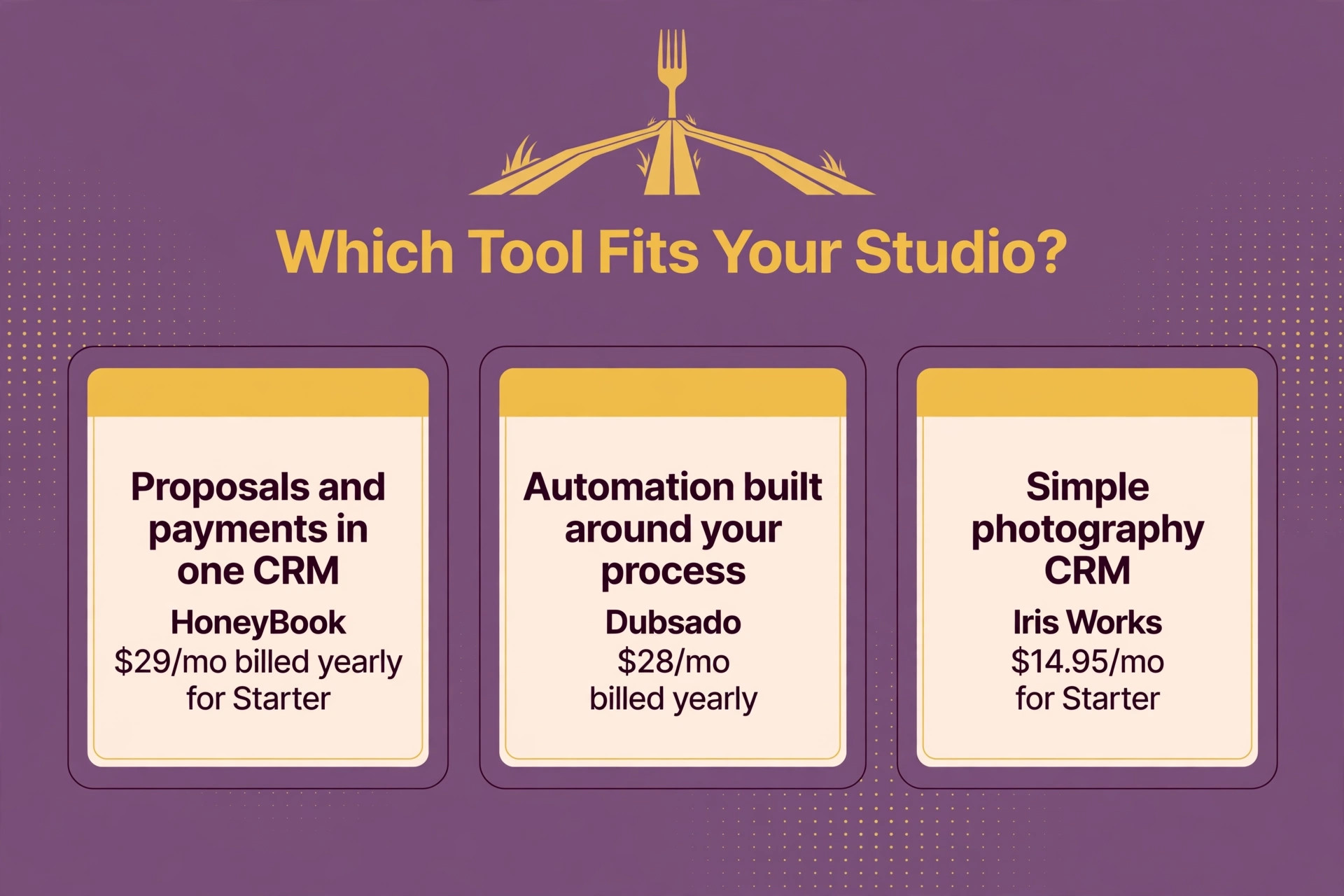
| HoneyBook | 29 dollars a month billed yearly for Starter | photographers who want proposals and payments in one CRM |
| Dubsado | 28 dollars a month billed yearly | studios that want automation built around their process |
| Sprout Studio | 19 dollars a month for Lite | small studios that want one all in one product |
| 17hats | 60 dollars a month | solo photographers who want one simple system |
| Iris Works | 14.95 dollars a month for Starter | studios that want a simple photography CRM |
| VSCO Workspace | 41.67 dollars a month billed yearly | high volume studios that need deep automation |
| Pic-Time | plans from 15 dollars a month, check the vendor page | studios that want beautiful galleries and print sales |
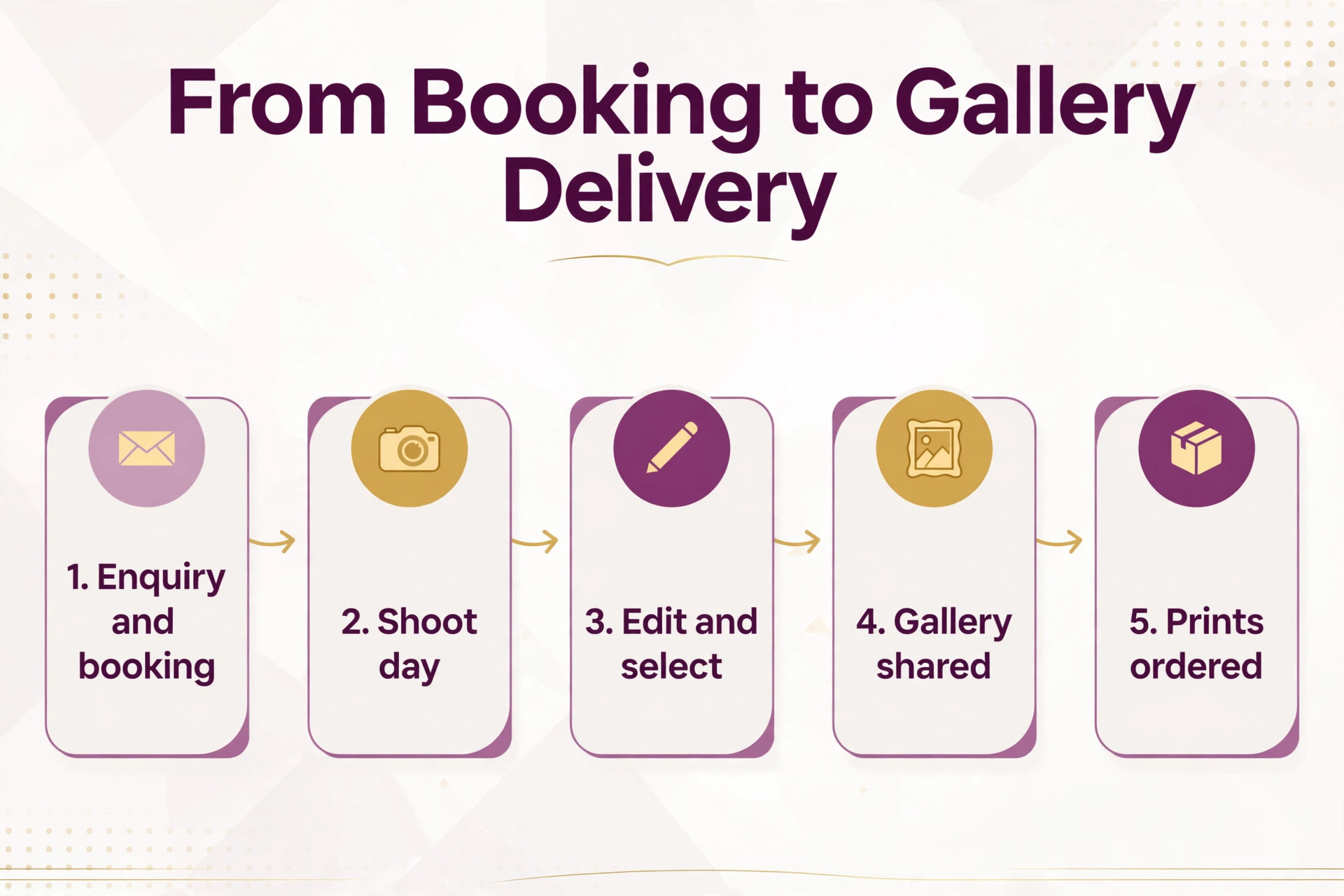
The 10 Tools in Detail
The sections below follow the same order as the table, and each one gives the price, the best fit and the limit to check. Read the ones that match your size first, and skip the ones built for a much bigger operation, because the right tool for a solo operator is rarely the right tool for a team of ten.
1. Pixieset
Pixieset is the pick for studios that want galleries, a website and management on one bill. It starts at 28 dollars a month billed yearly for Suite Starter, and that price covers client galleries, a store and studio tools in one place. The setup is quick for a small team, and the daily workflow stays close to the way the business already works. Staff learn the main screens in a day, and the owner can see the day plan, the money in, and the jobs still open from one screen. For a small operation that wants client galleries, a store and studio tools in one place without a long project, Pixieset is a solid first shortlist entry.
The limit to check is the higher tiers cost more, and the monthly billed price is higher. That matters when volume grows, because the tool that feels light at five jobs a week can feel tight at fifty. Compare the paid tier before you commit, and run a real week of work through the trial with your own data. If Pixieset still fits after that week, the price is fair for what it does. If the limit shows up on day two, move on and keep the shortlist moving.
2. ShootProof
For studios that sell prints with zero commission, ShootProof is the name to test first. It starts at 8.33 dollars a month billed yearly for Starter, and the core value is galleries, contracts and invoices on every paid plan. The team can run a real week on the trial, with real clients and real jobs, and see whether the screens fit the way they already work. The owner sees the day plan and the money in from one place, and staff stop retyping the same details into three different tools.
Watch the limit, because online booking is a 6.99 dollar a month add on, so add it to the bill. That gap matters most when the business grows, and it is cheaper to find it in a trial than in a paid year. Ask for the full price in writing, including add ons, and check what the next tier costs before the first tier runs out. If the maths still works, ShootProof earns its place on the shortlist.
3. Studio Ninja
Studio Ninja starts at 16 dollars a month for Starter, and it earns its place by doing photographer specific CRM, scheduling and automation well. It suits wedding and event photographers who book on volume, and the setup fits a small team that cannot spare a week for training. The main screens are clear, the daily work flows in order, and the owner can check the day without asking three people for updates. For a small business that wants photographer specific CRM, scheduling and automation without a long project, it is a practical choice.
The weak spot is that the Starter plan caps active jobs at five, so busy studios need Pro. Test it with the hardest week you can remember, not the easiest one, and see whether the tool still fits. A trial that only covers easy days tells you nothing, and a trial that covers a busy week tells you everything. If Studio Ninja passes that test, the price is fair for the work it does.
4. HoneyBook
HoneyBook is the pick for photographers who want proposals and payments in one CRM. It starts at 29 dollars a month billed yearly for Starter, and that price covers proposals, contracts, invoices and scheduling for creatives. The setup is quick for a small team, and the daily workflow stays close to the way the business already works. Staff learn the main screens in a day, and the owner can see the day plan, the money in, and the jobs still open from one screen. For a small operation that wants proposals, contracts, invoices and scheduling for creatives without a long project, HoneyBook is a solid first shortlist entry.
The limit to check is it has no print store yet, so gallery sales need another tool. That matters when volume grows, because the tool that feels light at five jobs a week can feel tight at fifty. Compare the paid tier before you commit, and run a real week of work through the trial with your own data. If HoneyBook still fits after that week, the price is fair for what it does. If the limit shows up on day two, move on and keep the shortlist moving.
5. Dubsado
For studios that want automation built around their process, Dubsado is the name to test first. It starts at 28 dollars a month billed yearly, and the core value is workflows, contracts and a client portal with deep control. The team can run a real week on the trial, with real clients and real jobs, and see whether the screens fit the way they already work. The owner sees the day plan and the money in from one place, and staff stop retyping the same details into three different tools.
Watch the limit, because setup takes longer than HoneyBook, and the learning curve is real. That gap matters most when the business grows, and it is cheaper to find it in a trial than in a paid year. Ask for the full price in writing, including add ons, and check what the next tier costs before the first tier runs out. If the maths still works, Dubsado earns its place on the shortlist.
6. Sprout Studio
Sprout Studio starts at 19 dollars a month for Lite, and it earns its place by doing galleries, contracts, invoices and scheduling in four tiers well. It suits small studios that want one all in one product, and the setup fits a small team that cannot spare a week for training. The main screens are clear, the daily work flows in order, and the owner can check the day without asking three people for updates. For a small business that wants galleries, contracts, invoices and scheduling in four tiers without a long project, it is a practical choice.
The weak spot is that the top tier is 69 dollars a month, so costs grow with features. Test it with the hardest week you can remember, not the easiest one, and see whether the tool still fits. A trial that only covers easy days tells you nothing, and a trial that covers a busy week tells you everything. If Sprout Studio passes that test, the price is fair for the work it does.
7. 17hats
17hats is the pick for solo photographers who want one simple system. It starts at 60 dollars a month, and that price covers leads, contracts, invoices and scheduling in one place. The setup is quick for a small team, and the daily workflow stays close to the way the business already works. Staff learn the main screens in a day, and the owner can see the day plan, the money in, and the jobs still open from one screen. For a small operation that wants leads, contracts, invoices and scheduling in one place without a long project, 17hats is a solid first shortlist entry.
The limit to check is it is a general business tool, so gallery tools are thinner. That matters when volume grows, because the tool that feels light at five jobs a week can feel tight at fifty. Compare the paid tier before you commit, and run a real week of work through the trial with your own data. If 17hats still fits after that week, the price is fair for what it does. If the limit shows up on day two, move on and keep the shortlist moving.
8. Iris Works
For studios that want a simple photography CRM, Iris Works is the name to test first. It starts at 14.95 dollars a month for Starter, and the core value is client management, scheduling and invoicing for photographers. The team can run a real week on the trial, with real clients and real jobs, and see whether the screens fit the way they already work. The owner sees the day plan and the money in from one place, and staff stop retyping the same details into three different tools.
Watch the limit, because the feature set is narrower than Pixieset or Sprout Studio. That gap matters most when the business grows, and it is cheaper to find it in a trial than in a paid year. Ask for the full price in writing, including add ons, and check what the next tier costs before the first tier runs out. If the maths still works, Iris Works earns its place on the shortlist.
9. VSCO Workspace
VSCO Workspace starts at 41.67 dollars a month billed yearly, and it earns its place by doing studio management, workflows and client tools for busy teams well. It suits high volume studios that need deep automation, and the setup fits a small team that cannot spare a week for training. The main screens are clear, the daily work flows in order, and the owner can check the day without asking three people for updates. For a small business that wants studio management, workflows and client tools for busy teams without a long project, it is a practical choice.
The weak spot is that it was Tave until 2025, so older reviews use the old name. Test it with the hardest week you can remember, not the easiest one, and see whether the tool still fits. A trial that only covers easy days tells you nothing, and a trial that covers a busy week tells you everything. If VSCO Workspace passes that test, the price is fair for the work it does.
10. Pic-Time
Pic-Time is the pick for studios that want beautiful galleries and print sales. It starts at plans from 15 dollars a month, check the vendor page, and that price covers galleries, a store and client tools with a polished look. The setup is quick for a small team, and the daily workflow stays close to the way the business already works. Staff learn the main screens in a day, and the owner can see the day plan, the money in, and the jobs still open from one screen. For a small operation that wants galleries, a store and client tools with a polished look without a long project, Pic-Time is a solid first shortlist entry.
The limit to check is pricing changes by plan, so confirm the current figure before you budget. That matters when volume grows, because the tool that feels light at five jobs a week can feel tight at fifty. Compare the paid tier before you commit, and run a real week of work through the trial with your own data. If Pic-Time still fits after that week, the price is fair for what it does. If the limit shows up on day two, move on and keep the shortlist moving.
Best Pick by Job
The best pick depends on the job, not the brand, and best photography studio management software is a choice about fit first and price second. A solo operator should pick the cheapest tool that covers the daily work, a growing team should pick the tool that scales without a painful move, and a busy operation should pick the tool that holds up on the hardest week of the year.
| If you are | Pick | Why |
|---|---|---|
| A solo operator | Pixieset | Lowest cost that covers the core job |
| A growing team | ShootProof | Scales without a painful move |
| A busy operation | Studio Ninja | Holds up on the hardest week |
| On a tight budget | HoneyBook | Strong value for the price |
What It Costs in Year One
Multiply the monthly price by twelve, then add the setup fee and the add ons, because that is the number the bank sees. A tool at 30 dollars a month with a 500 dollar setup costs 860 dollars in year one, and a tool at 100 dollars a month with no setup costs 1,200 dollars. The dearer monthly price can still be the cheaper first year, and the cheaper monthly price can still be the dearer one.
| Size | Likely monthly bill | Year one, with setup |
|---|---|---|
| Solo operator | Under 50 dollars | Under 600 dollars plus setup |
| Small team of three | 50 to 150 dollars | 600 to 1,800 dollars plus setup |
| Busy team of ten | 150 to 500 dollars | 1,800 to 6,000 dollars plus setup |
Card fees sit on top of every number above, and they matter most where the average sale is small. A cafe that takes a 5 dollar payment loses about 28 cents to fees on every sale, and a clinic that takes a 100 dollar payment loses about 3 dollars. Count the card fees for a month of real sales, and add them to the year one total before you decide.
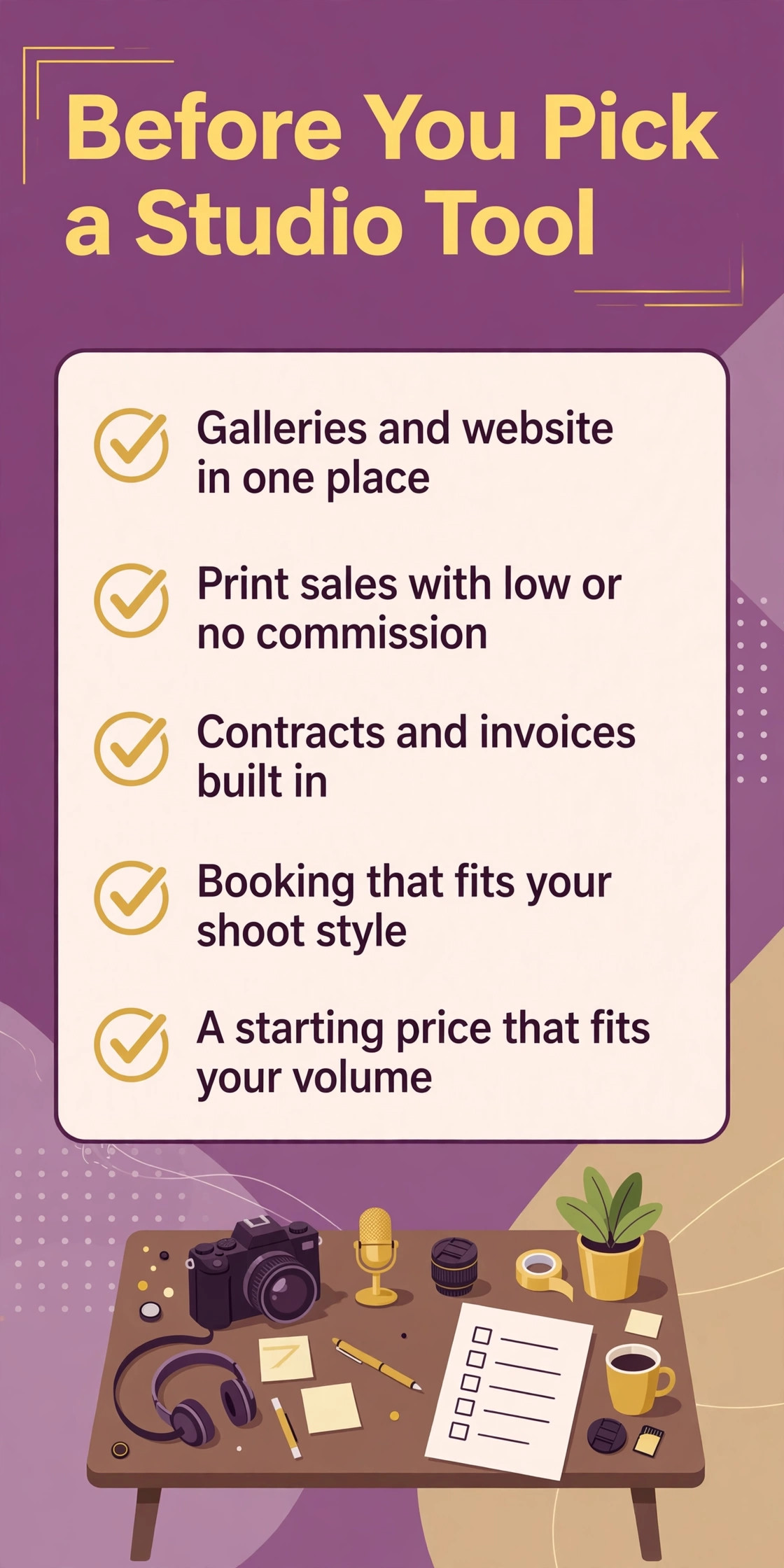
Before You Decide
Ask the vendor what happens when the internet goes down, because a cloud tool that stops working offline can stop the whole business. Check whether the main screens work without a connection, and whether the data syncs back cleanly when the connection returns.
Keep the old system running for two weeks after the switch, and compare the totals every Friday until they match. Parallel running is the cheapest insurance a small business can buy, because it catches the missing job before it costs money.
Write the decision down before you buy, with the tool name, the plan, the monthly cost and the reason you picked it. A written decision stops the second guessing in month two, and it gives the team a clear answer when someone asks why this tool and not the other one.
For a small photography studio business, the trial week is the whole decision. Run the busiest day you can remember through the tool, and watch where the team slows down, where the data goes missing, and where the workaround starts. A tool that survives the busiest day will survive the year.
Give the team one week with the new tool and one clear owner for the switch, and measure the result at the end of that week. A switch with an owner gets done, and a switch with no owner drifts, so name the person and the date before the trial starts.
Count the total cost for a year, not a month, and include the setup fee, the add ons and the card fees. A 30 dollar tool that needs 200 dollars of add ons is a 230 dollar tool, and a 100 dollar tool that needs nothing else is the cheaper buy.
Check the exit before you sign, because every tool is easy to join and some are hard to leave. Ask how your data exports, what format it comes in, and whether the vendor charges to hand it back. A tool that holds your data hostage is not a tool, it is a trap.
Talk to one business like yours that already uses the tool, and ask what breaks on a busy day. A vendor demo shows the best day, and a real user shows the truth, including the workaround the team uses every week and the feature they wish they had bought.
Ask the vendor for the full price in writing, including setup, add ons, per user fees and the next tier, and keep that note next to the contract. A written price stops the surprise bill in month three, and it gives you a number to compare when the renewal arrives.
A photography studio business that buys on price alone usually buys twice, because the cheap tool misses the one feature the team needs most, and the move to a better tool costs more than the saving. Spend the trial week on the real work, with real clients and real jobs, and judge the tool on that week, not on the demo.
Mistakes That Waste Money
The most common mistake in best photography studio management software is paying for a tool when a cheaper plan already covers the job. A solo operator who buys the top tier for features the team never opens pays for a year of unused software, and a small team that buys seats for readers pays for people who never log in. Keep the paid seats small, and only pay for the people who do the work.
The second mistake is ignoring the limit until it bites. A team buys the entry plan, hits the cap in week three, and upgrades in a hurry at the worst time. Count the real volume for a month before you buy, and pick the plan whose cap covers that number with room to spare.
The third mistake is skipping the trial. A demo is not a trial, and a trial with fake data is not a trial either. Run a real week through the tool, with real clients and real jobs, and decide on that week. The tools that pass a real week are the ones worth paying for.
Our Verdict
For most small photography studio businesses, the pick is Pixieset for the lowest cost that covers the core job, with ShootProof as the step up when the team grows. That pair covers the two most common sizes in this category, and both are proven with small teams that need the tool to work every day.
Start with the free plan or the trial where one exists, run a real week through it, and only pay when a paid feature earns its place. A tool you use every day is worth paying for, and a tool you pay for and ignore is the most expensive tool in this guide. That is the honest way to read best photography studio management software, and it is the way to keep the bill small and the work smooth.
Frequently Asked Questions
What does best photography studio management software cost per month?
Prices in this guide run from free to more than 400 dollars a month, and the right number depends on the size of the operation. A solo operator can often run on a free plan or a plan under 30 dollars a month, while a growing team pays 50 to 150 dollars a month, and a busy operation pays more. Count the full year, including setup and add ons, before you compare.
Which tool is best for a small business?
The best tool is the cheapest one that covers the daily work without a workaround. For most small photography studio businesses, that means the first tool in this guide for solo work and the second tool for a growing team. Test both with a real week of work, and pick the one the team actually opens every day.
Is there a free plan worth using?
Yes, several tools in this guide offer a free plan or a free trial that covers the core job for a solo operator. A free plan is worth using when it covers the daily work without a cap that bites in week two, and it is worth leaving when the cap forces a workaround every day.
What hidden costs should I check?
Check the setup fee, the add ons, the per user cost, the card processing fee and the price of the next tier. Those five numbers decide the real bill, and the monthly sticker price is only the first of them. Ask for all five in writing before you sign.
Can I switch tools later without losing data?
Most tools in this guide export clients, jobs and history, but the quality of the export varies, and some vendors charge for it. Ask how the export works before you sign, test it with a small file during the trial, and keep a copy of your data outside the tool.
How long does setup take?
A small {n} business can usually set up in a day or two, with a week for training and a second week for parallel running. A bigger move, with history to import and templates to build, takes two to four weeks. Plan the cutover for a quiet Monday, not a busy Friday.
What should I do first this week?
Start with the trial of the first tool in this guide, and run one real week of work through it, with real clients and real jobs. Write down what works, what slows the team down, and what costs extra, and then test the second tool the same way. A week of real testing beats a month of reading reviews.
Pick the tool that fits the work you do every day, not the tool with the longest feature list, and let best photography studio management software be a decision about fit, not about fashion. Start small, test with real work, and grow the plan only when the work grows with it.